
Analyst Resource — No. 05
The Plotter Buying Guide: Six Questions, Asked in Order
Six questions, asked in the order that eliminates fastest, take a first-time buyer from zero to the right class of plotter.
Shop these machines
Ranked live by our spec-graded scoring — prices & stock are current. Free U.S. shipping on every printer.
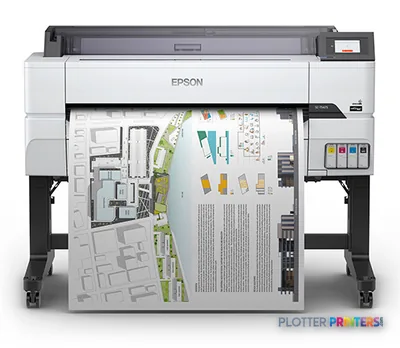 Epson SureColor T5475 36-in PlotterSCT5475SR36"2400 dpiWi-FiView details
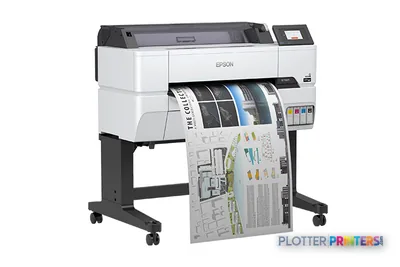 Epson SureColor T3475 24-in Wide-Format PrinterSCT3475SR24"2400 dpiWi-FiView details
 Epson SureColor T3170x 24-in Wireless PrinterSCT3170X24"2400 dpiView details
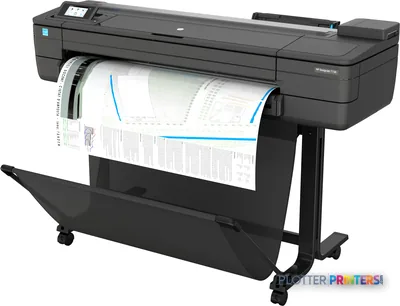 HP DesignJet T730 36-in PrinterF9A29D#B1936"2400 dpiWi-FiView details
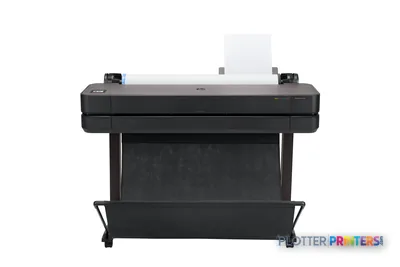 HP DesignJet T630 36-in Printer5HB11D36"2400 dpiWi-FiView details
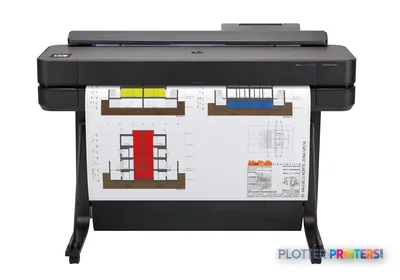 HP DesignJet T650 36-in Plotter5HB10D36"2400 dpiWi-FiView details
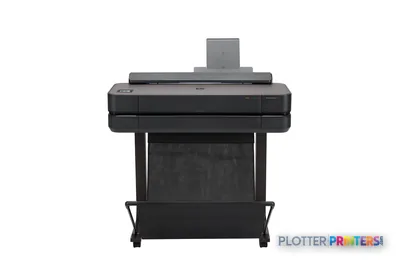 HP DesignJet T650 24-in Printer5HB08D24"2400 dpiWi-FiView details
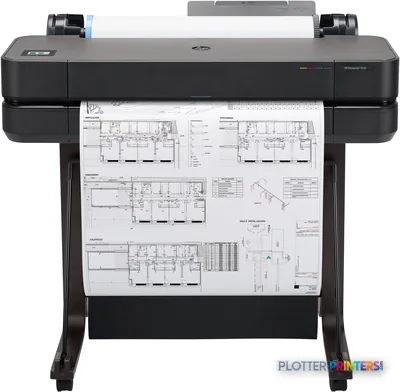 HP DesignJet T630 24-in Printer5HB09D24"2400 dpiWi-FiView details
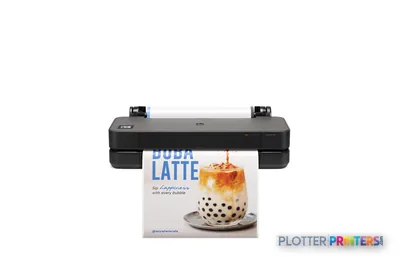 HP DesignJet T250 24-in Printer5HB06D24"2400 dpiWi-FiView details
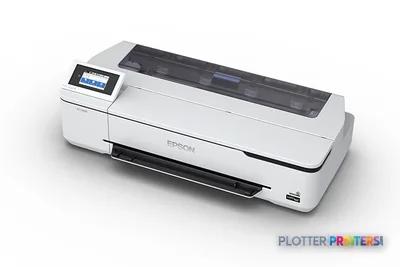 Epson SureColor T3170 24-in Wireless PrinterSCT3170SR24"2400 dpiWi-FiView details
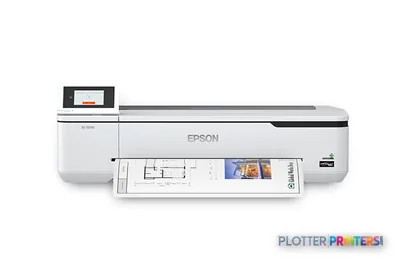 Epson SureColor T2170 24-in Wide-Format PrinterSCT2170SR24"2400 dpiWi-FiView details
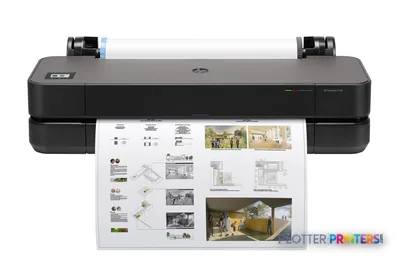 HP DesignJet T230 24-in Printer5HB07D24"2400 dpiWi-FiView details
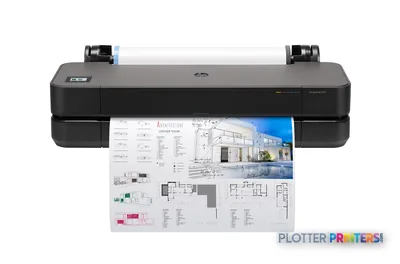 HP DesignJet T210 24-in Printer8AG32T24"2400 dpiWi-FiView details
Free U.S. shipping on printersKlarna & Affirm at checkoutTalk to a person: 980-536-0080

Choosing a plotter comes down to six questions, answered in order: what you print, how big, how often, whether you also need to scan, whose ecosystem fits, and what shape your budget takes. Answer them honestly and the field narrows itself — most buyers have their machine class settled by question three. The rest is confirming details and reading the ranked picks below.
Here is the mistake we watch firms make: they start with the machine. They read a spec sheet, fall for a print speed, and buy a plotter that fights their workflow for the next five years. A plotter is one node in a system of people, files, networks and deadlines. A machine that saves thirty seconds a plot buys you nothing if the file spends four minutes finding it, or if the one person who understands the driver is on vacation during a permit deadline.
So we work outward from the work, not inward from the brochure. Each question below removes options rather than adding features to lust after. By the end you will know whether you need a 24-inch desktop unit or a 36-inch floor-standing workhorse, whether a scanner earns its footprint, and whether you are a purchase buyer or a lease-and-forget buyer. If you would rather answer questions one through four by clicking, the finder quiz on this page condenses them. If you want the full logic, read on — it is worth the ten minutes once a decade.

Question 1: What do you actually print?
SHT 02 · PLOTTERPRINTERS ANALYST DESKEverything starts here, because the answer sorts you into one of three families before size or speed ever matters. Picture your typical output and find yourself below.
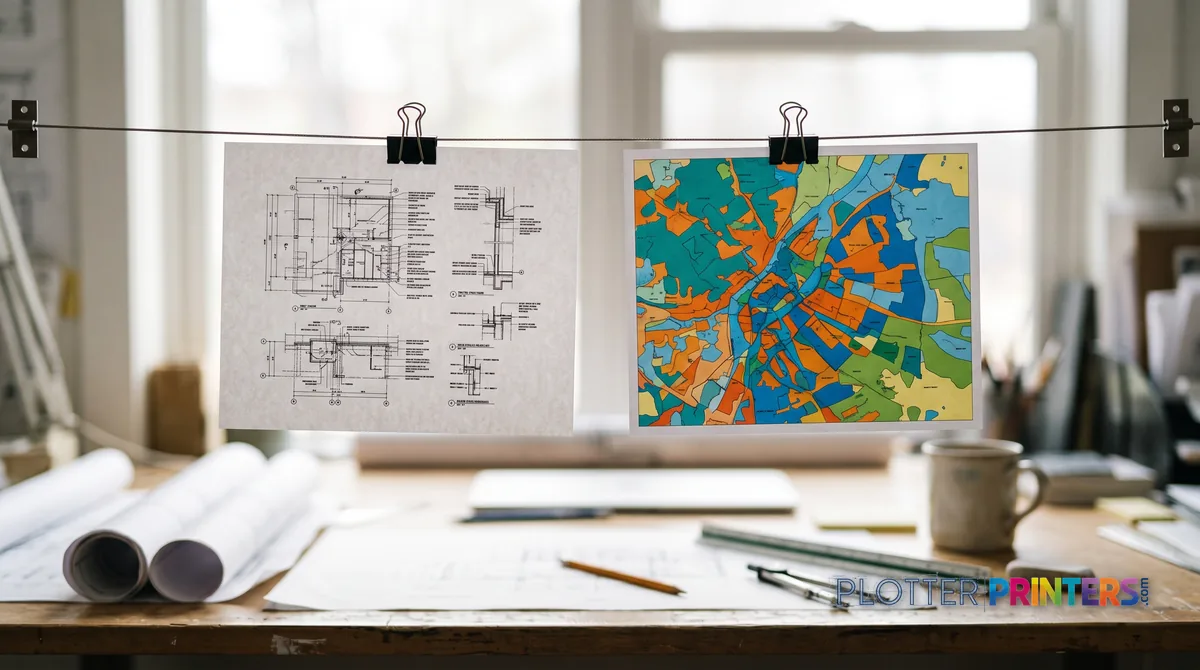
Linework and plan sets. You print floor plans, sections, details, structural and MEP drawings — mostly black lines on white bond, occasionally color-coded coordination sheets. What you need is crisp, dimensionally accurate linework and legible small text. This is the technical family: pigment-ink CAD plotters that lay down sharp lines on ordinary bond all day. Most architects, engineers and contractors live here.
Color you’ll be judged on. You print presentation boards, renderings, marketing visuals or client-facing exhibits where gradients, skin tones and brand color have to be right. This is the graphics family — pigment machines tuned for wide color gamut and smooth transitions. The linework family will disappoint you here, and vice versa.
Maps and coverage. You print GIS base maps, aerials, or anything with dense ink coverage edge to edge. This straddles graphics and production depending on volume; heavy coverage punishes small machines fast.
Most buyers recognize themselves in one paragraph. If you’re genuinely split — daily plan sets plus occasional glossy boards — a dual-roll 36-inch machine covers both without compromise. The three families explained goes deeper if you’re on a fence.
Question 2: How big do your drawings get?
SHT 03 · PLOTTERPRINTERS ANALYST DESKSize is a fork, not a slider. There are really two answers that matter — 24-inch and 36-inch — and the way to choose between them is simple: what is the biggest sheet you print on a regular basis, not once a year?
Here is the standards ladder. A 24-inch roll prints full ARCH D (24×36 in), ANSI D, and ISO A1 (594×841 mm) sheets. A 36-inch roll adds ARCH E (36×48 in), ANSI E, and ISO A0 (841×1189 mm). Half-size sets — 11×17 or 12×18 — come off either width comfortably, which matters because a great deal of construction paper is printed half-size for redlines and field copies. That’s the aside worth knowing: your review sets may be smaller than your plot sheets.
The decision rule: if your regular full-size output tops out at D-size or A1, a 24-inch class machine saves floor space and money. If you routinely print E-size or A0 — and most established AEC firms eventually do — buy the 36-inch and stop worrying. Buying narrow to save space, then farming out every E-size sheet, is a false economy measured in trips to the repro shop.
Not sure which sheet you print most? The sizes page and visualizer lays the standards out to scale.
Question 3: How often will it run?
SHT 04 · PLOTTERPRINTERS ANALYST DESKVolume decides whether you buy a machine or a production line. Three honest tiers:
Occasional — a few plots a week, deadline spikes aside. A single-roll 24-inch or 36-inch machine handles this without complaint. You’ll change rolls yourself, and that’s fine.
Weekly — regular set-running, multiple projects, several plots most days. This is the 36-inch class’s home turf. Consider dual roll here: two media loaded at once (bond plus gloss, or two widths) means fewer interruptions and less standing at the machine. Money is minutes, and roll changes are minutes.
Daily set-running — you print full plan sets by the dozen, or you’re a repro operation feeding several projects. This is where the production class earns its keep: stationary print-bar machines built for volume and unattended stacking. The hand-off signal is clear — when your operator spends more time babysitting a workhorse plotter than doing their actual job, and when roll changes and drying become the bottleneck, you’ve outgrown the workhorse class.
One caution: a manufacturer’s maximum monthly duty cycle is a ceiling, not a cruising speed. Size for your sensible ongoing workload with headroom for deadline weeks, not for the theoretical maximum you’ll never sustain.
The shortcut
Or answer five questions and skip ahead
The finder condenses the first four questions of this guide and lands on your class — the grids below stay live.
Plotter finder
Answer five questions — get the right class of machine
See the ranked picks → Get a quote for this class →
Rankings come from our spec-graded scoring — how we rate.
Question 4: Do you need to scan, too?
SHT 05 · PLOTTERPRINTERS ANALYST DESKThe MFP test is one question: do old drawings, marked-up sets, or as-builts regularly need to become digital files? If yes, a wide-format MFP — printer plus integrated scanner — earns its footprint by keeping scan, copy and print in one device and one workflow. Plan rooms, as-built capture and field-markup archiving are exactly what it’s for.
If no — if your files arrive digital and stay digital — an integrated scanner is footprint and cost you don’t need. A dedicated printer does the job cleaner. And be honest about the person, not just the machine: the scanner is a fixed cost, but the operator standing at it converting a filing cabinet of legacy drawings is the real expense. If that’s a one-time project, a service bureau may beat owning the hardware.
Middle ground exists — occasional scanning can go to a standalone wide-format scanner later. Don’t buy an MFP for a job you’ll do twice.
Question 5: Whose ecosystem fits?
We’re an independent dealer for both HP DesignJet and Epson SureColor, so treat this as a fit question, not a loyalty one. Both build excellent AEC machines; they simply lean different ways.
HP DesignJet has deep roots in the CAD and plan-set world — mature HP-GL/2 handling, broad driver and print-management support, and a large installed base your IT department may already know. It’s a comfortable default for linework-heavy technical shops that value fleet familiarity. See the HP DesignJet hub.
Epson SureColor has built a strong reputation on color fidelity and pigment-ink performance, which makes it compelling where presentation output and graphics quality carry weight — while still printing sharp technical linework. See the Epson SureColor hub.
The truth is the gap is narrower than brand partisans claim, and the right pick often comes down to your specific workload and what your team already supports. If you want the direct comparison rather than two sales pitches, the HP vs Epson head-to-head puts them side by side on the criteria that matter.
Question 6: What shape is your budget?
SHT 07 · PLOTTERPRINTERS ANALYST DESKNot the number — the shape. How you pay changes which machine makes sense, and most first-time buyers fixate on the sticker while ignoring the meter.
Purchase vs lease thinking. Buying suits stable, predictable volume where you’ll keep the machine for years and want it off the books. Leasing suits firms that prefer predictable monthly cost, plan to refresh regularly, or want service bundled in. Neither is smarter; they’re different cash-flow shapes.
Consumables are the real cost. Over a five-year life, ink and media routinely outrun the price of the machine — especially on high-coverage work like maps and color boards. A cheaper plotter that drinks expensive ink is not cheaper. When you compare the ranked picks below, weigh the running cost as heavily as the purchase, and be honest about your coverage.
Enterprise tiers are quote-priced for a reason. Production-class machines and configured fleets carry too many variables — rolls, finishing, service level — for a shelf price to mean anything. That’s what the quote funnel is for.
The decision rule on budget: pick the class first from questions one through four, then let purchase-versus-lease and consumable math choose the specific model — never the reverse.
The ranked machines, by class
SHT 08 · PLOTTERPRINTERS ANALYST DESK24-inch CAD class
Ranked live by our spec-graded scoring; prices and stock are current.
36-inch CAD class
Wide-format MFPs
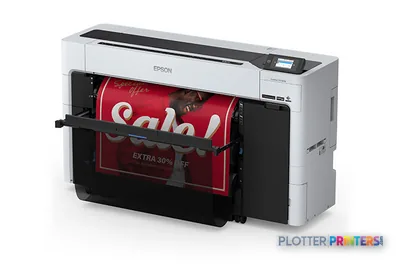 Epson SureColor T5770DM 36-in Multifunction PlotterSCT5770DM2400 dpiScanView details
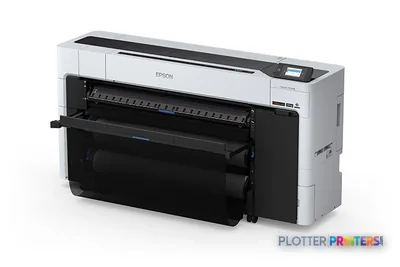 Epson SureColor T7770DM 44-in Wide-Format MFPSCT7770DM44"2400 dpiScanView details
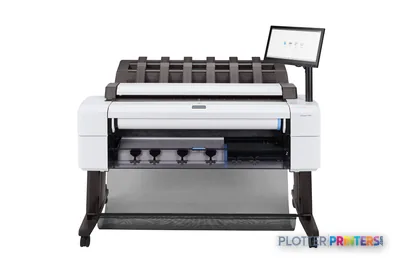 HP DesignJet T2600dr 36-in PostScript MFP — Plus Edition (Build Connected)3EK15D36"2400 dpiView details
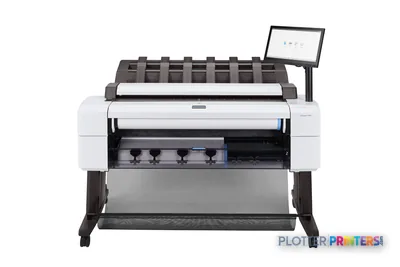 HP DesignJet T2600dr 36-in PostScript MFP — Plus Edition (Build Connected)3EK15P36"2400 dpiView details
Your questions, answered
SHT 09 · PLOTTERPRINTERS ANALYST DESKWhat is the single most important question when buying a plotter?
What you print. It sorts you into one of three families — technical linework, graphics color, or high-volume production — before size, speed or brand matter. A CAD machine tuned for crisp bond linework will disappoint on presentation boards, and a color-graphics machine is overkill for plan sets. Get this right and the rest of the decision narrows quickly.
Should I buy a 24-inch or a 36-inch plotter?
Decide by your biggest regularly printed sheet. A 24-inch roll covers ARCH D (24×36 in) and ISO A1. A 36-inch roll adds ARCH E (36×48 in) and ISO A0. If you routinely print E-size or A0 sheets, buy the 36-inch and stop worrying. Buying narrow to save space, then outsourcing every large sheet, usually costs more over time.
What is the difference between dye ink and pigment ink?
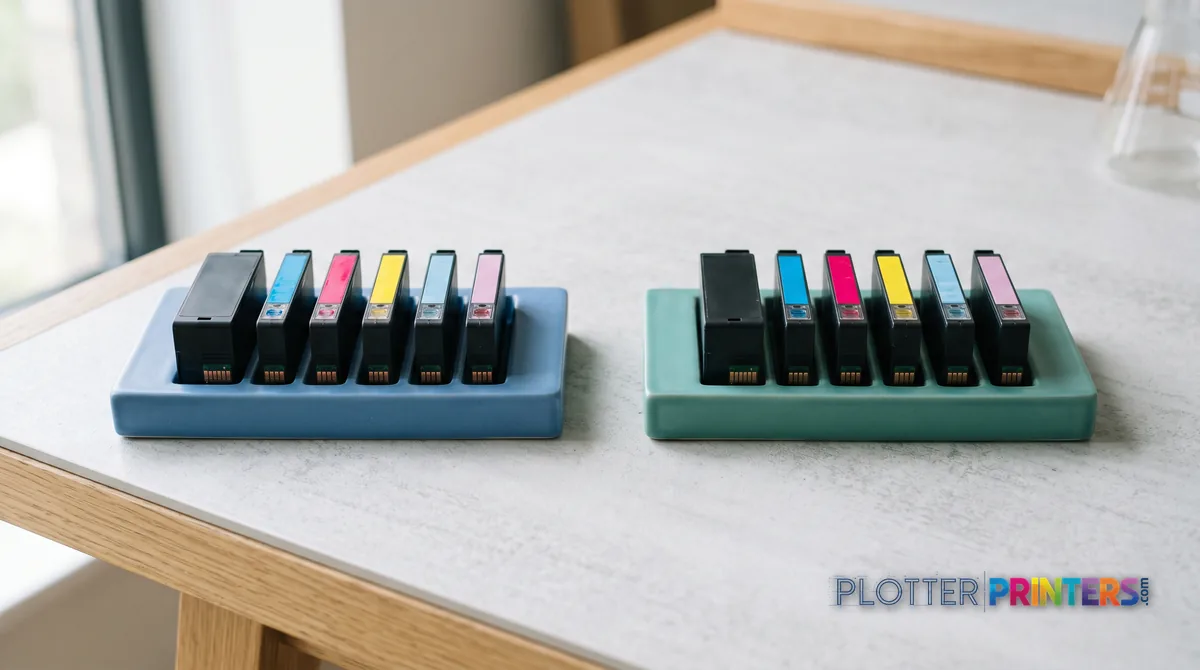
Dye ink is vivid and lower cost but fades faster; pigment ink is archival and resists water and UV, which makes it the default for AEC work where drawings must survive job-site conditions and long storage. Technical machines print sharp linework on plain bond either way, but for anything that needs to last, pigment is the safer choice.
Do I need a plotter with a scanner built in?
Only if old or marked-up drawings regularly need to become digital files. A wide-format MFP keeps print, scan and copy in one device — ideal for plan rooms and as-built capture. If your files arrive and stay digital, an integrated scanner is footprint and cost you don’t need. For a one-time legacy-conversion project, a service bureau often beats owning the hardware.
How does print volume affect which plotter I should buy?
Occasional printing is fine on a single-roll machine you refill yourself. Weekly set-running favors a 36-inch class, ideally dual-roll so two media are always loaded. Daily set-running by the dozen points to the production class with unattended stacking. Size for your sensible ongoing workload with headroom for deadline weeks — never for the manufacturer’s maximum duty cycle, which is a ceiling, not a cruising speed.
Is HP DesignJet or Epson SureColor better for AEC work?
Both are strong; the gap is narrower than brand partisans claim. HP DesignJet has deep CAD and plan-set roots with mature driver and fleet support. Epson SureColor is known for color fidelity, which helps where presentation output matters. Pick by your dominant workload and what your team already supports. Our HP vs Epson head-to-head compares them directly on the criteria that count.
What does 'dual roll' mean and do I need it?
Dual roll means two media are loaded at once — for example plain bond and glossy, or two different widths. The machine switches between them without an operator swapping paper. It matters most for weekly or daily printing where roll changes become an interruption tax. For occasional printing, single roll is fine; every roll change is only a minute, and you don’t do many.
Should I lease or buy a plotter?
It’s a cash-flow question, not a smart-versus-dumb one. Buying suits stable volume and long ownership where you want the asset off the books. Leasing suits firms that prefer predictable monthly cost, refresh regularly, or want service bundled. Whichever you choose, remember consumables — ink and media — often outrun the machine’s price over five years, so weigh running cost as heavily as the purchase.
Why don't your enterprise and production machines show a fixed price?
Production-class machines and configured fleets carry too many variables — roll count, finishing, service level, delivery — for a shelf price to mean anything useful. Those are quote-priced so you get an accurate number for your actual configuration rather than a placeholder you’d have to correct later. The quote funnel or a phone call handles that; smaller single-machine picks show live prices in the grids.
I'm starting from zero — where should I begin?
Read the start-from-zero explainer to learn what a plotter actually is, then work through the six questions on this page in order: what you print, how big, how often, scan or not, ecosystem, and budget shape. If you’d rather click than read, the finder quiz condenses the first four questions. The ranked picks below carry current models and live prices once you know your class.
The bottom line
SHT 10 · PLOTTERPRINTERS ANALYST DESK- Answer six questions in order — what, how big, how often, scan, ecosystem, budget — and the right plotter class chooses itself before you look at a single model.
- What you print sorts you into technical linework, graphics color, or high-volume production; get the family right and everything else follows.
- Choose 24-inch versus 36-inch by your biggest regularly printed sheet, not your rare one — outsourcing large sheets is a false economy.
- Consumables and operator minutes, not the sticker price, are the real five-year cost of any plotter; a cheap machine that drinks ink is not cheap.
- Buy a scanner-equipped MFP only when legacy drawings genuinely need digitizing regularly; the scanner is fixed cost but the person standing at it is not.
- Choose the class first from your workflow, then let purchase-versus-lease and consumable math pick the specific model — never the reverse.
Worked through the six questions?
Bring us your answers — we'll turn them into a shortlist with the trade-offs argued.