
Analyst Resource — No. 01
The Best Plotter Printers, By the Numbers We Actually Measured
There is no single best plotter — there is a best plotter for CAD at each width, for print-and-scan, and for measured color. Here they are, ranked live.
The short answer
Four questions, four winners
Ranked live from the graded catalog — these update themselves as prices and scores move.
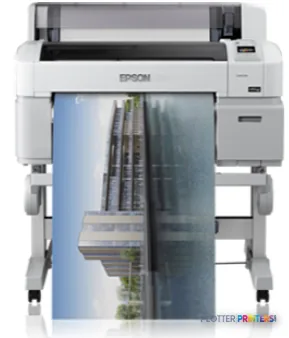 Epson SureColor T3070Desk-side plotting for permit sets and check prints.71/10036-inch CAD
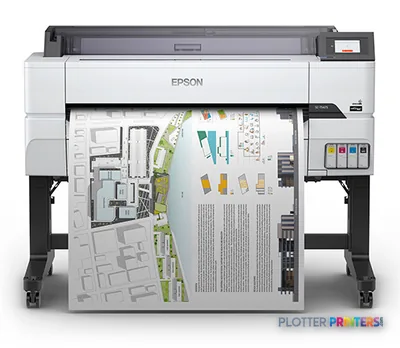 Epson SureColor T5475The workhorse class: full ARCH E/A0 and long runs.63/100$2,595.00Print + scan
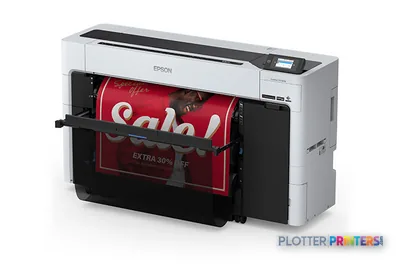 Epson SureColor T5770DMPlan-room duty: capture as-builts and field markups.80/100$10,494.95Color work
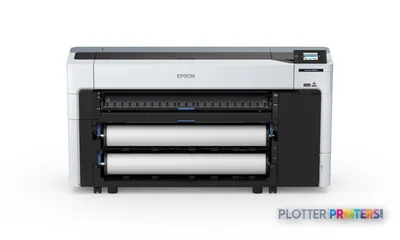 Epson SureColor SC-P8500DWidest lab-measured gamut for boards and renderings.82/100
Shop these machines
Ranked live by our spec-graded scoring — prices & stock are current. Free U.S. shipping on every printer.
Epson SureColor T5475 36-in PlotterSCT5475SR36"2400 dpiWi-FiView details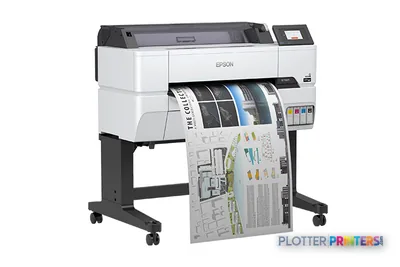 Epson SureColor T3475 24-in Wide-Format PrinterSCT3475SR24"2400 dpiWi-FiView details
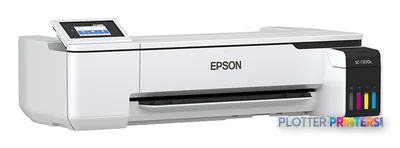 Epson SureColor T3170x 24-in Wireless PrinterSCT3170X24"2400 dpiView details
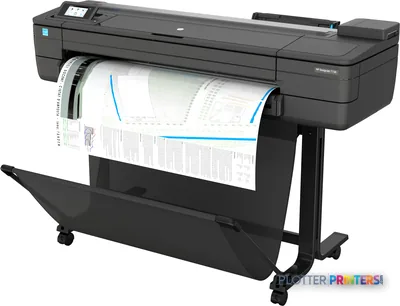 HP DesignJet T730 36-in PrinterF9A29D#B1936"2400 dpiWi-FiView details
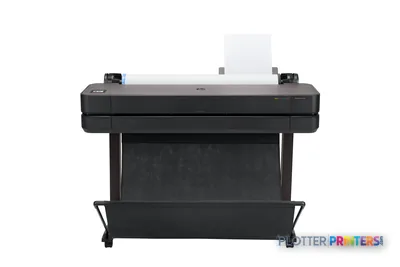 HP DesignJet T630 36-in Printer5HB11D36"2400 dpiWi-FiView details
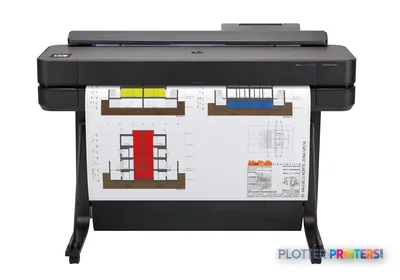 HP DesignJet T650 36-in Plotter5HB10D36"2400 dpiWi-FiView details
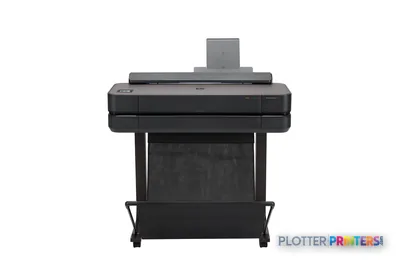 HP DesignJet T650 24-in Printer5HB08D24"2400 dpiWi-FiView details
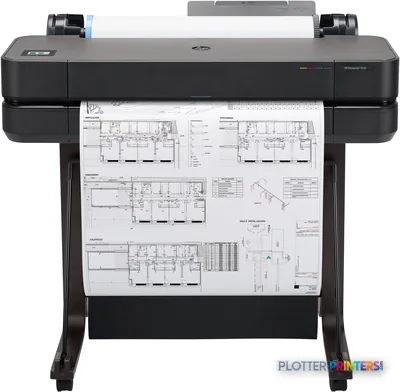 HP DesignJet T630 24-in Printer5HB09D24"2400 dpiWi-FiView details
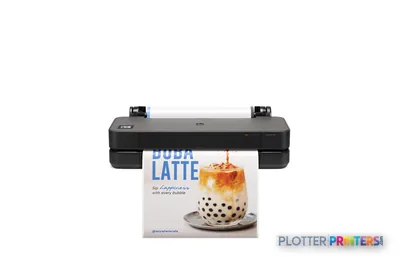 HP DesignJet T250 24-in Printer5HB06D24"2400 dpiWi-FiView details
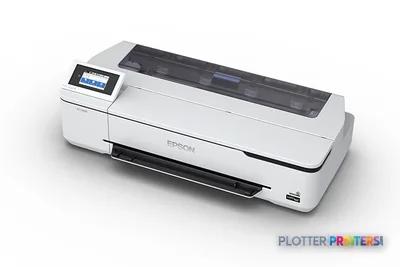 Epson SureColor T3170 24-in Wireless PrinterSCT3170SR24"2400 dpiWi-FiView details
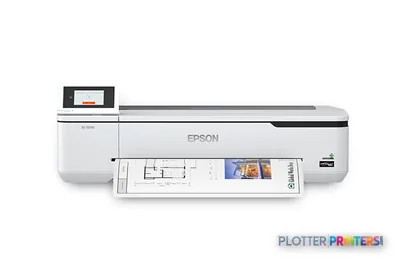 Epson SureColor T2170 24-in Wide-Format PrinterSCT2170SR24"2400 dpiWi-FiView details
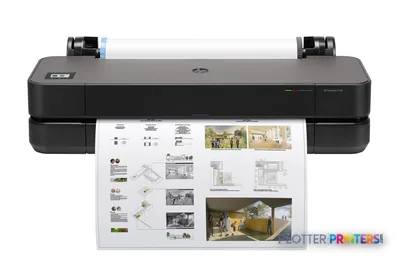 HP DesignJet T230 24-in Printer5HB07D24"2400 dpiWi-FiView details
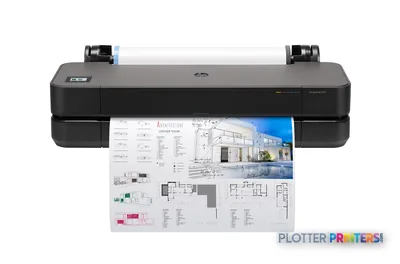 HP DesignJet T210 24-in Printer8AG32T24"2400 dpiWi-FiView details
Free U.S. shipping on printersKlarna & Affirm at checkoutTalk to a person: 980-536-0080

The best plotter depends entirely on the job it has to do, so this page does not crown one machine — it ranks by category. We split the field into best for CAD at 24 inches, best for CAD at 36 inches, best print-and-scan MFP, and best for color, then order each category from graded specifications and lab-measured ICC color. The rankings update live, and the method is public. The ranked picks below carry the actual machines, current prices, and scores; the prose tells you what winning each category takes.
That structure exists because the question “what’s the best wide-format printer” has at least four correct answers. A three-person architecture studio printing a permit set now and then wants something different from a civil department pushing hundreds of D-size sheets a week, and both want something different from a landscape firm that lives or dies on presentation-board color. A single ranked list that ignores those differences is just a popularity contest with a spec sheet stapled to it.
So read this page as a map, not a verdict. Pick the category that matches your workflow — the one you actually run, not the one the brochure imagines — then click into that category’s full leaderboard for the head-to-head detail. We are an independent HP DesignJet and Epson SureColor dealer, we cover Canon editorially, and we grade every machine the same way regardless of who makes it. The frame is ours; the ranked order is the data’s.
How these rankings are actually produced
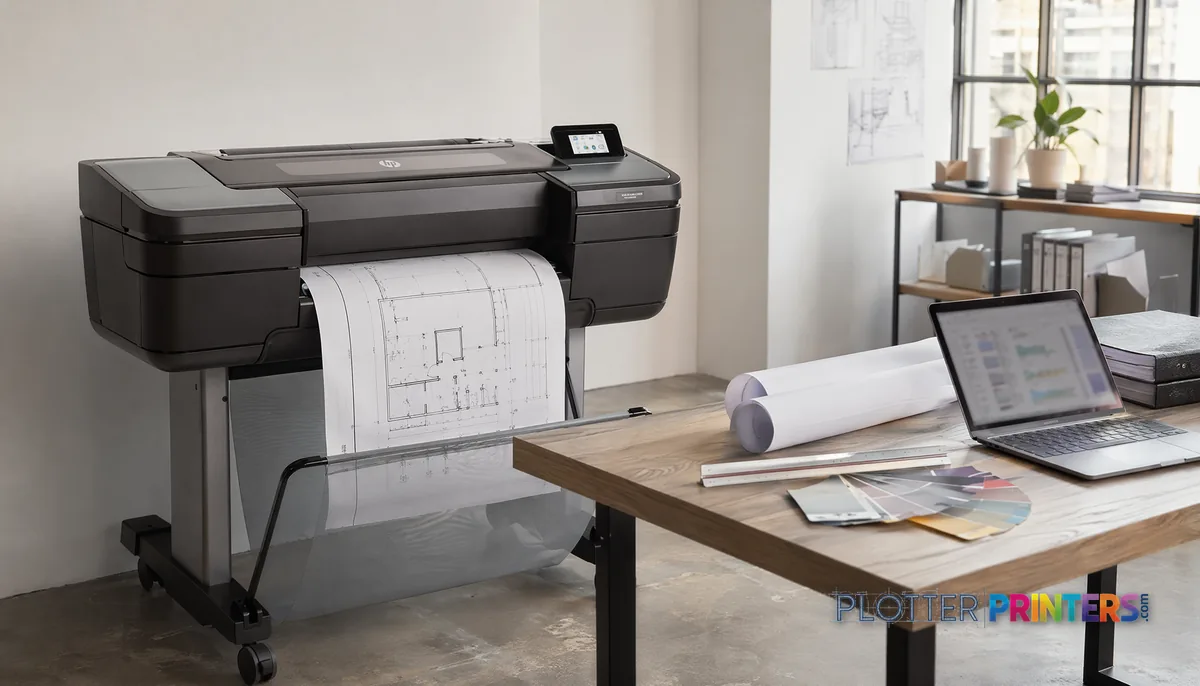
SHT 02 · PLOTTERPRINTERS ANALYST DESKEvery machine on this page is scored across nine graded specification dimensions — line quality and fine-line reproduction, print speed under realistic load, media and roll handling, network and security manageability, consumable economy, footprint, and the rest of the criteria that decide whether a plotter helps or annoys you at 4 p.m. on a deadline. Those dimensions are weighted, not averaged blindly, because a repro shop and a two-person studio do not care about the same things.
Color is not eyeballed. We measure ICC gamut on calibrated instruments, so the color rankings reflect what a machine can actually reproduce rather than what a datasheet promises. You can see the measured-gamut ordering on our color gamut rankings page.
Two things we do not do: we do not take sponsorships to move a machine up the order, and we do not freeze the scores. Prices and rankings render live beside this prose, so a machine that gets a price cut or a firmware-driven speed bump moves on its own. The full weighting and grading rubric is published — read it on the methodology page if you want to check our arithmetic. Independence is easy to claim and easy to verify; we prefer the second one.
Best is a category, not a machine
SHT 03 · PLOTTERPRINTERS ANALYST DESKAsk a room of AEC professionals for the best plotter and you will get an argument, because they are answering different questions. So we answer four separate ones, and each has its own winning criteria.
Best for CAD, 24-inch class. Winning here means crisp linework on plain bond, a small footprint, a driver that behaves, and low fuss for a shop that prints A1/D-size occasionally. Speed matters less than reliability and desk-side manners.
Best for CAD, 36-inch class. The workhorse crown. Winning takes full ARCH E/A0 capacity, sustained throughput on long runs, and — for the top picks — dual-roll handling so bond and gloss sit loaded at once and set-runs don’t stall for a roll change.
Best print-and-scan MFP. This is plan-room duty. Winning means an integrated scanner that captures aging as-builts and field markups cleanly, plus scan-to-file that lands where your team can find it. The scanner is one node; the file’s destination is the other half of the job.
Best for color. Measured gamut leads. Winning means pigment ink for archival stability and the widest lab-measured color volume for presentation boards, renderings and GIS base maps. The four cards below state what each crown requires.
Best for CAD, 24-inch class
The small-office winner: crisp lines on plain bond, a footprint that fits beside a desk, and a driver that submits jobs without a support ticket. It rewards firms that print A1/D-size occasionally rather than by the hundred, where reliability and quiet operation matter more than sustained speed.
Best for CAD, 36-inch class
The workhorse crown. Winning takes full ARCH E/A0 capacity, sustained throughput on long runs, and — at the top — dual-roll handling so bond and gloss stay loaded together and set-runs don’t stall for a paper swap. This is the AEC default when plotting is a daily event, not an occasional one.
Best print-and-scan MFP
Plan-room duty. The crown goes to the machine that captures aging as-builts and field markups cleanly and lands the scan where your team can actually find it. Print, scan and copy in one node — but the scanner is only half the job; scan-to-file destination and speed decide whether it saves real minutes.
Best for color, measured gamut
Led by lab-measured ICC gamut, not marketing claims. The winner pairs pigment ink for archival, water- and UV-resistant output with the widest measured color volume for presentation boards, renderings and GIS base maps. This is where color fidelity is the product, not a nice-to-have.
Every grid below is ranked live from the graded catalog — no hand-picked darlings.
Match me
Which class do you actually need?
Three answers narrows 638 graded machines to the shortlist that fits your work.
Answer the three above and your class appears here.
Best for CAD, 24-inch
Desk-side plotting for permit sets and check prints.
1Epson SureColor T3070View →2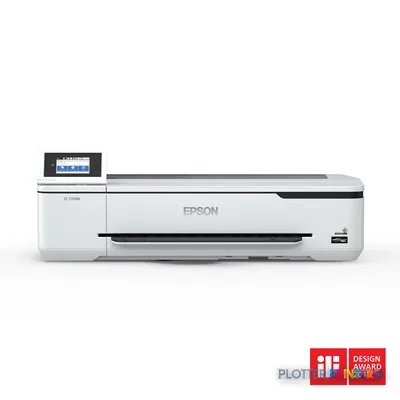 Epson SureColor SC-T3130NView →3
 Epson SureColor SC-T3100xView →
Not for you if: Wrong if you print D-size by the hundred, or need ARCH E.
Best for CAD, 36-inch
The workhorse class: full ARCH E/A0 and long runs.
1Epson SureColor T5475View →2HP DesignJet T730View →3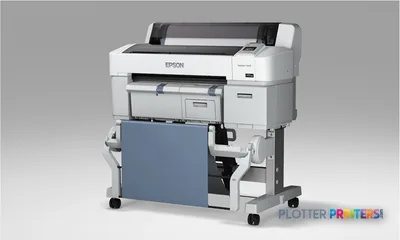 Epson SureColor T3270View →
Not for you if: Wrong if a 24-inch machine would sit idle most of the week.
Best print-and-scan MFP
Plan-room duty: capture as-builts and field markups.
1Epson SureColor T5770DMView →2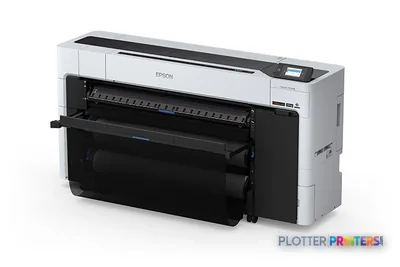 Epson SureColor T7770DMView →3
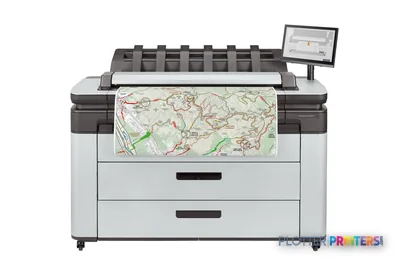 HP DesignJet XL 3600dr MFPView →
Not for you if: Wrong if nobody scans — you are paying for a scanner bar.
Best for measured color
Widest lab-measured gamut for boards and renderings.
1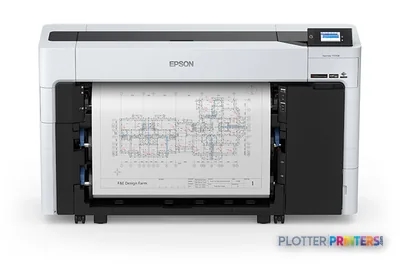 Epson SureColor T5770DRView →2Epson SureColor SC-P8500DView →3
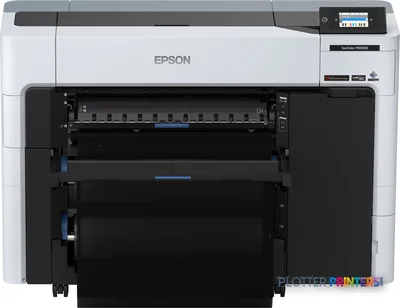 Epson SureColor SC-P6500DView →
Not for you if: Wrong if your output is linework — you are buying gamut you never use.
The rankings
SHT 04 · PLOTTERPRINTERS ANALYST DESKBest for CAD — 24-inch class
Top of the live 24-inch CAD leaderboard.
Best for CAD — 36-inch class
Best print+scan MFPs
Epson SureColor T5770DM 36-in Multifunction PlotterSCT5770DM2400 dpiScanView detailsEpson SureColor T7770DM 44-in Wide-Format MFPSCT7770DM44"2400 dpiScanView details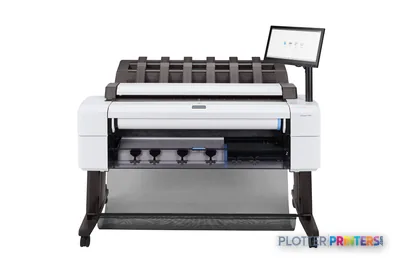 HP DesignJet T2600dr 36-in PostScript MFP — Plus Edition (Build Connected)3EK15D36"2400 dpiView details
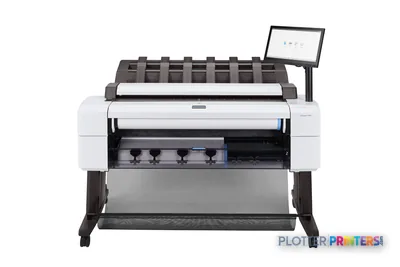 HP DesignJet T2600dr 36-in PostScript MFP — Plus Edition (Build Connected)3EK15P36"2400 dpiView details
Best for color — graphics class
Epson SureColor T5770DR 36-in Dual-Roll PlotterSCT5770DR36"2400 dpiWi-FiView details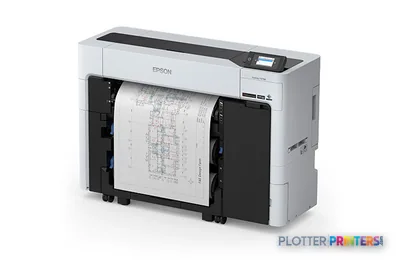 Epson SureColor T3770DR 24-in Wide-Format PrinterSCT3770DR24"2400 dpiWi-FiView details
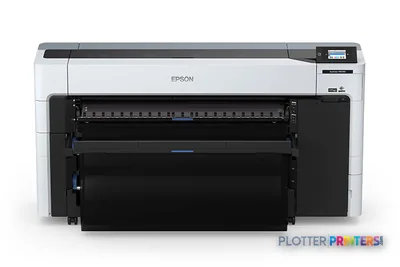 Epson SureColor P8570DR 44-in Dual-Roll PrinterSCP8570DR44"2400 dpiWi-FiView details
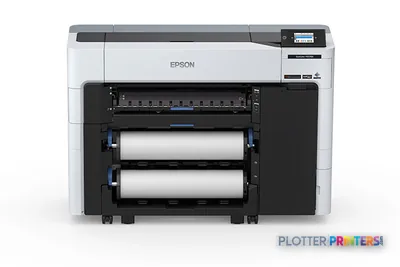 Epson SureColor P6570D Wide-Format PrinterSCP6570DR2400 dpiWi-FiView details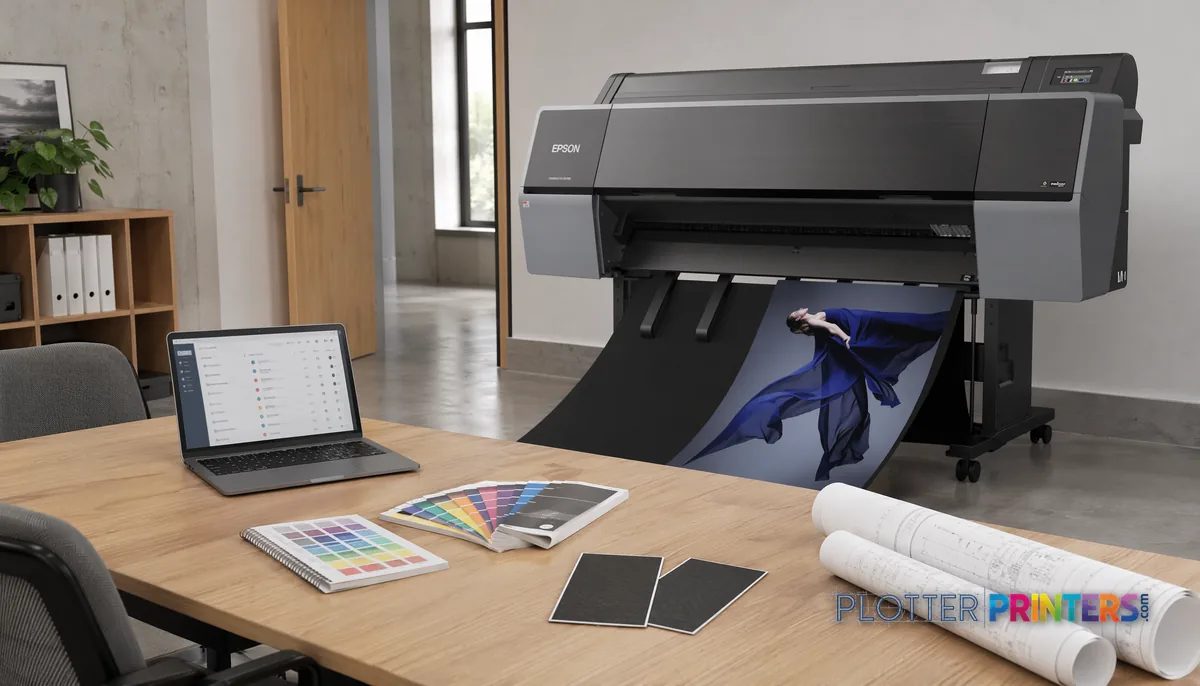
Reading the rankings like an analyst
The live leaderboard shows score chips next to prices, and the interesting cases are where they disagree. A cheaper machine sometimes outranks a dearer one, and that is not a mistake — it usually means the cheaper machine wins on the dimensions that matter for its category while the pricier one is paying for capability you may not use. Here is how to read the tension:
1. Match the category to your real workflow first; a high score in the wrong category is noise.
2. Read the score chip as fit-for-purpose, not raw power — a 24-inch winner and a 36-inch winner are graded against different jobs.
3. When two machines score close, let price and local service break the tie, not brand loyalty.
4. Treat quote-priced entries as “ask us” rather than “expensive” — production and MFP machines are often configured, not shelf-priced, and the quote funnel returns a real number.
5. Click into the category leaderboard once you’ve shortlisted; that’s where the head-to-head spec detail lives.
The full lists are deeper than this page: the 36-inch CAD leaderboard, the 24-inch CAD leaderboard, and the MFP leaderboard each rank the field in full. The goal is to make you competent, not dependent. A plotter that saves thirty seconds a plot buys you nothing if the file spends four minutes finding it — so read for workflow fit, then confirm the number.
Who each category is wrong for
SHT 06 · PLOTTERPRINTERS ANALYST DESKEvery honest “best” list owes you the flip side: who each winner disappoints. Skipping that is how firms buy the wrong machine and blame the machine.
The 24-inch CAD winner is wrong for set-runners. If you push long, collated plan sets regularly, a single-roll desktop plotter turns you into a roll-changing, sheet-stacking bottleneck. Money is minutes, and this machine spends yours. Move up to the 36-inch class.
The 36-inch workhorse is wrong for a studio that prints twice a month. You’ll pay for footprint, capacity and dual-roll capability you rarely touch. A 24-inch machine fits the desk and the workload.
The MFP winner is wrong for firms that never scan. An integrated scanner you don’t use is a maintenance surface and a cost line, not a benefit. If as-builts and field markups aren’t part of your day, buy the print-only equivalent.
The color leader is wrong for bond-only shops. If you print linework on plain paper and nothing else, a wide-gamut graphics/photo machine’s ink cost and profiling overhead are wasted; a technical CAD plotter does that job cleaner and cheaper.
Buy for the workflow you have, not the one the leaderboard flatters.
Your questions, answered
SHT 07 · PLOTTERPRINTERS ANALYST DESKWhat is the best plotter printer overall?
There isn’t one, and any page that names a single winner is selling you something. The best plotter is category-specific: best for CAD at 24 inches, best for CAD at 36 inches, best print-and-scan MFP, and best for measured color. We rank each category separately from graded specs and live prices. Pick the category that matches your real workflow, then read that category’s leaderboard for the head-to-head order.
How are these rankings actually generated?
Each machine is scored across nine graded specification dimensions — line quality, realistic print speed, media and roll handling, network security, consumable economy, footprint and more — with weighting tuned per category. Color is measured on calibrated instruments, not eyeballed. Scores and prices render live, so a price cut or firmware update moves a machine on its own. There are no sponsorships. The full rubric is published on our methodology page.
Why does a cheaper plotter sometimes rank above a more expensive one?
Because it wins on the dimensions that matter for its category while the pricier machine charges for capability you may not use. A score chip reads as fit-for-purpose, not raw power. A cheaper 24-inch machine that nails linework, footprint and driver reliability can legitimately outrank a costlier one carrying features a small office will never touch. Read the score against the job, not the sticker.
What's the difference between a 24-inch and a 36-inch plotter?
A 24-inch class machine is a single-roll desktop or cart plotter sized for A1/D-size prints — ideal for small offices printing occasionally. A 36-inch class machine handles full ARCH E/A0, is usually floor-standing, and often carries dual rolls so two media types stay loaded at once. If you run collated plan sets regularly, the 36-inch class is the workhorse; the 24-inch will bottleneck on roll changes.
Do I need a wide-format MFP with a scanner?
Only if scanning is part of your day. An MFP earns its place in plan rooms that capture aging as-builts, copy existing drawings, or digitize field markups. If your team never scans, the integrated scanner is a maintenance surface and a cost line rather than a benefit — buy the print-only equivalent and spend the difference elsewhere. Match the tool to the workflow you actually run.
Dye ink or pigment ink for AEC work?
Pigment ink is the AEC default: it’s archival, water- and UV-resistant, and holds up on documents that get handled, filed and taken to site. Dye ink is punchier and cheaper, but it doesn’t hold up over time. For technical linework on plain bond and for anything that needs to survive, pigment is the safer choice. The color leaderboard machines use pigment for exactly this reason.
What does a 'quote-priced' entry mean on the leaderboard?
It means the machine is configured rather than shelf-priced — common for production and MFP-class systems where options, finishing and media handling change the total. Treat it as “ask us” rather than “expensive.” Our quote funnel returns a real number for your configuration. Don’t skip a strong-scoring machine just because it doesn’t show a fixed price next to it.
Is a graphics or photo printer overkill for CAD drawings?
For plain-bond linework, usually yes. Wide-gamut graphics and photo machines are tuned for color volume and gradients — presentation boards, renderings, GIS base maps — and carry ink cost and profiling overhead a bond-only shop won’t recover. If your output is technical drawings on plain paper, a dedicated CAD plotter prints cleaner and cheaper. Buy the color machine only when color fidelity is genuinely the product.
How do I choose between two closely scored machines?
When scores sit close, let price and local service break the tie — not brand loyalty. Parts availability, technician response time and consumable pricing shift the real ownership experience more than a fraction of a score point. Check which machine your dealer supports well in your area, then confirm the current price on the live leaderboard. A slightly lower score with faster service often wins on total downtime.
Where do I go for the full category rankings?
This page frames the categories; the full leaderboards carry the ranked machines in detail. Start with the 36-inch CAD leaderboard if you’re set-running, the 24-inch CAD leaderboard for small-office printing, the MFP leaderboard for plan-room duty, and the color gamut rankings for measured color. If you’d rather talk it through, the buying guide walks the decision and the quote funnel handles configuration.
The bottom line
SHT 08 · PLOTTERPRINTERS ANALYST DESK- The best plotter is a category question — CAD at each width, MFP, or measured color — not a single crown.
- Rankings come from nine graded spec dimensions plus lab-measured ICC color, update live, and carry no sponsorships.
- A score chip reads as fit-for-purpose, not raw power, which is why a cheaper machine can legitimately outrank a dearer one.
- The 24-inch class fits occasional printers; set-runners need the 36-inch workhorse, ideally dual-roll.
- Buy the MFP only if you scan and the color machine only if color is the product — otherwise you pay for capability you won't use.
- Choose by the workflow you have: match the category first, break ties with local service, then confirm the live price.
Want the shortlist argued out loud?
Tell us the workload — we'll defend a pick from these rankings or talk you out of one.
Ink and paper by machine
Each machine has its own supplies hub listing the cartridges, printheads, rolls and accessories verified against the manufacturer’s documentation for that model.
- Epson SureColor P6570D ink and paper
- Epson SureColor P6570E ink and paper
- Epson SureColor P7570 ink and paper
- Epson SureColor P8570DR ink and paper
- Epson SureColor P9570 ink and paper
- Epson SureColor P20570 ink and paper
- Epson SureColor T2170 ink and paper
- Epson SureColor T3170 ink and paper
- Epson SureColor T3170M ink and paper
- Epson SureColor T3170x ink and paper
- Epson SureColor T3475 ink and paper
- Epson SureColor T3770DR ink and paper
- Epson SureColor T3770E ink and paper
- Epson SureColor T5170M ink and paper
- Epson SureColor T5270DR ink and paper
- Epson SureColor T5470M ink and paper
- Epson SureColor T5475 ink and paper
- Epson SureColor T5770DM ink and paper