
Analyst Resource — No. 04
The HP DesignJet Buying Guide: Five Decisions, In Order
Five decisions, in order, that turn the whole DesignJet line into a two- or three-model shortlist you can actually quote.
Shop these machines
Ranked live by our spec-graded scoring — prices & stock are current. Free U.S. shipping on every printer.
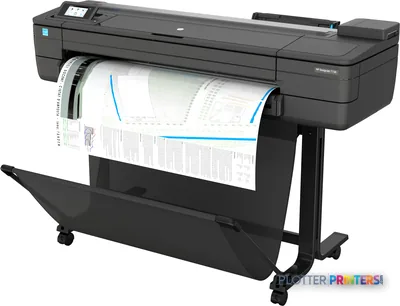 HP DesignJet T730 36-in PrinterF9A29D#B1936"2400 dpiWi-FiView details
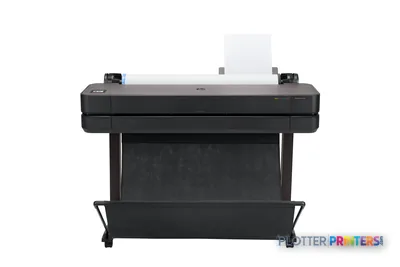 HP DesignJet T630 36-in Printer5HB11D36"2400 dpiWi-FiView details
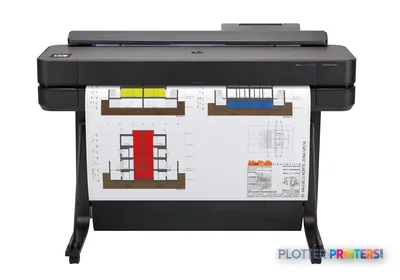 HP DesignJet T650 36-in Plotter5HB10D36"2400 dpiWi-FiView details
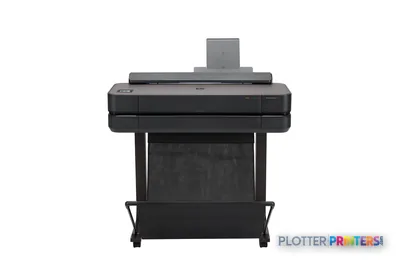 HP DesignJet T650 24-in Printer5HB08D24"2400 dpiWi-FiView details
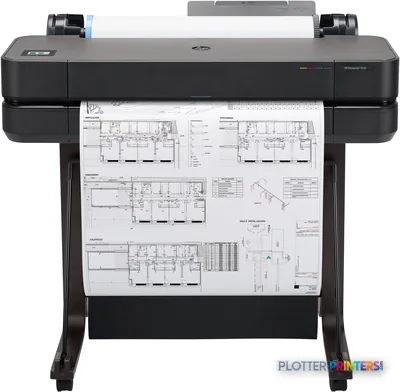 HP DesignJet T630 24-in Printer5HB09D24"2400 dpiWi-FiView details
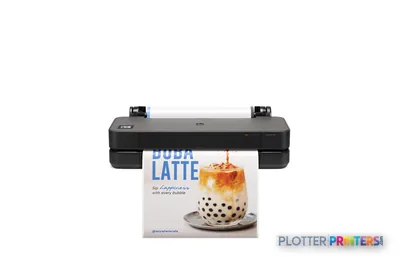 HP DesignJet T250 24-in Printer5HB06D24"2400 dpiWi-FiView details
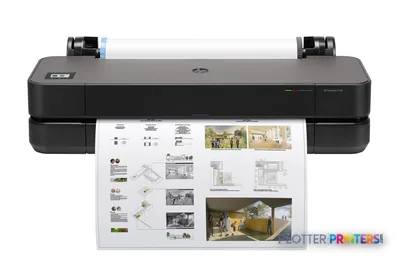 HP DesignJet T230 24-in Printer5HB07D24"2400 dpiWi-FiView details
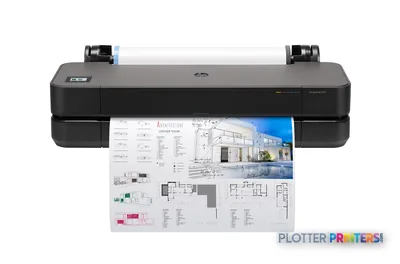 HP DesignJet T210 24-in Printer8AG32T24"2400 dpiWi-FiView details
Free U.S. shipping on printersKlarna & Affirm at checkoutTalk to a person: 980-536-0080

Which DesignJet? The honest answer is that it comes down to five decisions, made in order: width, family, scanner, rolls, and color duty. Get those right and the line collapses from a confusing catalog into a shortlist of two or three machines. Get them wrong and you’ll overspend on capability you never touch, or worse, buy short and stand at the tray at 4:45 p.m. wishing you hadn’t.
This page is the walkthrough. We do the decisions in the sequence that actually matters, because each one narrows the field before the next. Width first, because it’s the one you can’t fix later without buying a second machine. Then the product family, matched to what you print in a normal week, not what you print in your dreams. Then whether you need a scanner bolted to the front. Then how many rolls the machine has to feed, which is really a question about bid-set weeks. And last, how hard you push color, because that’s the fork that sends some shops out of the CAD families entirely.
You’ll notice I don’t name models. That’s deliberate. The HP DesignJet hub and the ranked grids on this page carry the current lineup with live scores and prices; those move, and stale copy helps nobody. What doesn’t move is the decision logic. Work through the five below, then run the finder quiz on this page and read the live leaderboard against your answers. If you want a human to sanity-check it, the quote funnel is right there.

Decision 1 — 24 inches or 36 inches?
SHT 02 · PLOTTERPRINTERS ANALYST DESKStart here, because width is the one spec you can’t upgrade after the truck leaves. It’s set by the largest sheet you print full-size, at 100 percent scale, on a normal week.
A 24-inch roll prints ARCH D (24×36 in), ANSI D (22×34 in), and ISO A1 (594×841 mm) full-size. That covers a huge amount of architectural and civil work. If your largest plotted sheet is D-size or A1, and half-size 11×17 or 12×18 sets cover the rest, a 24-inch class machine does the job and takes less floor.
A 36-inch roll prints ARCH E (36×48 in), ANSI E (34×44 in), and ISO A0 (841×1189 mm). That’s the step-up signal: the moment you’re plotting E-size or A0 full-size for permit sets, presentation drawings, or large civil sheets, 24 inches won’t reach and you’re stuck taping pages or scaling down.
The other signals are quieter. If you print D-size all day but in real volume, the 36-inch class machines are usually faster and built to run longer between hiccups. Floor space is the trade-off going up: most 24-inch units sit on a desk or cart, while 36-inch machines are floor-standing furniture.
Bottom line: if you plot A0 or ARCH E full-size, even occasionally, buy 36 and stop reading Decision 1.
Decision 2 — which family, matched to a real week
SHT 03 · PLOTTERPRINTERS ANALYST DESKWidth picked, now pick the family. Match it to your actual weekly workload, not the busiest week you can imagine.
Entry/compact. A small studio that plots a few D-size sheets a week, mostly reviewing on screen and printing to check or hand off. A single-roll 24-inch class machine parks on a cart and asks nothing of you. Buying bigger here means paying to warm up idle iron.
Mainstream CAD. The AEC workhorse. A firm running bid sets, permit drawings, and redlines most days wants a 36-inch class plotter tuned for crisp linework on plain bond. This is where most multidisciplinary practices land: fast enough for a morning set, sturdy enough to run unattended while you do actual work. The 36-inch CAD leaderboard ranks this tier; the 24-inch board covers the smaller side.
MFP. Same plotter, plus an integrated scanner. Plan rooms, as-built shops, anyone digitizing field markups weekly. More on that in Decision 3.
Graphics. Pigment-ink color machines built for gamut and smooth gradients: presentation boards, renderings, GIS base maps. Choose this family for the color, not the linework. Decision 5 tells you when it’s worth leaving the CAD tier.
Bottom line: buy the family your Tuesday needs, not the one your best month fantasizes about.
Shortcut the five decisions
Answer five questions, get your class
The finder walks the same logic as this guide and lands on the family that fits — then the grids below carry the current models.
Plotter finder
Answer five questions — get the right class of machine
See the ranked picks → Get a quote for this class →
Rankings come from our spec-graded scoring — how we rate.
Decision 3 — do you actually need the scanner?
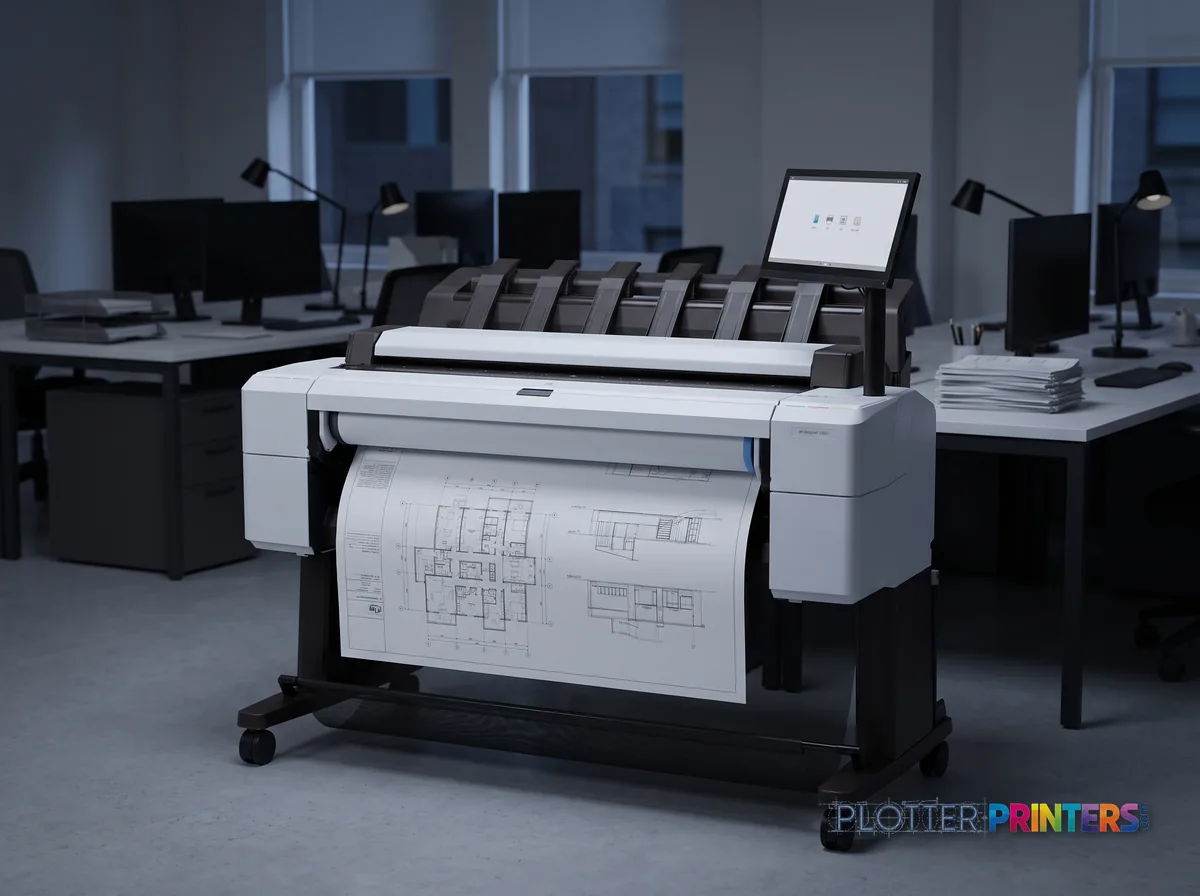
SHT 04 · PLOTTERPRINTERS ANALYST DESKHere’s the test. Do you scan a wide-format drawing at least once a week? Field markups, old as-builts, a client’s marked-up prints that need to become a PDF and go back out? If yes, the wide-format MFP class earns its footprint. The scanner is bolted to the front, so a D-size markup goes from paper to file to reprint without leaving the machine or driving to a repro shop.
If you can’t name a weekly scanning job, be honest: you’ll never use it. Plenty of firms buy the MFP because it feels like insurance, then scan a handful of times a year. For those shops, the scanner is money spent on a feature gathering dust, plus a bigger machine to house.
The middle case is the archive project — a one-time push to digitize a flat file of legacy drawings. That’s real work, but it’s often cheaper handled as a service than by owning a scanner you’ll idle afterward.
The 36-inch MFP leaderboard ranks the print-plus-scan machines if the weekly test comes back yes.
Bottom line: scan weekly, buy the MFP; scan yearly, buy the plotter and outsource the archive.
Decision 4 — one roll or two, and when it's neither
SHT 05 · PLOTTERPRINTERS ANALYST DESKNow the roll question, which is really a question about bid-set weeks. A single roll is fine when you print one media type and volume is steady. A dual-roll machine holds two rolls at once — bond and gloss, or two widths — and switches between them without you standing there feeding paper. That second roll isn’t a luxury during a set-running week. It’s the difference between the machine collating a mixed job on its own and you babysitting a roll change at 4:50 p.m.
Two things push you to dual roll: printing more than one media type regularly, and running long sets where a mid-job roll-out would stall the whole thing. If you feed one bond roll and never change it, single is honest.
And there’s a ceiling where the answer stops being a DesignJet plotter at all. When you’re pushing plan sets by the hundred, every day, you’ve crossed into PageWide/production territory — stationary print-bar machines built for repro-shop duty. A cut-sheet CAD plotter run at that pace just wears out early. Route out honestly: if your volume is industrial, get the production class or a repro partner.
Bottom line: dual roll for mixed media and set-running; production class when the sets number in the hundreds.
Decision 5 — how hard do you push color?
Last fork, and it’s the one that decides whether you stay in the CAD families or leave for graphics. Ask what your color actually does.
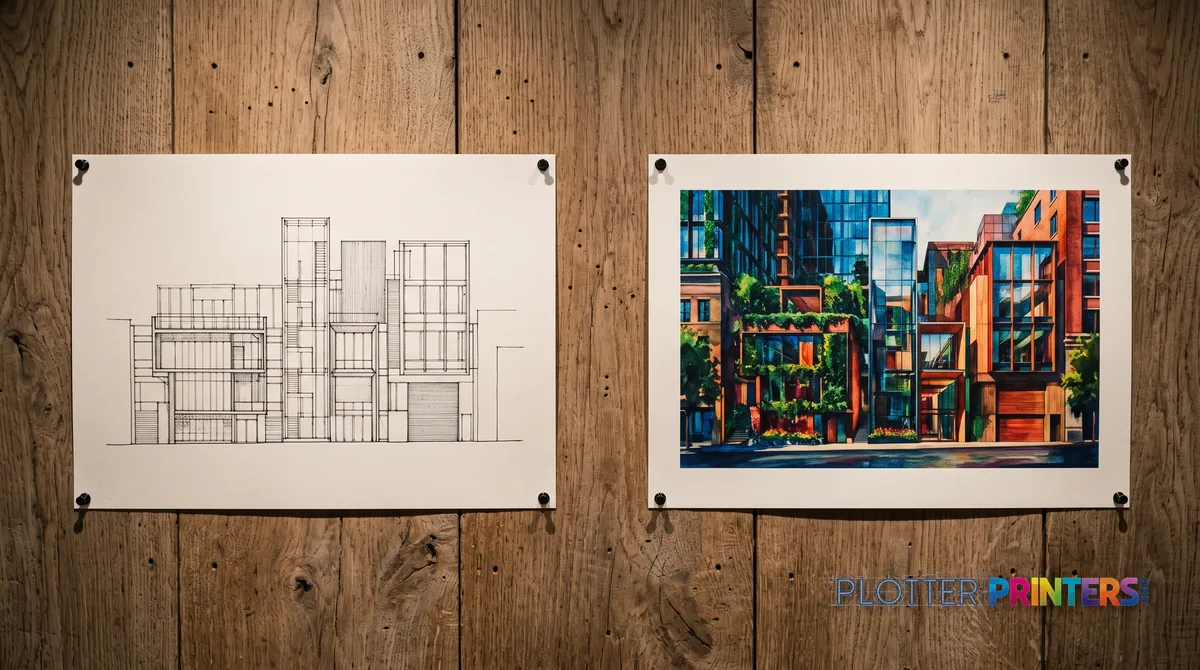
Linework color is coordination drawings, color-coded MEP overlays, redlines in red — flat fills and lines where the point is to tell one system from another. The mainstream CAD families handle this cleanly on plain bond. You don’t need a wider gamut to make a red line read as red.
Presentation color is renderings, boards for a client pitch, GIS base maps, photographic imagery — smooth gradients and skin tones and sky, where a muddy transition is the difference between winning the room and losing it. That’s when the graphics/photo class earns its keep, with pigment inks tuned for gamut and gradient smoothness.
Don’t take gamut claims on faith. We measure it. The measured color gamut rankings show lab-tested output, not datasheet promises, so you can see which machines actually cover the colors your presentations need before you commit.
Bottom line: color-coded lines stay in CAD; renderings and boards move to graphics — and check the measured gamut, not the brochure.
The ranked HP machines
SHT 07 · PLOTTERPRINTERS ANALYST DESKHP 24-inch CAD class
Ranked live by our spec-graded scoring; prices and stock are current.
HP 36-inch CAD class
HP wide-format MFPs
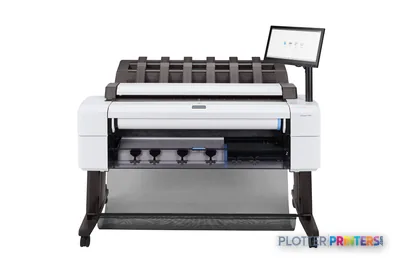 HP DesignJet T2600dr 36-in PostScript MFP — Plus Edition (Build Connected)3EK15D36"2400 dpiView details
 HP DesignJet T2600dr 36-in PostScript MFP — Plus Edition (Build Connected)3EK15P36"2400 dpiView details
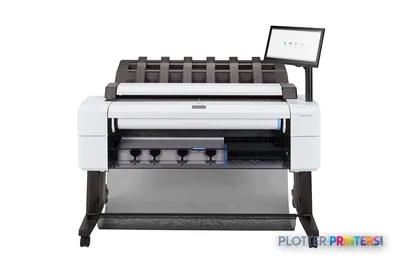 HP DesignJet T2600dr 36-in PostScript Multifunction Printer (Plus Edition)3EK15W36"2400 dpiView details
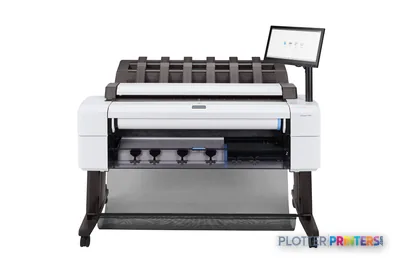 HP DesignJet T2600dr PS Managed MFP 36-in3EK15P#B192400 dpiView details
Your questions, answered
SHT 08 · PLOTTERPRINTERS ANALYST DESKHow do I decide between a 24-inch and 36-inch DesignJet?
Look at the largest sheet you print full-size on a normal week. A 24-inch roll covers ARCH D (24×36 in), ANSI D, and ISO A1. A 36-inch roll adds ARCH E (36×48 in), ANSI E, and ISO A0. If you plot E-size or A0 full-size even occasionally, buy 36 — width is the one spec you can’t upgrade later without buying a second machine.
What's the difference between a single-roll and dual-roll plotter?
A single-roll machine holds one media type at a time. A dual-roll machine loads two rolls at once — bond and gloss, or two widths — and switches automatically between them mid-job. Dual roll matters during set-running weeks, when a manual roll change would stall a long collated set at exactly the wrong moment. If you feed one bond roll and never change it, single roll is honest.
Do I need a wide-format MFP with a scanner?
Only if you scan a wide-format drawing at least once a week — field markups, old as-builts, marked-up client prints. If you can’t name a weekly scanning job, you’ll rarely use it, and you’re paying for a bigger machine and an idle feature. A one-time archive of legacy drawings is often cheaper as a service than owning a scanner you’ll then leave idle.
When should I choose a graphics DesignJet over a CAD one?
When your color is presentation work — renderings, client boards, GIS base maps, photographic imagery with smooth gradients. The CAD families handle color-coded linework and flat fills cleanly on plain bond. The graphics/photo class earns its cost only when gradient smoothness and gamut decide whether the output looks right. Check the measured gamut rankings before assuming a datasheet gamut claim holds.
What's the difference between dye and pigment ink for AEC work?
Dye ink is vivid and lower cost but fades faster with light and moisture. Pigment ink is water- and UV-resistant and archival, which is why it’s the AEC default — permit sets and as-builts need to survive a job site and a filing cabinet. Technical machines print crisp linework on plain bond regardless. For color that has to last, pigment is the safer choice.
When is a DesignJet plotter the wrong tool entirely?
When your volume is industrial — plan sets by the hundred, every day. A cut-sheet CAD plotter run at repro-shop pace wears out early. At that point you want the PageWide/production class of stationary print-bar machines built for continuous duty, or a repro partner. Buying a workhorse CAD plotter and flogging it at production volume just means replacing it sooner.
How does the plotter finder quiz on this page work?
It’s five questions that map to the five decisions in this guide — width, family, scanner, rolls, and color duty. Answer them and it points you to a machine class. Then read the class against the ranked grids on this page, which carry the current models with live scores and prices. The quiz narrows; the grids pick the specific machine.
Should I compare HP DesignJet against Epson before buying?
Worth doing if you’re open on brand. Both build capable technical and graphics machines. The decision logic on this page — width, family, scanner, rolls, color — applies to either line. See our HP vs Epson head-to-head for the class-by-class comparison, then let the live leaderboards and measured color data settle the specific model within whichever line fits your workflow.
How many rolls do I need for running bid sets?
If bid sets are a regular part of your week and involve more than one media type, or if the sets are long enough that a mid-job roll change would stall them, choose dual roll. It lets the machine collate a mixed job unattended instead of forcing you to feed paper against a deadline. Single roll is fine only when volume is steady and you print one media type.
Why don't the models appear in this guide's text?
Because the lineup and prices change, and stale copy helps nobody. This page keeps the decision logic — which doesn’t move — in the prose, and lets the live ranked grids and the finder quiz carry the current models, scores, and prices. You work through the five decisions here, then read your answers against the leaderboard beside them.
The bottom line
SHT 09 · PLOTTERPRINTERS ANALYST DESK- Decide width first — it's the only spec you can't fix without buying a second machine; plot E-size or A0 full-size and you need 36 inches.
- Match the product family to a normal Tuesday's workload, not your busiest month.
- Buy the MFP scanner only if you scan wide-format at least weekly; otherwise it gathers dust.
- Dual roll earns its keep on mixed-media and set-running weeks; single roll is honest for steady, one-media printing.
- Color-coded linework stays in the CAD families; renderings and presentation boards move to graphics — and verify measured gamut, not brochure claims.
- Run the finder quiz, read your answers against the live grids on this page, then take a shortlist to the quote funnel.
Shortlist in hand?
Send it over — authorized HP dealer, straight answers on the trade-offs.
HP ink and paper, by machine
Each machine has its own supplies hub listing the cartridges, printheads, rolls and accessories verified against the manufacturer’s documentation for that model.
- HP DesignJet HD Pro 2 MFP ink and paper
- HP DesignJet T210 ink and paper
- HP DesignJet T230 ink and paper
- HP DesignJet T250 ink and paper
- HP DesignJet T630 ink and paper
- HP DesignJet T650 ink and paper
- HP DesignJet T730 ink and paper
- HP DesignJet T830 ink and paper
- HP DesignJet T830 MFP ink and paper
- HP DesignJet T850 MFP ink and paper
- HP DesignJet T870 ink and paper
- HP DesignJet T950 MFP ink and paper
- HP DesignJet T1600 ink and paper
- HP DesignJet T1600 MFP ink and paper
- HP DesignJet T1600dr ink and paper
- HP DesignJet T1600PS ink and paper
- HP DesignJet T1700 PS ink and paper
- HP DesignJet T1700dr PS ink and paper