
Scanner Desk — No. 03
Large-Format Printer-Scanners: The MFP Class, Graded
Print, scan and copy plan-size drawings from one chassis — here's how the wide-format MFP class is built, and which machines lead the live leaderboard.
Shop these machines
Ranked live by our spec-graded scoring — prices & stock are current. Free U.S. shipping on every printer.
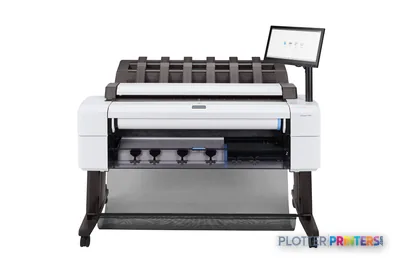 HP DesignJet T2600dr 36-in PostScript MFP — Plus Edition (Build Connected)3EK15D36"2400 dpiView details
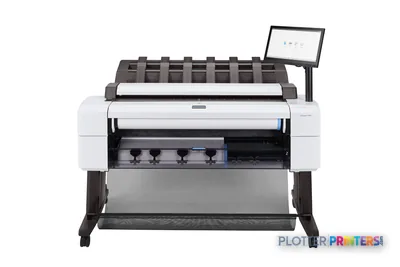 HP DesignJet T2600dr 36-in PostScript MFP — Plus Edition (Build Connected)3EK15P36"2400 dpiView details
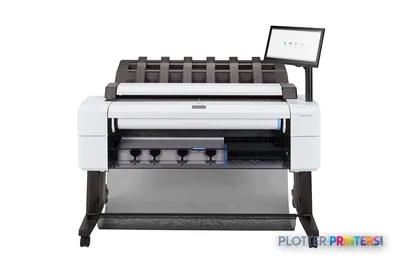 HP DesignJet T2600dr 36-in PostScript Multifunction Printer (Plus Edition)3EK15W36"2400 dpiView details
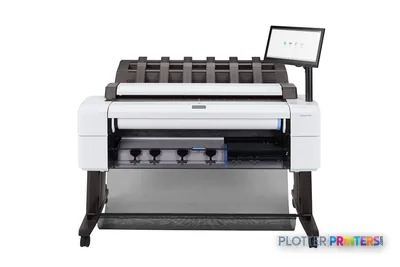 HP DesignJet T2600dr 36-in PostScript Multifunction Printer3EK15F#B1936"2400 dpiScanView details
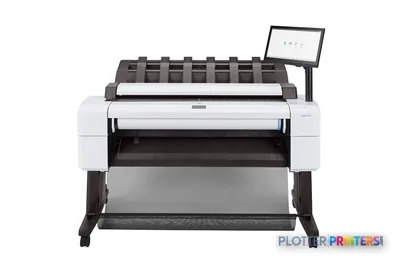 HP DesignJet T2600 36-in PostScript Multifunction Printer (Plus Edition)3XB78D36"2400 dpiView details
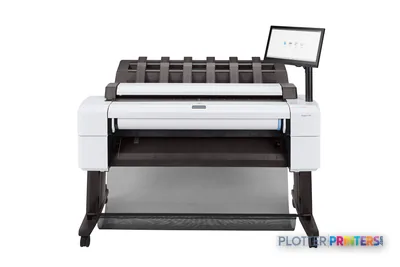 HP DesignJet T2600 36-in PostScript Multifunction Printer (Plus Edition — Build Connected)3XB78P36"2400 dpiView details
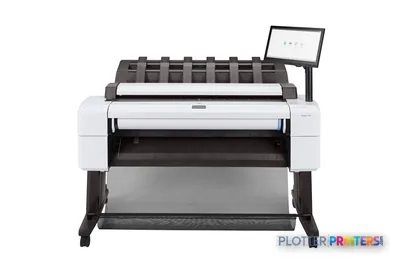 HP DesignJet T2600 36-in PostScript Multifunction Printer3XB78F#B1936"2400 dpiScanView details
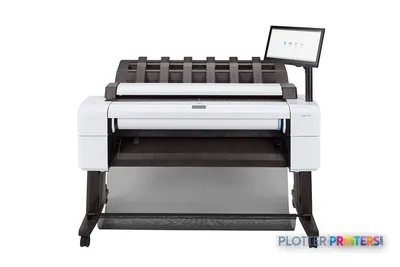 HP DesignJet T2600PS MFP 36-in3XB78D#B1936"2400 dpiView details
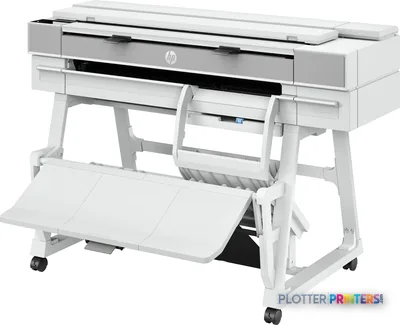 HP DesignJet T950 36-in MFP2Y9H3A36"2400 dpiScanView details
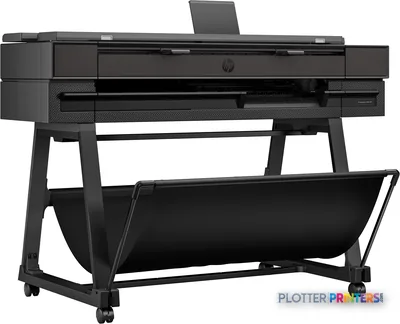 HP DesignJet T850 36-in MFP2Y9H2A36"2400 dpiScanView details
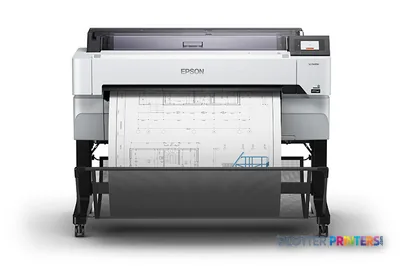 Epson SureColor T5470M 36-in Multifunction PlotterSCT5470M36"2400 dpiScanView details
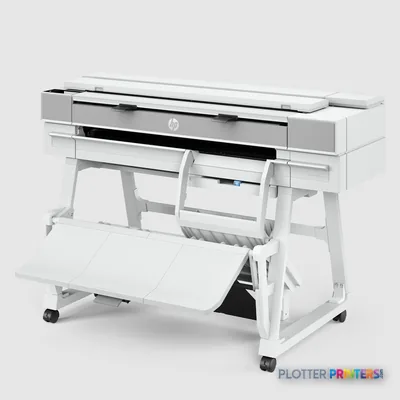 HP DesignJet XT950 36-in Multifunction Plotter2Y9H3F36"2400 dpiScanView details
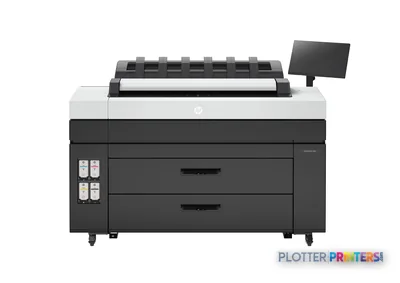 HP DesignJet XL 3800 MFP Printer7QR88H36"2400 dpiScanView details
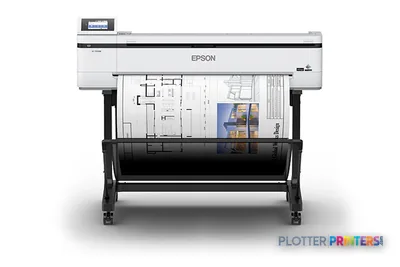 Epson SureColor T5170M 24-in Wireless MFPSCT5170M36"2400 dpiScanView details
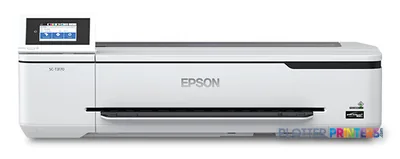 Epson SureColor T3170M 24-in Wide-Format MFPSCT3170M24"2400 dpiScanView details
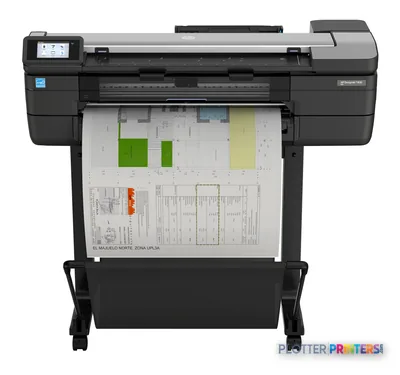 HP DesignJet T830 24-in Multifunction PrinterF9A28D24"2400 dpiScanView details
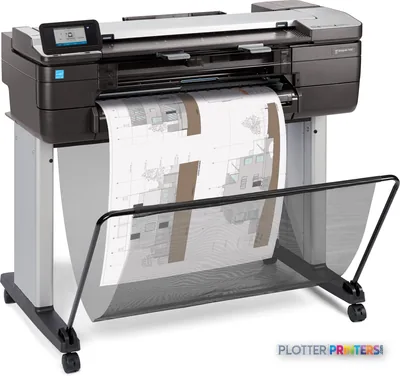 HP DesignJet T830 24-in Multifunction PrinterF9A28A24"2400 dpiScanView details
Free U.S. shipping on printersKlarna & Affirm at checkoutTalk to a person: 980-536-0080

A wide-format MFP is a roll-fed inkjet plotter with a full-width scanner bolted into the same chassis: print, scan and copy for plan-size documents from one machine, on one network drop, under one service contract. That’s the whole pitch — instead of a plotter on one side of the room and a scanner on the other, you get a single walk-up device that reads a D- or E-size sheet, drops it to a network folder as PDF or TIFF, and reprints it without a PC in the loop. The ranked picks below grade every model we sell, live, score-ordered, at current prices.
The class matters because most AEC scanning is not a project — it’s a habit. Someone marks up a set in the field, walks it back, and needs it copied and filed before the next coordination call. A standalone scanner and a standalone plotter can do that, but now you own two footprints, two service relationships, and two chances for a driver to break. The MFP collapses that into one node. The trade-off is that a roll-path scanner has limits a flatbed doesn’t, and scan width and scan speed vary meaningfully inside the class — which is exactly what the rest of this page unpacks.
We’re an independent HP DesignJet and Epson SureColor dealer. We grade and sell print+scan MFPs. We do not stock standalone wide-format scanners — we cover that hardware editorially and tell you honestly which side of the line your workflow sits on. If archiving old blueprints is the real job, the blueprint scanner guidance is where you belong.
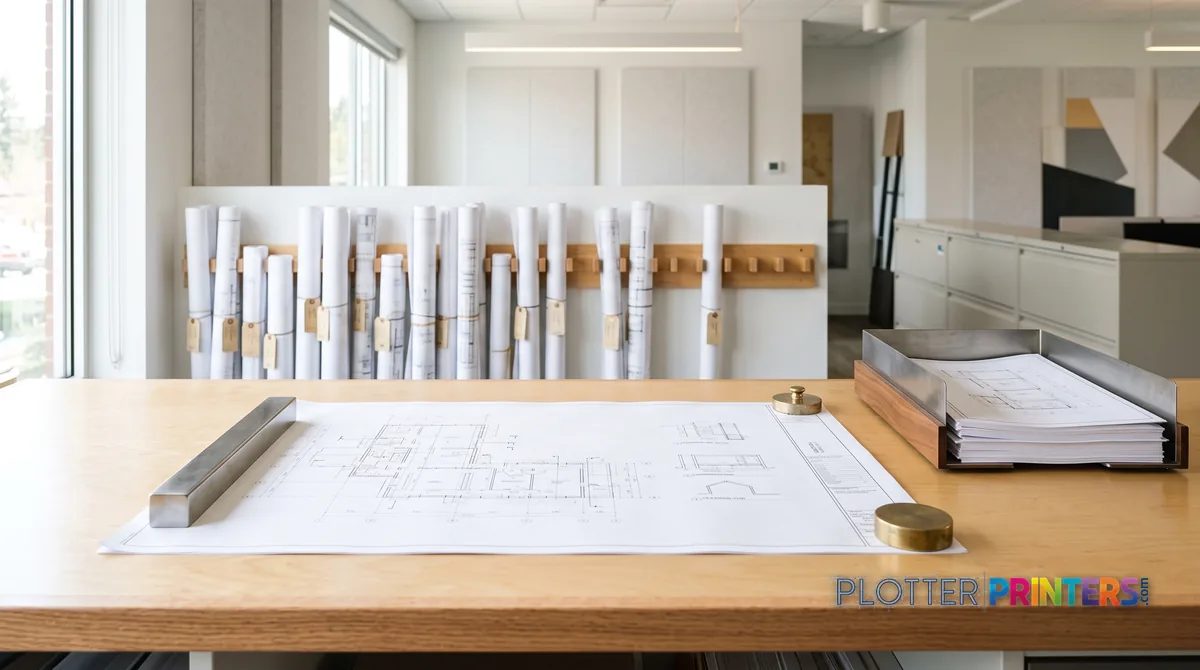
Who runs a wide-format MFP
SHT 02 · PLOTTERPRINTERS ANALYST DESKStrip away the marketing and the class sorts along four axes. Learn them and every model on the leaderboard slots into place.
- Print width. The 24-inch class handles up to A1/D-size — desktop or cart-mounted, sized for a small office. The 36-inch class is the AEC workhorse: full ARCH E and A0, floor-standing, and the width most plan rooms actually need.
- Roll count. Single-roll machines load one media type at a time. Dual-roll machines hold two at once — plain bond on one spindle, gloss or heavier stock on the other — and switch automatically. For a copier that runs unattended, dual-roll means fewer trips to reload.
- Scan path. The scanner sits on top and pulls the original through on rollers. Sensor type varies: CIS (contact image sensor) is compact and affordable; CCD offers more depth of field for wrinkled or mounted originals. Optical resolution, scan width and scan speed all shift across the class — sometimes the scan width is narrower than the print width, which we flag in pre-flight.
- Workflow. Some machines drive everything from an on-device touchscreen — walk up, scan to a preset folder, copy, done. Others lean on PC-driven scanning software. Touchscreen walk-up is what a busy plan room lives on; PC-driven is fine when scanning is occasional and an operator is already at the desk.
Match those four to your floor plan and the shortlist writes itself. The 36-inch MFP leaderboard and the 24-inch MFP leaderboard rank each width separately for exactly this reason.
The daily-copy plan room
Dozens of markups, as-builts and reissued sheets a day. Buy 36-inch, favor a fast scan path and touchscreen walk-up presets, and lean toward dual rolls so the copier never stalls to reload. Here the scanner speed pays for itself in operator minutes.
The site trailer
Field markups and copies made where the plans print, often by whoever is nearest. A rugged 36-inch single-roll MFP with simple walk-up copy and scan-to-USB covers it. Confirm scan width matches your largest sheet before it ever leaves the shop.
The one-machine studio
You print regularly and scan rarely, but you need scanning to exist so nobody drives across town. A 24-inch MFP covers occasional copy-and-file duty without a second device. Don’t pay for plan-room scan speed you’ll use a dozen times a year.
The grids rank the class live — scores, prices and stock stay current on their own.
The ranked wide-format MFPs
SHT 03 · PLOTTERPRINTERS ANALYST DESK36-inch MFPs — plan-room duty
Ranked live by our spec-graded scoring; prices and stock are current.
HP DesignJet T2600dr 36-in PostScript MFP — Plus Edition (Build Connected)3EK15D36"2400 dpiView detailsHP DesignJet T2600dr 36-in PostScript MFP — Plus Edition (Build Connected)3EK15P36"2400 dpiView detailsHP DesignJet T2600dr 36-in PostScript Multifunction Printer (Plus Edition)3EK15W36"2400 dpiView detailsHP DesignJet T2600dr 36-in PostScript Multifunction Printer3EK15F#B1936"2400 dpiScanView detailsThe pre-flight checks before you commit
SHT 04 · PLOTTERPRINTERS ANALYST DESKA roll-path scanner is not a flatbed, and pretending otherwise causes the two most common regrets in this category. Run these checks before you sign.
- Thick and fragile originals. The scanner feeds sheets through rollers. Mounted boards, foam-core, laminated exhibits and brittle old linens either won’t pass or risk damage. If your archive is fragile vellum or pasted-up sheets, a roll-path MFP is the wrong tool — that’s flatbed or CCD standalone-scanner territory, covered on the scanner-category hub.
- Scan width vs print width. On some models the scanner is narrower than the printer. A 36-inch plotter that only scans to a lesser width will clip a full E-size original. Confirm the scan width matches the largest sheet you’ll copy — not the largest you’ll print.
- Where the output lands. Scan-to-network-folder, scan-to-USB, scan-to-cloud and multipage PDF are features, not guarantees. Confirm the destinations your firm needs, and confirm the file format (searchable PDF vs flat TIFF) matches your document platform.
- Who sets it up. Somebody configures the SMB folders, the authentication, the naming presets. If that person is not on staff, budget for it. A scanner nobody configured is a very expensive photocopier.
None of these are dealbreakers — they’re the difference between a machine that fits and one that fights you every morning.
Matching the machine to how hard you'll scan
SHT 05 · PLOTTERPRINTERS ANALYST DESKDuty cycle is where studios overspend and plan rooms underspend. The question is not “can it scan?” — nearly all of them can. It’s “how many originals cross that glass per day, and does the copy function alone earn the class?”
Daily plan-room duty — dozens of markups, as-builts and reissued sheets — wants a touchscreen walk-up workflow, a fast scan path, and ideally dual rolls so the copier doesn’t stall for a reload. The scanner speed and the walk-up presets are what save operator minutes, and in a room that scans all day, money is minutes. Buy for sustained throughput, not the peak the brochure quotes.
Occasional studio scanning is a different animal. If you scan a set once a week, the scan-path speed barely matters; what matters is that the machine exists at all so you don’t drive an original across town. Here the copy-and-file convenience justifies the integrated scanner even when raw scan volume is low — the value is in never owning a second device. Just don’t pay for plan-room scan speed you’ll use twelve times a year.
The honest middle case: if you scan more than you print, an MFP may be the wrong center of gravity, and a dedicated scanner beside a simpler plotter serves you better. That decision is worth its own page.
Where to go from here
If you’re still weighing one machine against a separate plotter and scanner, the full decision logic — footprint, failure modes, total cost of two service contracts vs one — lives on the one-machine-or-two guide. Start there before you shop the grids.
If the real job is digitizing a room full of legacy drawings, an MFP’s roll path is likely the wrong tool; read the blueprint scanner guidance first. And if construction-site workflow is your context, the construction plotters coverage frames the field side.
Once you’ve got a width, a roll count and a workflow settled, the ranked picks below are score-ordered at current prices. Shortlist two, then send us the shortlist for a quote — we’ll confirm scan width, output destinations and lead time before anything ships.
Your questions, answered
SHT 07 · PLOTTERPRINTERS ANALYST DESKWhat is a wide-format MFP?
It’s a roll-fed inkjet plotter with a full-width scanner integrated into the same chassis, so one machine prints, scans and copies plan-size documents. Instead of a separate plotter and scanner, you get a single walk-up device that reads a D- or E-size sheet, saves it as PDF or TIFF to a network folder, and reprints it — all on one network connection and one service contract.
What's the difference between the 24-inch and 36-inch MFP classes?
The 24-inch class prints up to A1/D-size and is usually desktop or cart-mounted for small offices with occasional needs. The 36-inch class handles full ARCH E and A0, is typically floor-standing, and is the AEC workhorse for plan rooms and site offices. Choose 36-inch if you ever copy full-size sheets — a scanner narrower than your originals will clip them.
What does dual roll mean and do I need it?
A dual-roll machine holds two media types at once — plain bond on one spindle, gloss or heavier stock on the other — and switches automatically between them. You need it when a copier or plotter must run unattended across mixed jobs; it means fewer trips to reload and no stalled queue mid-set. A single-roll machine is fine for lighter, single-media workflows.
Can an MFP scanner handle old, fragile or mounted drawings?
Usually not well. The scanner feeds originals through rollers, so mounted boards, foam-core, laminated exhibits and brittle old linens either won’t pass or risk damage. If your originals are fragile vellum or pasted-up sheets, you want a flatbed or CCD standalone scanner instead. We cover that hardware editorially — see our scanner-category hub — even though we don’t stock it.
Does the scanner scan as wide as the printer prints?
Not always. On some models the scanner is narrower than the printer, meaning a 36-inch plotter might only scan to a lesser width and clip a full E-size original. This is one of the most common oversights in the category. Always confirm the scan width matches the largest sheet you’ll copy — not just the largest sheet you’ll print — before buying.
What's the difference between CIS and CCD scanners?
CIS (contact image sensor) is compact and affordable, sensing the original in near-contact. CCD offers more depth of field, which matters for wrinkled, mounted or uneven originals. Most integrated MFP scanners use CIS, which is fine for flat, current drawings. If your work involves distorted or three-dimensional originals, CCD — typically found on standalone scanners — reads them more forgivingly.
Where does scanned output go, and who sets that up?
Depending on the model, output can go to a network folder, USB, cloud service, or as a multipage PDF. But these destinations require configuration — SMB folders, authentication, naming presets. Someone on staff or your dealer’s setup team has to build that. A scanner nobody configured becomes an expensive photocopier, so budget for setup if you don’t have IT support in-house.
Should I buy an MFP or a separate plotter and scanner?
It depends on your ratio of scanning to printing and how fragile your originals are. If you print regularly and scan flat, current drawings occasionally, an MFP consolidates two devices into one footprint and one contract. If you scan more than you print — or scan fragile originals — a dedicated scanner beside a simpler plotter serves better. Our one-machine-or-two guide walks the full decision.
Do you sell standalone wide-format scanners?
No. We grade and sell print+scan MFPs — wide-format printers with integrated scanners. We do not stock standalone wide-format scanners, but we cover that hardware class editorially and help you decide which side of the line your workflow sits on. If a dedicated scanner is genuinely the right tool, our guidance is yours; the purchase just won’t be through us.
Is dye or pigment ink better for an AEC MFP?
Pigment ink is the AEC default — it’s water- and UV-resistant and archival, which matters for drawings that live on a job site or in a project file for years. Dye ink is more vivid and lower cost but fades faster. For crisp linework on plain bond and durable output, pigment is the safer specification for technical drawing work.
The bottom line
SHT 08 · PLOTTERPRINTERS ANALYST DESK- A wide-format MFP is a roll-fed plotter with an integrated full-width scanner — print, scan and copy for plan-size sheets in one chassis, on one contract.
- Sort the class by four axes: print width, roll count, scan path, and walk-up vs PC-driven workflow — then the shortlist writes itself.
- Confirm scan width against your largest original, not your largest print; a narrower scanner clips full E-size sheets.
- A roll-path scanner won't handle fragile, mounted or brittle originals — that's flatbed or standalone-scanner territory, which we cover editorially but don't stock.
- Match duty honestly: plan rooms need fast walk-up scanning and dual rolls; studios just need the scanner to exist without paying for speed they won't use.
- Choose a 36-inch dual-roll MFP if you scan and copy full sets daily; choose a 24-inch single-roll MFP if scanning is rare and you just want one device.
Shortlisting an MFP?
Tell us your print and scan volumes — we'll match the class honestly.