
AEC Buyer Guide — No. 02
CAD Plotters: Choose by Discipline, Not by Brochure
What a CAD plotter is, and the one decision — content times width — that sorts nearly every AutoCAD or Revit buyer before disciplines add nuance.
Shop these machines
Ranked live by our spec-graded scoring — prices & stock are current. Free U.S. shipping on every printer.
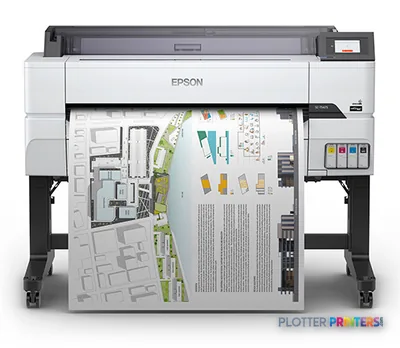 Epson SureColor T5475 36-in PlotterSCT5475SR36"2400 dpiWi-FiView details
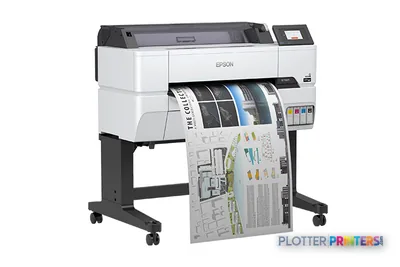 Epson SureColor T3475 24-in Wide-Format PrinterSCT3475SR24"2400 dpiWi-FiView details
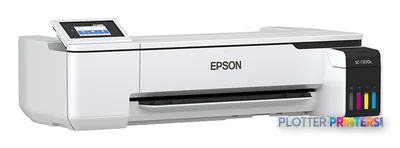 Epson SureColor T3170x 24-in Wireless PrinterSCT3170X24"2400 dpiView details
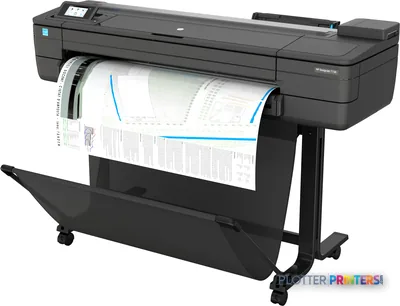 HP DesignJet T730 36-in PrinterF9A29D#B1936"2400 dpiWi-FiView details
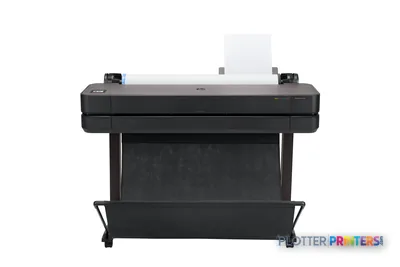 HP DesignJet T630 36-in Printer5HB11D36"2400 dpiWi-FiView details
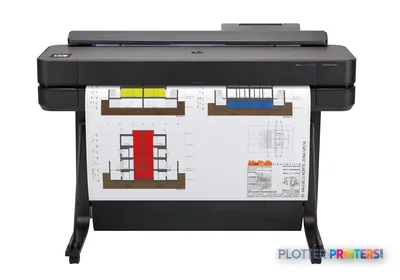 HP DesignJet T650 36-in Plotter5HB10D36"2400 dpiWi-FiView details
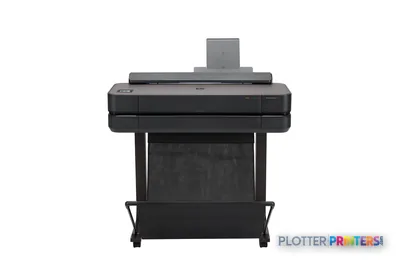 HP DesignJet T650 24-in Printer5HB08D24"2400 dpiWi-FiView details
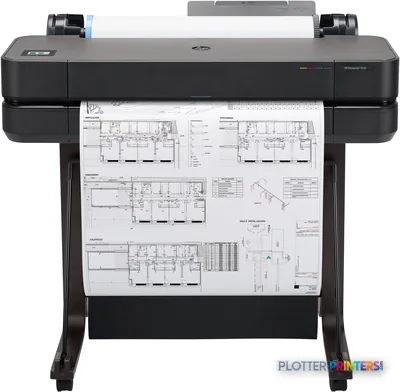 HP DesignJet T630 24-in Printer5HB09D24"2400 dpiWi-FiView details
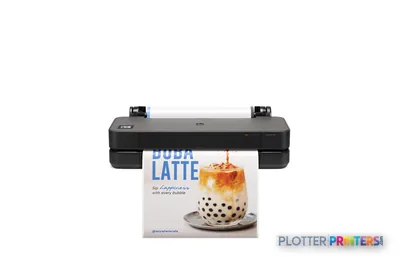 HP DesignJet T250 24-in Printer5HB06D24"2400 dpiWi-FiView details
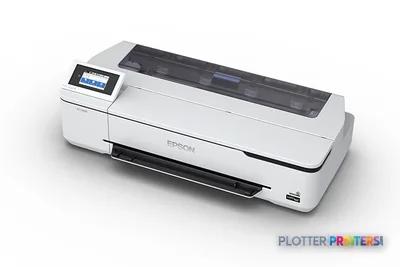 Epson SureColor T3170 24-in Wireless PrinterSCT3170SR24"2400 dpiWi-FiView details
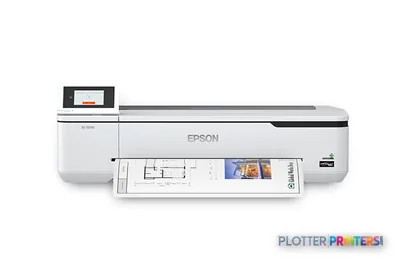 Epson SureColor T2170 24-in Wide-Format PrinterSCT2170SR24"2400 dpiWi-FiView details
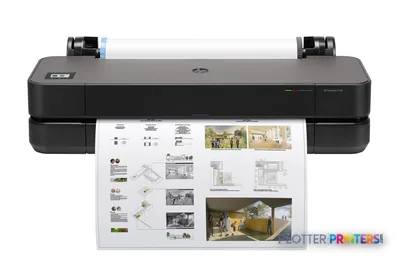 HP DesignJet T230 24-in Printer5HB07D24"2400 dpiWi-FiView details
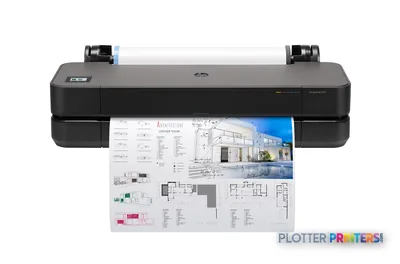 HP DesignJet T210 24-in Printer8AG32T24"2400 dpiWi-FiView details
Free U.S. shipping on printersKlarna & Affirm at checkoutTalk to a person: 980-536-0080

A CAD plotter today is a wide-format inkjet that prints straight from your CAD or BIM software onto rolls of paper. The pen plotters that gave the category its name — carousels of ink pens dragging lines across a sheet — are long dead. The word survived. The hardware didn’t.
So when you type “cad plotter” or “plotter for AutoCAD,” what you’re actually shopping for is a roll-fed inkjet that renders linework cleanly at small scales, takes a print job from your drafting software without a fight, and spits out a D-size sheet before you finish your coffee. That’s the job. Everything else is detail.
Here’s the part nobody tells you up front: two questions sort about ninety percent of CAD buyers. First, what do you print — plain linework check sets, or color-heavy presentation sheets? Second, how wide — 24-inch for A1 and D-size, or 36-inch for full ARCH E and A0? Answer those two and you’ve narrowed the field to a handful of machines. Your discipline — architecture, civil, structural, MEP, survey — layers on the last ten percent.
This page walks that logic in order. The discipline cards below are the heart of it, because a survey office running area-fill map plots and an MEP shop running dense color-coded coordination sheets want different tools even at the same width. The ranked picks and live leaderboard on this page carry the current models and prices. My job is to get you to the right shelf before you look at them.
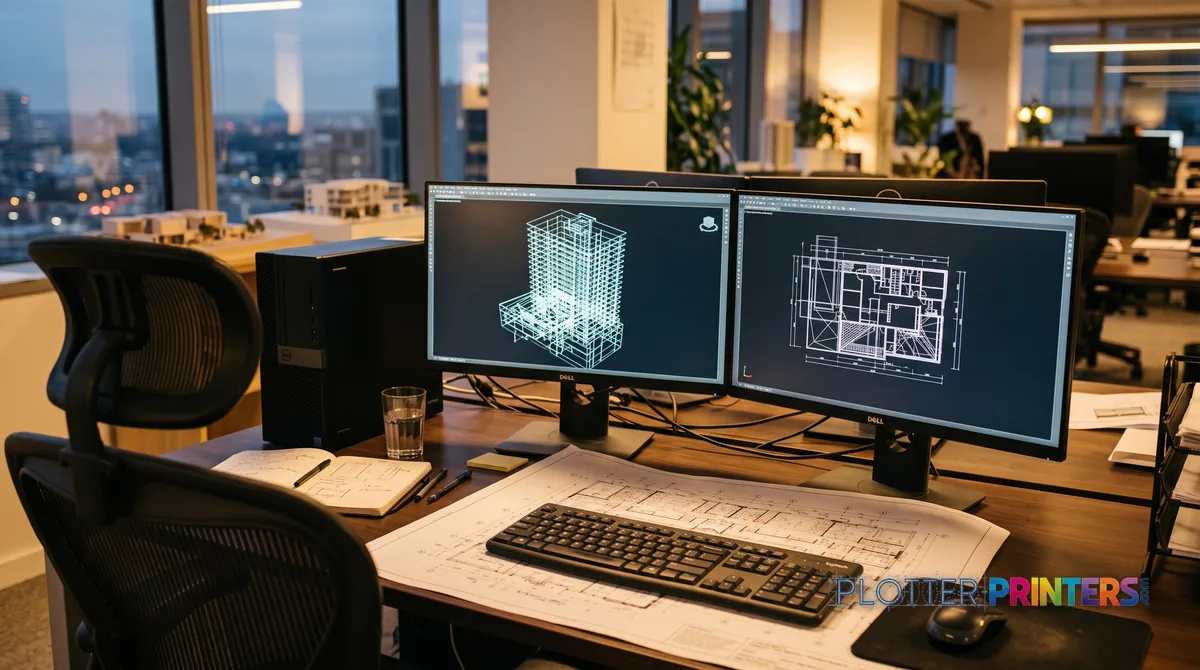
Four disciplines, four briefs
SHT 02 · PLOTTERPRINTERS ANALYST DESKForget brand for a minute. Two axes sort the CAD market: what you print and how wide.
Content first. Are your daily deliverables linework — floor plans, sections, profiles, details, check sets printed on plain bond? Then you want a technical machine tuned for crisp thin lines and cheap plain-paper output. Or are your bread-and-butter sheets color-heavy — presentation boards, renderings, GIS base maps with big saturated area fills? That pushes you toward a graphics/photo-class machine built for gamut and smooth gradients. Most AEC firms live on the linework side. Some straddle both, and that’s where dual-roll and pigment ink start to matter.
Width second. A 24-inch roll prints ARCH D, ANSI D, and ISO A1 full-size — plenty for a solo practice or an office that plots one sheet at a time. A 36-inch roll prints full ARCH E and A0, and more to the point, it runs half-size sets and full sets without you babysitting the media. If your team runs bid sets and permit sets, 36-inch isn’t a luxury. It’s the difference between one queue and three.
Multiply the two — content times width — and you’ve built a short list before you’ve read a single spec sheet. The discipline cards below tell you where architecture, civil/structural, MEP, and survey/GIS typically land on both axes. Read the one that’s yours. Then hit the leaderboard.
Bottom line: content times width sorts ninety percent of CAD buyers; your discipline decides the rest.
Architecture & design studios
Your work splits two ways: plan sets on plain bond for permits and coordination, and color presentation sheets — boards, renderings, elevations — that a client will actually look at. That mix argues for a 36-inch pigment machine that prints crisp linework cheaply and still holds color on coated stock, or a dual-roll setup for bond-plus-gloss days. See the architects’ guide for the trade-offs.
Civil & structural engineering
Long linework runs dominate: site plans, grading, profiles, structural framing, detail sheets — mostly plain bond, mostly monochrome, often by the set. You want thin-line fidelity at half-size and plain-paper economy far more than wide color gamut. A 36-inch technical machine set up for batch plotting is the fit; the engineering guide covers the details.
MEP & coordination
Dense multi-layer sheets, color-coded by trade — mechanical, electrical, plumbing, fire — where color IS information, not decoration. If a duct run and a conduit read the same gray, the sheet failed. You need consistent, distinguishable color on plain bond plus reliable line weights. A pigment 36-inch machine handles it; the construction guide speaks to coordination workflows.
Survey & GIS / mapping
Big area fills, aerial base maps, contour shading, and specialty map media — this leans harder into color than the linework disciplines. Smooth gradients and accurate fills matter, which pushes toward graphics/photo-class pigment machines. Media handling for heavier and coated stocks counts too. The GIS & mapping guide covers the map-specific choices.
The grids rank the class live — scores, prices and stock stay current on their own.
The ranked CAD machines
SHT 03 · PLOTTERPRINTERS ANALYST DESK24-inch CAD class — solo & small studio
Ranked live by our spec-graded scoring.
36-inch CAD class — the set runners
Wide-format MFPs — print, scan & copy
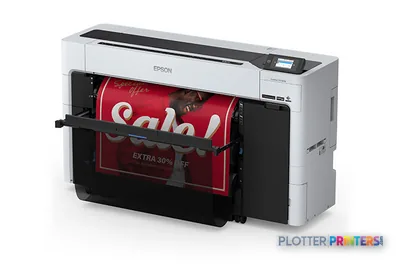 Epson SureColor T5770DM 36-in Multifunction PlotterSCT5770DM2400 dpiScanView details
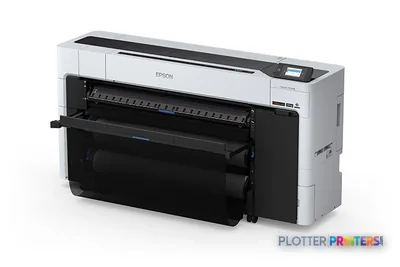 Epson SureColor T7770DM 44-in Wide-Format MFPSCT7770DM44"2400 dpiScanView details
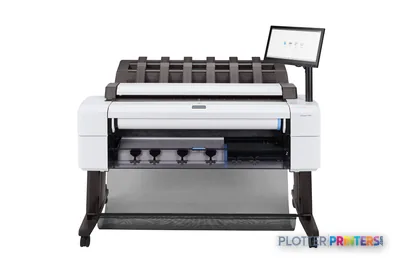 HP DesignJet T2600dr 36-in PostScript MFP — Plus Edition (Build Connected)3EK15D36"2400 dpiView details
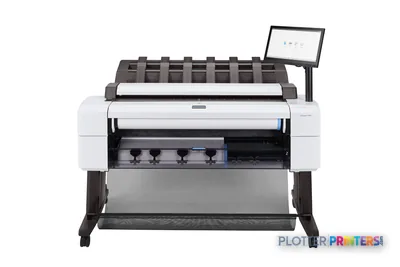 HP DesignJet T2600dr 36-in PostScript MFP — Plus Edition (Build Connected)3EK15P36"2400 dpiView details
What crisp CAD output actually demands
SHT 04 · PLOTTERPRINTERS ANALYST DESKHere’s what a CAD plotter has to do that a home printer never worries about: hold a hairline at half-size.
Print a D-size sheet at 11×17 for a check set and every thin line — property boundaries, dimension leaders, hidden lines — shrinks by half. A cheap machine breaks those lines. You get dashes where you drew solids, gaps where you drew corners, and a reviewer who can’t tell a lot line from a setback. A technical machine renders that line clean and continuous whether it’s full-size or reduced. That’s the single most important thing to test before you buy, and it’s the thing spec sheets don’t show you.
Second demand: plain-bond economy. Check sets and redline prints are disposable. You’ll throw away a dozen versions before the set is final. If every sheet costs like a photo print, your CAD budget bleeds out on drafts. Technical machines print sharp black linework on ordinary uncoated bond, cheaply, which is exactly what you want for the working sets nobody keeps.
Third: driver and page-setup reliability. Batch-plotting a forty-sheet set from CAD or a Revit-class BIM tool is a page-setup exercise. When the driver honors your plot styles, your line weights, and your sheet sizes every time, the set comes out right on the first run. When it doesn’t, you’re standing at the tray at 11 p.m. re-plotting sheet 23 because the fill banded or the scale drifted. Pigment ink is the AEC default here — water-resistant, fade-resistant, survives a job trailer.
Where cheap machines visibly fail: broken thin lines at reduction, banding in solid fills, and drivers that quietly resize your sheet. You see all three at the worst possible time.
Bottom line: buy for the hairline at half-size and the honest driver — everything else is negotiable.

24-inch or 36-inch — and when dual-roll earns its keep
SHT 05 · PLOTTERPRINTERS ANALYST DESKWidth is the least reversible choice you’ll make, so get it right.
A 24-inch class machine prints A1 and D-size full, runs half-size sets off the same roll, and sits on a cart or desk in a small office. It suits solo practices, a two-person civil shop, or any team that plots occasionally rather than by the set. See what fits on the 24-inch CAD leaderboard.
A 36-inch class machine is the AEC workhorse. It prints full ARCH E and A0, which you need the day a client asks for a full-size E-sheet — and someone always does. More than that, 36-inch machines are built for set running: bigger sheets, faster sustained output, floor-standing stability. If your firm produces bid sets and permit sets, this is your shelf. The 36-inch CAD leaderboard ranks them.
Dual-roll is the quiet upgrade set-runners underrate. Two rolls loaded at once — say plain bond on one and gloss or vellum on the other — means the machine switches media without you unloading a roll mid-job. Bond check set in the morning, presentation sheet in the afternoon, no cart trip. For a shop that mixes paper types daily, that’s minutes saved per deadline and one less reason to stay late.
Bottom line: 24-inch for the occasional plotter, 36-inch for anyone running sets, dual-roll for anyone running two papers.
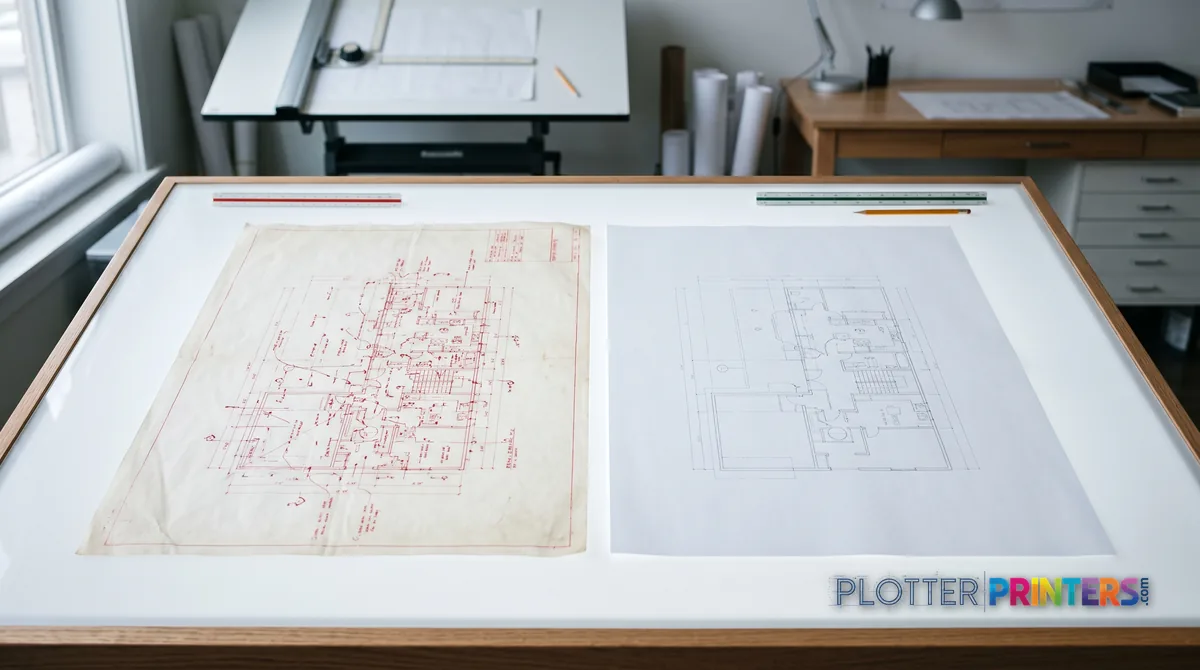
The scanner question: do you need to copy markups?
Some CAD teams need to scan and copy wide sheets. Most think they need it more than they do.
Ask one question: do you round-trip redlines? Renovation and as-built work is the classic case. A field markup comes back on paper — coffee-stained, folded, scribbled in red — and you need it digital, or you need a clean copy to mark up again. That’s a wide-format MFP: printer plus integrated scanner, print/scan/copy in one footprint. Plan rooms and as-built-heavy offices live on these.
But if your markups arrive as PDFs and your redlines happen on-screen in a Bluebeam-class tool, you may not need a wide scanner at all. A print-only plotter plus the office’s letter-size copier covers the occasional 11×17 scan. Don’t pay for a scanner bed that collects dust.
If scan and copy are genuinely part of your workflow, look at the MFP class on the plan-room buyer’s guide rather than the print-only leaderboards — different machines, different math.
Bottom line: buy the scanner only if paper redlines actually walk in your door.
Your questions, answered
SHT 07 · PLOTTERPRINTERS ANALYST DESKWhat is a CAD plotter?
A CAD plotter is a wide-format inkjet printer that prints directly from CAD or BIM software onto rolls of paper. The name is a holdover from pen plotters — old machines that drew lines with actual ink pens — which are obsolete. Today the term just means a roll-fed inkjet built for technical drawings: crisp linework, standard sheet sizes like ARCH D and E, and reliable printing from drafting software.
What's the best plotter for AutoCAD?
There isn’t one answer — it depends on what you print and how wide. AutoCAD sends jobs through a standard printer driver, so almost any current wide-format inkjet works with it. The real questions are whether you print mostly linework or color, and whether you need 24-inch or 36-inch width. Sort those first, then check the ranked leaderboard on this page for current models.
Do I need a 24-inch or 36-inch plotter?
A 24-inch machine prints A1 and D-size (24×36) full and suits solo practices or occasional printing. A 36-inch machine prints full ARCH E (36×48) and A0, and it’s built to run whole sets without babysitting. If your firm produces bid sets or permit sets, go 36-inch. If you plot one sheet at a time, 24-inch saves space and money.
Should I get dye or pigment ink for CAD work?
Pigment ink is the AEC default. It resists water and UV fading, so a sheet survives a job trailer, a car dashboard, and years in an archive. Dye ink is more vivid and costs less, but it fades and smears when it gets wet — a real problem for field documents. For technical linework and any drawing that leaves the office, choose pigment.
Why do thin lines look broken when I reduce a set to half-size?
Because a cheap machine can’t hold a hairline once it shrinks by half. Print a D-size sheet at 11×17 and thin lines — dimension leaders, hidden lines, lot boundaries — drop below what a low-resolution or poorly-tuned printer can render continuously. A technical CAD plotter is designed to keep those lines solid at reduction. Always test a half-size check set before you buy.
Do I need a scanner built into my plotter?
Only if paper redlines actually come back to your office. Renovation and as-built work often round-trips marked-up paper sheets, which is where a wide-format MFP — printer plus scanner — earns its cost. If your markups arrive as PDFs and you redline on-screen, a print-only plotter plus the office letter-size copier is enough. Don’t pay for a scanner bed you won’t use.
Can a CAD plotter print color presentation boards too?
Some can, some can’t do it well. Technical machines print sharp linework and decent color, but for saturated boards, renderings, and smooth gradients you want a graphics or photo-class pigment machine tuned for wider color gamut. Architecture and GIS teams that live on color output should weigh that; pure linework disciplines like civil rarely need it. Dual-roll machines let you handle both media types.
What paper sizes does a CAD plotter handle?
A 24-inch roll prints ARCH D (24×36), ANSI D (22×34), and ISO A1 (594x841mm) full-size, plus half-size sets like 11×17 and 12×18. A 36-inch roll adds full ARCH E (36×48), ANSI E (34×44), and ISO A0 (841x1189mm). Rolls wider than 36 inches belong to graphics and production work, not typical CAD output.
Does printing from Revit work differently than AutoCAD?
The mechanics are similar — both send jobs through the printer driver, and both rely on correct page setups and plot styles. BIM tools like Revit produce sheet views you print much like CAD layouts. What matters for the hardware is driver reliability and honoring your line weights and sheet sizes on every sheet of a batch. We won’t promise specific software behavior, but the driver question applies to both.
How do I get a recommendation for my specific firm?
Start with the two-axis logic on this page — content and width — then read the discipline guide that matches your work. When you want a shortlist tied to your volume and deliverables, use the quote funnel or call us at 980-536-0080. We’re an independent HP DesignJet and Epson SureColor dealer and we publish spec-graded rankings, so the picks come with numbers you can check.
The bottom line
SHT 08 · PLOTTERPRINTERS ANALYST DESK- A CAD plotter is just a roll-fed wide-format inkjet — the pen-plotter name stuck, the pens didn't.
- Content times width sorts ninety percent of buyers: linework or color, 24-inch or 36-inch.
- The test that matters most is whether thin lines hold at half-size — spec sheets won't show you that.
- Pigment ink is the AEC default because field documents get wet, folded, and archived for years.
- Buy 24-inch for occasional plotting, 36-inch for set running, dual-roll for shops that mix paper types.
- Add a scanner only if paper redlines actually walk in your door.
Buying for a CAD team?
Tell us the disciplines and sheet sizes — we'll shortlist from the machines we've graded.