
Home / Wide-Format Printers / Epson SureColor
Epson · Wide-Format Plotter
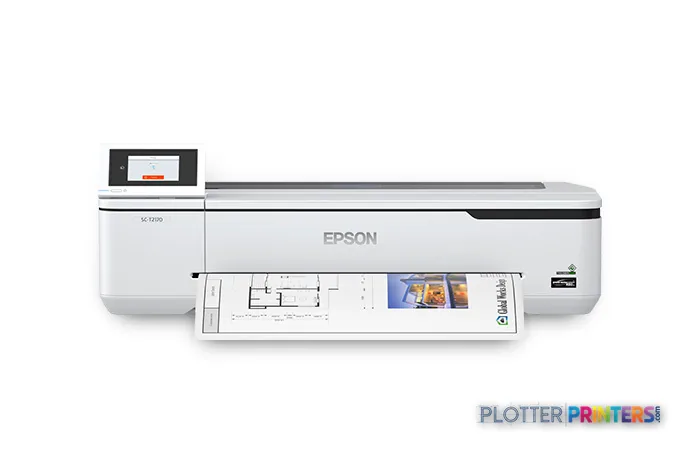
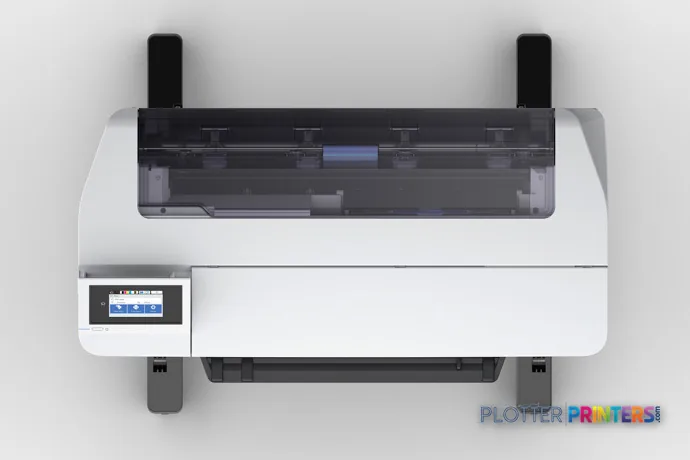
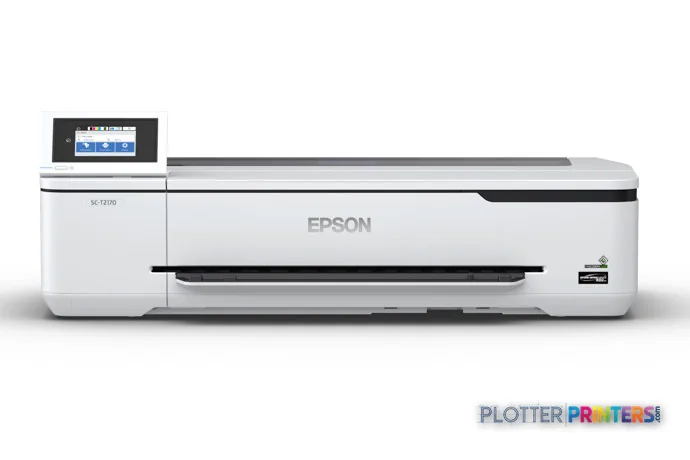
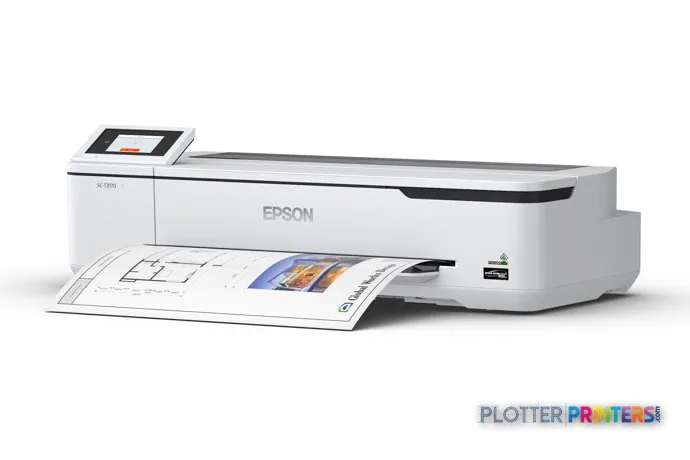
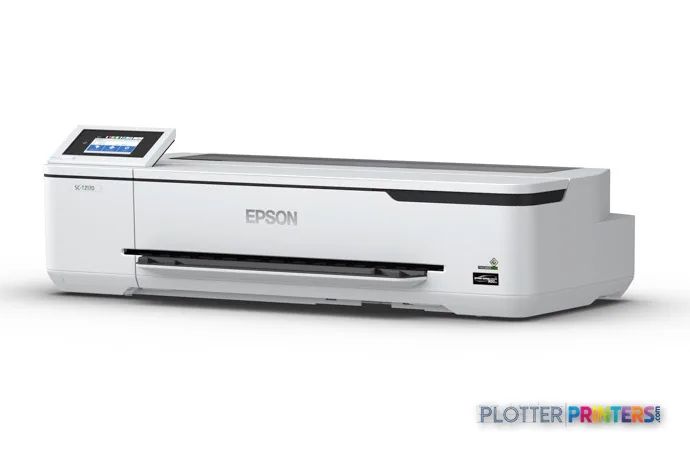
Epson SureColor T2170
24" technical / CAD plotter
- ModelT2170
- Prints24" wide
- Score51/100
Authorized Epson dealerGenuine hardware & ink
1-year warranty includedExtension plans available
Free shippingContinental U.S.
Plotter specialistsAEC experts, not just sellers
Analyst take
- A 24-inch desktop inkjet built for offices with no print room and low weekly volume.
- 2400 x 1200 DPI holds fine CAD linework and small text on plain and coated bond.
- Four inks cover everyday black-line plots plus occasional color maps and coordination sheets.
Not sure if the T2170 is right for you?
Compare key specs and an AI analyst read-out against similar models.
- Wide-format reach Prints up to 24" wide on rolls and sheets.
- Fine detail 2400 x 1200 DPI maximum resolution for crisp line work.
- Ink platform Cyan, Magenta, Yellow, Black.
- Connectivity Wi-Fi + Ethernet for shared team printing.
- Verified specs 8 specs checked against the manufacturer datasheet.
- Analyst score Scores 51/100 in our class-relative rating.
Overview
The desktop plotter for the office that prints a few D-size sheets, not a few hundred

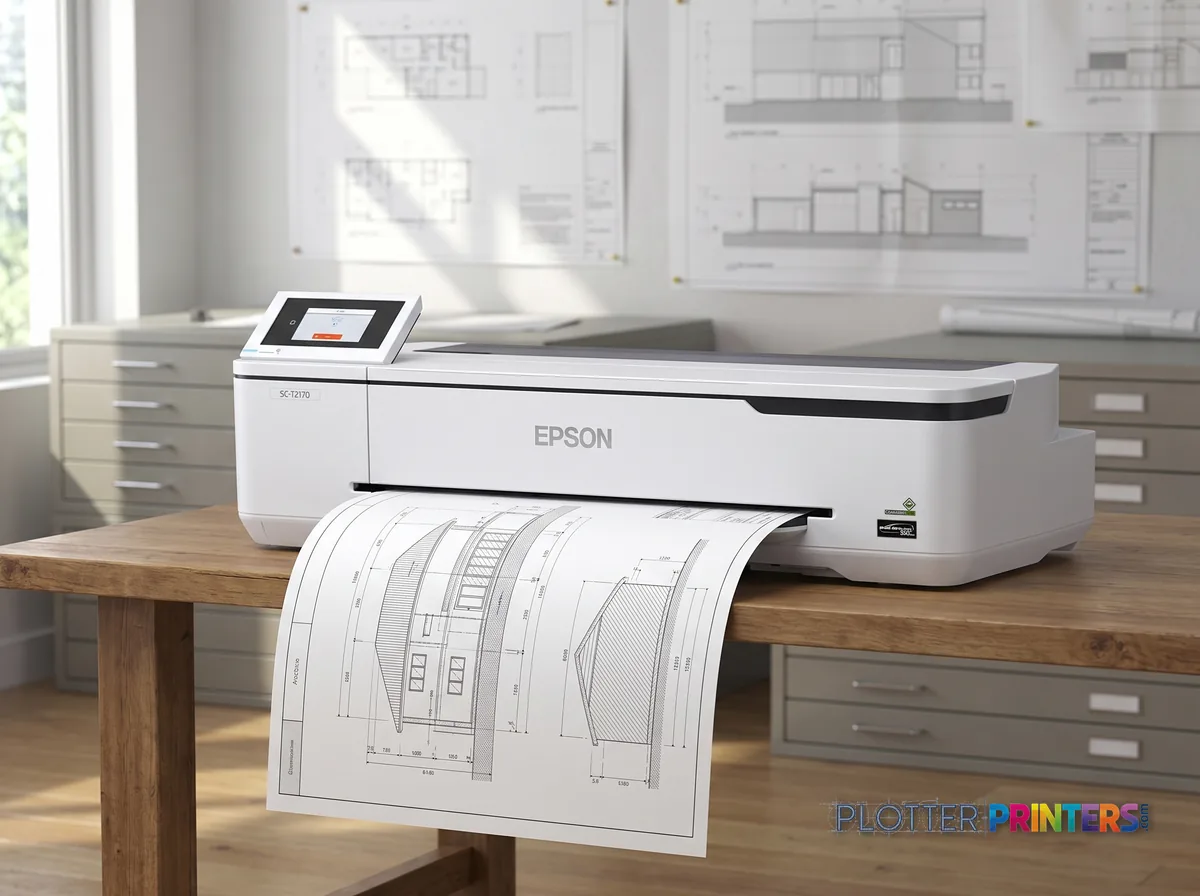
Picture the satellite office. One architect, maybe two engineers, a permit set due Friday. Nobody wants a floor-standing plotter eating a corner of the room. The Epson SureColor T2170 is built for exactly that reader: a 24-inch, four-color inkjet that sits on a desk or a low cabinet and stays out of the way. It weighs 59.5 lbs and stands about 9 inches tall, so it lands where a big machine can’t.
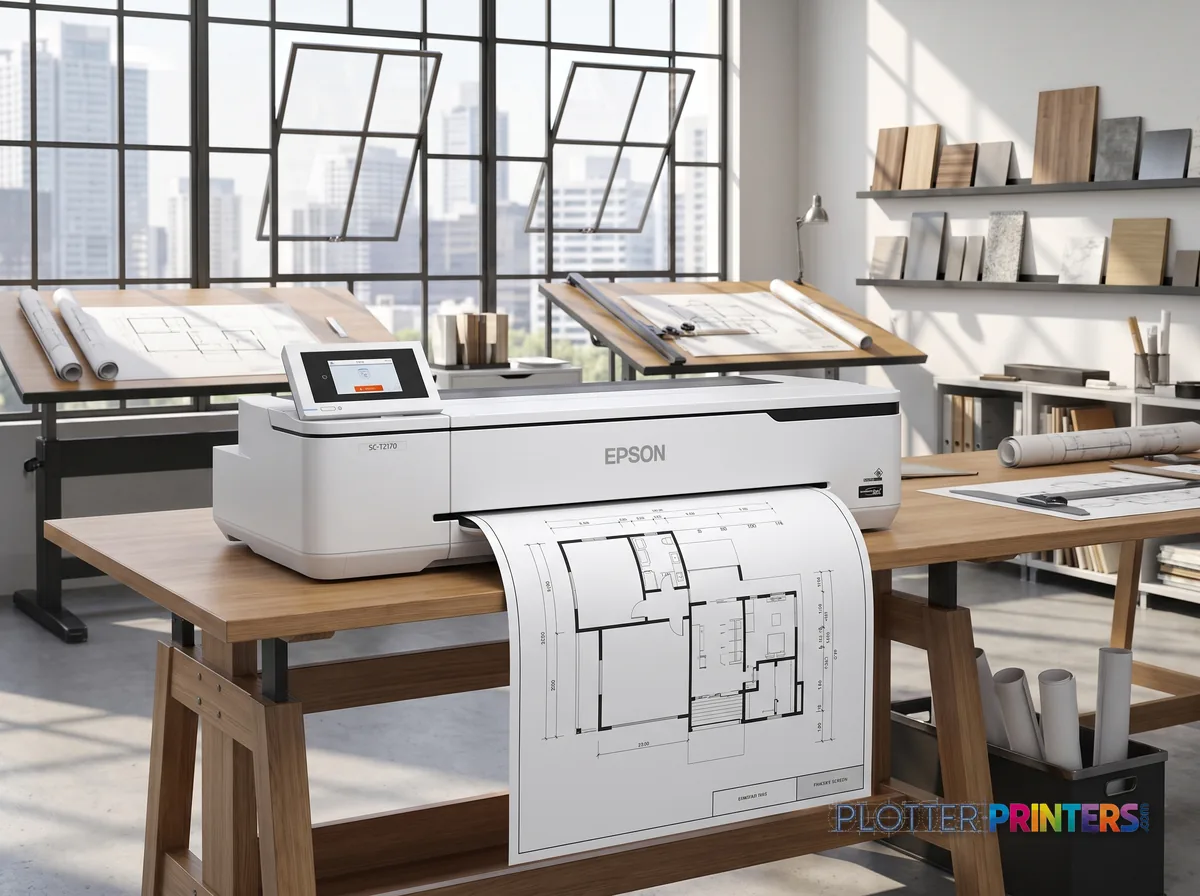
Epson rates it at 84 A1 prints per hour in normal quality — that’s roughly 43 seconds per D-size sheet. Fine for a handful of plots. It handles roll and cut sheet, plain, bond and coated media, speaks HP-GL/2 and HP-RTL, and connects over Ethernet, Wi-Fi or USB. Resolution tops out at 2400 x 1200 DPI, so your fine linework and small callouts hold up on bond.
- Solo architects and small design studios printing a few sheets a week
- Satellite and home offices needing a quiet desktop plotter
- MEP or survey staff doing occasional check plots and redlines
Where it’s wrong: high volume. It uses small cartridges, so cost per sheet climbs fast on daily plan sets. If you’re running more than a handful of D-size a week, look at a higher-capacity 24-inch machine such as the Canon GP-2000 24-in.
- 24″Max print width
- 563 ft²/hRated speed (burst)
- 4Ink channels
- 2,400 dpiMax resolution
- 12 moIncluded warranty
Spec Analysis
overall
overall
Where it performs best
Connections
100
Size / Fit
95
Print Quality
76
Class best is 60. How we grade →
At a glance
- Print technology
- Four-color inkjet (CMYK)
- Max roll width
- 24 in (61 cm)
- Max resolution
- 2400 x 1200 DPI
- Print speed
- 84 A1 prints/hr, normal quality (~43 s per D-size)
- Media handling
- Roll and cut sheet; plain, bond, coated; 2 input trays
- Languages
- HP-GL/2, HP-RTL, ESC/P
- Connectivity
- Gigabit Ethernet, Wi-Fi, Wi-Fi Direct, USB
- Footprint / weight
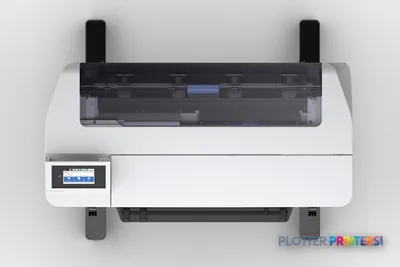
- 38.2 x 19.9 x 9.06 in; 59.5 lbs
Ideal for: solo architects, small studios and satellite offices printing a few D-size sheets a week. Not the tool for: daily high-volume plan-set production, where small cartridges push cost per sheet up fast.
Expert analysis
What you should know
Key takeaways
- A 24-inch desktop inkjet built for offices with no print room and low weekly volume.
- 2400 x 1200 DPI holds fine CAD linework and small text on plain and coated bond.
- Four inks cover everyday black-line plots plus occasional color maps and coordination sheets.
- Rated 84 pph at A1 (about 43 seconds per sheet) in draft — first sheet out in roughly a minute.
- Small cartridges and a 4.29-inch max roll mean frequent media changes; not for daily plan-set output.
- Full connectivity — Gigabit Ethernet, Wi-Fi, Wi-Fi Direct, USB — plus HP-GL/2 and HP-RTL support.
Somebody in a two-person architecture studio needs a D-size site plan before the client shows up at 4:30. They don’t have a print room. They don’t have an operator. They have a corner of the office and a deadline. That’s the job the Epson SureColor T2170 was built for.
This is a 24-inch desktop wide-format inkjet. Four inks, roll and cut-sheet feed, and a footprint that fits on a credenza. It is not a production plotter and never pretended to be. It’s the machine you buy when printing your own plans beats driving to the repro shop twice a week.
24" (61 cm)Max roll widthD-size and ARCH D in a single pass
84 pphA1 print speedEpson datasheet: 43 s/A1 — that's line-drawing draft mode, not a photo
2400 x 1200 DPIMax resolutionfine enough for small text and dense CAD linework
59.5 lbs (27 kg)Weightone person can lift it onto a bench
What it does well
Four colors — Cyan, Magenta, Yellow, Black — cover the everyday AEC job: black-and-white bond plots, redlines, and the occasional color coordination sheet or GIS map. At 2400 x 1200 DPI, fine linework and small callout text hold up on plain and coated bond. That’s the part that matters when a stamped detail has to be legible after it’s folded into a permit set.
The A1 rating of 84 pph comes off Epson’s datasheet as roughly 43 seconds per sheet. Take that as draft-mode line work, not gospel. What counts for a small office isn’t sheets-per-hour anyway — it’s that one drawing lands in under a minute when you need it, not next-day from the shop.
- Two-to-six person architecture and design studios with no print room
- Satellite and home offices printing a handful of D-size sheets a week
- Surveyors and MEP consultants who need occasional color maps and coordination sheets
- Anyone tired of the drive-to-repro tax on last-minute revisions
Where it isn't the right tool
Here’s the honest limit: this is a small-cartridge machine on a compact roll. Maximum roll diameter is 4.29 inches, so you’re changing media more often than a shop deck ever would. Print more than a handful of D-size sheets a week and the cost-per-sheet math turns against you fast.
Epson positions it strictly as the entry point, and independent reviewers agree it isn’t built for volume. If you’re running plan sets daily, look at a machine with larger ink tanks and bigger rolls — Epson doesn’t list an in-family step-up in our catalog, but a same-class cross-brand option like the Canon GP-200 24-in or the Canon GP-2000 24-in is worth putting side by side. Do the full comparison before you commit.
Living with it
Connectivity is complete for a small office: Gigabit Ethernet, Wi-Fi, Wi-Fi Direct and USB, plus a 4.3-inch touch LCD. It speaks HP-GL/2 and HP-RTL, so your existing AutoCAD and Bluebeam driver setup won’t fight you. Epson states its Nozzle Verification Technology detects and clears clogs automatically — useful for a remote office where nobody babysits the printer, though treat that as a manufacturer claim, not a guarantee.
Typical draw is 28 W running, 1.6 W asleep, and it’s quiet at 49 dB while printing. Consumables are simple: the Epson SureColor Maintenance box :LFP desktop, a 24-inch Epson Roll Feed Spindle 24″ _ 24″TX-CX, and if you print cut sheets in batches, the Epson Optional Cut Sheet Output Stacker Tray keeps them from sliding onto the floor.
Punch in your typical set size and see roughly how long a run takes at the rated A1 speed. Reality adds processing and roll changes — plan for both.
One set: – · Weekly plotting time: –
Computed from the manufacturer's rated 563 ft²/h (a per-page burst rating). Real-world mixed sets run slower — treat this as a best case for comparing machines, not a promise.
Worth a look before you buy
The read
The T2170 earns its place as a desktop, not a workhorse. If you’re a small studio or a satellite office printing a few sheets a week, it puts a D-size plot in your hands in about a minute and gets out of the way. Push past ten sheets a week and the small cartridges and short roll will start nagging you — that’s when a bigger-tank machine pays for itself. Bottom line: buy it for convenience and low volume, not for a production schedule.
Spec analysis
How the specs grade
Overall performance
- This printer
- Epson SureColor T3475
Category leaders best technical / CAD plotters, by dimension
Verified specifications
The specs that decide it
| Print width | 24 in (max roll width) |
|---|---|
| Maximum resolution | 2400 x 1200 DPI |
| Ink channels | 4 cartridges (Cyan, Magenta, Yellow, Black)manufacturer-verified |
| Page description languages | ESC, ESC/P, HP-GL/2, HP-RTL |
| Internal memory | 4GB or moremanufacturer-verified |
| Maximum print length | 708.7 inmanufacturer-verified |
| Roll handling | 13-24 in width, 2 in core, 4.3 in max diameter |
| Connectivity | Gigabit Ethernet, Wi-Fi 802.11b/g/n, USB 2.0 + USB 3.0 |
| Dimensions / weight | 38.2 x 20 x 9.1 in; 57.52 lb |
| Power (typical) | 28 W |
manufacturer-verified = checked against the manufacturer’s official datasheet, not aggregator data. Everything else is standards-body / catalog data we consider reliable.
Specifications
Full technical detail
Print technologyInkjet
Max resolution2400 x 1200 DPI
Max print width24"
ColorColor
ConnectivityEthernet (Gigabit LAN), USB, Wi-Fi
Printing
| Color | Yes |
|---|---|
| Printing colors | Cyan, Magenta, Yellow, Black |
| Print technology | Inkjet |
| Maximum resolution | 2400 x 1200 DPI |
| Number of print cartridges | 4 |
| Page description languages | ESC, ESC P, HP-GL/2, HP-RTL |
Performance
| Display | LCD |
|---|---|
| Control type | Touch |
| Product color | White |
| Built-in display | Yes |
| Display diagonal | 4.3" |
| Sound power level (standby) | 32 dB |
| Sound pressure level (printing) | 49 dB |
Paper handling
| Cut sheets | Yes |
|---|---|
| Print margin roll | 0.118" (3 mm) |
| Maximum roll width | 24" (61 cm) |
| Maximum roll diameter | 4.29" (10.9 cm) |
| Paper tray media types | Roll, Cut sheet, Plain paper, Bond paper, Coated paper |
Ports & interfaces
| Wi-Fi | Yes |
|---|---|
| USB port | Yes |
| Ethernet LAN | Yes |
| Wi-Fi Direct | Yes |
| Ethernet LAN data rates | 10,100,1000 Mbit/s |
Weight & dimensions
| Depth | 19.9" (505 mm) |
|---|---|
| Width | 38.2" (970 mm) |
| Height | 9.06" (230 mm) |
| Weight | 59.5 lbs (27 kg) |
Power
| AC input voltage | 110 – 240 V |
|---|---|
| AC input frequency | 50/60 Hz |
| Power consumption (off) | 0.2 W |
| Power consumption (sleep) | 1.6 W |
| Power consumption (standby) | 8 W |
| Power consumption (typical) | 28 W |
Operational conditions
| Storage temperature (T-T) | -20 – 40 °C |
|---|---|
| Operating temperature (T-T) | 10 – 35 °C |
| Storage relative humidity (H-H) | 5 – 85% |
| Operating relative humidity (H-H) | 20 – 80% |
Copying
| Copying | No |
|---|
Scanning
| Scanning | No |
|---|
Packaging data
| Cartridge(s) included | Yes |
|---|
System requirements
| Mac operating systems supported | Mac OS X 10.10 Yosemite, Mac OS X 10.11 El Capitan, Mac OS X 10.12 Sierra, Mac OS X 10.13 High Sierra, Mac OS X 10.14 Mojave, Mac OS X 10.15 Catalina, Mac OS X 10.15.3 Catalina, Mac OS X 10.6 Snow Leopard, Mac OS X 10.7 Lion, Mac OS X 10.8 Mountain Lion, Mac OS X 10.9 Mavericks |
|---|---|
| Windows operating systems supported | Windows 10, Windows 7, Windows 8 |
Input & output capacity
| Total number of input trays | 2 |
|---|
Everything that fits the Epson SureColor T2170
The full supplies hub lists every cartridge, printhead, roll and accessory verified against the manufacturer's own documentation for this machine.
4 ink cartridges · 10 paper & media items · 3 accessories · 1 coverage plan
Epson SureColor T2170 ink and paper →Supplies
Compatible ink, printheads & media
Genuine consumables that fit the Epson SureColor T2170 24-in Wide-Format Printer — only the cartridges, printheads and media compatible with this model.
Ink Cartridges 4
Paper & Media 10
 Representative image5 Mil Water-Resistant Self-Adh Vinyl (3" AC)Representative image6 Mil Water-Resistant Self-Adhesive PolypropyleneRepresentative imageHP Universal Gloss Photo Paper
 HP Universal Coated PaperRepresentative imageHP Universal Bond Paper, 4-packRepresentative imageHP Bright White Inkjet Paper, 4-packRepresentative imageMagic 36LB Heavyweight Coated Inkjet Paper (JS036)Representative imageMagic 98gsm/26# Coated Matte Paper (DMPG98)Representative imageMagic 4mil Inkjet Clear Film w/ Side Stripe (DMCF4HPS)Representative image6.5mil Matte Coated Paper w/ PSA (746PSA)
Accessories 3

Coverage & Support Plans 1

Questions
Straight answers
Can the T2170 print full ARCH D and ANSI D drawings?
Yes. It handles a 24-inch maximum roll width, which covers D-size and ARCH D sheets from roll or cut sheet.
Does it scan or copy?
No. The T2170 is print-only — no scanner and no copy function. If you need to digitize existing drawings, you’ll want a separate wide-format scanner.
Will it work with AutoCAD and Bluebeam?
Yes. It supports HP-GL/2 and HP-RTL page description languages, so standard CAD and PDF print workflows submit jobs without special handling.
How much can I realistically print before running costs bite?
Independent reviewers note it uses small ink cartridges and isn’t built for volume. Above roughly five to ten D-size sheets a week, cost-per-sheet climbs and a larger-tank machine becomes the better long-term choice.
Does it need a full-time operator?
No. Epson states its Nozzle Verification Technology automatically detects and clears clogs, which is aimed at unattended satellite and home offices. Treat that as a manufacturer claim, but the machine is designed to run without a dedicated operator.
What consumables should I stock?
Keep the Epson SureColor Maintenance box :LFP desktop on hand, and add the Epson Roll Feed Spindle 24″ for roll media. If you print cut sheets in batches, the Epson Optional Cut Sheet Output Stacker Tray keeps output organized.
Ready to put the Epson SureColor T2170 to work?
Configuration, media and a quote tailored to your workflow — from AEC plotter specialists.