
PlotterPrinters — Direct
Trade In the Old Plotter, Upgrade the Whole Workflow
Nursing a slow, off-warranty plotter? A trade-in conversation prices the upgrade against what the old machine still owes you.
Shop these machines
Ranked live by our spec-graded scoring — prices & stock are current. Free U.S. shipping on every printer.
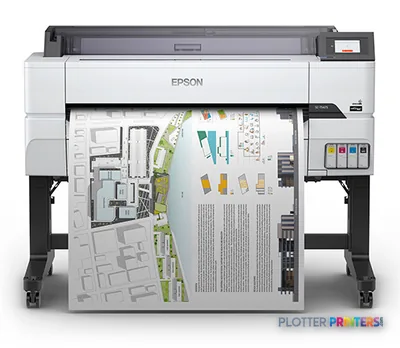 Epson SureColor T5475 36-in PlotterSCT5475SR36"2400 dpiWi-FiView details
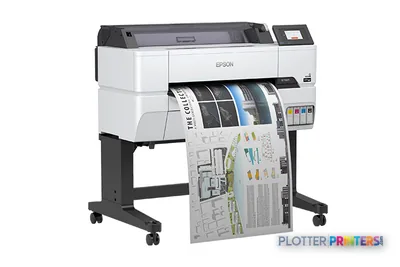 Epson SureColor T3475 24-in Wide-Format PrinterSCT3475SR24"2400 dpiWi-FiView details
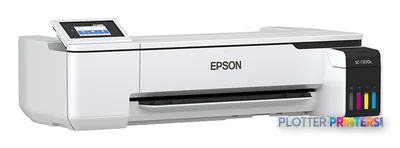 Epson SureColor T3170x 24-in Wireless PrinterSCT3170X24"2400 dpiView details
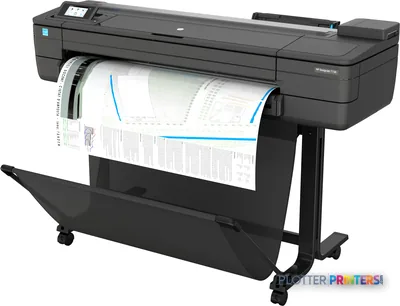 HP DesignJet T730 36-in PrinterF9A29D#B1936"2400 dpiWi-FiView details
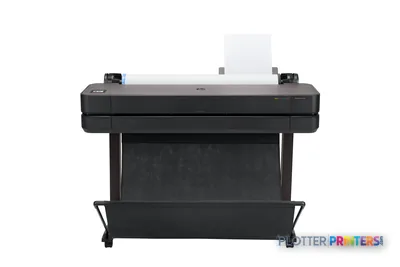 HP DesignJet T630 36-in Printer5HB11D36"2400 dpiWi-FiView details
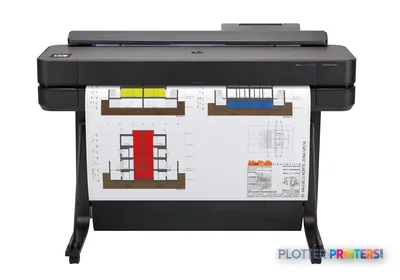 HP DesignJet T650 36-in Plotter5HB10D36"2400 dpiWi-FiView details
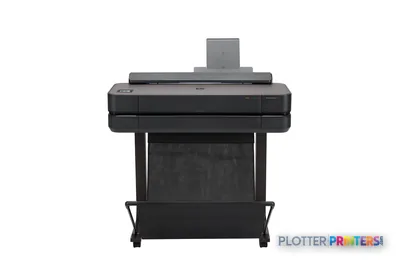 HP DesignJet T650 24-in Printer5HB08D24"2400 dpiWi-FiView details
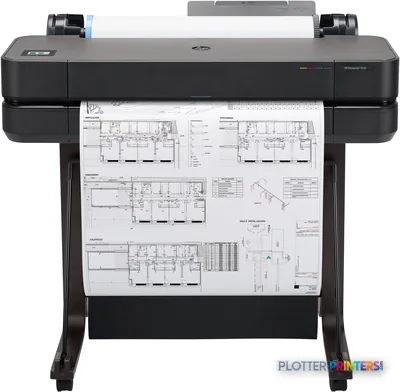 HP DesignJet T630 24-in Printer5HB09D24"2400 dpiWi-FiView details
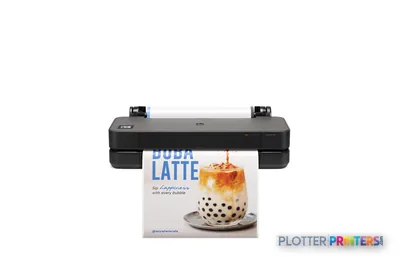 HP DesignJet T250 24-in Printer5HB06D24"2400 dpiWi-FiView details
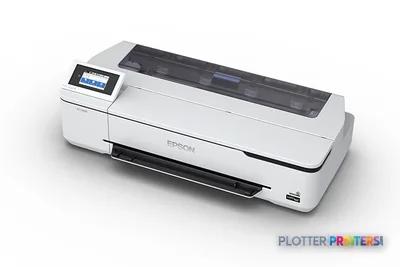 Epson SureColor T3170 24-in Wireless PrinterSCT3170SR24"2400 dpiWi-FiView details
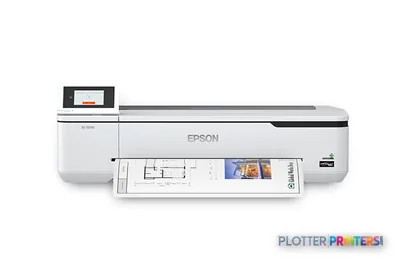 Epson SureColor T2170 24-in Wide-Format PrinterSCT2170SR24"2400 dpiWi-FiView details
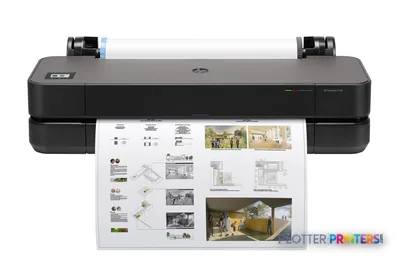 HP DesignJet T230 24-in Printer5HB07D24"2400 dpiWi-FiView details
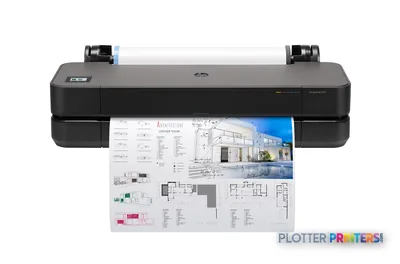 HP DesignJet T210 24-in Printer8AG32T24"2400 dpiWi-FiView details
Free U.S. shipping on printersKlarna & Affirm at checkoutTalk to a person: 980-536-0080

An aging plotter costs you in ways the invoice never showed: minutes-per-sheet output when deadlines are tight, parts that are quietly discontinued, and an ink system past its prime that bands in ways no calibration cures. A trade-in conversation exists to price the upgrade against what the old machine still owes you — so the decision stops being a guess. We assess your unit by phone, then fold the answer into a single upgrade quote you can actually act on.
Here is the honest framing before you read another word: trade-in values and program terms are handled case by case, not published on a page, because condition, class, and age move the number too much to pretend otherwise. What this page gives you instead is the more useful thing — a way to self-diagnose whether your machine is genuinely done or has good years left, and a clear picture of what stepping up a class actually buys in speed, ink economy, and daily sanity.
We are an independent HP DesignJet and Epson SureColor dealer, which means the recommendation follows your workflow rather than a quota. The ranked picks below carry live current models, prices, and lab-graded scores; this prose stays evergreen and model-free on purpose. Work through the diagnosis first, look at what an upgrade delivers, then tell us what you run — start a quote and mention your current machine, or call 980-536-0080. If the payment side matters more than the purchase price, the financing page handles that conversation separately.
Is it actually time, or can it soldier on?
SHT 02 · PLOTTERPRINTERS ANALYST DESKMost firms keep a plotter two years longer than they should and replace it in a panic mid-deadline. Neither is a plan. Diagnose honestly against these signals.
Signs the machine is done:
- Repair calls now cost more than a lease payment would — the machine is a subscription you forgot you signed up for.
- Your consumables are discontinued or only available from gray-market sellers at unpredictable prices.
- The driver is stranded on an old OS version, and your IT team refuses to keep a legacy workstation alive just to feed it.
- Output is measured in minutes per sheet, and someone is physically babysitting the queue during a plan-set run.
- Banding, color shift, or nozzle dropouts persist after cleaning cycles nobody can tune out.
- It only talks USB, so it lives on one desk instead of on the network where the files are.
Signs it can keep going:
- Duty is light — a few dozen sheets a month, no deadline pressure.
- Consumables still flow from normal channels at normal prices.
- Line quality on plain bond is still crisp and dimensionally consistent.
- Drivers install cleanly on your current OS without heroics.
The math that matters: add annual repair spend, wasted operator minutes, and reprints to your consumable cost. Money is minutes. If that total rivals a payment on a current machine, you are already paying for the upgrade — you just aren’t getting one. A machine that prints slowly but reliably for a low-volume studio owes you nothing yet; a workhorse that stalls a bid set does.
What stepping up a class actually buys
Replacing a decade-old 24-inch or 36-inch machine with a current one in the same class isn’t a spec-sheet exercise — it’s a workflow one. Four things change immediately.
- Speed you feel. Modern machines clear a plan set in a fraction of the wall-clock time, and first-sheet-out is quicker, so short redline jobs stop being a coffee break.
- Ink economy. Newer ink systems lay down less ink per line on plain bond and waste less on startup and maintenance cycles. Over a year of production that difference is real money, not a rounding error.
- Driver sanity. Current drivers install on current operating systems and stop generating the support tickets that quietly eat your IT hours.
- Network behavior. Modern machines authenticate, sit on the network cleanly, and support job accounting — so the plotter belongs to the office, not to one desk.
If your work is technical linework on bond, a current 36-inch class machine covers ARCH E and A0 comfortably; a 24-inch class unit suits lighter, A1/D-size loads. If markups, as-builts, and old drawings keep round-tripping through a separate scanner, look hard at the wide-format MFP class — one integrated scanner ends a lot of walking. Pigment ink remains the AEC default for water and UV resistance.
How the trade-in conversation works
SHT 04 · PLOTTERPRINTERS ANALYST DESKIt’s deliberately low-drama. Tell us what you’re running — make, approximate age, and honest condition — either in the quote funnel (mention your current machine) or by phone at 980-536-0080. That’s the whole intake.
We come back with what your unit is worth as credit toward specific current machines, not an abstract number floating on its own. Because we’re independent across HP DesignJet and Epson SureColor, that credit gets applied to whatever class actually fits your volume and application mix, not whatever we’re pushing this quarter. The ranked picks below are the shortlist you’ll be choosing from.
Logistics for the old unit — whether it stays, ships, or gets collected — are discussed case by case; we don’t make blanket removal promises we can’t keep for every location. If reliability of the new machine is the worry, the service and support page covers what stands behind it.
What you'd be upgrading into
SHT 05 · PLOTTERPRINTERS ANALYST DESK24-inch class — current machines
Ranked live by our spec-graded scoring; prices and stock are current.
36-inch class — current machines
Your questions, answered
SHT 06 · PLOTTERPRINTERS ANALYST DESKHow much is my old plotter worth as a trade-in?
It depends too much on class, age, and condition to publish a figure honestly. A well-kept current-generation machine carries different value than an off-warranty unit with discontinued consumables. Tell us the make, approximate age, and condition through the quote funnel or by phone, and we return a credit figure applied toward specific current machines rather than a number in isolation.
Do you have to be able to resell my machine for it to have trade-in value?
Not necessarily, but resale potential is part of how any dealer assesses a unit. A machine still supported by its manufacturer with available consumables generally carries more value than one whose parts and inks have dried up. The only way to know is to describe yours — condition and age drive the answer more than the model name does.
My plotter still works fine. Is it worth upgrading anyway?
Maybe not. If duty is light, consumables still flow at normal prices, and line quality on bond is still crisp, a working machine owes you nothing yet. Upgrades make sense when repair spend, wasted operator minutes, and reprints start rivaling a payment on a new machine. Run that math before you replace something that’s quietly earning its keep.
What are the biggest hidden costs of keeping an aging plotter?
Three that never show on an invoice: operator minutes spent babysitting slow queues, IT hours spent keeping legacy drivers alive on old operating systems, and reprints from banding or nozzle dropouts. Add gray-market consumable prices once the originals are discontinued. Individually each looks small; totaled over a year they often exceed a payment on a current machine.
Can I trade in a machine that isn't an HP or Epson?
Tell us what you have regardless of brand. We’re an independent HP DesignJet and Epson SureColor dealer, so your new machine will come from those lines, but the unit you’re replacing doesn’t have to. Describe the make, age, and condition and we’ll assess it toward current machines we carry.
Should I get a printer or a multifunction (MFP) when I upgrade?
Choose the MFP class if markups, as-builts, or old drawings keep round-tripping through a separate scanner — one integrated device ends a lot of walking between machines. If you only print and scanning lives elsewhere, a standalone plotter costs less and does the printing job as well or better. Match the tool to the workflow you actually run.
Will a new machine really print faster, or is that marketing?
Faster is real, but judge it by wall-clock time on your jobs, not the brochure’s peak speed. Modern machines clear plan sets in a fraction of the time and have quicker first-sheet-out, which matters most on short redline runs. Sustained throughput on mixed-size sets is where a decade-old machine shows its age most clearly.
Do you remove my old plotter when I upgrade?
Logistics for the old unit are handled case by case — whether it stays, ships, or gets collected depends on your location and the machine. We don’t make blanket removal promises we can’t keep everywhere. Raise it during the quote conversation and we’ll tell you honestly what’s possible for your situation.
How does the trade-in affect financing or leasing?
Trade-in credit and financing are two separate levers on the same deal. The credit reduces what you’re financing; the financing structures how you pay the rest. If the monthly payment matters more to you than the purchase price, work through the financing and leasing page alongside the trade-in conversation rather than treating them as one step.
What information should I have ready before I call?
Three things speed the conversation: the make and approximate age of your current machine, its honest condition (works fine, bands, needs parts), and a rough sense of your monthly volume and job mix. That lets us match trade-in credit to the right class of current machine instead of guessing, and gives you a quote you can act on.
The bottom line
SHT 07 · PLOTTERPRINTERS ANALYST DESK- An aging plotter's real cost is hidden in operator minutes, IT support hours, reprints, and gray-market consumables — total those before deciding.
- If annual repair and waste rival a payment on a current machine, you're already paying for an upgrade without receiving one.
- A working machine on light duty with available supplies and crisp linework owes you nothing yet — don't replace it out of habit.
- Upgrading a class buys felt speed, better ink economy, drivers that install on current operating systems, and clean network behavior.
- Trade-in values and terms are assessed case by case; describe make, age, and condition to get credit applied toward specific current machines.
- Choose the MFP class only if scanning round-trips through your workflow — otherwise a standalone plotter does the printing job for less.
Tell us what you're running
Make, age, condition — we'll price the upgrade honestly, including 'keep it another year'.