
Analyst Resource — No. 02
What Is a Plotter Printer?
A plotter is a wide-format inkjet that prints large technical documents on rolls 24 to 44 inches wide — here's what that means, and where the name came from.
Shop these machines
Ranked live by our spec-graded scoring — prices & stock are current. Free U.S. shipping on every printer.
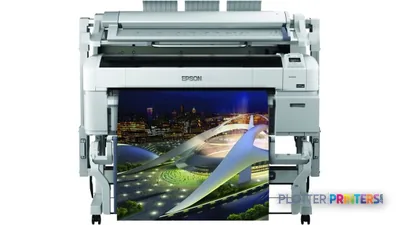 Epson SureColor T5270DR 36-in Dual-Roll PlotterSCT5270DR2880 dpiView details
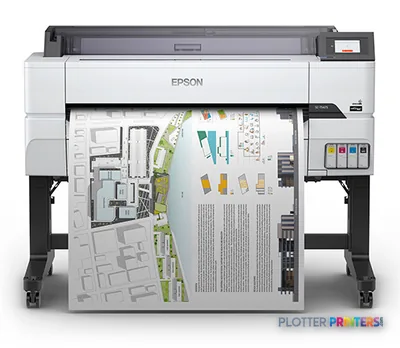 Epson SureColor T5475 36-in PlotterSCT5475SR36"2400 dpiWi-FiView details
 Epson SureColor T3170x 24-in Wireless PrinterSCT3170X24"2400 dpiView details
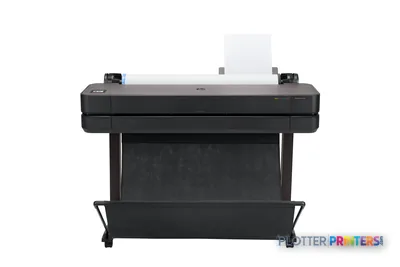 HP DesignJet T630 36-in Printer5HB11D36"2400 dpiWi-FiView details
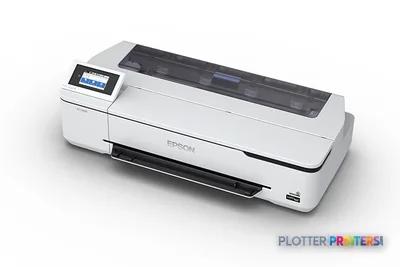 Epson SureColor T3170 24-in Wireless PrinterSCT3170SR24"2400 dpiWi-FiView details
Free U.S. shipping on printersKlarna & Affirm at checkoutTalk to a person: 980-536-0080

A plotter (or plotter printer) is a wide-format printer that produces large technical documents — architectural plans, engineering drawings, GIS maps, diagrams — on paper rolls typically 24 to 44 inches wide. The name is a historical holdover from pen-driven drawing machines, but every modern plotter you can buy today is a roll-fed inkjet: no pens, no moving arm, just print heads laying ink across wide bond, film, or coated media.
That single distinction — roll feed and width — is what separates a plotter from the office laser printer down the hall. A standard printer tops out at 8.5×11 or 11×17 inches on cut sheets. A plotter unrolls paper wide enough to print an ARCH D sheet (24×36 inches) or an ARCH E sheet (36×48 inches) in one pass, and keeps going until the roll runs out. The marking technology underneath is ordinary inkjet; the category is defined by the format and the workflow around it.
If you’ve been told to “order a plotter,” you’re being asked to buy the machine that prints big technical drawings. What you actually need depends on width, volume, and whether you also scan and copy — and that’s what the rest of this page sorts out. The sheet-size visualizer below shows exactly how big these documents get; the ranked picks further down carry live models and current prices so you’re never comparing against stale numbers.
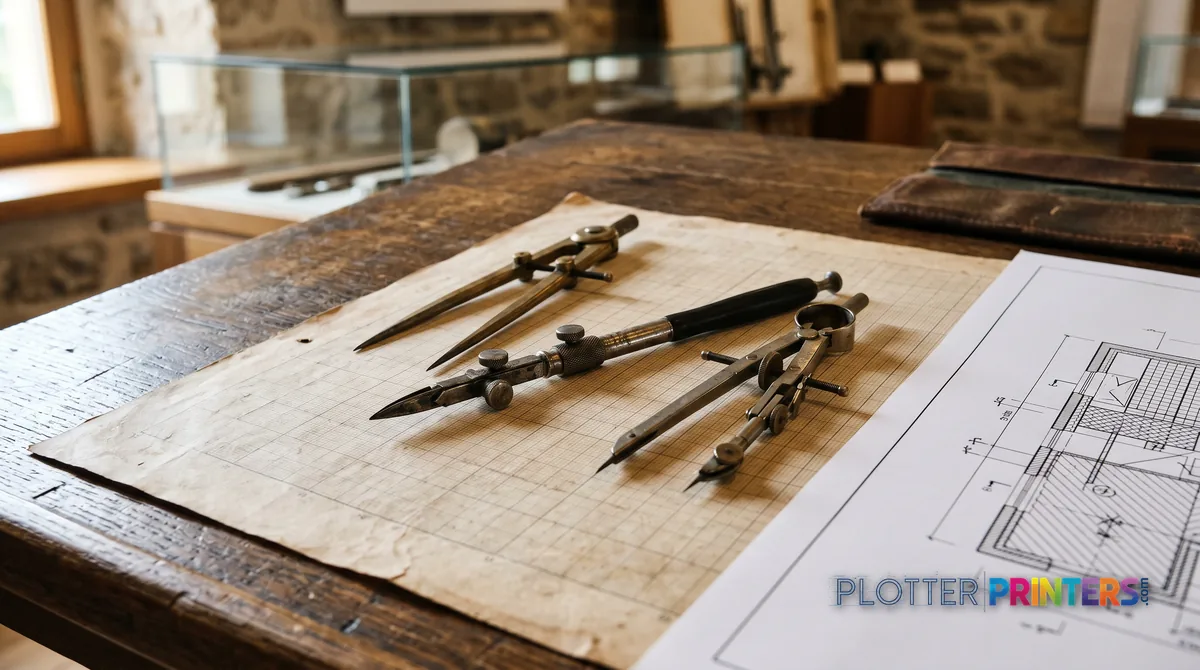
From pens to inkjet, and why the word stuck
SHT 02 · PLOTTERPRINTERS ANALYST DESKThe original plotters, from the late 1950s onward, were genuinely mechanical drawing machines. A pen — sometimes several, in a carousel — was gripped by a moving arm and dragged across paper along vector paths sent by a computer. The machine literally drew each line the way a drafter would, one stroke at a time. For clean geometric linework, this was excellent. For anything with fill, shading, or dense detail, it was slow, because the pen had to travel every millimeter of every line.
Two things ended that era. First, inkjet print heads got fast, precise, and cheap enough to reproduce hairline vectors and solid fills alike. Second, drawings themselves changed: CAD files gained hatching, gradients, embedded images, and color-coded layers that a physical pen could never render efficiently. A print head that sweeps the full width in passes handles all of it without caring whether the content is a single line or a photo.
So pen plotters faded and inkjets took their place — but the word “plotter” survived, because the job never changed. Architects and engineers still needed big technical prints, still called the machine that made them a plotter, and the vocabulary outlived the mechanism. Today the term simply means a wide-format technical printer. The pens are museum pieces; the name is still in every purchase order.
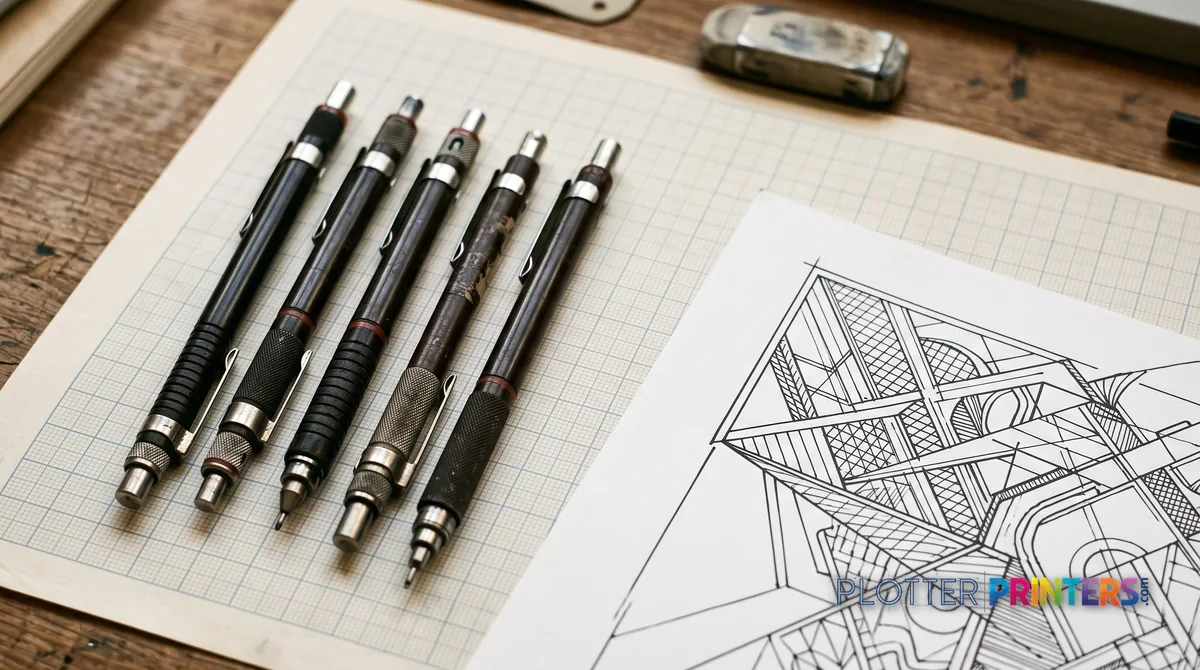
What actually makes a plotter a plotter now
SHT 03 · PLOTTERPRINTERS ANALYST DESKSince the marking technology is plain inkjet, a plotter is defined by four things around the ink, not by anything exotic inside it:
- Roll feed. Media comes on a roll, so sheet length isn’t fixed — you print a 36-inch-wide banner or a stack of D-size sheets from the same continuous supply.
- Width class. The single most important spec. A 24-inch machine covers ARCH D / ANSI D / ISO A1; a 36-inch machine covers ARCH E / ANSI E / ISO A0; 44-inch and wider belongs to graphics and production work.
- CAD-oriented drivers and page setups. Plotters understand HP-GL/2 and PDF, expose named sheet sizes (D, E, A1, A0) instead of just “Letter,” and hold line weights and dimensional scale accurately — a 1:100 plan must measure right off the roll.
- Media handling. Plain bond for check sets, coated stock for presentation, film for archival — and, on dual-roll machines, two of those loaded at once so the operator isn’t swapping media between jobs.
What does not distinguish a plotter is a special printing method. Under the hood it’s the same inkjet that lives in a desktop photo printer, scaled wide and paired with a paper transport built for rolls. The ink choice matters — pigment is the AEC default because it resists water and UV, while dye is cheaper and more vivid but fades. If you want the full head-to-head, we break it down in plotter vs printer.
Make it concrete
How big is wide-format, really?
Every standard sheet drawn to scale — tap one and see which machines print it.
Tap a sheet to inspect it.
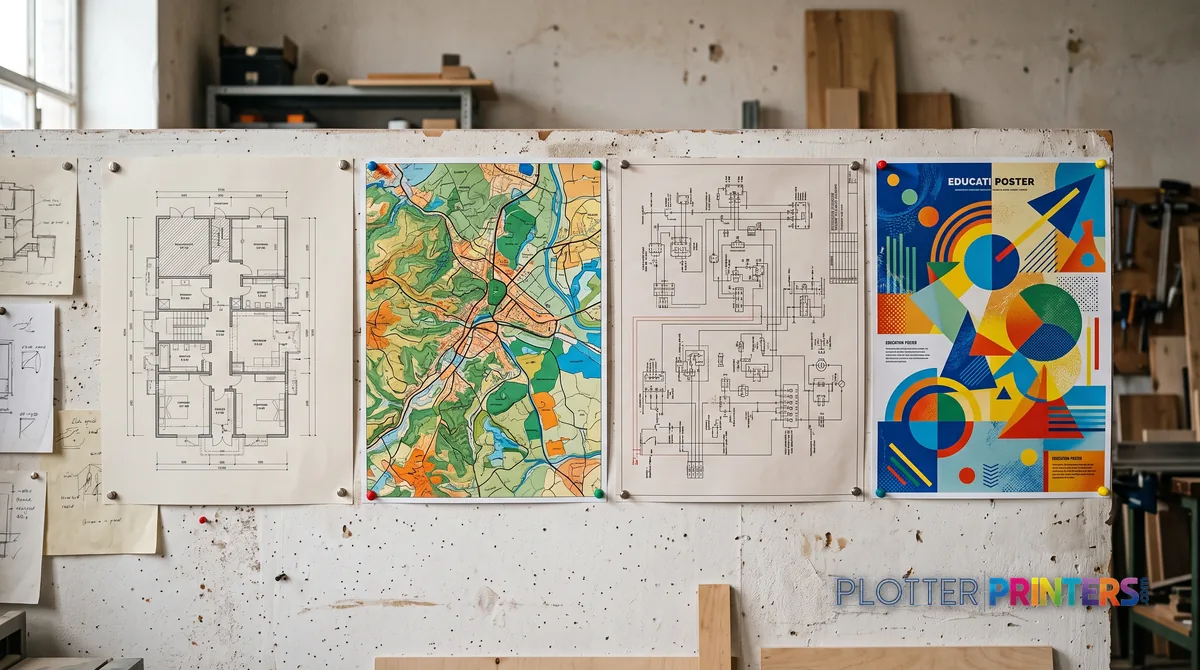
Who prints on rolls, and what comes off them
Wide-format work shows up wherever a document is too big to fold into a folder. The usual crowd:
- Architects print permit sets, presentation boards, and design development drawings — ARCH D and E sheets by the dozen before every deadline.
- Civil, structural, and MEP engineers push bid sets, coordination drawings, and marked-up redlines, often on plain bond where line clarity matters more than color.
- General contractors and construction offices run full plan sets in the trailer, plus half-size 11×17 field copies that fit on a truck seat.
- GIS and surveying shops print large base maps, parcel plats, and color-coded overlays where accurate color and fine detail both count.
- Schools and universities produce student portfolios, research posters, and studio critiques — the classic 36-inch academic poster comes straight off a plotter.
- Manufacturers and fabricators output full-scale part templates, assembly diagrams, and floor-layout drawings used right on the shop floor.
Different content, one common thread: the finished document is large, technical, and dimensionally trustworthy — which is exactly what a roll-fed inkjet is built to deliver.
If you're buying: start with width
SHT 05 · PLOTTERPRINTERS ANALYST DESKThe fastest way to narrow the field is to answer one question: how wide is your largest sheet?
- If your biggest drawing is a D-size (24×36) or A1, a 24-inch class plotter covers you and fits on a cart or desk.
- If you need full E-size (36×48) or A0 — the AEC standard — you’re in 36-inch territory, usually floor-standing, single or dual roll.
- If you also scan and copy existing drawings, look at the wide-format MFP class; if color gamut for renderings and maps matters most, look at the graphics/photo class.
Get width right first, then match the family to your volume and your media mix. From there, the buying guide walks through duty cycle, ink type, and running costs, and the paper sizes page maps every roll width to the sheets it prints. The ranked picks below carry live models, current prices, and lab-measured scores — or, if you’d rather skip the reading, tell us your workflow and we’ll size it for you.
What a modern plotter looks like
SHT 06 · PLOTTERPRINTERS ANALYST DESKCurrent CAD-class machines, ranked live
From our graded catalog; prices and stock are current.
Your questions, answered
SHT 07 · PLOTTERPRINTERS ANALYST DESKWhat is a plotter printer in simple terms?
A plotter printer is a wide-format inkjet that prints large technical documents — architectural plans, engineering drawings, GIS maps, and posters — on paper rolls usually 24 to 44 inches wide. It’s the machine you use when a drawing is too big for an ordinary office printer. The name dates back to old pen-driven drawing machines, but every modern plotter uses inkjet technology.
Is a plotter the same as a printer?
A plotter is a type of printer, but a specialized one. Both put ink on paper using inkjet heads. The differences are format and workflow: plotters feed from rolls, print sheets 24 inches wide and up, understand CAD file formats and named sizes like D and E, and hold dimensional scale accurately. A standard office printer uses cut sheets no larger than 11×17 inches.
Why is it called a plotter if it doesn't use pens?
The original plotters, from the late 1950s onward, were mechanical machines that dragged physical pens across paper to draw vector lines one stroke at a time. Inkjet technology eventually replaced the pens because it handles fills, shading, and dense detail far faster. The job — printing large technical drawings — never changed, so the word “plotter” stuck even though the pens are long gone.
What sizes can a plotter print?
It depends on roll width. A 24-inch roll prints up to ARCH D / ANSI D (24×36 in) and ISO A1. A 36-inch roll prints up to ARCH E / ANSI E (36×48 in) and ISO A0. Because plotters are roll-fed, sheet length isn’t fixed — you can also print long banners. Half-size copies like 11×17 or 12×18 come off either width.
What's the difference between a 24-inch and a 36-inch plotter?
The 24-inch class tops out at D-size and A1 sheets — good for small offices and occasional printing, and compact enough for a cart. The 36-inch class reaches full E-size and A0, the AEC standard, and is usually floor-standing with single or dual rolls. Choose 36-inch if you regularly print full-size architectural or engineering sets; 24-inch if D-size covers your largest drawing.
What ink do plotters use, and does it matter?
Modern plotters use either dye or pigment inkjet ink. Dye is more vivid and lower cost but fades faster. Pigment is water- and UV-resistant and archival, which makes it the default for AEC work where prints get handled, weathered, or kept for years. For crisp black linework on plain bond, technical machines handle both well; the choice matters most for color longevity.
Can a plotter also scan and copy?
Some can. The wide-format MFP class combines a plotter with an integrated large-format scanner, so it prints, scans, and copies drawings up to full width. These are common in plan rooms and for converting existing paper drawings or field markups into digital files. A print-only plotter, by contrast, does exactly that — you’d need a separate scanner to digitize old drawings.
Who uses plotters?
Anyone who produces large technical documents. Architects print permit and presentation sets; civil, structural, and MEP engineers print bid sets and redlines; contractors run plan sets on site; GIS and survey shops print maps and plats; schools produce research posters and portfolios; manufacturers print full-scale templates and shop diagrams. The common thread is a document that’s large, technical, and needs accurate dimensions.
Do I need special software to use a plotter?
Not necessarily. Plotters ship with drivers that expose named sheet sizes (D, E, A1, A0) and understand CAD formats like HP-GL/2 and PDF. You can print directly from AutoCAD, Revit, Bluebeam, or a PDF viewer. High-volume shops often add a RIP or print-management software for job queuing, accounting, and color control, but a small office can print straight from its design applications.
How do I choose which plotter to buy?
Start with width: identify your largest sheet, then pick 24-inch (D/A1) or 36-inch (E/A0). Next, match the family to your needs — MFP if you scan and copy, graphics class if color gamut matters, production class for high volume. Then weigh ink type, running cost, and duty cycle. Our buying guide walks through it, and the ranked picks on this page show current models and prices.
The bottom line
SHT 08 · PLOTTERPRINTERS ANALYST DESK- A plotter is a wide-format inkjet that prints large technical documents on rolls 24 to 44 inches wide — the defining traits are roll feed and width, not any special marking technology.
- The name survives from mechanical pen plotters of the late 1950s; inkjet replaced the pens because it handles fills, color, and detail faster, but the word stayed.
- Width is the first buying decision: 24-inch covers D-size and A1, 36-inch covers full E-size and A0 — the AEC standard.
- Pigment ink is the AEC default for its water and UV resistance; dye ink is cheaper and more vivid but fades sooner.
- The right family depends on your workflow: print-only, MFP with scanner, graphics/photo color, or high-volume production.
- Get width and family right first, then let the live rankings and buying guide handle the model-level details.
Told to 'go order a plotter'?
Tell us what your team prints — we'll translate it into a machine.