
Analyst Resource — No. 05
The Epson SureColor Buying Guide: Four Decisions, In Order
Four decisions turn the whole SureColor line into a shortlist of one or two — series, width, scanner, color ambition.
Shop these machines
Ranked live by our spec-graded scoring — prices & stock are current. Free U.S. shipping on every printer.
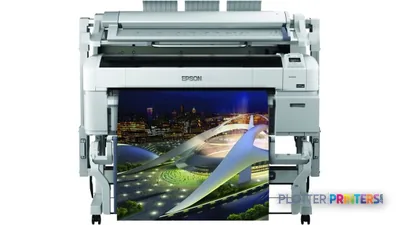 Epson SureColor T5270DR 36-in Dual-Roll PlotterSCT5270DR2880 dpiView details
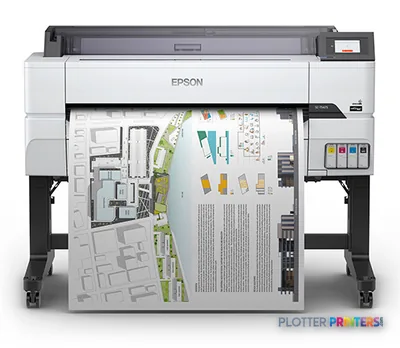 Epson SureColor T5475 36-in PlotterSCT5475SR36"2400 dpiWi-FiView details
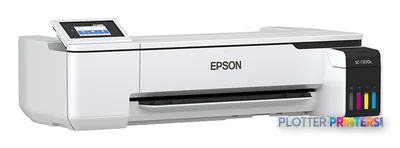 Epson SureColor T3170x 24-in Wireless PrinterSCT3170X24"2400 dpiView details
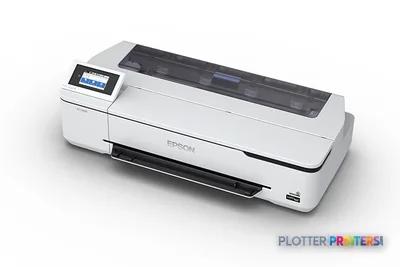 Epson SureColor T3170 24-in Wireless PrinterSCT3170SR24"2400 dpiWi-FiView details
Free U.S. shipping on printersKlarna & Affirm at checkoutTalk to a person: 980-536-0080

The Epson SureColor line splits along one letter before anything else: T for technical drawings on plain bond, P for photographic and proof-grade color. Pick the letter that matches your dominant job and roughly three-quarters of the decision is already made. The rest — roll width, whether you need an integrated scanner, and how far you’ll push color — narrows it to a machine or two you can hold against the ranked picks below.
This is a procedure, not a browse. Most AEC buyers land on a 24- or 36-inch T-series plotter because their day is bid sets, permit sets, redlines and as-builts — crisp linework and legible small text on ordinary paper, which is exactly what pigment technical machines are built for. A minority — presentation-heavy studios, GIS teams, anyone who prints renderings that clients will scrutinize — need the wider gamut a P-series delivers. Both use pigment ink, the AEC default: water- and UV-resistant, archival, the right choice when a drawing lives in a truck cab or a permit file for years.
Work the four questions in order and don’t skip ahead — width depends on your paper sizes, the scanner question depends on your markup workflow, and the color question only bites at the end. If you’d rather answer by clicking, the finder quiz on this page walks the same forks and hands you a shortlist. Either way, the SureColor hub keeps the full line explained, and the live leaderboard here carries current models, scores and prices so nothing you read goes stale.
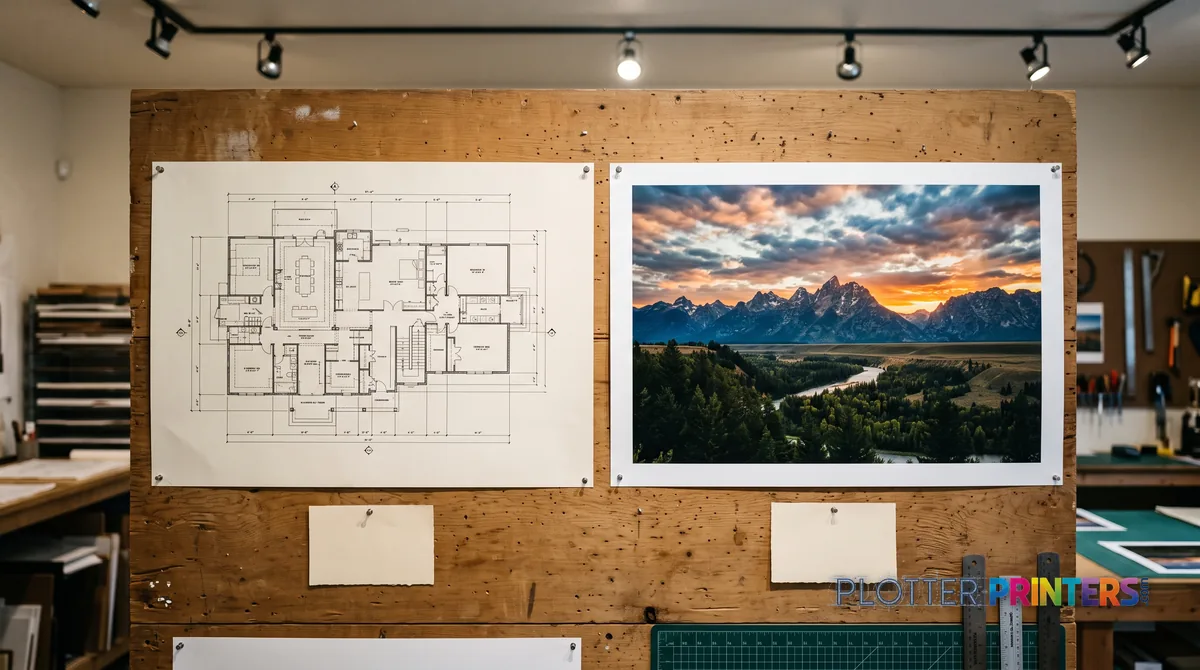
Decision 1 — The Letter: T or P
SHT 02 · PLOTTERPRINTERS ANALYST DESKStart here, because the fork is real and the two families are tuned for different eyes. The T-series (technical) is built to reproduce fine linework and small text on plain bond — the 0.13 mm line that has to stay a line, the dimension callout that has to stay legible when someone squints at it on a job site. That’s the daily bread of architecture, civil, structural and MEP work.
The P-series (photo/proof color) is a different instrument. It’s tuned for gamut and gradient — the last five percent of a saturated sky in a rendering, the skin tones in a presentation board that hold instead of going waxy. If your output ends up matted on an easel in front of a client, or if you’re a GIS shop where color is the data, the P-series is where you look.
Two quick workload sketches. A five-person architecture studio printing permit sets and half-size check prints all week: that’s a T-series, unambiguously. A landscape or urban-design practice whose deliverables are large color boards and photo-real site studies: that’s a P-series, and the extra ink channels earn their keep.
One aside so nobody wanders in by mistake: the F-series is dye-sublimation for textile and soft-signage transfer. It is not a CAD or presentation plotter. If you print on fabric, it’s your family; if you print on paper, it isn’t. Skip it and keep moving down the T-or-P fork.
Shortcut the decisions
Five questions, one class
The finder walks this guide's logic and lands on the series and width that fit — the grids below carry the models.
Plotter finder
Answer five questions — get the right class of machine
See the ranked picks → Get a quote for this class →
Rankings come from our spec-graded scoring — how we rate.
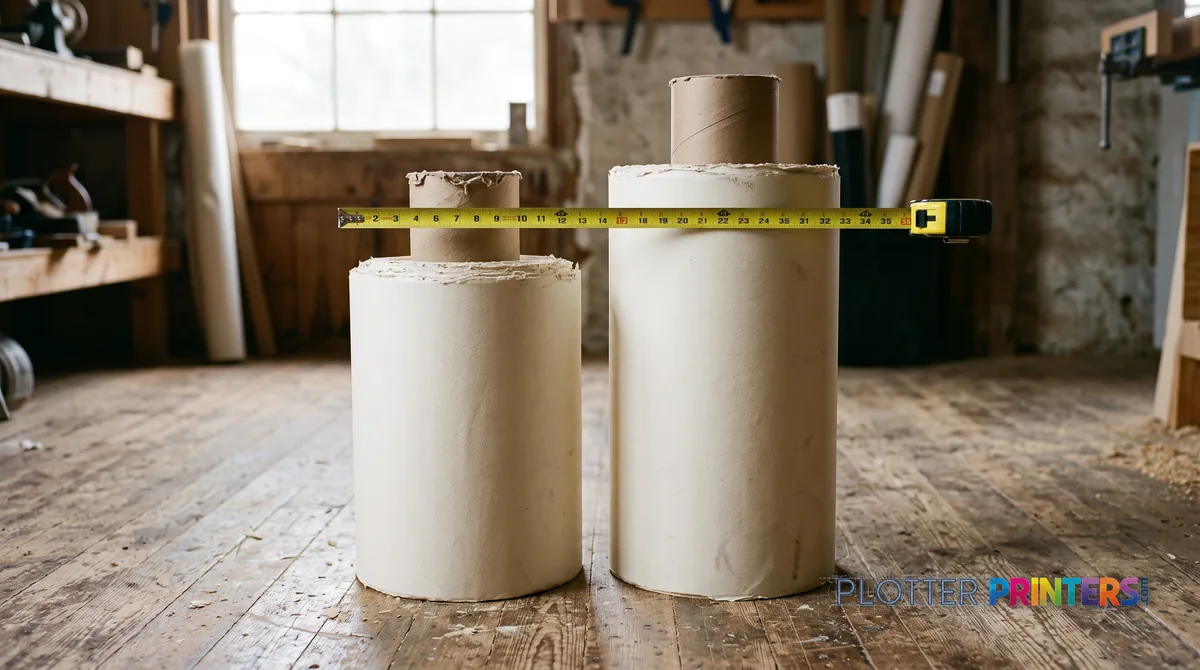
Decision 2 — Width: 24 or 36 Inches
On the technical side this is a paper-size question with a space-and-speed tail. A 24-inch class plotter prints ARCH D (24×36 in), ANSI D, and ISO A1 (594×841 mm) at full width — plus every half-size set (11×17, 12×18) you’ll ever fold into a submittal. It’s a single-roll desktop or cart machine that suits small offices and occasional printing without owning a corner of the room.
Step up to the 36-inch class when your largest sheet is ARCH E (36×48 in), ANSI E, or ISO A0 (841×1189 mm) — or when you print D-size in enough volume that a wider roll and faster sustained throughput matter more than footprint. This is the AEC workhorse: usually floor-standing, often available with dual rolls so you can keep bond and a coated stock loaded at once and switch without touching the machine.
The step-up signals are concrete: you’re taping D-size sheets together to fake an E-size plot, you’re changing rolls mid-batch, or a full plan set backs up because first-page-out and roll swaps eat the morning. On the color side the logic shifts — presentation boards and large-format GIS maps push you toward wider P-series formats regardless of your CAD width. Compare current options on the 24-inch leaderboard and the 36-inch leaderboard.
Decision 3 — Scanner or Print-Only
SHT 04 · PLOTTERPRINTERS ANALYST DESKThis one is a yes-or-no about a single workflow: do you round-trip markups? A wide-format MFP class machine — a SureColor T variant with an integrated scanner — prints, scans and copies wide originals in one footprint. The test is simple. If you regularly take a redlined as-built off the wall, scan it back to PDF, distribute it, and archive the original, the scanner pays for itself in steps you stop walking.
Plan rooms, contractors managing field markups, and anyone digitizing legacy drawings weekly should treat the scanner as a requirement, not a nicety. The alternative — a separate wide-format scanner or a trip to a repro shop — adds a device to maintain or a delay to every markup cycle.
If, on the other hand, your originals arrive as digital files and leave as prints — no paper coming back in — a print-only machine is the honest choice. You’d be buying a scanner to gather dust, and the money is better spent on width or an extra roll. Ask yourself how many wide originals you scanned last month. If the answer is zero, skip it.
Decision 4 — How Far You Push Color
SHT 05 · PLOTTERPRINTERS ANALYST DESKThe last fork is where honesty matters most, because spec sheets rarely draw the line for you. A T-series technical machine reproduces color perfectly well for what most AEC offices actually do: color-coded coordination drawings, GIS overlays where categories need to read apart, presentation prints that look clean across a conference table. For those jobs the technical color is more than adequate, and the crisp linework you’re already buying comes along for free.
Where technical color tops out is the demanding stuff — the deep evening shadow in a twilight rendering that has to hold detail instead of blocking up, the graded sky that must stay smooth, the saturated red in a photograph that lives or dies in its final five percent. That’s where the graphics/photo class P-series takes over, with the extra ink channels and the gamut to render those transitions rather than approximate them.
Don’t take that from us on faith. We measure it — on the same media, so the number means something — and publish the results as gamut volumes, not the flattering 2-D marketing percentages the industry likes to quote. See the measured color gamut rankings for the receipts, and the color-first hub if you already know color is your deliverable. If you’re weighing brands as well as series, the HP vs Epson head-to-head covers that ground.
The ranked Epson machines
SHT 06 · PLOTTERPRINTERS ANALYST DESKEpson technical class — T-series
Ranked live by our spec-graded scoring; prices and stock are current.
Epson SureColor T5270DR 36-in Dual-Roll PlotterSCT5270DR2880 dpiView detailsEpson SureColor T5475 36-in PlotterSCT5475SR36"2400 dpiWi-FiView detailsEpson SureColor T3170x 24-in Wireless PrinterSCT3170X24"2400 dpiView detailsEpson SureColor T3170 24-in Wireless PrinterSCT3170SR24"2400 dpiWi-FiView detailsEpson color class — P-series & graphics
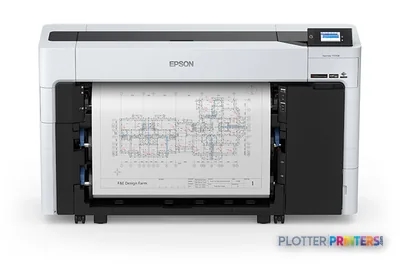 Epson SureColor T5770DR 36-in Dual-Roll PlotterSCT5770DR36"2400 dpiWi-FiView details
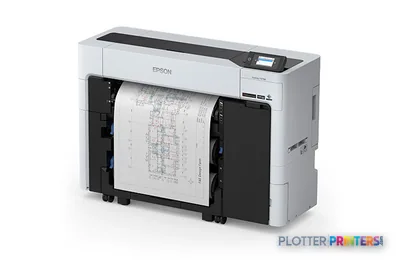 Epson SureColor T3770DR 24-in Wide-Format PrinterSCT3770DR24"2400 dpiWi-FiView details
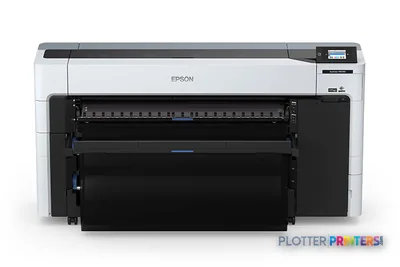 Epson SureColor P8570DR 44-in Dual-Roll PrinterSCP8570DR44"2400 dpiWi-FiView details
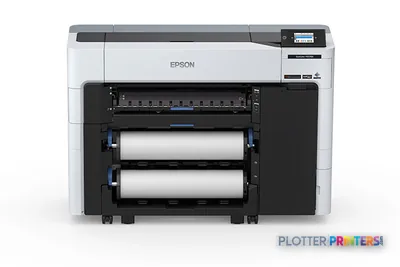 Epson SureColor P6570D Wide-Format PrinterSCP6570DR2400 dpiWi-FiView details
Your questions, answered
SHT 07 · PLOTTERPRINTERS ANALYST DESKWhat's the difference between Epson SureColor T-series and P-series?
The T-series is built for technical drawings — crisp linework and legible small text on plain bond, which suits CAD, permit sets and as-builts. The P-series is tuned for color gamut and smooth gradients, aimed at renderings, presentation boards, GIS maps and photo work. Both use archival pigment ink. Choose T for daily AEC drawing production and P when color fidelity is the deliverable rather than a nice extra.
Should I buy a 24-inch or 36-inch SureColor plotter?
Match the width to your largest sheet. A 24-inch machine prints ARCH D (24×36 in), ANSI D and ISO A1 at full width, plus all half-size sets — ideal for small offices printing occasionally. Move to 36 inches when you print ARCH E (36×48 in) or ISO A0, or when D-size volume makes a wider roll and faster throughput worth the footprint. Taping sheets together or swapping rolls mid-batch are the classic step-up signals.
Which SureColor models include a scanner?
Certain T-series variants ship as wide-format multifunction machines that print, scan and copy in one footprint; the print-only versions omit the scanner. The live grids on this page mark which is which. Decide by workflow: if you regularly scan redlined as-builts or digitize legacy drawings, the integrated scanner earns its place. If your originals arrive digital and leave as prints, buy print-only and put the savings toward width or an extra roll.
Is a T-series good enough for color presentation work?
For most AEC color it is — color-coded coordination drawings, GIS overlays and clean conference-table presentation prints all reproduce well. Where technical color reaches its limit is demanding photographic work: deep shadows that must hold detail, smooth graded skies, and the last few percent of a saturated red in a rendering. Those are the jobs where a P-series graphics machine, with more ink channels and wider measured gamut, does noticeably better.
What is the Epson F-series and do I need it?
The F-series is dye-sublimation, built for printing onto textiles and soft signage through a transfer process. It is not a CAD or presentation plotter and won’t print your drawings or boards on paper. If your output is fabric — apparel, flags, soft-signage transfer — it’s your family. If you print on paper, skip it entirely and stay on the T-or-P fork; it’s easy to wander into by name alone.
Does dual-roll matter for AEC printing?
It can. A dual-roll machine holds two media types loaded at once — for example plain bond and a coated or gloss stock — and switches between them without you touching the paper. That saves time in offices that mix everyday check prints with occasional presentation output, and it keeps batch jobs moving. If you only ever print bond, a single roll is simpler and one less thing to manage. It’s mainly a 36-inch-class convenience.
Why does everyone recommend pigment ink for AEC work?
Pigment ink is water- and UV-resistant and archival, so drawings survive a truck cab, a job-site trailer and years in a permit file without fading or running. Dye ink is the brighter, cheaper option — and the one that fades and is less water-resistant — fine for short-lived indoor color, risky for documents that must last. Both SureColor T- and P-series use pigment, which is why they’re the AEC default rather than a compromise.
How do I compare SureColor color quality objectively?
Look for measured data, not marketing percentages. We measure ICC gamut volumes on the same media across machines and publish them on our color hub, so the numbers are comparable rather than flattering. A 2-D percentage on a spec sheet tells you far less than a measured 3-D gamut volume. When color is your deliverable, that measured comparison is the evidence to shortlist by — a T-series and a P-series are honestly different there.
Can a SureColor handle both black-and-white drawings and color renderings?
Yes, though there’s a trade-off in emphasis. A T-series prints crisp monochrome linework and adequate color for coordination and presentation prints — a strong all-rounder for a typical office. A P-series leans toward color fidelity and still prints text and lines, but you’d choose it because color is the priority. If your week is mostly drawings with occasional color, a T-series covers both without overbuying.
How do I turn this guide into an actual shortlist?
Work the four decisions in order — series, width, scanner, color ambition — then read the ranked grids on this page, which carry current models, live scores and prices. The embedded finder quiz walks the same forks if you’d rather click through them. When you’ve narrowed to a model or two, send it through our quote funnel or call and we’ll confirm configuration and availability against your workload.
The bottom line
SHT 08 · PLOTTERPRINTERS ANALYST DESK- The T-versus-P letter decides most of the SureColor choice: T for technical linework on bond, P for gamut-grade color.
- Pick width by your largest sheet — 24-inch for ARCH D/ISO A1, 36-inch for ARCH E/ISO A0 or higher D-size volume.
- Buy the integrated scanner only if you round-trip wide markups or digitize drawings regularly; otherwise go print-only.
- T-series color is enough for coordination drawings and clean presentation prints; P-series takes over for demanding renderings and photos.
- Judge color on measured ICC gamut volumes, not spec-sheet percentages — the color hub carries the receipts.
- The F-series is dye-sub for textiles, not a CAD or presentation plotter — don't wander into it by name.
Shortlist in hand?
Authorized Epson dealer — measured color data behind every recommendation.
Epson ink and paper, by machine
Each machine has its own supplies hub listing the cartridges, printheads, rolls and accessories verified against the manufacturer’s documentation for that model.
- Epson SureColor P6570D ink and paper
- Epson SureColor P6570E ink and paper
- Epson SureColor P7570 ink and paper
- Epson SureColor P8570DR ink and paper
- Epson SureColor P9570 ink and paper
- Epson SureColor P20570 ink and paper
- Epson SureColor T2170 ink and paper
- Epson SureColor T3170 ink and paper
- Epson SureColor T3170M ink and paper
- Epson SureColor T3170x ink and paper
- Epson SureColor T3475 ink and paper
- Epson SureColor T3770DR ink and paper
- Epson SureColor T3770E ink and paper
- Epson SureColor T5170M ink and paper
- Epson SureColor T5270DR ink and paper
- Epson SureColor T5470M ink and paper
- Epson SureColor T5475 ink and paper
- Epson SureColor T5770DM ink and paper