
Scanner Desk — No. 01
Wide-Format Scanners: What Actually Digitizes a D-Size Sheet
Wide-format scanners digitize plan sheets — but the real question is whether you buy a standalone unit or a print+scan MFP.
Shop these machines
Ranked live by our spec-graded scoring — prices & stock are current. Free U.S. shipping on every printer.
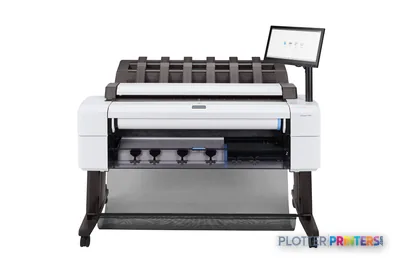 HP DesignJet T2600dr 36-in PostScript MFP — Plus Edition (Build Connected)3EK15D36"2400 dpiView details
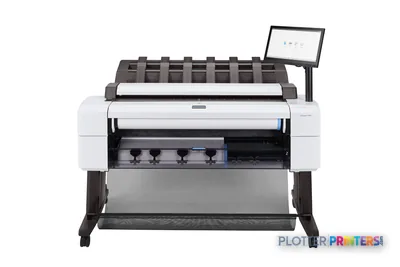 HP DesignJet T2600dr 36-in PostScript MFP — Plus Edition (Build Connected)3EK15P36"2400 dpiView details
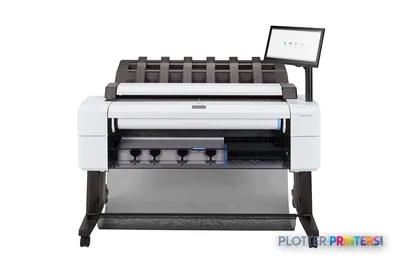 HP DesignJet T2600dr 36-in PostScript Multifunction Printer (Plus Edition)3EK15W36"2400 dpiView details
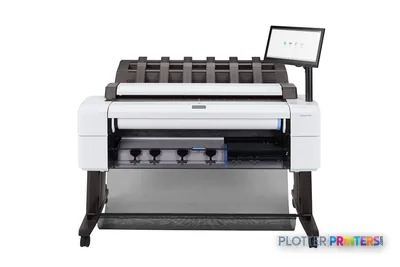 HP DesignJet T2600dr 36-in PostScript Multifunction Printer3EK15F#B1936"2400 dpiScanView details
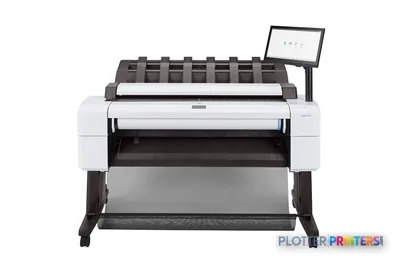 HP DesignJet T2600 36-in PostScript Multifunction Printer (Plus Edition)3XB78D36"2400 dpiView details
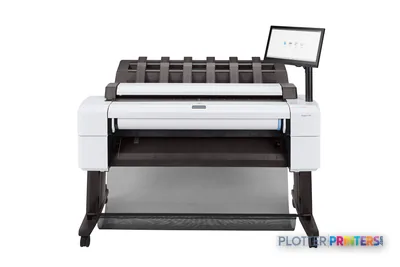 HP DesignJet T2600 36-in PostScript Multifunction Printer (Plus Edition — Build Connected)3XB78P36"2400 dpiView details
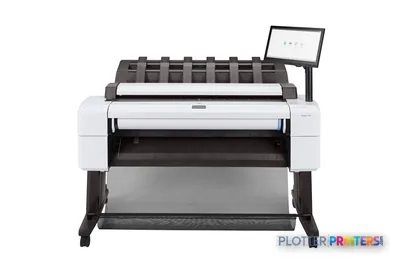 HP DesignJet T2600 36-in PostScript Multifunction Printer3XB78F#B1936"2400 dpiScanView details
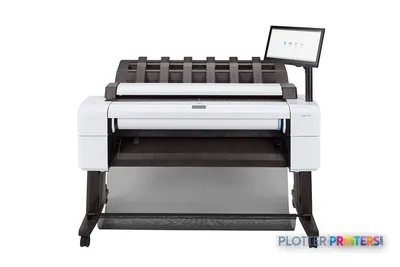 HP DesignJet T2600PS MFP 36-in3XB78D#B1936"2400 dpiView details
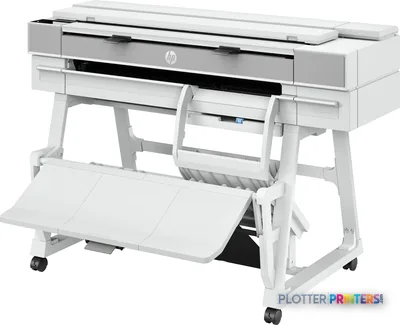 HP DesignJet T950 36-in MFP2Y9H3A36"2400 dpiScanView details
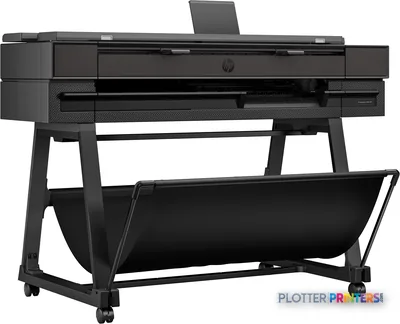 HP DesignJet T850 36-in MFP2Y9H2A36"2400 dpiScanView details
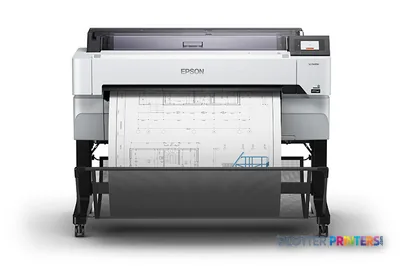 Epson SureColor T5470M 36-in Multifunction PlotterSCT5470M36"2400 dpiScanView details
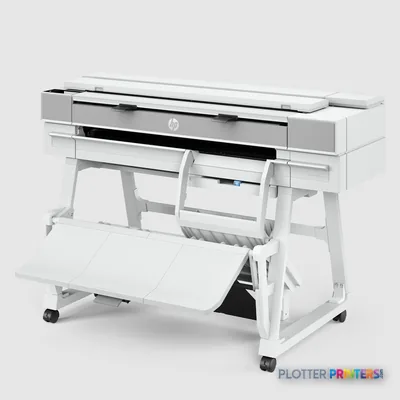 HP DesignJet XT950 36-in Multifunction Plotter2Y9H3F36"2400 dpiScanView details
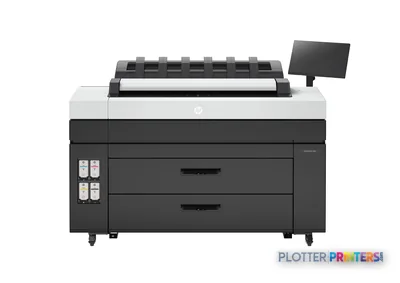 HP DesignJet XL 3800 MFP Printer7QR88H36"2400 dpiScanView details
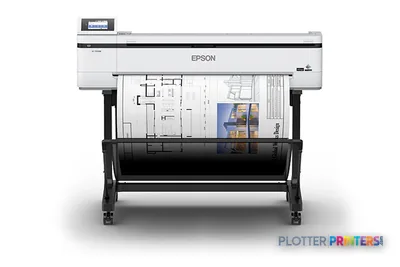 Epson SureColor T5170M 24-in Wireless MFPSCT5170M36"2400 dpiScanView details
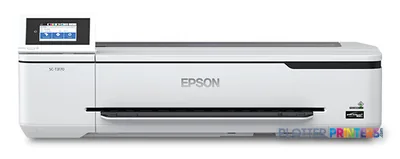 Epson SureColor T3170M 24-in Wide-Format MFPSCT3170M24"2400 dpiScanView details
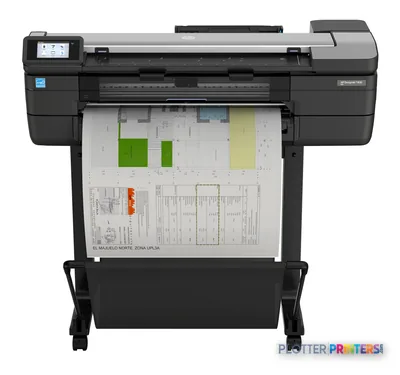 HP DesignJet T830 24-in Multifunction PrinterF9A28D24"2400 dpiScanView details
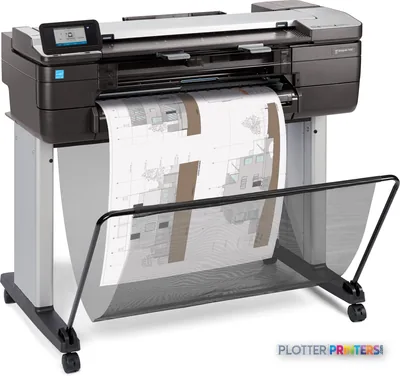 HP DesignJet T830 24-in Multifunction PrinterF9A28A24"2400 dpiScanView details
Free U.S. shipping on printersKlarna & Affirm at checkoutTalk to a person: 980-536-0080

A wide-format scanner digitizes documents wider than office paper — architectural and engineering plan sheets at 24 and 36 inches, along with maps, as-builts and oversized markups. It comes in two forms: a standalone scanner that only captures images, or a scanner built into a wide-format multifunction printer (an MFP) that also prints and copies.
That fork decides almost everything, so let’s get to it. If your office already prints wide format — and most AEC offices do — the integrated MFP usually wins. One machine, one footprint, one network address, and scan-and-copy happens in place instead of on a second device someone has to walk to. A field markup comes in, you scan it, you reprint the corrected sheet, all at the same station. The standalone scanner earns its keep in narrower cases: scan-only operations that never print, large archive conversions running thousands of legacy sheets, and originals too fragile, thick, or mounted for an MFP’s tighter paper path.
Here’s our position up front. We grade and sell print+scan MFPs — wide-format printers with integrated scanners — and you’ll find them on the live leaderboard beside this page. We do not stock standalone scanners. We cover that hardware class editorially and help you figure out which side of the fork you’re on. If you land on the MFP side, the ranked picks below are yours. If you land on standalone, you’ll get straight advice and a phone number, not a sales pitch for something we don’t carry. Money is minutes, and the wrong machine wastes both.
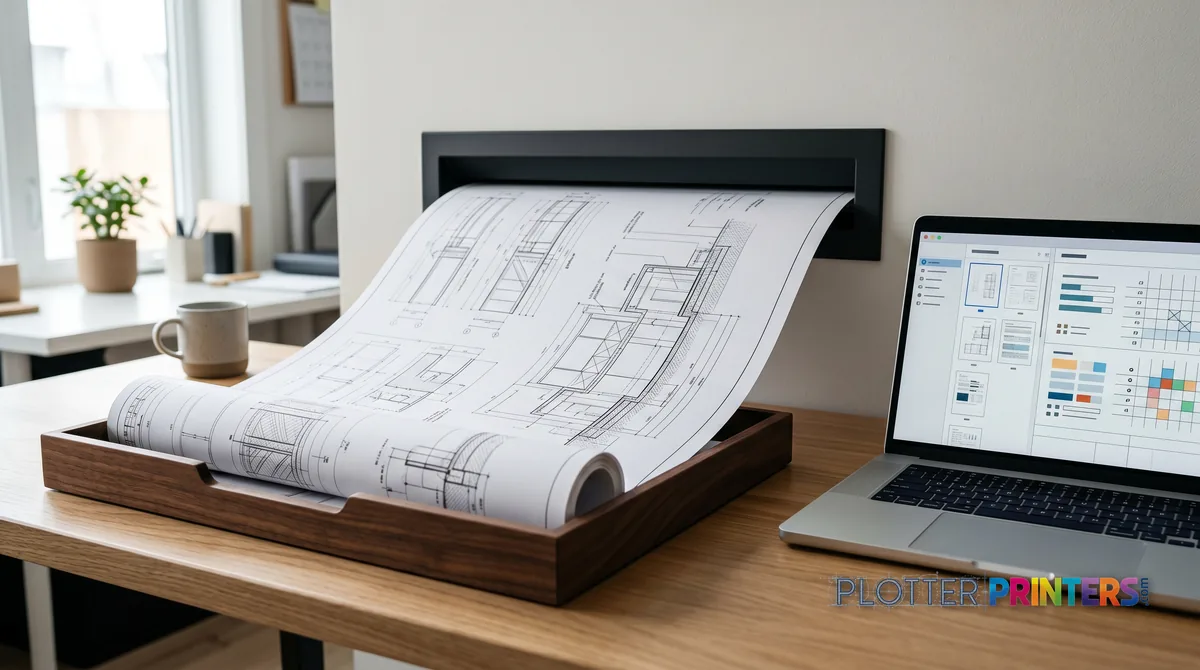
Three scanning situations
SHT 02 · PLOTTERPRINTERS ANALYST DESKThe decision is less about the scanner and more about what happens after the scan. Ask one question: do you also print wide format? If yes, the case for a standalone scanner gets thin fast.
Consider the daily reality of an integrated MFP. A superintendent drops off a redlined ARCH D sheet. You scan it to PDF, email it to the design team, and reprint the clean revision — one operator, one machine, ninety seconds. Now run that on separate devices: scan at one station, walk the file to the plotter, queue it, wait. The extra minutes are invisible until you multiply them by a busy week.
Three factors push offices toward the MFP:
- Footprint — one floor-standing unit instead of two devices competing for space.
- Copy-in-place — scan and reprint without moving files between machines.
- Single point of IT management — one network node, one driver, one thing to secure.
Standalone scanners win when printing simply isn’t part of the job, or when the originals demand it. A records department that never prints has no reason to buy print engine it won’t use. An archive of brittle, decades-old linens needs a paper path forgiving enough not to crease or tear them — and that often means a dedicated scanner with a flatter feed. The three buyer cards below map to exactly these situations.
The office that marks up weekly
You handle redlines, as-builts and field markups regularly, and you already print wide format. An integrated MFP is almost always the right call — scan, copy and reprint at one station without walking files between machines. Look to the ranked picks below and match roll count to your paper mix.
The one-time legacy conversion
You’ve got thousands of old sheets — blueprints, linens, mounted drawings — to digitize once and be done. Weigh a dedicated standalone scanner against a scanning service; for a single large batch, the service is often cheaper than owning hardware. We don’t stock standalone units, but we’ll help you scope the job honestly.
The records or repro desk that never prints
You capture documents all day and never output plots. A print engine you won’t use is wasted footprint and cost, so a standalone scanner is the honest fit — choose CCD if originals are wrinkled or mounted, CIS if they’re flat. That purchase happens elsewhere; the guidance is ours.
The grids below rank the print+scan machines we grade; standalone-scanner buyers should read our position further down.
The ranked print+scan machines
SHT 03 · PLOTTERPRINTERS ANALYST DESK36-inch MFPs — plan-room duty
Ranked live by our spec-graded scoring; prices and stock are current.
HP DesignJet T2600dr 36-in PostScript MFP — Plus Edition (Build Connected)3EK15D36"2400 dpiView detailsHP DesignJet T2600dr 36-in PostScript MFP — Plus Edition (Build Connected)3EK15P36"2400 dpiView detailsHP DesignJet T2600dr 36-in PostScript Multifunction Printer (Plus Edition)3EK15W36"2400 dpiView detailsHP DesignJet T2600dr 36-in PostScript Multifunction Printer3EK15F#B1936"2400 dpiScanView detailsReading scanner specs like an adult
SHT 04 · PLOTTERPRINTERS ANALYST DESKSpec sheets bury the two numbers that matter under a dozen that don’t. Start here.
Scan width vs sheet width. A scanner rated for 36-inch media handles the full width of an ARCH E / A0 sheet. But maximum scan width and maximum usable width aren’t always identical — check whether the quoted number is the paper you can feed or the image you can capture. If you scan full-bleed E-size drawings, confirm the sensor covers the sheet edge to edge, not just the safe area.
Optical dpi, and enough of it. Optical resolution is what the sensor actually captures; interpolated resolution is math the software invents afterward, and it doesn’t add real detail. For CAD linework and small text, roughly 300–400 dpi optical is plenty — it resolves fine lines and dimension callouts without ballooning file size. Photographic originals, watercolor renderings and archival-grade capture justify higher optical dpi, because you’re preserving tone and grain, not just crisp black lines.
CIS vs CCD, in plain words. A CIS (contact image sensor) sits right against the document — compact, affordable, and excellent for flat, single-sheet drawings. A CCD sensor has real depth of field, which matters when originals are wrinkled, folded, mounted on board, or slightly warped; the CCD keeps them in focus where a CIS would smear the edges.
Thick and fragile originals. If you scan mounted boards, old blueprints on heavy stock, or delicate linens, ask about the thick-media path and whether the feed pulls or pushes the sheet. A tight roller path that’s fine for fresh bond will chew a brittle 40-year-old drawing. That’s a scanner question, not a printer question — and a good reason some archive work stays standalone.
The output side: making the scan usable
SHT 05 · PLOTTERPRINTERS ANALYST DESKA scan you can’t find later is a scan you didn’t make. The capture is the easy part; the file discipline is what separates a searchable archive from a digital junk drawer.
Pick your format by purpose:
- Multipage PDF — for a plan set or a bid package someone will actually read and route.
- Single-page TIFF — for archival masters, where lossless fidelity and long-term readability beat convenience.
- Searchable PDF (with OCR) — when titleblocks and text need to be findable, not just visible.
Then decide where the file lands. Scan-to-network drops it straight onto a shared drive; scan-to-cloud routes it to a project platform; scan-to-USB is the fallback when the network is down or the machine isn’t joined to the domain. Most integrated MFPs do all three — confirm which before you buy, because a scanner that only writes to USB creates a manual step someone has to babysit.
The habit that actually saves you is naming. Agree on a convention before the first sheet goes through — project number, sheet number, revision, date — and enforce it. A batch of two hundred sheets named IMG_0001 through IMG_0200 is a second project waiting to happen. Set up batch feeding and folder rules once, and the archive stays usable at scale. See our guide to digitizing legacy drawings for the conversion side of this.
Our honest position, and your next step
Here’s the plain version. We grade and sell print+scan MFPs — wide-format printers with integrated scanners — and those are the machines on the live leaderboard beside this page, with current prices and spec-graded scores. We do not stock standalone wide-format scanners. We cover that hardware class editorially because you deserve straight guidance about it, not silence.
So route yourself accordingly:
- If you print wide format and want scan-and-copy in place, you’re an MFP buyer — see the 36-inch MFP leaderboard or the 24-inch picks, or start a quote.
- If you never print and just need capture, you want a standalone scanner — buy it elsewhere, but use our advice first.
- If you’re converting thousands of legacy sheets once, a scanning service is often cheaper than owning the hardware — we’ll say so rather than sell you a machine you’ll use once.
Independence means telling you when the answer isn’t in our grid. Call 980-536-0080 if you’re not sure which side of the fork you’re on.
Your questions, answered
SHT 07 · PLOTTERPRINTERS ANALYST DESKWhat is a wide-format scanner?
It’s a scanner that digitizes documents wider than standard office paper — architectural and engineering plan sheets at 24 and 36 inches, plus maps, as-builts and oversized markups. It comes in two forms: a standalone unit that only captures images, or a scanner integrated into a wide-format multifunction printer that also prints and copies. Which one you need depends almost entirely on whether you also print wide format.
Do I need a standalone scanner or a print+scan MFP?
If your office already prints wide format, an integrated MFP usually wins: one machine, one footprint, and scan-and-copy happens in place. A standalone scanner earns its keep only in scan-only operations that never print, large one-time archive conversions, or when originals are too fragile or thick for an MFP’s paper path. Our decision guide at /plotter-printer-scanner/ walks through the fork in detail.
How much optical dpi do I need for CAD drawings?
For CAD linework and small text, roughly 300 to 400 dpi optical resolution is plenty. That resolves fine lines and dimension callouts cleanly without producing enormous files. Higher resolution matters mainly for photographic originals, renderings, or archival capture where you’re preserving tone and detail rather than crisp black lines. Ignore interpolated dpi figures — that’s software math, not real captured detail.
What's the difference between CIS and CCD sensors?
A CIS (contact image sensor) sits directly against the document. It’s compact, affordable, and excellent for flat single sheets. A CCD sensor has genuine depth of field, which keeps wrinkled, folded, mounted or slightly warped originals in focus where a CIS would smear the edges. If you scan fresh, flat drawings, CIS is fine. If you scan old or mounted originals, CCD is worth the extra cost.
Can a wide-format printer also scan?
Yes — that’s exactly what a wide-format MFP is: a printer with an integrated scanner that prints, scans and copies. For most AEC offices it’s the practical choice, because it consolidates two functions into one machine and one network node. See /large-format-printer-scanner/ for how the class works, and the ranked leaderboard on this page for current models we grade and sell.
Should I scan to PDF or TIFF?
Match the format to the purpose. Multipage PDF suits plan sets and bid packages that get routed and read. Single-page TIFF suits archival masters, where lossless fidelity and long-term readability matter most. Searchable PDF with OCR is worth it when titleblock text needs to be findable, not just visible. Most integrated MFPs handle all of these — confirm which before you buy.
Can these scanners handle old blueprints and fragile originals?
It depends on the paper path. A tight roller feed built for fresh bond can crease or tear a brittle decades-old drawing. If you scan mounted boards, heavy old blueprints or delicate linens, ask about the thick-media path and whether the feed pulls or pushes the sheet. This is often the reason archive work stays with a standalone scanner rather than an MFP. Our /blueprint-scanner/ page covers this.
Do you sell standalone wide-format scanners?
No. We grade and sell print+scan MFPs — wide-format printers with integrated scanners — and those appear on the live leaderboard beside this page. We cover the standalone scanner class editorially and give straight advice about it, but we don’t stock that hardware. If you’re a scan-only or archive buyer, we’ll help you decide and point you the right direction; the purchase may just happen elsewhere.
Is a scanning service cheaper than buying a scanner?
Often, yes — for a one-time archive conversion. If you’re digitizing thousands of legacy sheets once and won’t need daily scanning afterward, a service usually costs less than owning and maintaining hardware you’ll use once. If scanning is an ongoing daily task, owning makes sense. We’ll tell you honestly which case you’re in rather than sell you a machine you don’t need.
What scan-to destinations should I look for?
Look for scan-to-network (drops files onto a shared drive), scan-to-cloud (routes to a project platform), and scan-to-USB (a fallback when the network is down). Most integrated MFPs support all three — confirm before buying, because a device limited to USB adds a manual step someone has to babysit. Pair that with a consistent file-naming convention so the archive stays searchable at scale.
The bottom line
SHT 08 · PLOTTERPRINTERS ANALYST DESK- A wide-format scanner digitizes sheets at 24 and 36 inches, and comes as either a standalone unit or a scanner built into an MFP.
- If you already print wide format, the integrated MFP usually wins on footprint, copy-in-place, and single-point IT management.
- Standalone scanners earn their keep for scan-only desks, one-time archive conversions, and fragile or mounted originals.
- For CAD linework, 300–400 dpi optical is enough; CCD sensors beat CIS on wrinkled or mounted originals.
- A consistent naming convention and the right output format turn a scan pile into a usable archive.
- We sell print+scan MFPs and cover standalone scanners editorially — call 980-536-0080 if you're unsure which side of the fork you're on.
Scanning problem? Say what you're digitizing
Markups, archives, or daily copies — we'll route you to the right hardware, even when it isn't ours.