
Brand Desk — No. 01
HP DesignJet Plotters, Decoded
HP DesignJet explained by job, not model number: which family fits your plan room, and where each one stops making sense.
Shop these machines
Ranked live by our spec-graded scoring — prices & stock are current. Free U.S. shipping on every printer.
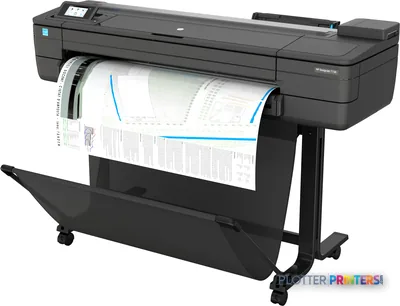 HP DesignJet T730 36-in PrinterF9A29D#B1936"2400 dpiWi-FiView details
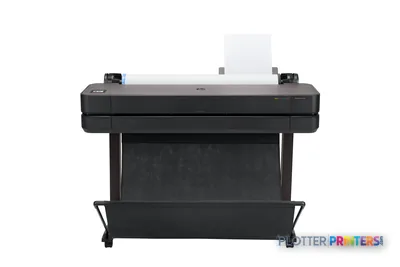 HP DesignJet T630 36-in Printer5HB11D36"2400 dpiWi-FiView details
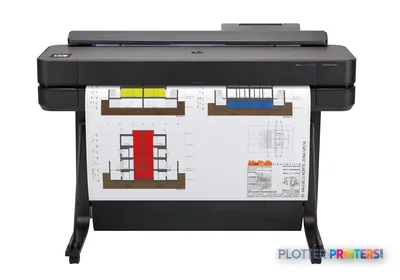 HP DesignJet T650 36-in Plotter5HB10D36"2400 dpiWi-FiView details
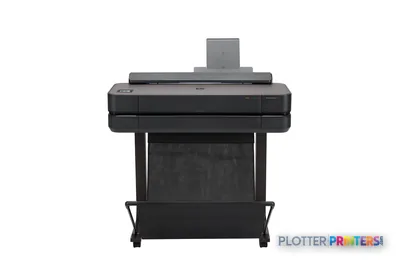 HP DesignJet T650 24-in Printer5HB08D24"2400 dpiWi-FiView details
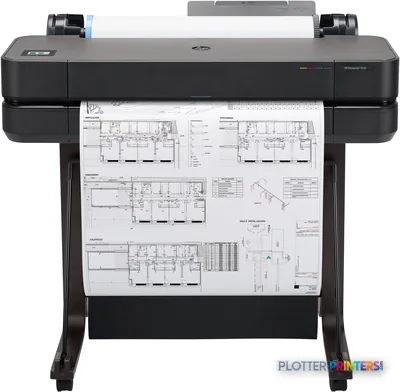 HP DesignJet T630 24-in Printer5HB09D24"2400 dpiWi-FiView details
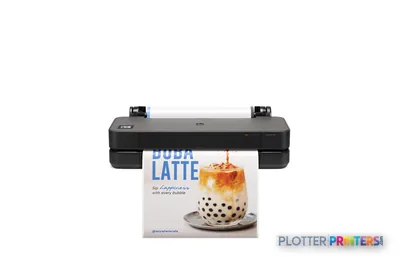 HP DesignJet T250 24-in Printer5HB06D24"2400 dpiWi-FiView details
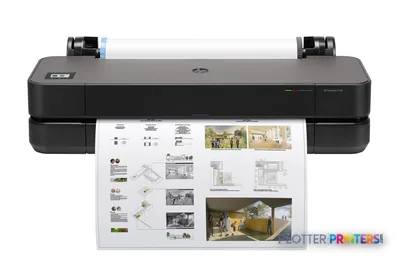 HP DesignJet T230 24-in Printer5HB07D24"2400 dpiWi-FiView details
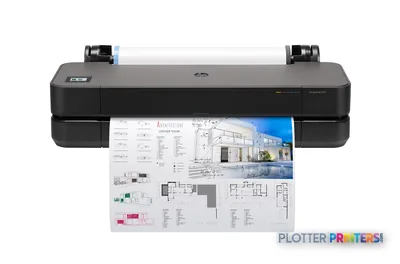 HP DesignJet T210 24-in Printer8AG32T24"2400 dpiWi-FiView details
Free U.S. shipping on printersKlarna & Affirm at checkoutTalk to a person: 980-536-0080

DesignJet is HP’s wide-format line, and for a lot of architects and engineers it’s simply the default name for plotting. The important thing to know before you shop: the line splits into families by job — compact entry CAD, mainstream CAD, print-and-scan MFP, and color/graphics-first machines. Pick the right family and you’ve made ninety percent of the decision. The model number is the last ten percent, and the ranked picks below sort that out with live prices and scores.
Here’s the honest way to think about it. If a lone architect prints a permit set now and then, that’s a different machine than the one feeding a twelve-person plan room on bid day. If you’re scanning marked-up as-builts back into Bluebeam, you need a scanner bolted on — a different family again. And if your deliverable is a rendered presentation board or a GIS base map, you’re at the color end of the line, where the conversation gets more interesting and sometimes crosses brands.
So this page is a map, not a spec dump. Below you’ll find the four families as cards, then a plain read on what HP does well across the line, what it doesn’t, and where a smart buyer should look at the other side of the aisle before signing. When you know which family you’re in, the HP buying guide walks the rest. Let’s start with what each family is actually for.
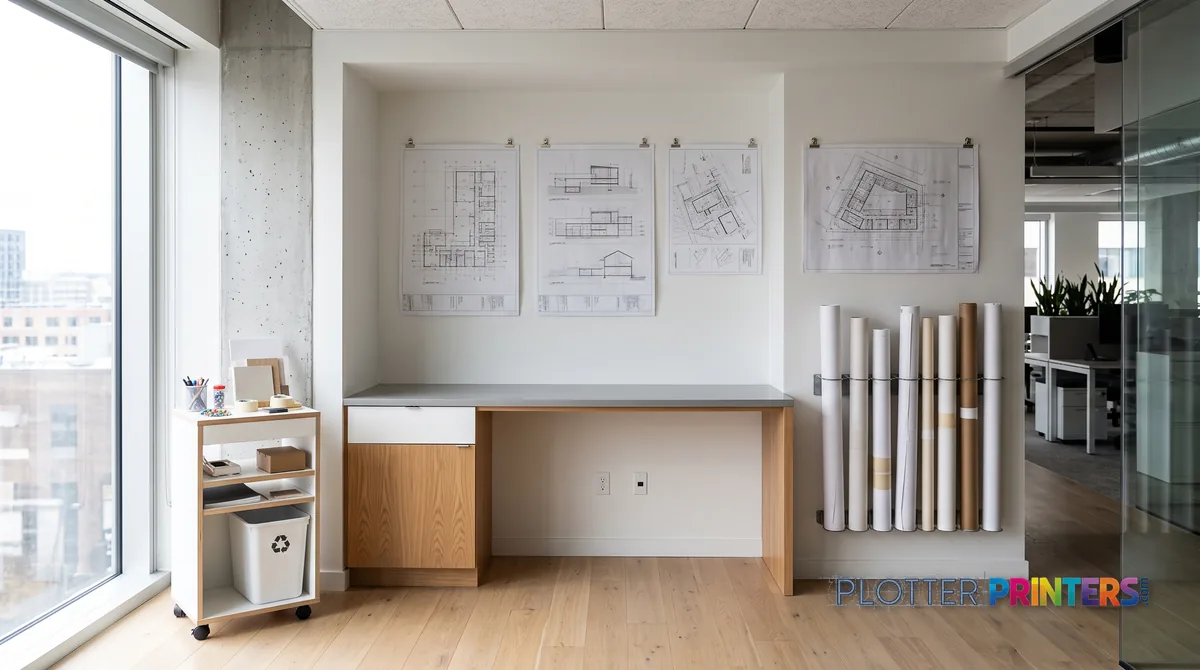
The four DesignJet families
SHT 02 · PLOTTERPRINTERS ANALYST DESKForget the model grid for a minute. DesignJet organizes cleanly around four jobs, and once you name your job the shortlist gets short fast.
Entry / compact CAD is the desk-side machine. A single roll, small footprint, built for a firm that prints occasionally and can’t spare a floor tile for a plotter. It handles A1/D-size and it lives on a cart or a countertop.
Mainstream CAD is the AEC workhorse — the 36-inch class that anchors most studios and plan rooms. Full ARCH E and A0, usually floor-standing, and here’s where dual roll starts to matter: two media types loaded at once, so you’re not swapping bond for gloss in the middle of a deadline.
Print-and-scan MFP adds an integrated scanner. This is the plan-room and field-office tool — print, scan, copy, and get a marked-up as-built back into your PDF workflow without a trip to the copy shop.
Color / graphics is the wider-gamut end: pigment machines tuned for presentation boards, renderings and mapping, where gradient smoothness and color accuracy carry the deliverable.
The cards below spell out who each family is for and where it stops making sense. The live grids under each carry the current models.
Bottom line: name the job first. The machine follows.
The occasional-printer, small-office machine
A 24-inch single-roll plotter for A1/D-size, sized to live on a cart or countertop without a dedicated room. Right for a solo architect or a small studio that prints permit sets now and then rather than every day. See the ranked picks in the 24-inch class below, or the full 24-inch CAD leaderboard.
The studio and plan-room workhorse
The 36-inch class: full ARCH E and A0, usually floor-standing, single or dual roll. Dual roll means two media types loaded at once — bond and gloss — so you’re not swapping paper mid-deadline. This is the machine most AEC firms actually need. The 36-inch CAD leaderboard ranks them.
Print, scan, copy — the as-built machine
A wide-format MFP with an integrated scanner. Built for plan rooms and field offices where marked-up as-builts and redlines need to get back into Bluebeam or a PDF archive without a copy-shop trip. If your day includes scanning as much as printing, start here — the MFP leaderboard sorts the field.
Presentation boards, renderings, mapping
The wider-gamut, pigment-ink end of the line, tuned for gradient smoothness and color accuracy rather than pure linework. Right when the deliverable is a rendering, a presentation board or a GIS base map. This is also where a cross-brand comparison earns its keep — check the measured gamut data before you commit.
Each grid below shows the CURRENT machines in that family, ranked by our spec-graded scoring.
The ranked HP machines
SHT 03 · PLOTTERPRINTERS ANALYST DESKHP 24-inch CAD class — entry & compact
Ranked live; prices and stock are current.
HP 36-inch CAD class — the workhorses
HP wide-format MFPs — print, scan & copy
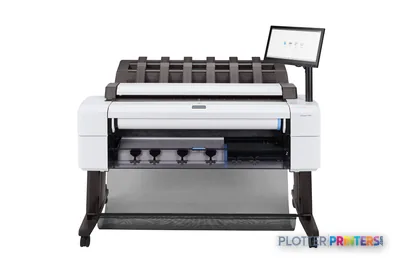 HP DesignJet T2600dr 36-in PostScript MFP — Plus Edition (Build Connected)3EK15D36"2400 dpiView details
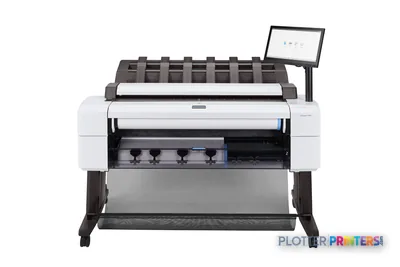 HP DesignJet T2600dr 36-in PostScript MFP — Plus Edition (Build Connected)3EK15P36"2400 dpiView details
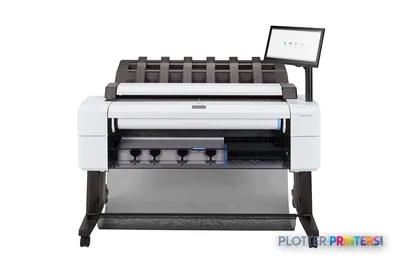 HP DesignJet T2600dr 36-in PostScript Multifunction Printer (Plus Edition)3EK15W36"2400 dpiView details
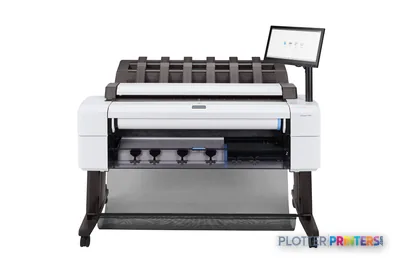 HP DesignJet T2600dr PS Managed MFP 36-in3EK15P#B192400 dpiView details
HP graphics class — color-first DesignJets
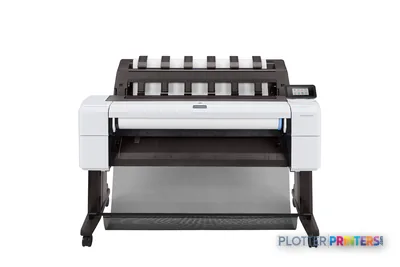
What HP does well across the line — and where it stops
SHT 04 · PLOTTERPRINTERS ANALYST DESKThree things HP does consistently well, and one honest caveat.
Plain-bond linework economy. The technical DesignJet machines lay down crisp, dimensionally consistent lines on ordinary bond. For firms whose day is monochrome CAD sets — bid sets, permit sets, redlines — that means clean small text and thin lines without babysitting the media budget. This is where the line earns its reputation.
Driver and network maturity. HP’s drivers and print-management stack have been in AEC shops for a long time, and it shows. HP-GL/2 and PDF handling are predictable, job submission from AutoCAD, Revit and Bluebeam is well-trodden, and IT departments generally recognize the network and authentication story. Fewer 4:45 p.m. driver surprises. That’s worth more than most spec sheets admit.
Compact entry footprints. At the 24-inch class, HP has genuinely small machines that fit a real office without a dedicated room. For a small studio, that matters.
The honest limit: color-first, graphics-heavy work often crosses brands. If your primary deliverable is renderings, photo-quality boards or wide-gamut mapping — not linework — you owe it to yourself to compare gamut data, not marketing. We publish measured ICC color gamut rankings for exactly that reason, and the HP vs Epson head-to-head lays the two lines side by side. Don’t buy on brand habit when color is the job.
Bottom line: strong on linework and workflow, honest competition at the color end.
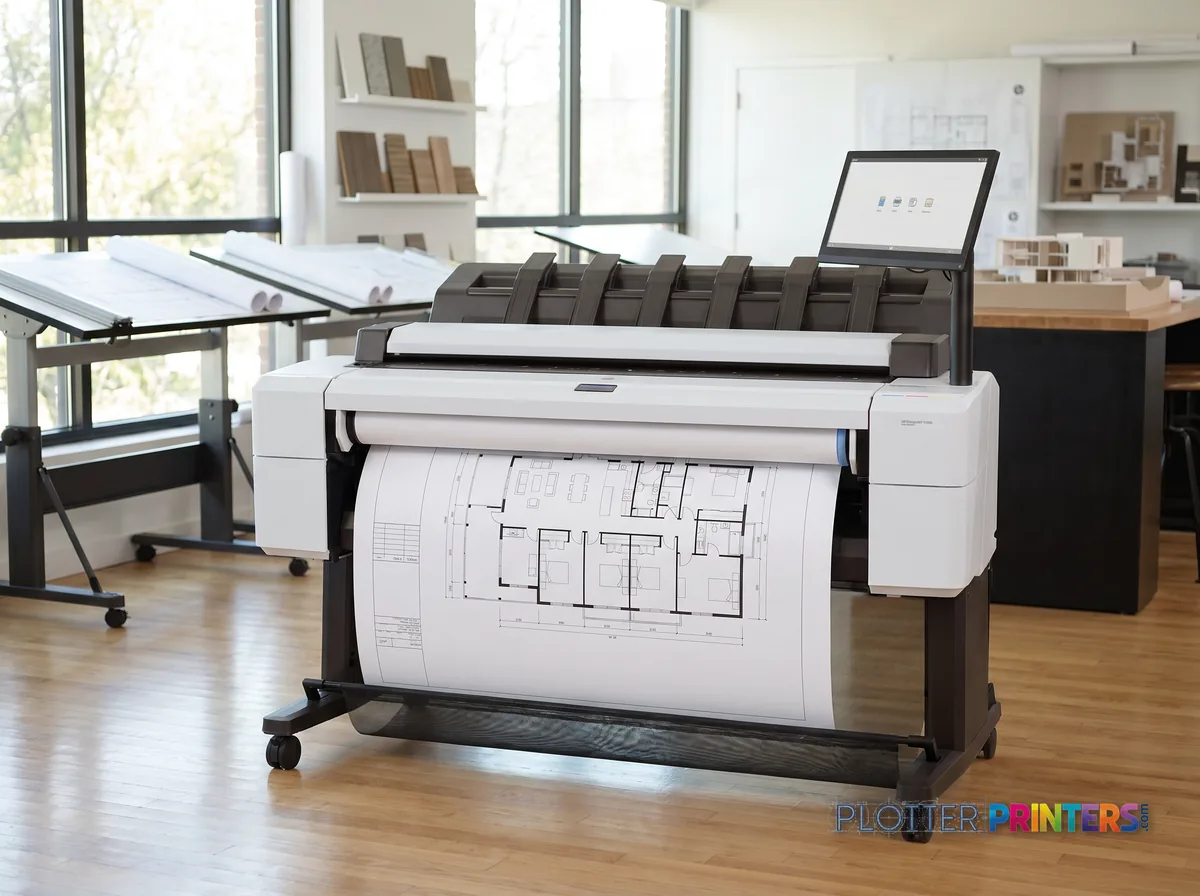
Living with a DesignJet: ink, printheads, media, warranty
SHT 05 · PLOTTERPRINTERS ANALYST DESKConsumable patterns vary by family, and it’s worth understanding the shape before you buy — even though the exact SKUs and warranty options live on each product page, next to the machine they belong to.
The ink split is the thing to grasp. Pigment ink is the AEC default: water- and UV-resistant, archival, the right choice for as-builts and record sets that have to survive a job trailer and a filing cabinet. Dye ink is more vivid and cheaper per drop but fades faster — fine for internal check prints, less fine for a deliverable that outlives the project. The technical CAD families lean toward crisp, economical linework; the color/graphics family is where you pay for gamut.
Printhead architecture differs across families too — some machines integrate the head into the cartridge cycle, others use user-replaceable heads on a longer interval. That changes both your consumable rhythm and your downtime story, which is why we route you to the individual product pages rather than reciting part numbers here.
Media breadth across the line is wide: plain bond, coated, gloss, film, and heavier presentation stocks depending on the machine. Warranty and HP Care Pack service options exist per model — the extended-coverage question is real if the machine is on a deadline path.
Bottom line: match ink chemistry to how long your prints have to live, and confirm the supply and warranty specifics on the product page before you sign.
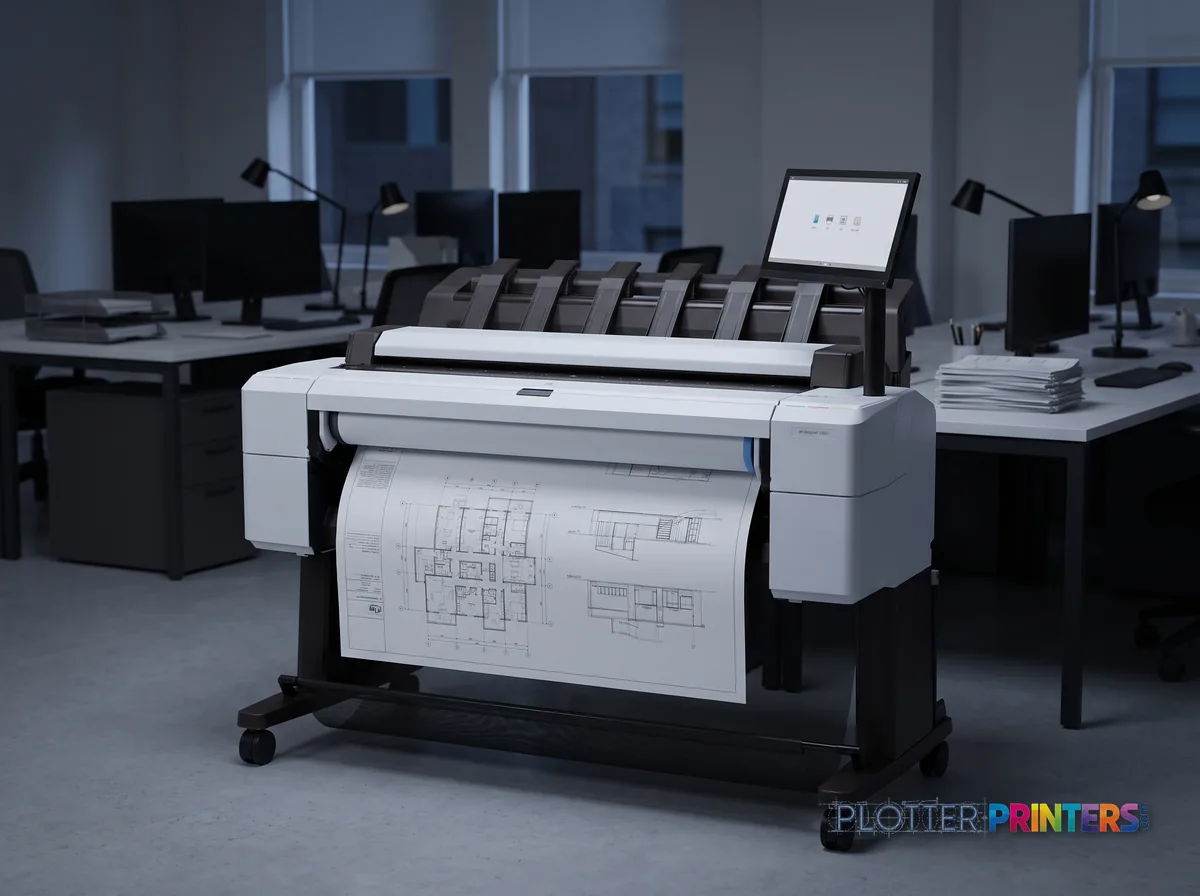
The brand crossroads: stay HP, or look across the aisle?
We sell both HP and Epson, so I’ve got no reason to push you one way. This is workload fit, not loyalty.
Stay HP if your work is monochrome-heavy CAD, if your shop already runs HP drivers and IT is comfortable, or if you need a genuinely compact entry machine for a small office. The line was built around exactly that AEC day, and the driver maturity pays off on deadline.
Read the Epson side if your deliverable leans color — renderings, photo boards, wide-gamut mapping — where gamut and gradient handling drive the buying decision. That’s a real conversation worth having with data, not habit.
The honest way to settle it is a direct comparison. Start with the HP vs Epson head-to-head, then look at the Epson SureColor hub for the other side of the aisle. Either way, the quote funnel is where you land once you know your family.
Bottom line: pick the tool that fits the job you actually run, not the badge you already know.
Your questions, answered
SHT 07 · PLOTTERPRINTERS ANALYST DESKWhat is an HP DesignJet?
DesignJet is HP’s wide-format inkjet printer line, and it’s the default name in AEC plotting. It spans several families organized by job: compact entry CAD, mainstream 36-inch CAD, print-and-scan MFPs with integrated scanners, and color/graphics-first machines. The families matter more than the individual models — pick the family that fits your work and you’ve made most of the decision.
Which DesignJet family do I actually need?
Name your job first. Occasional printing in a small office points to the 24-inch entry class. A busy studio or plan room needs the 36-inch mainstream CAD class. If you scan marked-up as-builts back into PDF, you need the MFP class. If your deliverable is renderings or mapping, you’re at the color/graphics end. The buying guide walks each path in detail.
What's the difference between a 24-inch and a 36-inch DesignJet?
The 24-inch class is a compact, usually single-roll machine for A1/D-size, sized to fit a small office. The 36-inch class handles full ARCH E and A0, is typically floor-standing, and often offers dual roll — two media types loaded at once. The 36-inch is the AEC workhorse; the 24-inch is for firms that print occasionally and can’t spare the floor space.
What does dual roll get me?
Dual roll means two media types stay loaded simultaneously — say, plain bond on one and gloss on the other. On a deadline, that’s the difference between printing a mixed job straight through and stopping to swap paper. It’s a feature of the 36-inch mainstream CAD class and up. If your work mixes drawing sets with the occasional glossy presentation sheet, it earns its keep.
Does HP DesignJet use dye or pigment ink?
It depends on the family. Technical CAD machines and most AEC-focused models use pigment ink — water- and UV-resistant, archival, the right choice for as-builts and record sets. Some color/graphics machines offer wider-gamut pigment sets tuned for presentation work. Dye ink is more vivid and cheaper but fades faster. Match the chemistry to how long your prints need to survive; the exact ink set is listed on each product page.
Is HP DesignJet good for plain-bond CAD linework?
Yes — this is where the technical line is strongest. The CAD-focused machines lay down crisp, dimensionally consistent lines and legible small text on ordinary bond, which keeps the media budget sane for firms printing monochrome bid sets, permit sets and redlines all day. If your work is mostly linework rather than color, HP’s plain-bond economy is a genuine strength.
Should I choose HP or Epson for a wide-format plotter?
It’s workload fit, not brand loyalty. Stay HP for monochrome-heavy CAD, mature drivers, and compact entry machines. Look hard at Epson if your deliverable leans color — renderings, photo boards, wide-gamut mapping — where gamut drives the decision. We sell both, so the honest answer is to read the HP vs Epson head-to-head and compare the measured color data before deciding.
Do I need the MFP version with a scanner?
Only if scanning is part of your day. The wide-format MFP class adds an integrated scanner for print, scan and copy — built for plan rooms and field offices that pull marked-up as-builts and redlines back into Bluebeam or a PDF archive. If you rarely scan, a print-only 36-inch machine costs less to own and takes less space. Buy the scanner because you’ll use it, not just in case.
What about warranty and service coverage?
Warranty and HP Care Pack extended-service options exist per model, and they’re listed on each product page next to the machine. If the plotter sits on a deadline-critical path — a plan room feeding bid days — extended coverage is worth the conversation. As an independent HP dealer, we can walk you through the options; the specifics render live rather than getting quoted in evergreen copy that would go stale.
Where do I see current prices and models?
The ranked product grids on this page and on the leaderboards carry live, score-ordered models with current prices — we keep model names and pricing out of the written copy on purpose so it never goes stale. Pick your family here, then follow the grid to the current models, or start the quote funnel and we’ll match a machine to your workload.
The bottom line
SHT 08 · PLOTTERPRINTERS ANALYST DESK- DesignJet is HP's wide-format line; choosing the right family — entry CAD, mainstream CAD, MFP, or color/graphics — is ninety percent of the decision.
- The 24-inch class is for occasional printing in small offices; the 36-inch class is the AEC workhorse for daily plan-room work.
- Dual roll keeps two media types loaded at once — on bid day, that's the difference between finishing a mixed job and stopping to swap paper.
- HP's real strengths are crisp plain-bond linework and mature, predictable drivers; both matter most on deadline.
- Color-first work — renderings, boards, mapping — often crosses brands, so compare measured gamut data before committing to a graphics machine.
- Match ink chemistry to lifespan: pigment for archival as-builts and deliverables, dye only for check prints that don't need to last.
Ready to talk DesignJet?
Authorized HP dealer — we'll quote the family that fits, not the one on promotion.
HP ink and paper, by machine
Each machine has its own supplies hub listing the cartridges, printheads, rolls and accessories verified against the manufacturer’s documentation for that model.
- HP DesignJet HD Pro 2 MFP ink and paper
- HP DesignJet T210 ink and paper
- HP DesignJet T230 ink and paper
- HP DesignJet T250 ink and paper
- HP DesignJet T630 ink and paper
- HP DesignJet T650 ink and paper
- HP DesignJet T730 ink and paper
- HP DesignJet T830 ink and paper
- HP DesignJet T830 MFP ink and paper
- HP DesignJet T850 MFP ink and paper
- HP DesignJet T870 ink and paper
- HP DesignJet T950 MFP ink and paper
- HP DesignJet T1600 ink and paper
- HP DesignJet T1600 MFP ink and paper
- HP DesignJet T1600dr ink and paper
- HP DesignJet T1600PS ink and paper
- HP DesignJet T1700 PS ink and paper
- HP DesignJet T1700dr PS ink and paper