
Size & Format Guide — No. 01
Wide-Format Printers, Sorted by the Work
Wide-format splits into three families wearing one name — here's how to pick the right one before you shop models.
Shop these machines
Ranked live by our spec-graded scoring — prices & stock are current. Free U.S. shipping on every printer.
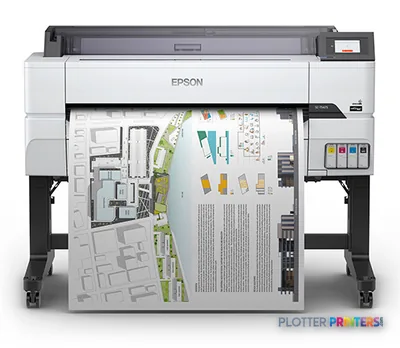 Epson SureColor T5475 36-in PlotterSCT5475SR36"2400 dpiWi-FiView details
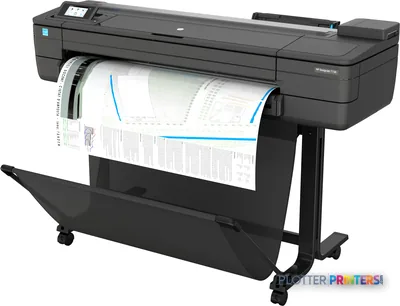 HP DesignJet T730 36-in PrinterF9A29D#B1936"2400 dpiWi-FiView details
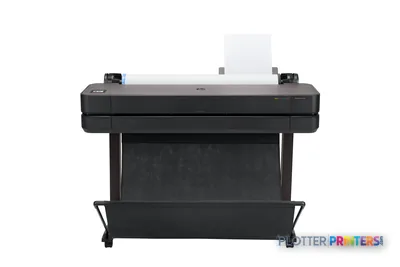 HP DesignJet T630 36-in Printer5HB11D36"2400 dpiWi-FiView details
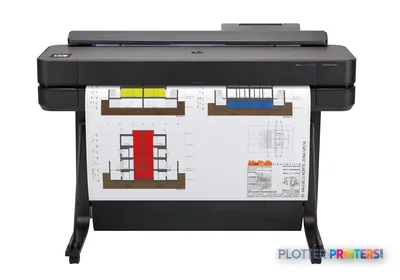 HP DesignJet T650 36-in Plotter5HB10D36"2400 dpiWi-FiView details
Free U.S. shipping on printersKlarna & Affirm at checkoutTalk to a person: 980-536-0080

Wide-format printing means anything on rolls wider than a desktop can handle — 24 inches and up in practice, printing sheets from ARCH D (24×36 in) to ARCH E (36×48 in) and beyond. The category answers to one name but splits into three distinct purchases: technical/CAD machines that lay crisp linework on plain bond, graphics/photo machines tuned for color gamut and smooth gradients, and production machines built to move plan sets by the hundred. Buy the wrong family and you will pay for capability you never use, or starve a workflow that needed it.
The deciding question is not brand or width — it is what leaves the machine most days. Plan sets and permit drawings? That is technical/CAD, where a fast monochrome line and cheap bond matter more than color. Presentation boards, renderings, GIS base maps? That is graphics, where pigment ink and gamut earn their keep. Repro-shop volume? Production, where a stationary print-bar keeps a queue moving. Most AEC offices land squarely in the first camp and occasionally wish they had a little of the second.
Below, the ranked picks and the finder route you to specific models once you know the family. This page keeps you out of the two expensive mistakes: over-buying width, and under-buying workflow. Width is easy to specify and easy to over-specify. Workflow — how files reach the machine, how output stacks, who stands at the scanner — is where the money quietly lives. Money is minutes; let’s spend them well.
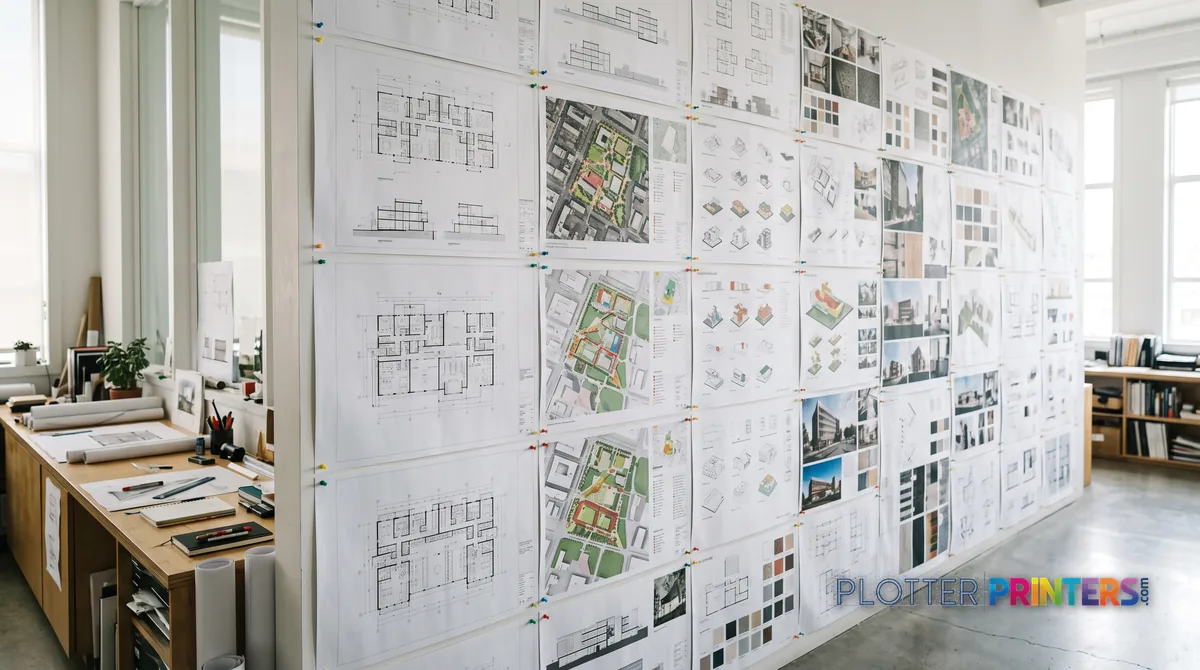
Three families, three different purchases
SHT 02 · PLOTTERPRINTERS ANALYST DESK“Wide-format printer” is a shopping category, not a product. The market splits into three families because the work splits three ways, and a machine optimized for one is compromised at the others.
A technical/CAD plotter is built to render thin, accurate lines on inexpensive bond, fast, in mono or muted color — the daily bread of CAD and plan-set work. A graphics/color machine trades some of that line speed for a wider color gamut and smooth tonal transitions, which is what a rendering or a coordination map actually needs. A production machine trades footprint and cost for raw throughput, printing continuously rather than sheet-by-sheet.
The cards below name each family, the work it wins, and the trade-off it accepts. Read them as three separate buying decisions that happen to share a paper width. Pick the family first; the model comes after.
Architects, engineers, plan-set shops
Wins at crisp linework, small-text legibility, and fast plan sets on inexpensive bond — the daily output of most AEC offices. Runs pigment ink for archival permit sets and as-builts. The trade-off: color gamut is muted, so renderings and photo-grade boards look flat coming off it.
Presentation, GIS, rendering teams
Wins at wide color gamut and smooth gradients — presentation boards, renderings, color-coded coordination drawings, and GIS base maps. Pigment models hold up on display. The trade-off: it’s slower and costlier per plain-bond drawing, so it’s a poor sole machine for a firm that mostly prints black linework.
Repro shops and high-volume departments
Wins at throughput — stationary print-bar machines that move plan sets by the hundred without babysitting. Built for repro-shop duty and central reprographics. The trade-off: footprint, cost, and capacity that a normal office will never use; overkill unless volume is your business.
Every machine we grade lands in one of these families — the finder and the grids below stay current on their own.
Sixty seconds, five questions
Let the finder route you
Answer five questions about the work and get the class that fits — then the live rankings take over.
Plotter finder
Answer five questions — get the right class of machine
See the ranked picks → Get a quote for this class →
Rankings come from our spec-graded scoring — how we rate.
Width classes, decoded
SHT 03 · PLOTTERPRINTERS ANALYST DESKRoll width sets the largest sheet you can print full-bleed, and it maps cleanly to the drawing standards you already use:
- 24-inch class — prints ARCH D / ANSI D (24×36 in) and ISO A1 (594×841 mm). Half-size sets (11×17, 12×18) come off it easily. Desktop or cart-mounted, single roll, quiet enough for an office corner. See the 24-inch hub.
- 36-inch class — the AEC workhorse. Prints ARCH E / ANSI E (36×48 in) and ISO A0 (841×1189 mm) full-bleed. Usually floor-standing, often dual-roll so you can keep bond and gloss loaded at once. The 36-inch hub covers it.
- 44-inch and wider — belongs to graphics and production work: oversized presentation boards, banners, tiled maps. Overkill for a firm that only prints drawing sheets.
The honest advice: buy for the sheet you print most, not the biggest one you print twice a year. A firm that runs A1/D-size daily and needs an E-size sheet monthly is often better served by a 24-inch class machine plus outsourcing the occasional E — a 36-inch machine sits idle most of the time and costs more to feed. Conversely, if E-size and A0 are your steady diet, a 24-inch machine forces you to tile or reduce, which burns operator minutes on every job. Match the width to the median sheet, not the outlier.
The ranked machines, by family
SHT 04 · PLOTTERPRINTERS ANALYST DESKTechnical & CAD — the 36-inch core
Ranked live by our spec-graded scoring. Prices and stock are current.
Graphics & photo — color-first machines
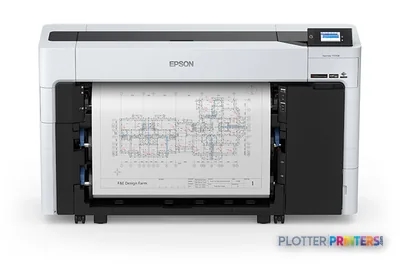 Epson SureColor T5770DR 36-in Dual-Roll PlotterSCT5770DR36"2400 dpiWi-FiView details
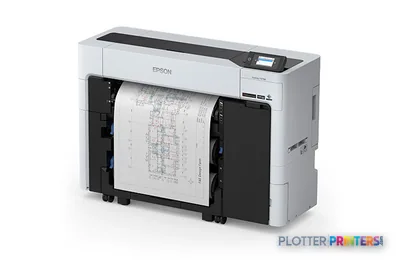 Epson SureColor T3770DR 24-in Wide-Format PrinterSCT3770DR24"2400 dpiWi-FiView details
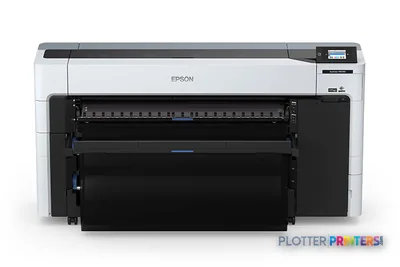 Epson SureColor P8570DR 44-in Dual-Roll PrinterSCP8570DR44"2400 dpiWi-FiView details
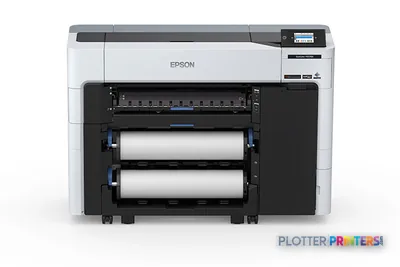 Epson SureColor P6570D Wide-Format PrinterSCP6570DR2400 dpiWi-FiView details
Print, scan & copy — the MFP class
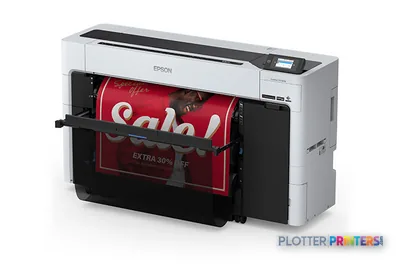 Epson SureColor T5770DM 36-in Multifunction PlotterSCT5770DM2400 dpiScanView details
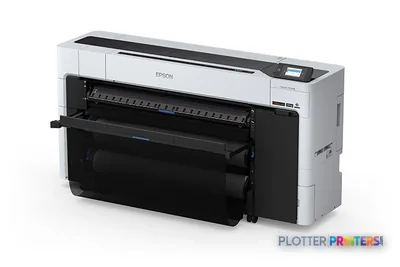 Epson SureColor T7770DM 44-in Wide-Format MFPSCT7770DM44"2400 dpiScanView details
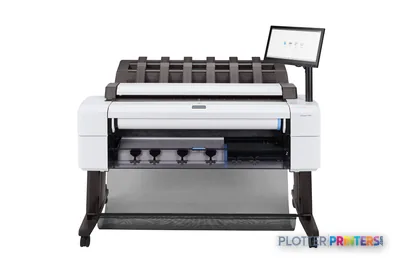 HP DesignJet T2600dr 36-in PostScript MFP — Plus Edition (Build Connected)3EK15D36"2400 dpiView details
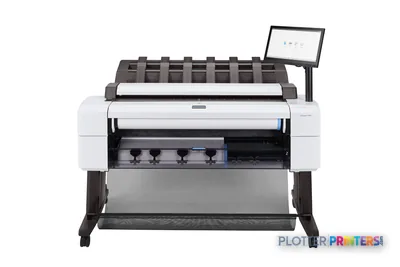 HP DesignJet T2600dr 36-in PostScript MFP — Plus Edition (Build Connected)3EK15P36"2400 dpiView details
Print-only or MFP: when the scanner earns its keep
SHT 05 · PLOTTERPRINTERS ANALYST DESKA wide-format MFP bolts an integrated scanner onto the plotter, adding scan-to-file, copy, and the ability to digitize a marked-up drawing at the machine. The question is not whether that’s useful — it obviously is — but whether you use it weekly.
The scanner earns its cost in three settings:
- Plan rooms and as-built workflows, where field markups come back on paper and need to become PDFs.
- Firms archiving legacy drawings — old E-size sheets that exist only on paper.
- Construction offices copying and reissuing redlined sets on site.
If your drawings are born digital, stay digital, and plot once at the end, the scanner is dead weight — a second subsystem to maintain, calibrate, and pay for. The scanner is free the day it ships; the person standing at it is not, and a scanner used twice a year is a maintenance item, not a productivity tool.
One practical note: an MFP concentrates print, scan, and copy on a single device, which is convenient until that device is down. If those functions are business-critical, ask what your continuity plan is when the one machine is in service. For firms that genuinely handle inbound paper, though, an integrated scanner removes a whole trip to a separate device — and that recovered walk, times every markup, adds up.
What running one actually involves
Spec sheets sell speed; ownership is quieter than that. Here is the part the brochure skips.
- Space and power. A 24-inch class machine fits on a cart; a 36-inch floor-standing unit wants clear space front and rear for media and output, plus a standard outlet. Measure the doorway before the delivery, not after.
- Roll changes. Single-roll machines mean swapping media by hand when a job needs a different stock; dual-roll machines keep two loaded (bond and gloss, say) and switch automatically. If you mix media daily, dual-roll pays for itself in avoided interruptions.
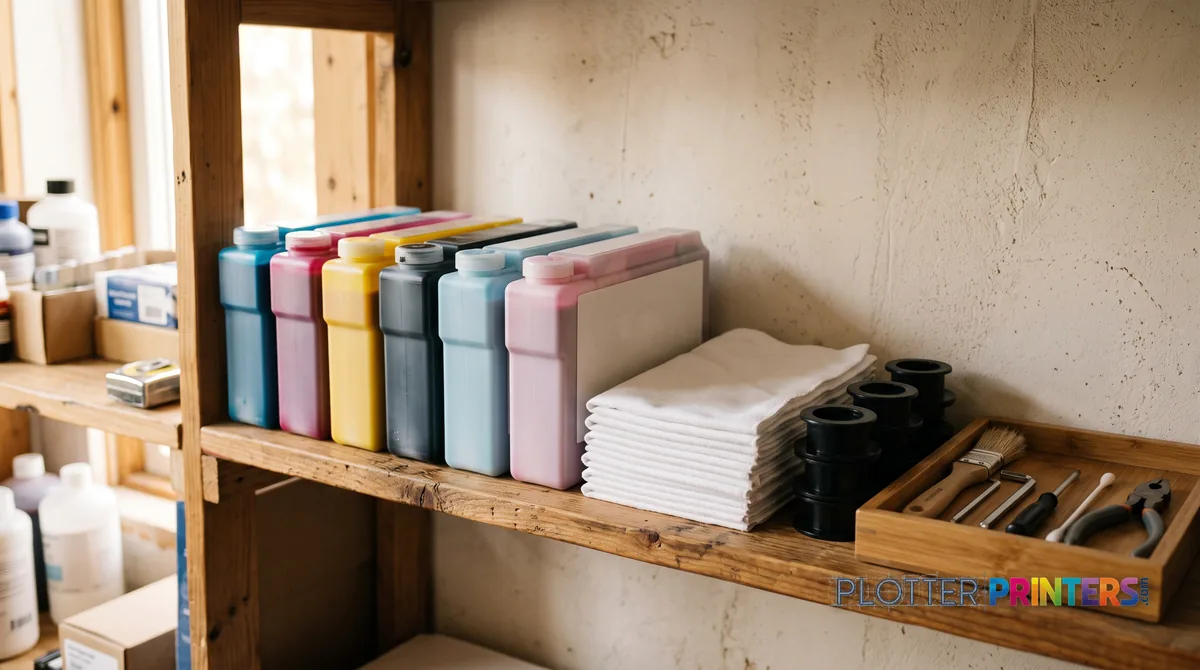
- Ink chemistry. Dye ink is vivid and lower cost but fades; pigment ink is water- and UV-resistant and archival — the AEC default because a permit set or as-built has to survive a job site and a file cabinet. Choose pigment unless your output is short-lived and color-showy.
- Drivers and files. Most pain lives here. A plotter that saves thirty seconds a plot buys nothing if the file spends four minutes finding it. Confirm the machine drives cleanly from your PDF and CAD workflow before you sign.
- Maintenance. Printheads, calibration, and firmware are routine, not dramatic — budget occasional operator minutes, not a technician on retainer.
We publish how we score these machines so you can see which of these realities each model handles well. The finder below routes you to a family; the ranked list shows the leaders inside it.
Your questions, answered
SHT 07 · PLOTTERPRINTERS ANALYST DESKWhat size counts as a wide-format printer?
In practice, anything printing on rolls wider than a desktop sheet — 24 inches and up. A 24-inch machine prints ARCH D / ANSI D (24×36 in) and ISO A1 (594×841 mm); a 36-inch machine prints ARCH E (36×48 in) and ISO A0 (841×1189 mm). Below 24 inches you’re in desktop territory, not wide-format.
What's the difference between a plotter and a wide-format printer?
Today they mean the same thing. “Plotter” is a historical term from pen-based drafting machines; modern units are inkjet printers. In AEC usage, “plotter” usually implies a technical/CAD machine printing drawings, while “wide-format printer” is the broader category covering graphics and production work too. Don’t overthink the vocabulary — pick by the work you print.
24-inch or 36-inch — which width do I need?
Match the width to the sheet you print most, not the biggest you print rarely. If A1/D-size (24×36 in) is your daily output, a 24-inch class machine suits you. If ARCH E (36×48 in) or ISO A0 is steady work, go 36-inch. A firm needing E-size only occasionally often does better with a 24-inch machine plus outsourcing the outliers.
Do I need color, or is monochrome enough?
If your output is plan sets, permit drawings, and redlines, a technical/CAD machine printing crisp black linework covers it. You need a graphics/color machine when color is the point — renderings, presentation boards, GIS maps, coordination drawings. Many CAD machines print color adequately for markups; they just can’t match a graphics machine’s gamut on photo-grade work.
What does dye versus pigment ink actually change?
Dye ink is vivid and lower cost but fades with light and moisture. Pigment ink is water- and UV-resistant and archival, which is why it’s the AEC default — a permit set or as-built has to survive a job site and years in a cabinet. Choose pigment unless your output is short-lived and you’re chasing maximum color pop.
When is a wide-format MFP with a scanner worth it?
When you handle inbound paper weekly: field markups returning for scan-to-file, legacy E-size drawings needing digitizing, or a construction office copying and reissuing redlined sets. If your drawings are born digital and stay that way, the scanner is a subsystem you maintain and pay for but rarely use. Use frequency, not usefulness, is the test.
How much space and power does one need?
A 24-inch class machine fits on a cart and runs off a standard outlet. A 36-inch floor-standing unit wants clear space front and rear for media loading and output catching, plus a standard outlet. Measure the doorway and the delivery path before you order — wide-format machines arrive in large crates and don’t fold.
What's a dual-roll machine and do I need it?
Dual-roll keeps two media types loaded at once — bond and gloss, say, or two widths — and switches automatically per job. If you mix media daily, it removes constant manual roll swaps and the interruptions they cause. If you print one stock 95 percent of the time, single-roll is simpler and cheaper to own. It’s a workflow question, not a status one.
Can these print smaller sheets like 11×17?
Yes. Any wide-format machine handles half-size sets — 11×17 in (ANSI B) or 12×18 in (ARCH B) — off the same roll it uses for full-size drawings, or from cut sheets on some models. Half-size check sets are a routine wide-format job; you don’t need a separate desktop printer for them, though many offices keep one anyway.
How do I choose without knowing model names?
Pick the family first: technical/CAD for linework and plan sets, graphics/color for boards and maps, production for high volume. Then pick width by your median sheet. The finder below routes you to a family in five questions, and the ranked picks on this page show the current leaders inside each one — with live scores and prices we don’t reprint in prose.
The bottom line
SHT 08 · PLOTTERPRINTERS ANALYST DESK- "Wide-format printer" is three different purchases — technical/CAD, graphics/color, and production — so pick the family before the model.
- Match roll width to the sheet you print most: 24-inch for A1/D-size daily work, 36-inch for steady ARCH E and A0.
- Pigment ink is the AEC default because permit sets and as-builts must survive job sites and years of storage.
- An integrated scanner earns its cost only where inbound paper — markups, legacy drawings, redlines — arrives weekly.
- The expensive mistakes are over-buying width and under-buying workflow; the file path costs more minutes than the print speed saves.
- Choose 24-inch class if A1/D-size is your daily median and E-size is rare; choose 36-inch if ARCH E and A0 are steady work; add a scanner only if paper comes back to you.
Tell us the work; we'll shortlist the machine
Straight answers from the people who graded all 638 of them.