
Home / Wide-Format Printers / HP DesignJet
HP · Wide-Format Plotter
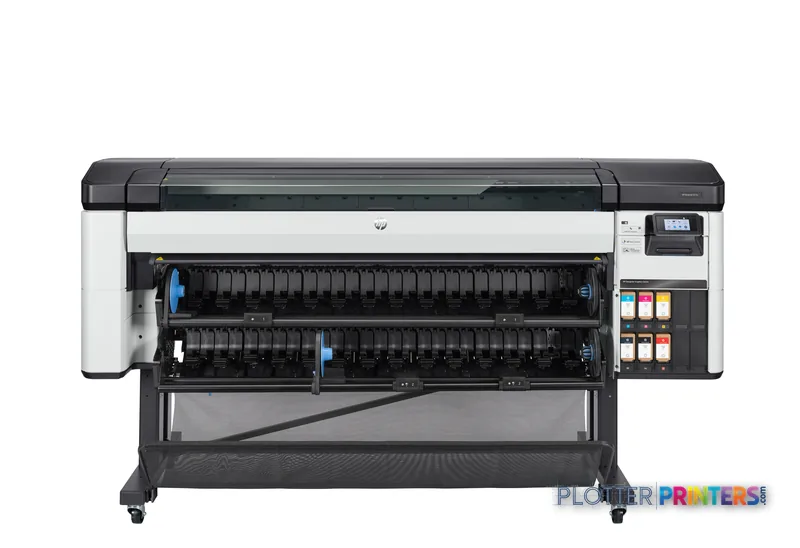
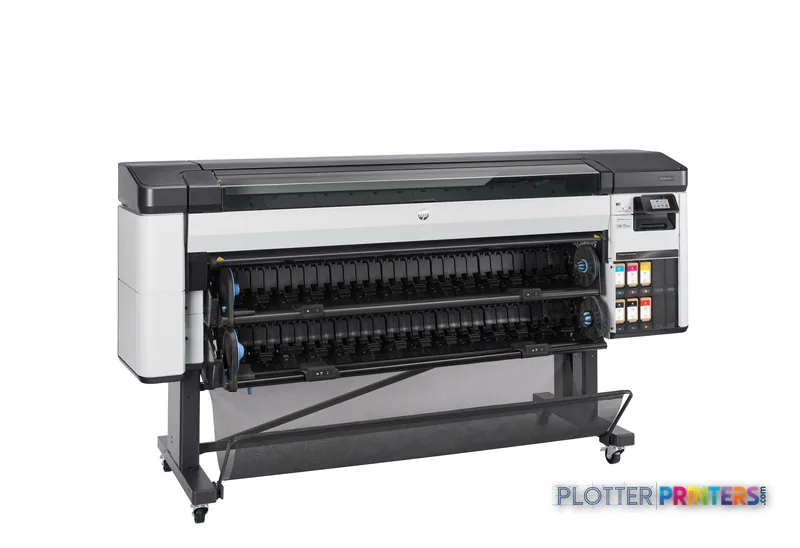
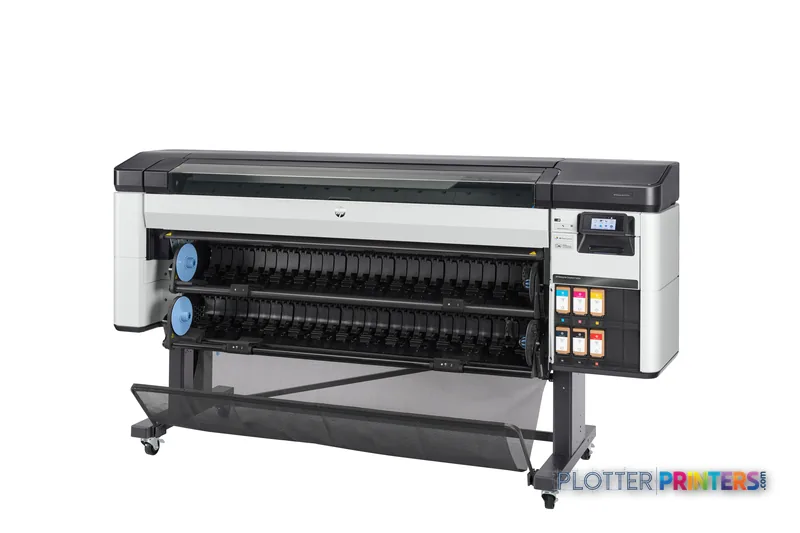
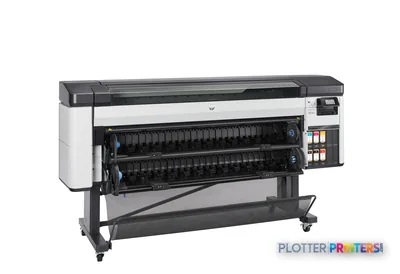
HP DesignJet Z6 Pro
64" color graphics & photo printer
- ModelZ6 Pro
- Prints64" wide
- Score56/100
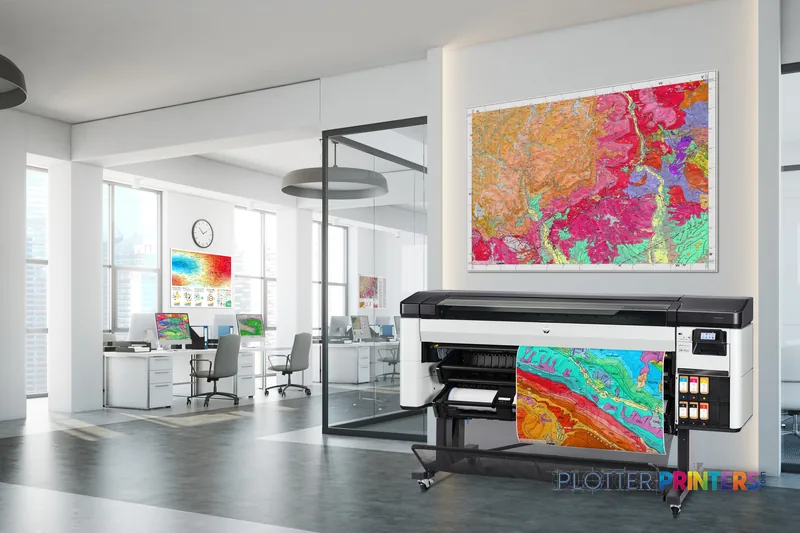
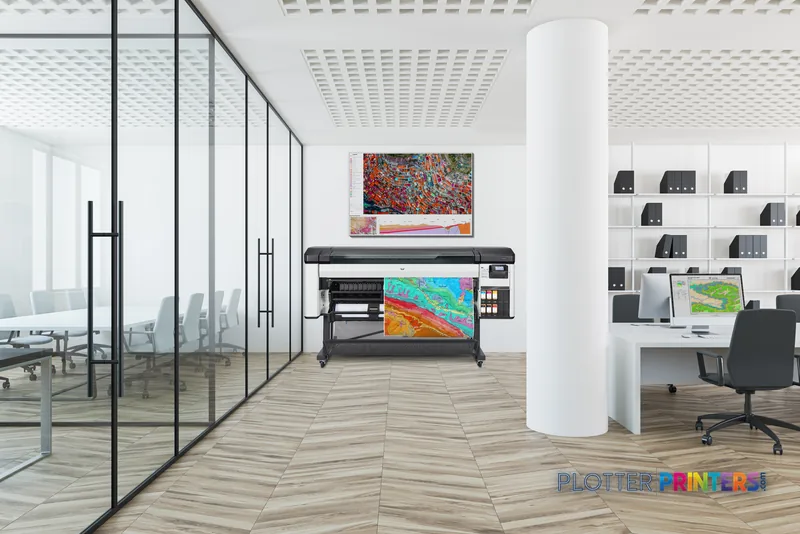
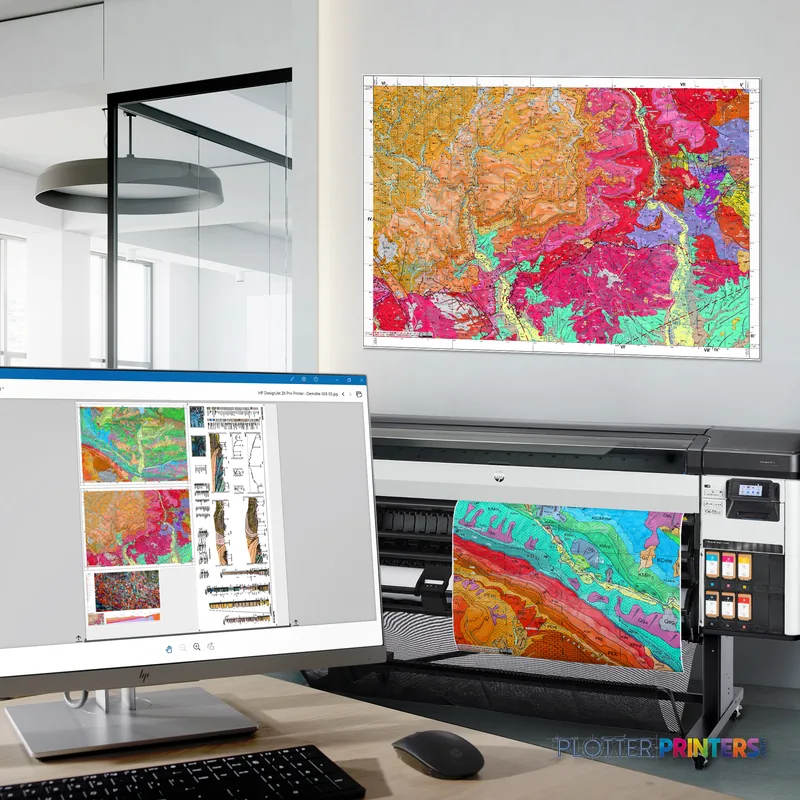
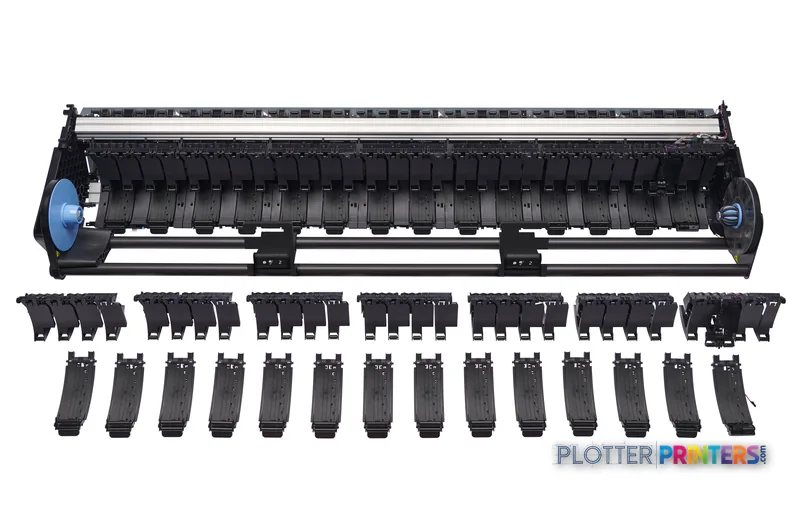
Authorized HP dealerGenuine hardware & ink
1-year warranty includedExtendable to 5 years
Free shippingContinental U.S.
Plotter specialistsAEC experts, not just sellers
Analyst take
- Six-ink thermal inkjet with both matte black and photo black loaded at once, so line work and photos share one machine.
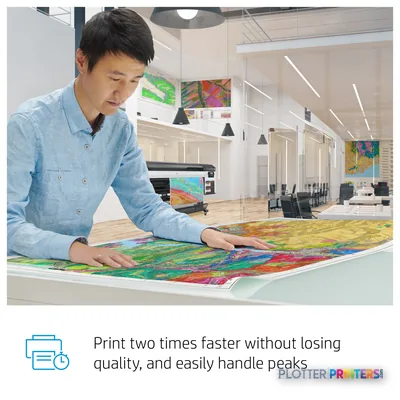
- Rated by HP at 29 m²/h in normal quality on coated stock — a ceiling, not a sustained mixed-set speed.
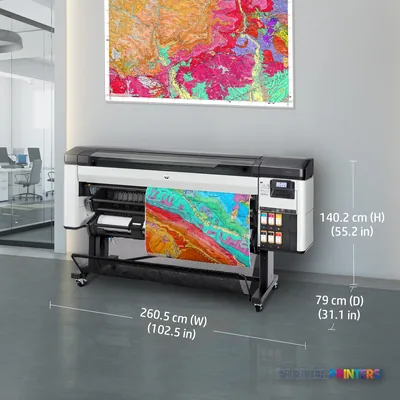
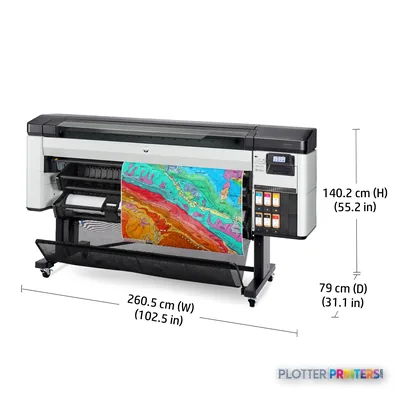
- 64-inch capable with a large 102.6-inch footprint; confirm floor space before purchase.
Not sure if the Z6 Pro is right for you?
Compare key specs and an AI analyst read-out against similar models.
- Wide-format reach Prints up to 64" wide on rolls and sheets.
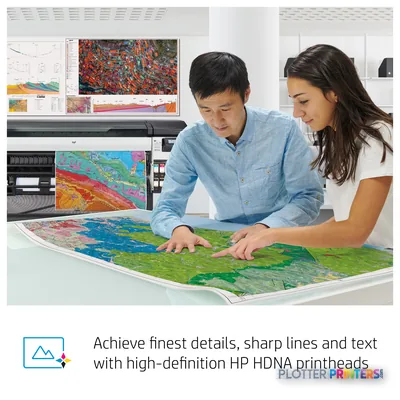
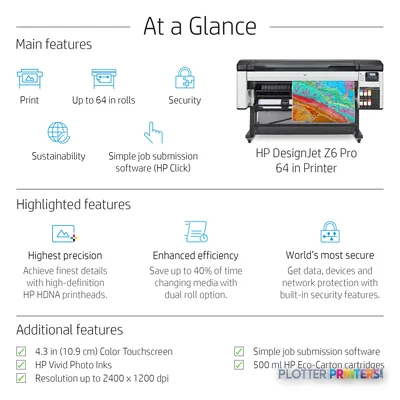
- Fine detail 2400 x 1200 DPI maximum resolution for crisp line work.
- Ink platform Cyan, Photo black, Matte black, Magenta, Yellow.
- Connectivity Ethernet for shared team printing.
- Analyst score Scores 56/100 in our class-relative rating.
Overview
A 64-inch photo-grade DesignJet for practices where color fidelity has to survive the last five percent

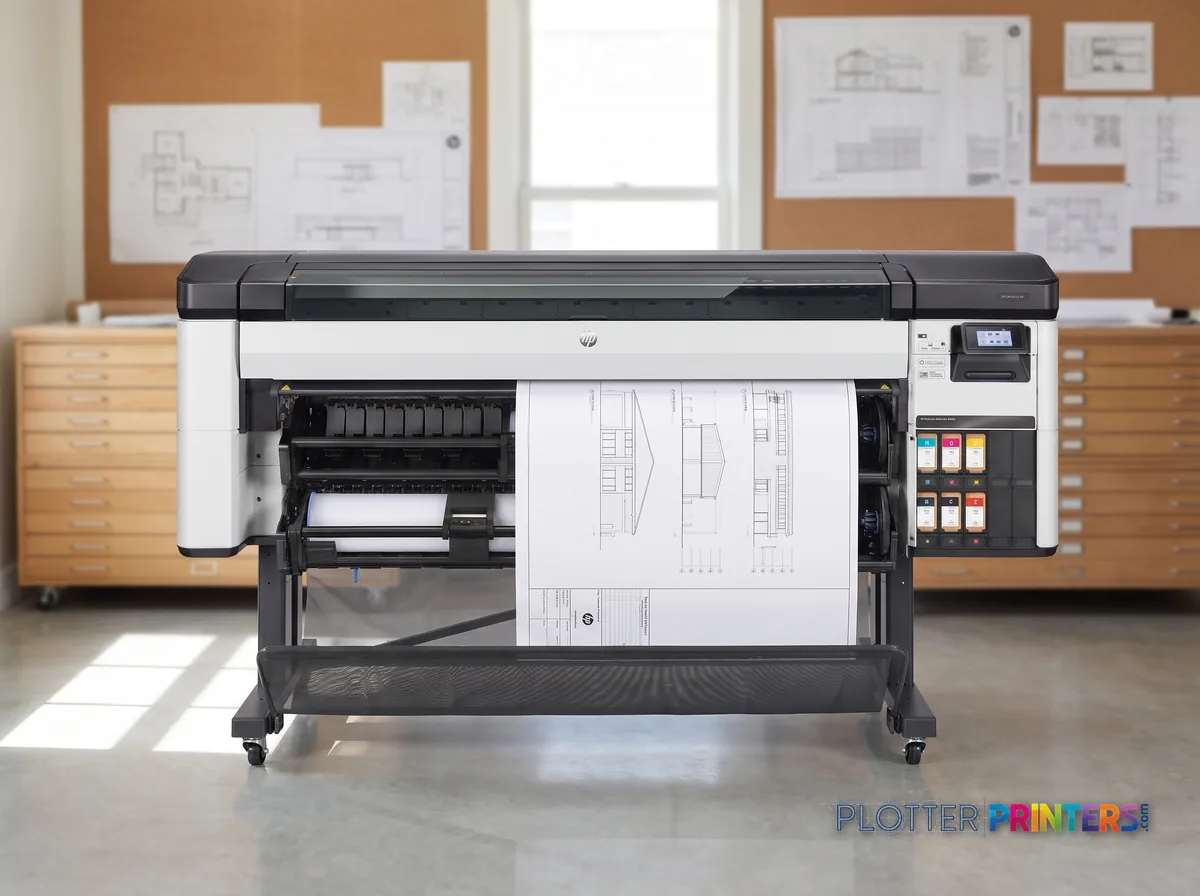
The HP DesignJet Z6 Pro is a 64-inch-wide thermal inkjet built for AEC work where color accuracy earns its keep — rendering material studies, GIS overlays and coordination sets alongside ordinary bond plots. It runs a six-cartridge set (HP 775 and HP 777 inks) including both photo black and matte black, so deep shadows hold on photo media and text stays crisp on coated bond. The difference shows up where saturated reds and subtle site-plan gradations live; the pigment set is designed to reproduce those without muddying. Maximum resolution is 2400 x 1200 dpi, and HP rates normal-quality output at 29 m²/h on coated paper.
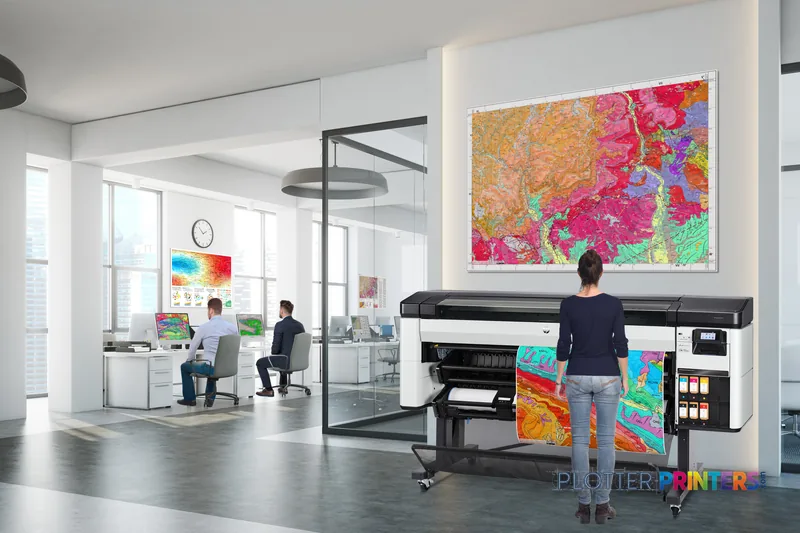
- Large practices producing color renderings and presentation boards at 64-inch width
- GIS and infrastructure teams needing dependable color across long maps
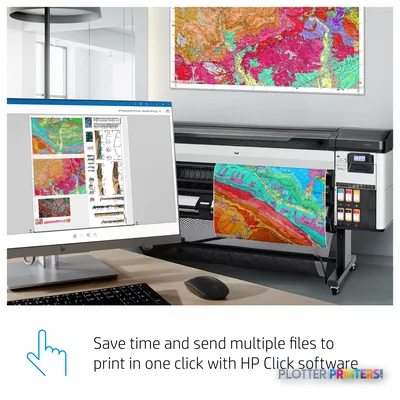
- Print rooms driving mixed color and monochrome sets through HP Click, PrintOS and optional SmartStream
- Firms wanting job accounting via the HP DesignJet Accounting Tool or SmartTracker
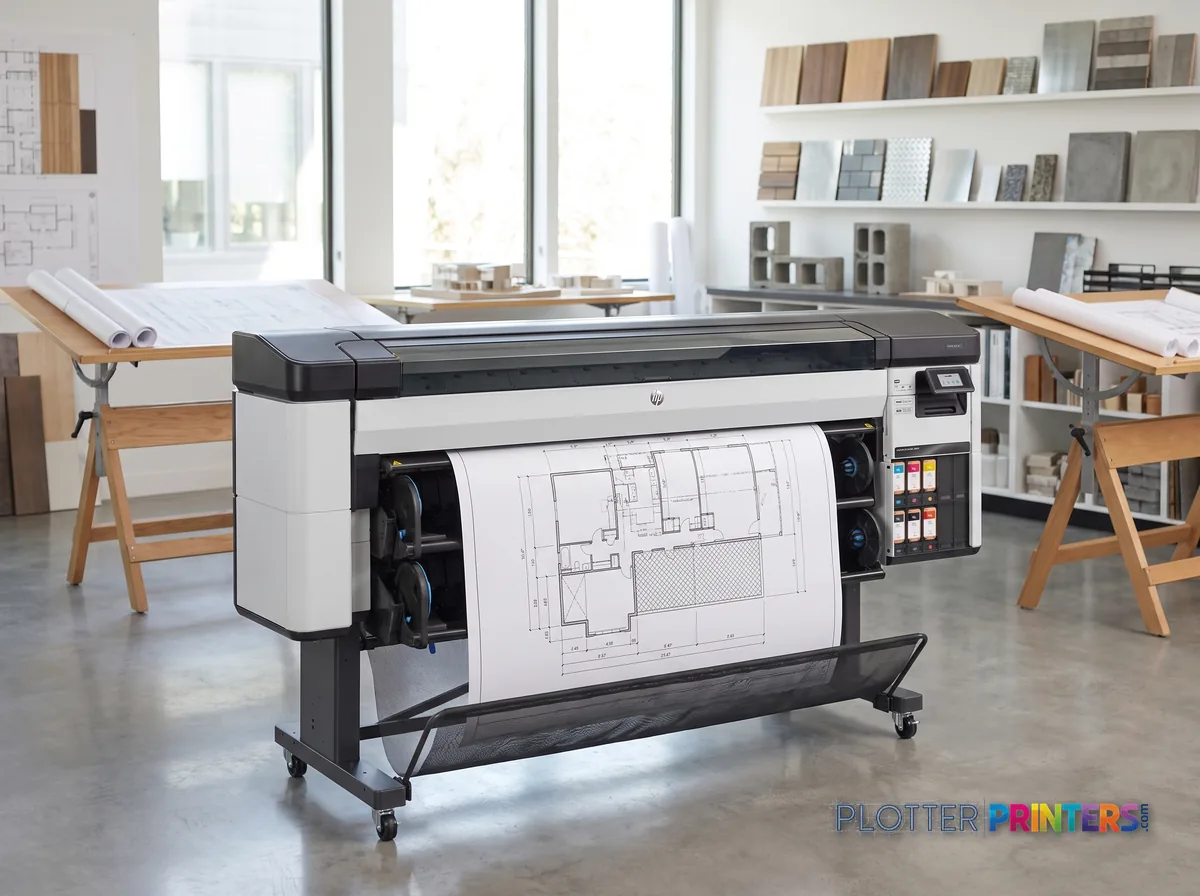
It is not the tool for firms that print only monochrome CAD sheets — that money is better spent narrower or on a production monochrome device. If you want the same photographic color at a smaller footprint, look to the HP DesignJet Z5200 47-in; if you need higher unattended throughput at 60-inch width, the HP DesignJet Z6200 60-in is the step across.
- 64″Max print width
- 1,055 ft²/hRated speed
- 6Ink channels
- 2,400 dpiMax resolution
- 12 moIncluded warranty
Spec Analysis
overall
overall
At a glance
- Print width
- 64 in (2605 mm wide unit)
- Print technology
- Thermal inkjet, 6 cartridges
- Inks
- Cyan, Magenta, Yellow, Photo black, Matte black
- Maximum resolution
- 2400 x 1200 dpi
- Rated speed (HP)
- 29 m²/h, normal quality on coated paper
- Connectivity
- Gigabit Ethernet (100/1000 Mbit/s); no Wi-Fi, no USB port
- Media types
- Coated, bond, photo and banner
- Consumables
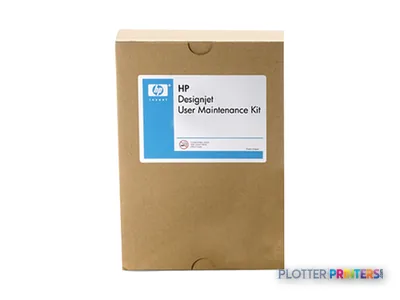
- HP 775 / HP 777 inks, HP 777 printhead, HP DesignJet User Maintenance Kit
Ideal for: color-critical wide-format work — renderings, GIS maps, presentation boards and mixed color/mono sets at 64-inch width. Not the tool for: monochrome-only CAD shops or firms needing a compact desktop plotter.
Features
What sets it apart
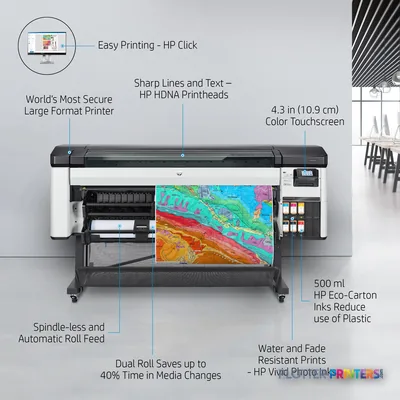
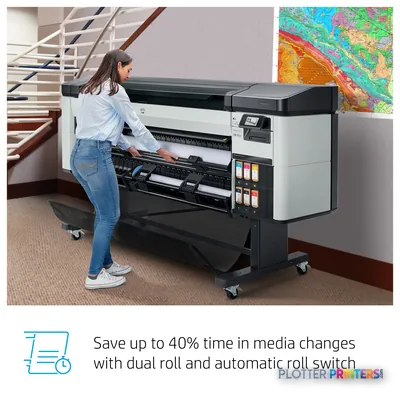
Swipe to explore →
Expert analysis
What you should know
Key takeaways
- Six-ink thermal inkjet with both matte black and photo black loaded at once, so line work and photos share one machine.
- Rated by HP at 29 m²/h in normal quality on coated stock — a ceiling, not a sustained mixed-set speed.
- 64-inch capable with a large 102.6-inch footprint; confirm floor space before purchase.
- Handles HP-GL/2, TIFF, JPEG, HP-RTL and CALS G4 with 88 GB internal memory for CAD and PDF submissions.
- Uses HP 775 and HP 777 inks and the HP 777 printhead; HP Dynamic Security applies to cartridges.
- Better matched to AEC color-document and rendering work than to Epson's signage-focused 64-inch resin and dye-sub machines.
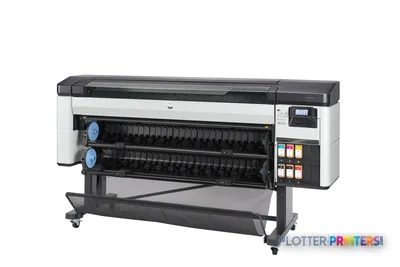
Most wide-format buyers in AEC come to color the way they come to insurance — reluctantly, and only when a rendering, a GIS overlay or a coordination set forces the issue. The HP DesignJet Z6 Pro 64-in, introduced in 2021, is built for the moment color stops being optional: a 64-inch, six-ink thermal inkjet machine that runs matte black and photo black at the same time.
What that dual-black design buys you is the thing your eye notices before any spec sheet does — clean, deep line work on bond, and photographs that hold together on glossy stock without a paper swap in between. That is the pitch. Below, we check where it earns it and where it doesn’t.
64 inPrint width64-inch roll capable, full machine footprint
29 m²/hRated speedHP QuickSpecs, normal quality on coated
2400 x 1200 DPIResolutionmaximum
6Ink setCyan, Photo black, Matte black, Magenta, Yellow
The ink set, and what it actually does
The Z6 Pro carries six cartridges from the HP 775 and HP 777 families, printing cyan, magenta, yellow and — the part that matters — both photo black and matte black. On the media we’d expect in an AEC shop, the payoff shows up in two different places. On plain and coated bond, the matte black gives you dense, legible line work and small text that stays crisp at the 1/8-inch-and-below scale where dimensions and callouts live. On photo and gloss, the photo black keeps neutral grays from going muddy and lets a shaded elevation hold its deep-shadow detail.
I’ll be honest about the limits of what I can claim here: our desk has not run this printer through its measured ICC gamut, so I won’t quote you a volume number I didn’t measure. Six inks is a smaller set than HP’s photo-oriented DesignJets, and if your work is fine-art or true photographic reproduction, that context deserves weight. For architectural color — renderings, color-coded MEP coordination, GIS maps — six inks with dual black is a sensible, workflow-honest configuration.
Throughput and the reality behind the number
HP rates the Z6 Pro at 29 m²/h in normal quality on coated stock. Treat that, as always, as a ceiling rather than a cruising speed. A real mixed plan set — D-size and E-size sheets interleaved, color renderings dropped among monochrome details, presentation-quality passes on the cover — will run well below that figure once you account for processing, higher-quality modes and roll handling. With 88 GB of internal memory and HP-GL/2, TIFF, JPEG, HP-RTL and CALS G4 handling, it digests CAD and PDF submissions without drama. If you want to sanity-check your own workload, the estimator below is driven by the verified rated speed.
Estimate plot times for your own run lengths.
One set: – · Weekly plotting time: –
Computed from the manufacturer's rated 1,055 ft²/h. Real-world mixed sets run slower — treat this as a best case for comparing machines, not a promise.
How it sits in the family — and against Epson
Inside HP’s own range, the Z6 Pro is the color-capable 64-inch option. If you don’t need photo-grade color and your work is monochrome-heavy production, the graphics-oriented HP DesignJet Z6610 60-in or HP Z6800 60-in are worth weighing, and a 44-inch machine like the HP Z6600 44-in covers smaller plan formats at a smaller footprint. Narrower still, the HP DesignJet Z5200 44-in steps down for studios that never touch 64-inch media.
Cross-brand, the obvious 64-inch neighbors run a different job. The Epson SC-R5000 64-in is a resin/latex signage and durable-graphics printer, and the Epson F9470 64-in is a dye-sublimation machine — both aimed at output the Z6 Pro isn’t trying to make. If you want them side by side, our Z6 Pro vs. Epson SC-R5000 comparison lays out the divide. For aqueous AEC document and rendering work, the Z6 Pro stays in its lane. See where it lands on the 64-inch class leaderboard.
The read
The HP DesignJet Z6 Pro 64-in makes the most sense for a mid-to-large AEC practice or reprographics room that produces color renderings, coordination sets and GIS work alongside everyday monochrome plans, and wants one 64-inch machine that switches between deep matte line work and photo-quality gloss without a media dance. It is less appropriate for firms that only plot black-and-white bond — a monochrome-leaning production model serves that more economically — or for shops needing signage durability or dye-sub, which is Epson territory. Ask your dealer to run your drawing set, at your quality settings, on the media you actually stock. The 29 m²/h rating is real; your throughput is a separate question worth answering before you sign.
Spec analysis
How the specs grade
Overall performance
within color graphics & photo printers · 3 compared
Class best 71 — Epson SureColor P20570
100% spec coverage
- This printer
- Epson SureColor P20570
Category leaders best color graphics & photo printers, by dimension
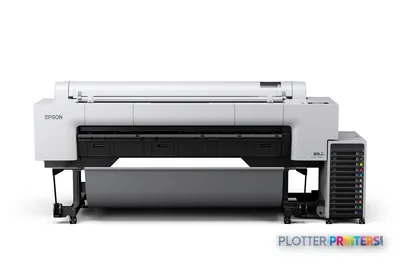
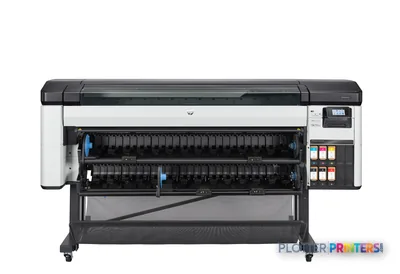
Verified specifications
The specs that decide it
| Print width | 64-in |
|---|---|
| Maximum resolution | 2400 x 1200 DPI |
| Print cartridges | 6 (Cyan, Photo black, Matte black, Magenta, Yellow) |
| Internal memory | 88064 MB |
| Print technology | HP PrintOS (HP thermal inkjet) |
| Color calibration | Availablemanufacturer-verified |
| Connectivity | Ethernet LAN 100/1000 Mbit/s (no USB, no Wi-Fi) |
| Page description languages | HP-GL/2, TIFF, JPEG, HP-RTL, CALS G4 |
| Media types | Coated paper, Bond paper, Photo paper, Banner |
| Dimensions / weight | 102.6" W x 31.1" D x 55.2" H; 372.6 lbs (169 kg) |
manufacturer-verified = checked against the manufacturer’s official datasheet, not aggregator data. Everything else is standards-body / catalog data we consider reliable.
Specifications
Full technical detail
Print technologyThermal inkjet
Max resolution2400 x 1200 DPI
Max print width64"
ColorColor
ConnectivityEthernet (Gigabit LAN)
Use casePhoto / Fine Art
Printing
| Color | Yes |
|---|---|
| Printing colors | Cyan, Photo black, Matte black, Magenta, Yellow |
| Print technology | Thermal inkjet |
| Resolution color | 2400 x 1200 DPI |
| Maximum resolution | 2400 x 1200 DPI |
| Number of print cartridges | 6 |
| Page description languages | HP-GL/2, TIFF, JPEG, HP-RTL, CALS G4 |
Performance
| HP segment | Business |
|---|---|
| Control type | Touch |
| Certification | Compliant with Class A requirements, including: USA (FCC rules), Canada (ICES), EU (EMC Directive), Australia and New Zealand (RCM), Japan (VCCI), Korea (KCC), China (CCC) |
| Color display | Yes |
| Product color | White, Gray |
| Internal memory | 88064 MB |
| Built-in display | Yes |
| Country of origin | Singapore, Malaysia |
| Introduction year | 2021 |
Paper handling
| Paper tray media types | Coated paper, Bond paper, Photo paper, Banner |
|---|
Ports & interfaces
| Wi-Fi | No |
|---|---|
| USB port | No |
| Ethernet LAN | Yes |
| Ethernet LAN data rates | 100,1000 Mbit/s |
Technical details
| Box contents | HP DesignJet Z6 Pro Printer, printheads, introductory ink cartridges, maintenance cartridge, printer stand and media bin, 3-in core adapter, quick reference guide, setup poster, power cord, user maintenance kit |
|---|
Weight & dimensions
| Depth | 31.1" (790 mm) |
|---|---|
| Width | 102.6" (2605 mm) |
| Height | 55.2" (1402 mm) |
| Weight | 372.6 lbs (169 kg) |
Power
| Power supply | 150 W |
|---|---|
| AC input voltage | 100 – 240 V |
| AC input frequency | 50/60 Hz |
| Power consumption (off) | 0.3 W |
| Power consumption (sleep) | 9 W |
| Power consumption (standby) | 35 W |
Operational conditions
| Storage temperature (T-T) | -20 – 55 °C |
|---|---|
| Operating temperature (T-T) | 5 – 40 °C |
| Operating relative humidity (H-H) | 20 – 80% |
Other features
| UNSPSC-code | 43212107 |
|---|---|
| Electromagnetic compatibility | Compliant with Class A requirements, including: USA (FCC rules), Canada (ICES), EU (EMC Directive), Australia and New Zealand (RCM), Japan (VCCI), Korea (KCC), China (CCC) |
Copying
| Copying | No |
|---|
Scanning
| Scanning | No |
|---|
Packaging data
| Package depth | 29.5" (750 mm) |
|---|---|
| Package width | 110.2" (2800 mm) |
| Package height | 51.3" (1302 mm) |
| Package weight | 577.6 lbs (262 kg) |
| Bundled software | HP Click printing software, HP PrintOS, HP Partner Link, HP DesignJet Accounting Tool, HP Web Jetadmin, HP SmartStream (optional), HP JetAdvantage Security Manager (optional) |
| Cartridge(s) included | Yes |
Sustainability
| Sustainability compliance | Yes |
|---|---|
| Sustainability certificates | ENERGY STAR |
Carbon footprint
| Total carbon footprint (kg of CO2e) | 1230 |
|---|---|
| Carbon emissions, logistics (kg of CO2e) | 94 |
| Carbon emissions, end-of-life (kg of CO2e) | 95 |
| Carbon emissions, manufacturing (kg of CO2e) | 896 |
| Total carbon emissions, w/o use phase (kg of CO2e) | 141 |
Brand-specific features
| HP GTIN (EAN/UPC) | 195908148722 |
|---|---|
| HP dynamic security | Yes |
Everything that fits the HP DesignJet Z6 Pro
The full supplies hub lists every cartridge, printhead, roll and accessory verified against the manufacturer's own documentation for this machine.
17 ink cartridges · 12 paper & media items · 4 accessories · 7 coverage plans
HP DesignJet Z6 Pro ink and paper →Supplies
Compatible ink, printheads & media
Genuine consumables that fit the HP DesignJet Z6 Pro 64-in Printer — only the cartridges, printheads and media compatible with this model.
Ink Cartridges 17
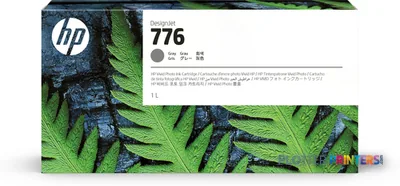 HP 776 1-liter Gray Ink Cartridge
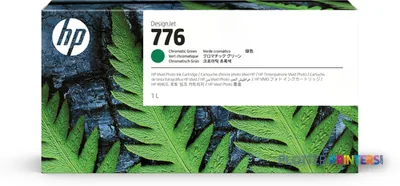 HP 776 1-liter Chromatic Green Ink Cartridge
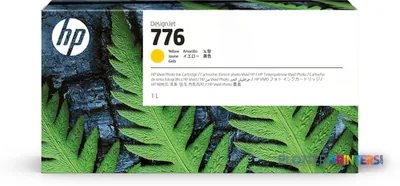 HP 776 1-liter Yellow Ink Cartridge
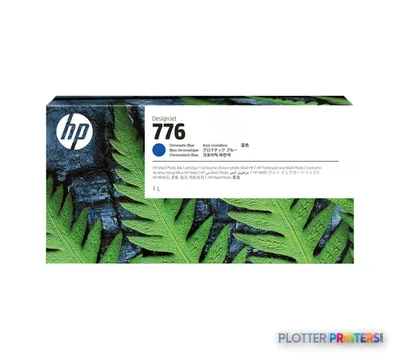 HP 776 1-liter Chromatic Blue Ink Cartridge
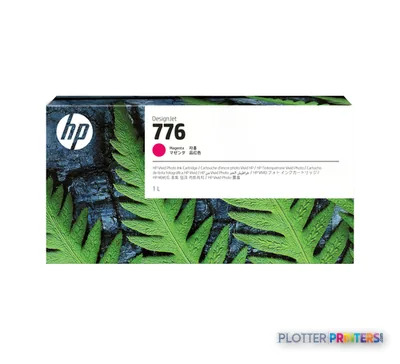 HP 776 1-liter Magenta Ink Cartridge
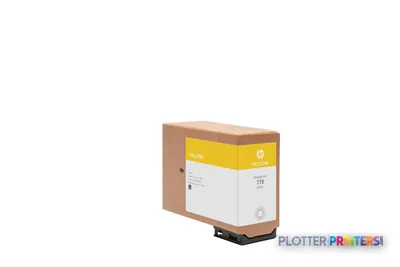 HP 775 500-ml Yellow Ink Cartridge
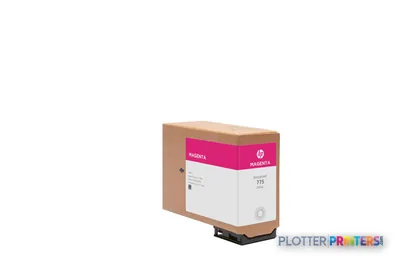 HP 775 500-ml Magenta Ink Cartridge
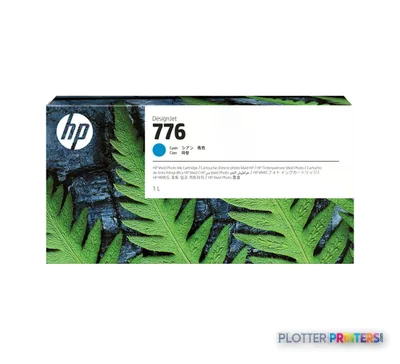 HP 776 1-liter Cyan Ink Cartridge
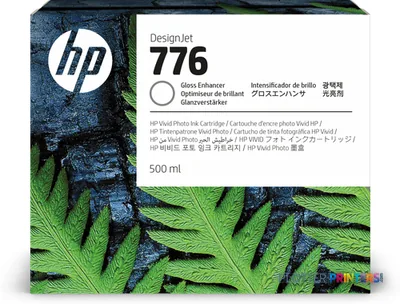 HP 776 500-ml Gloss Enhancer Ink Cartridge
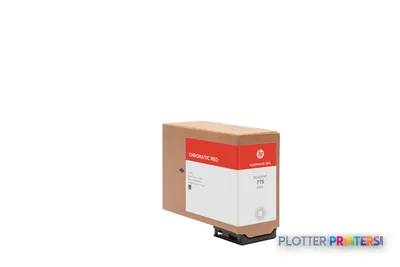 HP 775 500-ml Chromatic Red Ink Cartridge
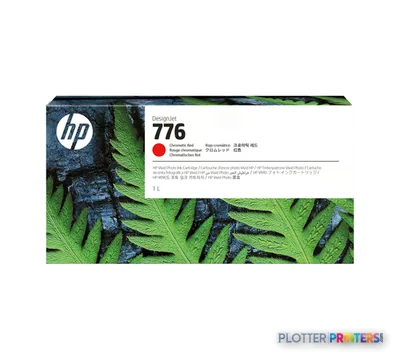 HP 776 1-liter Chromatic Red Ink Cartridge
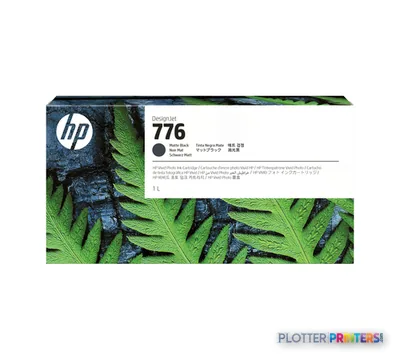 HP 776 1-liter Matte Black Ink Cartridge
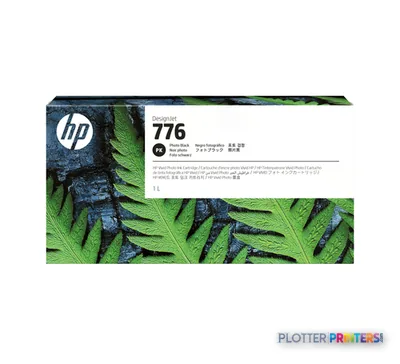 HP 776 1-liter Photo Black Ink Cartridge
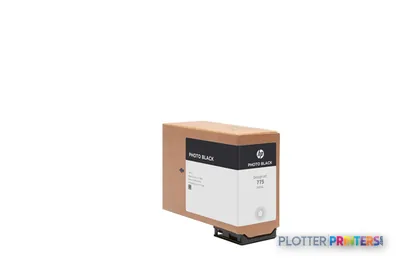 HP 775 500-ml Photo Black Ink Cartridge
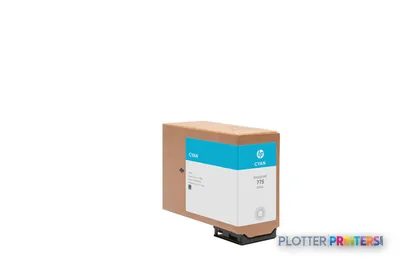 HP 775 500-ml Cyan Ink Cartridge
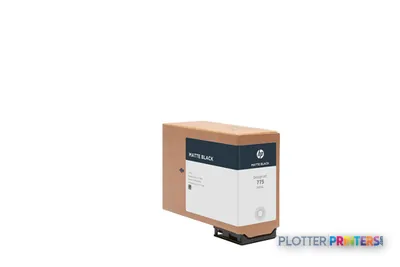 HP 775 500-ml Matte Black Ink Cartridge
 HP Z9+ Pro Gloss Enhancer Upgrade Kit
Paper & Media 12
 Representative image18LB Inkjet Bond Paper (Translucent) (750)Representative image28LB Inkjet Coated Matte Paper (748)Representative image46LB Inkjet Coated Matte Paper (747)Representative image6.5mil Matte Coated Paper w/ PSA (746PSA)Representative image24LB Inkjet Coated Matte Paper (745)Representative image20LB High Brite Inkjet Bond Paper (740)Representative image24LB Inkjet Bond Paper (731)Representative image20LB Inkjet Bond Paper (730)Representative image24LB Inkjet Coated Matte Paper Economy (714)Representative image20LB Engineering Vellum (471)Representative imageWSL 28LB Simple Inkjet Coated Matte Paper (C2S) (448)Representative imageWSL 24LB Simple Inkjet Coated Matte Paper (C2S) (446)
Accessories 4
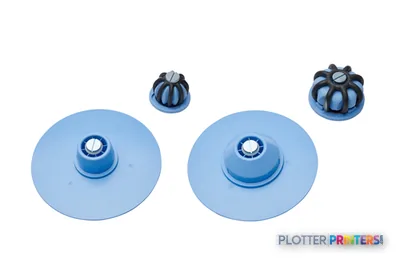
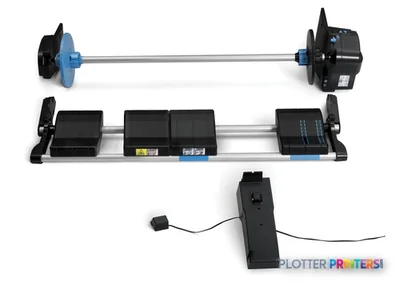
Coverage & Support Plans 7
 HP 1 year Post Warranty NBD Hardware Support w/DMR/Maint Kit Repl for HPZ6 Pro 64in
 HP 2 year Next Business Day Onsite HW Support w/DMR/Maint Kit Repl forHP Z6 Pro 64inHP 2 year Post Warranty NBD Hardware Support w/DMR/Maint Kit Repl for HPZ6 Pro 64in
 HP 3 year Next Business Day Onsite HW Support w/DMR/Maint Kit Repl forHP Z6 Pro 64in
 HP 4 year Next Business Day Onsite HW Support w/DMR/Maint Kit Repl forHP Z6 Pro 64in
 HP 5 year Next Business Day Onsite HW Support w/DMR/Maint Kit Repl forHP Z6 Pro 64in
 HP Installation and Network Setup Service for Z Pro Series (U36YHE)
Questions
Straight answers
Does the Z6 Pro scan or copy?
No. It is a printer only. If you need wide-format scanning, HP offers the separate HP SD Pro 44-in Scanner as an accessory to build a copy workflow.
Why does it carry both matte black and photo black?
Matte black gives dense, legible line work and small text on bond and coated paper, while photo black keeps neutral grays clean on gloss and photo media. Having both loaded means you don’t swap inks when a job mixes plans and renderings.
What inks and printhead does it use?
It uses the HP 775 and HP 777 ink families and the HP 777 printhead. Note that HP Dynamic Security is enabled, which affects cartridge compatibility — confirm your supply arrangement with your dealer.
Is the rated 29 m²/h what I'll actually get on a plan set?
No. That figure is HP’s normal-quality rating on coated stock and is best treated as a ceiling. Higher-quality modes, mixed sheet sizes, processing time and roll handling all pull real-world throughput below it — use the plot-time estimator with your own job mix.
How does it compare to HP's other 64-inch and 60-inch machines?
The Z6 Pro is the color-and-photo-capable choice. For monochrome-heavy production, the HP DesignJet Z6610 60-in or HP Z6800 60-in are worth weighing, and 44-inch models like the HP Z6600 44-in cover smaller formats at a smaller footprint.
Can it handle banner and photo media, not just bond?
Yes. Supported media types include coated paper, bond paper, photo paper and banner, and a 3-inch core adapter ships in the box for larger media cores.
Resources
Brochures, datasheets & video
Documents
Video
Ready to put the HP DesignJet Z6 Pro to work?
Configuration, media and a quote tailored to your workflow — from AEC plotter specialists.