
AEC Buyer Guide — No. 03
Plotters for Architects: One Machine, Two Reputations
A studio plotter has two jobs: crisp permit sets and color that survives a client meeting. Here's how to buy for both.
Shop these machines
Ranked live by our spec-graded scoring — prices & stock are current. Free U.S. shipping on every printer.
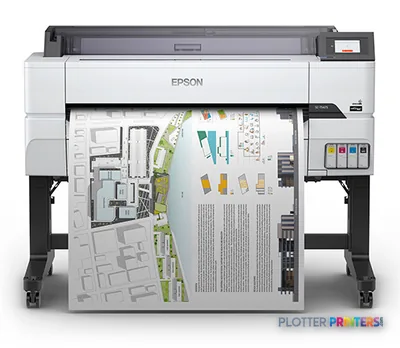 Epson SureColor T5475 36-in PlotterSCT5475SR36"2400 dpiWi-FiView details
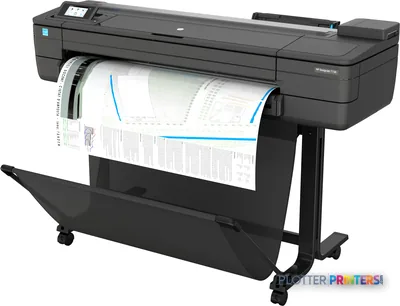 HP DesignJet T730 36-in PrinterF9A29D#B1936"2400 dpiWi-FiView details
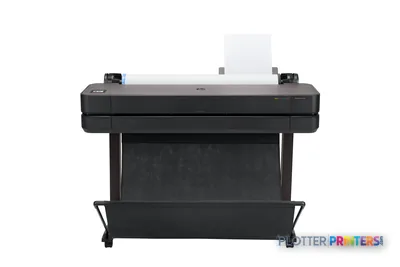 HP DesignJet T630 36-in Printer5HB11D36"2400 dpiWi-FiView details
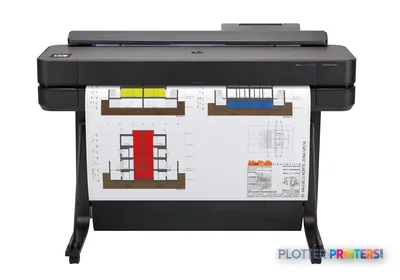 HP DesignJet T650 36-in Plotter5HB10D36"2400 dpiWi-FiView details
Free U.S. shipping on printersKlarna & Affirm at checkoutTalk to a person: 980-536-0080

An architecture plotter carries two reputations. On Monday it prints a municipal permit set — hundreds of feet of black linework on bond, where speed and a legible 0.13 mm line are the whole game. On Thursday it renders a dusk elevation for a client, and now the question is whether the sky reads as evening or as a muddy gray-brown. Most machines are honest at one of these and merely adequate at the other, and the trouble is that studios buy for Monday and get judged on Thursday.
The good news is that the gap between those two jobs has narrowed. A modern pigment-ink wide-format printer can hold a clean construction line and reproduce a believable rendering — but only within limits you should understand before you sign. The linework workhorse and the color-first machine still pull hardware in different directions: ink channel count, media handling, and the way the printer lays down a saturated gradient versus a hairline vector.
This guide sorts the decision by the size and habits of your practice rather than by brand. We’ll define what presentation-grade color actually means in measurable terms — not adjectives — and point you to our lab-measured gamut data so you can check the claims yourself. We’ll answer the two-machine question honestly, in terms of your monthly print mix. And we’ll cover the practical questions architects ask us most: shared printing from CAD and BIM, board sizes, and running satin stock next to bond. The ranked picks below carry the live models and current pricing; the words here tell you which class to shop.
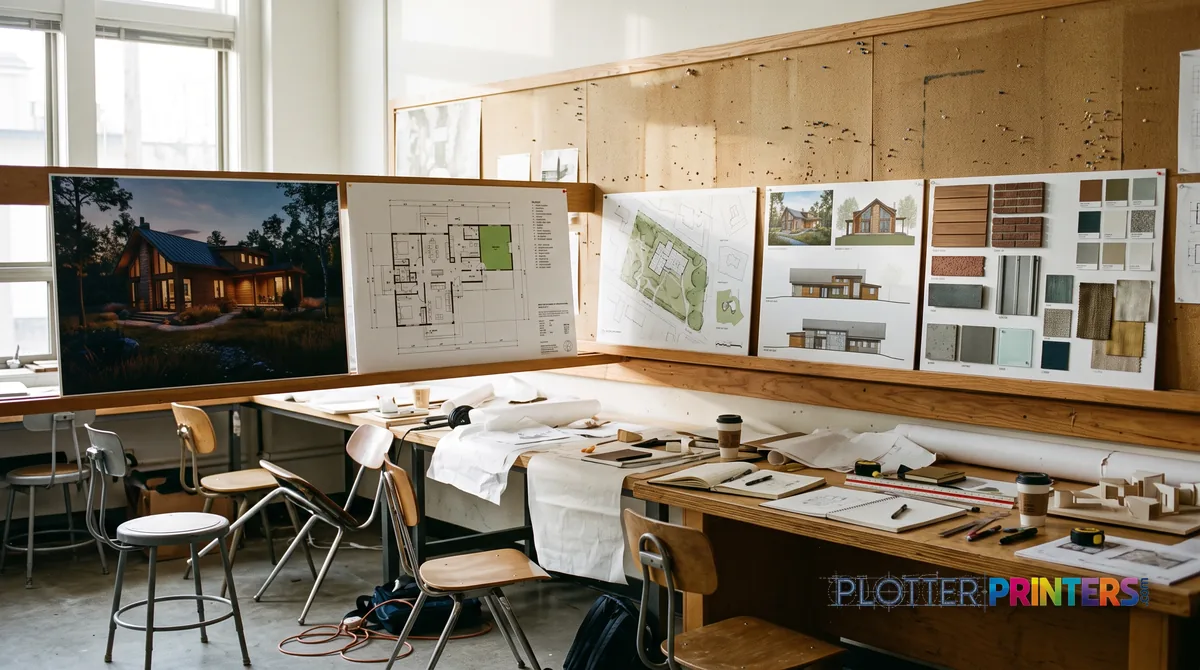
Which studio are you?
SHT 02 · PLOTTERPRINTERS ANALYST DESKConstruction and permit sets are a linework problem. You need a technical printer that lays down a crisp black vector on plain bond, resolves small callout text, and holds dimensional accuracy so a scaled drawing measures true. Throughput matters more than palette — a large permit set is a stack of monochrome D-size and E-size sheets that has to come off the roll quickly and dry enough to fold. Pigment ink is the AEC default here because it resists water and handling, and because a smeared redline in the field is worse than a slow one.
Presentation work pulls the other way. A dusk rendering or a materials board lives or dies in the last five percent of a saturated color — the deep shadow under a canopy, the cyan edge of a swimming pool at noon. That fidelity comes from more ink channels, from pigment sets tuned for gamut rather than just permanence, and from coated or satin media that holds the ink instead of letting it soak and dull.
The honest hybrid compromise is a good 36-inch pigment machine: it prints clean linework all week and produces respectable color when you ask. It will not match a dedicated color-first machine on the hardest gradients, but for many studios it never has to. The cards below sort this by how your practice actually works — because the right answer for a two-person boutique is not the right answer for a firm that mounts boards every week.
The solo or boutique practice
A 24-inch-class single-roll plotter sits desk-side and prints ARCH D and A1 sheets on demand. It suits low, occasional volume — check sets, the odd permit package, a board now and then. See the 24-inch class hub for options.
The growing shared studio
A 36-inch-class machine is the AEC workhorse: full ARCH E and A0, floor-standing, often dual-roll so bond and satin stay loaded together. One strong pigment hybrid covers linework and presentation for most mid-size firms.
The presentation-heavy firm
If color is a weekly deadline, buy for gamut: a color-first graphics machine, or a two-machine split pairing a linework workhorse with a dedicated color device so neither queue stalls the other.
The grids rank both machine families live; the ICC hub carries the measured color data.
The ranked studio machines
SHT 03 · PLOTTERPRINTERS ANALYST DESK36-inch CAD class — the set workhorses
Ranked live by our spec-graded scoring.
Graphics class — presentation-first machines
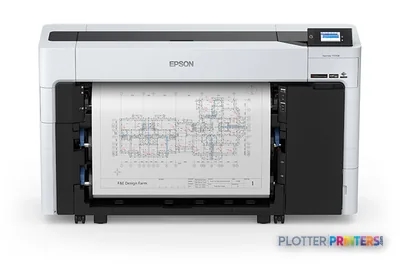 Epson SureColor T5770DR 36-in Dual-Roll PlotterSCT5770DR36"2400 dpiWi-FiView details
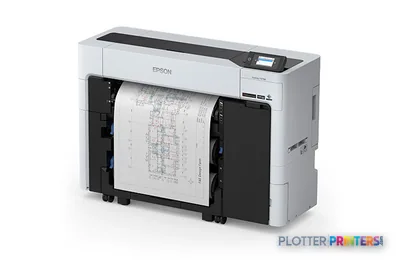 Epson SureColor T3770DR 24-in Wide-Format PrinterSCT3770DR24"2400 dpiWi-FiView details
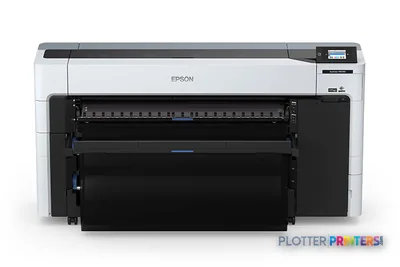 Epson SureColor P8570DR 44-in Dual-Roll PrinterSCP8570DR44"2400 dpiWi-FiView details
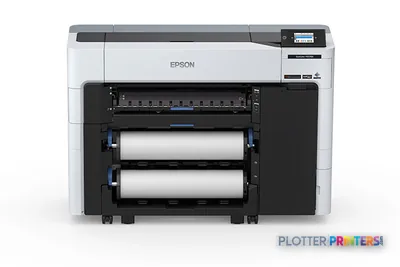 Epson SureColor P6570D Wide-Format PrinterSCP6570DR2400 dpiWi-FiView details
What presentation-grade color actually means
SHT 04 · PLOTTERPRINTERS ANALYST DESKBelievable rendering output is measurable, not magical. The eye notices three things first: foliage that separates into distinct greens instead of collapsing into one, a dusk sky that transitions smoothly rather than banding into stripes, and material samples — brick, weathered zinc, warm wood — that hold their character under the fluorescent light of a conference room. Each of those depends on how much color the printer can actually reproduce and how finely it steps between tones.
Two things drive it. First, ink channel count: machines with additional inks beyond the basic set — extra reds, greens, grays, or a dedicated gloss enhancer — render wider gamut and smoother gradients. Second, media. Coated and satin stocks hold pigment on the surface, so a saturated blue stays saturated instead of sinking into the fiber and going matte. Pigment ink gives you the permanence a mounted board needs; a rendering that fades in a lobby window is a callback you don’t want.
Here is where we ask you to check the receipts rather than trust the brochure. Most of the industry quotes a 2-D marketing percentage for color coverage. We measure ICC gamut volume on the same media for every printer we test, so the number means something you can compare. Our measured color gamut rankings show which machines actually reproduce the difference where photographs live. If presentation color is central to your work, start with the color-first class hub and read the measured data before the spec sheet.
One machine or two? Answer it by your print mix
SHT 05 · PLOTTERPRINTERS ANALYST DESKDon’t frame this as a budget question. Frame it as a monthly print mix, because that’s what actually decides it.
If your color work is occasional — a few boards a month, the rest of the volume construction sets and check prints — one strong hybrid 36-inch pigment machine covers both jobs cleanly. It prints linework all week and renders good color when you need it, and you avoid the cost and floor space of a second device that sits idle. This is the right call for most small and mid-size studios.
The two-machine split earns its keep when color is a weekly, deadline-bound part of the practice — competition boards, developer presentations, marketing renderings — and when a color job tying up the plotter would stall the construction-set queue. In that case a linework workhorse handles the technical volume while a color-first machine handles presentation, and neither waits on the other. It’s also the honest choice when your renderings need the widest gamut, because a dedicated graphics-class machine reaches into saturation a hybrid can’t. Compare the 36-inch CAD leaderboard against the 36-inch graphics leaderboard and the split makes itself obvious.
The practical questions architects ask us
Shared printing is the first one. A studio plotter needs to accept jobs from every workstation running CAD and BIM without someone babysitting a cable — network printing with sensible driver behavior so a Revit sheet set or a Bluebeam batch lands correctly scaled. Most 36-inch-class machines handle this well; confirm the driver plays cleanly with your specific software before you commit.
Board sizes come up next. Presentation work tends to land on ARCH C (18×24 in) and ARCH D (24×36 in) sheets — a 24-inch roll covers ARCH D full-width, a 36-inch roll covers ARCH E (36×48 in) and everything below it. Keep satin or photo stock loaded for boards and plain bond for sets; a dual-roll 36-inch machine lets you keep both loaded at once and switch without reloading, which matters more than it sounds when you’re mounting boards the morning of a meeting.
Foam-core mounting is a common ask — and the honest answer is that rigid board goes on a flatbed, not a roll-fed plotter. What comes off the roll is the print you then mount. Choose a satin stock heavy enough to sit flat under spray adhesive. Finally, think about where the machine lives: a 36-inch floor-standing plotter needs clearance behind it for the roll and in front for output, plus a little tolerance for the fan and print noise in an open studio.
Your questions, answered
SHT 07 · PLOTTERPRINTERS ANALYST DESKWhat size plotter should an architecture firm buy?
It depends on your largest routine sheet. A 24-inch machine prints ARCH D (24×36 in) and ISO A1 full-width, which suits solo and boutique practices. A 36-inch machine prints ARCH E (36×48 in) and ISO A0 and is the standard for shared studios, because it handles full-size sets and presentation boards without cropping. Most growing firms land on 36-inch.
Can one plotter handle both construction sets and color renderings?
Yes, within limits. A good 36-inch pigment machine prints clean linework on bond and produces respectable color on coated media. It won’t match a dedicated graphics-class machine on the hardest saturated gradients, but if your color work is occasional rather than weekly, one hybrid is usually the smarter buy than two devices.
Should I choose pigment or dye ink?
For architecture, pigment. It resists water, UV, and handling, so a permit set survives the field and a mounted board holds its color in a sunlit lobby. Dye ink is more vivid on paper and lower cost, but it fades faster — a liability for anything a client keeps. Pigment is the AEC default for good reason.
What makes color output presentation-grade?
Three measurable things: ink channel count, media, and permanence. More ink channels reproduce wider gamut and smoother gradients, so foliage separates and dusk skies don’t band. Coated or satin media holds pigment on the surface so saturated colors stay saturated. Pigment ink keeps it from fading. We publish lab-measured ICC gamut data so you can compare machines on real numbers.
Do I need a dual-roll plotter?
Dual-roll lets you keep two media types loaded at once — bond for construction sets and satin for boards, for example — and switch between them without reloading. If you print presentation work on the same machine as your technical sets, it saves real time on deadline days. If you only ever print on bond, single-roll is fine.
How do architects print to a plotter from CAD and BIM?
Through networked printing, so every workstation submits jobs without a direct cable. Most 36-inch-class machines support this and work with AutoCAD, Revit, and Bluebeam batch output. The one thing to verify before buying is that the manufacturer’s driver plays cleanly with your specific software versions, so sheets land correctly scaled.
What sizes are presentation boards printed at?
Commonly ARCH C (18×24 in) and ARCH D (24×36 in). A 24-inch roll covers ARCH D at full width; a 36-inch roll covers ARCH E (36×48 in) and everything smaller. Choose your roll width by the largest board you present, then plan to mount those prints on rigid stock separately.
Can a plotter print on foam-core board?
No — rigid foam-core goes on a flatbed printer, not a roll-fed plotter. What comes off the plotter is a print you then mount to the board with spray adhesive. For that workflow, choose a satin stock heavy enough to lie flat when mounted. It’s a common point of confusion, so worth stating plainly.
When does a two-machine setup make sense?
When color is a weekly, deadline-bound part of your work and a rendering job tying up the plotter would stall your construction-set queue. A linework workhorse plus a color-first machine keeps both moving. It’s also the choice when renderings need the widest possible gamut, which a hybrid can’t fully reach.
How do I compare color performance between machines fairly?
Ignore the marketing coverage percentages — they’re usually 2-D figures that don’t reflect real output. We measure ICC gamut volume on the same media for every printer we test, so the numbers are comparable across the field. Our measured gamut rankings show which machines actually reproduce the difference in saturated colors, where renderings succeed or fail.
The bottom line
SHT 08 · PLOTTERPRINTERS ANALYST DESK- A studio plotter serves two jobs — permit sets and presentation color — and most machines are honest at only one.
- A strong 36-inch pigment machine is the honest hybrid for firms whose color work is occasional rather than weekly.
- Presentation-grade color comes from ink channel count, coated media, and pigment permanence — measured gamut, not marketing percentages.
- Decide one machine versus two by your monthly print mix, not by budget adjectives.
- Match roll width to your largest routine sheet: 24-inch for ARCH D, 36-inch for ARCH E and full sets.
- Foam-core mounts separately; the plotter prints the sheet, so choose a satin stock heavy enough to mount flat.
Equipping a studio?
Tell us your monthly mix of sets and boards — we'll match machines to both reputations.