
AEC Buyer Guide — No. 01
Blueprint Printers, Straight From the Plan Room
Wide-format plotters for architecture, engineering, and construction — what to buy, when to outsource, and what actually matters when the bid closes at 5.
Shop these machines
Ranked live by our spec-graded scoring — prices & stock are current. Free U.S. shipping on every printer.
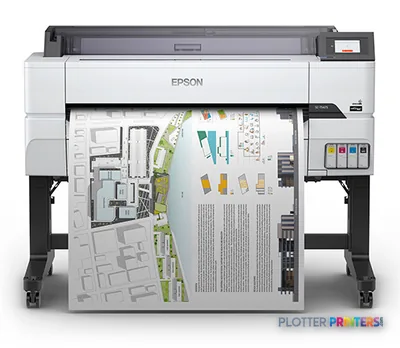 Epson SureColor T5475 36-in PlotterSCT5475SR36"2400 dpiWi-FiView details
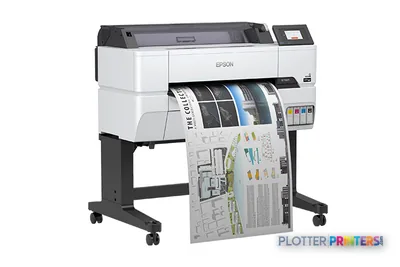 Epson SureColor T3475 24-in Wide-Format PrinterSCT3475SR24"2400 dpiWi-FiView details
 Epson SureColor T3170x 24-in Wireless PrinterSCT3170X24"2400 dpiView details
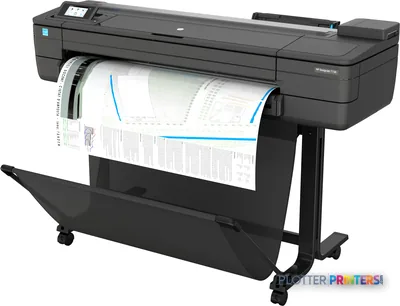 HP DesignJet T730 36-in PrinterF9A29D#B1936"2400 dpiWi-FiView details
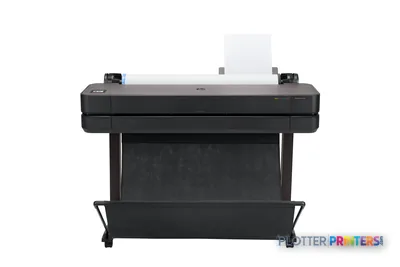 HP DesignJet T630 36-in Printer5HB11D36"2400 dpiWi-FiView details
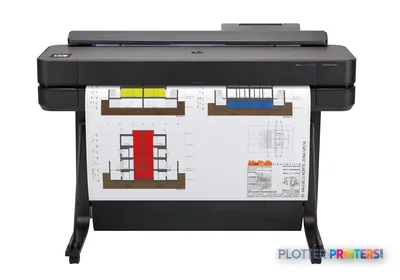 HP DesignJet T650 36-in Plotter5HB10D36"2400 dpiWi-FiView details
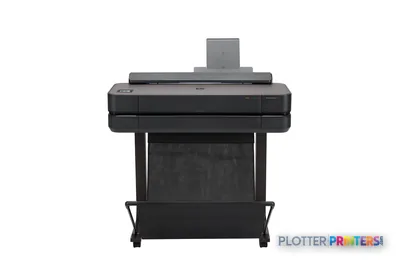 HP DesignJet T650 24-in Printer5HB08D24"2400 dpiWi-FiView details
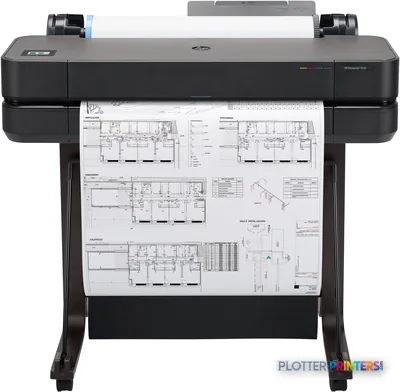 HP DesignJet T630 24-in Printer5HB09D24"2400 dpiWi-FiView details
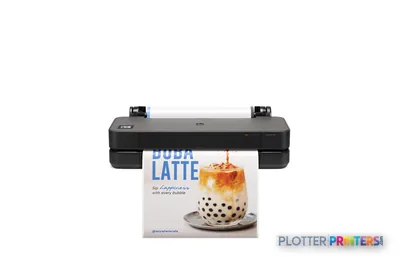 HP DesignJet T250 24-in Printer5HB06D24"2400 dpiWi-FiView details
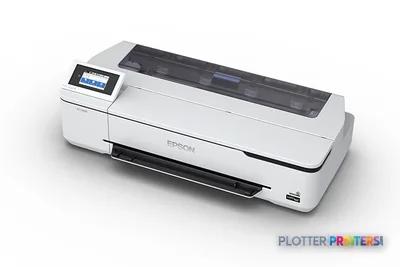 Epson SureColor T3170 24-in Wireless PrinterSCT3170SR24"2400 dpiWi-FiView details
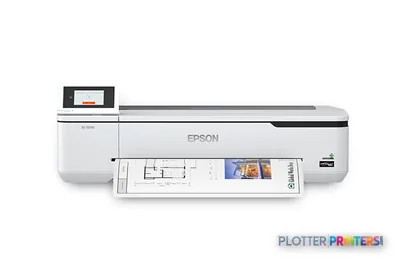 Epson SureColor T2170 24-in Wide-Format PrinterSCT2170SR24"2400 dpiWi-FiView details
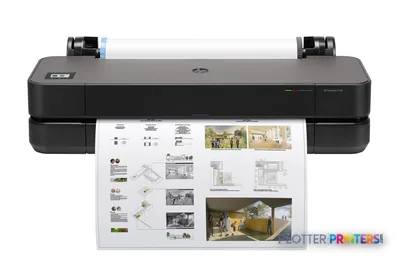 HP DesignJet T230 24-in Printer5HB07D24"2400 dpiWi-FiView details
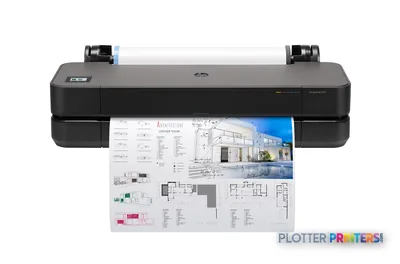 HP DesignJet T210 24-in Printer8AG32T24"2400 dpiWi-FiView details
Free U.S. shipping on printersKlarna & Affirm at checkoutTalk to a person: 980-536-0080

Let’s clear this up first. A blueprint printer today is a wide-format inkjet plotter. That’s it. Nobody’s making true blueprints anymore — the old ammonia diazo process, the blue paper, the fumes that peeled the paint off the walls — that’s been gone for decades. The name just stuck, the way people still say they’re taping a show. So when you search “blueprint printer,” you’re really shopping for a roll-fed inkjet machine that prints Arch D and Arch E drawings on plain bond.
These are the machines standing at the end of your CAD and BIM workflow. Somebody hits print on a permit set in Bluebeam, and forty pages need to come off the roll, in order, in under twenty minutes, so the courier makes the deadline. That’s the job. Everything else is detail.
This page is for the people who actually own that deadline: small design studios, mid-sized multidisciplinary firms, engineering departments, GCs running a plan room on site, and the repro folks who’ve been doing this longer than I have. I’ll walk you through who buys what, when in-house beats the repro shop, and where color is worth the ink. The ranked grids on the page carry the actual models. My job is to help you know which grid to look at.
Three Buyers, Three Machines
SHT 02 · PLOTTERPRINTERS ANALYST DESKAlmost everyone shopping for one of these falls into one of three situations. Figure out which one is yours before you look at a single spec sheet.
The occasional small office (24-inch class)
A few architects, a couple of engineers, maybe a landscape shop. You print a set now and then, some presentation boards, a permit submission every couple of weeks. You do not need a machine built to run all day. A 24-inch-class plotter handles Arch D drawings printed on a 24-inch roll and fits against a wall without eating a whole room. The trade-off is honest: narrow media path, modest duty cycle, and if you ever need to print a full E-size sheet at full size, you can’t. It’ll scale it down or you’ll outsource it. For a low-volume office, that’s a fair deal.
The plan-room workhorse (36-inch class)
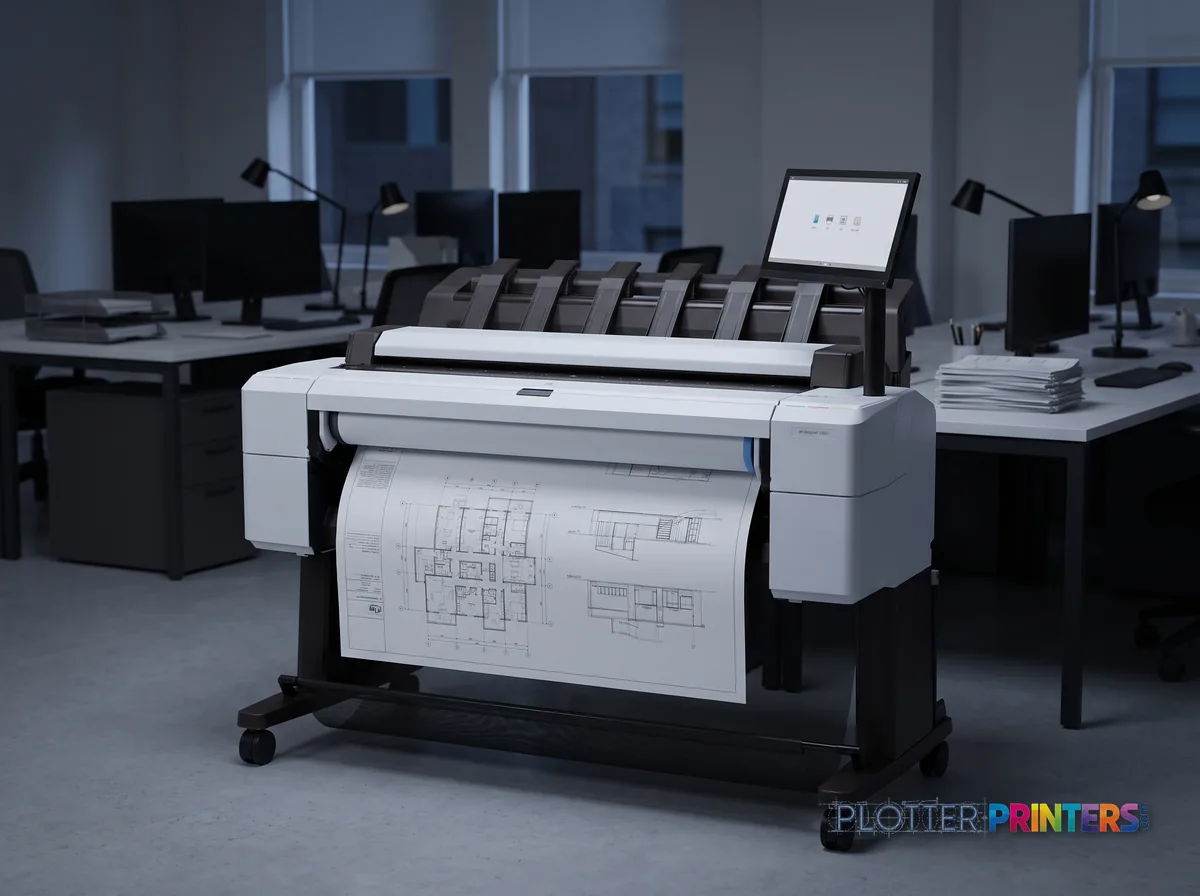
This is the machine most AEC firms actually need. A 36-inch-class plotter prints Arch E1 (36×48) at full size and everything smaller. It’s built for real duty cycles — recurring bid sets, revision after revision, the Thursday-afternoon scramble. Look hard at two things. First, dual rolls. One roll of bond, one of a second width or a heavier stock, with automatic switching, means the machine keeps feeding when a mixed-size set comes through. That second roll isn’t a luxury. It’s the difference between going home and babysitting a paper swap. Second, the output — does it stack a forty-page set in order without the sheets curling onto the floor? A plotter that prints fast and stacks badly still makes you late.
The print-scan-copy shop (36-inch MFP class)
Same 36-inch printing, plus a scanner bolted on top. This is for anyone dealing with field markups, as-builts, and old drawings that need to become PDFs. More on that below — it’s a real decision, not an upsell. The footprint is bigger, the price is higher, and if you never scan, you’re paying for a scanner that collects dust.
Bottom line: match the machine to your busiest normal week, not your quietest one and not your worst one.
Occasional printing — the 24-inch class
Ranked live by our spec-graded scoring. Prices and stock are current.
The plan-room workhorse — the 36-inch class
Print, scan & copy in one — the wide-format MFP class
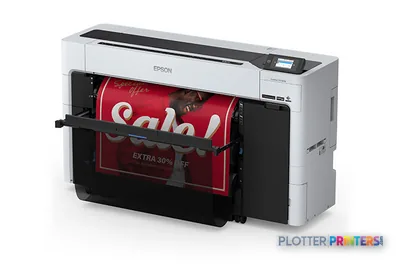 Epson SureColor T5770DM 36-in Multifunction PlotterSCT5770DM2400 dpiScanView details
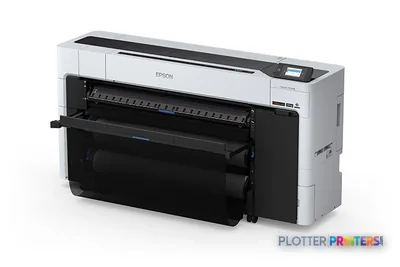 Epson SureColor T7770DM 44-in Wide-Format MFPSCT7770DM44"2400 dpiScanView details
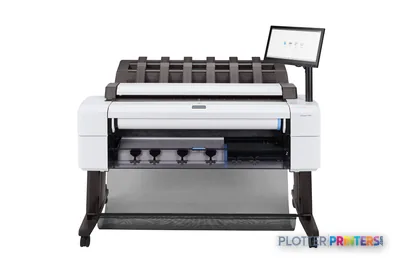 HP DesignJet T2600dr 36-in PostScript MFP — Plus Edition (Build Connected)3EK15D36"2400 dpiView details
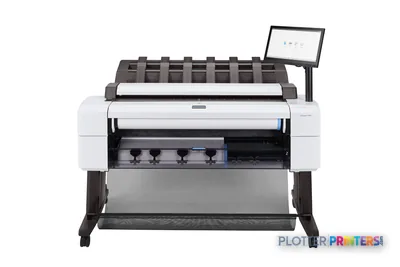 HP DesignJet T2600dr 36-in PostScript MFP — Plus Edition (Build Connected)3EK15P36"2400 dpiView details
Own It or Send It Out
SHT 03 · PLOTTERPRINTERS ANALYST DESKThe repro shop is not dead. Anyone who tells you in-house always wins is selling machines.
Here’s when the shop still wins. You print in bursts — quiet for two weeks, then a hundred sheets the day a bid closes. You need large-format color boards a few times a year and nothing else. You don’t want a service contract, a roll inventory, or a machine to babysit. The shop absorbs all of that. You email a PDF, you pick up a bound set. Clean.
Here’s when in-house wins. You’re printing recurring bid sets, permit submissions, and revision rounds week after week. You need deadline control — the ability to reprint sheet 14 at 4:45 because the mechanical engineer just caught a clash, without driving across town and hoping the shop’s queue is short. That control is the real reason firms bring printing in-house. It’s not the per-sheet cost. It’s not waiting on someone else’s Thursday.
The volume where it flips depends on your set sizes, how often you revise, and what your local shop charges. That’s why there’s a calculator below this section. Put your real numbers in — sheets per month, sets per week, how often you reprint — and it’ll show you where the line is for your shop specifically. Don’t guess. Firms guess high on volume all the time and buy more machine than they’ll ever feed.
Bottom line: if deadline control keeps you up at night, bring it in-house. If volume is spiky and rare, let the shop carry the overhead.
Run your own numbers
The Plan-Room Planner
Two questions decide this purchase: does in-house beat the repro shop, and what roll width do your sheets demand. Answer both here — with your numbers, not ours.
Enter what you know. We do the math on your numbers — no guesses, no fake prices.
Pick the largest sheet you print routinely — that sets your minimum roll width.
Black Lines, Color Ink, and What You Actually Print
SHT 04 · PLOTTERPRINTERS ANALYST DESKHere’s the thing most people get backwards. Line work sips ink. Area fills drink it.
A standard construction drawing is mostly white paper with thin black lines and small text. That uses almost no ink. You can run a lot of those sheets before you think about cartridges. The moment you start filling areas with solid color — a site plan with color-coded zones, a rendered elevation, a GIS map with shaded parcels — consumption climbs fast. A single color-heavy E-size sheet can use more ink than a stack of black-and-white plans.
So when does color earn its keep on construction sets? Coordination drawings are the honest case — MEP trades color-coded so the field can tell the ductwork from the conduit from the plumbing at a glance. That’s not decoration. That’s fewer RFIs and fewer things built wrong. Presentation boards and client-facing renderings are the other real case. Everything else — the bulk of your permit and bid sets — is black and white, and always will be.
Which is why the sensible fleet reality is a color-capable machine running mostly black and white. You buy a color plotter because color is there when the coordination set or the board needs it, but you’re not paying a color premium on every sheet, because the machine only lays down color where the file calls for it. A pure monochrome plotter costs less to run per black sheet, but the day marketing needs a rendered board, you’re back at the repro shop.
Bottom line: buy color capability, print black and white, and stop worrying about the ink until somebody floods a sheet with solid fill.
Sizes, Roll Widths, and Half-Size Sets
SHT 05 · PLOTTERPRINTERS ANALYST DESKArchitectural sheet sizes trip up more first-time buyers than anything else, so let’s lay it out plainly. The size table on this page has the full breakdown — here’s what you need to know before you read it.
- Arch D — 24×36 inches. The workhorse size. Most drawing sets default here. A 24-inch roll prints these at full size. This is why the 24-inch class exists.
- 30×42 inches. A common mid-size, especially for civil and larger architectural sheets. Needs a wider roll than 24-inch.
- Arch E1 — 36×48 inches. The big full-size sheet. Needs a 36-inch roll. This is the ceiling for the 36-inch class and the reason most firms land there.
Note the pattern: the roll width has to cover the short dimension of the sheet, and the length feeds off the roll. A 36-inch roll prints an Arch E1 sheet — 36 wide, 48 long — because 36 inches is the width and the 48 comes off the roll. A 24-inch roll can’t do it. No amount of wishing changes that.
Half-size sets are where a lot of real printing happens. A D-size drawing printed at half scale lands at 12×18 — fits on a table, reads fine for coordination reviews and field reference, uses a fraction of the paper. Firms print full-size sets for the record and half-size sets for everyone who just needs to check something. A good plotter handles both from the same file without a fight, and a second roll of narrower stock makes half-size runs cheaper.
Bottom line: if 24×36 covers your work, the 24-inch class is enough. The day you need full-size 36×48, you need a 36-inch machine — check the size table and be honest about your largest regular sheet.
Map any sheet to a machine class with the “What roll width do I need?” tab in the planner above.
When the Scanner Pays for Itself
SHT 06 · PLOTTERPRINTERS ANALYST DESKA wide-format MFP is a plotter with a scanner on top. Print, scan, copy, all in one footprint. The premium over a print-only machine is real, so the question is whether you’ll use the scanner enough to justify it.
Three jobs make the case. First, field markups — a superintendent redlines a set by hand on site, and you need those markups digitized and distributed before the next coordination call. Scan it, PDF it, email it. Done in minutes instead of a trip to the shop. Second, as-builts — capturing the marked-up record set at closeout, turning paper reality into a digital archive the owner can actually keep. Third, archiving old drawings — every firm has flat files full of legacy sheets that need to become searchable PDFs before the paper yellows past reading.
If you do those things regularly, the MFP pays for itself in trips not taken and deadlines not missed. If you scan a drawing twice a year, don’t buy the scanner. A flatbed and a phone camera will limp you through the occasional markup, and the repro shop scans large-format archives for a fee that’s a lot less than a scanner you’ll barely touch.
One honest caveat: scanning slows the machine down as a printer. If one person is feeding old drawings through the scanner all morning, nobody’s printing the afternoon’s bid set on the same unit. High-volume shops that both print and scan heavily sometimes need the two functions separated. Most firms don’t.
Bottom line: buy the MFP if field markups, as-builts, or an archiving backlog are part of your normal month. Otherwise you’re paying for a scanner to hold up your coffee.
Blueprint printing, answered
SHT 07 · PLOTTERPRINTERS ANALYST DESKWhat is a blueprint printer called now?
A wide-format inkjet plotter. True blueprints — the blue-and-white ammonia diazo prints — haven’t been made in decades. The machines that replaced them are roll-fed inkjet printers that put black line work and color onto plain bond paper. The old name just refused to die, which is why you searched for it and landed here.
How much does it cost to print blueprints?
I can’t give you a number, and anyone who does without knowing your setup is guessing. The real drivers are these: how much ink a sheet uses (black line work uses almost none, solid color fills use a lot), your paper cost, and whether you own the machine or pay a repro shop per sheet. A permit set that’s mostly black lines is cheap to run. A stack of color-coded coordination sheets is not. Use the calculator on this page with your actual volume — that’s the only honest way to see your number.
Can a regular office printer print blueprints?
No. A standard office printer tops out at ledger size, roughly 11×17. An Arch D drawing is 24×36 — you’d be shrinking a full set down to tiny, unreadable sheets. You need a wide-format machine with a paper roll. That’s the whole point of the category.
What size are blueprints?
The default is Arch D, 24×36 inches. You’ll also see 30×42 and Arch E1 at 36×48 for larger sheets. Half-size sets — a D-size drawing printed at 12×18 — are common for field reference and coordination. The size table on this page lays out which roll width prints which sheet.
Do I need a color plotter or is black and white enough?
Most construction printing is black and white — line work and text on white paper. Color earns its keep in two places: color-coded MEP coordination drawings, where trades are distinguished by color so the field builds it right, and client presentation boards. The sensible move is a color-capable machine that you run mostly in black and white. Color’s there when you need it, and you’re not paying for it on every plain sheet.
Is inkjet or laser better for line work?
For wide-format AEC printing, the market is essentially inkjet. Wide-format toner exists but it’s a specialized, higher-end niche. Modern aqueous inkjet reproduces fine lines and small text cleanly on bond, which is exactly what construction drawings demand. For the buyers this page serves, you’re choosing among inkjet plotters — the inkjet-versus-laser debate belongs to the letter-size world.
What does a plan-room printer mean?
It’s a printer built to live in the room where sets get produced — the plan room. That means a real duty cycle for recurring bid sets and revisions, dual rolls so it keeps feeding through mixed-size jobs without a manual paper swap, and output that stacks a full set in order instead of dropping it on the floor. It’s the 36-inch-class workhorse, built to survive Thursday afternoons.
How long do these machines last?
A well-maintained wide-format plotter serves a firm for years, and plenty of older machines are still running in offices today. What ends their life is usually one of three things: a duty cycle you outgrew, a service contract that got too expensive to justify, or a workflow shift — going fully digital, or moving to an MFP for scanning. Buy for your busiest normal week and keep up the maintenance, and the machine will outlast several project cycles.
Should I lease or buy?
It depends on how you’d rather absorb the cost and the service. Leasing bundles the machine with a maintenance agreement and spreads the outlay, which suits firms that want predictable monthly costs and don’t want to own the downtime risk. Buying makes sense when your volume is steady, you’ve got someone who can handle basic upkeep, and you’d rather not pay financing over the machine’s life. Either way, the thing that actually shapes your experience is local dealer quality — a good technician down the road matters more than the lease terms.
How do I scan old blueprints?
For a one-time archiving project, a repro shop will scan your flat files for a fee that’s a fraction of buying a scanner you’ll rarely use. If scanning is ongoing — field markups, as-builts, a steady archiving backlog — a wide-format MFP with an integrated scanner earns its premium. It captures the drawing, produces a PDF, and gets it into your digital archive without a trip across town. The deciding factor is frequency, not the size of the pile.
Ray’s bottom line
SHT 08 · PLOTTERPRINTERS ANALYST DESK- A "blueprint printer" today is a wide-format inkjet plotter — the ammonia process is long dead, the name isn't. You're shopping inkjet.
- Match the class to your job: 24-inch for occasional small offices, 36-inch for the plan-room workhorse, 36-inch MFP if you scan and copy regularly.
- The repro shop still wins on spiky, rare volume. In-house wins when you need deadline control on recurring sets — run the calculator with your real numbers.
- Buy color capability, print mostly black and white. Line work sips ink; area fills drink it. Color earns its keep on MEP coordination and presentation boards.
- Roll width must cover the sheet's short dimension: 24-inch prints Arch D (24×36), 36-inch is needed for Arch E1 (36×48). Check the size table before you buy.
- The MFP premium pays off when field markups, as-builts, and archiving are part of your normal month — otherwise you're funding a scanner that gathers dust.
Not sure which class fits your plan room?
Tell us your sheet count and deadline reality — we’ll quote the machine, the lease, and the coverage plan in one pass.