
AEC Buyer Guide — No. 05
Construction Plotters: From Bid Room to Job Trailer
The printer that survives a bid week and a job trailer isn't the same machine — here's how GCs split the duty.
Shop these machines
Ranked live by our spec-graded scoring — prices & stock are current. Free U.S. shipping on every printer.
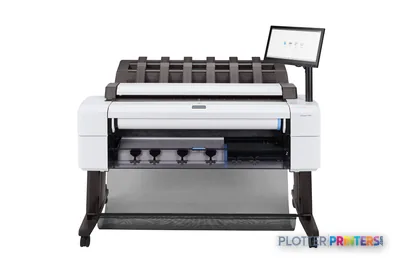 HP DesignJet T2600dr 36-in PostScript MFP — Plus Edition (Build Connected)3EK15D36"2400 dpiView details
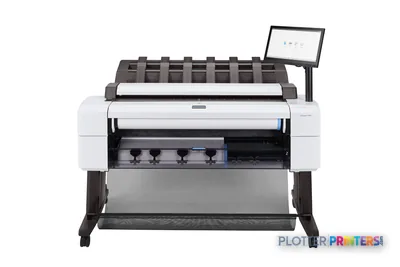 HP DesignJet T2600dr 36-in PostScript MFP — Plus Edition (Build Connected)3EK15P36"2400 dpiView details
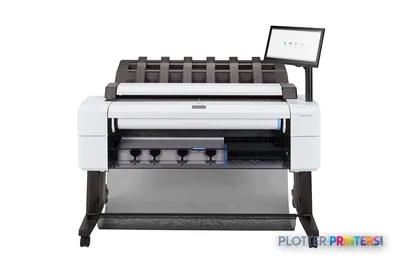 HP DesignJet T2600dr 36-in PostScript Multifunction Printer (Plus Edition)3EK15W36"2400 dpiView details
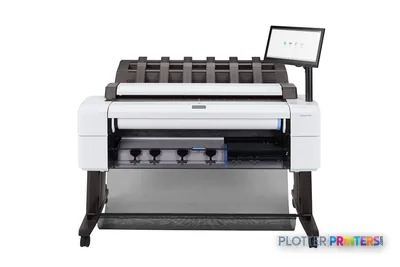 HP DesignJet T2600dr 36-in PostScript Multifunction Printer3EK15F#B1936"2400 dpiScanView details
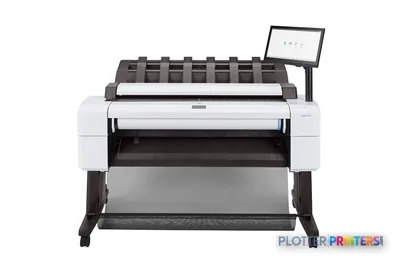 HP DesignJet T2600 36-in PostScript Multifunction Printer (Plus Edition)3XB78D36"2400 dpiView details
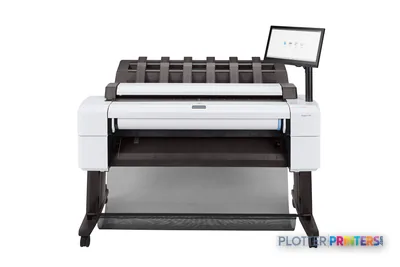 HP DesignJet T2600 36-in PostScript Multifunction Printer (Plus Edition — Build Connected)3XB78P36"2400 dpiView details
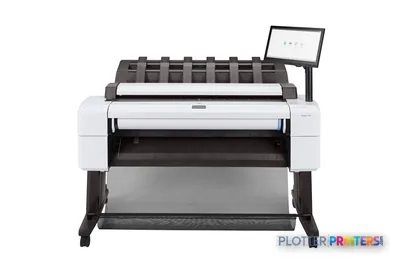 HP DesignJet T2600 36-in PostScript Multifunction Printer3XB78F#B1936"2400 dpiScanView details
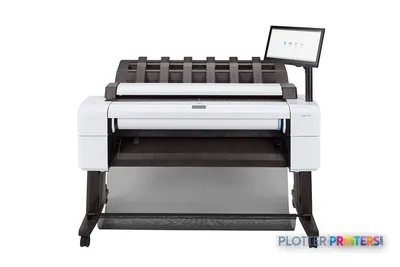 HP DesignJet T2600PS MFP 36-in3XB78D#B1936"2400 dpiView details
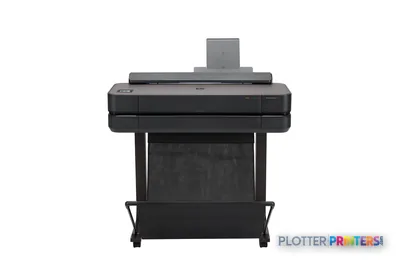
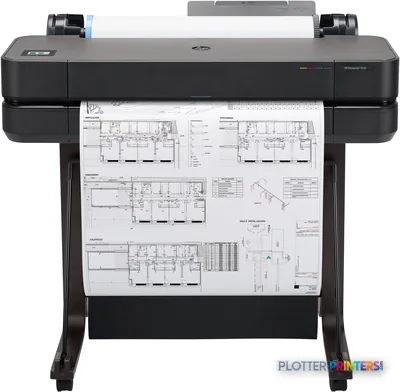
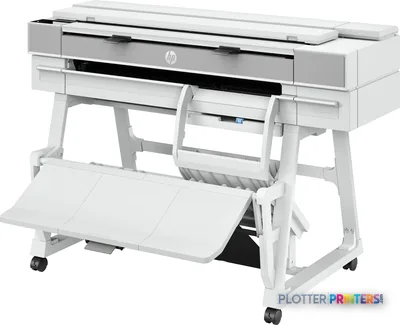 HP DesignJet T950 36-in MFP2Y9H3A36"2400 dpiScanView details
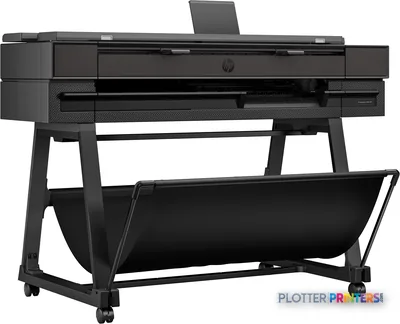 HP DesignJet T850 36-in MFP2Y9H2A36"2400 dpiScanView details
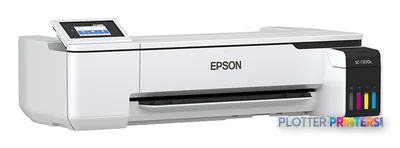
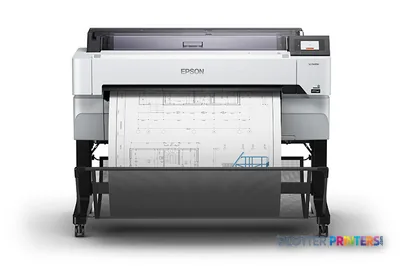 Epson SureColor T5470M 36-in Multifunction PlotterSCT5470M36"2400 dpiScanView details
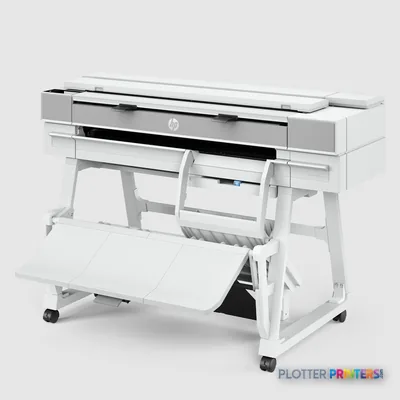 HP DesignJet XT950 36-in Multifunction Plotter2Y9H3F36"2400 dpiScanView details
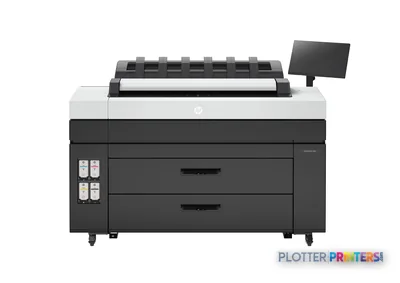 HP DesignJet XL 3800 MFP Printer7QR88H36"2400 dpiScanView details
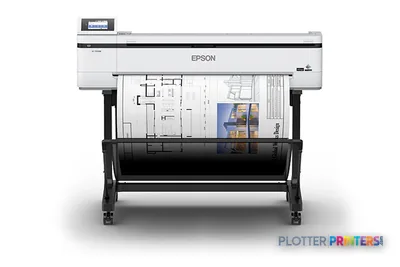 Epson SureColor T5170M 24-in Wireless MFPSCT5170M36"2400 dpiScanView details
Free U.S. shipping on printersKlarna & Affirm at checkoutTalk to a person: 980-536-0080

Construction printing is three jobs wearing one name: bid sets, a current-set plan room, and field prints in the trailer. All of it runs on plain bond, in high sheet counts, and it rewards speed and toughness over color finesse. Nobody at a job site is squinting at gradient quality. They need the D-size sheet in their hand, legible, before the sub leaves.
So the honest answer to “what construction plotter should I buy” is: it depends where the machine lives. The estimating office running bid sets and the plan room feeding markups back as PDFs wants a 36-inch machine, often a wide-format MFP so it can scan too. The trailer wants a compact 24-inch class unit that tolerates dust, cold ink and rough handling while it spits out the day’s sheets. A small GC doing both from one desk buys one 36-inch machine and asks it to cover everything.
That split drives every other decision — roll width, ink type, whether you need a scanner, and whether you print in-house at all during bid weeks. A 24-inch roll gives you ARCH/ANSI D-size (24×36) and A1. A 36-inch roll gives you full E-size (36×48) and A0. Half-size sets at 11×17 or 12×18 come off either. Pigment ink is the AEC default because it shrugs off water and UV; dye is cheaper and fades. The ranked picks below carry live scores and current pricing. This page tells you which class to point at.
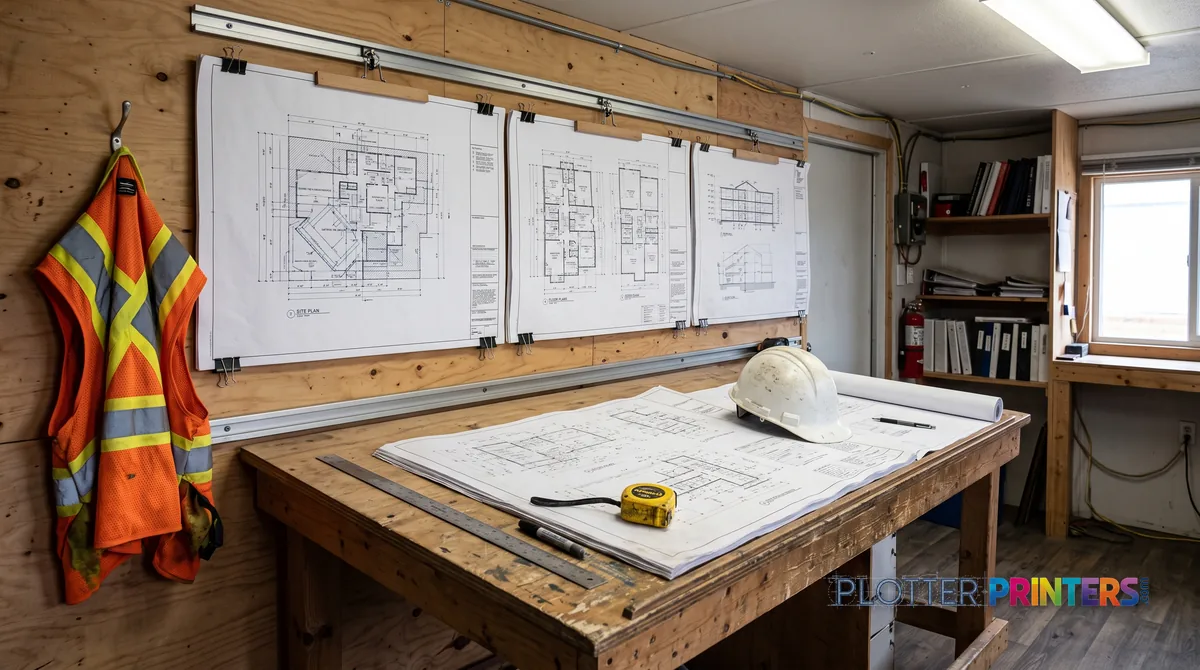
Where will the machine live?
SHT 02 · PLOTTERPRINTERS ANALYST DESKThe office and the trailer are not the same customer. Treat them like one and somebody loses.
The main office runs bid sets and the plan room. That means 36-inch class — full ARCH E and A0 — usually floor-standing, often a wide-format MFP so estimators and PMs can scan markups and copy sheets without walking to a separate box. Dual roll earns its keep here: bond on one spindle, a second stock on the other, no roll swap mid-set. This machine sits in climate control and runs all day. It can be fussy about color because it rarely needs to be.
The trailer is a different animal. It’s dusty. It’s cold in February and an oven in July. Somebody will set a coffee on it. Here you want a compact 24-inch class unit that prints the day’s D-size sheets and half-size sets, loads on a cart, and doesn’t panic when the temperature swings. You are not printing E-size renderings in a trailer. You’re printing the framing plan the crew needs at 7 a.m.
The small GC splits the difference: one 36-inch machine that does bid sets, plan-room duty, and whatever the field needs, living in the office and sending prints out to the site. That works — as long as you accept it’s an office machine doing double duty, not a rugged field tool.
Bottom line: buy for the room the machine actually stands in.
36-inch machine, usually an MFP
Full ARCH E and A0, floor-standing, ideally dual-roll so bond and a second stock stay loaded at once. Add the integrated scanner if markups and as-builts come back as PDFs — the plan room is where scan-back volume lives. This is the bid-set workhorse that runs in climate control all day.
Compact 24-inch class on a cart
Prints the day’s D-size sheets and half-size sets, loads on a cart, tolerates dust and temperature swings if you cover it and let it warm up. You’re not printing E-size renderings out here — you’re getting the crew the sheet they need at 7 a.m. Keep a spare roll on hand.
One 36-inch that does everything
For shops that can’t justify two machines, a single 36-inch unit covers bid sets, plan-room duty and field prints from the office. Choose MFP if you scan back regularly. Accept the trade-off: it’s an office machine sending prints to the site, not a rugged field tool.
The grids rank the class live — scores, prices and stock stay current on their own.
The ranked construction machines
SHT 03 · PLOTTERPRINTERS ANALYST DESK36-inch MFPs — plan room & markup duty
Ranked live by our spec-graded scoring.
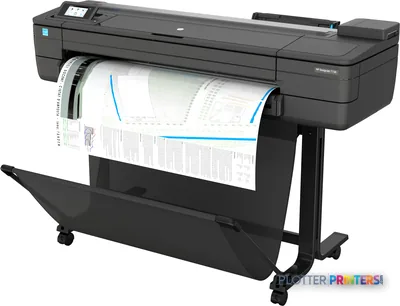
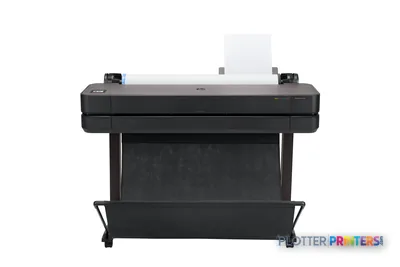
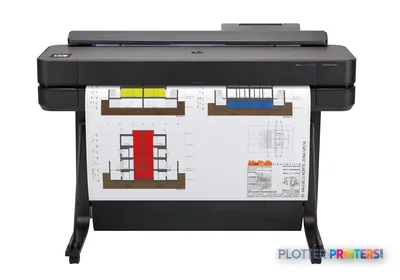
HP DesignJet T2600dr 36-in PostScript MFP — Plus Edition (Build Connected)3EK15D36"2400 dpiView detailsHP DesignJet T2600dr 36-in PostScript MFP — Plus Edition (Build Connected)3EK15P36"2400 dpiView detailsHP DesignJet T2600dr 36-in PostScript Multifunction Printer (Plus Edition)3EK15W36"2400 dpiView detailsHP DesignJet T2600dr 36-in PostScript Multifunction Printer3EK15F#B1936"2400 dpiScanView details36-inch CAD class — bid-set workhorses
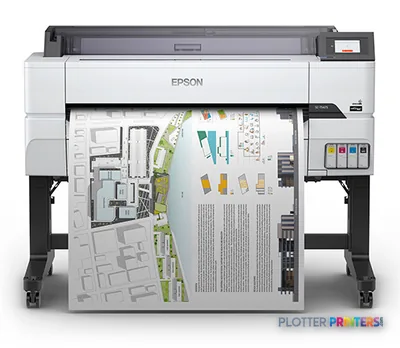
24-inch class — trailer-friendly compacts
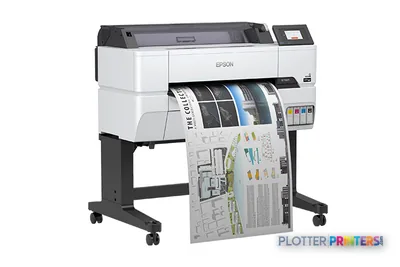
Scan-back: where the MFP earns its keep
SHT 04 · PLOTTERPRINTERS ANALYST DESKHere’s the daily loop that decides whether you need a scanner. A super marks up a plan in the trailer. That red-lined sheet has to become a PDF — for the RFI, for the PM, for the record. On renovation and closeout-heavy work, that loop runs dozens of times a week.
A wide-format MFP class machine — printer plus integrated scanner — makes this a one-step job. Roll the marked sheet into the scanner, it lands as a PDF, it attaches to the RFI, done. At closeout, the as-built record set gets scanned back to archive the field-corrected drawings. If your work is renovation, tenant improvement, or anything with heavy submittals and record sets, the scanner isn’t a luxury line item. It’s the thing you use forty times before lunch.
The MFP class costs more than print-only, and the trade-off is real: you’re paying for a scanner bed and the software to drive it. If your scan-back volume is light — a few markups a week — a print-only machine plus a phone scanning app covers it. Phone scans of a D-size sheet are ugly but legible enough for an RFI attachment. They’re useless for an archival as-built.
So the honest split: renovation and closeout GCs should look hard at the 36-inch MFP leaderboard. New-construction shops printing more than they scan can save the money and go print-only. Bottom line: match the scanner to how often paper comes back, not how often it goes out.
Run your own numbers
Bid-week math: own it or send it out
Break-even on in-house printing plus the sheet-to-roll picker — your volumes, computed in your browser.
Enter what you know. We do the math on your numbers — no guesses, no fake prices.
Pick the largest sheet you print routinely — that sets your minimum roll width.
Job-site durability, without the fairy tale
Let’s be plain: there is no rugged construction plotter. These are office machines. Some tolerate a trailer better than others, and none of them want to be there. Anyone selling you a “field-hardened” wide-format inkjet is selling you a sticker.
Name the failure modes first. Dust is the big one — it settles on the encoder strip and the media path, and a plotter that can’t read its own position starts throwing banding and skew. Cold is the second: aqueous ink thickens and printheads misfire below their rated operating range, so the first prints of a January morning come out streaked until the machine warms. Rough handling is the third — a cart wheeled over rebar stubs and thresholds knocks the printhead alignment loose.
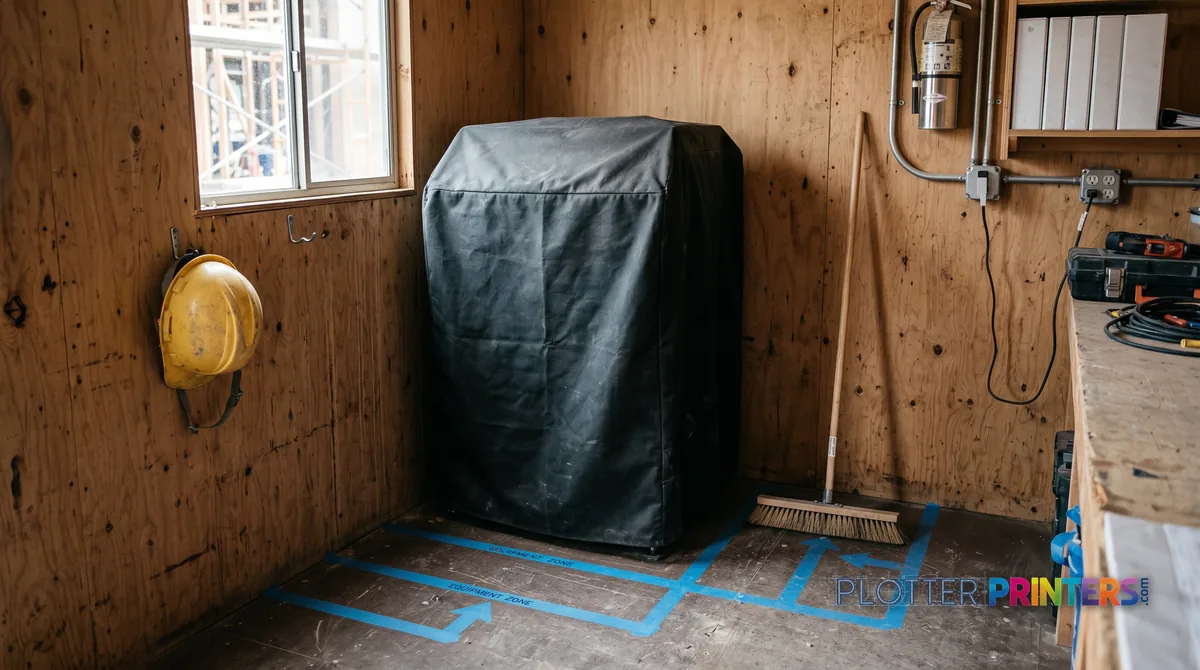
The mitigations are boring and they work. Keep a dust cover on the machine when it’s idle. Place it off the floor, away from the door and the space heater’s blast. Let it warm up before the first real print on a cold morning — the throwaway calibration sheet is cheaper than a reprinted bid set. Carry a spare roll and a spare printhead if the job’s long. And when the trailer moves, the plotter rides padded and upright, not tossed in a truck bed.
Bottom line: a 24-inch class machine can live on site for months if you treat it like the office equipment it is — cover it, warm it, don’t kick it.
Bid week: the math nobody does until it hurts
SHT 06 · PLOTTERPRINTERS ANALYST DESKBid week is where sheet counts explode. Several trades bid the same package at once, each needing a full set, and a mid-size job can push a set into dozens of D-size sheets. Multiply by the number of bidders and you’re loading rolls at 9 p.m.
The old reflex is to send it to a repro shop. That still makes sense for the occasional monster set — a hundreds-of-sheet distribution you’ll never repeat. But the repro shop’s real cost isn’t the per-sheet charge. It’s deadline control. When the addendum drops at 3 p.m. and the bid’s due at 5, you do not want to be tenth in line at somebody else’s counter. Printing in-house means the reprint of the revised sheets takes minutes, not a courier run.
That’s the actual product a construction plotter sells: control over the last two hours before a deadline. The break-even depends on how many bid weeks you run a year and how many sheets each one eats.
Don’t guess it. The blueprint planner embedded on this page runs the own-vs-outsource break-even and maps your sheet sizes to roll widths — feed it your real bid-week volume before you decide. Bottom line: outsource the once-a-year giant, own the machine for the deadline you can’t afford to lose.
Your questions, answered
SHT 07 · PLOTTERPRINTERS ANALYST DESKWhat's the difference between a construction plotter and a regular wide-format printer?
There isn’t a separate hardware category — a construction plotter is a wide-format inkjet chosen for construction duty. That means high sheet counts on plain bond, D-size and E-size output, crisp linework, and durability over color finesse. GCs care about how fast a bid set comes out and how the machine holds up in a trailer, not about photo gamut. The same 36-inch machine sold to an architect is a construction plotter when a GC buys it.
Do I need a 24-inch or 36-inch machine for blueprints?
It depends on your largest sheet. A 24-inch roll prints ARCH D and ANSI D (24×36) and ISO A1 — plenty for most field sets and half-size distributions. A 36-inch roll adds full ARCH E and A0 (36×48), which you need if your drawings are issued at full E-size. Trailers usually run 24-inch class; offices printing full E-size bid sets want 36-inch. Check the actual sheet size on your title block before deciding.
Should I buy a printer with a scanner or a print-only machine?
Buy the MFP if paper comes back to you often — field markups turned into RFI PDFs, as-built record sets at closeout. Renovation and closeout-heavy GCs use the scanner constantly, so it pays for itself. If your scan-back volume is light, a print-only machine plus a phone scanning app covers occasional markups. Phone scans are fine for an RFI attachment, useless for archival as-builts. Match the scanner to how often drawings return, not how many go out.
Is it cheaper to print bid sets in-house or use a repro shop?
It depends on how many bid weeks you run and how many sheets each eats. The occasional hundreds-of-sheet monster set still makes sense to outsource. But the repro shop’s hidden cost is deadline control — when an addendum drops two hours before bid, you don’t want to be in line at their counter. In-house printing buys you a minutes-long reprint instead of a courier run. Use the blueprint planner on this page to run your own break-even.
Will an inkjet plotter survive in a job trailer?
It can, if you treat it as the office machine it is. There’s no truly rugged wide-format inkjet. Dust fouls the encoder strip and media path; cold thickens aqueous ink so printheads misfire; rough handling knocks alignment loose. Mitigate with a dust cover, off-floor placement away from doors and heaters, a warm-up before the first cold-morning print, and padded upright transport when the trailer moves. A 24-inch class unit can last months on site with basic care.
Dye ink or pigment ink for construction drawings?
Pigment ink is the AEC default. It resists water and UV, so a marked-up sheet that gets rained on or left on a dash doesn’t smear or fade. Dye ink is cheaper and more vivid but fades faster and runs when wet — a real problem for field prints and any record you plan to keep. For bid sets, field prints and as-builts, pigment is the safer choice. Save dye for indoor color work that stays inside.
What is dual-roll and do I need it?
Dual-roll means two media rolls loaded at once — for example, plain bond on one spindle and a heavier or coated stock on the other. The machine switches without you swapping rolls mid-job. For a plan room running long bid sets, that saves a stop every time you’d otherwise reload, and it lets you print half-size sets and full-size sheets back to back. If you print a single stock all day, single-roll is fine and cheaper.
How fast does a construction plotter print a bid set?
Manufacturer speed ratings are lab numbers — real throughput depends on file processing, first-page-out time, roll changes and drying. What matters at 4:45 on bid day is that the first D-size sheet lands quickly and the set keeps flowing without stalls. The ranked picks below carry current spec data. Focus less on peak D-size-per-hour claims and more on sustained production speed and how the machine handles a mixed-size set.
Can one machine cover both my office and my job sites?
For a small GC, yes — one 36-inch machine in the office can handle bid sets, plan-room duty and field prints you send out to the site. The trade-off is that it’s an office machine doing double duty, not a field tool living in a trailer. Larger operations usually split it: a 36-inch MFP in the office and a compact 24-inch unit at active sites. Decide based on how many sites are printing at once.
What roll width prints an ARCH E or A0 sheet?
You need a 36-inch machine. ARCH E is 36×48 inches and ISO A0 is 841×1189 mm (about 33×47 inches) — both require the full 36-inch roll width. A 24-inch machine tops out at ARCH/ANSI D (24×36) and A1. If your firm issues drawings at full E-size, a 24-inch class unit won’t print them at full scale. Confirm your issued sheet size before buying — it’s the single spec that most often gets a GC the wrong machine.
The bottom line
SHT 08 · PLOTTERPRINTERS ANALYST DESK- Construction printing is bid sets, plan rooms and field prints — high sheet counts on plain bond, speed and durability over color finesse.
- The office wants a 36-inch machine, often an MFP; the trailer wants a compact 24-inch unit; small GCs run one 36-inch machine for everything.
- Buy the scanner if paper comes back often — renovation and closeout work justify MFP class; new-construction shops can go print-only.
- In-house printing sells deadline control, not just per-sheet savings; run the blueprint planner before deciding own-vs-outsource.
- No wide-format inkjet is truly rugged — a covered, warmed, carefully placed 24-inch machine survives a trailer as long as you treat it like office gear.
- Check your issued sheet size first: full ARCH E or A0 needs a 36-inch roll, and pigment ink is the field-print default.
Outfitting an office or a trailer?
Tell us the job mix — we'll spec both ends of the operation from machines we've graded.