
Home / Wide-Format Printers / Epson SureColor
Epson · Wide-Format Plotter
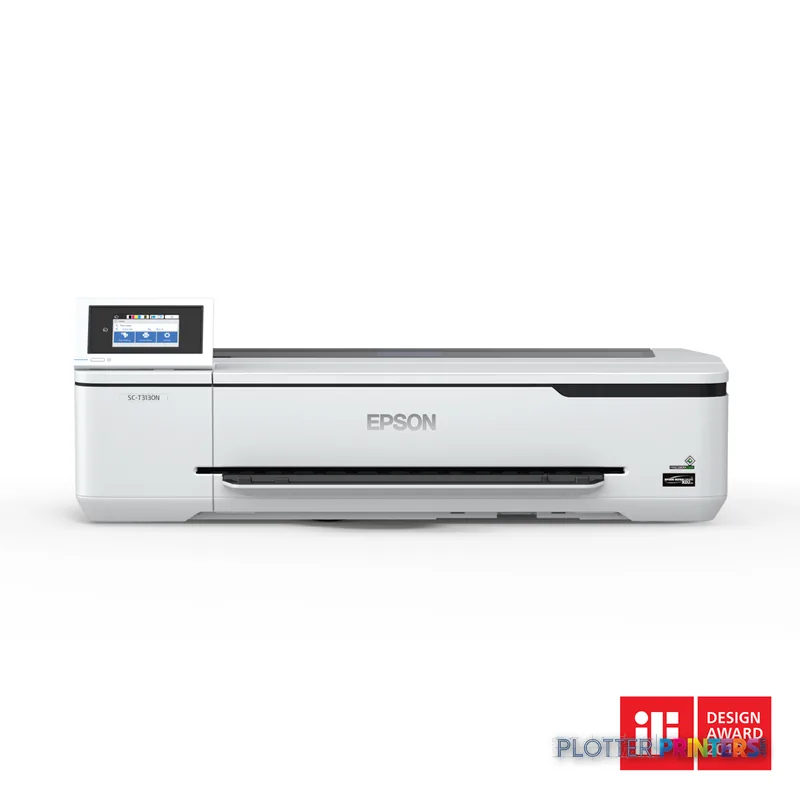
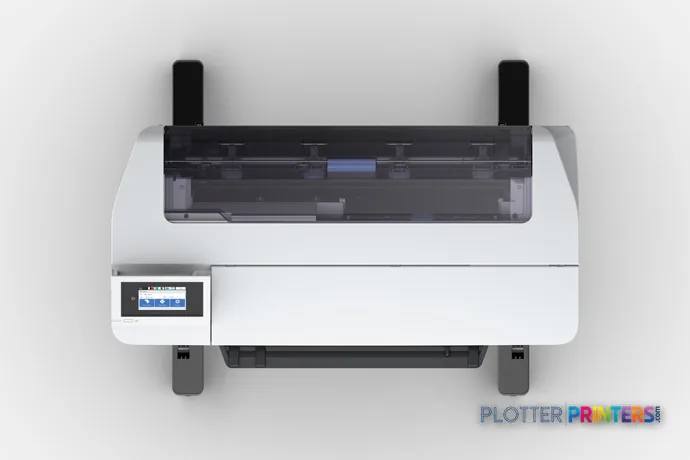
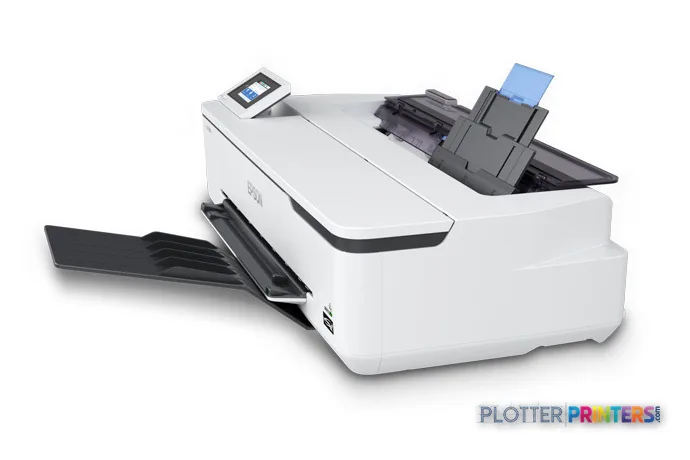
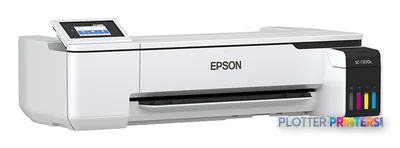
Epson SureColor SC-T3130N
24" technical / CAD plotter
- ModelSC-T3130N
- Prints24" wide
- Score67/100
Authorized Epson dealerGenuine hardware & ink
Manufacturer warrantyExtendable to 4 years
Free shippingContinental U.S.
Plotter specialistsAEC experts, not just sellers
Analyst take
- The SC-T3130N is a color, print-only inkjet device with no scanning or copying capability.
- HP-GL/2 and HP-RTL support make it relevant to technical drawing workflows alongside PDF-based output.
- Ethernet, Wi-Fi, Wi-Fi Direct, and USB provide several practical connection paths for office and project-site use.
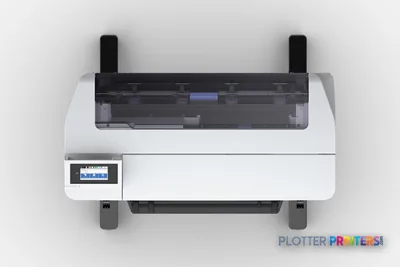
Not sure if the SC-T3130N is right for you?
Compare key specs and an AI analyst read-out against similar models.
- Wide-format reach Prints up to 24" wide on rolls and sheets.
- Fine detail 2400 x 1200 DPI maximum resolution for crisp line work.
- Productivity Rated at 34.
- Ink platform Black, Cyan, Magenta, Yellow.
- Connectivity Wi-Fi + Ethernet for shared team printing.
- Verified specs 5 specs checked against the manufacturer datasheet.
Overview
Built for the work
Epson SureColor SC-T3130N, Inkjet, 2400 x 1200 DPI, ESC P, HP-GL/2, HP-RTL, Black, Cyan, Magenta, Yellow, Roll, 100,1000 Mbit/s
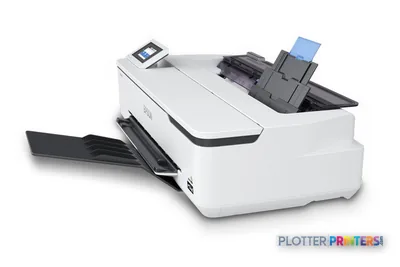
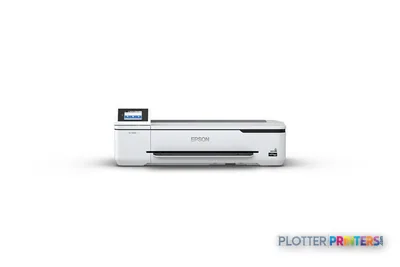
- 24″Max print width
- 4Ink channels
- 2,400 dpiMax resolution
Spec Analysis
overall
overall
Where it performs best
Media Handling
100
Connections
100
Size / Fit
99
Best overall in its class right now. How we grade →
Expert analysis
What you should know

Key takeaways
- The SC-T3130N is a color, print-only inkjet device with no scanning or copying capability.
- HP-GL/2 and HP-RTL support make it relevant to technical drawing workflows alongside PDF-based output.
- Ethernet, Wi-Fi, Wi-Fi Direct, and USB provide several practical connection paths for office and project-site use.
- Its roll-media tray and cut-sheet support suit local plotting, but the supplied data does not establish dual-roll switching, collation, or finishing.
- The Epson SC-T3100M 24-in is the more suitable listed family option when scanning and copying are part of the daily workflow.
- The Epson T3770DR 24-in is the listed family alternative to consider when dual-roll handling matters.
Someone in the project office needs a marked-up PDF, a utility map, or a permit-sheet detail before the afternoon coordination call. The Epson SC-T3130N is a compact-format color inkjet built for that kind of local output: roll media, cut sheets, HP-GL/2 and HP-RTL support, plus Ethernet, Wi-Fi, Wi-Fi Direct, and USB connections.
It is a print-only device. That matters. It can produce the drawing, but it cannot scan a redline or copy an old plan back into the set. For teams sending clean digital files to a nearby printer, that is a sensible division of labor. For a plan room still living on marked-up paper, it is a gap that will show up at 4:45 p.m.
2400 x 1200 DPIMaximum resolutionFor detailed CAD lines, labels, and color-marked coordination output.
59.5 lbsPrinter weightA manageable unit for an office location, subject to a proper support surface.
4.3"DisplayBuilt-in touch control for walk-up operation.
28 WTypical power consumptionUseful context for a printer intended to sit near the project team.
Where it earns its floor space
The SC-T3130N fits a small architecture studio, engineering satellite office, survey team, or jobsite office that needs color technical output from digital files. Its four printing colors—black, cyan, magenta, and yellow—make sense for CAD sheets with discipline layers, utility callouts, phasing colors, and GIS-style maps. The 2400 x 1200 DPI maximum resolution gives the machine a credible role for drawings where fine text and line separation matter.
Connectivity is unusually practical for a small shared device. Gigabit Ethernet is available alongside Wi-Fi, Wi-Fi Direct, and USB. That gives IT more than one way to place it in a controlled office workflow, while still allowing a direct connection when a temporary project setup demands it. The 1 GB internal storage is also part of the device specification, although buyers should confirm how their own driver and file-submission workflow uses it.
Bottom line: this is for producing digital AEC documents close to the people who need them, not for running a full reprographics counter.
The limits are plain, and worth respecting
The failure mode is not print quality. It is workflow mismatch. There is no scanning and no copying, so paper redlines, legacy drawing capture, and walk-up copy work require another device or an outside service. The paper-tray media type is roll, while cut sheets are also supported; that flexibility helps with occasional different-size output, but the supplied data does not establish automatic roll switching, dual-roll operation, collation, or finishing. Do not quietly assume those jobs will take care of themselves.
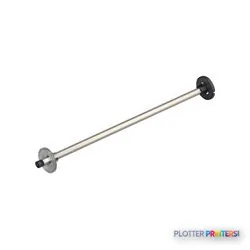
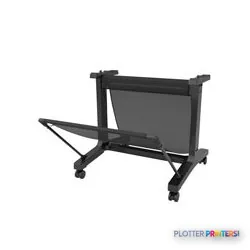
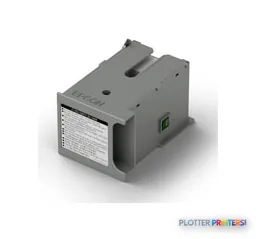
The Epson SureColor Maintenance box :LFP desktop is the listed maintenance consumable, and the Epson Roll Feed Spindle 24" LFP desktop is the listed media-handling accessory. Those are relevant operational items for a team keeping the printer available through a deadline, rather than treating it as office furniture with a power cord.
Bottom line: if your daily routine begins with scanning paper or ends with assembled plan sets, this printer covers only one part of the job.
How it sits within the Epson technical-printing range
Within the listed family, the Epson SC-T3100 24-in is the closest print-oriented comparison, with the same stated 2400 x 1200 DPI resolution and inkjet technology. The Epson SC-T3100M 24-in becomes the more relevant alternative when scanning and copying are requirements, because it is identified in the catalog as an MFP model. That distinction matters more than a brochure checklist when a superintendent walks in holding a paper sketch.
For organizations whose bottleneck is roll changes and longer unattended runs, the Epson T3770DR 24-in is the listed in-family step-up to examine because it is identified as dual-roll. Wider-format needs point toward the Epson T7770DR 44-in, also identified as dual-roll. Compare the SC-T3130N directly with the Epson SC-T3100 24-in before treating similarly named machines as interchangeable.
Bottom line: choose the SC-T3130N for print-only local output; move up when paper handling or paper-to-digital work is the actual bottleneck.
Useful comparisons
Epson SC-T3100 24-inThe nearest listed print-oriented family comparison.Epson SC-T3100M 24-inThe listed MFP alternative for teams needing scan and copy capability.Epson T3770DR 24-inA listed dual-roll option for more demanding media handling.Technical-printer class rankingSee where this machine sits within its class.
The read
The Epson SC-T3130N is a disciplined choice for an AEC team that sends digital CAD, PDF, HP-GL/2, or HP-RTL files to a nearby color technical printer. It has the network options, touch interface, roll-media support, and stated resolution needed for that lane. It is less appropriate for paper-heavy construction offices, scan-and-copy workflows, or production environments where one roll and one operator intervention can hold up the set. Bottom line: buy it for local digital plotting, not as a substitute for a multifunction plan-room system.
Spec analysis
How the specs grade
Overall performance
- This printer
- Epson SureColor T3475
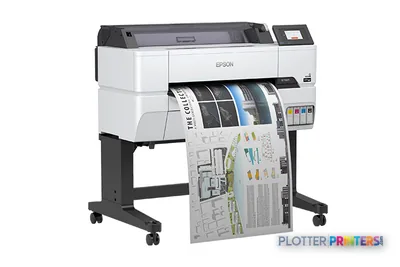
Category leaders best technical / CAD plotters, by dimension
Verified specifications
The specs that decide it
| Maximum print width | 24 in |
|---|---|
| Print technology | Inkjet |
| Maximum resolution | 2400manufacturer-verified |
| Print speed | 34manufacturer-verified |
| Printing colors | Pigment Black, Cyan, Magenta, Yellowmanufacturer-verified |
| Number of print cartridges | 4manufacturer-verified |
| Page description languages | ESC P, HP-GL/2, HP-RTL |
| Scanning | No |
| Wi-Fi | Wi-Fi and Wi-Fi Directmanufacturer-verified |
| Ethernet | Yes |
| Power consumption | 28 W |
manufacturer-verified = checked against the manufacturer’s official datasheet, not aggregator data. Everything else is standards-body / catalog data we consider reliable.
Specifications
Full technical detail
Print technologyInkjet
Max resolution2400 x 1200 DPI
ColorColor
ConnectivityEthernet (Gigabit LAN), USB, Wi-Fi
Use caseCAD / Technical
Printing
| Color | Yes |
|---|---|
| Printing colors | Black, Cyan, Magenta, Yellow |
| Print technology | Inkjet |
| Maximum resolution | 2400 x 1200 DPI |
| Number of print cartridges | 4 |
| Page description languages | ESC P, HP-GL/2, HP-RTL |
Performance
| Control type | Touch |
|---|---|
| Product color | White |
| Built-in display | Yes |
| Display diagonal | 4.3" |
| Internal storage capacity | 1 GB |
Paper handling
| Cut sheets | Yes |
|---|---|
| Paper tray media types | Roll |
Ports & interfaces
| Wi-Fi | Yes |
|---|---|
| USB port | Yes |
| Ethernet LAN | Yes |
| Wi-Fi Direct | Yes |
| Ethernet LAN data rates | 100,1000 Mbit/s |
Weight & dimensions
| Weight | 59.5 lbs (27 kg) |
|---|
Power
| AC input voltage | 100 – 240 V |
|---|---|
| AC input frequency | 50 – 60 Hz |
| Power consumption (off) | 0.2 W |
| Power consumption (typical) | 28 W |
Operational conditions
| Storage temperature (T-T) | -20 – 40 °C |
|---|---|
| Operating temperature (T-T) | 10 – 35 °C |
| Storage relative humidity (H-H) | 5 – 85% |
| Operating relative humidity (H-H) | 20 – 80% |
Copying
| Copying | No |
|---|
Scanning
| Scanning | No |
|---|
Supplies
Compatible ink, printheads & media
Genuine consumables that fit the Epson SureColor SC-T3130N 24-in — only the cartridges, printheads and media compatible with this model.
Ink Cartridges 1
Accessories 2
Coverage & Support Plans 6
 1-Yr NBD Whole Unit Exchange (at hardware purchase) – SureColor T3100 (PST3100E1)
 2-Yr NBD Whole Unit Exchange (at hardware purchase) – SureColor T3100 (PST3100E2)1-Yr NBD Whole Unit Exchange (at hardware purchase) – SureColor T3170M (PST3100ME1)
 4-Yr NBD Whole Unit Exchange (at hardware purchase) – SureColor T3100 (PST3100E4)2-Yr NBD Whole Unit Exchange (at hardware purchase) – SureColor T3170M (PST3100ME2)4-Yr NBD Whole Unit Exchange (at hardware purchase) – SureColor T3170M (PST3100ME4)
Questions
Straight answers
Can the Epson SC-T3130N scan redlines or copy existing drawings?
No. The supplied product data lists both copying and scanning as unavailable. Teams handling marked-up paper will need a separate scanner, copier, or multifunction device.
Which technical file languages does it support?
The listed page-description languages are ESC P, HP-GL/2, and HP-RTL. That is relevant to many established CAD and technical-printing workflows.
Can it be shared across an AEC office network?
Yes. It has Ethernet LAN with 100 and 1000 Mbit/s data rates, Wi-Fi, and Wi-Fi Direct. It also has a USB port for direct connection.
Is it suitable for color-coded engineering drawings?
It prints in black, cyan, magenta, and yellow, with a stated maximum resolution of 2400 x 1200 DPI. That suits color callouts and coordination layers, though output should always be tested against the firm’s own files and media.
What should I compare it with if I need scan and copy functions?
Look at the listed [[product:87092286|Epson SC-T3100M 24-in]]. It is identified in the catalog as a scanner/MFP model, unlike the print-only SC-T3130N.
What maintenance item is listed for this printer?
The compatible maintenance item is the Epson SureColor Maintenance box :LFP desktop. The listed media-handling accessory is the Epson Roll Feed Spindle 24″ LFP desktop.
Ready to put the Epson SureColor SC-T3130N to work?
Configuration, media and a quote tailored to your workflow — from AEC plotter specialists.