
Home / Wide-Format Printers / HP Latex
HP · Wide-Format Plotter
HP Latex R530
latex signage printer
- ModelR530
- Score77/100
Authorized HP dealerGenuine hardware & ink
Manufacturer warrantyExtension plans available
Free shippingContinental U.S.
Plotter specialistsAEC experts, not just sellers
Analyst take
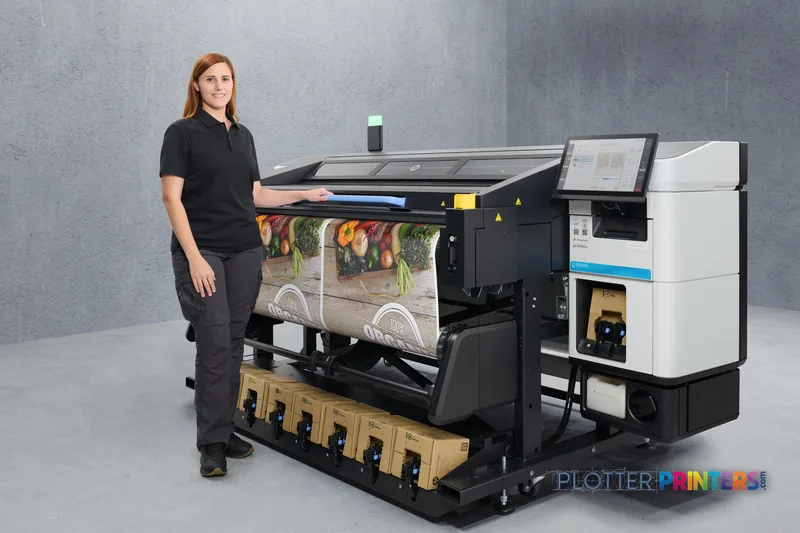
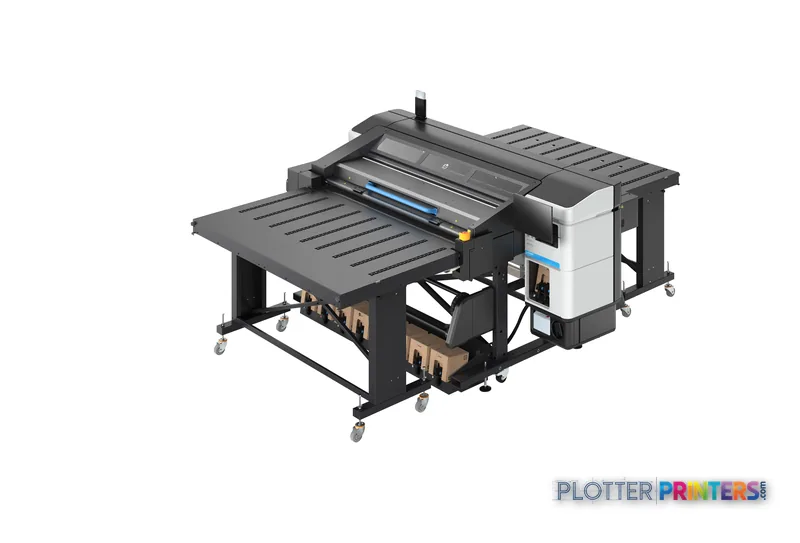
- The HP Latex R530 Printer combines 64-inch output, roll-to-roll printing, standard tables, white printing, and a multi-sheet pin.
- It fits varied AEC graphics work such as coordination boards, site communication, wayfinding, and presentation output.
- The specified 1200 x 600 DPI resolution should be validated with real CAD, PDF, GIS, and image-heavy project files.
Not sure if the R530 is right for you?
Compare key specs and an AI analyst read-out against similar models.
- Fine detail 1200 x 600 DPI maximum resolution for crisp line work.
- Ink platform Black, Light magenta, Yellow, White.
- Analyst score Scores 77/100 in our class-relative rating.
Overview
Built for the work
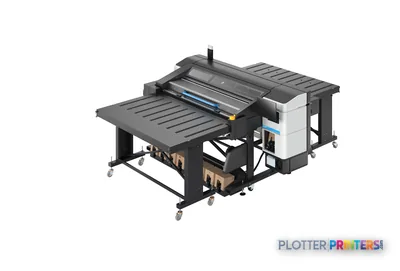
HP Latex R530 Printer, 1200 x 600 DPI, Black, Light magenta, Yellow, White, 1200 x 600 DPI, Coated paper, Banner, Malaysia, Compliant with Class A requirements, including: USA (FCC rules), Canada (ICES), EU (EMC…
Spec Analysis
overall
overall
Where it performs best
Print Cost
100
Media Handling
92
Color
73
Best overall in its class right now. How we grade →
Expert analysis
What you should know

Key takeaways
- The HP Latex R530 Printer combines 64-inch output, roll-to-roll printing, standard tables, white printing, and a multi-sheet pin.
- It fits varied AEC graphics work such as coordination boards, site communication, wayfinding, and presentation output.
- The specified 1200 x 600 DPI resolution should be validated with real CAD, PDF, GIS, and image-heavy project files.
- Two sets of HP Latex R Series 64-in Extension Tables support custom media up to 64" x 236" (1615 x 6000 mm).
- There is no listed in-family step-up or step-down model, so comparisons should focus on workflow and material testing rather than a same-series ladder.
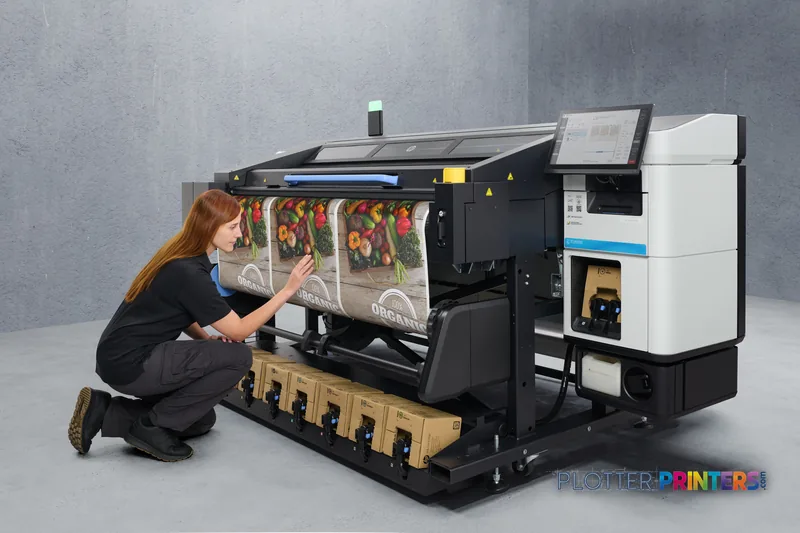
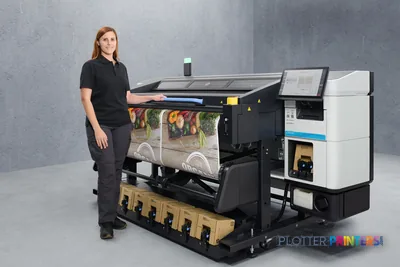
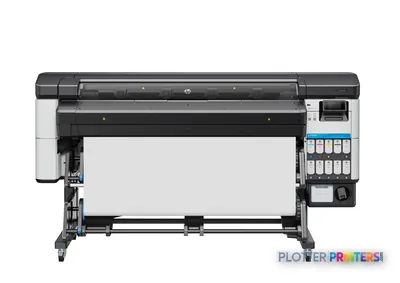
When a project team needs a run of color-coded coordination sheets, site graphics, wayfinding panels, or presentation boards, the printer is only part of the job. Someone still has to load the material, keep edges straight, collect output, and move it to the next step. The HP Latex R530 Printer is a 64-inch Latex device built around that practical mix: roll-to-roll work, standard input and output tables, white printing, and a multi-sheet pin for rigid or cut-sheet handling.
For AEC teams, its appeal is flexibility rather than a narrow plan-printing role. It can support graphic-heavy construction communication alongside ordinary project-document output, provided the media and finishing workflow are planned around the job.
64"Maximum print width
1200 x 600 DPIMaximum resolution
5.8" x 8.3" (148 x 210 mm) to 64" x 60" (1615 x 1524 mm)Custom media-size range
15 – 30 °COperating temperature
Where it fits in an AEC print room
The R530 makes the most sense where output is varied. Think construction-site safety graphics, color-coded phasing boards, GIS displays, temporary wayfinding, design-review boards, and branded project communication. The white system is relevant when the job calls for white ink; that is a capability worth testing on the actual material before a deadline, not assuming from a sample board.
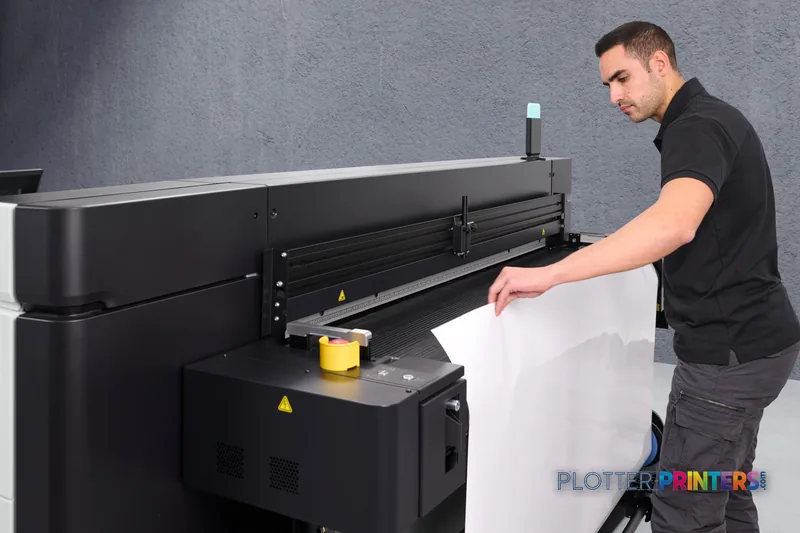
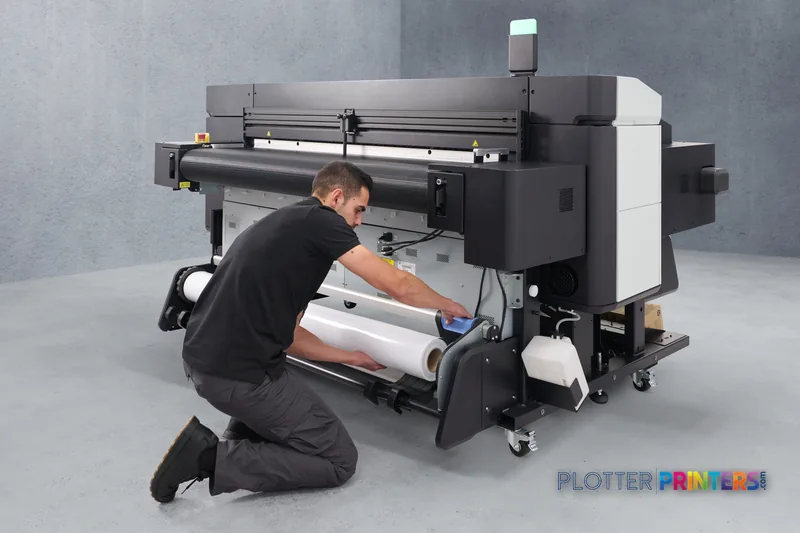
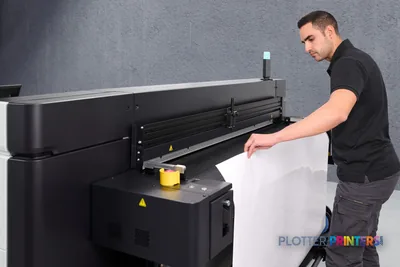
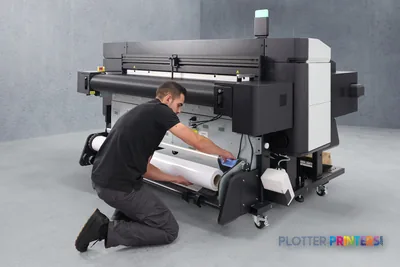
Media handling is the real review. The supplied roll-to-roll system supports roll work, while the standard tables and included multi-sheet pin broaden the types of work a team can stage. For short rigid or sheet-based jobs, setup discipline matters: load square, confirm the job dimensions, and leave room for unloading. For long graphics, the optional HP Latex R Series 64-in Extension Tables extend supported custom-media length to 64″ x 236″ (1615 x 6000 mm) when two sets are used.
Small shops should be honest about this. A single machine that handles both project graphics and occasional specialty output can simplify operations. But it does not remove the need for an operator who understands material preparation, job sequencing, and finishing handoff.
Output quality, materials, and workflow limits
The specified maximum resolution is 1200 x 600 DPI. That supports detailed color communication, but resolution alone does not settle whether a result is right for fine CAD linework, small annotations, or a particular coated paper. Run representative PDFs from the application your teams actually use, including dense legends, thin gray lines, aerial imagery, and color-filled coordination views.
The listed paper-tray media types are coated paper and banner. That points the conversation toward graphics-oriented applications rather than treating the device as a replacement for every everyday bond-paper plotter in a document room. Ask three things: what feeds it, what dries it, who fixes it. Those answers determine whether a printer is productive after the demo, when a superintendent needs revised signage and the finishing table is already full.
The machine uses nine print cartridges and is compatible with HP 873 ink. Its included box contents also list one set of printheads, a maintenance cartridge, and two ink collection units. Keep routine operator tasks in the staffing plan; downtime is still an operator standing still and a project deliverable waiting.
How it compares with the listed alternatives
There is no in-family step-up or step-down model listed in the available catalog set, so a direct same-series ladder cannot be established here. The useful comparison is application-led. The Epson F9470 64-in and Epson SC-F9400 64-in are both listed as 64-inch inkjet alternatives, each with a stated 1440 x 720 DPI resolution. The Epson SC-R5000 64-in and Epson SC-R5000L 64-in are also listed at 64 inches, with stated 1200 x 2400 DPI resolution.
Those resolution figures are not a substitute for a production test. Compare the same AEC PDF, the same material, and the same finishing path. Use the comparison tool for the HP Latex R530 Printer and Epson SC-R5000 64-in to organize the specification discussion, then make the dealer prove media loading, output quality, and operator workflow on your files.
Continue your evaluation
The read
The HP Latex R530 Printer is a credible fit for AEC environments that need 64-inch project graphics alongside varied material handling, including roll work and sheet-oriented staging. It becomes more compelling when white printing and table-based handling are part of the real job mix. It is less appropriate if the requirement is simply high-volume everyday plan output with little need for graphics, specialty material handling, or white ink. Before committing, test the actual files, materials, loading routine, and downstream finishing steps that define your busiest week.
Spec analysis
How the specs grade
Overall performance
- This printer
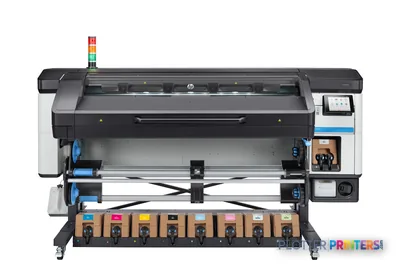
- HP Latex 800 W
Category leaders best latex signage printers, by dimension
Verified specifications
The specs that decide it
| Maximum resolution | 1200 x 600 DPI |
|---|---|
| Printing colors | Black, Light magenta, Yellow, White |
| Number of print cartridges | 9 |
Specifications
Full technical detail
Max resolution1200 x 600 DPI
ColorColor
Use caseGraphics / Production
Printing
| Printing colors | Black, Light magenta, Yellow, White |
|---|---|
| Resolution color | 1200 x 600 DPI |
| Maximum resolution | 1200 x 600 DPI |
| Number of print cartridges | 9 |
Performance
| Certification | Compliant with Class A requirements, including: USA (FCC rules), Canada (ICES), EU (EMC Directive), Australia and New Zealand (RCM), Korea (KCC) |
|---|---|
| Country of origin | Malaysia |
Paper handling
| Custom media sizes | 148 x 210 mm to 1615 x 1524 mm (up to 1615 x 6000 mm with two sets of optional extension tables) |
|---|---|
| Paper tray media types | Coated paper, Banner |
Technical details
| Box contents | HP Latex 530 printer (including standard input and output tables, roll to roll printing system, white system, 1x multi-sheet pin) 1 set of printheads, maintenance cartridge, 2x ink collection units, power cords, user maintenance kit |
|---|
Power
| AC input frequency | 50/60 Hz |
|---|
Operational conditions
| Operating temperature (T-T) | 15 – 30 °C |
|---|
Other features
| UNSPSC-code | 43212104 |
|---|---|
| Electromagnetic compatibility | Compliant with Class A requirements, including: USA (FCC rules), Canada (ICES), EU (EMC Directive), Australia and New Zealand (RCM), Korea (KCC) |
Packaging data
| Package depth | 87.6" (2226 mm) |
|---|---|
| Package width | 115.5" (2933 mm) |
| Package height | 69.1" (1756 mm) |
| Package weight | 2769 lbs (1256 kg) |
Carbon footprint
| Total carbon footprint (kg of CO2e) | 11500 |
|---|---|
| Carbon emissions, logistics (kg of CO2e) | 366 |
| Carbon emissions, end-of-life (kg of CO2e) | 181 |
| Carbon emissions, manufacturing (kg of CO2e) | 6708 |
| Total carbon emissions, w/o use phase (kg of CO2e) | 4246 |
Brand-specific features
| HP GTIN (EAN/UPC) | 199485399829. 199485417776. 199485399836. 199485417790. 199485399843. 198701220718 |
|---|---|
| HP GTIN (EAN/UPC) with options | (ABG) 199485399829; (ACJ) 199485417776; (B19) 199485399836; (B1K) 199485417790; (BCD) 199485399843; (BH1) 198701220718 |
Everything that fits the HP Latex R530
The full supplies hub lists every cartridge, printhead, roll and accessory verified against the manufacturer's own documentation for this machine.
9 ink cartridges · 12 paper & media items · 1 accessory
HP Latex R530 ink and paper →Supplies
Compatible ink, printheads & media
Genuine consumables that fit the HP Latex R530 Printer — only the cartridges, printheads and media compatible with this model.
Ink Cartridges 9
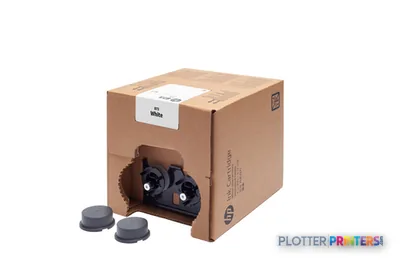 HP 873 3-liter White Latex Ink Cartridge
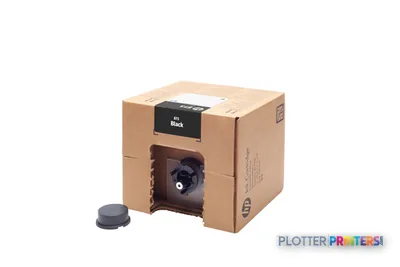 HP 873 3-liter Black Latex Ink Cartridge
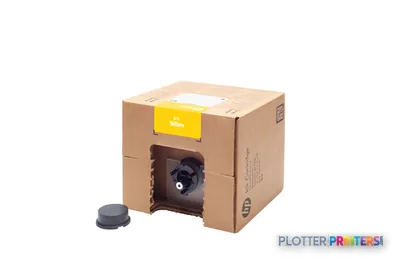 HP 873 3-liter Yellow Latex Ink Cartridge
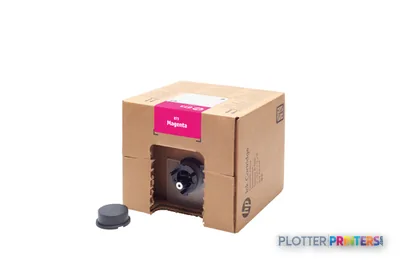 HP 873 3-liter Magenta Latex Ink Cartridge
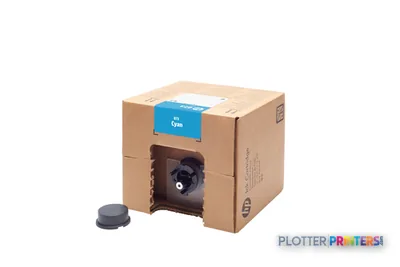 HP 873 3-liter Cyan Latex Ink Cartridge
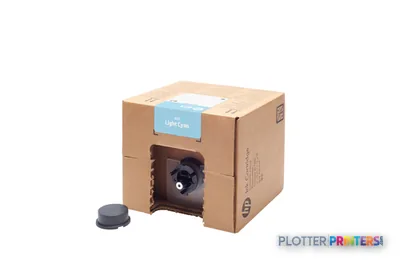 HP 873 3-liter Light Cyan Latex Ink Cartridge
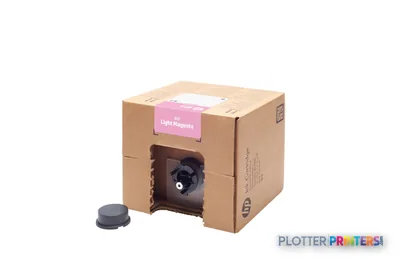 HP 873 3-liter Light Magenta Latex Ink Cartridge
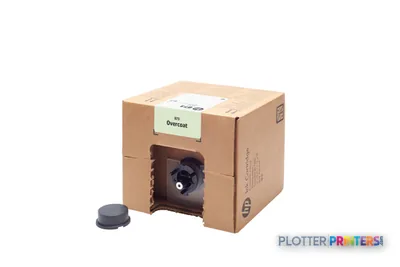 HP 873 3-liter Overcoat Latex Ink Cartridge
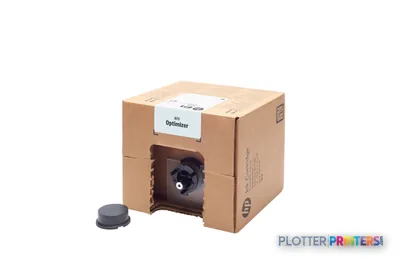 HP 873 3-liter Optimizer Latex Ink Cartridge
Paper & Media 12
 Representative image11 Mil Water-Resistant Synthetic BannerRepresentative image10 Mil Solvent Printable PolycarbonateRepresentative image225gsm Solvent Satin PE PaperRepresentative image180gsm Solvent Satin PE PaperRepresentative image225gsm Gloss Solvent PE PaperRepresentative image3 Mil Fusion Finesse Polypropylene LaminateRepresentative image230gsm Special Matte Photo PaperRepresentative image200gsm Special Matte Photo PaperRepresentative image10 Mil Water-resistant Blockout Display FilmRepresentative image10 Mil Solvent Blockout Display FilmRepresentative image10 Mil White Opaque BackerRepresentative image8mil Poster Paper Satin (514)
Accessories 1
Questions
Straight answers
Is the HP Latex R530 Printer a replacement for an everyday construction-document plotter?
Not necessarily. Its listed capabilities point toward varied graphics and material-handling work; whether it fits ordinary plan output depends on your files, media, staffing, and output requirements.
What AEC jobs are most suitable for this printer?
It is suited to graphic-heavy work such as color-coded coordination output, GIS displays, site graphics, wayfinding, and presentation boards. Test fine-line and small-text documents before assigning critical drawing sets.
Can it handle long project graphics?
The standard custom-media range reaches 64″ x 60″ (1615 x 1524 mm). With two sets of optional HP Latex R Series 64-in Extension Tables, supported custom media reaches 64″ x 236″ (1615 x 6000 mm).
What supplies should the print-room team plan around?
The printer is compatible with HP 873 ink. The stated box contents include one set of printheads, a maintenance cartridge, and two ink collection units, so routine consumable and maintenance planning remains part of operation.
What should we ask in a dealer demonstration?
Ask three things: what feeds it, what dries it, who fixes it. Then run your own files on your intended materials and watch loading, output handling, and the handoff to trimming or lamination.
Ready to put the HP Latex R530 to work?
Configuration, media and a quote tailored to your workflow — from AEC plotter specialists.