
Size & Format Guide — No. 07
Production Plotters: Built for the Print Room, Not the Corner
Production-class plotters push sets by the hundred: print-bar speed, ink by the liter, duty cycles that shrug off all-day set runs.
Shop these machines
Ranked live by our spec-graded scoring — prices & stock are current. Free U.S. shipping on every printer.
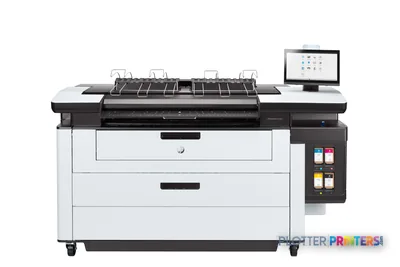 HP PageWide XL Pro 5200 MFP Printer4VW19A40"1200 dpiScanView details
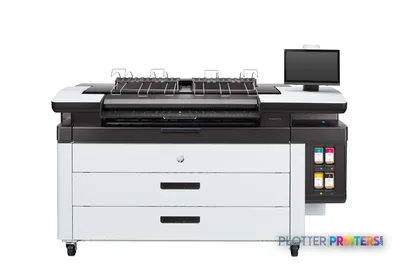 HP PageWide XL 3950 40-in Multifunction Printer with Top Stacker86Z37F40"1200 dpiView details
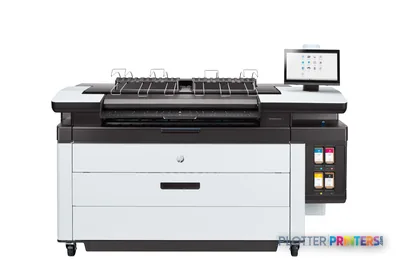 HP PageWide XL 5200 Printer4VW16A40"1200 dpiScanView details
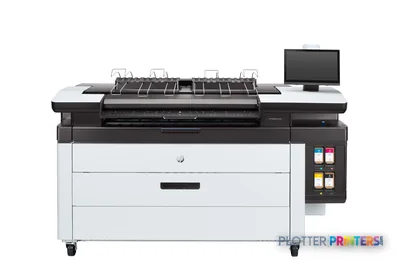 HP PageWide XL 4250 40-in Multifunction Printer with Top Stacker86Z39A40"1200 dpiScanView details
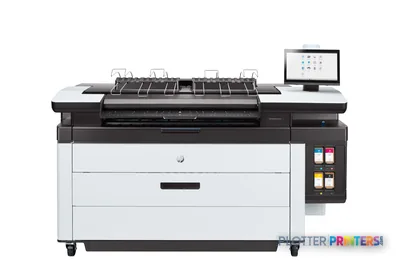 HP PageWide XL 5200 MFP Printer4VW17A40"1200 dpiScanView details
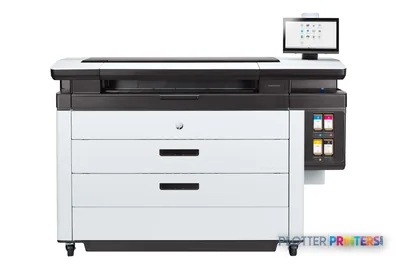 HP PageWide XL 8200 Printer4VW18A40"1200 dpiWi-FiView details
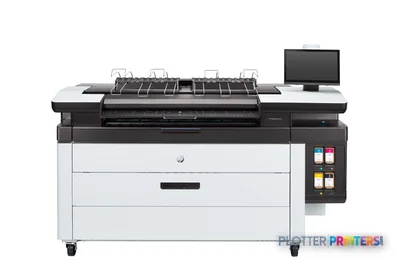 HP PageWide XL 4250 40-in Printer with Top Stacker86Z38A40"1200 dpiView details
Free U.S. shipping on printersKlarna & Affirm at checkoutTalk to a person: 980-536-0080

A production plotter is a machine built to run all day, unattended, pushing plan sets by the hundred instead of one drawing at a time. The tell is the architecture: either a stationary print-bar that lays down a full page width in a single pass, or a heavy-duty scanning-head inkjet with high-capacity ink and a duty cycle rated for daily multi-set volume. If you count throughput in sheets per minute rather than pages per hour, you’re shopping this class.
That’s the line. Everything else is fit. An office CAD plotter chokes on a fat bid set at deadline — the operator babysits it, feeds it, waits on it. A production machine treats that same set as a coffee break: it stages the job, prints unattended, and drops finished output into a stacker so a person isn’t standing over it catching sheets. That difference is the whole reason the class exists.
Here’s the honest routing up front. If your shop turns a handful of sets a week, this class is overkill and you’ll feel it in the invoice — the 36-inch class is your workhorse. If you’re a repro department, a GC print room, a print-for-pay counter, or a campus print center where the plotter is a production line, keep reading. The ranked picks below carry current models, live scores, and prices; the calculator on this page runs your own-versus-outsource math. My job is to tell you which class fits your floor and why.
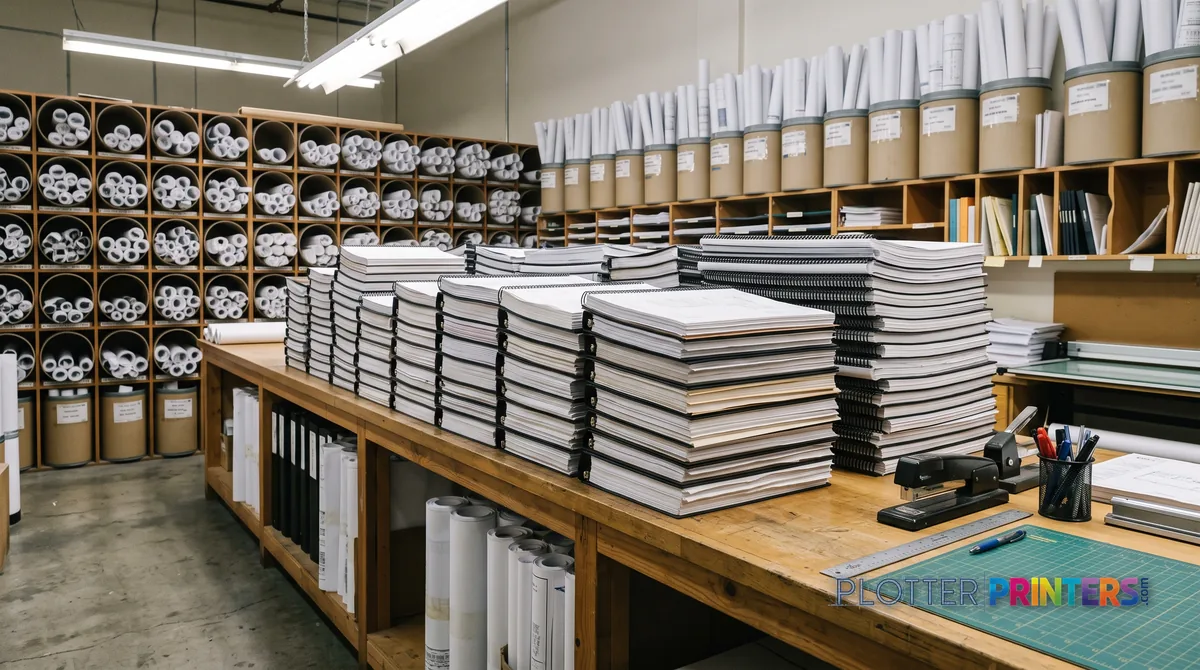
What 'production class' actually means on the floor
SHT 02 · PLOTTERPRINTERS ANALYST DESKStrip the marketing and production class comes down to four mechanical facts.
The print engine. Print-bar machines (PageWide-style) hold the head still and move paper under it — a full page width fires in one pass. No head crawling back and forth. That’s where sheets-per-minute comes from. Heavy-duty scanning-head inkjets get there differently: fast carriages, wide swaths, and enough thermal headroom to run flat out without pausing to cool. Both belong here; they just get to volume by different roads.
Ink capacity. Office machines meter ink in milliliters. Production machines take cartridges or tanks measured in liters, so an operator isn’t swapping consumables mid-run. Fewer interruptions, more finished sets between touches.
Duty cycle. This is the spec that separates a big office plotter from a real production box. Duty cycle is how much the machine is engineered to print per month without the wheels coming off. A production-class rating shrugs off daily multi-set runs; an office rating quietly assumes you print in bursts and rest between.
Finishing. Stacking and folding turn a printer into a line. An integrated stacker catches and squares hundreds of sheets so nobody stands there collating by hand; online folders drop D- and E-size sheets into legal-size packets ready to hand off. Unattended output is the point — the machine runs while the operator does something else.
Put together, the feel is different: you load a night’s worth of sets, hit go, and walk away.
The ranked production machines
SHT 03 · PLOTTERPRINTERS ANALYST DESKPageWide-class — set-run specialists
Ranked live by our spec-graded scoring.
HP PageWide XL Pro 5200 MFP Printer4VW19A40"1200 dpiScanView detailsHP PageWide XL 3950 40-in Multifunction Printer with Top Stacker86Z37F40"1200 dpiView detailsHP PageWide XL 5200 Printer4VW16A40"1200 dpiScanView detailsHP PageWide XL 4250 40-in Multifunction Printer with Top Stacker86Z39A40"1200 dpiScanView details44-inch+ graphics class — color production
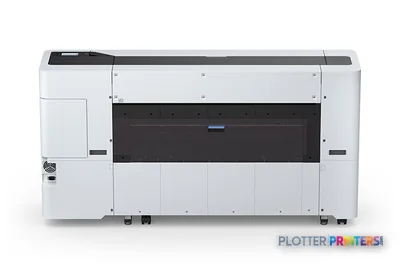 Epson SureColor T7770DR 44-in Dual-Roll PrinterSCT7770DR44"2400 dpiWi-FiView details
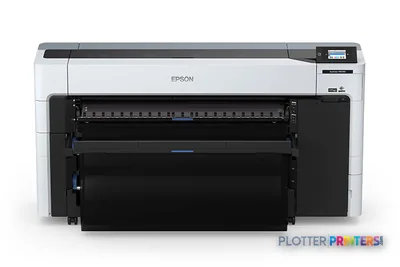 Epson SureColor P8570DR 44-in Dual-Roll PrinterSCP8570DR44"2400 dpiWi-FiView details
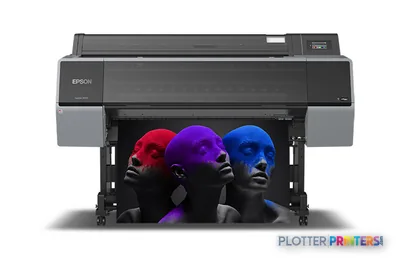 Epson SureColor P9570 44-in Wide-Format PrinterSCP9570SE44"2400 dpiView details
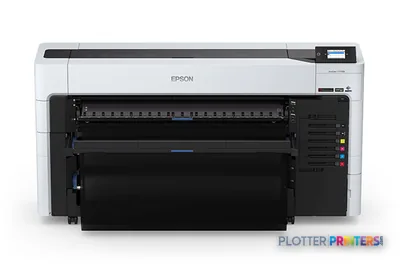 Epson SureColor T7770DL 44-in Wide-Format PrinterSCT7770DL44"2400 dpiWi-FiView details
Do you actually need this class? An honest fit test
SHT 04 · PLOTTERPRINTERS ANALYST DESKBuy the tool the work demands — no more. Here’s how to read your own floor.
Signals you need production class: daily multi-set runs; a plotter shared across a repro department or a GC print room; deadlines that stack (three projects hitting bid week at once); a print-for-pay counter where turnaround is the product; an operator whose whole job is feeding the machine. If your people are babysitting an office plotter through the afternoon, the machine is the bottleneck and this class removes it.
Signals you don’t: weekly sets, not daily. Occasional as-builts. A design studio that plots a presentation and goes back to modeling. If that’s you, the 36-inch class is the right home — full ARCH E and A0, dual-roll options so bond and gloss both stay loaded, and none of the production-class overhead you won’t use.
Two honest middle cases. If your volume lives in the field — as-builts, markups, plan-room copies — a wide-format MFP with an integrated scanner may matter more than raw speed. And if your color work is climbing (maps, renderings, boards) rather than your linework volume, look at graphics-class machines instead of production linework speed. When you’re genuinely on the fence, the quote funnel and a phone call sort it faster than another spec sheet.
Run your own numbers
What does your volume actually cost?
Sheets, sets, outsource rates, staff time — the payback math, computed in your browser.
ROI calculator
What does outsourcing plots really cost you?
Enter your own numbers — quotes from your print shop, your staff time, the lease quote you’re weighing. We just do the math.
Get a real machine + lease quote → See which machines earn the spend →
Volume economics: uptime is the spec that pays
SHT 05 · PLOTTERPRINTERS ANALYST DESKAt production volume the sticker is the least interesting number. Three things drive the real cost.
Consumables at scale. Ink by the liter and media by the pallet change the per-sheet math completely versus office cartridges and a single roll on a cart. High-capacity ink also means fewer swaps, and fewer swaps means fewer stops — that’s throughput, not just supplies.
Service coverage. An hour of downtime in a repro department isn’t an inconvenience; it’s an operator standing still and a client set that doesn’t ship. Ask what your service response actually looks like, in your area, before you sign anything. Uptime is the spec that pays the invoice.
Own versus outsource. The break-even is a volume question. Below a certain weekly set count, outsourcing beats owning a production box. Above it, every set you send out is margin walking out the door. The calculator below takes your real numbers — sets per week, size mix, current outsource spend — and turns them into a payback answer instead of a guess. Run your own figures through it before you commit; the answer is different for a three-person studio than for a campus print center, and it should be.
Mono linework versus color production
Two production paths, two different machines. Don’t buy one to do the other.
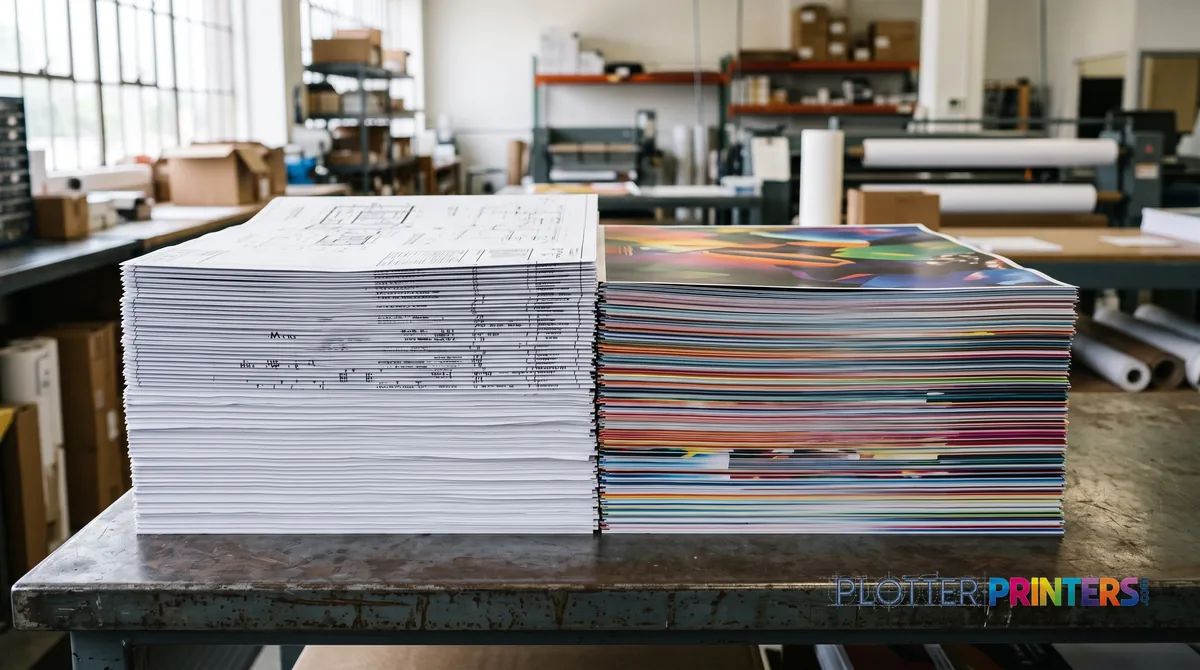
Linework set factories. Bid sets, permit sets, as-builts — crisp black lines and small text on plain bond, by the hundred. This is where print-bar and heavy-duty technical machines earn their keep: fast, cheap per sheet, pigment ink so the lines are water-resistant and hold up on a jobsite. Speed and duty cycle matter more than gamut; nobody grades a floor plan on color accuracy.
Color map and poster runs. GIS base maps, renderings, presentation boards — here gamut and gradient smoothness matter, and the technical machines aren’t built for it. That work belongs on graphics-class machines: the 44-inch graphics class for boards and larger maps, and the 60-inch-plus class when the sheet size or run length climbs. For mapping specifically, the GIS and mapping hub sorts the color-production options.
Plenty of production shops run both: a fast mono/technical line for sets and a graphics machine for color. That’s not redundancy — it’s putting each job on the tool that does it cheapest and fastest. Browse the HP DesignJet and Epson SureColor hubs to see which lines cover which path.
Your questions, answered
SHT 07 · PLOTTERPRINTERS ANALYST DESKWhat makes a plotter 'production class' versus a big office machine?
Architecture and duty cycle. Production machines use either a stationary print-bar that fires a full page width in one pass, or a heavy-duty scanning-head inkjet built to run flat out. They carry ink by the liter, are rated for daily multi-set volume, and offer stacking or folding for unattended output. An office plotter runs in bursts and needs an operator watching it.
How much volume justifies a production plotter?
It’s a break-even question, not a fixed number. If you’re turning multiple sets a day, sharing one plotter across a repro department, or paying regularly to outsource, ownership usually wins. If you plot a handful of sets a week, the 36-inch class is the smarter buy. Run your real numbers — sets per week, size mix, current outsource spend — through the calculator on this page.
Should I get a production machine or just a faster 36-inch plotter?
Ask what your operators are doing at deadline. If they’re babysitting a plotter through the afternoon, the machine is the bottleneck and production class removes it. If they plot a set and walk away, a 36-inch dual-roll workhorse covers you without the production overhead. The 36-inch hub lays out that class in full.
What sheet sizes do production plotters handle?
A 24-inch roll prints ARCH D and ANSI D (24×36 in) and ISO A1 full-bleed-class sheets. A 36-inch roll adds ARCH E and ANSI E (36×48 in) and ISO A0 (841×1189 mm). Half-size sets — 11×17 or 12×18 — come off either width. Color production at 44 inches and wider is graphics-class territory, a different tool family.
Dye ink or pigment ink for production linework?
Pigment, for AEC work. Pigment ink is water- and UV-resistant and archival — it holds up on a jobsite and in the files years later. Dye ink is cheaper and more vivid, but it won’t last, which is why it belongs in some color-graphics work rather than plan sets. For linework sets, pigment is the default and the right call.
Do I need a print-bar machine or a scanning-head inkjet?
Both reach production volume differently. Print-bar (PageWide-style) machines hold the head still and move paper under it, firing a full width per pass — that’s raw sheets-per-minute speed. Heavy-duty scanning-head inkjets use fast wide-swath carriages with thermal headroom to run without pausing. For high-count mono set runs, print-bar excels; for versatility across media, a heavy-duty inkjet may fit better.
Can one production plotter handle both linework sets and color maps?
Technically yes, but not well at volume. Fast technical and print-bar machines are tuned for crisp linework on bond, not for the gamut and gradient smoothness color maps and boards need. Many production shops run two lines: a mono/technical machine for sets and a graphics-class machine for color. Each job lands on the tool that does it cheapest and fastest.
What's the real cost driver at production volume?
Uptime, not sticker price. An hour of downtime is an operator standing still and a client set that doesn’t ship. After that, consumables at scale — ink by the liter and media by the pallet change the per-sheet math versus office cartridges. Ask about service response in your area before you buy; that coverage is the spec that pays the invoice.
What finishing options matter for unattended set runs?
Stacking and folding. An integrated stacker catches and squares hundreds of sheets so nobody collates by hand. Online folders drop D- and E-size sheets into legal-size packets ready to hand off. These turn a printer into a production line — the machine runs while the operator does other work, which is the entire point of buying this class.
Where do I look if I mostly need color production, not linework?
The graphics-class machines. For presentation boards, renderings, and larger maps, the 44-inch graphics leaderboard is the starting point; for longer runs or wider sheets, the 60-inch-plus class. GIS and mapping work has its own hub. These are pigment-color machines tuned for gamut and gradients, a different family from technical linework plotters.
The bottom line
SHT 08 · PLOTTERPRINTERS ANALYST DESK- Production class means print-bar or heavy-duty inkjet architecture, ink by the liter, high duty cycles, and stacking/folding for unattended set runs.
- If you turn sets daily or share one plotter across a repro floor, this class removes the bottleneck; weekly-set shops belong in the 36-inch class.
- Uptime is the spec that pays — an hour of downtime is an operator standing still and a set that doesn't ship.
- Own-versus-outsource is a break-even question; run your real numbers through the calculator on this page before committing.
- Run pigment ink for linework sets — it's water- and UV-resistant and holds up on the jobsite and in the archive.
- Keep mono linework and color production on separate machines; graphics-class 44-inch-plus carries the color path.
Running a print room?
Tell us your monthly volume and we'll spec the class honestly — including when not to buy it.