
Home / Wide-Format Printers / HP PageWide XL
HP · Wide-Format Plotter
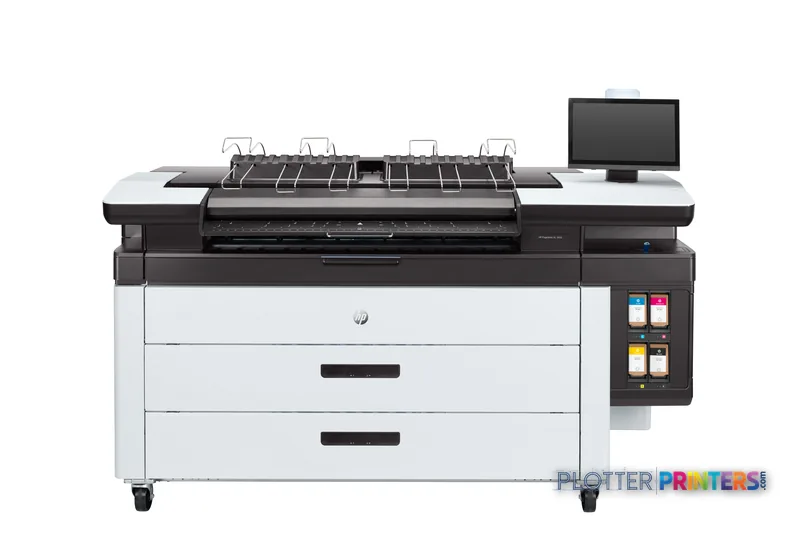
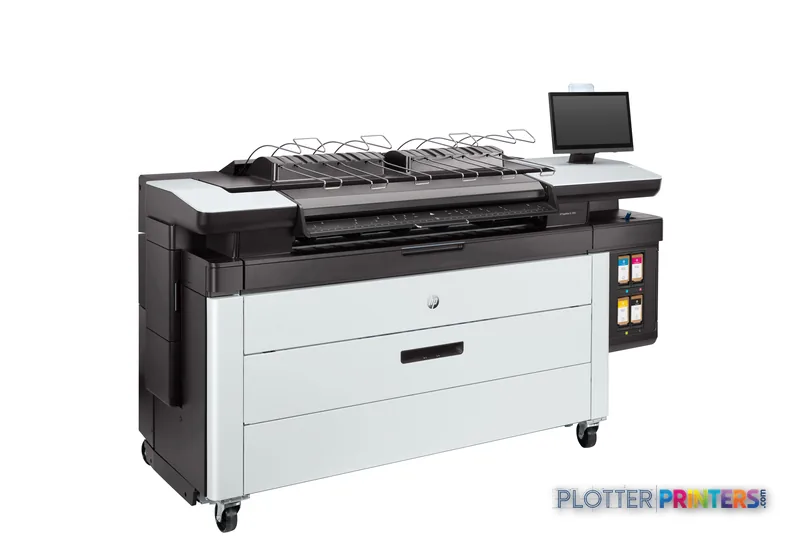
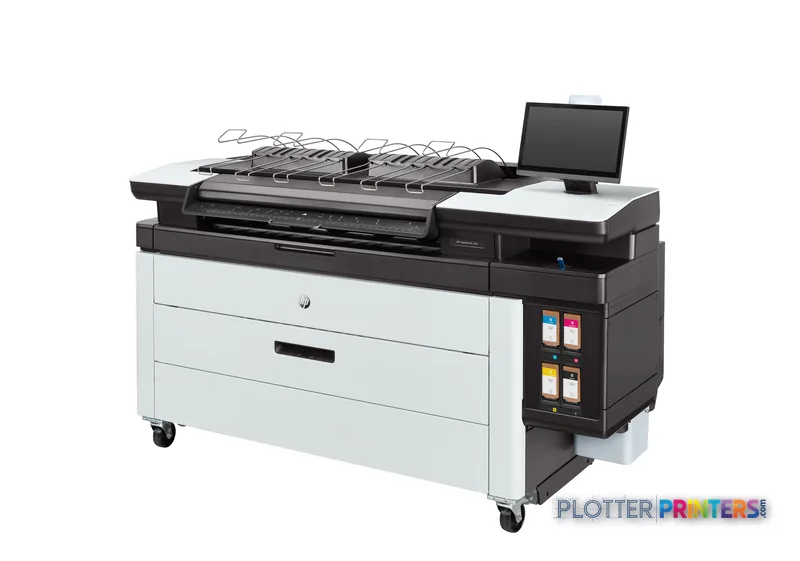
HP PageWide XL 3950 MFP
42" PageWide production printer
- ModelPageWide XL 3950 MFP
- Prints42" wide
- Score61/100
Authorized HP dealerGenuine hardware & ink
1-year warranty includedExtension plans available
Free shippingContinental U.S.
Plotter specialistsAEC experts, not just sellers
Analyst take
- The 40-inch multifunction configuration is aimed at shared AEC printing and scanning rather than occasional desktop plotting.
- Its listed 1200 x 1200 DPI maximum print resolution and 1200 x 1200 DPI optical scan resolution should be validated with your own drawings and mark-ups.
- HP-GL/2, TIFF, and JPEG are the listed page-description languages, so file-path testing remains essential for project-specific workflows.
Not sure if the PageWide XL 3950 MFP is right for you?
Compare key specs and an AI analyst read-out against similar models.
- Wide-format reach Prints up to 42" wide on rolls and sheets.
- Fine detail 1200 x 1200 DPI maximum resolution for crisp line work.
- Verified specs 8 specs checked against the manufacturer datasheet.
- Analyst score Scores 61/100 in our class-relative rating.
Overview
A print-bar MFP for the firm that lives on bid-set deadlines

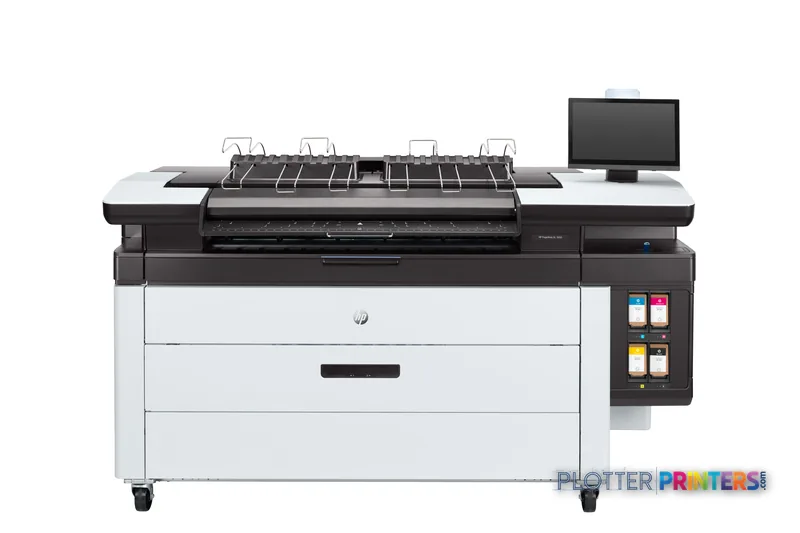
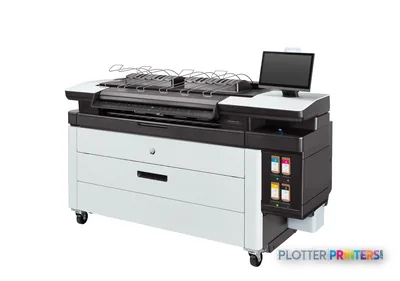
It’s 4:15 p.m. The bid closes at 5. Someone needs a full plan set, scanned markups from the field, and a clean copy of an old permit drawing — all before they leave. That’s the job this machine is built for. A stationary print bar spans the full 40 inches, so a D-size sheet doesn’t wait on a carriage sweeping back and forth. Add the integrated scanner at 1200 x 1200 DPI and the top stacker, and one operator handles print, copy and scan without walking to three devices.
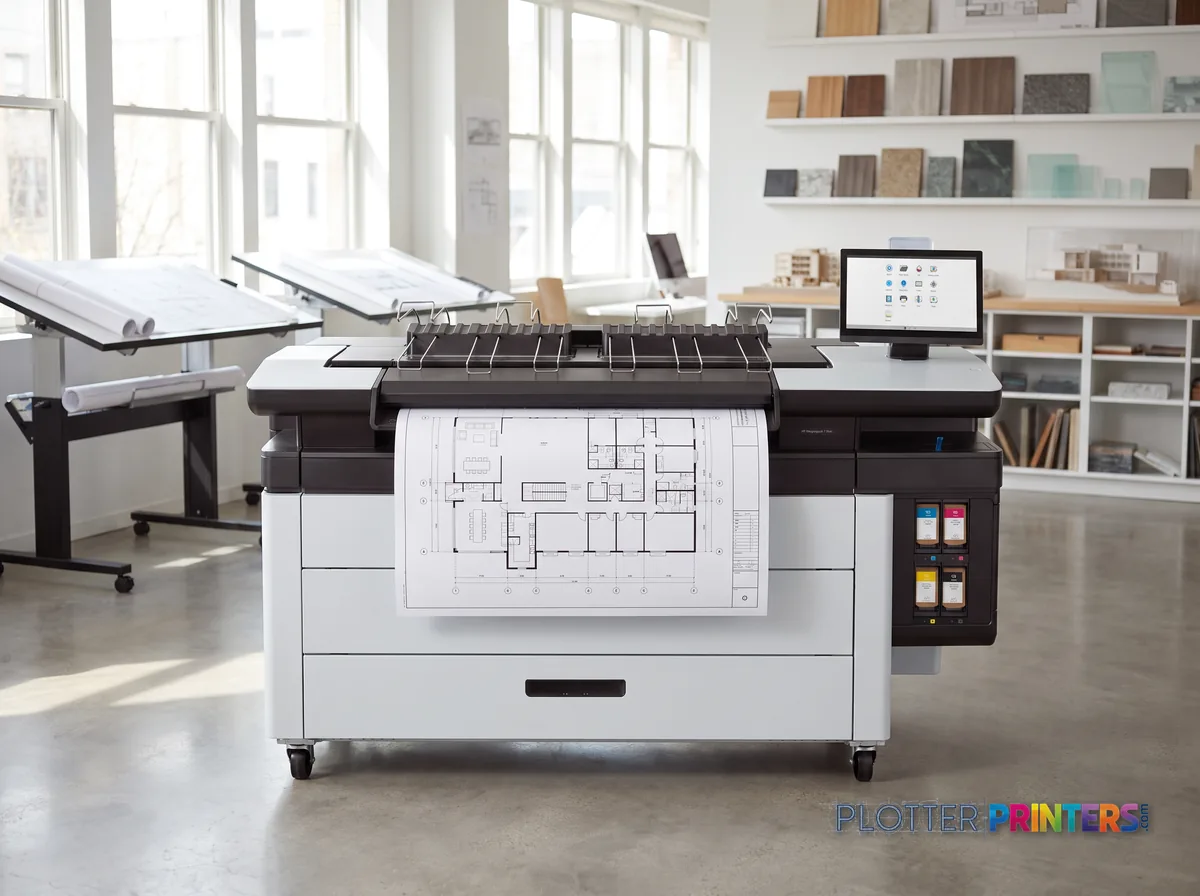
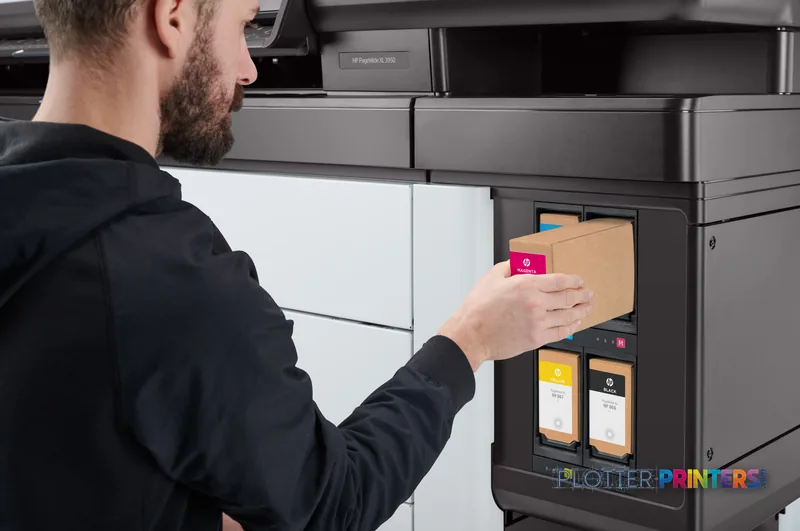
HP rates the PageWide XL family for high-throughput, low-intervention runs; independent shops peg the real sweet spot at roughly 1,500 to 5,000 square feet a month. Below that, you’re paying for capacity you won’t use. It runs HP 863 inks with the HP 841 and HP 874 maintenance parts, and prints on plain bond, recycled and matte stock.
- Mid-volume AEC print rooms running daily bid and permit sets
- Firms that need scan-copy-print in one footprint
- Offices standardizing on unattended stacked output
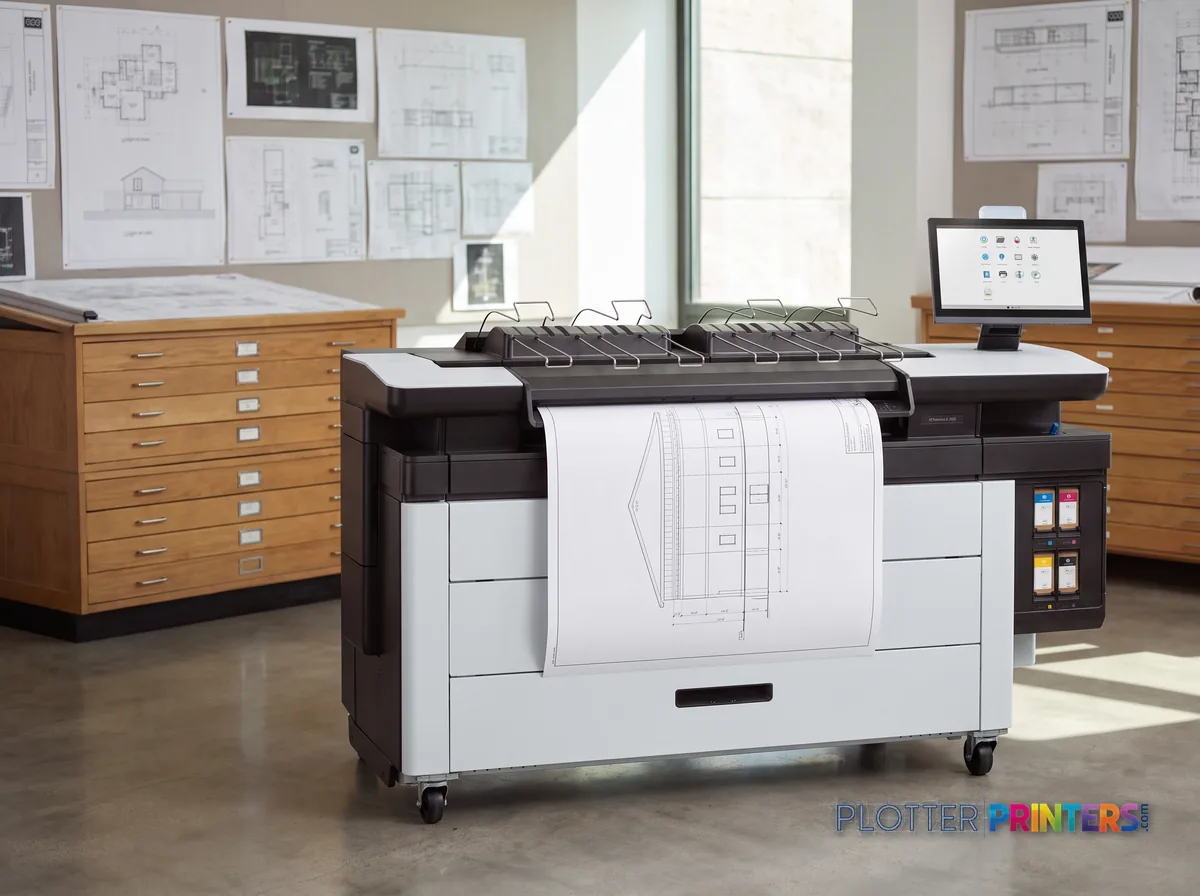
If your monthly volume is lighter and occasional, a single-function plotter makes more sense. If you’re consistently past this band and want folding inline, look to the step-up HP F60 with a folder. This is the middle of the F-series, not the top.
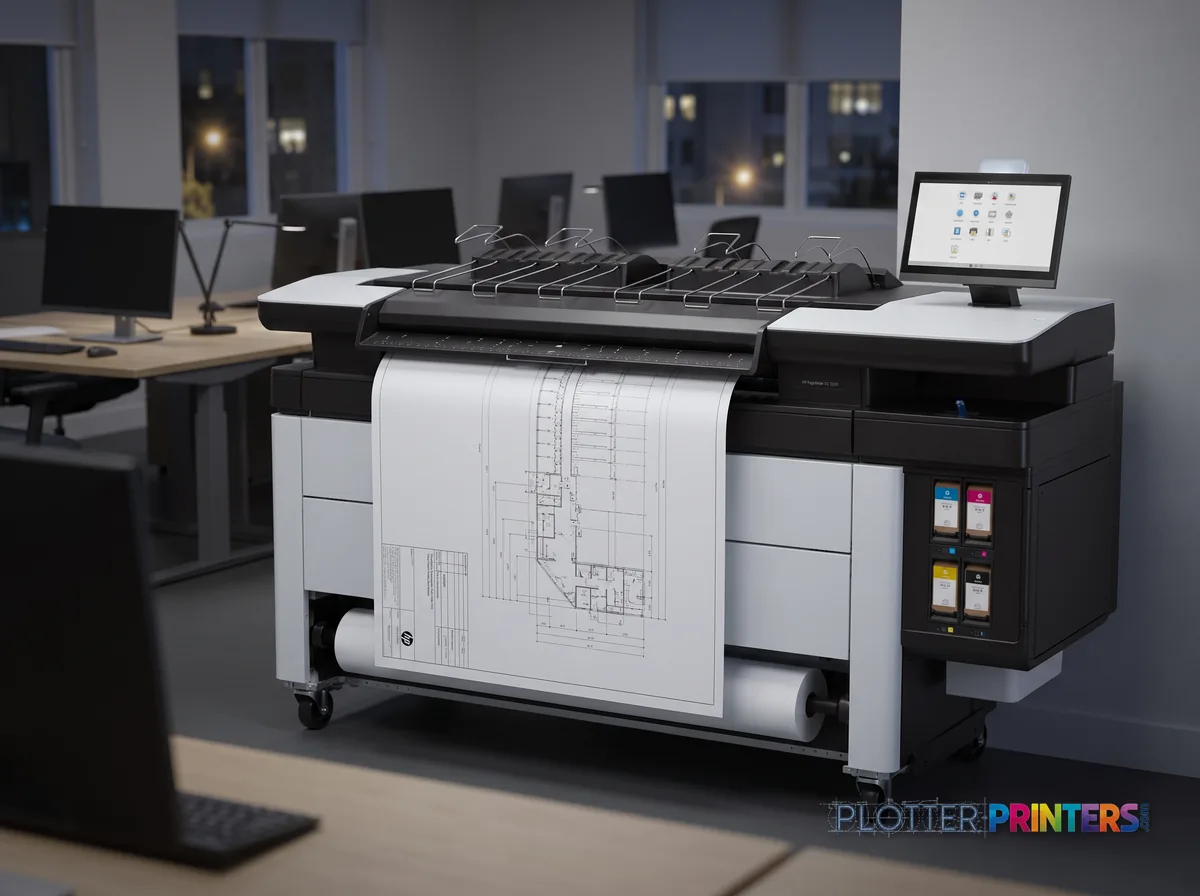
- 4″Max print width
- 4Ink channels
- 1,200 dpiMax resolution
- 12 moIncluded warranty
Spec Analysis
overall
overall
At a glance
- Print width
- 40 in wide-format, full-width stationary print bar
- Resolution
- 1200 x 1200 DPI color; 1200 x 1200 DPI optical scan
- Ink system
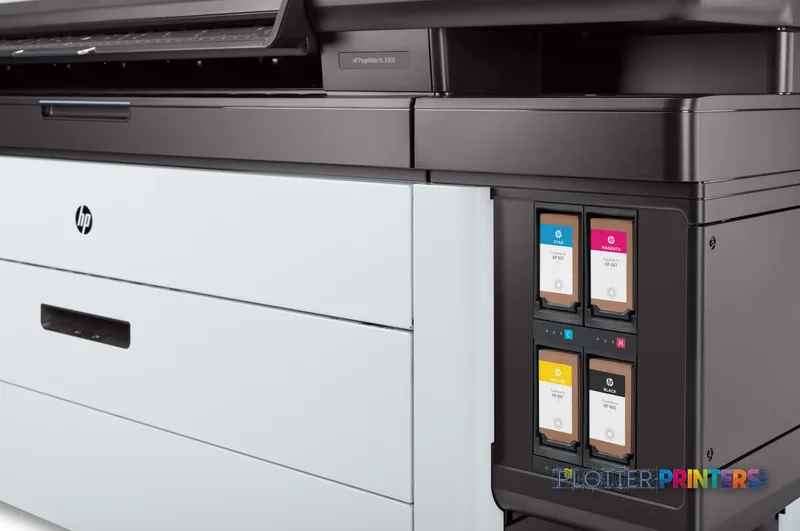
- 4 cartridges, HP 863 PageWide XL inks
- Media handling
- Bond, recycled and matte paper; integrated top stacker
- Languages
- HP-GL/2, TIFF, JPEG; 8 GB internal memory
- Footprint
- 77 in W x 30.9 in D x 55.7 in H; 996.5 lbs
- Power
- ENERGY STAR certified; 16 W in sleep; 50/60 Hz
- Maintenance
- Scheduled kits using HP 841 and HP 874 parts
Ideal for: mid-volume AEC print rooms running daily bid, permit and as-built sets that also need scan and copy in one device. Not the tool for: light, occasional plotting, or shops that need inline folding on every set.
Features
What sets it apart
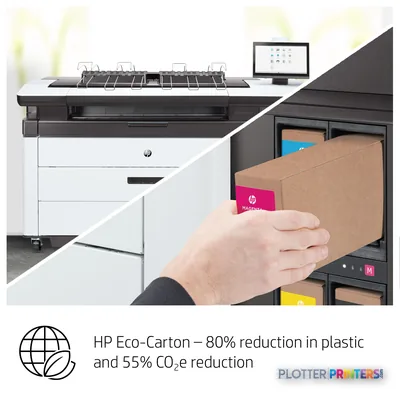
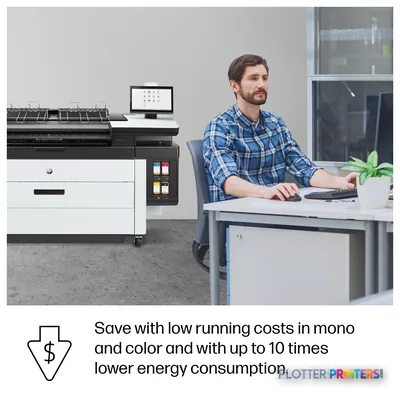
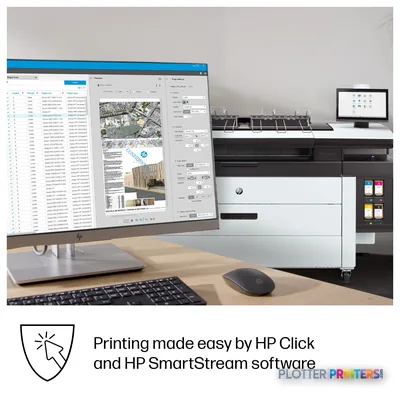
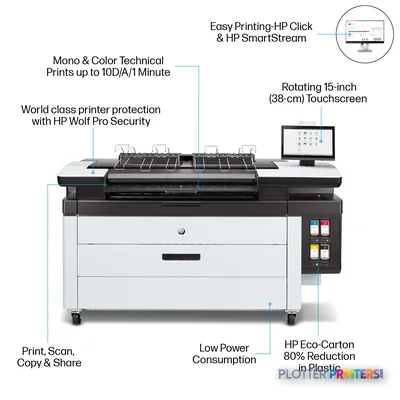
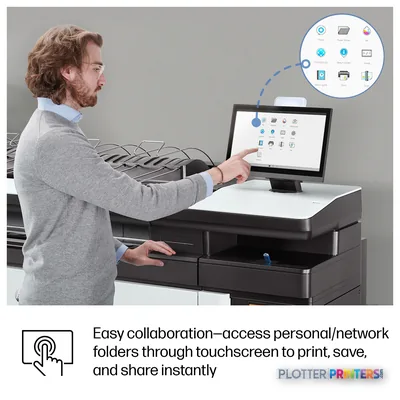
Swipe to explore →
Expert analysis
What you should know
Key takeaways
- The 40-inch multifunction configuration is aimed at shared AEC printing and scanning rather than occasional desktop plotting.
- Its listed 1200 x 1200 DPI maximum print resolution and 1200 x 1200 DPI optical scan resolution should be validated with your own drawings and mark-ups.
- HP-GL/2, TIFF, and JPEG are the listed page-description languages, so file-path testing remains essential for project-specific workflows.
- The listed 77-inch width, 30.9-inch depth, 55.7-inch height, and 996.5-lb weight require proper delivery and service-access planning.
- HP F40 and HP F60 are current same-family catalog comparison points, while HP F70 is listed as discontinued.
At 4:45 p.m., the person at the output tray does not need a lecture on ink chemistry. They need legible plan sheets, a scanned mark-up that can go back into circulation, and a stack that does not turn into a paper-pickup exercise. This 40-inch multifunction configuration is aimed at that kind of AEC document work: drawings, coordination graphics, field mark-ups, GIS material, and ordinary bond-paper output where color carries information rather than decoration.
The important point is not the 1,200 x 1,200 DPI headline. It is whether the machine fits the room, the files, the finishing path, and the people who will feed it when a permit set changes at lunch. With a top stacker configuration, this is a document-production machine first. Treat it that way during evaluation.
1200 x 1200 DPIMaximum resolutionApplies to maximum print resolution.
1200 x 1200 DPIOptical scanning resolutionRelevant when scanning mark-ups and legacy drawings.
8192 MBInternal memoryA useful specification to review alongside real file testing.
16 WSleep power consumptionWorth noting for an office-based installation.
Where it fits in an AEC print room
This machine makes the most sense where teams repeatedly move between printed drawings and scanned paper. Architects can use it for color-coded coordination sheets and redlined sets. Civil and structural groups can use it for plan-and-profile material and revision work. Contractors and construction managers can keep field mark-ups moving without treating every scan as an exception.
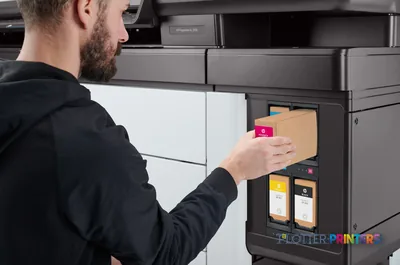
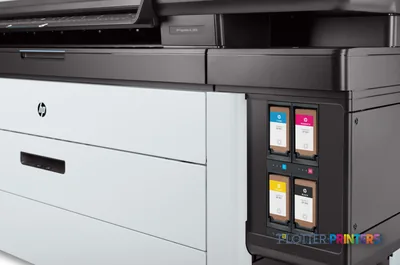
Its listed media support includes bond, recycled, and matte paper. That points the conversation toward everyday technical output, not specialty-board production. The four-cartridge imaging system and listed HP 841, HP 863, HP 863M, and HP 874 consumable families should be part of the service and supply discussion before installation. Consumables are boring right up until the job stops. Then they become very interesting.
Bottom line: It belongs in a shared document workflow where scanning, technical color, and orderly output matter every day.
Files, scanning, and the parts that deserve a real test
The listed page-description languages are HP-GL/2, TIFF, and JPEG. That is relevant to technical drawing environments with established CAD and raster-image paths. It does not remove the need to test the actual files your team sends at deadline: dense vector sheets, shaded BIM exports, scanned mark-ups, and mixed-size issue sets all expose different weak spots.
The scanner is specified at 1200 x 1200 DPI optical resolution. For firms converting paper mark-ups or preserving older drawings, that is a concrete item to validate with representative originals. Check small handwritten notes, light pencil, stamps, folds, and the edge condition of the source sheets. A scanner can look fine on a clean sample and get humbled by a superintendent’s truck copy.
For workflow tools, review the available HP SmartStream Preflight Manager, HP SmartStream USB Preflight Manager, and HP SmartStream Workflow Management Module options against the way jobs are submitted and tracked today.
Bottom line: Bring real project files and real field mark-ups to the demonstration, not a cheerful little test PDF.
Space, support, and family comparison
This is not a casual desktop installation. The listed weight is 996.5 lbs, and the dimensions are 77 inches wide by 30.9 inches deep by 55.7 inches high. Measure the route into the building as well as the print room. Include service access, media staging, scanned-original handling, and enough room for staff to work around the stacker without developing a new dance routine.
Within the catalog, the current HP F40 and HP F60 are the relevant same-family comparison points. The HP F70 is listed as discontinued. Do not assume that a higher or lower family position answers the workflow question; compare installed finishing, operator steps, media handling, service coverage, and the output your teams actually collect.
Cross-brand shoppers can also put the Epson SC-T5200 38-in comparison or the Epson SC-T5400M 38-in comparison beside their requirements. Resolution figures alone will not settle the decision.
Bottom line: The local service plan and the physical workflow can matter more than a close-looking specification table.
Useful next checks
The read
This is a sensible fit for an AEC group that needs a 40-inch multifunction device with scanning, technical-color output, support for common technical file languages, and a stacker-oriented finishing setup. It may be less appropriate where specialty media is central, where the room cannot accommodate a 996.5-lb machine, or where no one has defined who owns supplies, scan quality, and first-line troubleshooting. The machine can do its part. The print room still has to do its part.
Bottom line: Buy it for a disciplined shared document workflow, not because the specification sheet looks busy.
Spec analysis
How the specs grade
Overall performance
within PageWide production printers · 7 compared
Class best 77
84% spec coverage
- This printer
- class best
Verified specifications
The specs that decide it
| Maximum roll width | 40 in (1016 mm)manufacturer-verified |
|---|---|
| Print speed (HP rated) | 10 D/A1 pages per minutemanufacturer-verified |
| Maximum resolution | 1200 x 1200 dpi |
| Optical scanning resolution | 1200 x 1200 DPI |
| Ink cartridge capacity | 500 ml (black, cyan, magenta, yellow)manufacturer-verified |
| Internal memory / storage | 8 GB / 500 GB |
| Page description languages | PostScript, PDF, TIFF, JPEG |
| Media thickness / roll core | 0.016 in (0.4 mm) / 3 in (76 mm) coremanufacturer-verified |
| Dimensions (W x D x H) | 77 in x 30.9 in x 55.7 in |
| Weight | 996.5 lbs (452 kg) |
manufacturer-verified = checked against the manufacturer’s official datasheet, not aggregator data. Everything else is standards-body / catalog data we consider reliable.
Specifications
Full technical detail
Max resolution1200 x 1200 DPI
Max print width42"
Use caseGIS / Mapping
Printing
| Resolution color | 1200 x 1200 DPI |
|---|---|
| Maximum resolution | 1200 x 1200 DPI |
| Number of print cartridges | 4 |
| Page description languages | HP-GL/2, TIFF, JPEG |
Performance
| Certification | Compliant with Class A requirements, including: USA (FCC rules), Canada (ICES), EU (EMC Directive), Australia and New Zealand (RCM), Japan (VCCI), Korea (KC) |
|---|---|
| Internal memory | 8192 MB |
| Country of origin | China |
Paper handling
| Paper tray media types | Bond paper, Recycled paper, Matte paper |
|---|
Weight & dimensions
| Depth | 30.9" (785 mm) |
|---|---|
| Width | 77" (1955 mm) |
| Height | 55.7" (1414 mm) |
| Weight | 996.5 lbs (452 kg) |
Power
| AC input frequency | 50/60 Hz |
|---|---|
| Power consumption (sleep) | 16 W |
Operational conditions
| Operating temperature (T-T) | 5 – 40 °C |
|---|---|
| Operating relative humidity (H-H) | 20 – 80% |
Other features
| UNSPSC-code | 43212104 |
|---|---|
| Electromagnetic compatibility | Compliant with Class A requirements, including: USA (FCC rules), Canada (ICES), EU (EMC Directive), Australia and New Zealand (RCM), Japan (VCCI), Korea (KC) |
Scanning
| Optical scanning resolution | 1200 x 1200 DPI |
|---|
Packaging data
| Package depth | 40.9" (1040 mm) |
|---|---|
| Package width | 88.9" (2257 mm) |
| Package height | 62.1" (1578 mm) |
| Package weight | 1369.1 lbs (621 kg) |
Sustainability
| Sustainability certificates | ENERGY STAR |
|---|
Carbon footprint
| Total carbon footprint (kg of CO2e) | 4700 |
|---|---|
| Carbon emissions, logistics (kg of CO2e) | 251 |
| Carbon emissions, end-of-life (kg of CO2e) | 5 |
| Carbon emissions, manufacturing (kg of CO2e) | 3081 |
| Total carbon emissions, w/o use phase (kg of CO2e) | 1361 |
Brand-specific features
| HP GTIN (EAN/UPC) | 198701864707 |
|---|---|
| HP dynamic security | Yes |
Everything that fits the HP PageWide XL 3950 MFP
The full supplies hub lists every cartridge, printhead, roll and accessory verified against the manufacturer's own documentation for this machine.
10 ink cartridges · 15 paper & media items · 3 accessories
HP PageWide XL 3950 MFP ink and paper →Supplies
Compatible ink, printheads & media
Genuine consumables that fit the HP PageWide XL 3950 40-in Multifunction Printer with Top Stacker — only the cartridges, printheads and media compatible with this model.
Ink Cartridges 10
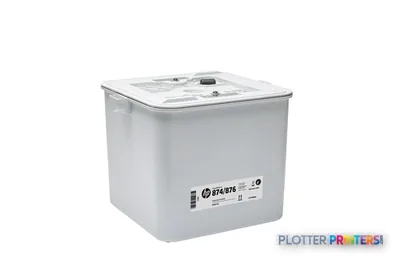 HP 874/876 PageWide XL Cleaning Container
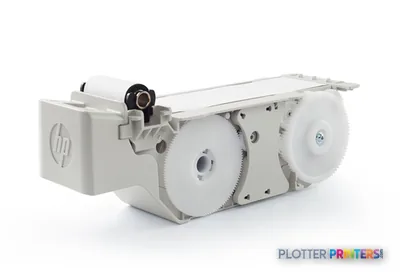 HP 841/874/876 PageWide XL Maintenance Cartridge
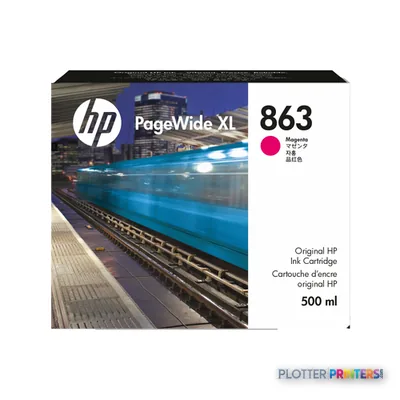 HP 863 500-ml Magenta PageWide XL Ink Cartridge
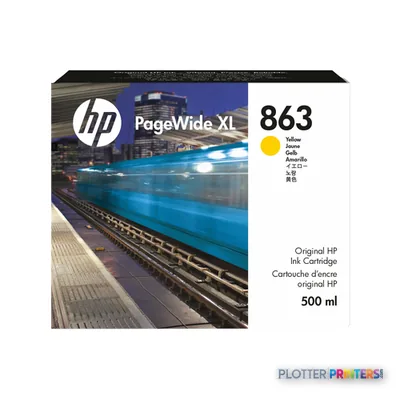 HP 863 500-ml Yellow PageWide XL Ink Cartridge
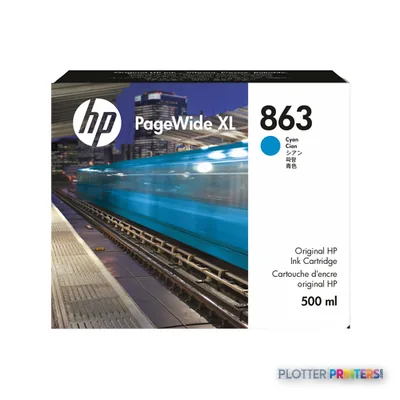 HP 863 500-ml Cyan PageWide XL Ink Cartridge
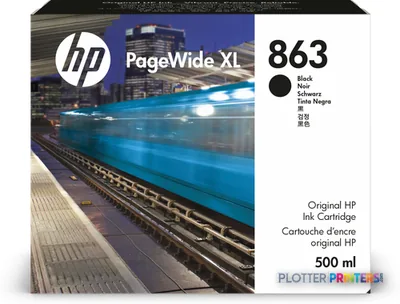 HP 863 500-ml Black PageWide XL Ink Cartridge
 HP 863M 500-ml Magenta PageWide XL Ink Cartridge
 HP 863M 500-ml Yellow PageWide XL Ink Cartridge
 HP 863M 500-ml Cyan PageWide XL Ink Cartridge
 HP 863M 500-ml Black PageWide XL Ink Cartridge
Paper & Media 15
 Representative image18LB Inkjet Bond Paper (Translucent) (750)Representative image28LB Inkjet Coated Matte Paper (748)Representative image46LB Inkjet Coated Matte Paper (747)Representative image6.5mil Matte Coated Paper w/ PSA (746PSA)Representative image24LB Inkjet Coated Matte Paper (745)Representative image20LB High Brite Inkjet Bond Paper (740)Representative image24LB Inkjet Bond Paper (731)Representative image20LB Inkjet Bond Paper (730)Representative image24LB Inkjet Coated Matte Paper Economy (714)Representative image20LB Engineering Vellum (471)Representative imageWSL 28LB Simple Inkjet Coated Matte Paper (C2S) (448)Representative imageWSL 24LB Simple Inkjet Coated Matte Paper (C2S) (446)
 HP PageWide XL Folder Upgrade Kit for Long Plots paper cutter
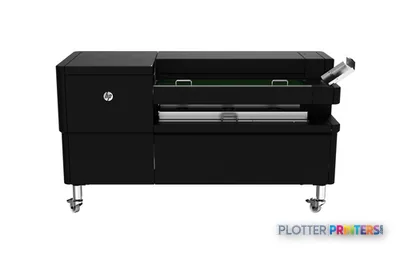 HP F40 Folder paper cutter
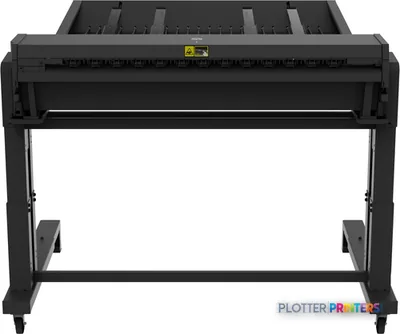
 HP F60 Folder with Tab Applicator paper cutter
Questions
Straight answers
What AEC work is this machine best suited to?
It fits shared technical-document workflows that combine printed drawings, color-coded coordination material, scanned mark-ups, and routine bond or matte-paper output. Its multifunction format is particularly relevant where paper originals still circulate through a project team.
Which file languages are listed for this machine?
The listed page-description languages are HP-GL/2, TIFF, and JPEG. Bring representative project files to a demonstration and test the exact submission route your staff will use.
What should we check about scanning?
The optical scanning resolution is listed as 1200 x 1200 DPI. Test light pencil, fine handwritten notes, stamps, folds, and older originals rather than relying on a clean sample sheet.
How much room does installation require?
The listed dimensions are 77 inches wide, 30.9 inches deep, and 55.7 inches high, with a listed weight of 996.5 lbs. Plan for delivery access, service clearance, media staging, and staff movement around the stacker.
Which consumable families should be included in our support planning?
The resolved compatible families include HP 841, HP 863, HP 863M, and HP 874. Confirm supply availability, service responsibilities, and replacement procedures with the provider supporting the installation.
What are the closest catalog alternatives to review?
Within the listed family, HP F40 and HP F60 are current comparison points, while HP F70 is listed as discontinued. The Canon iPF825 42-in, Epson SC-T5200 38-in, and Epson SC-T5400M 38-in are the listed cross-brand comparison models.
Ready to put the HP PageWide XL 3950 MFP to work?
Configuration, media and a quote tailored to your workflow — from AEC plotter specialists.