
Home / Wide-Format Printers / HP PageWide XL
HP · Wide-Format Plotter
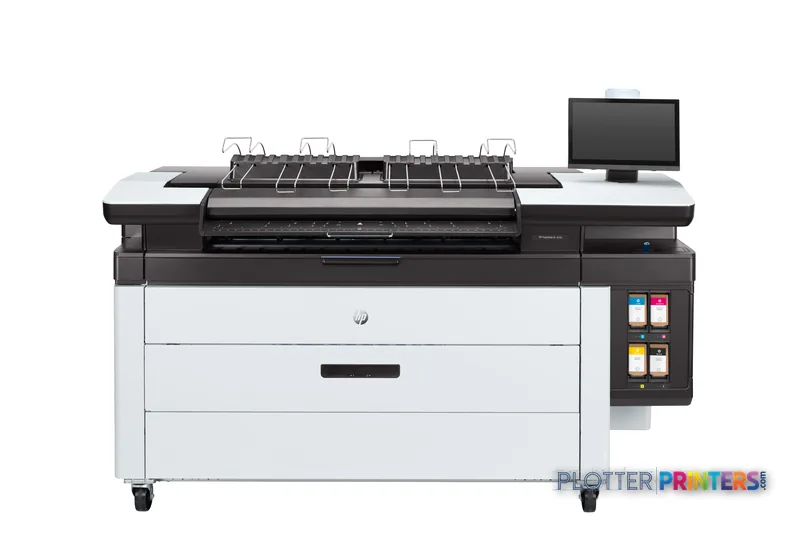
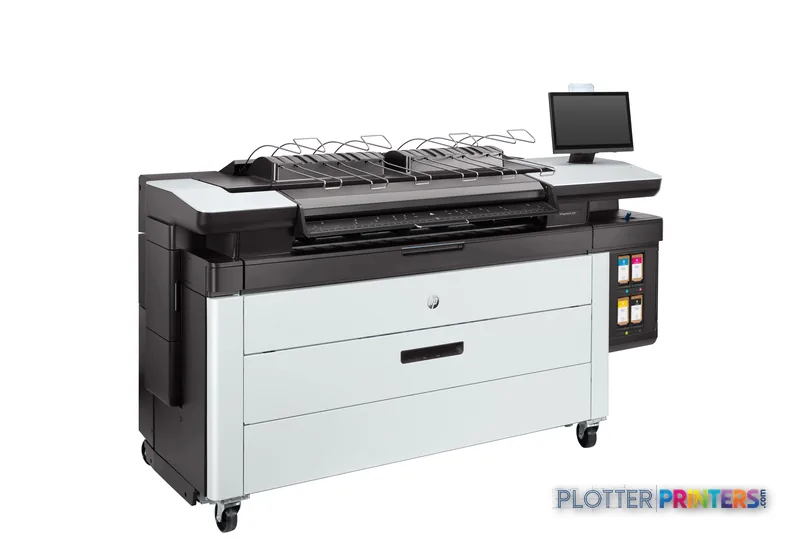
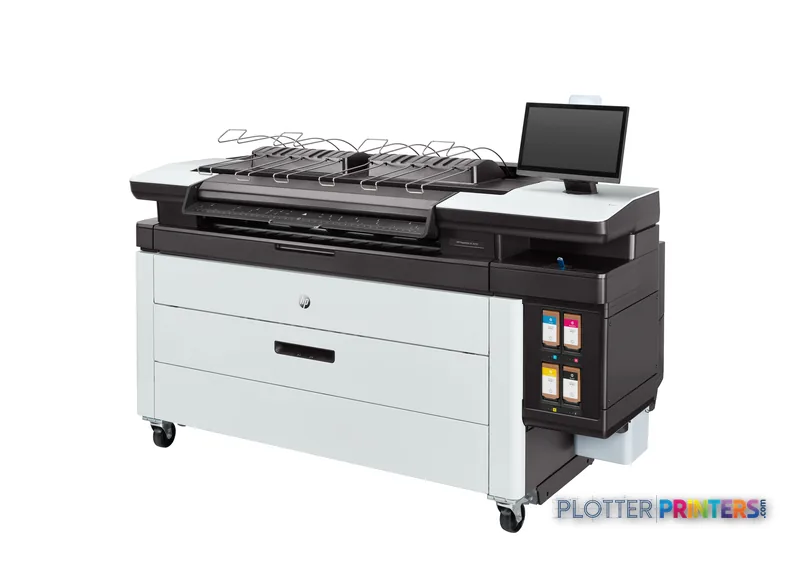
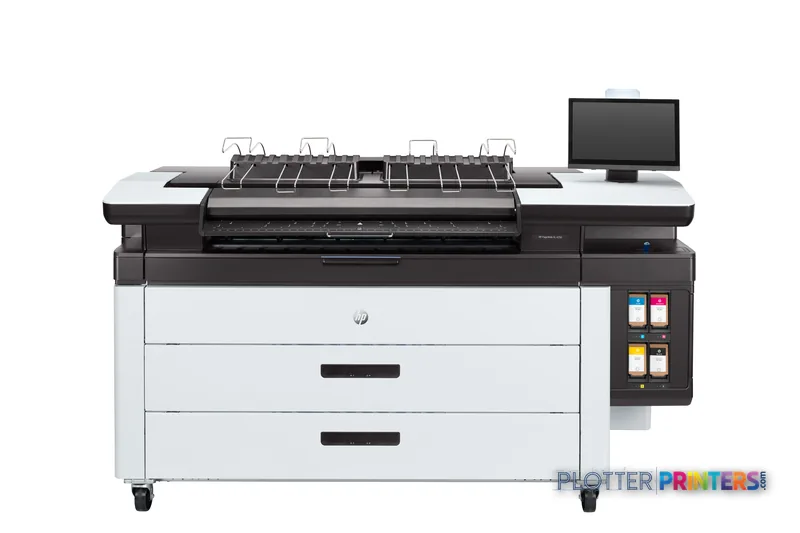
HP PageWide XL 4250
42" PageWide production printer
- ModelPageWide XL 4250
- Prints42" wide
- Score50/100
Authorized HP dealerGenuine hardware & ink
1-year warranty includedExtension plans available
Free shippingContinental U.S.
Plotter specialistsAEC experts, not just sellers
Analyst take
- The HP PageWide XL 4250 40-in Printer with Top Stacker is positioned for shared AEC technical-document output rather than occasional desktop plotting.
- Its maximum resolution is 1200 x 1200 DPI, a relevant specification for fine CAD linework, notes, hatching, and color-coded drawings.
- The supplied specifications list HP-GL/2, TIFF, and JPEG, but do not establish native PDF support, scanning, copying, accounting, or authentication capabilities.
Not sure if the PageWide XL 4250 is right for you?
Compare key specs and an AI analyst read-out against similar models.
- Wide-format reach Prints up to 42" wide on rolls and sheets.
- Fine detail 1200 x 1200 DPI maximum resolution for crisp line work.
- Productivity Rated at Up to 500.
- Analyst score Scores 50/100 in our class-relative rating.
Overview
A production plotter built for the bid-set crunch, not the occasional print

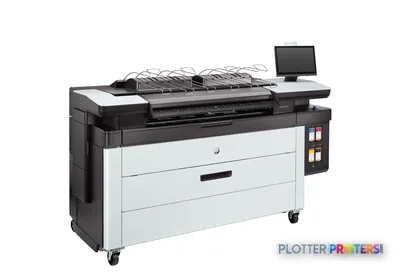
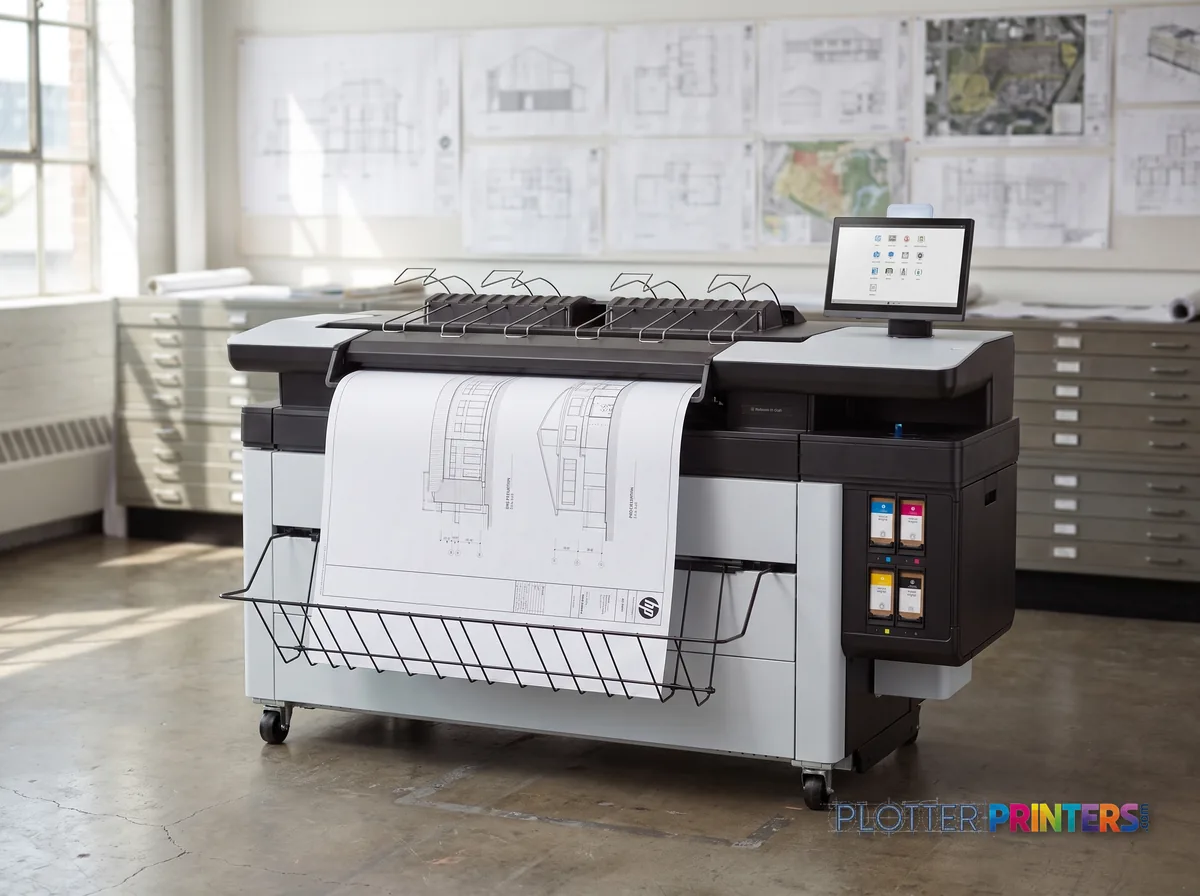
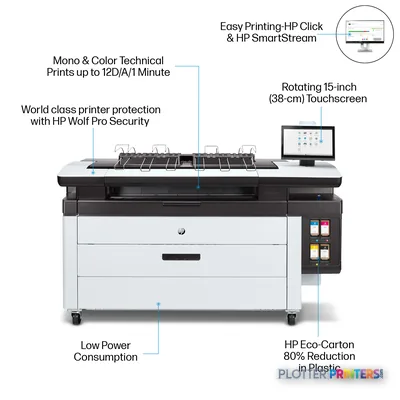
It’s 4:15 p.m. Three bid sets need to go out before the courier leaves. This is the machine for that moment. The HP PageWide XL 4250 is a 40-in multifunction unit with a fixed printhead that spans the full page width, so the head doesn’t crawl back and forth on every line. Fewer moving parts, fewer clogs. HP rates it at up to 12 D-size pages per minute; treat that as a peak lab figure, but the point stands: this is a volume tool. The integrated scanner and top stacker (up to 100 pages) mean plan sets land collated instead of piling on the floor.
- High-volume engineering and reprographics departments running D-size sets daily
- GC and construction offices that copy, scan and reprint redlines constantly
- Shops that want fixed-head consistency for fine CAD lines at 1200 x 1200 dpi
- Teams needing folding via the HP F40, HP F60 or HP F70 folder line
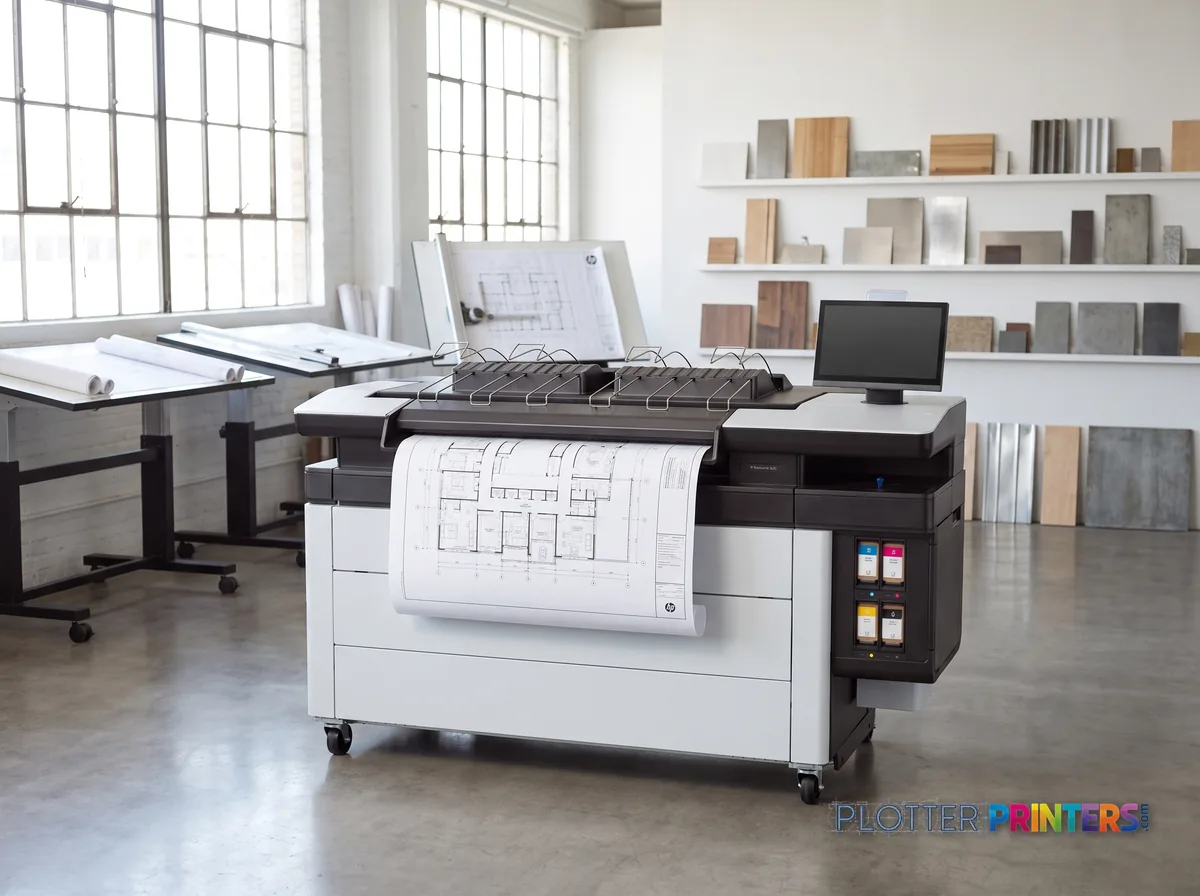
Where it’s wrong: a two-person studio printing a few sheets a week doesn’t need 974 lbs and a 77-in footprint. And it’s a closed loop — you’re on HP 865 inks and HP 841 maintenance cartridges, full stop. If your volume is lighter, the folder-only F40 fits a smaller room. If you’re chasing more throughput and finishing muscle, look up-family.
- 4″Max print width
- 4Ink channels
- 1,200 dpiMax resolution
- 12 moIncluded warranty
Spec Analysis
overall
overall
Where it performs best
Media Handling
81
Print Cost
78
Size / Fit
43
Class best is 77. How we grade →
At a glance
- Print width
- 40 in (roll-fed)
- Resolution
- 1200 x 1200 dpi
- Rated speed (HP claim)
- Up to 12 D/A1-size pages per minute
- Top stacker capacity
- Up to 100 pages
- Ink system
- 4 cartridges, HP 865 pigment inks (closed loop)
- Footprint (W x D x H)
- 77 x 30.9 x 55.7 in
- Weight
- 974.4 lbs
- Energy
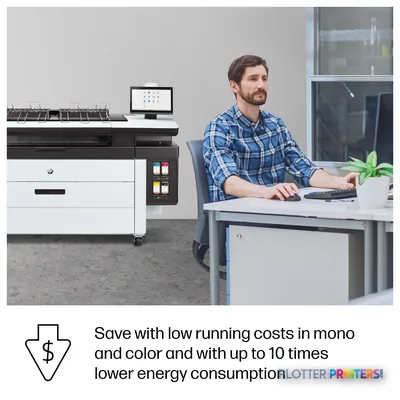
- ENERGY STAR; 16 W in sleep
Ideal for: high-volume engineering, reprographics and GC print rooms running collated D-size sets daily. Not the tool for: small studios with light weekly volume or anyone who needs third-party ink flexibility.
Features
What sets it apart
Swipe to explore →
Expert analysis
What you should know
Key takeaways
- The HP PageWide XL 4250 40-in Printer with Top Stacker is positioned for shared AEC technical-document output rather than occasional desktop plotting.
- Its maximum resolution is 1200 x 1200 DPI, a relevant specification for fine CAD linework, notes, hatching, and color-coded drawings.
- The supplied specifications list HP-GL/2, TIFF, and JPEG, but do not establish native PDF support, scanning, copying, accounting, or authentication capabilities.
- The top stacker matters in deadline work because completed sheets need to remain organized after printing.
- HP F40 and HP F60 are listed as current family options, while HP F70 is listed as discontinued; the supplied data does not verify a performance ranking among them.
- The listed footprint and 974.4 lbs weight make site planning and delivery-path review part of the purchase decision.
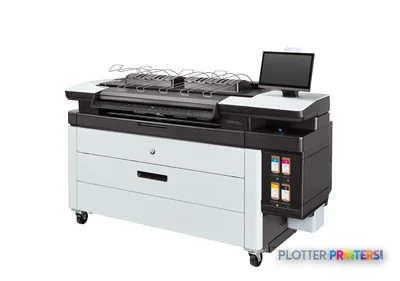
At 4:45 p.m., the person at the output tray does not care about a heroic spec sheet. They need legible plans, the right sheet sizes, and a stack that does not turn into an archaeological dig before the bid portal closes. The HP PageWide XL 4250 40-in Printer with Top Stacker is aimed at that technical-document job: wide-format output for AEC teams that need plans, maps, markups, and coordination drawings handled in a compact production footprint.
This is a 40-inch technical printer with a top stacker, 8,192 MB of internal memory, and support for HP-GL/2, TIFF, and JPEG files. Its 1,200 x 1,200 DPI maximum resolution matters most on fine CAD lines, small notes, hatch patterns, and color-coded coordination work. It supports bond, recycled, and matte paper. That keeps the conversation focused on ordinary AEC document media, where it belongs.
1200 x 1200 DPIMaximum resolutionFor technical drawings and color document output.
8192 MBInternal memoryUseful context for busy shared-device workflows.
77"Installed footprintMachine width; leave room for loading media and collecting output.
16 WSleep powerRelevant for office-based print areas that sit idle overnight.
Where it fits in an AEC print room
The 4250 makes the most sense where a team produces recurring technical documents and wants one shared wide-format device near project staff. Architects can use it for permit sets and internal review prints. Civil, structural, and MEP groups can use it for plan sheets, utility maps, and color coordination drawings. Contractors and construction managers can use it for site logistics sheets, progress-markup sets, and closeout documentation.
The practical attraction is not just resolution. It is keeping technical output in a stacker-equipped workflow instead of asking someone to catch sheets one by one while a superintendent waits at the door. That is not glamorous. Neither is reprinting a mixed-up set.
Bottom line: This is a sensible fit for shared AEC technical printing where organized output matters as much as the image on the sheet.
File workflow, media, and the questions IT should ask
HP-GL/2 support is directly relevant to legacy and current CAD plotting workflows. TIFF and JPEG support can also be useful for maps, site imagery, and rendered reference material. The supplied specifications do not list native PDF support, scanning, copying, user authentication, or job-accounting functions. Those may be available through a specific workflow or software configuration, but they should be demonstrated rather than assumed.
Ask for a real test using your own files: a dense multi-sheet CAD set, a color-heavy coordination drawing, and a map with raster imagery. Watch the first sheet, then watch the finished stack. Also confirm driver behavior from AutoCAD, Revit exports, Bluebeam-generated PDFs, and the print-management path your IT team actually supports.
The supported media list is bond, recycled, and matte paper. That is appropriate for day-to-day technical documents. Firms with specialty-media requirements should test those materials on the intended configuration before making the printer the last stop before a deadline.
Bottom line: Verify the submission path and finishing behavior with real project files, not a cheerful one-page sample.

How to place it against the listed family options
Within the supplied family comparison list, HP F40 and HP F60 are listed as current, while HP F70 is listed as discontinued. The available product data does not establish a verified print-performance hierarchy among those named options, so it would be sloppy to label one a step-up or step-down based on the names alone.
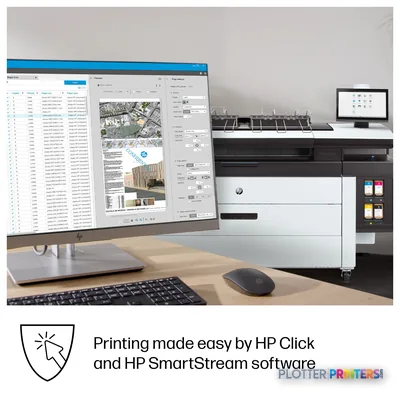
What is clear is that the 4250 configuration includes a top stacker and can be paired with workflow-related accessories including HP SmartStream Preflight Manager and HP SmartStream Workflow Management Module. Buyers should compare the actual offered configuration, output handling, software licenses, and service arrangement—not just the badge on the front panel. Use the comparison tool for the HP F40 and review the technical-printer class ranking as starting points, then make the dealer run your files.
Consumables listed for this machine include HP 841, HP 864, HP 865, HP 865B 500-ml Yellow PageWide XL Ink Cartridge, and HP 874 maintenance supplies. Confirm the exact supported supply arrangement in the proposed configuration.
Bottom line: Configuration details and local service support will decide more than a family label ever will.
Useful comparisons and buying homework
The read
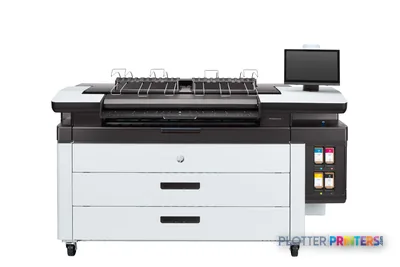
The HP PageWide XL 4250 40-in Printer with Top Stacker is worth shortlisting for AEC departments that need a shared technical-document printer with organized output, HP-GL/2 support, and a footprint of 77 inches wide by 30.9 inches deep. It is less appropriate when the buying decision depends on integrated scanning, verified native PDF workflow, specialty-media use, or a proven hierarchy against another family model; those points are not established in the supplied specifications. Put your real bid sets through it. The printer gets the job only if the finished stack is right before everyone wants to go home.
Spec analysis
How the specs grade
Overall performance
within PageWide production printers · 7 compared
Class best 77
78% spec coverage
- This printer
- class best
Verified specifications
The specs that decide it
| Maximum print width | 40 in |
|---|---|
| Maximum resolution | 1200 x 1200 DPI |
| Print speed | Up to 500manufacturer-verified |
| Number of print cartridges | 4 |
| Page description languages | HP-GL/2, TIFF, JPEG |
| Internal memory | 8192 MB |
manufacturer-verified = checked against the manufacturer’s official datasheet, not aggregator data. Everything else is standards-body / catalog data we consider reliable.
Specifications
Full technical detail
Max resolution1200 x 1200 DPI
Max print width42"
Use caseGIS / Mapping
Printing
| Resolution color | 1200 x 1200 DPI |
|---|---|
| Maximum resolution | 1200 x 1200 DPI |
| Number of print cartridges | 4 |
| Page description languages | HP-GL/2, TIFF, JPEG |
Performance
| Certification | Compliant with Class A requirements, including: USA (FCC rules), Canada (ICES), EU (EMC Directive), Australia and New Zealand (RCM), Japan (VCCI), Korea (KC) |
|---|---|
| Internal memory | 8192 MB |
| Country of origin | China |
Paper handling
| Paper tray media types | Bond paper, Recycled paper, Matte paper |
|---|
Weight & dimensions
| Depth | 30.9" (785 mm) |
|---|---|
| Width | 77" (1955 mm) |
| Height | 55.7" (1414 mm) |
| Weight | 974.4 lbs (442 kg) |
Power
| AC input frequency | 50/60 Hz |
|---|---|
| Power consumption (sleep) | 16 W |
Operational conditions
| Operating temperature (T-T) | 5 – 40 °C |
|---|---|
| Operating relative humidity (H-H) | 20 – 80% |
Other features
| UNSPSC-code | 43212104 |
|---|---|
| Electromagnetic compatibility | Compliant with Class A requirements, including: USA (FCC rules), Canada (ICES), EU (EMC Directive), Australia and New Zealand (RCM), Japan (VCCI), Korea (KC) |
Packaging data
| Package depth | 40.9" (1040 mm) |
|---|---|
| Package width | 88.9" (2257 mm) |
| Package height | 62.1" (1578 mm) |
| Package weight | 1314 lbs (596 kg) |
Sustainability
| Sustainability certificates | ENERGY STAR |
|---|
Carbon footprint
| Total carbon footprint (kg of CO2e) | 4210 |
|---|---|
| Carbon emissions, logistics (kg of CO2e) | 251 |
| Carbon emissions, end-of-life (kg of CO2e) | 5 |
| Carbon emissions, manufacturing (kg of CO2e) | 3081 |
| Total carbon emissions, w/o use phase (kg of CO2e) | 869 |
Brand-specific features
| HP GTIN (EAN/UPC) | 198701864714. 197498854151. 197498854175. 197498854182. 197498854199. 197498854205 |
|---|---|
| HP dynamic security | Yes |
| HP GTIN (EAN/UPC) with options | (AB1) 198701864714; (AC4) 197498854151; (AKV) 197498854175; (B19) 197498854182; (B1K) 197498854199; (BCD) 197498854205 |
Everything that fits the HP PageWide XL 4250
The full supplies hub lists every cartridge, printhead, roll and accessory verified against the manufacturer's own documentation for this machine.
7 ink cartridges · 4 printheads · 17 paper & media items · 4 accessories
HP PageWide XL 4250 ink and paper →Supplies
Compatible ink, printheads & media
Genuine consumables that fit the HP PageWide XL 4250 40-in Printer with Top Stacker — only the cartridges, printheads and media compatible with this model.
Ink Cartridges 7
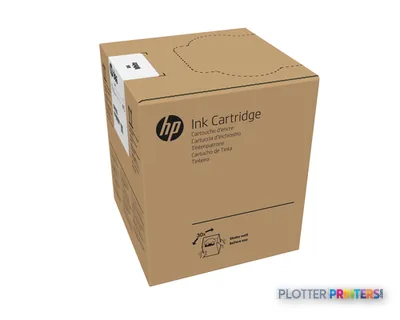 HP 886 3-liter White Latex Ink Cartridge
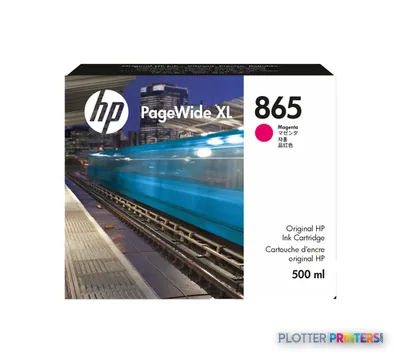 HP 865 500-ml Magenta PageWide XL Ink Cartridge
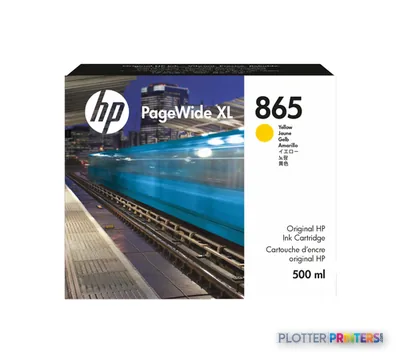 HP 865 500-ml Yellow PageWide XL Ink Cartridge
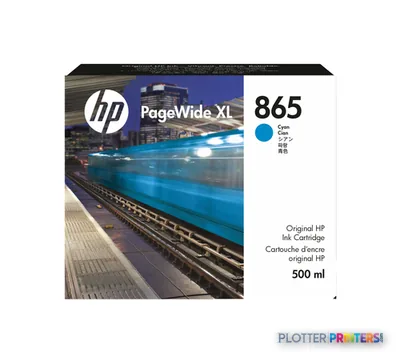 HP 865 500-ml Cyan PageWide XL Ink Cartridge
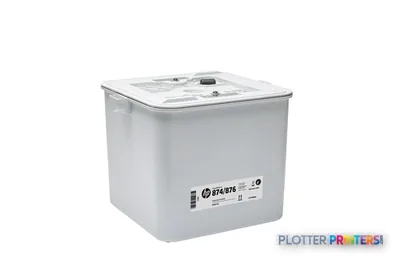 HP 874/876 PageWide XL Cleaning Container
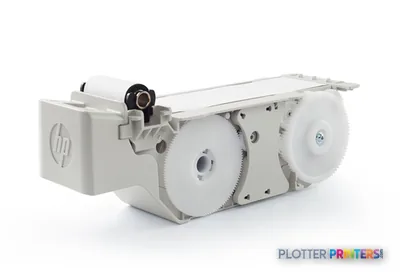 HP 841/874/876 PageWide XL Maintenance Cartridge
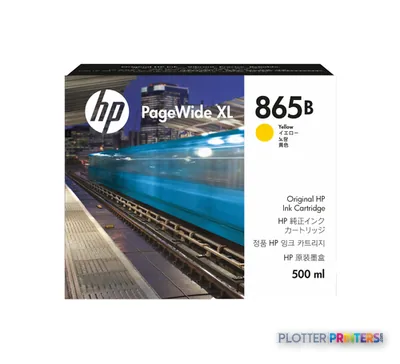 HP 865B 500-ml Yellow PageWide XL Ink Cartridge
Printheads 4
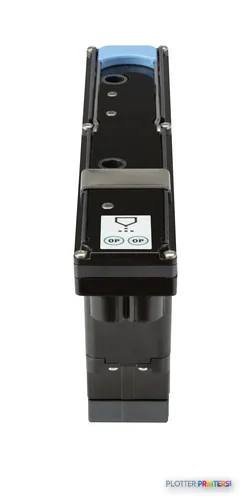
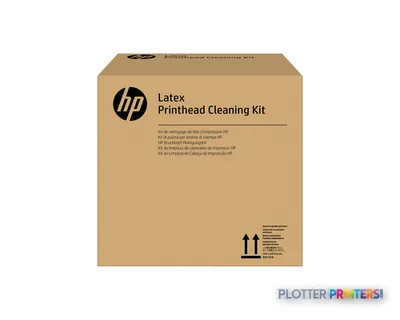
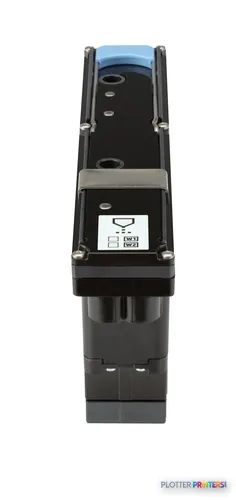
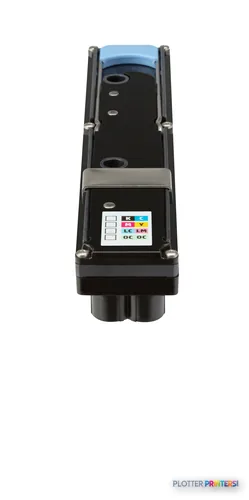
Paper & Media 17
 Representative imageMagic 98gsm/26# Coated Matte Paper (DMPG98)Representative image28LB Inkjet Coated Matte Paper (748)Representative image46LB Inkjet Coated Matte Paper (747)Representative image6.5mil Matte Coated Paper w/ PSA (746PSA)Representative image24LB Inkjet Coated Matte Paper (745)Representative image20LB High Brite Inkjet Bond Paper (740)Representative image24LB Inkjet Bond Paper (731)Representative image20LB Inkjet Bond Paper (730)Representative image24LB Inkjet Coated Matte Paper Economy (714)Representative image20LB Engineering Vellum (471)Representative imageWSL 28LB Simple Inkjet Coated Matte Paper (C2S) (448)Representative imageWSL 24LB Simple Inkjet Coated Matte Paper (C2S) (446)
 HP PageWide XL Folder Upgrade Kit for Long Plots paper cutter
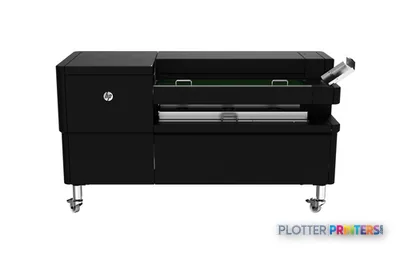
 HP F70 Folder with Tab Applicator paper cutter
 HP F40 Folder paper cutter
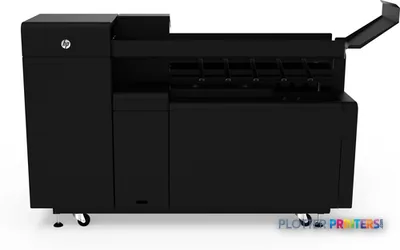
 HP F60 Folder with Tab Applicator paper cutter
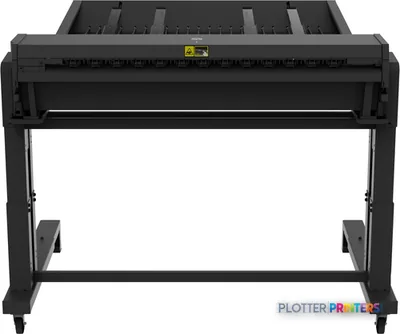
 HP F70 Folder paper cutter
Questions
Straight answers
Is this an MFP, or print-only?
It’s a true multifunction unit. It includes an integrated scanner alongside the printer and top stacker, so you can copy, scan and reprint redlines and as-builts without a separate device.
What inks and maintenance parts does it use?
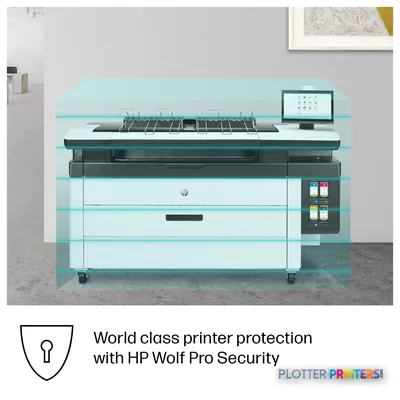
It runs four HP 865 pigment ink cartridges (with the HP 865B 500-ml Yellow available), plus HP 841 and HP 874 maintenance supplies. It’s a closed system with HP dynamic security, so factor proprietary ink into your cost-per-page math.
Why a fixed printhead instead of a moving head?
The head spans the full 40-in width, so it doesn’t traverse the page on each pass. Owners generally report fewer clogs and steady line accuracy across long runs — useful when your fine CAD linework has to stay consistent from sheet one to sheet three hundred.
Can it fold plan sets?
Yes, with an online folder. The HP F40, HP F60 and HP F70 folder options attach to handle folding and, on some models, tab application — so a bid set can come off collated and folded.
How does it compare to the F40 in the same family?
The F40 is the lighter-duty folder-oriented option and suits smaller rooms. The 4250 is the higher-volume, scanner-equipped production machine. If you print all day, the 4250; if you print in bursts, the F40 is easier to justify on space alone.
What media does it handle?
Bond, recycled and matte papers, including the Dietzgen bond, vellum and coated matte lines and HP’s own stocks. That covers check plots on bond through presentation matte without swapping machines.
Ready to put the HP PageWide XL 4250 to work?
Configuration, media and a quote tailored to your workflow — from AEC plotter specialists.