
Home / Wide-Format Printers / Epson SureColor
Epson · Wide-Format Plotter
Epson SureColor SC-S60610L
technical / CAD plotter
- ModelSC-S60610L
- Score35/100
Authorized Epson dealerGenuine hardware & ink
Manufacturer warrantyExtension plans available
Free shippingContinental U.S.
Plotter specialistsAEC experts, not just sellers
Analyst take
- The Epson SC-S60610L is a four-color large-format inkjet suited to recurring color-document work in AEC environments.
- Its 108.9-inch width and 740.8-lb weight make installation planning part of the purchase decision.
- Ethernet LAN and USB Type-B support different connection approaches, but actual CAD and PDF workflows should be tested.
Not sure if the SC-S60610L is right for you?
Compare key specs and an AI analyst read-out against similar models.
- Fine detail 1440 x 1440 DPI maximum resolution for crisp line work.
- Ink platform Black, Cyan, Magenta, Yellow.
- Connectivity Ethernet for shared team printing.
- Analyst score Scores 35/100 in our class-relative rating.
Overview
Built for the work
Epson SureColor SC-S60610L, Inkjet, 1440 x 1440 DPI, ESC/P-R, Black, Cyan, Magenta, Yellow, 0.1 – 1 mm, USB Type-B
Spec Analysis
overall
overall
Expert analysis
What you should know

Key takeaways
- The Epson SC-S60610L is a four-color large-format inkjet suited to recurring color-document work in AEC environments.
- Its 108.9-inch width and 740.8-lb weight make installation planning part of the purchase decision.
- Ethernet LAN and USB Type-B support different connection approaches, but actual CAD and PDF workflows should be tested.
- The supplied catalog has no in-family step-up or step-down model for a direct family comparison.
- The catalog data does not establish current lifecycle status, replacement model, service availability, or parts support.
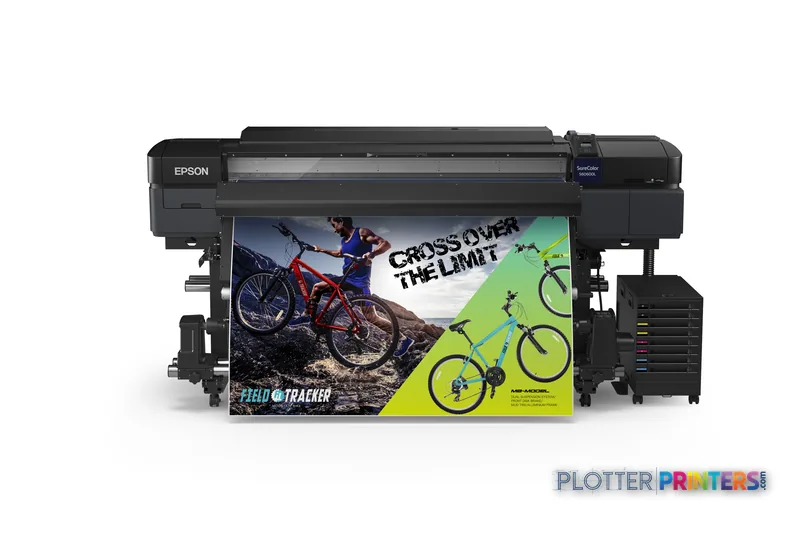
Someone is standing at the output tray with a revised coordination drawing, a marked-up PDF, or a presentation panel that has to leave before the day does. The Epson SC-S60610L is a large-format color inkjet built for that sort of work when the file needs more than black lines and a small office plotter is not enough.
It uses four printing colors—black, cyan, magenta, and yellow—and supports roll paper, Ethernet LAN, and USB. That makes it a practical candidate for AEC teams producing color-coded site plans, GIS maps, exhibit graphics, safety communication, and presentation output alongside ordinary project documents. It is a substantial machine, though. Plan the room before planning the print queue.
1440 x 1440 DPIMaximum resolutionUseful context for fine graphical detail and color document output.
0.004"–0.039"Media thicknessThe supported range matters when jobs move beyond ordinary paper.
108.9"Machine footprintOverall width; measure the route in as well as the space around it.
745 WTypical power consumptionWorth including in the print-room power plan.
Where it earns its floor space
The useful fit is color-heavy AEC output where visual communication is part of the document, not decoration. Think utility-marked civil sheets, phasing plans, wayfinding graphics, color coordination drawings, public-meeting exhibits, and map-based work. The 1440 x 1440 DPI maximum resolution gives the operator a clear quality setting to validate against actual linework, fills, and small annotation before a deadline makes the decision for them.
Networked teams can use the Ethernet LAN connection, while USB Type-B provides a direct connection path. The printer uses ESC/P-R, so IT should test its actual PDF, CAD, and application workflow rather than assuming every submission path behaves the same. A driver that works beautifully on a simple test page can get philosophical around a complex PDF at 4:45 p.m.
Bottom line: This machine makes the most sense when color output is a regular project requirement, not an occasional exception.
Operational trade-offs to check first
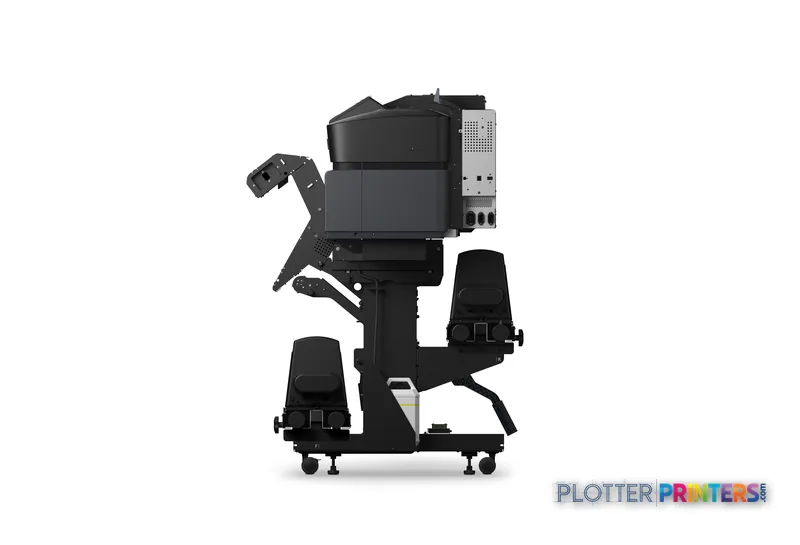
The Epson SC-S60610L measures 108.9 inches wide, 45.2 inches deep, and 52.7 inches high, and weighs 740.8 lbs. That is a real installation conversation. Confirm delivery access, operating clearance, floor loading requirements, network location, and where rolls and finished work will live. The published printing sound pressure level is 58.5 dB, another reason to think carefully about placing it in an open design studio.
Its four-cartridge configuration uses Epson UltraChrome GS3 ink. The compatible maintenance item is Epson C13S400145. Those details belong in the support plan: identify who monitors supplies, who performs routine maintenance, and what happens when the person with that knowledge is on a site visit. The machine’s typical power consumption is 745 W, with 13 W in standby and 1.8 W when off.
Bottom line: A capable printer still loses the bid deadline if supplies, space, and ownership are treated as somebody else’s problem.
How it compares in a buying conversation
There is no in-family step-up or step-down model in the supplied catalog set, so there is no honest same-family replacement comparison to make here. The catalog does include 36-inch alternatives such as the Canon GP-300 36-in and Canon iPF770 36-in. The Canon iPF770 36-in is identified as a scanner/MFP in the catalog, which may matter for teams that routinely copy marked-up sheets or archive legacy drawings.
Do not reduce the decision to resolution figures. The Canon GP-300 36-in is listed at 36 inches and the Epson maximum resolution is listed at 1440 x 1440 DPI; those are different specifications, not a verdict. Compare the Epson SC-S60610L and Canon GP-300 36-in around actual media needs, color-document mix, connectivity, scan/copy requirements, service coverage, and the physical constraints of the room.
The supplied information does not establish whether the Epson SC-S60610L is currently marketed, discontinued, or what directly replaces it. Ask the seller about availability, service coverage, parts support, and consumable continuity before treating it as a long-term fleet standard.
Bottom line: The right comparison starts with the work leaving the printer, not the logo on its front panel.
Useful next checks
The read
The Epson SC-S60610L fits AEC environments that need regular color large-format output and have the room, power planning, and support discipline to run a floor-standing inkjet properly. It is less appropriate when the main need is compact office plotting, built-in scan/copy workflow, or an unverified replacement path. Validate it with your own PDF and CAD files, confirm service locally, and make the install plan before the first deadline arrives. Bottom line: Buy the workflow, not the brochure.
Spec analysis
How the specs grade
Overall performance
within technical / CAD plotters
58% spec coverage
- This printer
Verified specifications
The specs that decide it
| Print technology | Inkjet |
|---|---|
| Maximum resolution | 1440 x 1440 DPI |
| Printing colors | Black, Cyan, Magenta, Yellow |
| Number of print cartridges | 4 |
| Page description languages | ESC/P-R |
| Media thickness | 0.1 – 1 mm |
| Ethernet | Yes |
| Sound level (printing) | 58.5 dB |
| Power consumption | 745 W |
Specifications
Full technical detail
Print technologyInkjet
Max resolution1440 x 1440 DPI
ColorColor
ConnectivityEthernet (Gigabit LAN), USB
Use caseGraphics / Production
Printing
| Color | Yes |
|---|---|
| Printing colors | Black, Cyan, Magenta, Yellow |
| Print technology | Inkjet |
| Maximum resolution | 1440 x 1440 DPI |
| Number of print cartridges | 4 |
| Page description languages | ESC/P-R |
Performance
| Product color | Black |
|---|---|
| Built-in display | Yes |
| Sound pressure level (printing) | 58.5 dB |
Paper handling
| Roll paper | Yes |
|---|---|
| Media thickness | 0.1 – 1 mm |
Ports & interfaces
| USB port | Yes |
|---|---|
| Ethernet LAN | Yes |
| USB connector | USB Type-B |
| USB 2.0 ports quantity | 1 |
Weight & dimensions
| Depth | 45.2" (1147 mm) |
|---|---|
| Width | 108.9" (2766 mm) |
| Height | 52.7" (1338 mm) |
| Weight | 740.8 lbs (336 kg) |
Power
| Power consumption (off) | 1.8 W |
|---|---|
| Power consumption (standby) | 13 W |
| Power consumption (typical) | 745 W |
Everything that fits the Epson SureColor SC-S60610L
The full supplies hub lists every cartridge, printhead, roll and accessory verified against the manufacturer's own documentation for this machine.
11 ink cartridges · 12 paper & media items · 1 accessory
Epson SureColor SC-S60610L ink and paper →Supplies
Compatible ink, printheads & media
Genuine consumables that fit the Epson SureColor SC-S60610L — only the cartridges, printheads and media compatible with this model.
Ink Cartridges 11
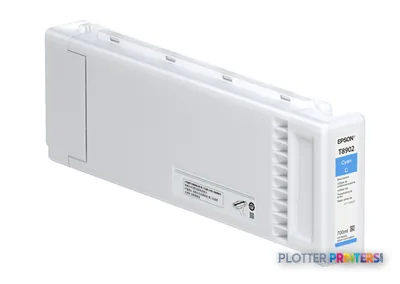 Epson Singlepack UltraChrome GS3 Cyan T890200 (700mL)
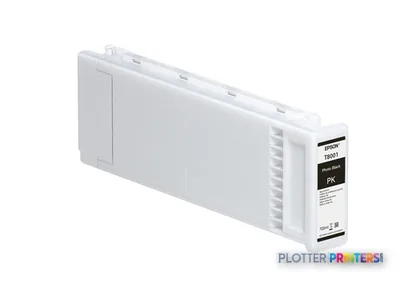 Epson Singlepack UltraChrome GS3 with Red, Light Cyan T890500 (700mL)
 Epson Singlepack UltraChrome GS3 with Red, Light Magenta T890600 (700mL)
 Epson Singlepack UltraChrome GS3 with Red, Light Black T890700 (700mL)
 Epson Singlepack UltraChrome GS3 with Red, Orange T890800 (700mL)
 Epson Singlepack UltraChrome GS3 with Red, Red T890900 (700mL)
 Epson Singlepack UltraChrome GS3 with Red, White T890A00 (600mL)
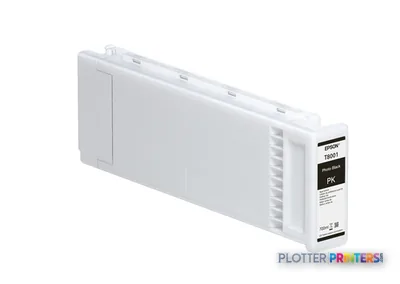 Epson Singlepack UltraChrome GS3 with Red, Metallic Silver T890B00 (350mL)
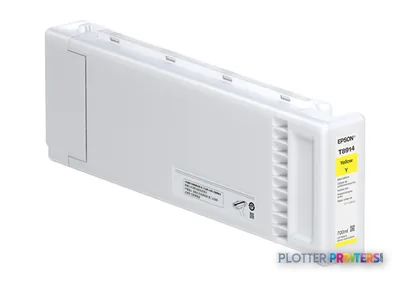 Epson Singlepack UltraChrome GS3 Yellow T890400 (700mL)
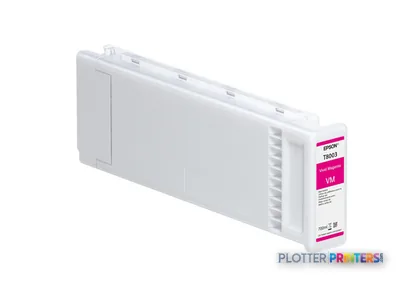 Epson Singlepack UltraChrome GS3 Magenta T890300 (700mL)
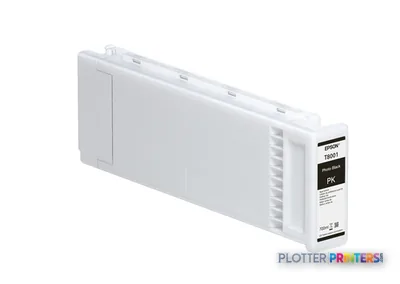 Epson Singlepack UltraChrome GS3 Black T890100 (700mL)
Paper & Media 12
 Representative image225gsm Solvent Satin PE PaperRepresentative image225gsm Gloss Solvent PE PaperRepresentative image10 Mil Solvent Blockout Display FilmRepresentative imageKODAK Premium Photo Paper, Satin / 10 Mil / Solvent (Pallet Only)Representative imageKODAK Premium Photo Paper, Satin / 10 Mil / SolventRepresentative imageKODAK Premium Photo Paper, Glossy / 10 Mil / SolventRepresentative imageMagic 9mil Universal Matte Coated PP Film (PPM7)Representative imageMagic 8mil Satin Wet-Strength Paper (POSTERMAX)Representative imageMagic 7.5mil Inside Mount Perforated Window Vinyl (NEWVUE)Representative imageMagic 7mil Gloss Photorealistic Paper (GFPHOTO)Representative imageMagic 15mil Poly-Cotton Satin Canvas (GFCVM)Representative imageMagic 6mil Outside Mount Perforated Window Vinyl (BROADVUE)
Accessories 1
Questions
Straight answers
What AEC jobs suit the Epson SC-S60610L?
It is a sensible fit for recurring color-oriented work such as coordination drawings, GIS maps, site plans, exhibit graphics, phasing plans, and presentation output. Teams should test their own linework and PDFs before standardizing on it.
What ink and maintenance supplies does it use?
The compatible ink family is Epson UltraChrome GS3. The compatible maintenance item is Epson C13S400145.
Can it connect to an AEC network?
Yes. The supplied data lists Ethernet LAN, one USB 2.0 port, and a USB Type-B connector. It also lists ESC/P-R as the page description language.
Is this machine suitable for an open office?
It may be challenging in a tight office because it is 108.9 inches wide, 45.2 inches deep, 52.7 inches high, and weighs 740.8 lbs. Its listed printing sound pressure level is 58.5 dB.
Does it include scanning and copying?
The supplied product data does not identify scanning or copying capability. Buyers who need those functions should confirm the exact configuration or evaluate a listed scanner/MFP alternative such as the Canon iPF770 36-in.
Is the Epson SC-S60610L currently marketed, and what replaces it?
The supplied information does not verify current marketing status or identify a replacement model. Confirm availability, service terms, parts support, and consumable continuity with the seller before committing to a fleet plan.
Ready to put the Epson SureColor SC-S60610L to work?
Configuration, media and a quote tailored to your workflow — from AEC plotter specialists.