
Home / Wide-Format Printers / Canon imagePROGRAF
Canon · Wide-Format Plotter
Canon imagePROGRAF GP-300
36" color graphics & photo printer
- ModelGP-300
- Prints36" wide
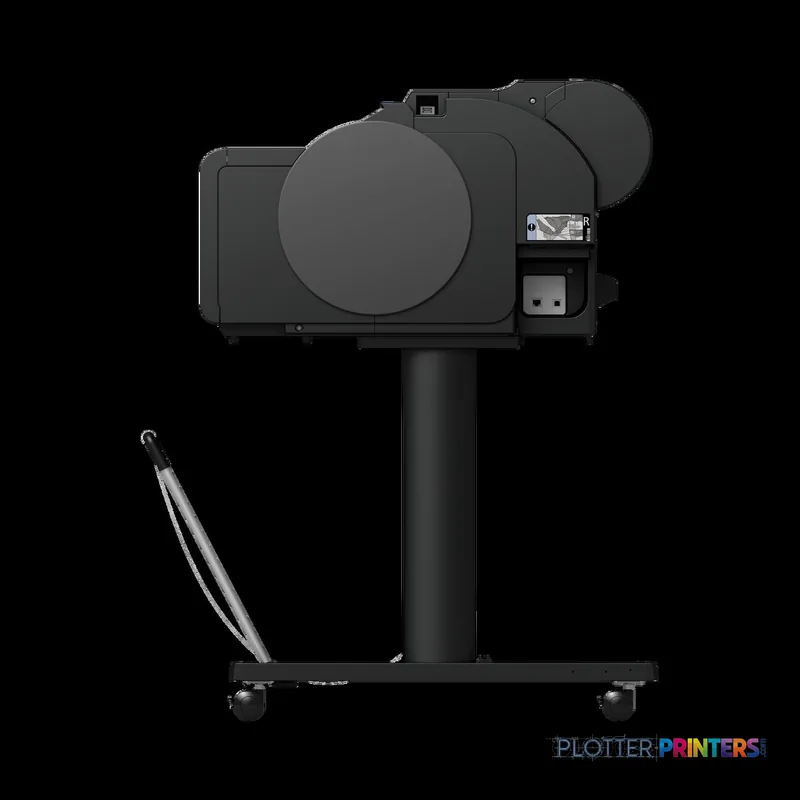
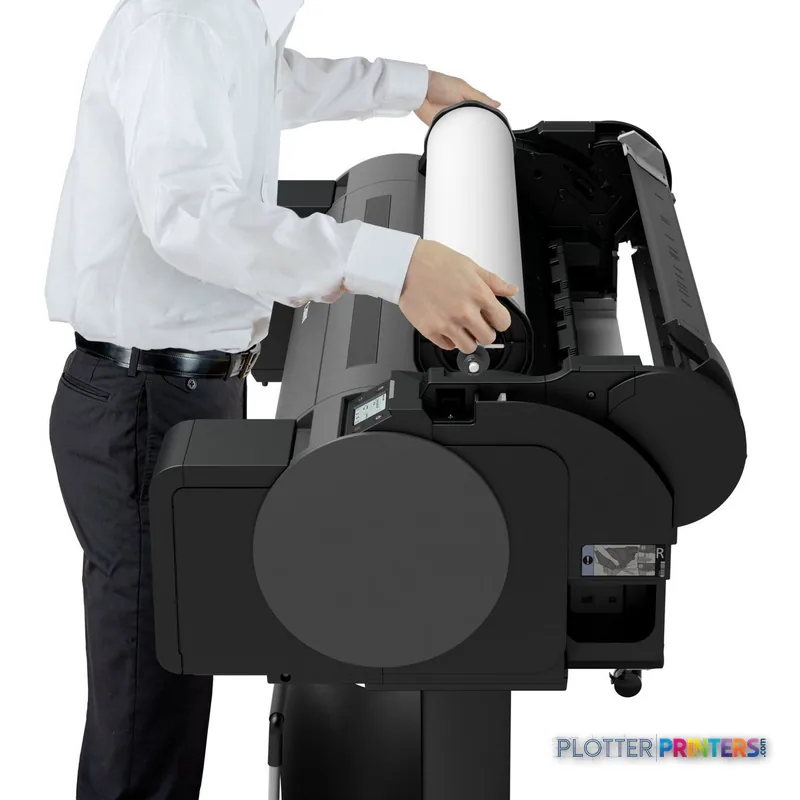
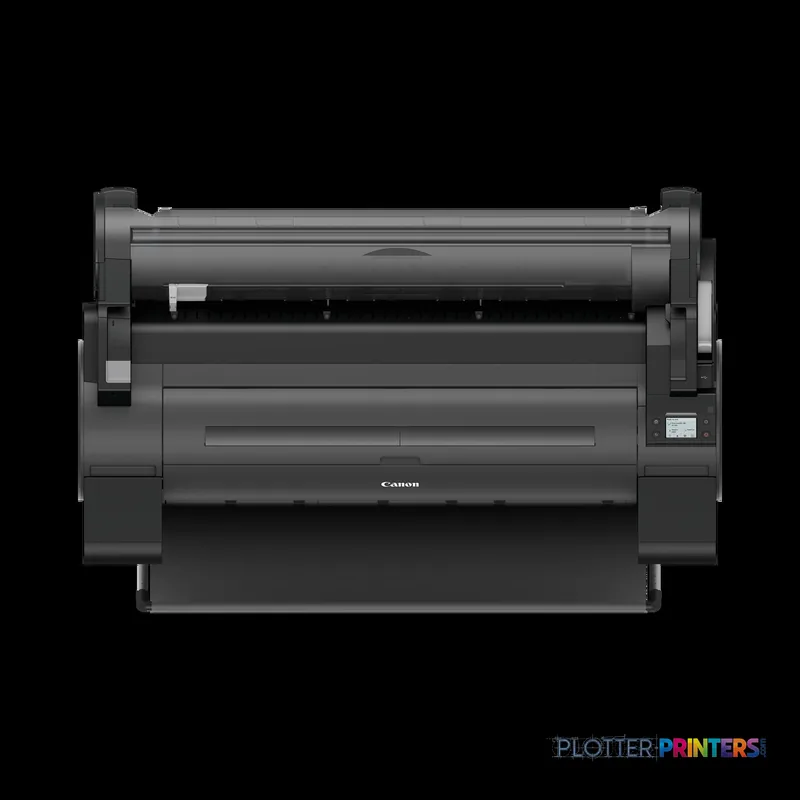
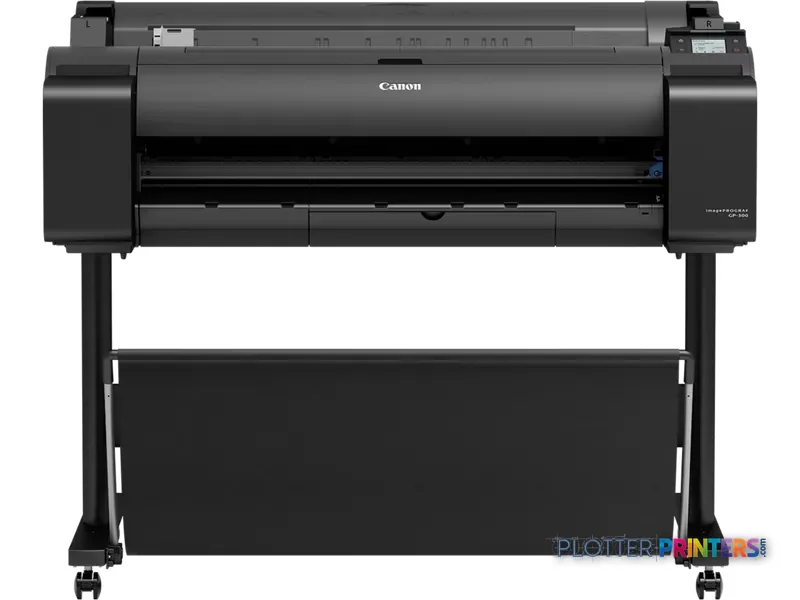
Genuine OEM hardwareAuthorized U.S. distribution
Manufacturer warrantyExtension plans available
Free shippingContinental U.S.
Plotter specialistsAEC experts, not just sellers
Analyst take
- The Canon GP-300 supports roll media up to 36.1 inches wide and maximum A0 output.
- It is designed as a color wide-format printer, with no scanning or copying capability listed.
- Roll and cut-sheet support makes it relevant to mixed drawing, map, and presentation-sheet workflows.
Not sure if the GP-300 is right for you?
Compare key specs and an AI analyst read-out against similar models.
- Wide-format reach Prints up to 36" wide on rolls and sheets.
- Fine detail 2400 x 1200 DPI maximum resolution for crisp line work.
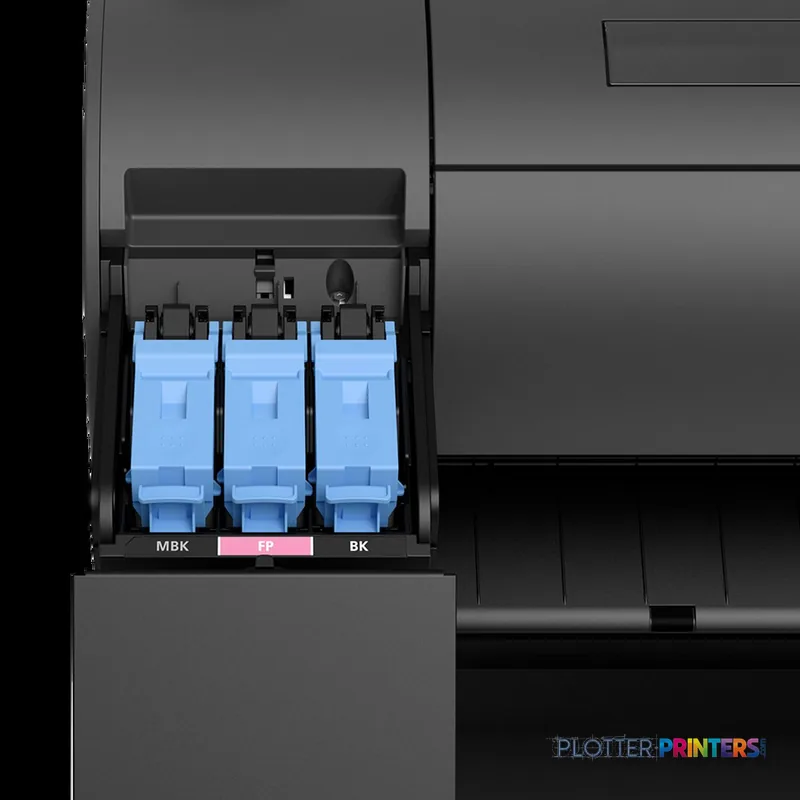
- Ink platform Black, Cyan, Magenta, Matte black, Yellow.
- Connectivity Wi-Fi + Ethernet for shared team printing.
- Verified specs 10 specs checked against the manufacturer datasheet.
Overview
Built for the work
Canon imagePROGRAF GP-300, Bubblejet, 2400 x 1200 DPI, JPEG, PDF, Black, Cyan, Magenta, Matte black, Yellow, PF-07, 1 sheets
Expert analysis
What you should know

Key takeaways
- The Canon GP-300 supports roll media up to 36.1 inches wide and maximum A0 output.
- It is designed as a color wide-format printer, with no scanning or copying capability listed.
- Roll and cut-sheet support makes it relevant to mixed drawing, map, and presentation-sheet workflows.
- Ethernet LAN, Wi-Fi, and USB connectivity support several practical office deployment options.
- The Canon GP-200 24-in is the narrower family alternative, while the Canon GP-4000 44-in addresses wider-media needs.
- Security, accounting, native CAD handling, and measured color performance should be validated in a workflow demonstration.
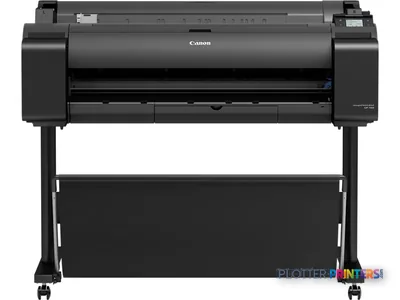
A coordination drawing can be technically correct yet still fail the room if its yellow utility callouts collapse into the background or a fine gray revision cloud turns uncertain. The Canon GP-300 is a 36-inch Bubblejet wide-format printer for teams that need color plans, GIS maps, presentation sheets, and PDF-based construction documents without moving into a larger-footprint device. It supports roll media up to 36.1 inches wide and output up to A0, with 2400 x 1200 DPI maximum resolution.
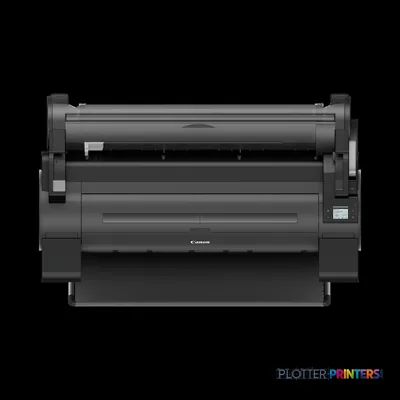
For an architecture studio or project-office print corner, its appeal is direct: color output, roll and cut-sheet support, borderless printing, and PDF/JPEG page-description support in a machine measuring 50.7 inches wide. It is a printer, however—not a scan/copy center—and that distinction should shape the buying decision.
36.1" (91.7 cm)Maximum roll widthSuitable for wide-format drawing and presentation media.
2400 x 1200 DPIMaximum resolutionA specification that matters most when fine annotation and detailed imagery share the same sheet.
500 GBInternal storage capacityBuilt-in capacity is listed in the product data.
49 dBPrinting sound pressure levelRelevant for an open studio or project-office location.
Where the GP-300 fits in an AEC workflow
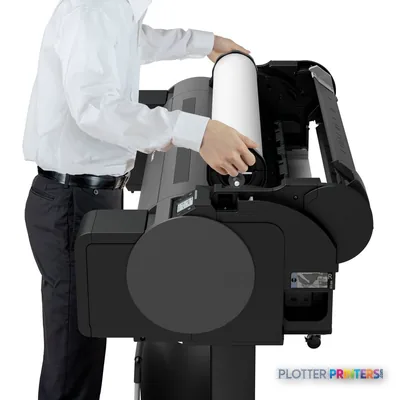
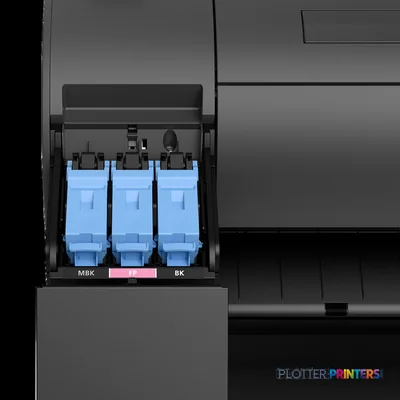
The GP-300 is most credible where wide-format output is part of day-to-day project communication rather than a centralized reprographics production line. A civil team can use it for color-coded plan reviews; an architect can render design presentations alongside permit PDFs; a construction manager can issue marked coordination sheets. The listed color configuration includes black, matte black, cyan, magenta, and yellow, while the machine uses six cartridges. That arrangement suggests a device intended to handle both document-oriented black detail and visual color work, but the supplied data does not establish measured gamut, color accuracy, or ink behavior on a particular bond or presentation stock.
Media flexibility is practical rather than elaborate: it accepts roll media and cut sheets, supports plain, heavy, and glossy paper, and lists a maximum media thickness of 0.031 inches. Borderless printing is available on listed A-series and B4 sizes. For firms moving between drawings and client-facing boards, that range can reduce the need to reserve the machine for one kind of work alone.
Submission, placement, and the limits to recognize
Connectivity covers Ethernet LAN, Wi-Fi, and USB Type-A/Type-B, with Gigabit Ethernet listed among the supported LAN rates. Its 2,048 MB internal memory and 500 GB internal storage may be useful operational features, but buyers should confirm how their own PDF, CAD-export, and project-accounting workflows use them. The listed page-description languages are PDF and JPEG; no claim should be inferred here about native CAD-file processing, user authentication, secure-release workflows, or departmental chargeback.
Its physical requirements are manageable for many offices: 34.3 inches deep, 41.7 inches high, and 130.1 pounds. At 49 dB while printing and 35 dB in standby, it is not silent, but the published sound figures point to a different operating character from a dedicated high-volume print room. Environmental requirements are 59–86°F and 10–80% relative humidity, details worth checking before locating the device in a trailer, field office, or poorly conditioned plan room.
Family position and buying alternatives
Within the listed family, the Canon GP-200 24-in is the more compact direction for teams whose documents do not require 36-inch roll capability. The trade-off is straightforward: a narrower device changes the maximum media width available to the office. At the other end, the Canon GP-4000 44-in is the wider in-family alternative for work that genuinely needs larger sheets. Compare the GP-300 and GP-200 when footprint and drawing width are the primary decision points.
The GP-300 is less appropriate for organizations needing integrated scanning and copying, since neither capability is listed. It also deserves caution in environments that depend on verified security controls, specialty finishing, unattended multi-roll production, or documented color-managed output: those capabilities are not established in the supplied product data. A 36-inch rival such as the Epson SC-T5100 36-in belongs on a local workflow comparison, but model choice should follow a live demonstration using the firm’s own PDFs, bond stock, and color-coded sheets.
Continue evaluating
The read
The Canon GP-300 suits AEC teams that want 36-inch color output for plans, maps, review sheets, and presentation work in a reasonably office-oriented footprint. Its roll and cut-sheet handling, PDF/JPEG support, and network options make it a sensible candidate for a studio or project-office printer. The boundary is equally clear: it is not the right tool where scanning, copying, confirmed secure-print controls, or production-scale unattended document handling are essential. Ask for a demonstration with your own drawings—especially the cyan edge of a utility overlay, small revision text, and dense monochrome linework—before treating resolution alone as an answer.
Verified specifications
The specs that decide it
| Maximum roll width | 36.1 in (917 mm) |
|---|---|
| Maximum resolution | 2400 x 1200 dpi |
| Print technology | Canon Bubblejet on Demand |
| Printing colors | MBK, BK, C, M, Y, FP |
| Minimum droplet size | 5 (picoliters)manufacturer-verified |
| Ink cartridge capacity | 300 ml and 130 ml (90 ml also)manufacturer-verified |
| Maximum print length (roll) | 59.1 ft (18 m)manufacturer-verified |
| Connectivity | Gigabit Ethernet, Wi-Fi (802.11 b/g/n), USB |
| Power consumption (typical) | Approx. 75 W |
| Weight / footprint | 130.1 lb (59 kg); 50.7 x 29.8 x 41.7 in |
manufacturer-verified = checked against the manufacturer’s official datasheet, not aggregator data. Everything else is standards-body / catalog data we consider reliable.
Specifications
Full technical detail
Print technologyBubblejet
Max resolution2400 x 1200 DPI
Max print width36"
ColorColor
ConnectivityEthernet (Gigabit LAN), USB, Wi-Fi
Use casePhoto / Fine Art
Printing
| Color | Yes |
|---|---|
| Print head | PF-07 |
| Printing colors | Black, Cyan, Magenta, Matte black, Yellow |
| Print technology | Bubblejet |
| Maximum resolution | 2400 x 1200 DPI |
| Borderless printing | Yes |
| Number of print cartridges | 6 |
| Page description languages | JPEG, PDF |
Performance
| Control type | Buttons |
|---|---|
| Certification | TUV, CB |
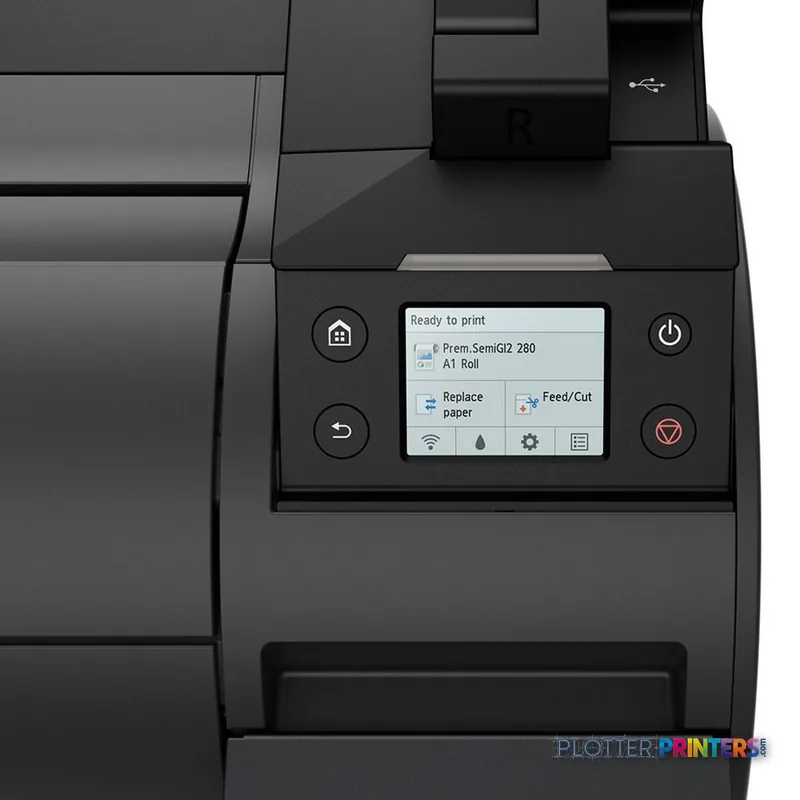
| Color display | Yes |
| Product color | Black |
| Internal memory | 2048 MB |
| Built-in display | Yes |
| Internal storage capacity | 500 GB |
| Sound pressure level (standby) | 35 dB |
| Sound pressure level (printing) | 49 dB |
Paper handling
| Cut sheets | Yes |
|---|---|
| Media thickness | 0.031" (0.8 mm) |
| Print margin roll | 0.787" (2 cm) |
| Maximum print size | A0 (33" x 47" (841 x 1189 mm)) |
| Maximum roll width | 36.1" (91.7 cm) |
| Maximum roll length | 708.7" (18 m) |
| Maximum roll diameter | 5.91" (15 cm) |
| Paper tray media types | Cut sheet, Glossy paper, Heavy paper, Plain paper, Roll |
| Print margin cut-sheet | 3, 3, 0.12" (3 mm) |
| ISO A-series sizes (A0…A9) | A0, A1, A2, A3, A3+ |
| ISO B-series sizes (B0…B9) | B1, B2, B4 |
| Borderless printing media sizes | A0, A1, A2, A3, A3+, B4 |
Ports & interfaces
| Wi-Fi | Yes |
|---|---|
| USB port | Yes |
| Ethernet LAN | Yes |
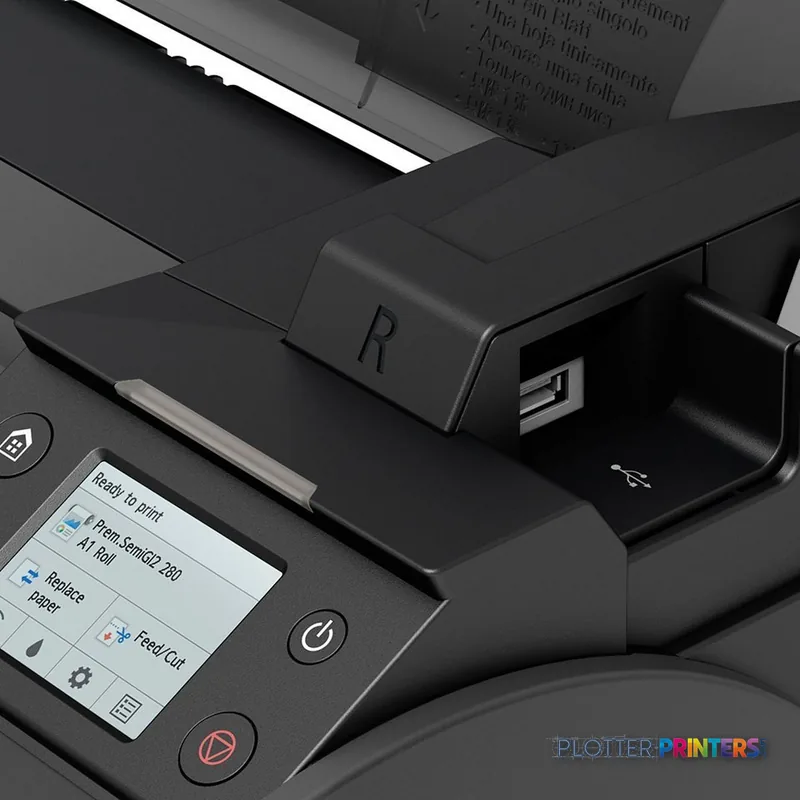
| USB connector | USB Type-A / USB Type-B |
| Ethernet LAN data rates | 10,100,1000 Mbit/s |
Technical details
| Compliance certificates | CE |
|---|
Weight & dimensions
| Depth | 34.3" (870 mm) |
|---|---|
| Width | 50.7" (1289 mm) |
| Height | 41.7" (1060 mm) |
| Weight | 130.1 lbs (59 kg) |
Power
| AC input voltage | 100 – 240 V |
|---|---|
| AC input frequency | 50 – 60 Hz |
| Power consumption (off) | 0.3 W |
| Power consumption (typical) | 74 W |
Operational conditions
| Operating temperature (T-T) | 15 – 30 °C |
|---|---|
| Operating relative humidity (H-H) | 10 – 80% |
Copying
| Copying | No |
|---|
Scanning
| Scanning | No |
|---|
Logistics data
| Harmonized System (HS) code | 84433210 |
|---|
Packaging data
| Package depth | 35.9" (913 mm) |
|---|---|
| Package width | 57.6" (1462 mm) |
| Package height | 27.9" (709 mm) |
| Package weight | 130.1 lbs (59 kg) |
Sustainability
| Sustainability compliance | Yes |
|---|
System requirements
| Mac operating systems supported | Mac OS X 10.13 High Sierra, Mac OS X 10.14 Mojave, Mac OS X 10.15 Catalina, Mac OS X 10.15.3 Catalina, Mac OS X 10.2 Jaguar, Mac OS X 10.3 Panther, Mac OS X 10.4 Tiger, Mac OS X 10.5 Leopard, Mac OS X 10.6 Snow Leopard, Mac OS X 10.7 Lion, Mac OS X 10.8 Mountain Lion, Mac OS X 10.9 Mavericks, Mac OS X 11.0 Big Sur |
|---|---|
| Windows operating systems supported | Windows 10, Windows 7, Windows 8, Windows 8.1 |
Input & output capacity
| Total input capacity | 1 sheets |
|---|---|
| Total number of input trays | 1 |
Supplies
Compatible ink, printheads & media
Genuine consumables that fit the Canon imagePROGRAF GP-300 large format printer Wi-Fi Bubblejet Colour 2400 x 1200 DPI A0 (841 x 1189 mm) Ethernet LAN — only the cartridges, printheads and media compatible with this model.
Ink Cartridges 8
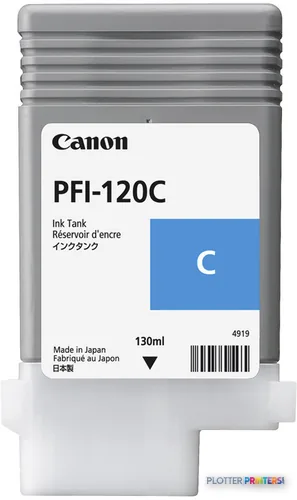 Canon PFI-120C Cyan Ink Cartridge, 130 ml (2886C001)
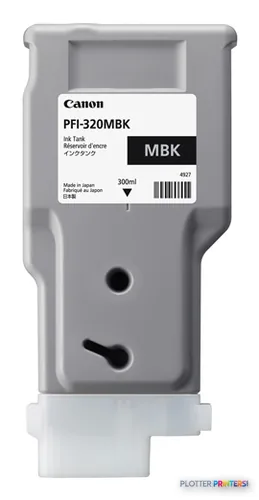 Canon PFI-320MBK Matte Black Ink Cartridge, 300 ml (2889C001)
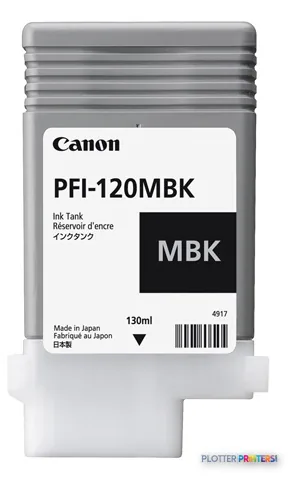 Canon PFI-120MBK Matte Black Ink Cartridge, 130 ml (2884C001)
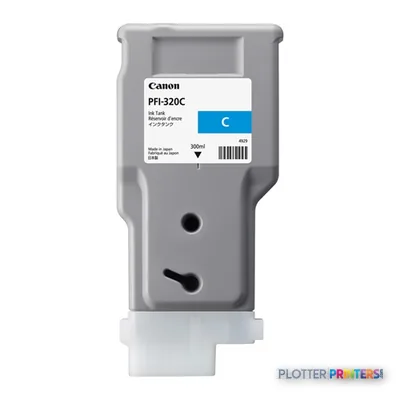 Canon PFI-320C Cyan Ink Cartridge, 300 ml (2891C001)
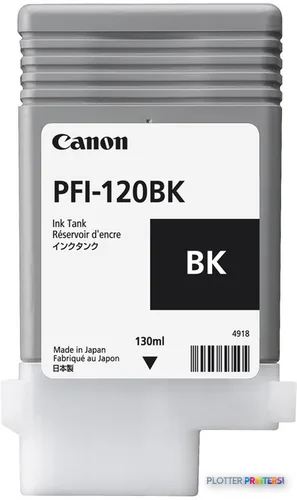 Canon PFI-120BK Black Ink Cartridge, 130 ml (2885C001)
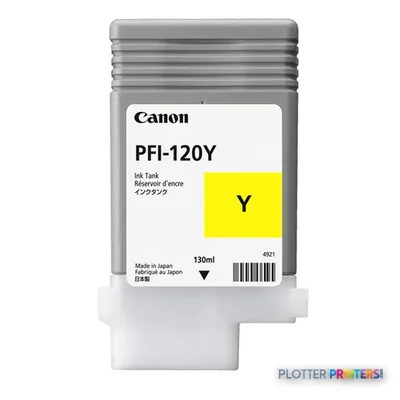 Canon PFI-120Y Yellow Ink Cartridge, 130 ml (2888C001)
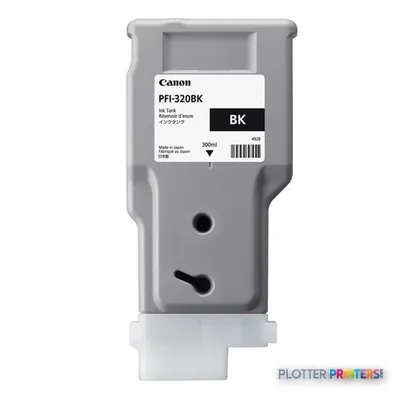 Canon PFI-320BK Black Ink Cartridge, 300 ml (2890C001)
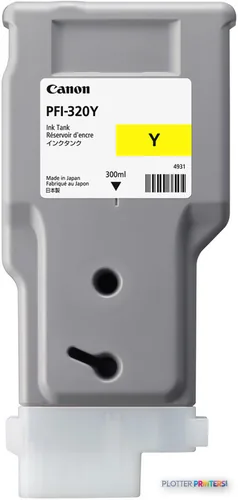 Canon PFI-320Y Yellow Ink Cartridge, 300 ml (2893C001)
Paper & Media 12
 Representative imageMagic Firenze 132gsm Coated Matte Paper (Firenze132)Representative imageMagic 6mil Matte Coated Vinyl w/ Permanent Adhesive (DMVLA5)Representative imageMagic 98gsm/26# Coated Matte Paper (DMPG98)Representative image20LB Inkjet Vellum (772)Representative image18LB Inkjet Bond Paper (Translucent) (750)Representative image6.5mil Matte Coated Paper w/ PSA (746PSA)Representative image20LB High Brite Inkjet Bond Paper (740)Representative image24LB Inkjet Bond Paper (731)Representative image20LB Inkjet Bond Paper (730)Representative image24LB Inkjet Coated Matte Paper Economy (714)Representative image20LB Engineering Vellum (471)Representative imageWSL 28LB Simple Inkjet Coated Matte Paper (C2S) (448)
Accessories 1
Questions
Straight answers
Can the Canon GP-300 print typical AEC drawing files?
PDF and JPEG are listed as supported page-description languages. The supplied data does not establish native CAD-file processing, so firms should test their PDF export workflow and driver behavior with their own files.
Does the GP-300 scan or copy existing plans?
No. Scanning and copying are both listed as unavailable, so legacy-plan conversion and walk-up copying require another device or workflow.
What media can the Canon GP-300 accept?
The listed media types are cut sheet, glossy paper, heavy paper, plain paper, and roll media. Maximum media thickness is 0.031 inches, and maximum roll width is 36.1 inches.
Is the GP-300 appropriate for an open architecture or engineering office?
Its published dimensions are 50.7 inches wide by 34.3 inches deep by 41.7 inches high, and printing sound pressure level is listed as 49 dB. Placement should still account for paper loading access, output handling, and the office’s tolerance for active printing noise.
How does it compare with the Canon GP-200 24-in and Canon GP-4000 44-in?
The Canon GP-200 24-in is the narrower option for smaller-format work, while the Canon GP-4000 44-in provides a wider-media direction. The GP-300 sits between them as the 36-inch choice.
Ready to put the Canon imagePROGRAF GP-300 to work?
We’ll point you to the current equivalent and quote it for your workflow.