Expert analysis
What you should know
Key takeaways
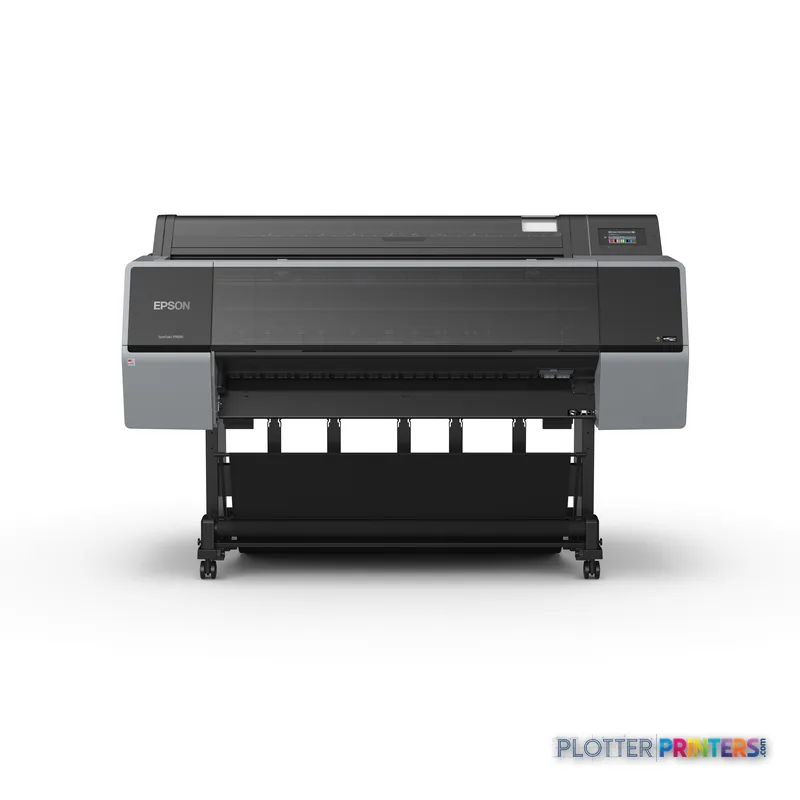
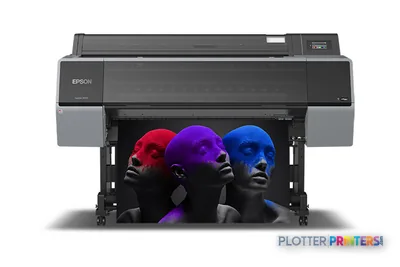
- The SC-P9500 Spectro is a 44-inch color inkjet platform for A0 output and presentation-oriented AEC work.
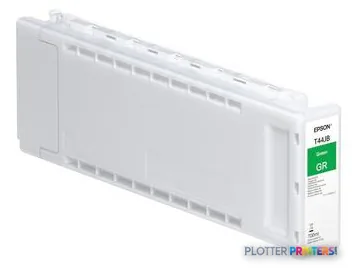
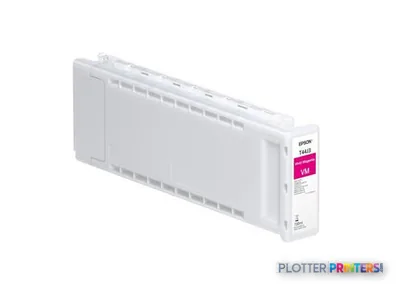
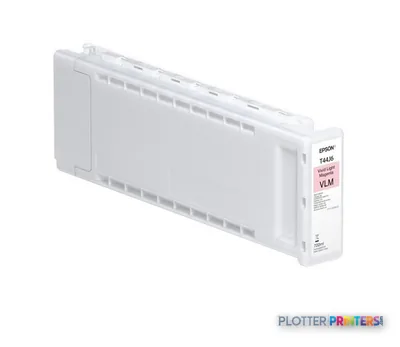
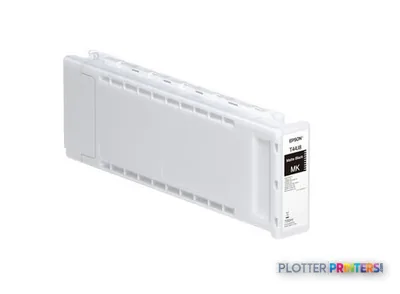
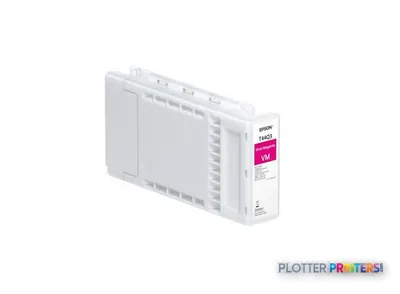
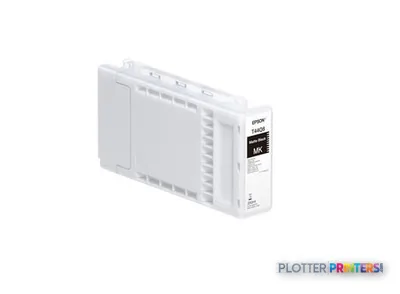
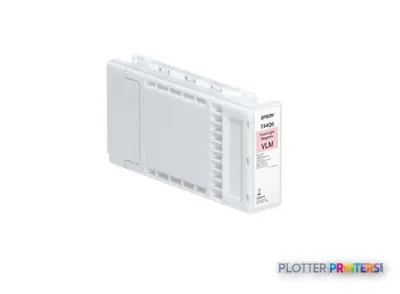
- Its 12-color configuration includes photo black, matte black, orange, green, violet, gray, and light gray.
- Wired Gigabit Ethernet is available, while Wi-Fi is not listed.
- It supports media from 0.003 inches to 0.059 inches thick and offers borderless output at multiple widths.
- It is an output-only device, so scanning and copying needs require separate equipment or workflow planning.
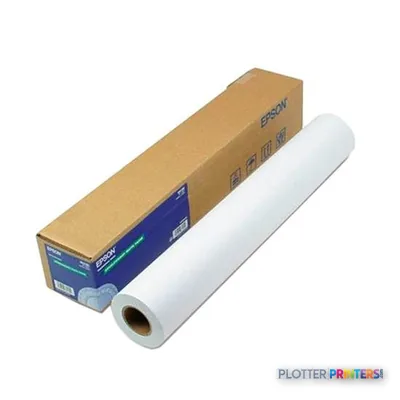
When a Revit elevation, GIS overlay, or competition board has to survive close review, the eye goes first to the thin gray hierarchy and then to the color-coded information. The Epson SC-P9500 Spectro is a 44-inch inkjet printer for that more exacting end of AEC output: presentation graphics, rendered views, maps, planning exhibits, and full-size sheets where color is part of the argument rather than an afterthought.
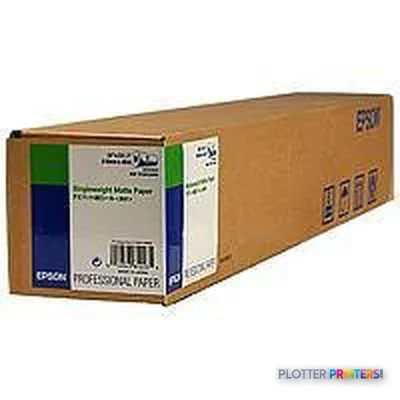
It supports media from 0.003" to 0.059" thick, reaches A0 output, and uses a 12-color ink configuration including photo black, matte black, orange, green, violet, gray, and light gray. That breadth gives a document team practical latitude when a coordination drawing must distinguish dense systems without turning into visual noise.
44" (111.8 cm)Maximum roll width
A0 (33" x 47" (841 x 1189 mm))Maximum print size
1200 x 2400 DPIMaximum resolution
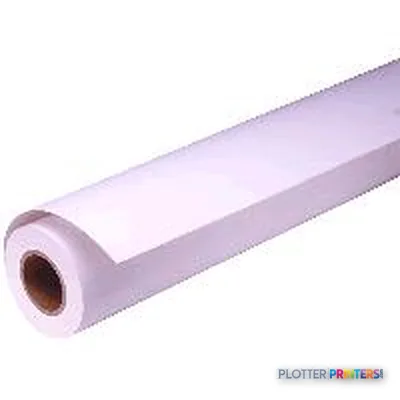
0.003"–0.059" (0.08 – 1.5 mm)Media thickness
Where it earns its place in an AEC studio
This is particularly well suited to architecture and design teams that need more than ordinary plan output: client-facing renderings, color site plans, high-density GIS mapping, material boards, and review sets with carefully separated markups. Borderless printing is available across a range of widths up to 44.02 inches, which is useful for display-oriented sheets where a white edge is not wanted.
The machine is also a credible fit for a centralized print room supporting occasional high-value color work. Its 2,048 MB of internal memory and Gigabit Ethernet connection are relevant in a shared environment handling large PDFs. Epson UltraChrome PRO ink is the compatible ink family. The specification deserves context: resolution and ink count do not, by themselves, establish output accuracy for a particular PDF, paper, or CAD workflow. Test the actual files, media, and driver settings your team will use.
Workflow, space, and media considerations
The SC-P9500 Spectro has an LCD color touchscreen, one RJ-45 Ethernet port, and a USB Type-A connector. Wi-Fi is not listed, so network planning should assume a wired Ethernet location. At 75.2 inches wide, 26.3 inches deep, 48 inches high, and 380.1 lbs, it needs a deliberate home rather than a spare corner; that matters in a design studio where finished boards and deep teatime shadows compete for space.
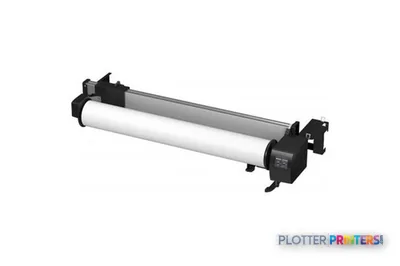
For long presentation runs, the optional Epson Auto Take up Reel Unit may be relevant. The optional Epson Adobe® PostScript® 3™ Expansion Unit and Epson Hard Disk Unit are also available; buyers should confirm which options suit their PDF submission and queue-management practices. This is an output device, not a scanner or copier, so firms replacing a multifunction reprographic system should separately assess their scan, archive, and markup-copy requirements.
How it sits within the family
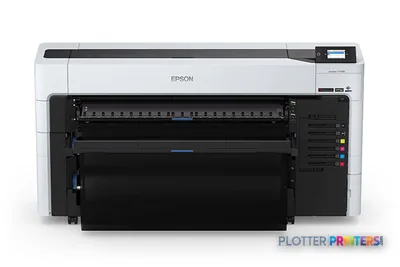
The closest same-width alternative in the catalog is the Epson SC-P9500 44-in. Both are 44-inch inkjet devices listed at 1200 x 2400 DPI, so the decision should begin with the specific configuration, workflow options, and service proposal—not an assumption based on the name alone. Compare the two directly with the SC-P9500 comparison tool.
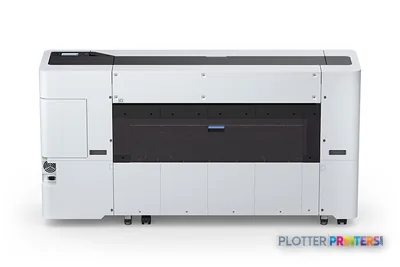
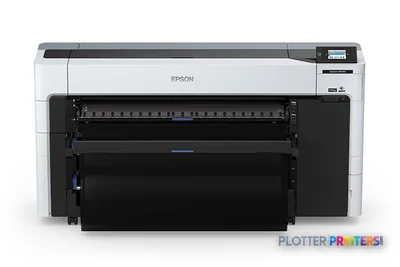
Firms whose priority is handling different roll types may also want to examine the Epson P8570DR 44-in, identified in the catalog as dual-roll. Conversely, the 33-inch Epson SC-P8500DL 33-in may be more appropriate where 44-inch presentation output is not required. Neither alternative should be treated as interchangeable without a file-and-media demonstration.
The read
The Epson SC-P9500 Spectro makes most sense for AEC teams that regularly render full-size, color-critical work and can give a substantial 44-inch printer a wired, managed location. It is less appropriate as a substitute for a high-volume plan-set copier, a scan-and-archive workstation, or a compact office plotter. Before committing, run a controlled test with a color-coded MEP sheet, a detailed civil map, a rendering, and the exact media your team intends to standardize on.