
Analyst Resource — No. 06
What a Plot Actually Costs: Ink, Paper, and the Meter That Lies
There is no universal cost per print — only a universal formula. We teach the math, then hand you a calculator that runs your numbers.
Shop these machines
Ranked live by our spec-graded scoring — prices & stock are current. Free U.S. shipping on every printer.
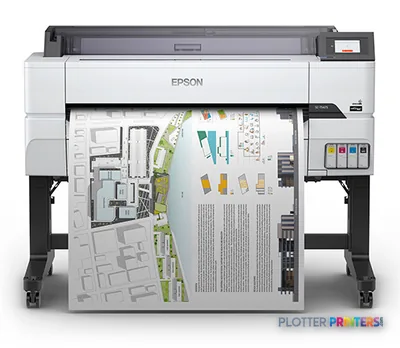 Epson SureColor T5475 36-in PlotterSCT5475SR36"2400 dpiWi-FiView details
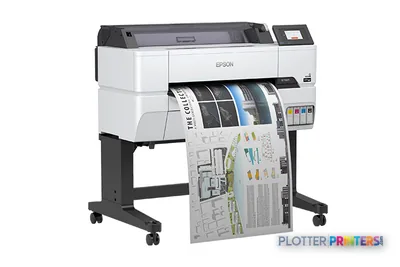 Epson SureColor T3475 24-in Wide-Format PrinterSCT3475SR24"2400 dpiWi-FiView details
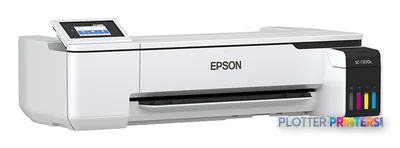 Epson SureColor T3170x 24-in Wireless PrinterSCT3170X24"2400 dpiView details
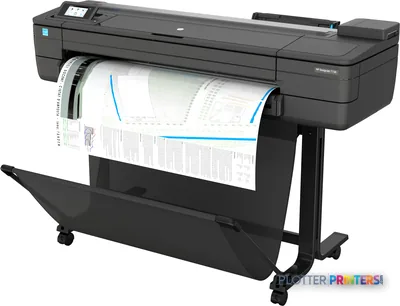 HP DesignJet T730 36-in PrinterF9A29D#B1936"2400 dpiWi-FiView details
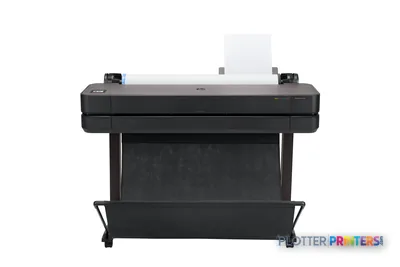 HP DesignJet T630 36-in Printer5HB11D36"2400 dpiWi-FiView details
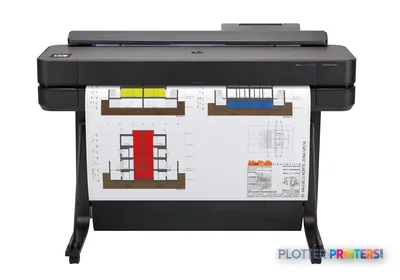 HP DesignJet T650 36-in Plotter5HB10D36"2400 dpiWi-FiView details
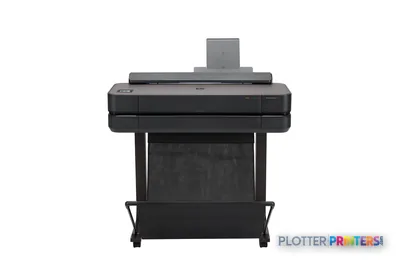 HP DesignJet T650 24-in Printer5HB08D24"2400 dpiWi-FiView details
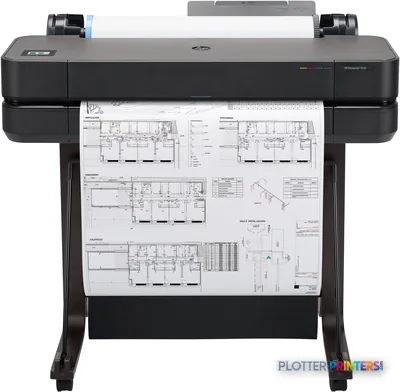 HP DesignJet T630 24-in Printer5HB09D24"2400 dpiWi-FiView details
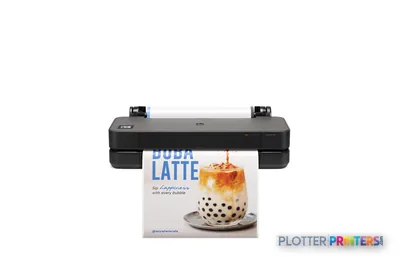 HP DesignJet T250 24-in Printer5HB06D24"2400 dpiWi-FiView details
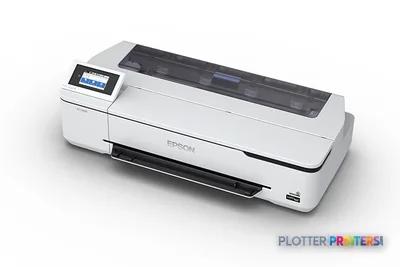 Epson SureColor T3170 24-in Wireless PrinterSCT3170SR24"2400 dpiWi-FiView details
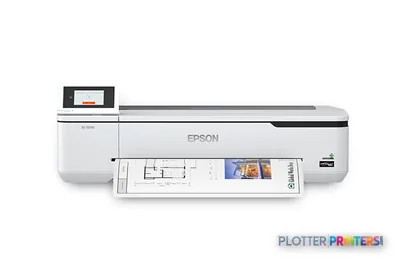 Epson SureColor T2170 24-in Wide-Format PrinterSCT2170SR24"2400 dpiWi-FiView details
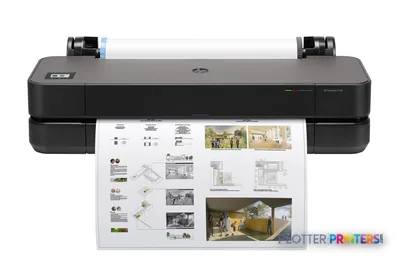 HP DesignJet T230 24-in Printer5HB07D24"2400 dpiWi-FiView details
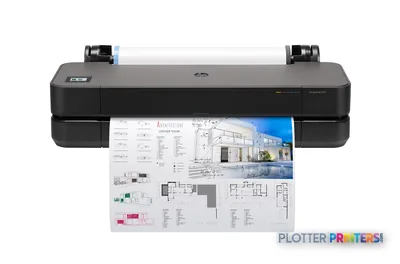 HP DesignJet T210 24-in Printer8AG32T24"2400 dpiWi-FiView details
Free U.S. shipping on printersKlarna & Affirm at checkoutTalk to a person: 980-536-0080

Cost per print is four things added together: the ink a page consumes, the media it lands on, a share of the machine you bought or lease, and the operator minutes it takes to get a clean sheet out the door. Anyone quoting you a single tidy number for a D-size plot is guessing — because the structure is universal but the numbers are stubbornly yours.
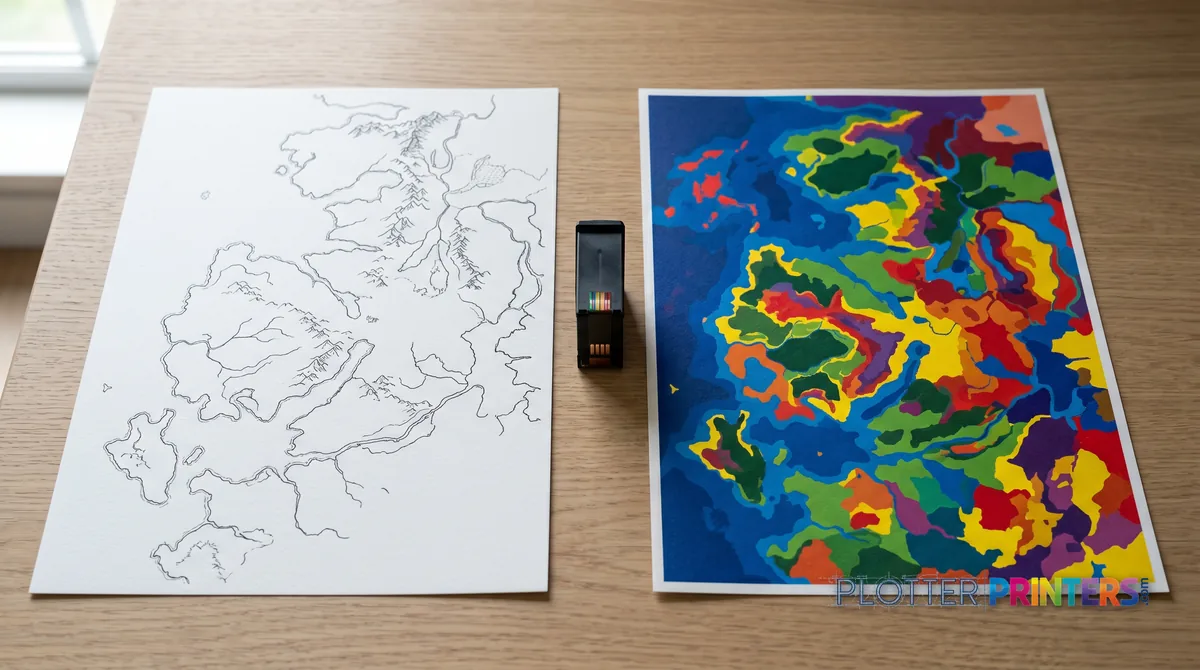
That is the honest stance this page takes, and it is deliberate. Every ’42 cents a D-sheet!’ article on the internet is quietly assuming a coverage level, a media grade, a purchase price and a monthly volume that almost certainly are not yours. Change any one of those and the answer moves. A sparse linework check set and a full-bleed GIS base map can differ by an order of magnitude in ink alone, on the same machine.
So instead of inventing a figure, we do two things. First, we walk the four cost drivers so you understand what actually moves the needle — and, just as usefully, what does not. Second, we hand you the ROI calculator embedded on this page (the payment angle feeds straight into it). You supply sheets per month, your outsource quotes, a realistic staff rate and a plausible payment; it returns a break-even that reflects your operation rather than a brochure’s. Money, as we like to remind clients, is minutes — and the calculator counts both. Read the drivers, then run your month.

The four things that make up a cost per print
SHT 02 · PLOTTERPRINTERS ANALYST DESKEvery per-print number decomposes into four drivers. Understand them and you can audit any quote — including your own.
Ink — coverage is king. The single largest variable, and the one most quotes ignore. A monochrome linework D-sheet lays down a trickle of ink; an area-fill map, a shaded rendering or a color-coded coordination drawing drinks vastly more. This is why ‘ink cost per ml’ is a near-useless figure on its own — millilitres per sheet depend entirely on what is on the sheet. Technical machines running crisp linework on plain bond are cheap per print; the same hardware printing solids is not. Draft and economy modes cut deposition further, and honestly used, they belong on check sets.
Media — where the real spread hides. The gap between economy bond, premium bond, coated stock and photo media dwarfs most ink differences on linework. A check set does not need coated paper. A presentation board does. Matching grade to purpose is the fastest cost lever most firms never pull, because someone loaded one roll and never thought about it again.
Time — operator minutes are money. Babysitting a plotter, chasing failed jobs, wrangling files that will not RIP, standing at a scanner, reprinting a bad set — every one of those is a paid minute that no ink calculator captures. On low-volume machines this is often the largest hidden line. A plotter that saves thirty seconds a plot buys you nothing if the file spends four minutes finding it.
Machine — amortized across the volume you actually have. The purchase or lease spread across your real monthly sheet count. Buy a production-class box and run fifty sheets a month and the amortized cost per print is brutal; run it near its designed duty and it is trivial. Volume, not sticker, decides whether the machine is cheap.
Your numbers, not ours
The cost-per-print calculator
Sheets, outsource rates, staff time, payments — the break-even math computed in your browser, no email required.
ROI calculator
What does outsourcing plots really cost you?
Enter your own numbers — quotes from your print shop, your staff time, the lease quote you’re weighing. We just do the math.
Get a real machine + lease quote → See which machines earn the spend →
The moves that actually cut cost per print
SHT 03 · PLOTTERPRINTERS ANALYST DESKA handful of workflow changes move the number far more than shopping ink prices. In rough order of payoff:
- Economy bond for check and progress sets. The bulk of AEC output is internal review, not final issue. Coated media on a redline set is money set on fire. Load a cheap bond for the volume work and reserve the good stock for what leaves the building.
- Batch plotting to kill per-job setup. Every job carries a fixed operator overhead — submit, confirm, collect. Ten separate one-sheet jobs cost ten setups; one batched forty-sheet run costs one. The savings are operator minutes, and they are large.
- Draft modes used honestly. Draft is not a moral failing on a check set; it is the correct tool. Reserve full-quality passes for issue sets and presentation work. Most firms leave everything on the default and pay a quality premium on paper nobody keeps.
- Larger cartridge sizes at volume. When your monthly count justifies it, the machine’s larger ink cartridges lower the per-millilitre cost meaningfully — but only if you use them before any shelf-life concern, and only if the throughput is really there.
Right-sizing the machine to the work matters too. Our buying guide covers class fit; the volume workflow page covers high-throughput setups where batching pays most.
Own or outsource — the structural answer
SHT 04 · PLOTTERPRINTERS ANALYST DESKThe own-versus-outsource question has a shape before it has a number, and the shape is consistent across firms.
Repro shops win at low and irregular volume, and on very large sheets you rarely need. You pay only for what you print, carry no capital, hold no maintenance risk and never amortize a machine sitting idle. If you plot a handful of sets a month, a commercial provider is almost always cheaper on paper.
In-house wins on steady volume and — the line accountants routinely miss — on turnaround control. When a permit set changes at 4 p.m. and the deadline is 9 a.m., the cost of driving a file across town, waiting in a queue and driving back is not on any invoice, but it is real. Owned capacity buys you the ability to reprint a marked-up sheet in minutes without a courier. That optionality has a dollar value even when the per-print math looks close.
The break-even between the two is exactly what the calculator on this page solves. Feed it your sheets per month and your actual outsource quotes and it tells you where the lines cross — for you, not for the brochure’s imaginary firm. If you are weighing capital against a monthly payment, the leasing angle changes the machine line in that math.

Using the calculator without fooling yourself
The ROI calculator embedded on this page is the point of the exercise. Come with five inputs and it does the rest:
- Sheets per month — a real average, not a hopeful one; pull three months of records if you have them.
- Your outsource quotes — the per-sheet rate you actually pay a repro shop today, by size.
- Staff time — a loaded hourly rate for whoever runs the machine, and honest minutes per job.
- A plausible payment — purchase amortized over the term, or a monthly lease figure.
- Media and coverage mix — roughly what share is bond linework versus coated or color.
The output is a break-even: the monthly volume at which owning beats outsourcing. If the number sits far below your real volume, in-house is comfortable; if it sits above, a repro shop is doing you a favor. Sanity-check it against one actual month — if the calculator says owning is cheaper but last month’s invoices say otherwise, one of your inputs is optimistic. Usually it is the operator minutes.
Machines with live prices
SHT 06 · PLOTTERPRINTERS ANALYST DESK24-inch CAD class
Ranked live by our spec-graded scoring; prices and stock are current.
Your questions, answered
SHT 07 · PLOTTERPRINTERS ANALYST DESKHow much does it cost to print one plan?
There is no honest single answer, and any page that gives you one is guessing. The cost depends on coverage (linework versus solid fill), media grade (economy bond versus coated), the machine amortized across your monthly volume, and the operator minutes involved. A sparse D-size check print and a full-color GIS map on the same machine can differ enormously. Use the calculator on this page with your own numbers to get a figure that means something.
Why won't you just tell me a cost per print?
Because a universal number would be fiction. The formula is universal — ink plus media plus machine share plus operator time — but every input is local to your firm. Coverage varies by drawing type, media prices vary by supplier, machine cost varies by class and volume, and labor rates vary by market. We teach the structure and give you a calculator that runs your inputs, which is the only way to get an accurate answer.
What drives ink cost the most?
Coverage — how much of the page is inked. This dwarfs cartridge pricing on most AEC work. A monochrome linework sheet uses a fraction of what an area-fill map or shaded rendering consumes on the same machine. That is why ‘cost per millilitre’ misleads: it says nothing about millilitres per sheet. Draft and economy modes reduce deposition further and are appropriate for check sets that nobody archives.
Does media really matter more than ink?
On linework, often yes. The price spread between economy bond, premium bond, coated stock and photo media is wide, and on a sparse technical drawing the paper can cost more than the ink laid on it. Matching grade to purpose — cheap bond for internal review sets, good stock only for what leaves the building — is the fastest cost lever most firms never pull. Ink differences between comparable machines are usually smaller.
Should I use draft mode to save money?
On check sets, redlines and progress prints — absolutely. Draft reduces ink deposition and speeds throughput, and nobody archives a marked-up review sheet. Reserve full-quality passes for issue sets, permit submittals and presentation work where the output matters. The common mistake is leaving every job on the default quality setting, which pays a premium on paper that goes in the recycling bin a week later.
When does buying beat outsourcing?
Structurally, in-house wins on steady volume and turnaround control; repro shops win at low, irregular volume and on oversized sheets you rarely need. The break-even is a real crossover point you can calculate. Beyond the per-sheet math, owned capacity lets you reprint a changed set in minutes without a courier run — an option that has value accountants often miss. Run the calculator on this page with your monthly sheets and your outsource quotes to find your crossover.
Do larger ink cartridges lower cost per print?
At sufficient volume, yes — the machine’s larger cartridge sizes generally lower the per-millilitre cost. The caveats are real: you need enough throughput to use the ink within any shelf-life window, and the savings only materialize if the volume is genuinely there. For an occasional-use office, buying big cartridges you drain slowly can cost more than it saves. Volume decides whether this move pays.
How do operator minutes affect cost per print?
They are frequently the largest hidden line, especially on low-volume machines. Every job carries setup time; failed prints, file troubleshooting, roll changes, scanning and reprints all consume paid minutes no ink calculator captures. A plotter that saves seconds per plot means nothing if files take minutes to locate and submit. When you run our calculator, use a loaded hourly rate and honest minutes per job — that input is where optimistic assumptions usually hide.
What should I have ready before using the calculator?
Five things: your real average sheets per month (pull records rather than guessing), current outsource per-sheet rates by size, a loaded hourly rate for whoever runs the machine with honest minutes per job, a plausible payment (purchase amortized or monthly lease), and a rough media-and-coverage mix. With those the calculator returns a break-even volume. Sanity-check it against one actual month’s invoices before you trust it.
Does the machine class change cost per print much?
Substantially, and mostly through amortization. A production-class print-bar machine run near its designed duty spreads its cost across many sheets and is cheap per print; the same box running a few dozen sheets a month is expensive per print. A 24-inch class desktop plotter is the reverse — economical at low volume, a bottleneck at high. Match the class to your real volume; the ranked picks below are ordered to help with that fit.
The bottom line
SHT 08 · PLOTTERPRINTERS ANALYST DESK- Cost per print is ink plus media plus machine share plus operator time — the formula is universal, the numbers are yours.
- Coverage drives ink cost far more than cartridge pricing, so 'cost per millilitre' misleads without a coverage assumption.
- Media grade often outweighs ink on linework — cheap bond for check sets, good stock only for what leaves the building.
- Operator minutes are real money and usually the largest hidden line on low-volume machines; batch jobs and count the time honestly.
- Own-vs-outsource turns on volume and turnaround control — run the calculator with your sheets and quotes to find your crossover.
- Choose in-house if your volume clears the break-even and you need reprint speed; outsource if your volume is low and irregular.
Want the math checked by a human?
Bring your calculator results to the quote — we'll pressure-test them against real supply pricing.
Ink and paper by machine
Each machine has its own supplies hub listing the cartridges, printheads, rolls and accessories verified against the manufacturer’s documentation for that model.
- Epson SureColor P6570D ink and paper
- Epson SureColor P6570E ink and paper
- Epson SureColor P7570 ink and paper
- Epson SureColor P8570DR ink and paper
- Epson SureColor P9570 ink and paper
- Epson SureColor P20570 ink and paper
- Epson SureColor T2170 ink and paper
- Epson SureColor T3170 ink and paper
- Epson SureColor T3170M ink and paper
- Epson SureColor T3170x ink and paper
- Epson SureColor T3475 ink and paper
- Epson SureColor T3770DR ink and paper
- Epson SureColor T3770E ink and paper
- Epson SureColor T5170M ink and paper
- Epson SureColor T5270DR ink and paper
- Epson SureColor T5470M ink and paper
- Epson SureColor T5475 ink and paper
- Epson SureColor T5770DM ink and paper