
Size & Format Guide — No. 05
A0 Plotters: The 36-Inch Class in Metric
A0 is 841 mm wide, so you need a 36-inch machine — here's how to buy the right one and skip the 24-inch dead end.
Shop these machines
Ranked live by our spec-graded scoring — prices & stock are current. Free U.S. shipping on every printer.
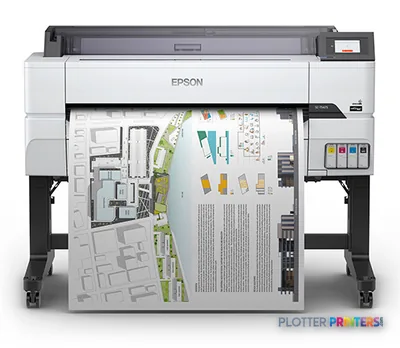 Epson SureColor T5475 36-in PlotterSCT5475SR36"2400 dpiWi-FiView details
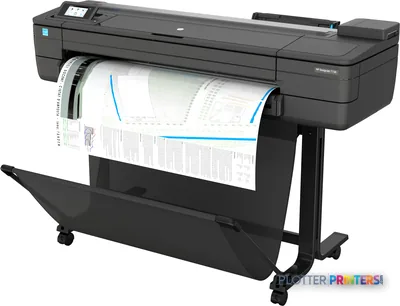 HP DesignJet T730 36-in PrinterF9A29D#B1936"2400 dpiWi-FiView details
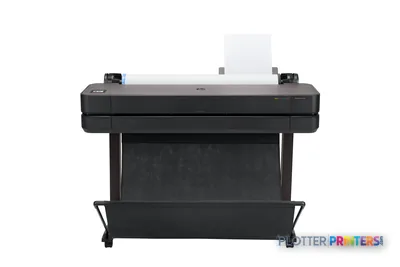 HP DesignJet T630 36-in Printer5HB11D36"2400 dpiWi-FiView details
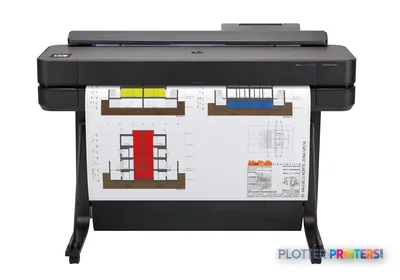 HP DesignJet T650 36-in Plotter5HB10D36"2400 dpiWi-FiView details
Free U.S. shipping on printersKlarna & Affirm at checkoutTalk to a person: 980-536-0080

A0 measures 841×1189 mm (33.1×46.8 in). To print it, you need a roll at least 841 mm wide — which means the 36-inch (914 mm) class. A 24-inch (610 mm) machine cannot feed A0. Full stop. It tops out at A1. So if the person standing at your output tray needs a full A0 GA drawing or an exhibition panel before the committee meets, a 24-inch plotter will not save the day. It will just make you late.
The math is friendly once you clear the width bar. A 914 mm roll carries the 841 mm sheet with room on each side — enough for a full-bleed image and a clean trim without shaving the border. That headroom matters for posters and edge-to-edge color; it’s dead weight for plain-bond linework, but you’re paying for it either way in the 36-inch class.
This page is about matching an A0 buyer to the right 36-inch tool. Some of you print stacks of tender sets and care about linework and speed. Some print a dozen glossy panels a year and care about color gamut. Some print A0 four times a year and should honestly not buy an A0 machine at all. We’ll walk each case. The ranked picks below carry live scores and current prices; use the to-scale sheet visualizer on this page to see how A0 stacks against A1, A2 and the ANSI/ARCH families before you commit. Then the sections do the sorting.
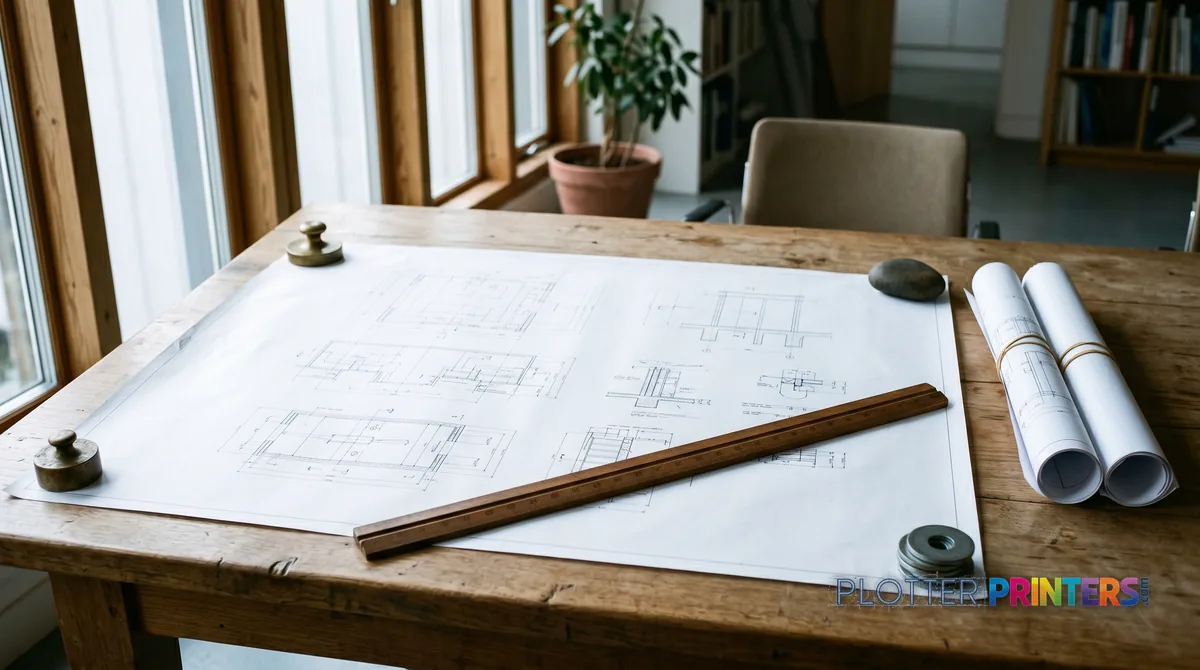
The hard requirement: 841 mm means 36-inch, no exceptions
SHT 02 · PLOTTERPRINTERS ANALYST DESKHere’s the rule you can’t negotiate with. A0 is 841 mm on its short edge. A roll has to be at least that wide to feed it. The 24-inch class runs a 610 mm roll — that prints ISO A1 (594×841 mm), ARCH D and ANSI D beautifully, and it stops there. Ask it for A0 and you get an error, not a drawing.
The A0 machine is the 36-inch class, running a 914 mm roll. That’s the AEC workhorse tier: floor-standing, single or dual roll, built to run full ARCH E (36×48 in), ANSI E (34×44 in) and ISO A0 all day. Load a 914 mm roll, drop an 841 mm sheet onto it, and you’ve got roughly 36 mm of width to spare — a comfortable full-bleed-and-trim allowance for a poster, and quiet margin for a plain drawing.
Don’t overbuy the other direction either. The next step up — 44-inch and wider — belongs to graphics and production work, not standard A0. You’d be paying for roll width you’ll never feed. If A0 is the largest sheet you print, 36-inch is the target, and everything else is a question of ink, rolls and volume. Start at the 36-inch class hub if you want the full landscape, or jump to the live 36-inch CAD leaderboard for ranked linework machines. Bottom line: A0 lives in the 36-inch class — anything narrower is a dead end, anything wider is a different job.
Drawn to scale
See how much bigger A0 really is
The ISO family nested to scale — tap A0 and the visualizer names the roll class it needs.
Tap a sheet to inspect it.
Machines that print full A0
SHT 03 · PLOTTERPRINTERS ANALYST DESKThe 36-inch CAD class — A0 linework
Ranked live by our spec-graded scoring.
36-inch MFPs — A0 print, scan & copy
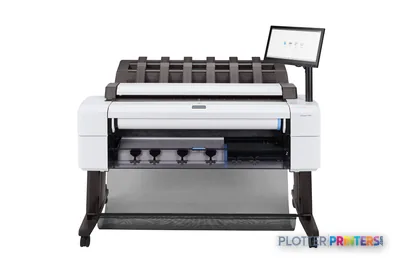 HP DesignJet T2600dr 36-in PostScript MFP — Plus Edition (Build Connected)3EK15D36"2400 dpiView details
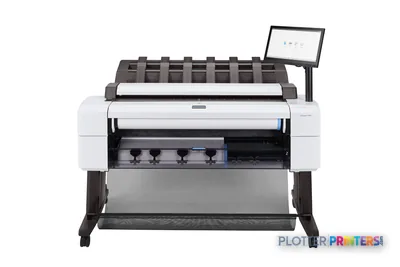 HP DesignJet T2600dr 36-in PostScript MFP — Plus Edition (Build Connected)3EK15P36"2400 dpiView details
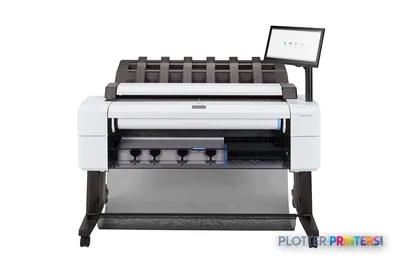 HP DesignJet T2600dr 36-in PostScript Multifunction Printer (Plus Edition)3EK15W36"2400 dpiView details
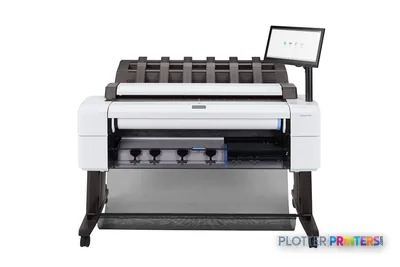 HP DesignJet T2600dr 36-in PostScript Multifunction Printer3EK15F#B1936"2400 dpiScanView details
Who actually prints A0 — and what they optimize for
Two very different people buy A0 machines, and they should buy different ones.
The linework crowd. Infrastructure and civil teams printing general-arrangement drawings, tender and committee sets, structural GAs, coordination sheets. They live on plain bond. They care about crisp thin lines that stay readable, dimensional consistency across a long sheet, and throughput when a bid set is due. Color is occasional and functional — a few coordination overlays, not a photo. For this reader, a pigment-ink 36-inch CAD machine is the tool: pigment is the AEC default because the archival copy in the project file needs to survive water and light. The 36-inch CAD leaderboard ranks these by the things that matter at 4:45 p.m. — first sheet out, sustained speed, line quality.
The color crowd. Universities printing academic posters, exhibition and gallery panels, marketing and presentation boards, GIS base maps with dense color fills. They care about gamut, smooth gradients, and the range of media they can run — matte, gloss, photo, canvas. This is the graphics/photo class: pigment-ink color machines tuned for color accuracy, not line speed. If your A0 output is mostly color and mostly seen from a wall, don’t shop the CAD list — go straight to the 36-inch graphics leaderboard.
Bottom line: decide whether you’re feeding a bid box or hanging a wall, then shop the list built for that job — the wrong-list machine will disappoint you at exactly the wrong moment.
A0 at volume: dual rolls, set runs, and when production takes over
SHT 05 · PLOTTERPRINTERS ANALYST DESKOnce you’re printing A0 in quantity, the questions change from “can it?” to “can it keep up without babysitting?”
The first upgrade is dual roll. Two rolls loaded at once means bond on one, gloss or a second size on the other, with automatic switching. For a team that runs a tender set on bond in the morning and an exhibition panel on coated stock in the afternoon, that second roll isn’t a luxury — it’s the difference between running clean and stopping to reload mid-deadline. It also feeds mixed-size sets without an operator standing over the machine. A dual-roll 36-inch covers the great majority of real A0 workloads.
The crossover to production and PageWide class is about signals, not sheet size. If you’re pushing multi-set runs daily, feeding a shared print room, or a repro operation where the plotter never really cools down, the stationary print-bar machines earn their footprint — they hold a pace a scanning inkjet head can’t. Watch for the catch basket and stacking too: a machine that prints fast but dumps A0 sheets on the floor isn’t fast, it’s a collation problem.
Bottom line: dual-roll 36-inch handles most volume; when the machine runs all day for more than one team, look at production class before you burn out a workhorse.
The honest fork: when you shouldn't buy an A0 machine at all
SHT 06 · PLOTTERPRINTERS ANALYST DESKHere’s the advice that costs us a sale sometimes. If you print A0 four times a year, don’t buy an A0 machine.
The 36-inch class is bigger, heavier and more expensive to feed than the 24-inch class, and if your daily reality is A1 and D-size with the occasional oversize panel, you’re paying for width you rarely use. The honest setup for that reader is a 24-inch A1 machine for the everyday work plus a repro shop on speed dial for the rare A0. Outsourcing a handful of sheets a year is cheaper and simpler than owning, storing and maintaining a machine that idles.
The fork gets blurry in the middle — say, A0 monthly, or a poster season that spikes twice a year. That’s a genuine judgment call, and it depends on turnaround pressure, budget and how far your nearest repro shop is. If you’re on that line, tell us your real volume and deadline mix and we’ll size it honestly through the quote funnel — including telling you when 24-inch-plus-outsourcing is the smarter buy. Bottom line: buy the 36-inch class when A0 is a routine, not a rarity.
Your questions, answered
SHT 07 · PLOTTERPRINTERS ANALYST DESKCan a 24-inch plotter print A0?
No. A0 is 841 mm wide, and a 24-inch machine runs a 610 mm roll — it physically cannot feed a sheet that wide. A 24-inch plotter tops out at ISO A1 (594×841 mm), ANSI D and ARCH D. If you need full A0, you need the 36-inch (914 mm) class. There is no driver setting or workaround that changes the roll width.
What roll width do I need for A0?
At least 841 mm, which puts you in the 36-inch (914 mm) class. The 914 mm roll carries the 841 mm A0 sheet with roughly 36 mm of total width to spare — enough for a full-bleed image and a clean trim on a poster, and comfortable margin on a plain drawing. Don’t jump to 44-inch or wider for standard A0; that width belongs to graphics and production work.
What's the difference between A0 and E-size?
They’re close kin, not identical. ISO A0 is 841×1189 mm (33.1×46.8 in). ARCH E is 36×48 in and ANSI E is 34×44 in. All three are the largest standard sheet in their family, and all three need the same 36-inch machine to print. If your firm works to ISO you’ll set the sheet to A0; a North American shop sets it to ARCH E. The plotter doesn’t care — it’s the same 914 mm roll either way.
Dye ink or pigment ink for A0?
For AEC work, pigment. It resists water and UV, so the archival copy in the project file survives handling and light — that’s why it’s the default for drawings and tender sets. Dye ink is vivid and lower cost but fades faster, which matters for anything that hangs on a wall for months. Most modern 36-inch machines, CAD and graphics alike, run pigment now.
Do I need a scanner with my A0 plotter?
Only if you scan and copy wide-format documents. The wide-format MFP class adds an integrated scanner for print, scan and copy — useful for plan rooms, as-built markups and archiving old drawings. If you only print from digital files (CAD, BIM, PDF), a plain 36-inch printer is lighter, cheaper and one less thing to service. Buy the scanner when your workflow actually includes paper originals, not because it’s on the options list.
Should I get a single-roll or dual-roll 36-inch machine?
Dual roll if you switch media or sizes during a run. It holds two rolls at once — say bond and gloss, or two sizes — and switches automatically, so you don’t stop to reload mid-deadline. If you print one media type on one size all day, single roll is fine and cheaper. The dual-roll payoff shows up in mixed sets and in offices that run drawings and panels off the same machine.
I only print A0 a few times a year. What should I buy?
Probably not an A0 machine. If your everyday work is A1 and D-size with a rare oversize sheet, a 24-inch A1 plotter plus outsourcing the occasional A0 to a repro shop is usually cheaper and simpler than owning a 36-inch machine that idles. Buy the bigger class only when A0 is routine. If you’re on the line, tell us your real volume and we’ll size it honestly.
What machine do I need for A0 posters and exhibition panels?
The 36-inch graphics/photo class, not a CAD plotter. Posters and panels are judged on color gamut, smooth gradients and media range — matte, gloss, photo, canvas — which is a different tuning than crisp linework on bond. Shop the graphics leaderboard on this site rather than the CAD list. If you print both drawings and panels, a dual-roll machine or a color-capable 36-inch can bridge, but check the color grades first.
When do I need a production or PageWide machine for A0?
When the machine runs all day for more than one team. Clear signals: multi-set runs daily, a shared print room, or repro-shop duty where the plotter never cools down. Production and PageWide print-bar machines hold a pace a scanning inkjet head can’t, and they handle stacking and collation for large sets. Below that — even solid daily A0 volume — a dual-roll 36-inch is the right tool.
Does A0 print differently on plain bond versus coated paper?
Yes. Technical machines print crisp linework on plain bond, which is what tender sets and GA drawings need — cheap, fast, readable. Coated and gloss media hold color and detail far better for posters and renderings, but cost more and run slower. That’s why the media you print on drives the machine you buy: bond-heavy linework points to CAD class, coated-media color points to graphics class.
The bottom line
SHT 08 · PLOTTERPRINTERS ANALYST DESK- A0 is 841 mm wide, so it needs a 36-inch (914 mm) machine — a 24-inch plotter can only reach A1 and is a dead end for A0.
- A 914 mm roll leaves comfortable margin on the 841 mm A0 sheet for full-bleed color and clean trims.
- Linework buyers (tender sets, infrastructure GAs) want a pigment CAD 36-inch; color buyers (posters, panels) want the graphics/photo class.
- Dual-roll 36-inch covers most real A0 volume; production/PageWide class enters when the machine runs all day for multiple teams.
- If A0 is only a few sheets a year, a 24-inch A1 machine plus outsourced A0 is the honest, cheaper buy.
- Pigment ink is the AEC default because the archival copy in the project file has to survive water and light.
A0 on the spec sheet?
Tell us your sheet sizes and volume — we'll confirm the class and shortlist machines.