
Home / Wide-Format Printers / HP PageWide XL
HP · Wide-Format Plotter
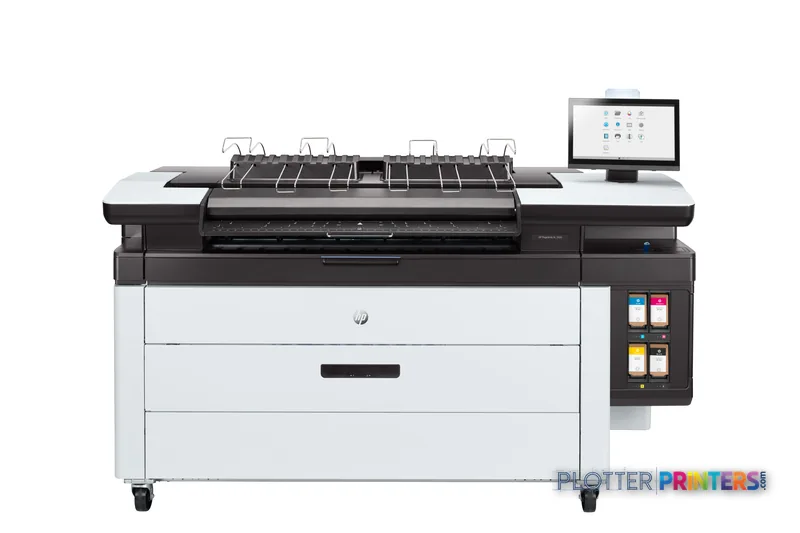
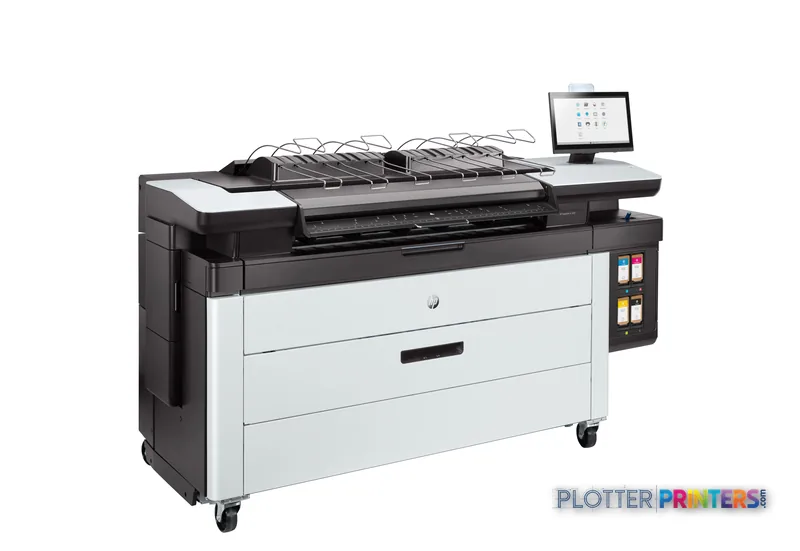
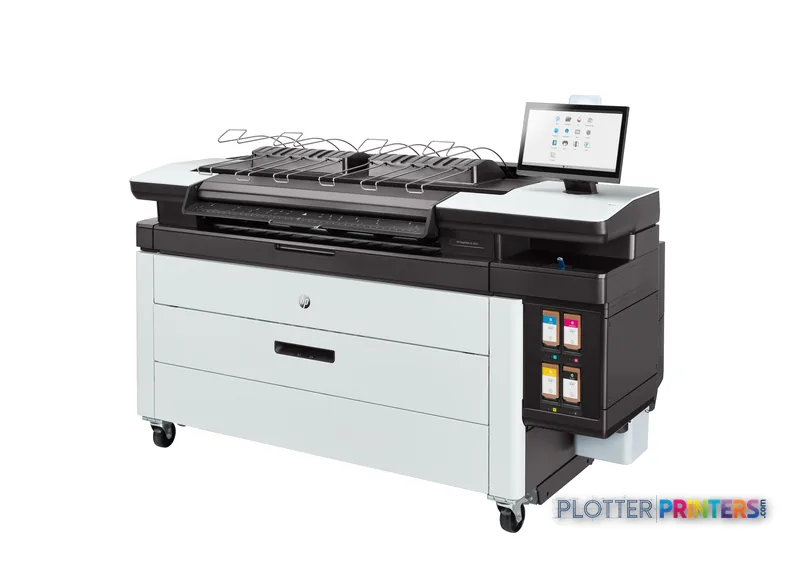
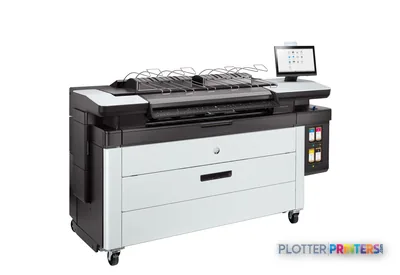
HP PageWide XL 3920 MFP
42" PageWide production printer
- ModelPageWide XL 3920 MFP
- Prints42" wide
- Score56/100
Authorized HP dealerGenuine hardware & ink
Manufacturer warrantyExtension plans available
Free shippingContinental U.S.
Plotter specialistsAEC experts, not just sellers
Analyst take
- The machine combines color technical printing with color CIS scanning, but copying is specified as unavailable.
- Its listed 0.1% accuracy and 1200 x 1200 DPI resolution are relevant to detailed CAD and engineering drawings.
- HP-GL/2, TIFF, and JPEG support suit common technical-document and image-based workflows.
Not sure if the PageWide XL 3920 MFP is right for you?
Compare key specs and an AI analyst read-out against similar models.
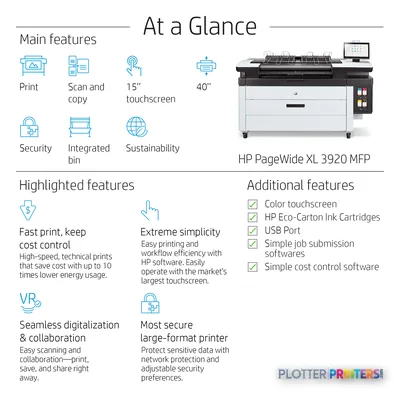
- Wide-format reach Prints up to 42" wide on rolls and sheets.
- Fine detail 1200 x 1200 DPI maximum resolution for crisp line work.
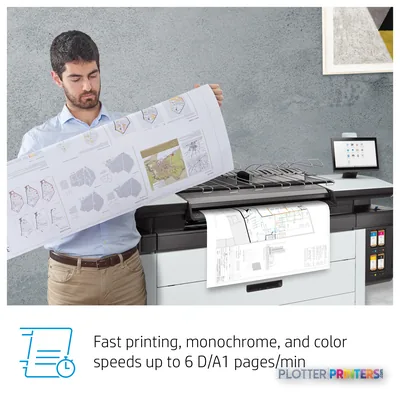
- Productivity Rated at 6 D/A1 pages per minute.
- Scan & copy Integrated scanner for digitizing and sharing sets.
- Connectivity Ethernet for shared team printing.
- Verified specs 10 specs checked against the manufacturer datasheet.
Overview
Built for the work
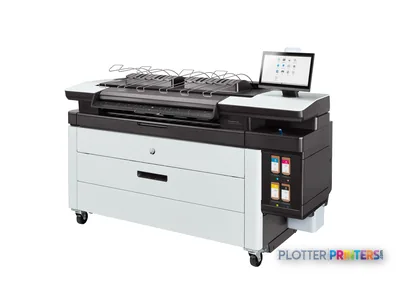
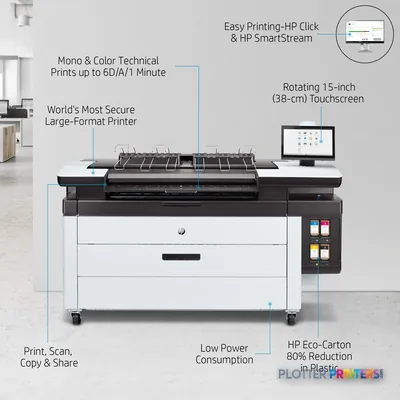
HP PageWide XL 3920 40-in Multifunction Printer with Top Stacker, Inkjet, 1200 x 1200 DPI, HP-GL/2, TIFF, JPEG, Black, Cyan, Magenta, Yellow, 1200 x 1200 DPI, Colour scanning
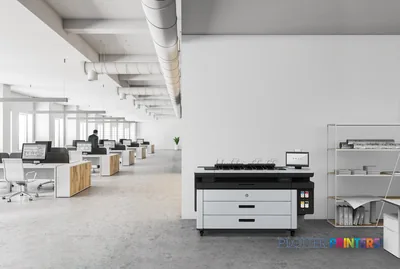
- 4″Max print width
- 4Ink channels
- 1,200 dpiMax resolution
Spec Analysis
overall
overall
Where it performs best
Workflow
100
Print Cost
76
Media Handling
64
Class best is 77. How we grade →
Features
What sets it apart
Swipe to explore →
Expert analysis
What you should know

Key takeaways
- The machine combines color technical printing with color CIS scanning, but copying is specified as unavailable.
- Its listed 0.1% accuracy and 1200 x 1200 DPI resolution are relevant to detailed CAD and engineering drawings.
- HP-GL/2, TIFF, and JPEG support suit common technical-document and image-based workflows.
- Bond, recycled, and matte paper are listed supported media types.
- The available data does not confirm throughput, roll capacity, finishing behavior, or unattended set-production capability.
At 4:45 p.m., the question is not whether a plotter can make a pretty color sheet. It is whether the permit revision, utility map, or coordination PDF comes out readable on bond paper before somebody heads to the trailer. This machine is a color wide-format inkjet platform for AEC teams that need technical documents, color-marked plans, and scanned material moving through one networked device.
Its case is straightforward: HP-GL/2 support for CAD-oriented files, TIFF and JPEG support for common image work, color CIS scanning, Ethernet and USB connectivity, and 0.1% stated accuracy. The trade-off is equally straightforward. It is not specified as a copying device, and the available data does not establish productive throughput, roll configuration, finishing behavior, or unattended set-building. Those are not little details when the bid room gets noisy.
1200 x 1200 DPIMaximum resolutionApplies to both maximum and color print resolution.
0.1%Stated accuracyRelevant when scaled technical drawings must remain dependable.
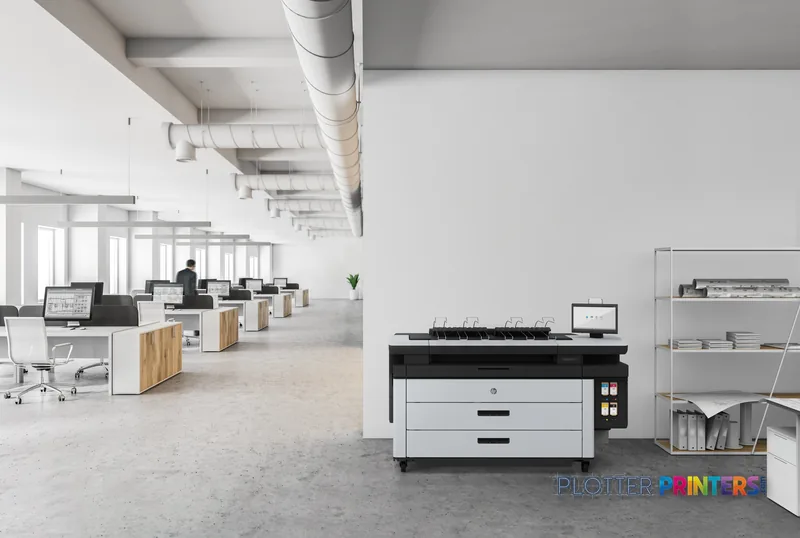
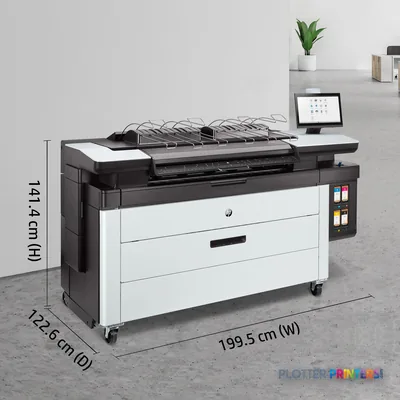
77" (1955 mm)FootprintWidth is the number facilities should check before delivery day.
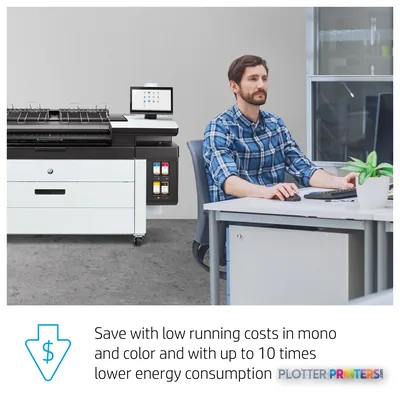
270 WTypical power consumptionSleep consumption is listed separately at 16 W.
Where it earns its floor space
This is most credible in an AEC environment where color carries information rather than decoration. Think discipline overlays, utility markups, phasing plans, GIS-style mapping, and PDFs with redlines that need to stay distinct on ordinary technical media. It supports bond, recycled, and matte paper, with black, cyan, magenta, and yellow printing colors. That is a sensible fit for day-to-day plan output where linework and color coding need to coexist.
The 1200 x 1200 DPI specification and 0.1% accuracy figure are useful starting points for CAD and engineering output. Still, a specification is not a deadline. Send representative sheets with your smallest notes, screened fills, embedded raster imagery, and the PDF oddities everyone swears are “just a normal file.” Bottom line: test the drawings that cause arguments, not the clean sample file.
Scanning, submission, and the IT side of the room
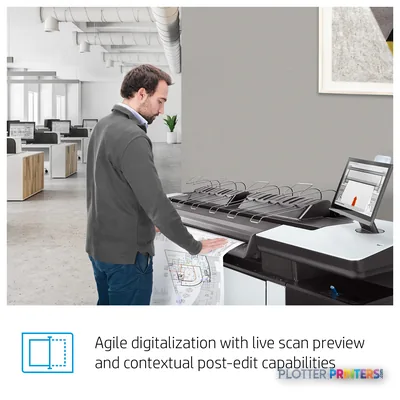
Color scanning is included and uses CIS technology, with 1200 x 1200 DPI optical scanning resolution. That can matter for bringing marked drawings or reference material back into a digital workflow. But the specification says copying is not supported. Firms expecting walk-up scan-copy-print behavior should confirm exactly how their staff will handle that step before the old machine leaves the building.
Ethernet LAN and USB are both present. HP Dynamic security is also listed, which should be part of the conversation between print-room staff, IT, and procurement. Ask how approved consumables, user access, network policy, and job submission will work in your own environment. A device can be technically connected and still become the one nobody wants to submit to on deadline. Bottom line: connectivity is a feature; a repeatable submission path is the actual workflow.
Consumables and production planning
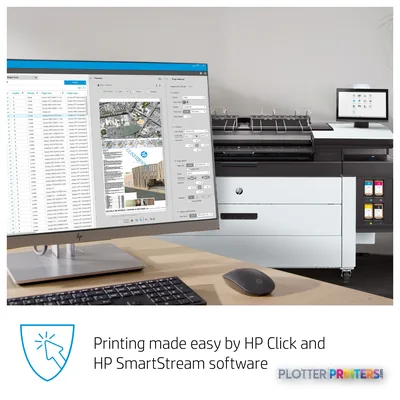
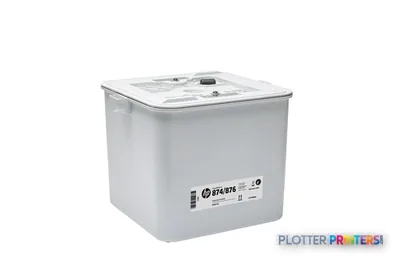
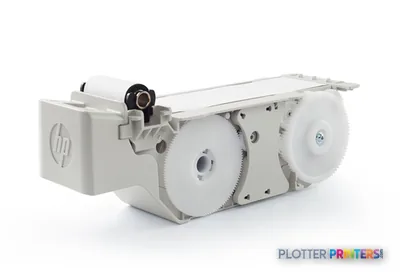
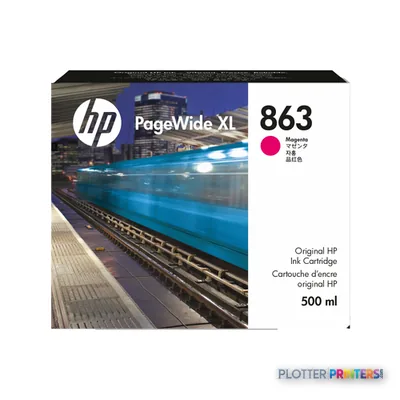
The resolved supply families are HP 841 inks, an HP 841 printhead, and HP 874 maintenance supplies. Available workflow and handling options include the HP PageWide XL Drawer, HP PageWide XL High-capacity Stacker, HP SmartStream Preflight Manager, HP SmartStream USB Preflight Manager, and HP SmartStream Workflow Management Module. Those options deserve to be evaluated as workflow tools, not checked off like refrigerator features.
A stacker or drawer matters when operators are managing multiple jobs. Preflight and workflow tools matter when PDFs arrive from several consultants with different habits and varying degrees of optimism. Confirm which accessories are installed, included, and supported locally. Also verify service response, consumable availability, and who owns routine operator tasks. Bottom line: the machine is only as productive as the paper path, software path, and service path around it.
How to position it within the available catalog
Do not choose from a family name alone. The catalog also lists HP F40 and HP F60 as current alternatives, while HP F70 is marked discontinued. The supplied information does not establish a clean step-up or step-down relationship among them, so treat them as comparison candidates rather than presumed replacements.
For a different format and feature conversation, the catalog includes the Epson SC-T5400M 38-in and the Canon iPF825 42-in. Compare the actual media path, scanning needs, output handling, file mix, and local support terms—not just resolution figures. Bottom line: a close-looking machine can be the wrong machine once mixed plan sets start arriving.
Compare the decision, not just the datasheets
The read
This machine makes sense for AEC groups that need color technical output, networked submission, and color scanning in a floor-standing format, with accuracy and resolution specifications suited to careful drawing work. It is less convincing for a buyer who needs confirmed copying, verified high-volume set production, or a fully defined finishing workflow from the supplied data. Get a live demonstration with your own plans, confirm the installed accessories, and make the dealer explain the failure mode before it happens. That is less glamorous than a brochure. It is also how you get home on time.
Spec analysis
How the specs grade
Overall performance
within PageWide production printers · 7 compared
Class best 77
70% spec coverage
- This printer
- class best
Verified specifications
The specs that decide it
| Maximum roll width | 40 inmanufacturer-verified |
|---|---|
| Maximum print length | 49.21 ftmanufacturer-verified |
| Print speed | 6 D/A1 pages per minutemanufacturer-verified |
| Maximum resolution | 1200 x 1200 dpi |
| Internal storage | 500 GBmanufacturer-verified |
| Internal memory | 8 GB |
| Ink cartridge capacity | 500 ml (black, cyan, magenta, yellow)manufacturer-verified |
| Page description languages | PostScript, PDF, TIFF, JPEG; HP-GL/2, PCL 3 Win |
| Max roll diameter / core | 7 in diameter, 3 in core, up to 40 lbmanufacturer-verified |
| Power consumption (typical) | 0.7 kW |
manufacturer-verified = checked against the manufacturer’s official datasheet, not aggregator data. Everything else is standards-body / catalog data we consider reliable.
Specifications
Full technical detail
Print technologyInkjet
Max resolution1200 x 1200 DPI
Max print width42"
ConnectivityEthernet (Gigabit LAN), USB
Use caseGIS / Mapping
Printing
| Colour | Yes |
|---|---|
| Print head | 8 |
| Print technology | Inkjet |
| Printing colours | Black, Cyan, Magenta, Yellow |
| Maximum resolution | 1200 x 1200 DPI |
| Print resolution colour | 1200 x 1200 DPI |
| Number of print cartridges | 4 |
| Page description languages | HP-GL/2, TIFF, JPEG |
Performance
| Certification | Compliant with Class A requirements, including: USA (FCC rules), Canada (ICES), EU (EMC Directive), Australia and New Zealand (RCM), Japan (VCCI), Korea (KC) |
|---|---|
| Product colour | Grey, White |
| Internal memory | 8192 MB |
| Built-in display | No |
| Country of origin | Malaysia |
Paper handling
| Paper tray media types | Bond paper, Recycled paper, Matte paper |
|---|
Ports & interfaces
| USB port | Yes |
|---|---|
| Ethernet LAN | Yes |
Weight & dimensions
| Depth | 785 mm |
|---|---|
| Width | 1955 mm |
| Height | 1414 mm |
| Weight | 452 kg |
Power
| AC input voltage | 100 – 240 V |
|---|---|
| AC input frequency | 50/60 Hz |
| Power consumption (sleep) | 16 W |
| Power consumption (typical) | 270 W |
Operational conditions
| Operating temperature (T-T) | 5 – 40 °C |
|---|---|
| Operating relative humidity (H-H) | 20 – 80% |
Other features
| UNSPSC-code | 43212104 |
|---|---|
| Electromagnetic compatibility | Compliant with Class A requirements, including: USA (FCC rules), Canada (ICES), EU (EMC Directive), Australia and New Zealand (RCM), Japan (VCCI), Korea (KC) |
Copying
| Copying | No |
|---|
Scanning
| Accuracy | 0.1% |
|---|---|
| Scanning | Colour scanning |
| Scan technology | CIS |
| Optical scanning resolution | 1200 x 1200 DPI |
Packaging data
| Package depth | 1040 mm |
|---|---|
| Package width | 2257 mm |
| Package height | 1578 mm |
| Package weight | 621 kg |
Sustainability
| Sustainability compliance | Yes |
|---|---|
| Sustainability certificates | ENERGY STAR |
Carbon footprint
| Total carbon footprint (kg of CO2e) | 2770 |
|---|---|
| Carbon emissions, logistics (kg of CO2e) | 164 |
| Carbon emissions, end-of-life (kg of CO2e) | 3 |
| Carbon emissions, manufacturing (kg of CO2e) | 2021 |
| Total carbon emissions, w/o use phase (kg of CO2e) | 580 |
Brand-specific features
| HP GTIN (EAN/UPC) | 195122610159 |
|---|---|
| HP Dynamic security | Yes |
Everything that fits the HP PageWide XL 3920 MFP
The full supplies hub lists every cartridge, printhead, roll and accessory verified against the manufacturer's own documentation for this machine.
6 ink cartridges · 1 printhead · 15 paper & media items · 3 accessories
HP PageWide XL 3920 MFP ink and paper →Supplies
Compatible ink, printheads & media
Genuine consumables that fit the HP PageWide XL 3920 40-in Multifunction Printer with Top Stacker — only the cartridges, printheads and media compatible with this model.
Ink Cartridges 6
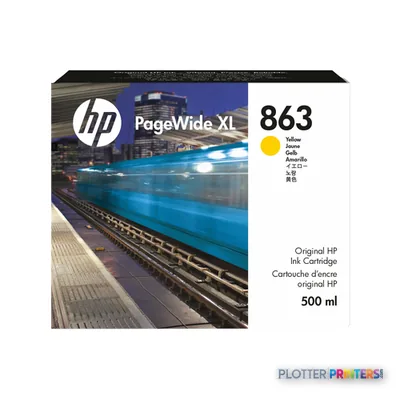
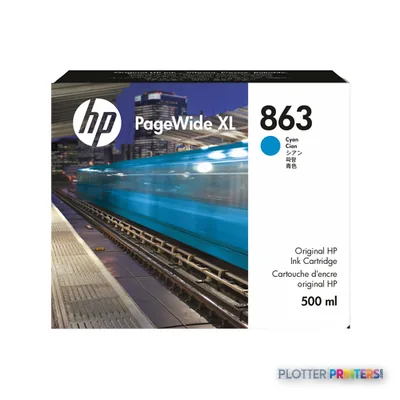
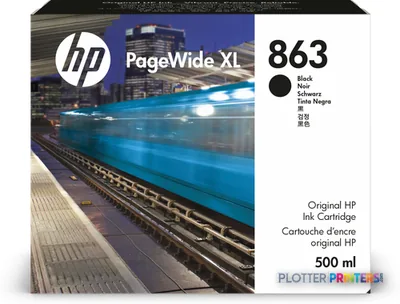
Printheads 1
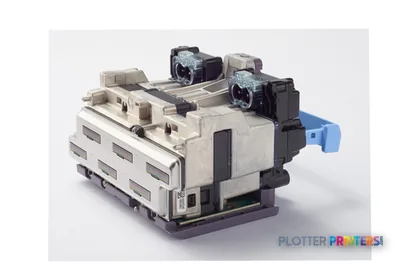
Paper & Media 15
 Representative imageMagic 98gsm/26# Coated Matte Paper (DMPG98)Representative image28LB Inkjet Coated Matte Paper (748)Representative image46LB Inkjet Coated Matte Paper (747)Representative image6.5mil Matte Coated Paper w/ PSA (746PSA)Representative image24LB Inkjet Coated Matte Paper (745)Representative image20LB High Brite Inkjet Bond Paper (740)Representative image24LB Inkjet Bond Paper (731)Representative image20LB Inkjet Bond Paper (730)Representative image24LB Inkjet Coated Matte Paper Economy (714)Representative image20LB Engineering Vellum (471)Representative imageWSL 28LB Simple Inkjet Coated Matte Paper (C2S) (448)Representative imageWSL 24LB Simple Inkjet Coated Matte Paper (C2S) (446)
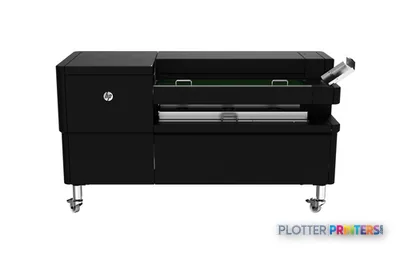
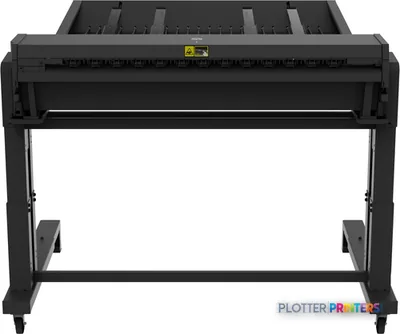
 HP PageWide XL Folder Upgrade Kit for Long Plots paper cutter
 HP F40 Folder paper cutter
 HP F60 Folder with Tab Applicator paper cutter
Questions
Straight answers
Is this a good fit for CAD drawings and color coordination plans?
It supports HP-GL/2 and prints in black, cyan, magenta, and yellow. Its listed 0.1% accuracy and 1200 x 1200 DPI resolution make it worth evaluating for detailed technical output, using your own files as the final test.
Can it scan marked-up plans?
Yes. Color scanning is listed, using CIS technology with 1200 x 1200 DPI optical scanning resolution.
Can staff use it as a scan-copy-print MFP?
Do not assume that. The supplied specifications list color scanning but state that copying is not supported.
What connectivity is available?
Ethernet LAN and a USB port are listed. HP Dynamic security is also listed, so IT should confirm compatibility with the organization’s device and consumable policies.
Which consumables should we plan around?
The resolved families are HP 841 inks, an HP 841 printhead, and HP 874 maintenance supplies. Confirm local stocking and service arrangements before making this part of a deadline-critical fleet.
How should we compare it with other catalog options?
Compare it against HP F40 and HP F60 using the actual workload: scanning, media handling, output stacking, file mix, and support coverage. The catalog marks HP F70 discontinued, so it should be considered only in the context of an installed base rather than as a current alternative.
Resources
Brochures, datasheets & video
Documents
Video
Ready to put the HP PageWide XL 3920 MFP to work?
Configuration, media and a quote tailored to your workflow — from AEC plotter specialists.