
Home / Wide-Format Printers / Epson SureColor
Epson · Wide-Format Plotter
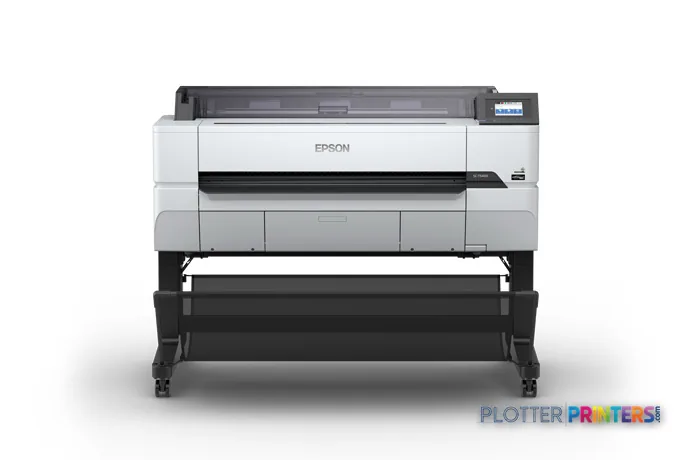
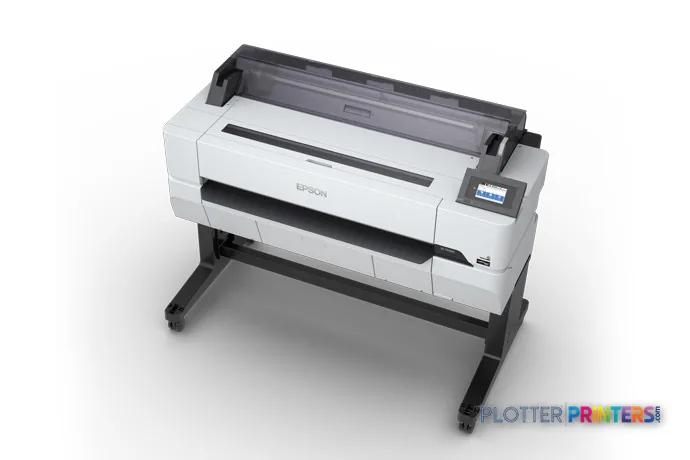
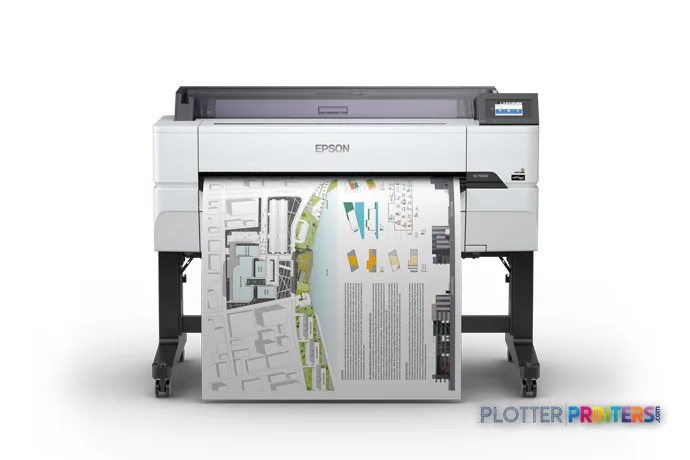
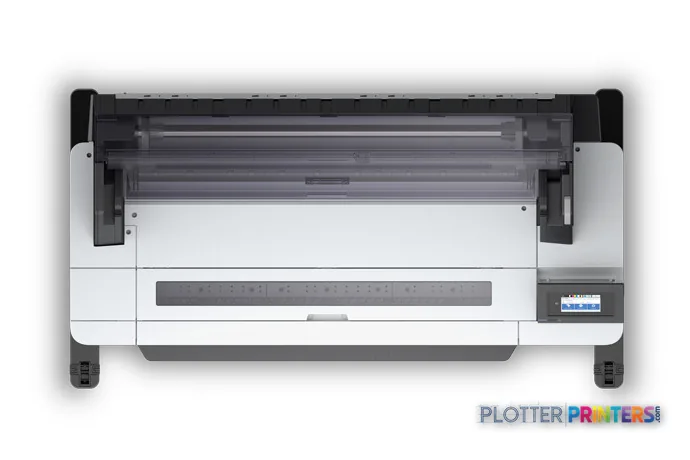
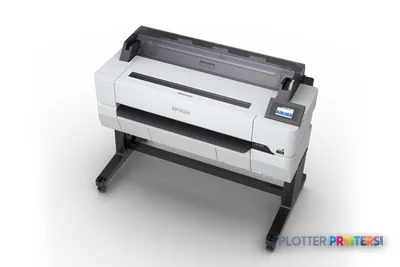
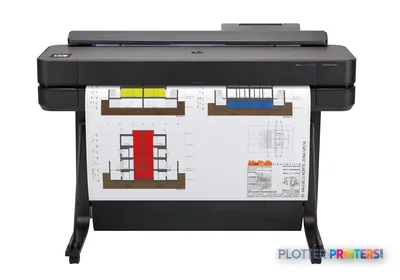
Epson SureColor T5470
36" technical / CAD plotter
- ModelT5470
- Prints36" wide
- Score55/100
Authorized Epson dealerGenuine hardware & ink
Manufacturer warrantyExtension plans available
Free shippingContinental U.S.
Plotter specialistsAEC experts, not just sellers
Analyst take
- The Epson T5470 is a color wide-format inkjet printer with roll-paper and cut-sheet support.
- It supports HP-GL/2, HP-RTL, and ESC/P-R for technical-document workflows.
- It has no scanning or copying capability, so paper-redline capture requires another device.
Not sure if the T5470 is right for you?
Compare key specs and an AI analyst read-out against similar models.
- Wide-format reach Prints up to 36" wide on rolls and sheets.
- Fine detail 2400 x 1200 DPI maximum resolution for crisp line work.
- Ink platform Black, Cyan, Magenta, Yellow.
- Connectivity Wi-Fi + Ethernet for shared team printing.
- Verified specs 6 specs checked against the manufacturer datasheet.
- Analyst score Scores 55/100 in our class-relative rating.
Overview
Built for the work
Epson SureColor T5470, Inkjet, 2400 x 1200 DPI, ESC/P-R, HP-GL/2, HP-RTL, Black, Cyan, Magenta, Yellow, PrecisionCore, A0 (841 x 1189 mm)
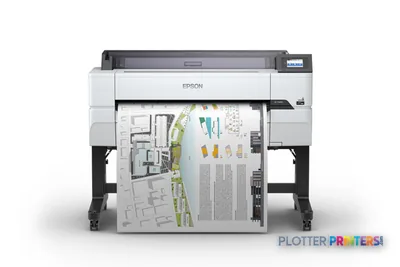
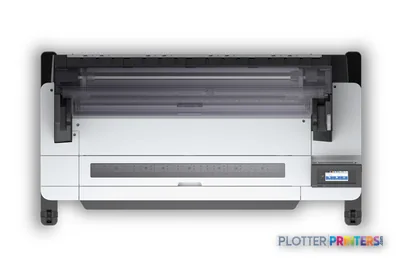
- 36″Max print width
- 4Ink channels
- 2,400 dpiMax resolution
Spec Analysis
overall
overall
Where it performs best
Connections
100
Print Quality
69
Media Handling
64
Class best is 63. How we grade →
Expert analysis
What you should know

Key takeaways
- The Epson T5470 is a color wide-format inkjet printer with roll-paper and cut-sheet support.
- It supports HP-GL/2, HP-RTL, and ESC/P-R for technical-document workflows.
- It has no scanning or copying capability, so paper-redline capture requires another device.
- Gigabit Ethernet and Wi-Fi provide options for office-network deployment.
- The stated maximum print size is A0 (33" x 47" (841 x 1189 mm)), so confirm it matches the sheet formats your team issues.
It is 4:45 p.m., a revised sheet needs to get to the job trailer, and nobody wants to turn a simple plot into a small IT project. The Epson T5470 is a color wide-format inkjet printer for teams that need CAD sheets, PDF markups, GIS maps, and coordination drawings from roll paper or cut sheets.
Its job is straightforward: put technical documents on paper with a 4.3-inch touch display, direct printing, and network choices that include Wi-Fi and Gigabit Ethernet. It does not scan or copy. That keeps the role clear. This is a print device, not the center of a walk-up reprographics department.
A0 (33" x 47" (841 x 1189 mm))Maximum print sizeA practical format for large technical sheets and presentation output.
2400 x 1200 DPIMaximum resolutionResolution is one part of line and text quality; the source PDF still has to be built properly.
Gigabit EthernetNetwork connectionUseful where the printer belongs on a managed office network.
38 WTypical power consumptionThe unit is also ENERGY STAR certified.
Where it earns its floor space
The T5470 fits an architecture studio, engineering office, survey team, or construction field office that prints drawings locally but does not need an integrated scan-and-copy workflow. HP-GL/2 and HP-RTL support matter in older CAD environments, while ESC/P-R provides Epson’s page-description path. Ethernet, Wi-Fi, and a USB Type-A connector give users several ways to get a file to the machine.
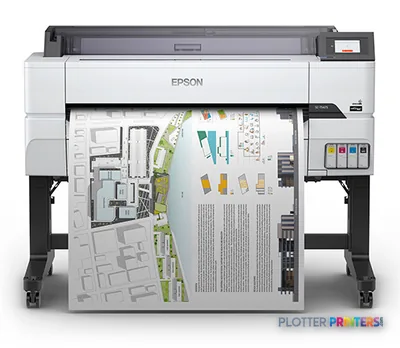
For the person standing at the output tray, the useful part is not the acronym soup. It is being able to send a plan set from a Windows or supported Mac workstation, load roll paper for routine sheets, and use cut sheets when the job calls for them. The printer uses four cartridges and Epson UltraChrome Pro inks in black, cyan, magenta, and yellow.
Bottom line: This is a sensible local plotter when printing is the requirement and scanning is somebody else’s problem.
The limits are as important as the fit
Do not buy the T5470 expecting walk-up copying, drawing capture, or archive scanning. It has no scanning or copying function. A team routinely converting marked-up paper plans back into PDFs should look instead at a scanner-equipped option such as the Epson SC-T5200 38-in. That is a workflow decision, not a feature checklist exercise.
Likewise, a printer with one stated maximum size should be assessed against the actual sheet formats your team issues. Check your title-block standards, bid-package mix, and media plan before committing. Roll paper support helps with repeat plotting, but the supplied data does not establish dual-roll handling, stacking, collation, or finishing. Those are precisely the details that turn a quiet afternoon into a long evening.
For adjacent models in the same Epson range, review the Epson T5465 36-in and Epson T5475 36-in against the workflow and handling requirements your office actually has. A model number is not a production plan. Bottom line: If scanning, copying, unattended media changes, or finishing are essential, verify those needs before treating this as a print-room replacement.
What IT and print-room staff should check
The T5470 has one RJ-45 port and supports 10, 100, and 1000 Mbit/s Ethernet rates. It also supports Wi-Fi. For a managed AEC environment, confirm the preferred connection method, driver deployment process, user access approach, and job-accounting expectations before installation. The listed operating range is 10 to 35 °C and 20 to 80% relative humidity, which is worth checking in trailers, print closets, and unconditioned project spaces.
It has a 4.3-inch touchscreen, measures 54.5 inches wide by 27.4 inches deep by 41.7 inches high, and weighs 167.6 lbs. It is not a tiny desktop appliance wearing a large hat. Plan the location, access path, network drop, and paper-storage routine before delivery.
For an alternative view of the category, use the T5470 and Canon GP-300 36-in comparison or review the wide-format class ranking. Bottom line: Local service coverage and a clean installation plan will matter more than a clever spec-sheet comparison.
Related comparisons
The read
The Epson T5470 is for AEC teams that need a dedicated color technical printer with roll and cut-sheet support, direct printing, and standard office-network connectivity. It is less appropriate for departments that need to scan redlines, copy plans, or run a more automated reprographics workflow. Match it to the work at the tray, not the wish list in the conference room. Bottom line: Buy it as a focused local plotter, not as a substitute for a multifunction reprographics system.
Spec analysis
How the specs grade
Overall performance
- This printer
- Epson SureColor T5475
Category leaders best technical / CAD plotters, by dimension
Verified specifications
The specs that decide it
| Maximum print width | 36 inmanufacturer-verified |
|---|---|
| Maximum print size | A0 (841 x 1189 mm) |
| Maximum resolution | 2400 x 1200 DPI |
| Roll width range | 10 in to 36 inmanufacturer-verified |
| Media thickness | 0.003 to 0.011 inmanufacturer-verified |
| Maximum print length | 708.7 inmanufacturer-verified |
| Print head / colors | PrecisionCore, 4 cartridges (K/C/M/Y)manufacturer-verified |
| Page description languages | ESC/P-R, HP-GL/2, HP-RTL |
| Connectivity | Gigabit Ethernet, 2.4 GHz Wi-Fi + Wi-Fi Direct, USB 2.0/3.0 |
| Touchscreen display | 4.3" LCD touchscreen |
manufacturer-verified = checked against the manufacturer’s official datasheet, not aggregator data. Everything else is standards-body / catalog data we consider reliable.
Specifications
Full technical detail
Print technologyInkjet
Max resolution2400 x 1200 DPI
ColorColor
ConnectivityEthernet (Gigabit LAN), USB, Wi-Fi
Use caseCAD / Technical
Printing
| Color | Yes |
|---|---|
| Print head | PrecisionCore |
| Printing colors | Black, Cyan, Magenta, Yellow |
| Print technology | Inkjet |
| Maximum resolution | 2400 x 1200 DPI |
| Number of print cartridges | 4 |
| Page description languages | ESC/P-R, HP-GL/2, HP-RTL |
Performance
| Display | LCD |
|---|---|
| Control type | Touch |
| Certification | RoHS, UL (MET), FCC (Class A), CSA, CE, EMC |
| Product color | Gray |
| Built-in display | Yes |
| Display diagonal | 4.3" |
| Country of origin | Indonesia |
| Sound power level (standby) | 32 dB |
| Sound pressure level (printing) | 50 dB |
Paper handling
| Cut sheets | Yes |
|---|---|
| Roll paper | Yes |
| Maximum print size | A0 (841 x 1189 mm) |
| ISO A-series sizes (A0…A9) | A0, A1 |
Ports & interfaces
| Wi-Fi | Yes |
|---|---|
| USB port | No |
| Ethernet LAN | Yes |
| USB connector | USB Type-A |
| Direct printing | Yes |
| RJ-45 ports quantity | 1 |
| Ethernet LAN data rates | 10,100,1000 Mbit/s |
| Ethernet interface type | Gigabit Ethernet |
| USB 3.2 Gen 1 (3.1 Gen 1) ports quantity | 1 |
Weight & dimensions
| Depth | 27.4" (696 mm) |
|---|---|
| Width | 54.5" (1385 mm) |
| Height | 41.7" (1060 mm) |
| Weight | 167.6 lbs (76 kg) |
Power
| Power consumption (off) | 0.25 W |
|---|---|
| Power consumption (standby) | 13 W |
| Power consumption (typical) | 38 W |
Operational conditions
| Storage temperature (T-T) | -20 – 40 °C |
|---|---|
| Operating temperature (T-T) | 10 – 35 °C |
| Storage relative humidity (H-H) | 5 – 85% |
| Operating relative humidity (H-H) | 20 – 80% |
Other features
| Touchscreen | Yes |
|---|
Copying
| Copying | No |
|---|
Scanning
| Scanning | No |
|---|
Packaging data
| Manual | Yes |
|---|---|
| Drivers included | Yes |
Sustainability
| Sustainability certificates | ENERGY STAR |
|---|
System requirements
| Mac operating systems supported | Mac OS X 10.10 Yosemite, Mac OS X 10.11 El Capitan, Mac OS X 10.12 Sierra, Mac OS X 10.13 High Sierra, Mac OS X 10.14 Mojave, Mac OS X 10.7 Lion, Mac OS X 10.8 Mountain Lion, Mac OS X 10.9 Mavericks |
|---|---|
| Windows operating systems supported | Windows 10, Windows 10 Education, Windows 10 Education x64, Windows 10 Enterprise, Windows 10 Enterprise x64, Windows 10 Home, Windows 10 Home x64, Windows 10 IOT Core, Windows 10 Pro, Windows 10 Pro x64, Windows 10 x64, Windows 7, Windows 7 Enterprise, Windows 7 Enterprise x64, Windows 7 Home Basic, Windows 7 Home Basic x64, Windows 7 Home Premium, Windows 7 Home Premium x64, Windows 7 Professional, Windows 7 Professional x64, Windows 7 Starter, Windows 7 Starter x64, Windows 7 Ultimate, Windows 7 Ultimate x64, Windows 7 x64, Windows 8, Windows 8 Enterprise, Windows 8 Enterprise x64, Windows 8 Pro, Windows 8 Pro x64, Windows 8 x64, Windows 8.1, Windows 8.1 Enterprise, Windows 8.1 Enterprise x64, Windows 8.1 Pro, Windows 8.1 Pro x64, Windows 8.1 x64, Windows Vista, Windows Vista Business, Windows Vista Business x64, Windows Vista Enterprise, Windows Vista Enterprise x64, Windows Vista Home Basic, Windows Vista Home Basic x64, Windows Vista Home Premium, Windows Vista Home Premium x64, Windows Vista Ultimate, Windows Vista Ultimate x64, Windows Vista x64, Windows XP, Windows XP Home, Windows XP Home x64, Windows XP Professional, Windows XP Professional x64 |
Everything that fits the Epson SureColor T5470
The full supplies hub lists every cartridge, printhead, roll and accessory verified against the manufacturer's own documentation for this machine.
12 ink cartridges · 12 paper & media items · 2 accessories · 6 coverage plans
Epson SureColor T5470 ink and paper →Supplies
Compatible ink, printheads & media
Genuine consumables that fit the Epson SureColor T5470 36-in — only the cartridges, printheads and media compatible with this model.
Ink Cartridges 12
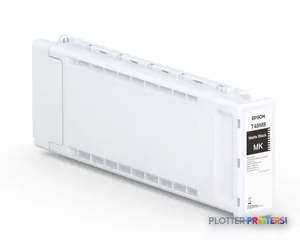 Epson Singlepack UltraChrome Pro 6 Matte Black T48M8 (700ml)
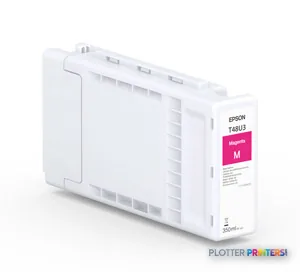 Epson Singlepack UltraChrome Pro 6 Magenta T48U3 (350ml)
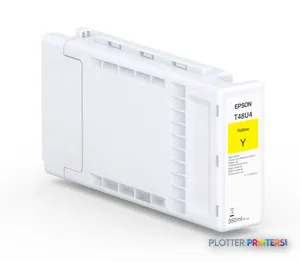 Epson Singlepack UltraChrome Pro 6 Yellow T48U4 (350ml)
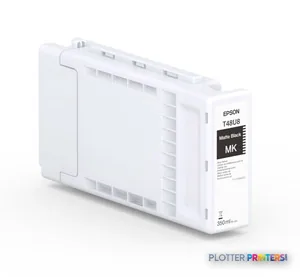 Epson Singlepack UltraChrome Pro 6 Matte Black T48U8 (350ml)
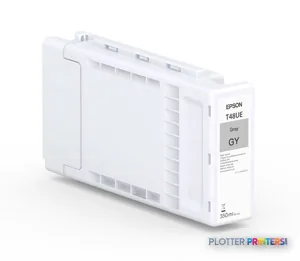 Epson Singlepack UltraChrome Pro 6 Gray T48UE (350ml)
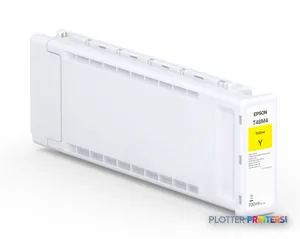 Epson Singlepack UltraChrome Pro 6 Yellow T48M4 (700ml)
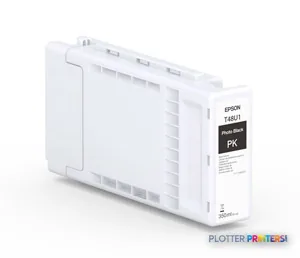 Epson Singlepack UltraChrome Pro 6 Photo Black T48U1 (350ml)
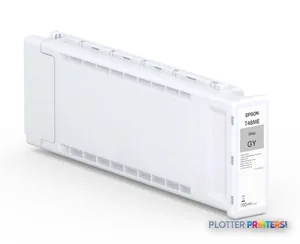 Epson Singlepack UltraChrome Pro 6 Gray T48ME (700ml)
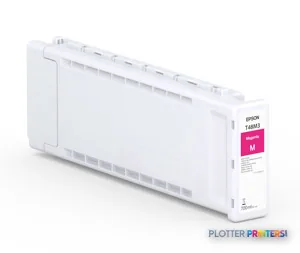 Epson Singlepack UltraChrome Pro 6 Magenta T48M3 (700ml)
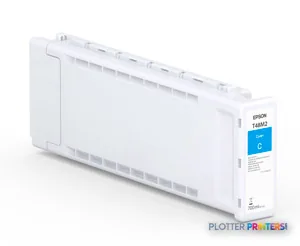 Epson Singlepack UltraChrome Pro 6 Cyan T48M2 (700ml)
 Epson Singlepack UltraChrome Pro 6 Cyan T48U2 (350ml)
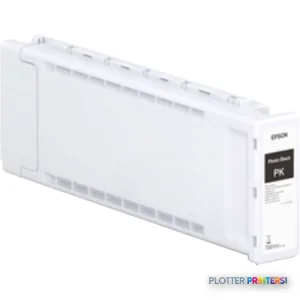 Epson Singlepack UltraChrome Pro 6 Photo Black T48M1 (700ml)
Paper & Media 12
 Representative image18LB Inkjet Bond Paper (Translucent) (750)Representative image28LB Inkjet Coated Matte Paper (748)Representative image46LB Inkjet Coated Matte Paper (747)Representative image6.5mil Matte Coated Paper w/ PSA (746PSA)Representative image24LB Inkjet Coated Matte Paper (745)Representative image20LB High Brite Inkjet Bond Paper (740)Representative image24LB Inkjet Bond Paper (731)Representative image20LB Inkjet Bond Paper (730)Representative image24LB Inkjet Coated Matte Paper Economy (714)Representative image20LB Engineering Vellum (471)Representative imageWSL 28LB Simple Inkjet Coated Matte Paper (C2S) (448)Representative imageWSL 24LB Simple Inkjet Coated Matte Paper (C2S) (446)
Accessories 2
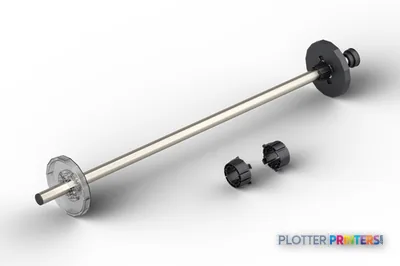
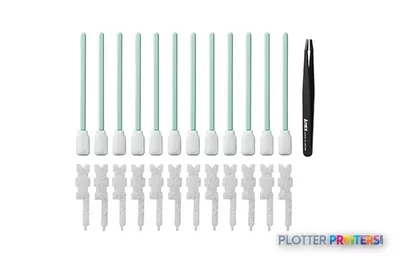
Coverage & Support Plans 6
 Epson 1-Year Next-Business-Day On-Site Purchase With Hardware Extended Service P (PST5400S1)Epson 1-Year Next-Business-Day On-Site Purchase With Hardware Extended Service P (PST5400MS1)
 Epson 2-Year Next-Business-Day On-Site Purchase With Hardware Extended Service P (PST5400S2)Epson 2-Year Next-Business-Day On-Site Purchase With Hardware Extended Service P (PST5400MS2)
 Epson 4-Year Next-Business-Day On-Site Purchase With Hardware Extended Service P (PST5400S4)Epson 4-Year Next-Business-Day On-Site Purchase With Hardware Extended Service P (PST5400MS4)
Questions
Straight answers
Does the Epson T5470 scan or copy construction drawings?
No. The supplied product data lists both scanning and copying as unavailable. Teams that need to capture paper redlines or make walk-up copies need a separate scanner or multifunction device.
Can the Epson T5470 print CAD files?
It supports HP-GL/2 and HP-RTL, along with ESC/P-R. Those page-description languages are relevant to technical CAD and plot-file workflows; confirm driver and application behavior in your own environment.
What paper types can the Epson T5470 accept?
It supports both roll paper and cut sheets. The supplied data does not define roll count, automatic roll switching, or finishing capability, so those points should be verified for production use.
How can the Epson T5470 connect to a network?
It supports Wi-Fi and Ethernet LAN, including Gigabit Ethernet. It has one RJ-45 port and a USB Type-A connector for direct printing.
What inks does the Epson T5470 use?
The compatible ink family is Epson UltraChrome Pro. The printer uses four cartridges: black, cyan, magenta, and yellow.
Is the Epson T5470 suitable for a large centralized reprographics room?
It may fit a focused print role, but the supplied data does not establish scanning, copying, dual-roll operation, stacking, collation, or finishing. Central reprographics teams should validate those workflow requirements before selecting it.
Ready to put the Epson SureColor T5470 to work?
Configuration, media and a quote tailored to your workflow — from AEC plotter specialists.