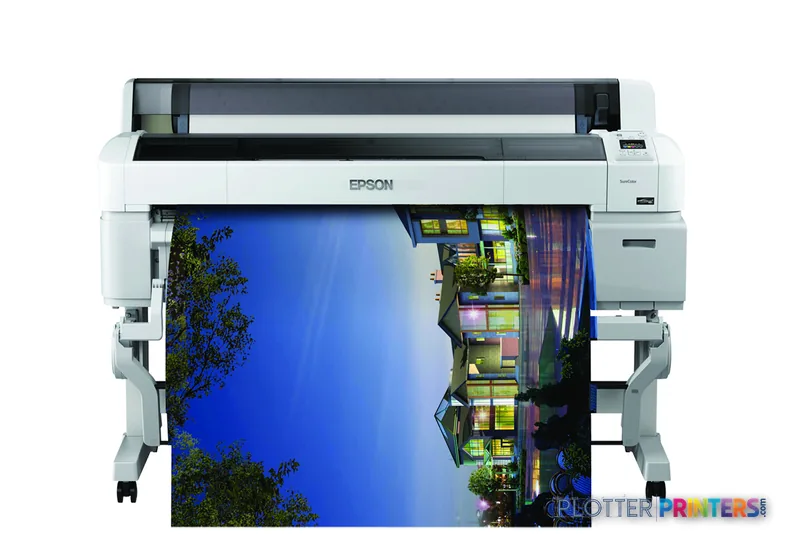
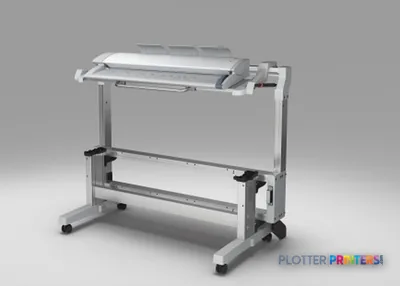
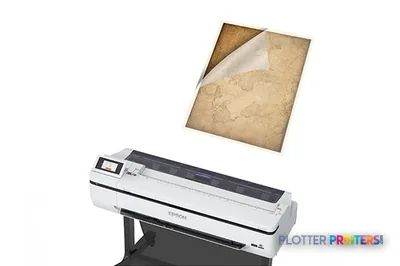
The Epson SC-T7200D MFP is a 44-inch-class AEC inkjet system for the part of the day when a PDF set, a marked-up legacy drawing, and a color coordination plan all arrive before lunch. It prints up to A0, handles roll paper and cut sheets, and supports color scanning and copying—useful where the print room still has to bridge paper archives and current digital files.
Its practical appeal is breadth rather than specialization: CAD sheets, construction redlines, GIS maps, permit exhibits, and presentation-oriented output can share one device. With HP-GL/2 and PostScript 3 listed among its page-description languages, it belongs in mixed CAD and PDF environments, not just a graphics corner.
Where it fits in an AEC workflow
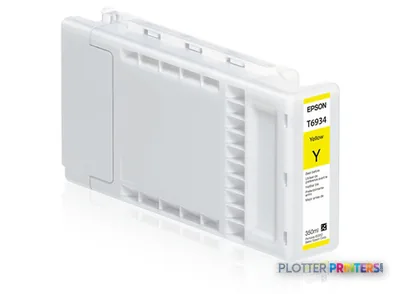
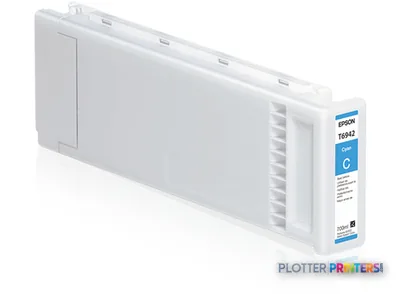
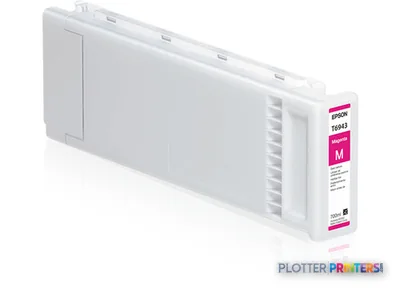
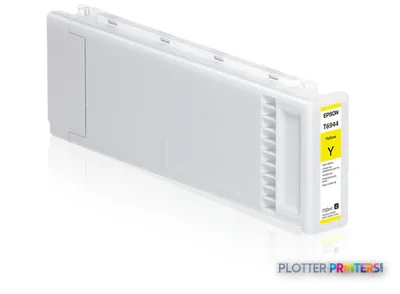
This machine is particularly well suited to architecture, engineering, survey, and construction teams that need one location for color plan output and scan-to-file work. The five-color ink set includes cyan, magenta, yellow, matte black, and photo black; that gives ordinary bond-paper drawings and color-coded coordination documents a more useful role than monochrome-only output.
- Architectural and engineering teams producing plan sheets, elevations, sections, and permit sets.
- Survey and civil groups printing color GIS maps, site plans, and field-markup copies.
- Construction offices converting annotated paper drawings into shared digital files.
- Small central print rooms supporting roll jobs alongside occasional cut-sheet output.
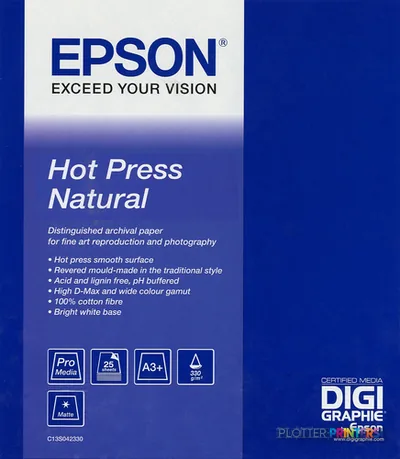
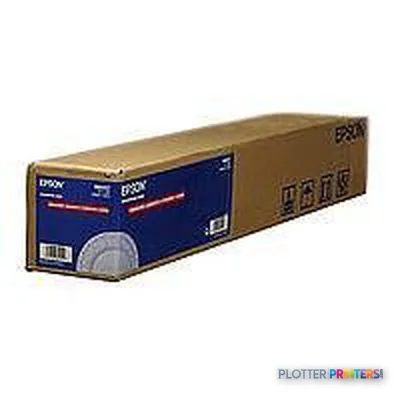
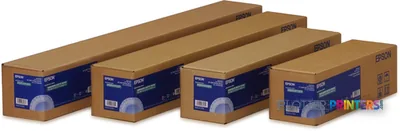
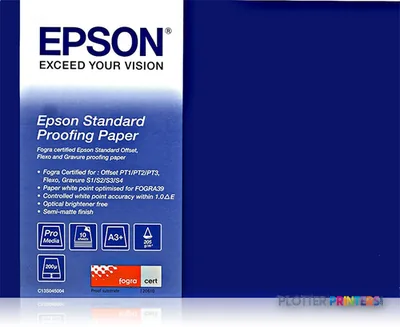
The 44-inch borderless-printing width and support for both rolls and sheets provide useful media flexibility. Epson UltraChrome XD inks and Epson Bond Paper Bright 90, Epson Bond Paper Satin 90, and Epson Bond Paper White 80 media are listed compatible supplies for routine document work.
The workflow details that decide the outcome
A plotter that saves thirty seconds on paper buys little if the file spends four minutes finding the device. The SC-T7200D MFP has Ethernet LAN, one USB Type-A connection, an LCD display, and 1024 MB of internal memory. Those are useful building blocks, but the productive workflow still depends on driver deployment, PDF settings, print queues, naming conventions, and who owns failed-job triage.
For IT, the relevant documented connection is wired Gigabit Ethernet; Wi-Fi is not listed. That can suit organizations that prefer fixed network infrastructure, but it also means placement should be coordinated with cabling and network access before delivery. The device supports Windows, Linux, and the listed Mac OS X 10.5 Leopard environment. Confirm support for the actual client operating systems and print-management setup in use before standardizing it. The scanner is free. The person standing at it is not.
Capacity, space, and the family choice
At 68.6 inches wide, 42.3 inches deep, 64.8 inches high, and 412.3 lbs, this is a print-room asset rather than a casual desk-side peripheral. Its typical power consumption is listed as 65 W and printing sound pressure as 50 dB, but floor space around the printer matters as much as the published footprint: rolls, output handling, scan staging, and service access all require room.
Within the listed family, the [[product:37634354|Epson T7200]] is the simpler comparison point when scanning and copying are not part of the requirement. The [[product:96136841|Epson SC-T7700D 44-in]] is the more current step-up conversation for buyers reviewing newer 44-inch alternatives. Do not select between them on resolution alone; decide whether the scanner, media workflow, deployment requirements, and local support model remove work from the team. Use the [[compare:69065351,96136841|side-by-side comparison]] to keep the discussion anchored in documented differences.
Where it is not the right tool
This is less appropriate for teams that only need occasional plotting and already have a dependable scan-to-file process elsewhere; an integrated MFP can add footprint and process complexity without removing a real bottleneck. It is also not the obvious answer for organizations whose primary requirement is substantially wider output: the catalog includes 60-inch alternatives such as the [[product:118583380|Canon PRO-6600 60-in]], which should be evaluated as a different width class rather than as a like-for-like substitution.
For high-consequence document production, ask the supplier to demonstrate your own HP-GL/2 and PDF files, mixed page sizes, a scanned redline, and the recovery process after an interrupted job. Also confirm service coverage, response commitments, consumable logistics, and whether the optional Epson MFP Scanner configuration matches the unit being quoted. Money is minutes, especially when an issue surfaces at permit deadline time.
Choose the Epson SC-T7200D MFP if your AEC team needs 44-inch color printing plus color scanning and copying in one wired-network device, and has a real paper-to-digital workflow to justify the floor space. Choose the Epson T7200 if printing is the only requirement; choose the Epson SC-T7700D 44-in if a newer 44-inch model is the better fit for the workflow you are building now. Buy the machine for the workflow you have, not the one the brochure imagines.