
Scanner Desk — No. 04
Blueprint Scanners: Getting Legacy Drawings Into the Computer
How to digitize old blueprints and plan sets without shredding a brittle original — the handling, the settings, and when to hire it out.
Shop these machines
Ranked live by our spec-graded scoring — prices & stock are current. Free U.S. shipping on every printer.
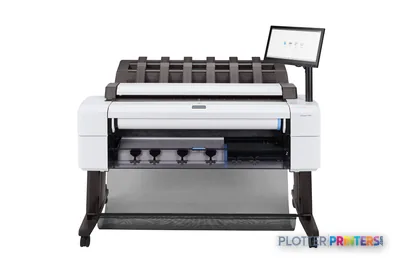 HP DesignJet T2600dr 36-in PostScript MFP — Plus Edition (Build Connected)3EK15D36"2400 dpiView details
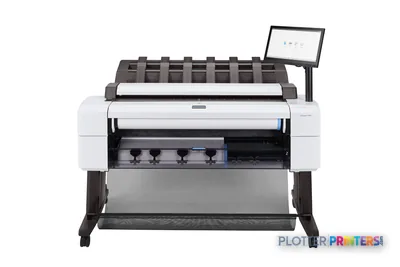 HP DesignJet T2600dr 36-in PostScript MFP — Plus Edition (Build Connected)3EK15P36"2400 dpiView details
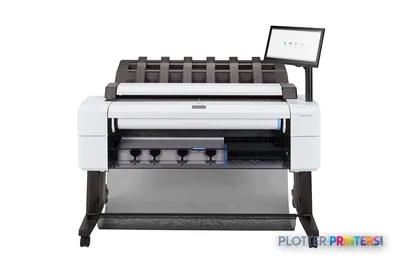 HP DesignJet T2600dr 36-in PostScript Multifunction Printer (Plus Edition)3EK15W36"2400 dpiView details
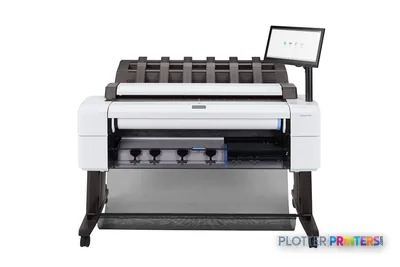 HP DesignJet T2600dr 36-in PostScript Multifunction Printer3EK15F#B1936"2400 dpiScanView details
 HP DesignJet T2600 36-in PostScript Multifunction Printer (Plus Edition)3XB78D36"2400 dpiView details
 HP DesignJet T2600 36-in PostScript Multifunction Printer (Plus Edition — Build Connected)3XB78P36"2400 dpiView details
 HP DesignJet T2600 36-in PostScript Multifunction Printer3XB78F#B1936"2400 dpiScanView details
 HP DesignJet T2600PS MFP 36-in3XB78D#B1936"2400 dpiView details
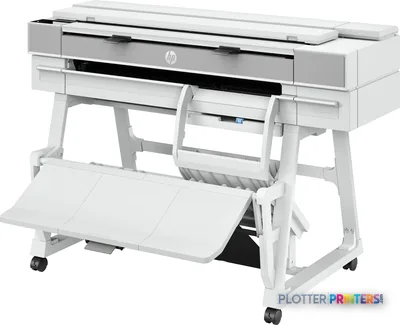 HP DesignJet T950 36-in MFP2Y9H3A36"2400 dpiScanView details
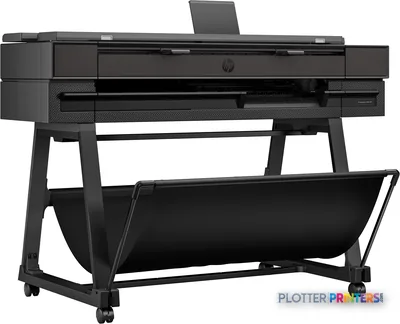 HP DesignJet T850 36-in MFP2Y9H2A36"2400 dpiScanView details
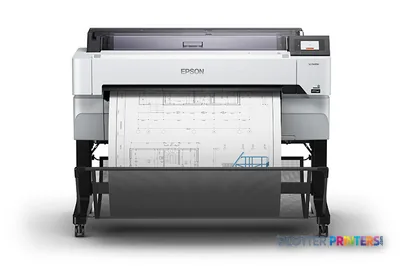 Epson SureColor T5470M 36-in Multifunction PlotterSCT5470M36"2400 dpiScanView details
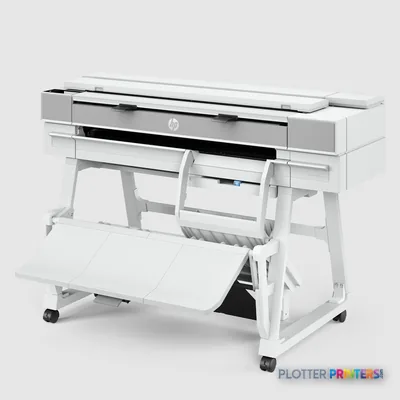 HP DesignJet XT950 36-in Multifunction Plotter2Y9H3F36"2400 dpiScanView details
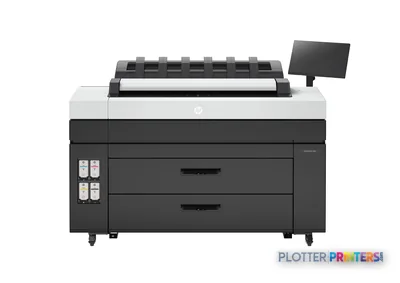 HP DesignJet XL 3800 MFP Printer7QR88H36"2400 dpiScanView details
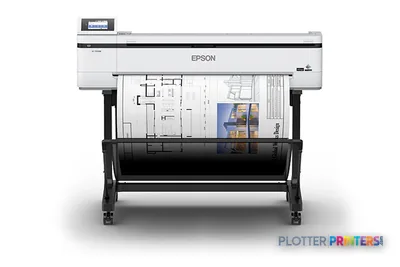 Epson SureColor T5170M 24-in Wireless MFPSCT5170M36"2400 dpiScanView details
 Epson SureColor T3170M 24-in Wide-Format MFPSCT3170M24"2400 dpiScanView details
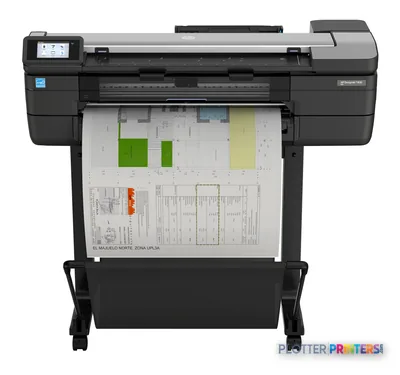 HP DesignJet T830 24-in Multifunction PrinterF9A28D24"2400 dpiScanView details
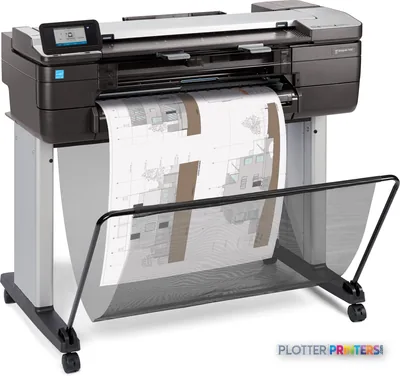 HP DesignJet T830 24-in Multifunction PrinterF9A28A24"2400 dpiScanView details
Free U.S. shipping on printersKlarna & Affirm at checkoutTalk to a person: 980-536-0080

A blueprint scanner is any wide-format scanner used to digitize plan-size drawings. In practice that’s either the scanner built into a wide-format MFP or a standalone unit — and the brand on the lid matters far less than how you handle the paper and set the contrast. The craft is in the feeding and the settings, not the badge.
Here’s the fork in the road, and it’s about volume, not budget. If you’re sitting on dozens or a few hundred sheets, your own MFP scanner does the job over coffee breaks — feed, scan-to-PDF, done. If you’re staring at thousands of sheets, or the originals are brittle mylar and cracking bluelines, a scanning service beats owning anything. That’s not a sales dodge. It’s just true.
We grade and sell print-plus-scan MFPs — the machines that print and scan in one footprint. We do not stock standalone wide-format scanners. That hardware class gets covered here editorially, honestly, and we’ll help you decide which side of the line you’re on before you spend a dime. The scanner hub goes deeper on the standalone class.
The rest of this page is the part nobody writes down: how to flatten a rolled sheet that’s been in a tube since the Clinton administration, what a roll-path scanner does to a torn corner, and why 400 scans with no naming convention is worse than a flat file. Let’s get into it.
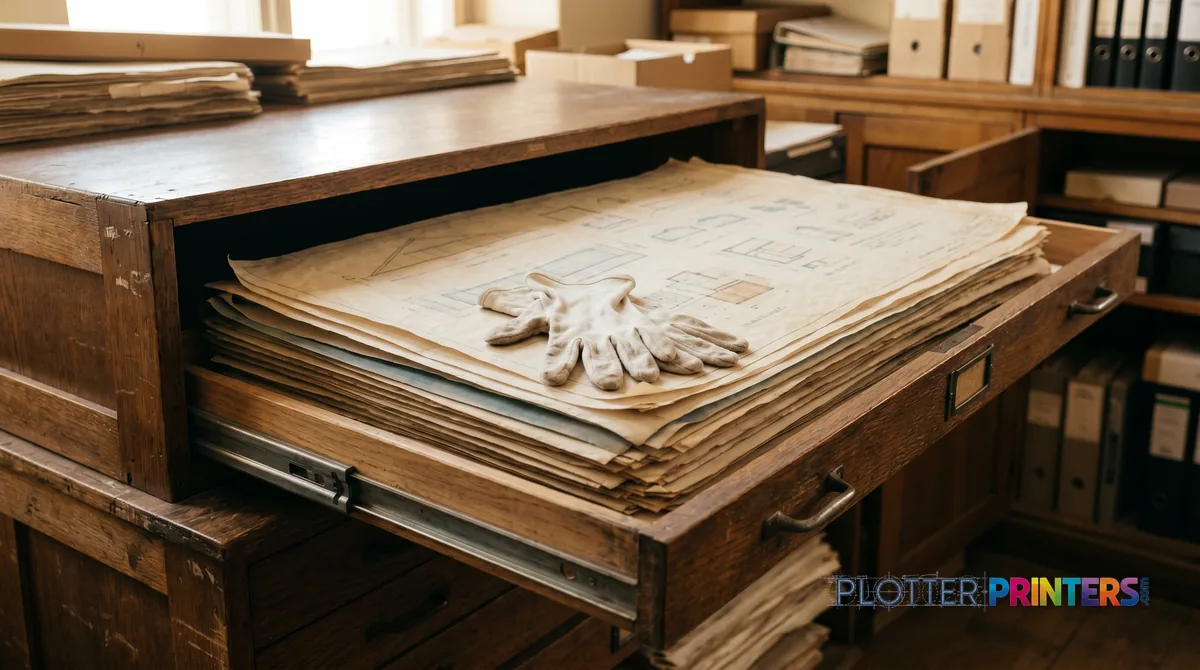
Own it or hire it: let the sheet count decide
SHT 02 · PLOTTERPRINTERS ANALYST DESKTwo paths. The volume picks for you.
In-house, on your own MFP. Dozens to a few hundred sheets? Do it yourself. A wide-format MFP scans a D-size sheet in well under a minute, straight to PDF or TIFF on your network. You batch a flat file over a couple of weeks, scanning between plots. No shipping brittle originals across the state. No chain-of-custody worry. The 36-inch MFP leaderboard shows what’s current.
Hire a service. Thousands of sheets, or fragile originals, and the math flips hard. A production scanning house runs high-capacity CCD scanners, trained operators, and image-cleanup software you don’t own and shouldn’t learn on your own archive. They’ll deskew, despeckle, and index faster than you’ll get through your first flat-file drawer. For a one-time archive conversion, owning a scanner to do it once is like buying a cement mixer to fill one pothole.
What your MFP scanner can’t do: it won’t rescue a badly stained blueline the way dedicated cleanup software will, and its feed path is built for reasonably flat, reasonably intact sheets. What a service can’t do: be there at 4:45 on a Thursday when the field crew needs the second-floor mechanical as-built scanned right now.
Bottom line: ongoing scanning of intact sheets — buy an MFP. One-time conversion of a fragile archive — hire it out and keep your MFP for daily work.
The handling craft: brittle paper doesn't get a second try
SHT 03 · PLOTTERPRINTERS ANALYST DESKThe scan is the easy part. The paper is where jobs die.
Flatten first. A sheet that’s lived in a tube for twenty years has memory — it wants to re-roll the instant you let go. Feed it curled and the leading edge dives, skews, or jams mid-scan. Unroll it reverse-curl the night before, weight the corners, or run it flat under books. Ten minutes of flattening saves a torn original.
Know your feed path. Most MFP scanners are roll-path: the sheet travels through rollers past a fixed sensor. Fast, fine for healthy paper. Murder on brittle mylar, taped tears, or crumbling blueline edges. A taped repair catches a roller and the tear becomes a rip. For anything fragile or mounted, you want a flatbed or a large-format overhead capture — which is exactly the gear a scanning service owns and you don’t.
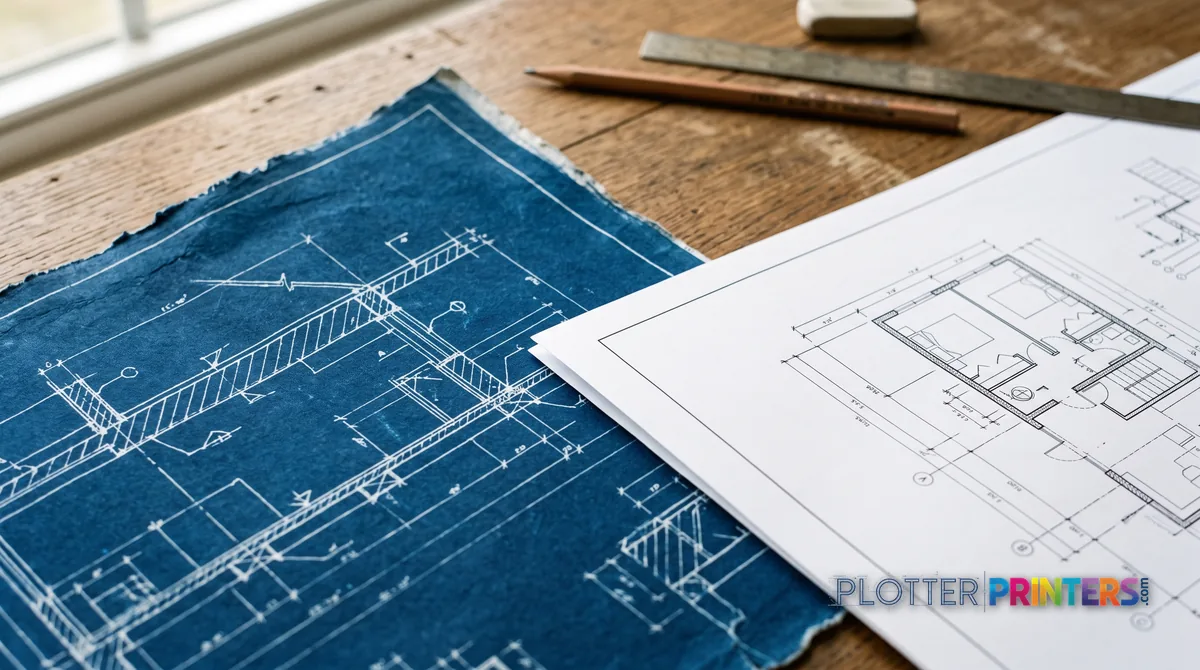
Know what you’re scanning. A true blueprint is white lines on a blue field — a photographic negative process, dark and low-contrast to a scanner. A blueline (whiteprint / diazo) is dark lines on white or cream, often faded to brown. Plain bond is a modern print, high contrast, easy.
Contrast follows the medium. A true blueprint often scans best in grayscale so you keep the linework, then invert later if you want dark-on-white. A faded blueline needs the threshold pushed to pull weak lines off a yellowed background without blooming the stains into black blobs.
CCD vs CIS matters here. CIS sensors are compact and affordable but shallow — they want flat contact. CCD sensors have real depth of field, which forgives a wrinkled or mounted original. That’s why services lean CCD.
Bottom line: flatten before you feed, and never send a taped mylar original through a roll path you can’t stop fast.
Settings and file formats that survive the archive
SHT 04 · PLOTTERPRINTERS ANALYST DESKResolution first. For linework, 300 to 400 dpi is the working range. Below 300 and fine text on a permit set turns to mush; above 400 you’re generating giant files that capture paper grain, not detail. Photos or rendered presentation sheets can justify higher — a title-block drawing does not.
Grayscale vs bilevel (black-and-white). Bilevel is one bit per pixel — pure black or white, tiny files, crisp on clean bond. But feed it a stained blueline and the threshold either drops your faint lines or turns every coffee ring solid black. For stained, faded, or true-blueprint originals, scan grayscale. You keep tonal information, clean it up later, and decide the threshold once you can see what you’re doing.
PDF vs TIFF. Multipage PDF for sets people actually use — a bid set becomes one file, scrolls in order, opens on any laptop in the field. TIFF for the archival master: lossless, single-page, the format that’ll still open in thirty years. Many shops keep both — TIFF masters in the vault, PDF sets for daily use.
Naming. This is what separates a usable archive from 400 files named Scan_0001. Pick a convention before sheet one: project or building code, discipline, sheet number, date. Something like 1247_MECH_M-201_1998.tif. Consistent, sortable, searchable. Nobody regrets a naming convention. Everybody regrets not having one at scan 350.
Bottom line: 300–400 dpi, grayscale for anything stained, TIFF masters plus PDF sets, and a naming scheme locked before you touch the first sheet.
Machines that scan at plan width
SHT 05 · PLOTTERPRINTERS ANALYST DESK36-inch MFPs — scan, copy & print in one
Ranked live by our spec-graded scoring; prices and stock are current.
HP DesignJet T2600dr 36-in PostScript MFP — Plus Edition (Build Connected)3EK15D36"2400 dpiView detailsHP DesignJet T2600dr 36-in PostScript MFP — Plus Edition (Build Connected)3EK15P36"2400 dpiView detailsHP DesignJet T2600dr 36-in PostScript Multifunction Printer (Plus Edition)3EK15W36"2400 dpiView detailsHP DesignJet T2600dr 36-in PostScript Multifunction Printer3EK15F#B1936"2400 dpiScanView details
After the scan: what the raster is actually for
You’ve got clean images. Now what.
Raster underlays in CAD. The most common and most sane use: bring the scanned image in as a raster reference — an XREF underlay — and draw your new work on top in vector. The old drawing is context; you trace what you need. No conversion, no cleanup pipeline, no waiting.
Vectorize rarely. Raster-to-vector conversion sounds great and disappoints reliably. It turns every speck and stain into a stray line, mangles text, and hands you hours of cleanup on top of a suspect result. Vectorize only when you genuinely need editable geometry from a dimensionally trustworthy original — which for old scanned blueprints, you rarely have. Trace-over beats auto-vectorize almost every time.
Keep the paper. Scanning is not shredding. A scan is a working copy; the original mylar or vellum is the legal and dimensional record. Roll them back into acid-free storage, label the tube, and note where the digital lives. Renovation and facilities work has a way of needing the original when a dimension is in dispute.
Close the loop: TIFF masters archived, PDF sets on the server, physical originals stored and indexed. That’s a working digital archive — not a hard drive full of orphaned scans.
Bottom line: underlay and trace, skip auto-vectorize, and never throw out the paper the day after you scan it.
Your questions, answered
SHT 07 · PLOTTERPRINTERS ANALYST DESKWhat is a blueprint scanner?
It’s any wide-format scanner used to digitize plan-size drawings — A1/D-size and up. In practice that means either the scanner integrated into a wide-format MFP or a standalone large-format unit. There’s no separate category of hardware called a ‘blueprint scanner’; it’s just a wide-format scanner doing archive work. The skill is in handling and settings, not the machine’s badge.
Should I buy a scanner or hire a service to digitize old drawings?
Let sheet count decide. Dozens to a few hundred intact sheets: do it in-house on a wide-format MFP over slow afternoons. Thousands of sheets, or fragile mylar and crumbling bluelines: a scanning service wins decisively on speed, capture quality, and safe handling. Buying a scanner to do a one-time archive conversion is usually the wrong spend — hire that out and keep an MFP for daily work.
What resolution should I scan blueprints at?
300 to 400 dpi covers almost all linework. Below 300, fine text and hatching turn to mush; above 400, you mostly capture paper grain and inflate file sizes for no real detail gain. Reserve higher resolution for rendered presentation sheets or photographs. A standard title-block CAD drawing scanned at 400 dpi is sharp, searchable, and a sensible file size.
Grayscale or black-and-white for old, stained drawings?
Grayscale for anything stained, faded, or a true blueprint. Bilevel black-and-white gives tiny, crisp files on clean bond, but on a stained blueline the threshold either drops your faint lines or turns every coffee ring into a solid black blob. Grayscale keeps tonal information so you can clean it up and set the threshold afterward, once you can actually see the result.
Can I run a brittle or torn original through my MFP scanner?
Carefully, and often not at all. Most MFP scanners use a roll path — rollers pull the sheet past a fixed sensor. That’s fine for healthy paper but hard on brittle mylar, and a taped repair can catch a roller and turn a small tear into a rip. For fragile, taped, or mounted originals, use a flatbed or overhead large-format capture — which is what a scanning service owns.
What's the difference between a true blueprint, a blueline, and plain bond?
A true blueprint is white lines on a blue field — a photographic process, dark and low-contrast to scan. A blueline (whiteprint/diazo) is dark lines on white or cream, often faded to brown. Plain bond is a modern print with high contrast that scans easily. Each needs different contrast handling: grayscale-then-invert for true blueprints, pushed thresholds for faded bluelines, straightforward bilevel for clean bond.
PDF or TIFF for scanned drawings?
Both, ideally. Multipage PDF for sets people use daily — a bid set becomes one scrollable file that opens on any field laptop. TIFF for the archival master: lossless, single-page, and readable decades from now. Many shops keep TIFF masters in cold storage and generate PDF sets for working use. Don’t let a compressed PDF be your only copy of an irreplaceable original.
Should I vectorize scanned blueprints or trace over them?
Trace over them, almost always. Auto raster-to-vector conversion turns specks and stains into stray lines, mangles text, and leaves hours of cleanup on a result you can’t fully trust. Instead, bring the scan into CAD as a raster underlay (XREF) and draw new work on top. Vectorize only when you truly need editable geometry from a dimensionally reliable original — which old scanned drawings rarely are.
Do you sell wide-format scanners?
We sell print-plus-scan MFPs — wide-format printers with integrated scanners that print, scan, and copy in one footprint. We do not stock standalone wide-format scanners. We cover that standalone hardware class editorially and help you decide which side of the line your project needs. If you want an MFP, the ranked picks and leaderboard on this site are live; if you need a standalone scanner, we’ll point you honestly.
Can I throw out the paper originals after scanning?
No. A scan is a working copy; the physical mylar or vellum is the legal and dimensional record. Renovation and facilities work has a habit of needing the original when a dimension is disputed. Roll the originals into acid-free storage, label the tube, and note where the digital lives. Scanning frees the drawings for use — it doesn’t retire the paper.
The bottom line
SHT 08 · PLOTTERPRINTERS ANALYST DESK- Sheet count decides: hundreds of intact sheets scan in-house on an MFP; thousands or fragile originals belong at a scanning service.
- Flatten rolled sheets before feeding — ten minutes of prep prevents a torn original in a roll-path scanner.
- Scan grayscale at 300–400 dpi for stained, faded, or true-blueprint originals; save bilevel for clean bond.
- Keep TIFF archival masters plus multipage PDF working sets, and lock a naming convention before sheet one.
- Use scans as raster underlays and trace over them — auto-vectorizing an old drawing creates more cleanup than it saves.
- Never shred the paper: the original stays the legal and dimensional record long after the scan is filed.
Sitting on a flat file full of history?
Tell us the sheet count and condition — we'll say honestly whether to buy, borrow, or hire it out.