
Scanner Desk — No. 02
Plotter + Printer + Scanner: When One Machine Should Do It All
One combined wide-format MFP or a separate printer and scanner? The honest answer depends on how your scanning attaches to your printing.
Shop these machines
Ranked live by our spec-graded scoring — prices & stock are current. Free U.S. shipping on every printer.
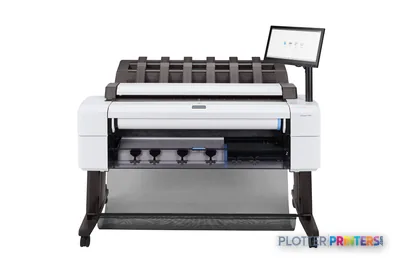 HP DesignJet T2600dr 36-in PostScript MFP — Plus Edition (Build Connected)3EK15D36"2400 dpiView details
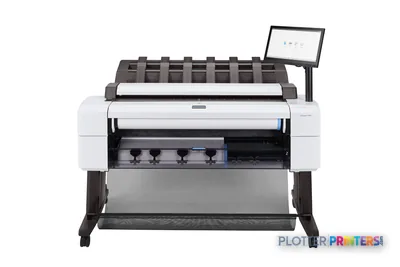 HP DesignJet T2600dr 36-in PostScript MFP — Plus Edition (Build Connected)3EK15P36"2400 dpiView details
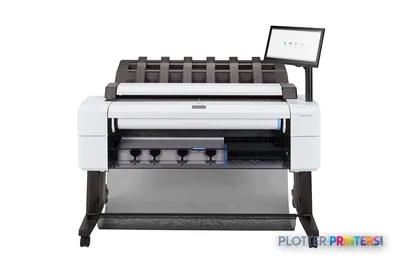 HP DesignJet T2600dr 36-in PostScript Multifunction Printer (Plus Edition)3EK15W36"2400 dpiView details
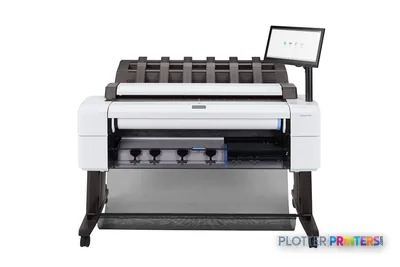 HP DesignJet T2600dr 36-in PostScript Multifunction Printer3EK15F#B1936"2400 dpiScanView details
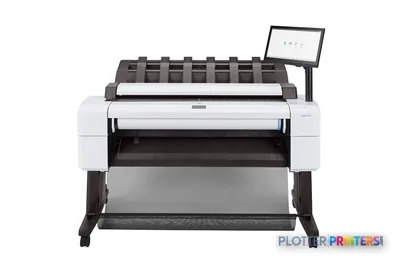 HP DesignJet T2600 36-in PostScript Multifunction Printer (Plus Edition)3XB78D36"2400 dpiView details
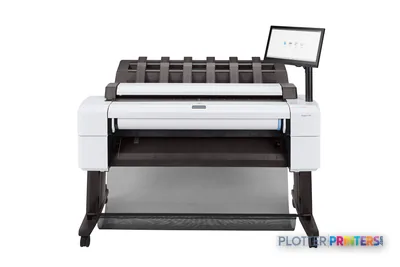 HP DesignJet T2600 36-in PostScript Multifunction Printer (Plus Edition — Build Connected)3XB78P36"2400 dpiView details
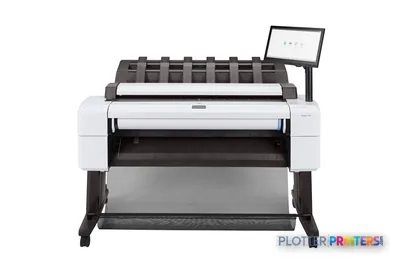 HP DesignJet T2600 36-in PostScript Multifunction Printer3XB78F#B1936"2400 dpiScanView details
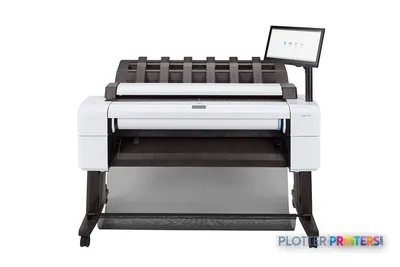 HP DesignJet T2600PS MFP 36-in3XB78D#B1936"2400 dpiView details
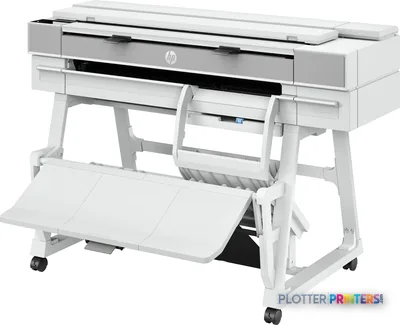 HP DesignJet T950 36-in MFP2Y9H3A36"2400 dpiScanView details
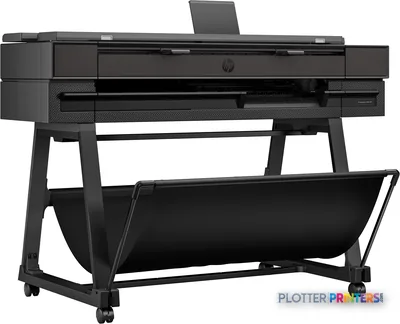 HP DesignJet T850 36-in MFP2Y9H2A36"2400 dpiScanView details
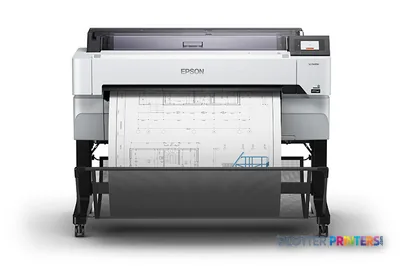 Epson SureColor T5470M 36-in Multifunction PlotterSCT5470M36"2400 dpiScanView details
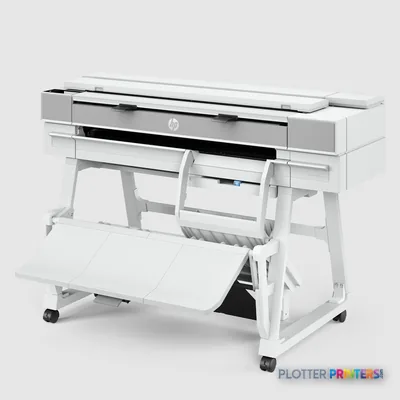 HP DesignJet XT950 36-in Multifunction Plotter2Y9H3F36"2400 dpiScanView details
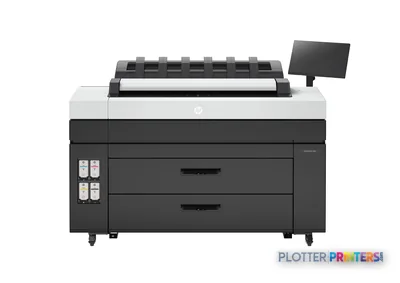 HP DesignJet XL 3800 MFP Printer7QR88H36"2400 dpiScanView details
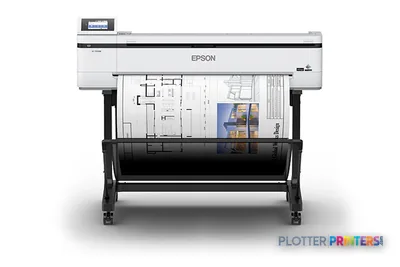 Epson SureColor T5170M 24-in Wireless MFPSCT5170M36"2400 dpiScanView details
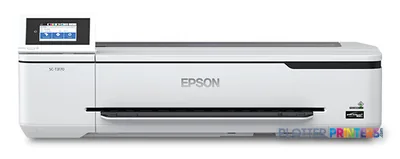 Epson SureColor T3170M 24-in Wide-Format MFPSCT3170M24"2400 dpiScanView details
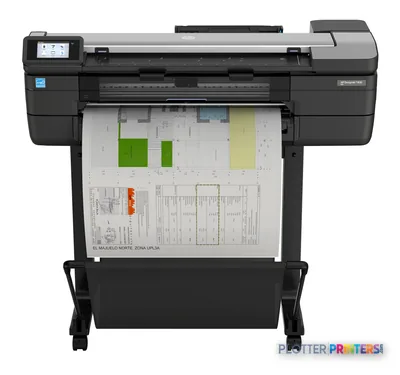 HP DesignJet T830 24-in Multifunction PrinterF9A28D24"2400 dpiScanView details
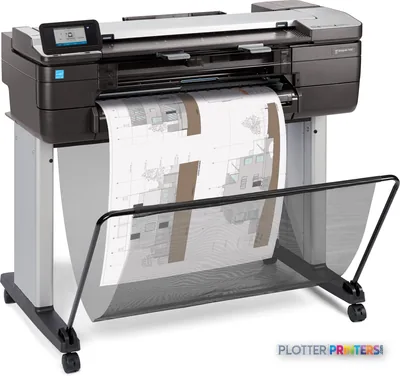 HP DesignJet T830 24-in Multifunction PrinterF9A28A24"2400 dpiScanView details
Free U.S. shipping on printersKlarna & Affirm at checkoutTalk to a person: 980-536-0080

A plotter-printer-scanner is a wide-format multifunction machine (MFP): a roll-fed inkjet plotter with an integrated wide scanner mounted on top, so it prints, scans and copies full-size sheets from a single footprint. For most AEC offices that already print plans, it is the natural buy — you were going to put a plotter in that corner anyway, and the scanner rides along on the same network setup, the same power drop, the same service contract.
The reason you landed here, though, is the fork in the road: one machine, or two? That decision is not about which is objectively better. It is about how your wide scanning behaves relative to your printing. If scanning is weekly, light, and mostly attached to a print — copy a marked-up field drawing, digitize an incoming permit set, round-trip a redline — the combined MFP wins on floor space, cost and walk-up simplicity. If scanning is its own workload (archiving a flat-file cabinet, running thick or fragile originals, feeding a document-control system all day), a standalone scanner beside a dedicated printer is the sober choice.
A note on what we do and don’t stock: we grade and sell print-plus-scan MFPs — wide-format printers with integrated scanners. We do not stock standalone wide-format scanners. We cover that hardware class editorially and will point you to the right side of the decision honestly, even when the second machine isn’t ours to sell. Below, the ranked picks are live and price-ordered; here we handle the thinking that comes before the grid.

When one machine is simply the right answer
SHT 02 · PLOTTERPRINTERS ANALYST DESKThe combined MFP earns its keep in five concrete ways. Most offices under-value all five until they’ve lived with separates.
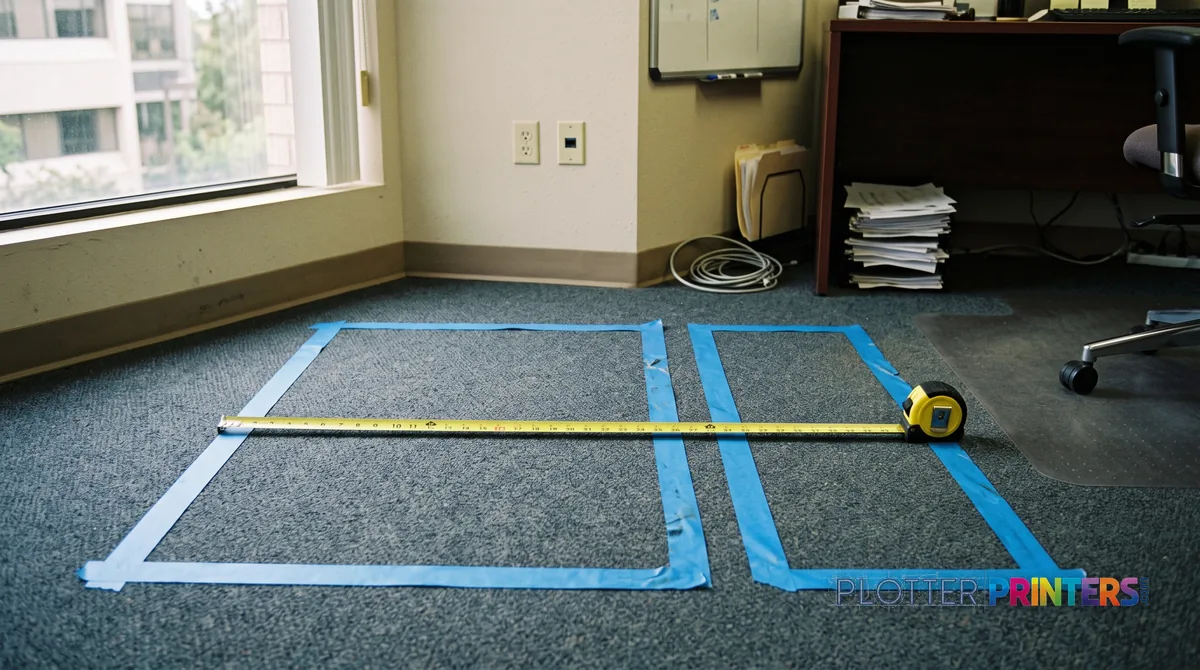
- One footprint. A wide scanner is a meter of desk real estate on its own. Bolt it to the plotter you already need and you reclaim a wall.
- One network and driver setup. IT configures a single device — one queue, one authentication path, one firmware line to patch. Two boxes means two of everything to support.
- Walk-up copying, no PC. Feed a paper original in the top, it scans and prints out the bottom. No workstation, no file, no waiting on someone at a desk.
- Round-tripped markups. Plans come out here; redlines come back in here. The scan-to-file lands in the same folder structure your plotting already uses.
- One service relationship. One contract, one technician visit, one parts inventory.
Where this is unambiguously correct: the small-to-mid architecture or engineering office that prints regularly and scans occasionally. If your wide scanning is a few originals a week — an incoming survey, a client’s handed-over sketch, a coordination markup — the MFP costs you nothing extra to have and saves you a trip across the room. See the MFP class explained for how the scanner and printer share the path, and the 36-inch MFP leaderboard for the workhorse tier most AEC offices land on.
When separates are the honest choice
SHT 03 · PLOTTERPRINTERS ANALYST DESKThe combined machine is not free of trade-offs, and pretending otherwise gets people the wrong box. Four situations argue for keeping print and scan apart.
- Scan-only volume. If you’re digitizing a flat-file cabinet or feeding a document-control workflow for hours, the scanner monopolizes a machine that people also need to print on. Two jobs, one throat — someone always waits.
- Fragile or thick originals. A roll-path scanner pulls the sheet through rollers. Brittle old blueprints, mounted boards, or wrinkled field drawings deserve a scanner with a deeper depth-of-field CCD sensor and a thick-media path — often a standalone unit, not the CIS scanner bar riding on an MFP.
- Teams in different rooms. If the drafters print in one place and the archivist scans in another, one shared machine forces a daily commute. Two machines put each function where its users are.
- Failure domain. This is the one buyers forget. One jam, one firmware fault, one service call takes down both printing and scanning at once. Separates fail independently; the office keeps working on the half that’s up.
If you read those and recognized your operation, you’re a two-machine buyer — and we’ll still help you decide. Start at the scanner-category hub, and if legacy drawings are the driver, the blueprint-scanner guidance covers digitizing older originals specifically. The printer half can still come from the 36-inch class hub.
The ranked print+scan machines
SHT 04 · PLOTTERPRINTERS ANALYST DESK36-inch MFPs — the plan-room combos
Ranked live by our spec-graded scoring; prices and stock are current.
HP DesignJet T2600dr 36-in PostScript MFP — Plus Edition (Build Connected)3EK15D36"2400 dpiView detailsHP DesignJet T2600dr 36-in PostScript MFP — Plus Edition (Build Connected)3EK15P36"2400 dpiView detailsHP DesignJet T2600dr 36-in PostScript Multifunction Printer (Plus Edition)3EK15W36"2400 dpiView detailsHP DesignJet T2600dr 36-in PostScript Multifunction Printer3EK15F#B1936"2400 dpiScanView details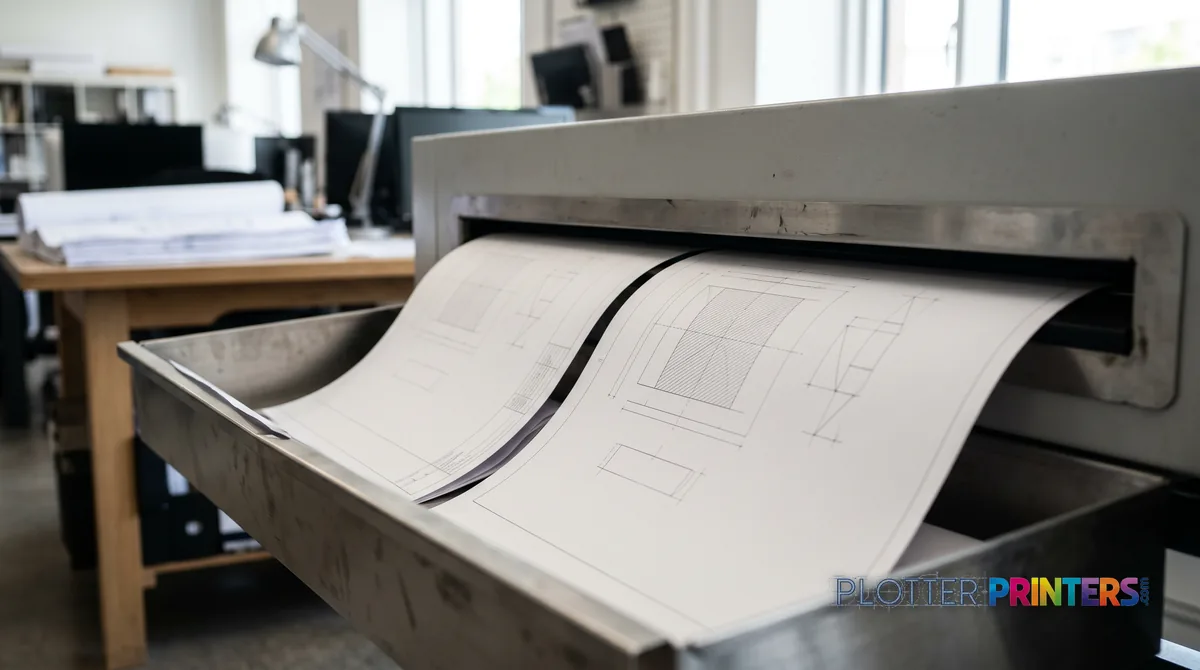
The copy workflow nobody advertises
Here is the feature that quietly sells more MFPs than any spec sheet line: wide-format copying. Paper in, paper out, at full width, with no computer in the loop. It’s the office copier logic — extended to an ARCH E sheet.
Think about where that matters:
- Field markups for subs. A superintendent hands you a redlined set. You copy it three times for three trades before they leave the trailer. No scanning to a laptop, no emailing, no file naming.
- The original a client walks in with. Someone drops a single paper drawing on the counter and needs two copies now. Walk-up copy, done, they’re out the door.
- Plan-room reprints. One good original, several clean duplicates, without touching a workstation or tying up a drafter.
The reason this is under-advertised is that it doesn’t demo well in a webinar — it’s mundane until you need it, and then it’s the whole reason the machine paid for itself. A standalone scanner can’t do this alone; it needs a PC and a printer and a person to bridge them. The MFP collapses that chain to one button. Money is minutes, and walk-up copying is the feature that gives the most minutes back to the people standing at the machine.
The decision rule
SHT 06 · PLOTTERPRINTERS ANALYST DESKStrip away the brochures and it comes down to one test:
- Choose the combined MFP if your wide scanning is weekly-and-attached-to-printing — occasional originals, incoming sets, redlines that round-trip where the plans already come out. You get scan and copy for the cost of the footprint you were spending anyway.
- Choose separates if your scanning is archival-scale or scan-only — a cabinet to digitize, fragile or mounted originals, a document-control pipeline, or teams in different rooms that would fight over one machine.
Most AEC offices that print land firmly on the MFP side, which is why we grade and stock that class. If that’s you, the 24-inch MFP picks or the 36-inch leaderboard are your shortlist, and a quote pins down roll count and ink chemistry. If you’re a scanning-first shop, the scanner hub routes you honestly — even where the second machine isn’t ours to sell.
Your questions, answered
SHT 07 · PLOTTERPRINTERS ANALYST DESKWhat is a plotter-printer-scanner exactly?
It’s a wide-format multifunction machine (MFP): a roll-fed inkjet plotter with an integrated wide scanner mounted on top. It prints full-size drawings, scans paper originals to file, and copies paper-to-paper at full width — all from a single footprint. For AEC offices that already print plans and scan occasionally, it consolidates three functions into one network device and one service relationship.
Should I buy one combined machine or a separate printer and scanner?
Buy the combined MFP if your wide scanning is weekly and attached to printing — incoming sets, occasional originals, redlines that round-trip. Buy separates if scanning is archival-scale or scan-only, if you handle fragile or mounted originals, or if print and scan users sit in different rooms. The failure domain matters too: one machine means one jam can stop both functions at once.
Can a wide-format MFP copy without a computer?
Yes, and it’s the feature buyers most often overlook. You feed a paper original into the scanner, and it prints copies straight out — no PC, no file, no workstation. That walk-up copy workflow is what makes MFPs valuable in plan rooms and job-site trailers: duplicate a marked-up set for three subs before they leave the room.
Do you sell standalone wide-format scanners?
No. We grade and sell print-plus-scan MFPs — wide-format printers with an integrated scanner. We do not stock standalone wide-format scanners. We cover that hardware class editorially and help you decide which side of the one-machine-or-two decision you’re on, even when the standalone scanner isn’t ours to sell. Our scanner hub routes standalone buyers honestly.
What's the difference between a CIS and a CCD scanner sensor?
CIS (contact image sensor) sits right against the media — compact, affordable, and fine for flat, in-good-condition originals, which is what most integrated MFP scanners use. CCD sensors offer greater depth of field, so they read wrinkled, creased, or mounted originals more accurately. If your work is fragile or non-flat drawings, a CCD-based standalone scanner is usually the better fit than an MFP’s scanner bar.
Will scanning old blueprints damage them in an MFP?
Possibly, if they’re brittle or mounted. An MFP scanner pulls the sheet through a roller path, which risks tearing fragile originals and can’t accommodate thick or backed drawings. For digitizing a flat-file cabinet of legacy blueprints, a standalone scanner with a thick-media path and a deeper depth-of-field sensor is safer. Our blueprint-scanner guidance covers that use case specifically.
How does an MFP save floor space compared to separates?
A standalone wide scanner needs roughly a meter of dedicated surface or its own stand. An MFP mounts the scanner on the plotter you already need, so you spend one footprint instead of two. In offices where wall space is tight, that consolidation alone often decides the purchase — you weren’t going to skip the plotter anyway.
What happens if the MFP breaks — do I lose both printing and scanning?
Yes, and this is the honest downside of consolidation. One jam, one firmware fault, or one service call takes down both functions at once. Separates fail independently, so the office keeps working on whichever half is up. If continuity of both functions is critical to your operation, that failure-domain argument leans toward keeping print and scan on separate machines.
Is dye or pigment ink better for a plotter-scanner combo?
For AEC work, pigment ink is the default: it’s water- and UV-resistant and archival, so plots survive a job site and a file drawer. Dye ink is more vivid and lower cost but fades faster, which suits short-lived presentation work. The scanner half is unaffected by ink choice — pick the ink for how long your prints need to last.
What should I ask before buying a wide-format MFP?
Ask: what’s my monthly scan volume versus print volume, and would scanning ever monopolize the machine? Are my originals flat and in good shape, or fragile and thick? Do print and scan users work in the same room? What’s my tolerance for both functions going down together? The answers place you on the MFP side or the separates side before you look at any spec sheet.
The bottom line
SHT 08 · PLOTTERPRINTERS ANALYST DESK- A plotter-printer-scanner is a wide-format MFP — one footprint that prints, scans, and copies full-size sheets.
- If your wide scanning is weekly and attached to printing, the combined MFP is almost always the right buy.
- Choose separates when scanning is archival-scale, involves fragile or thick originals, or serves users in a different room.
- The under-advertised win is walk-up copying: paper in, paper out, full width, no PC — invaluable in plan rooms and trailers.
- One MFP means one failure domain: a single jam can stop both printing and scanning, which separates avoid.
- We stock print-plus-scan MFPs, not standalone scanners — we'll route scan-only buyers honestly to the right hardware class.
One machine or two? Tell us the workload
Sheets printed, sheets scanned, and who stands where — we'll give you a straight answer.