
Home / Wide-Format Printers / HP Latex
HP · Wide-Format Plotter
HP Latex 2700
latex signage printer
- ModelLatex 2700
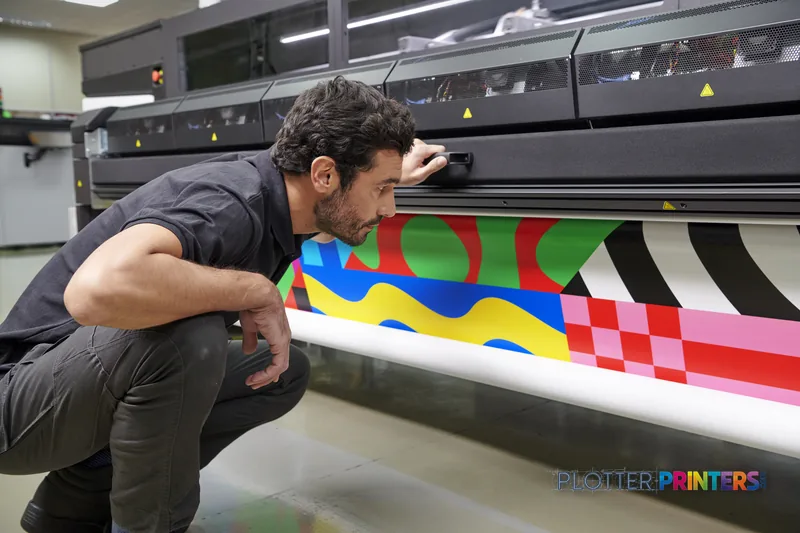
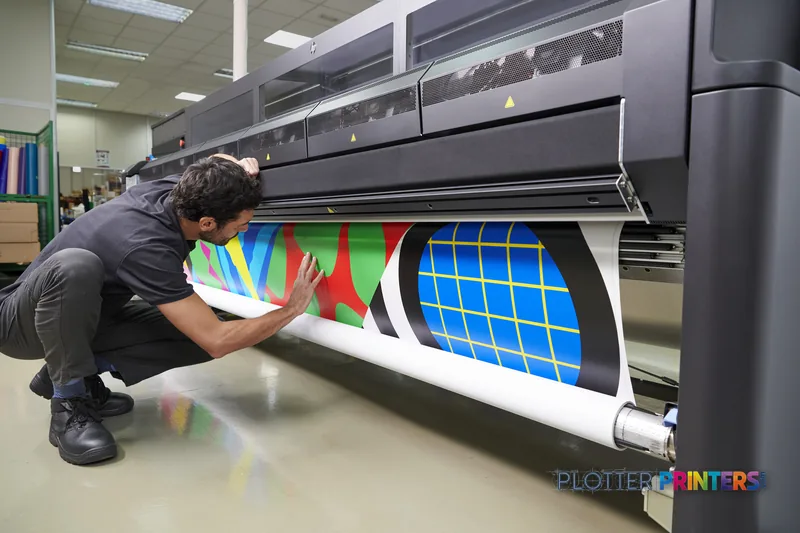
Authorized HP dealerGenuine hardware & ink
1-year warranty includedExtension plans available
Free shippingContinental U.S.
Plotter specialistsAEC experts, not just sellers
Analyst take
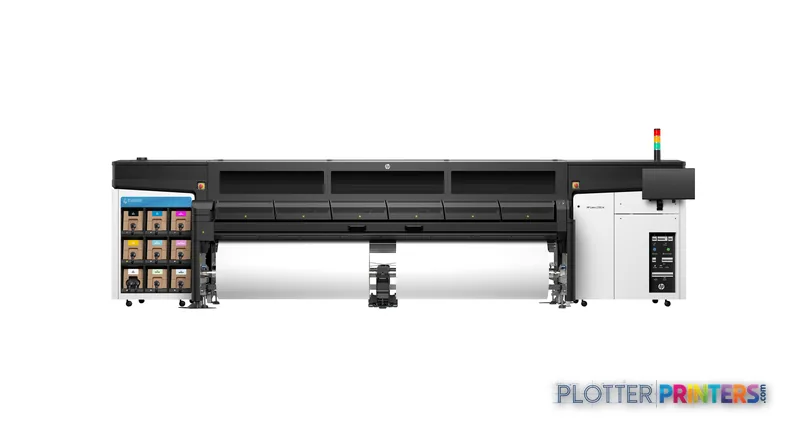
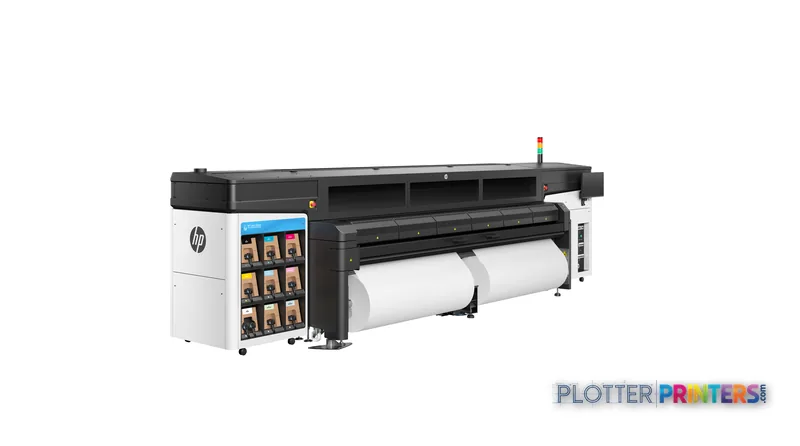
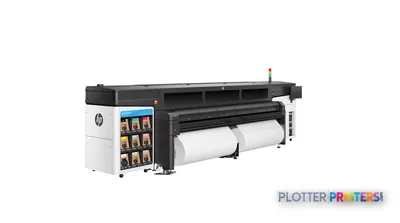
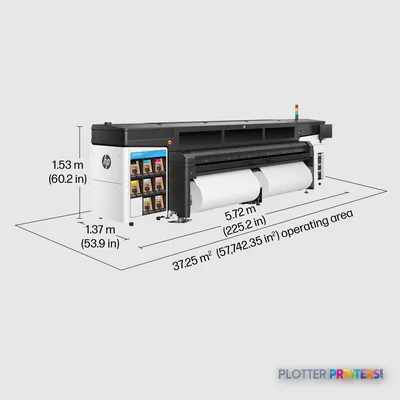
- The HP Latex 2700 Printer is a large floor-standing platform, measuring 226 in wide and weighing 2872.6 lbs.
- Its supplied two 126-in spindles make roll handling and media staging central to the operating plan.
- Use real AEC PDFs to test small text, dense linework, color-coded coordination content, and banner media before purchase.
Not sure if the Latex 2700 is right for you?
Compare key specs and an AI analyst read-out against similar models.
- Fine detail 1200 x 1200 DPI maximum resolution for crisp line work.
- Productivity Rated at 24.
- Ink platform Black, Light magenta, Yellow.
Overview
Built for the work
HP Latex 2700 Printer, 1200 x 1200 DPI, Black, Light magenta, Yellow, 1200 x 1200 DPI, Banner, Singapore, Compliant with Class A requirements, including: USA (FCC rules), Canada (ICES), EU (EMC…
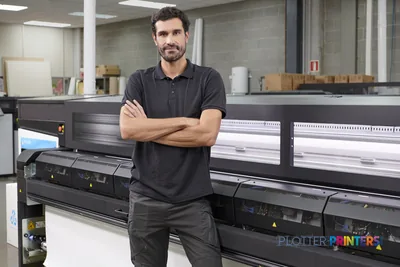
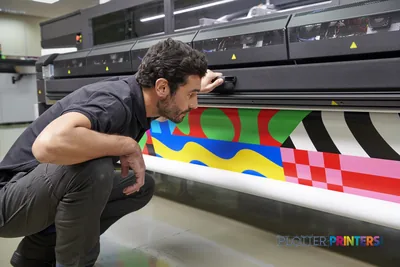
- 8Ink channels
- 1,200 dpiMax resolution
- 12 moIncluded warranty
Features
What sets it apart
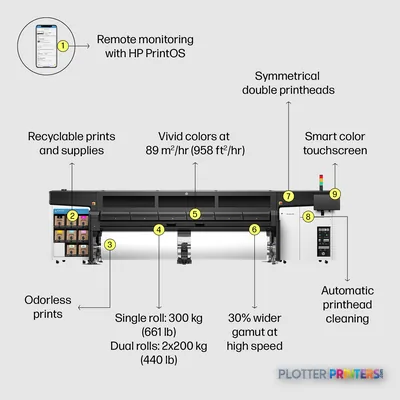
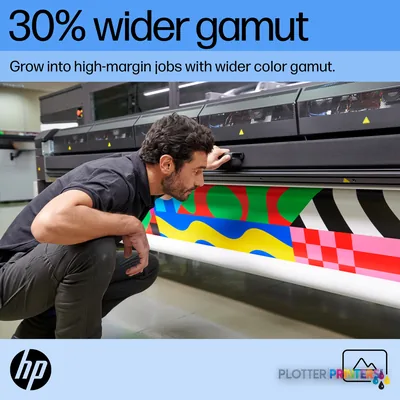
Swipe to explore →
Expert analysis
What you should know

Key takeaways
- The HP Latex 2700 Printer is a large floor-standing platform, measuring 226 in wide and weighing 2872.6 lbs.
- Its supplied two 126-in spindles make roll handling and media staging central to the operating plan.
- Use real AEC PDFs to test small text, dense linework, color-coded coordination content, and banner media before purchase.
- The machine requires a 200 – 240 V electrical supply and operation within a 15 – 30 °C environment.
- A compact 24-in printer serves a different placement and format need rather than acting as a direct production substitute.
- No direct in-family step-up or step-down model is available in the supplied catalog.
The HP Latex 2700 Printer is a large-format production device for teams that need to put wide visual output into the project workflow without treating the print room as an afterthought. Its supplied 126-in spindles, 1200 x 1200 DPI maximum resolution, eight-cartridge configuration, and banner media designation point it toward broad-format graphics, site communication, presentation output, and other large visual materials that do not fit on a desk plotter.
For an AEC team, the real question is not whether it can produce a wide print. It is whether the room, power, media workflow, and operator coverage can support a machine measuring 226 in wide and weighing 2872.6 lbs. Rated speed gets attention. Loading rolls, keeping edges clean, handling output, and recovering from a stopped job determine whether the machine earns its floor space.
1200 x 1200 DPIMaximum resolutionListed maximum and color resolution.
226"Machine widthPlan access, delivery route, and operating clearance around the full footprint.
2872.6 lbsMachine weightA facilities and installation consideration, not a casual office placement.
15 – 30 °COperating temperatureMaintain the specified environment for day-to-day operation.
Where it fits in an AEC operation
This machine makes the most sense where wide visual output is a recurring production task: construction-site communication, large presentation graphics, project-room material, and banner-format work. The included two 126-in spindles matter because media handling is part of throughput. A shop that stages rolls, assigns an operator, and plans output removal can use that hardware more effectively than a team treating it like an occasional plotter.
The 1200 x 1200 DPI specification provides a clear basis for evaluating fine detail in your own files. Run actual PDFs with small notes, color-coded coordination layers, hatch patterns, aerial imagery, and dense title blocks before committing. AEC output fails in the field when the smallest annotation is unclear, not when the sample image looked good on a showroom wall.
For smaller drawing sets and routine desk-side plotting, a compact 24-in alternative such as the Canon GP-200 24-in belongs in a different workflow category. It may be easier to place, but it does not replace a broad-format production platform. Use the comparison tool to separate footprint and format needs from resolution specifications.
The shop-floor checks that matter
Ask three things: what feeds it, what supports it, who fixes it. What feeds it means confirming your banner media workflow and whether the supplied spindles match the rolls your team will actually run. What supports it means verifying a 200 – 240 V supply, a 50/60 Hz electrical environment, the specified 15 – 30 °C operating range, and adequate room for a 54.3 in deep by 65.7 in high unit. Who fixes it means reviewing the local service arrangement and making sure operators understand the supplied cleaning materials and User Maintenance Kit.
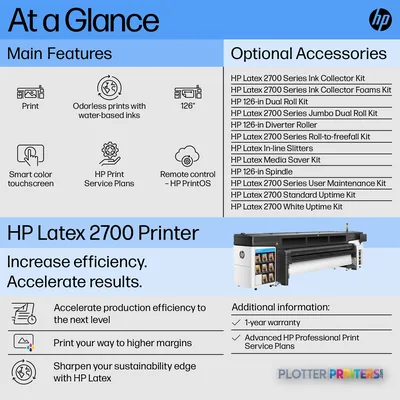
Consumable planning should be specific. Catalog-resolved supplies include HP 883 ink and printhead families, HP 886 printheads, and the HP 55P22A maintenance item. The available accessories also include HP Latex In-Line Slitters, HP Latex Media Saver Kit, and HP Latex Jumbo Dual Roll Split Spindles. Confirm exactly which of those options support the media widths and finishing path your operation needs.
IT should also account for HP dynamic security and the included HP Internal Print Server and touch monitor. Ask for a live demonstration using your network, file types, and user permissions. Review the evaluation methodology and the class ranking page alongside that test, rather than relying on a specification sheet alone.
Where the fit gets weaker
The HP Latex 2700 Printer is less appropriate for a small architecture studio with occasional narrow-format plan output, limited installation access, or no assigned print-room owner. Its physical scale and electrical requirement make it a deliberate production decision. It is also not automatically the right answer for CAD plan production simply because it is wide: validate linework, small text, media behavior, and job submission with the files your teams issue every week.
No in-family step-up or step-down model is available in this catalog for a direct family comparison. That makes the buying process more dependent on a hands-on workflow test: bring a dense permit sheet, a color coordination PDF, a presentation layout, and the banner media you expect to use. The machine should prove its place across those jobs, not just one polished sample.
Continue your evaluation
The read
The HP Latex 2700 Printer is a serious floor-standing option for AEC-adjacent wide visual production where banner-format media, dedicated space, and a managed operating routine are already part of the plan. Its strongest case is not a single resolution figure; it is the combination of broad media hardware, an eight-cartridge system, and a workflow built around regular output. Small shops should be honest about volume and staffing. An hour of downtime is an operator standing still and project materials not moving. For teams with the room and discipline to run it, validate the machine with real AEC files, real media, and the local support team that will keep it running.
Spec analysis
How the specs grade
Overall performance
—Not enough data for an overall score
Individual dimensions are shown where the specs support them.
- This printer
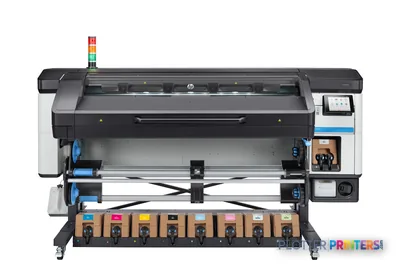
- HP Latex 800 W
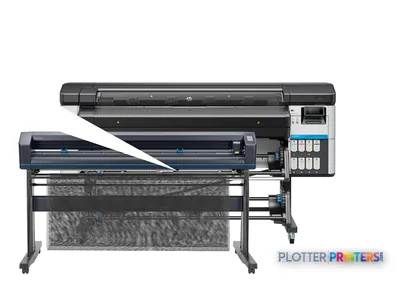
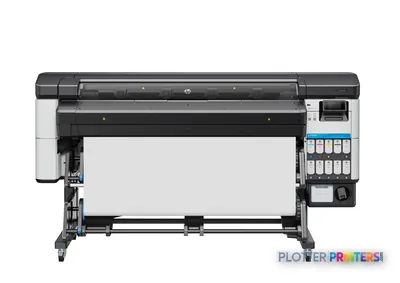
Category leaders best latex signage printers, by dimension
Verified specifications
The specs that decide it
| Maximum resolution | 1200 x 1200 DPI |
|---|---|
| Print speed | 24manufacturer-verified |
| Printing colors | colors and whitemanufacturer-verified |
| Number of print cartridges | 8 |
manufacturer-verified = checked against the manufacturer’s official datasheet, not aggregator data. Everything else is standards-body / catalog data we consider reliable.
Specifications
Full technical detail
Max resolution1200 x 1200 DPI
ColorColor
Use caseGraphics / Production
Printing
| Printing colors | Black, Light magenta, Yellow |
|---|---|
| Resolution color | 1200 x 1200 DPI |
| Maximum resolution | 1200 x 1200 DPI |
| Number of print cartridges | 8 |
Performance
| Certification | Compliant with Class A requirements, including: USA (FCC rules), Canada (ICES), EU (EMC Directive), Australia (ACMA), New Zealand (RSM), Korea (KCC) |
|---|---|
| Country of origin | Singapore |
Paper handling
| Paper tray media types | Banner |
|---|
Technical details
| Box contents | HP Latex 2700 Printer, printheads, 126-in spindles (x2), HP Latex Cleaning Kit, HP Internal Print Server, touch monitor, documentation software, user manual, media edge holders, Original HP sample media, cleaning supplies, pneumatic gun, User Maintenance Kit |
|---|
Weight & dimensions
| Depth | 54.3" (1380 mm) |
|---|---|
| Width | 226" (5740 mm) |
| Height | 65.7" (1670 mm) |
| Weight | 2872.6 lbs (1303 kg) |
Power
| AC input voltage | 200 – 240 V |
|---|---|
| AC input frequency | 50/60 Hz |
Operational conditions
| Operating temperature (T-T) | 15 – 30 °C |
|---|
Other features
| UNSPSC-code | 43212104 |
|---|---|
| Electromagnetic compatibility | Compliant with Class A requirements, including: USA (FCC rules), Canada (ICES), EU (EMC Directive), Australia (ACMA), New Zealand (RSM), Korea (KCC) |
Packaging data
| Package depth | 71.3" (1810 mm) |
|---|---|
| Package width | 230.7" (5860 mm) |
| Package height | 75.2" (1910 mm) |
| Package weight | 4534.9 lbs (2057 kg) |
Brand-specific features
| HP GTIN (EAN/UPC) | 198990182902 |
|---|---|
| HP dynamic security | Yes |
Everything that fits the HP Latex 2700
The full supplies hub lists every cartridge, printhead, roll and accessory verified against the manufacturer's own documentation for this machine.
19 ink cartridges · 1 printhead · 13 paper & media items · 10 accessories
HP Latex 2700 ink and paper →Supplies
Compatible ink, printheads & media
Genuine consumables that fit the HP Latex 2700 Printer — only the cartridges, printheads and media compatible with this model.
Ink Cartridges 19
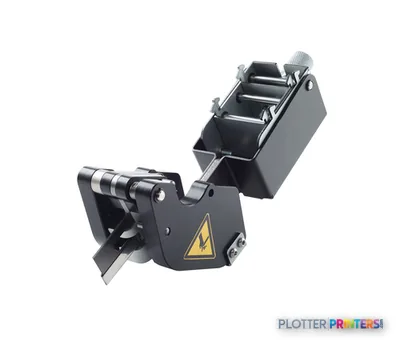 HP Latex In-Line Slitters
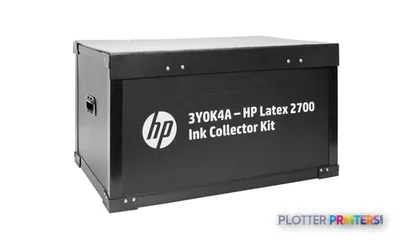 HP Latex 2700/FS Ink Collector Kit
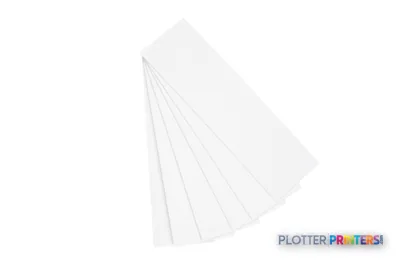 HP Latex 2700/FS Ink Collector Foams Kit
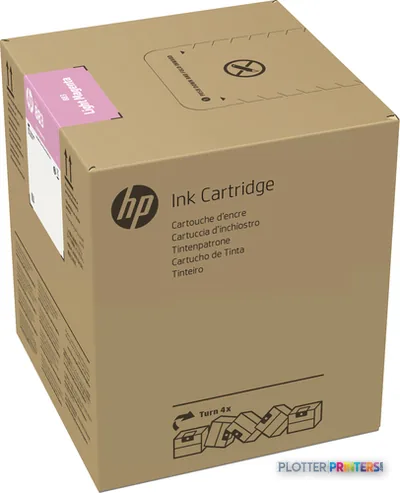 HP 883 5-liter Light Magenta Latex Ink Cartridge
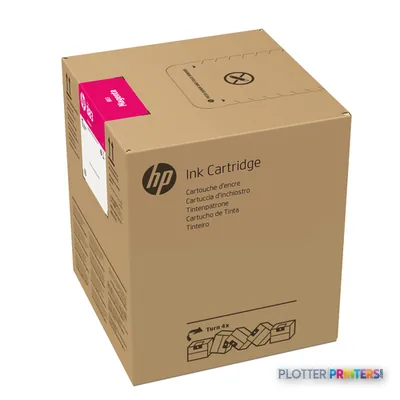 HP 883 5-liter Magenta Latex Ink Cartridge
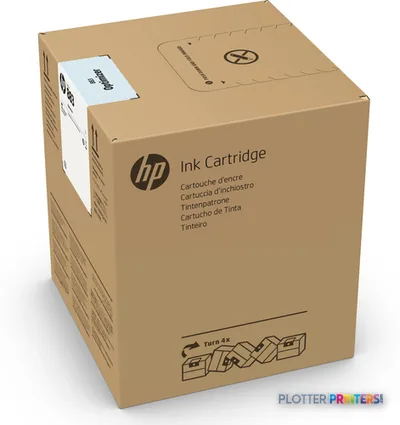 HP 883 5-liter Optimizer Latex Ink Cartridge
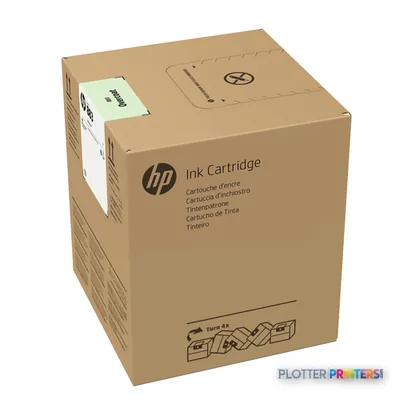 HP 883 5-liter Overcoat Latex Ink Cartridge
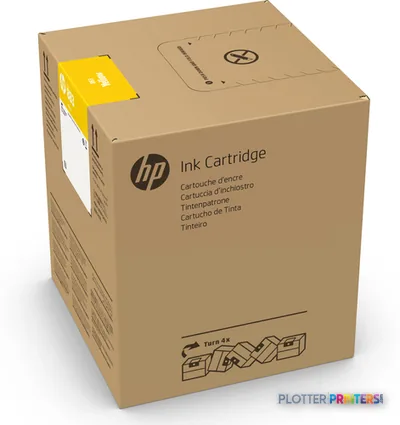 HP 883 5-liter Yellow Latex Ink Cartridge
 HP 883 5-liter Black Latex Ink Cartridge
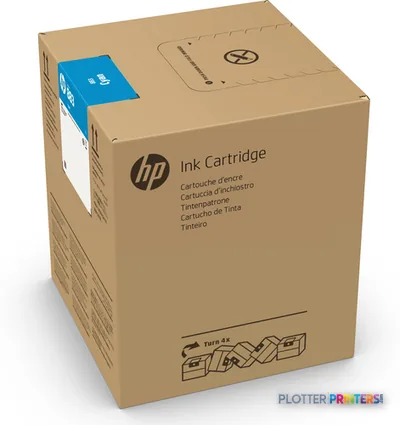 HP 883 5-liter Cyan Latex Ink Cartridge
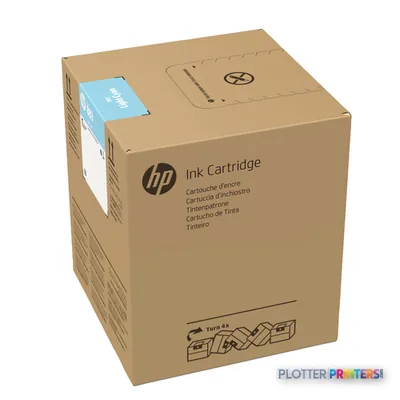 HP 883 5-liter Light Cyan Latex Ink Cartridge
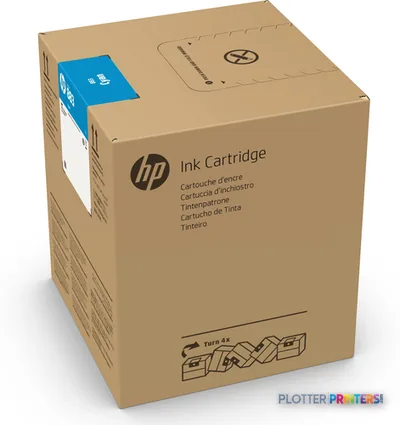 HP 883M 5-liter Cyan Latex Ink Cartridge
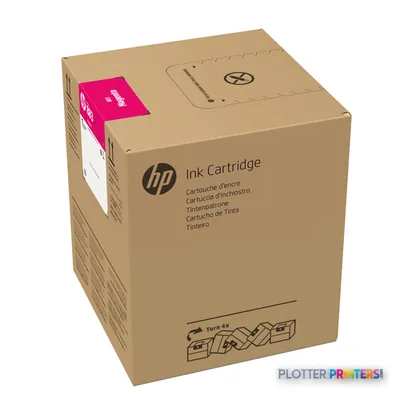 HP 883M 5-liter Magenta Latex Ink Cartridge
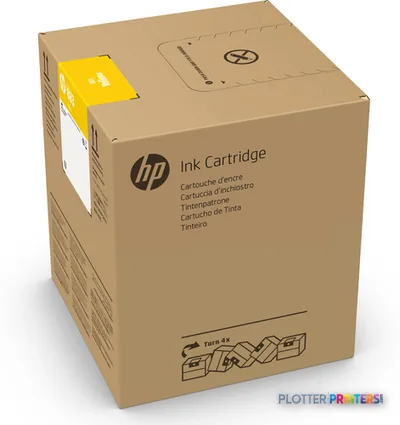 HP 883M 5-liter Yellow Latex Ink Cartridge
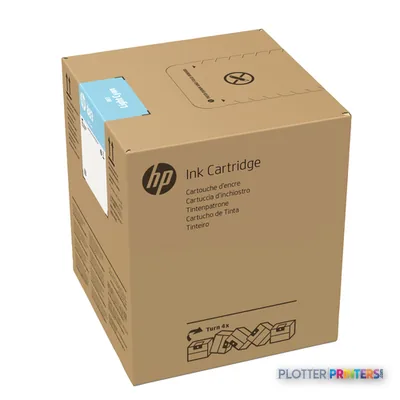 HP 883M 5-liter Light Cyan Latex Ink Cartridge
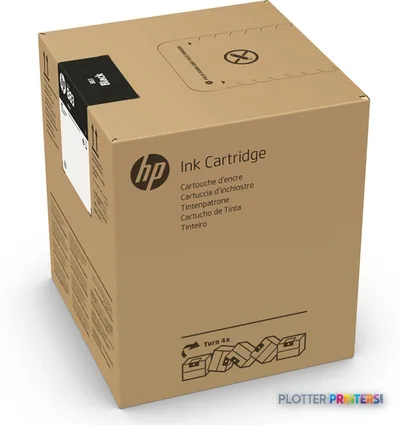 HP 883M 5-liter Black Latex Ink Cartridge
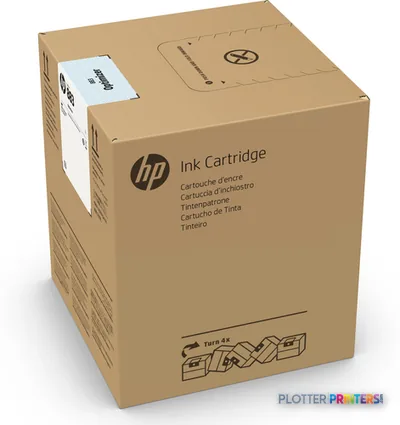 HP 883M 5-liter Optimizer Latex Ink Cartridge
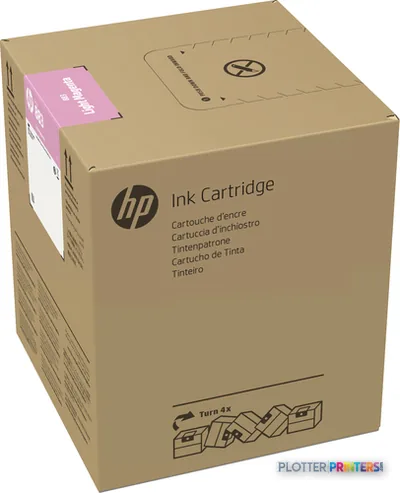 HP 883M 5-liter Light Magenta Latex Ink Cartridge
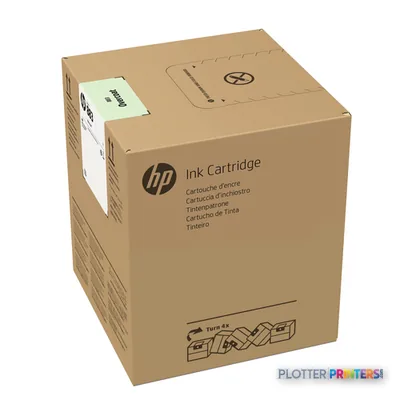 HP 883M 5-liter Overcoat Latex Ink Cartridge
Printheads 1

Paper & Media 13
 Representative image11 Mil Water-Resistant Synthetic BannerRepresentative image10 Mil Solvent Printable PolycarbonateRepresentative image225gsm Solvent Satin PE PaperRepresentative image180gsm Solvent Satin PE PaperRepresentative image225gsm Gloss Solvent PE PaperRepresentative image3 Mil Fusion Finesse Polypropylene LaminateRepresentative image230gsm Special Matte Photo PaperRepresentative image200gsm Special Matte Photo PaperRepresentative image10 Mil Water-resistant Blockout Display FilmRepresentative image10 Mil Solvent Blockout Display FilmRepresentative image10 Mil White Opaque BackerRepresentative image8mil Poster Paper Satin (514)
 HP Latex 126-in Roll Freefall Kit paper cutter
Accessories 10
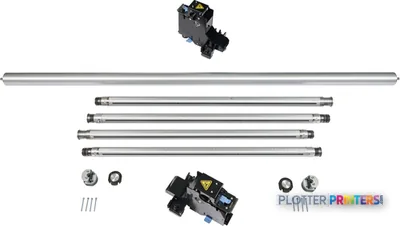 HP Latex Jumbo Dual Roll Split Spindles
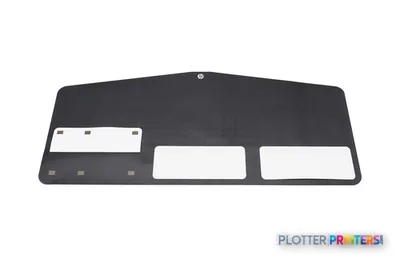 HP Latex Media Saver Kit
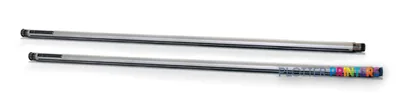 HP 126-in Dual Roll Kit
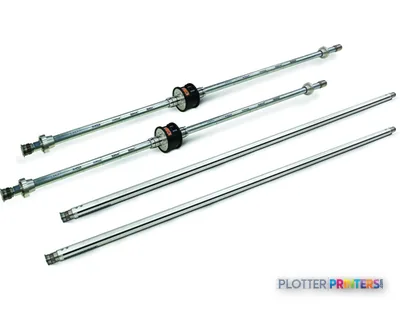 HP 126-in Spindle
 HP Latex 2700/FS Standard Uptime Kit
 HP Latex 2700/FS User Maintenance Kit
 HP 126-in Diverter Roller
 HP Latex 2700/FS Jumbo Dual Roll Kit
 HP Latex 2700/FS Edge Holder Kit
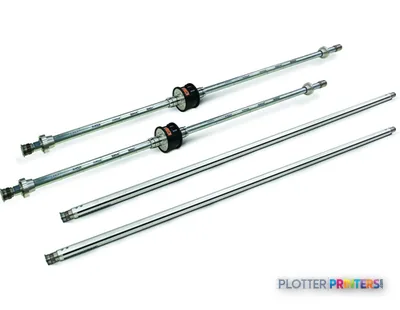 HP 126-in Dual Roll Spindle for 4J0X0A
Questions
Straight answers
What AEC work is the HP Latex 2700 Printer most suited to?
Its broad-format hardware and banner media designation make it a practical candidate for large visual project materials, site communication, presentation output, and other recurring wide-format work. Test your own drawing and PDF files for required line and text clarity.
How much space does the HP Latex 2700 Printer require?
The listed dimensions are 226 in wide, 54.3 in deep, and 65.7 in high, with a listed weight of 2872.6 lbs. Plan installation access, operating clearance, media staging, and finished-output handling in addition to the machine footprint.
What power and environment should facilities verify?
The listed AC input voltage is 200 – 240 V and frequency is 50/60 Hz. The listed operating temperature is 15 – 30 °C.
What consumables and maintenance items should buyers discuss with the supplier?
Catalog-resolved items include HP 883 ink and printhead families, HP 886 printheads, and the HP 55P22A maintenance item. Discuss the accessories needed for your media workflow, including HP Latex In-Line Slitters and the HP Latex Media Saver Kit.
Does it replace a compact 24-in AEC plotter?
Not necessarily. A machine such as the Canon GP-200 24-in addresses a smaller-format, easier-to-place workflow, while the HP Latex 2700 Printer is a much larger production platform. Choose based on actual media format, installation constraints, and operating volume.
Resources
Brochures, datasheets & video
Documents
Video
Ready to put the HP Latex 2700 to work?
Configuration, media and a quote tailored to your workflow — from AEC plotter specialists.