
Home / Wide-Format Printers / HP DesignJet
HP · Wide-Format Plotter
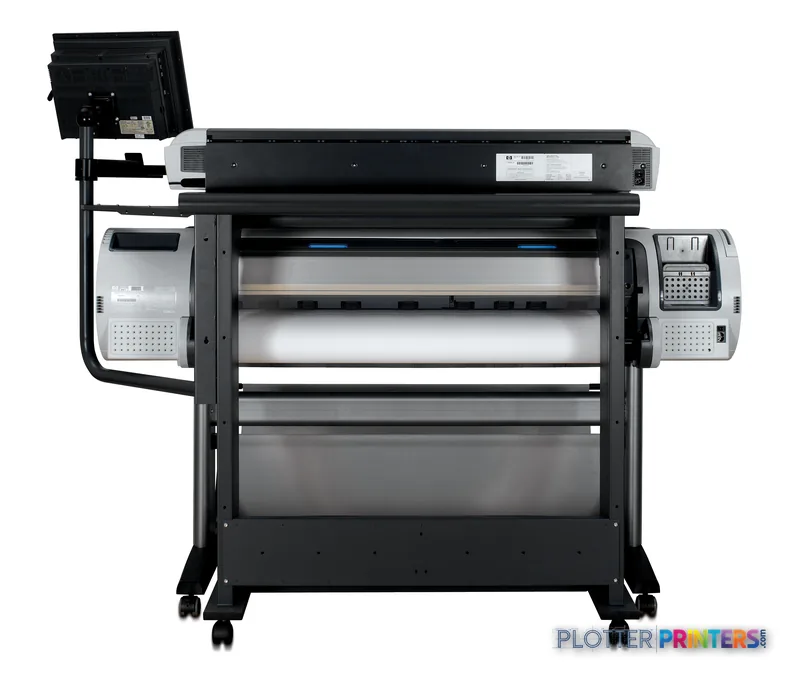
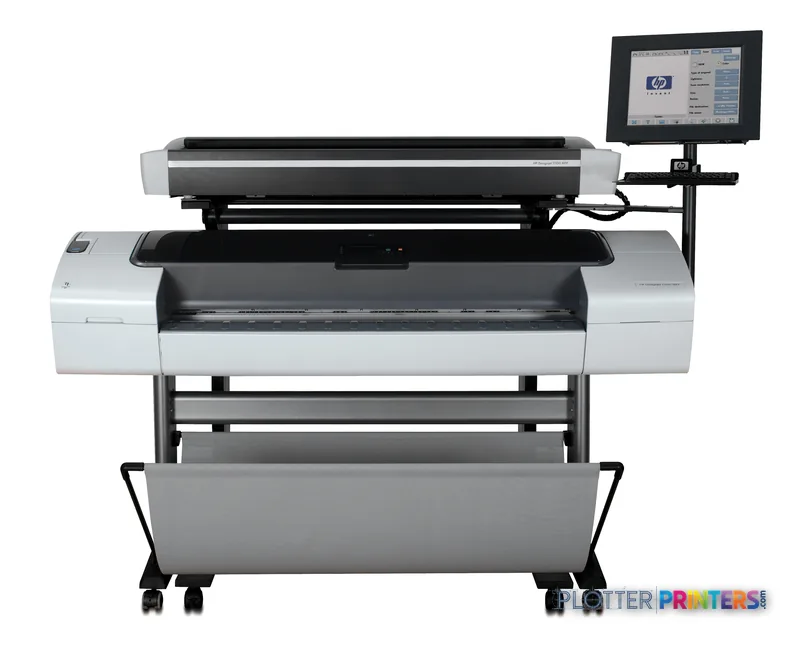
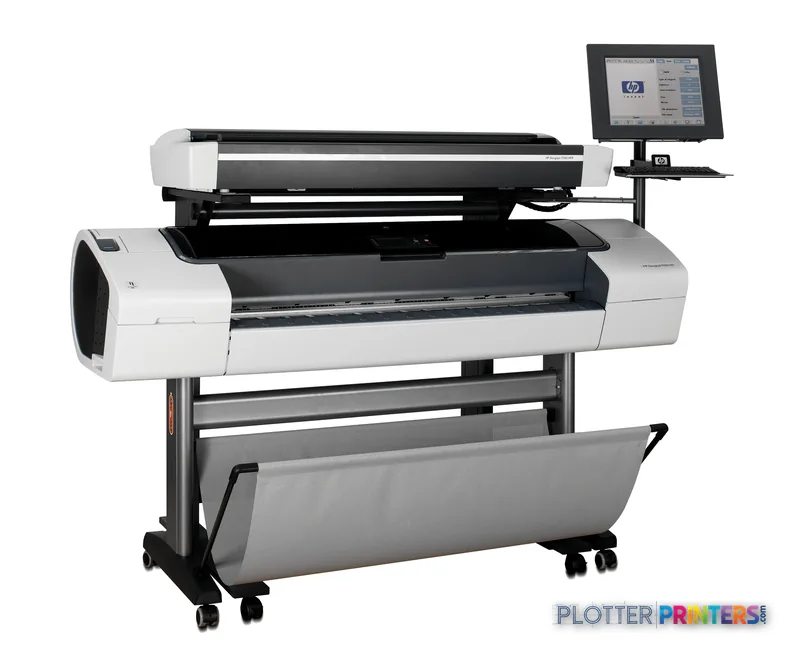
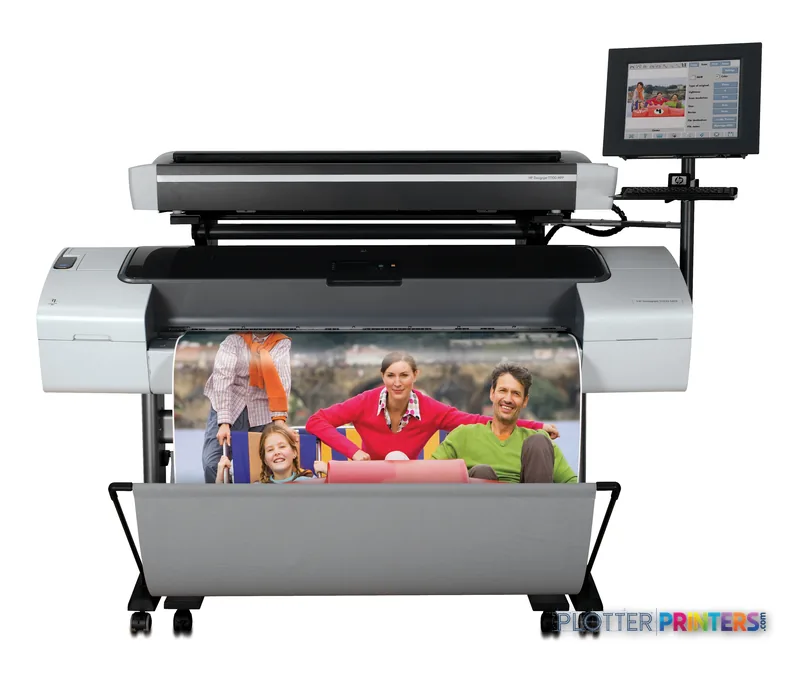
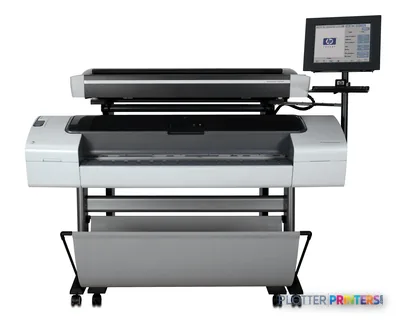
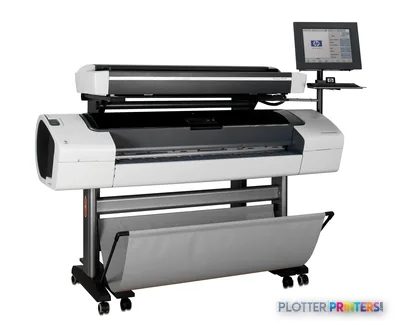
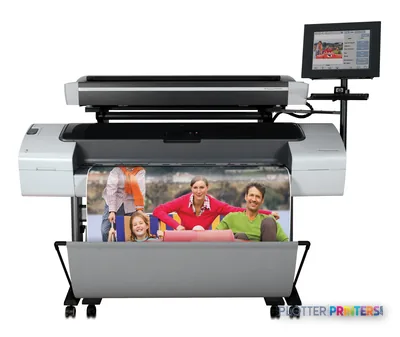
HP DesignJet T1100 MFP
44" wide-format inkjet printer
- ModelT1100 MFP
- Prints44" wide
Authorized HP dealerGenuine hardware & ink
Manufacturer warrantyExtendable to 3 years
Free shippingContinental U.S.
Plotter specialistsAEC experts, not just sellers
Analyst take
- The HP DesignJet T1100 MFP combines print, copy, and scan functions for one AEC document station.
- Roll and sheet feed support recurring plan output alongside individual oversized sheets.
- HP-GL/2, HP-RTL, PostScript, AutoCAD, Mac OS X, and Citrix MetaFrame support are listed, but the workstation environment should be tested.
Not sure if the T1100 MFP is right for you?
Compare key specs and an AI analyst read-out against similar models.
Overview
Built for the work
HP DesignJet T1100 MFP, Bond and coated paper (bond, coated, heavyweight coated, super heavyweight coated), photographic…, RoHS, WEEE, Input voltage (autoranging): 100 to 240 V ac (+/- 10%), 50/60 Hz (+/- 3 Hz), 2 amp max, Windows 2000, Windows XP Home, Windows XP Professional, Windows XP Professional x64, Windows…, HP-GL/2, HP-RTL Windows drivers, PS Windows drivers, Optimized Windows driver for AutoCAD 2000 and…, Mac OS X v10.2, Mac OS X v10.3, Mac OS X v10.4 or higher; PowerPC G3 or Intel Core Processor; 256…
Expert analysis
What you should know

Key takeaways
- The HP DesignJet T1100 MFP combines print, copy, and scan functions for one AEC document station.
- Roll and sheet feed support recurring plan output alongside individual oversized sheets.
- HP-GL/2, HP-RTL, PostScript, AutoCAD, Mac OS X, and Citrix MetaFrame support are listed, but the workstation environment should be tested.
- The listed operating-system support makes IT validation essential before deployment in a current managed network.
- The HP DesignJet T1120 44-in is the relevant family comparison when a listed 44-inch scanner/MFP with 2400 x 1200 DPI is required.
- The HP DesignJet T1600dr 36-in is the family alternative to examine when dual-roll handling matters.
Someone is standing at the output tray with a marked-up plan, a consultant’s original, and about ten minutes before the bid-room cutoff. The HP DesignJet T1100 MFP is built for that basic AEC loop: print the drawing, scan the redline, copy the sheet, and get the next revision moving.
It combines print, copy, and scan functions with roll and sheet feeding. That makes it a sensible fit where a small technical-document station must handle CAD output, construction markups, and occasional presentation or specialty media without sending every oversized sheet elsewhere. It is not a machine to buy on a spec-sheet reflex. Its age-compatible software list deserves a hard look from IT before it joins a modern Windows or Mac workflow. Nobody enjoys discovering a driver problem when the permit set is already late. Bottom line: this is an AEC MFP for practical document handling, provided the network and workstation environment have been checked first.
Print, copy, scanFunctionsOne device can cover output, capture, and copy work.
Roll feed, sheet feedMedia pathUseful when daily plan output and individual sheets share the same queue.
1 10/100/1000BT Ethernet RJ-45 portPrinter network portSupports wired placement on an office network.
100 to 240 V ac (+/- 10%), 50/60 Hz (+/- 3 Hz), 2 amp maxPower inputAutoranging input simplifies electrical planning across standard office power.
Where it fits in an AEC office
The strongest use case is straightforward: architects issuing drawing revisions, engineers copying field markups, survey teams handling plotted maps, and construction offices needing a local place to reproduce oversized sheets. Roll feed supports recurring plan output. Sheet feed matters when a user has one odd sheet to run and does not want to disturb the loaded roll.
The supported media list is broad enough for ordinary bond and coated papers, tracing and vellum-style technical media, films, self-adhesive media, vinyl, and photographic papers. That gives a team options for coordination drawings, translucent overlays, presentation sheets, and site graphics. It does not mean every media choice belongs in the same deadline-day queue. Test the media and application combination before the set becomes urgent.
For workflow, the bundled HP-GL/2 and HP-RTL Windows drivers, PostScript Windows drivers, and optimized Windows driver for AutoCAD 2000 and higher point directly at conventional CAD production. Citrix MetaFrame support is also listed. Bottom line: it fits offices that still need a physical drawing hub, not just a place to send PDFs.
IT and operator realities
There are separate wired Ethernet and Hi-Speed USB connections for the printer and scanner, and the scanner also has FireWire. The printer includes an EIO Jetdirect accessory slot. That flexibility can help in an established environment, but it also creates a proper IT checklist: confirm the driver, operating system, print server approach, security policy, and scan destination before deployment.
The listed operating-system support is rooted in Windows 2000, Windows XP, Windows Server 2003, Windows Vista Ready, Novell NetWare, Mac OS X v10.2 or higher, and Citrix MetaFrame. That is compatibility information, not a promise that a current managed desktop will behave without validation. A test print from the actual CAD and PDF applications is worth more than a cheerful installation screen.
The grayscale control panel has a 240 x 160 pixels display, direct-access buttons, navigation buttons, and Ready, Processing, Attention, and Error lights. Fine for local status checks. Less fine if your workflow expects modern touchscreen-style job handling. Bottom line: the hardware can connect, but IT should prove the whole path before users depend on it.
How it sits within the DesignJet family
If you need to compare nearby family choices, the HP DesignJet T1120 44-in is cataloged as a 44-inch scanner/MFP with 2400 x 1200 DPI. That is the comparison to make when resolution and a specified 44-inch format are central to the requirement. The HP DesignJet T1120ps 24-in is a 24-inch alternative for teams whose output format is smaller.
For a more current-looking technical-printing comparison, review the HP DesignJet T1600dr 36-in. It is listed as a 36-inch dual-roll thermal inkjet model. Dual-roll capability matters when different media or common sheet sizes must stay ready without manual roll swaps. That second loaded roll earns its keep when the superintendent wants another set while someone else is printing a color coordination sheet.
Do not assume this T1100 MFP is the answer for heavy unattended production, advanced finishing expectations, or environments that cannot accommodate older operating-system support requirements. Bottom line: compare the whole workflow, not just the word “MFP.”
Compare before the next deadline
The read
The HP DesignJet T1100 MFP makes sense for an AEC team that needs one station for large-format printing, copying, and scanning, and can validate its older software support against the environment it runs today. Its roll and sheet feeding, wired connectivity, and CAD-oriented driver bundle line up with familiar technical-document work. The trade-off is clear: this is not the machine to select blindly for a current enterprise desktop standard or an unattended high-output room. Run representative CAD files, PDFs, scans, and media through it before making it part of the deadline plan. Bottom line: good fit for a verified, hands-on document workflow; poor fit for assumptions.
Spec analysis
How the specs grade
Overall performance
—Not enough data for an overall score
Individual dimensions are shown where the specs support them.
Verified specifications
The specs that decide it
| Maximum print width | 44 in |
|---|
Specifications
Full technical detail
Use caseCAD / Technical
Performance
| Certification | RoHS, WEEE |
|---|
Paper handling
| Paper handling | Roll feed, sheet feed |
|---|---|
| Media types supported | Bond and coated paper (bond, coated, heavyweight coated, super heavyweight coated), photographic paper (satin, gloss, semi-gloss, matte), technical paper (natural tracing, translucent bond, vellum), film (transparent, matte), self-adhesive and vinyl (polypropylene, vinyl) |
Ports & interfaces
| I/O ports | Printer: 1 10/100/1000BT Ethernet RJ-45 port, 1 1 Hi-Speed USB port (compatible with USB 2.0 specifications), one EIO Jetdirect accessory slot. Scanner: 1 10/100/1000BT Ethernet RJ-45 port, 1 1 Hi-Speed USB port (compatible with USB 2.0 specifications), 1 FireWire |
|---|
Power
| Power requirements | Input voltage (autoranging): 100 to 240 V ac (+/- 10%), 50/60 Hz (+/- 3 Hz), 2 amp max |
|---|
Other features
| Safety | Compliant with ITE requirements including USA and Canada (CSA certified), EU (LVD and EN60950-1 compliant), Russia (GOST), Singapore (PSB), China (CCC), Argentina (IRAM) |
|---|---|
| Functions | Print, copy, scan |
| Control panel | 240 x 160 pixels grayscale graphical display with Asian fonts support, 4 direct-access buttons and 7 navigation buttons, 2 bicolor lights (Ready, Processing, Attention, Error) |
| Minimum system requirements | Mac OS X v10.2, Mac OS X v10.3, Mac OS X v10.4 or higher; PowerPC G4, G5, or Intel Core Processor; 1 GB RAM; 2 GB available hard disk space |
| Minimum system requirements for Macintosh | Mac OS X v10.2, Mac OS X v10.3, Mac OS X v10.4 or higher; PowerPC G3 or Intel Core Processor; 256 MB RAM; 1 GB available hard disk space |
Packaging data
| Bundled software | HP-GL/2, HP-RTL Windows drivers, PS Windows drivers, Optimized Windows driver for AutoCAD 2000 and higher, support for Citrix MetaFrame environments, PS driver for Mac OS X |
|---|
System requirements
| Compatible operating systems | Windows 2000, Windows XP Home, Windows XP Professional, Windows XP Professional x64, Windows Server 2003, Windows Vista Ready; Novell NetWare 5.x, 6.x; Mac OS X v10.2 or higher; Citrix MetaFrame |
|---|
Everything that fits the HP DesignJet T1100 MFP
The full supplies hub lists every cartridge, printhead, roll and accessory verified against the manufacturer's own documentation for this machine.
14 ink cartridges · 3 printheads · 76 paper & media items · 1 accessory · 2 coverage plans
HP DesignJet T1100 MFP ink and paper →Supplies
Compatible ink, printheads & media
Genuine consumables that fit the HP DesignJet T1100 MFP — only the cartridges, printheads and media compatible with this model.
Ink Cartridges 14
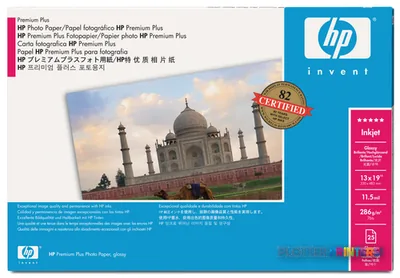 HP Premium Plus Gloss 610 mm x 15.2 m (24 in x 50 ft) White
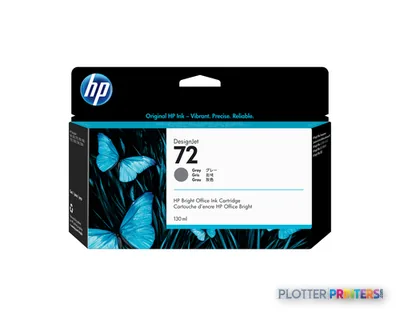 HP 72 130-ml Gray Ink Cartridge
 HP Premium Gloss 610 mm x 15.2 m (24 in x 50 ft)
 HP Premium Gloss 914 mm x 22.9 m (36 in x 75 ft)
 HP Premium Gloss 1067 mm x 30.5 m (42 in x 100 ft) White
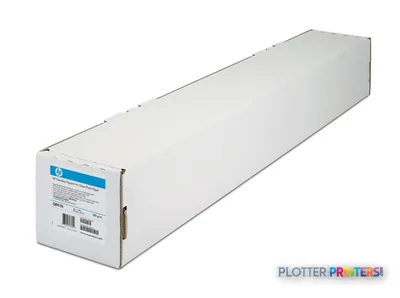 HP Premium Matte White
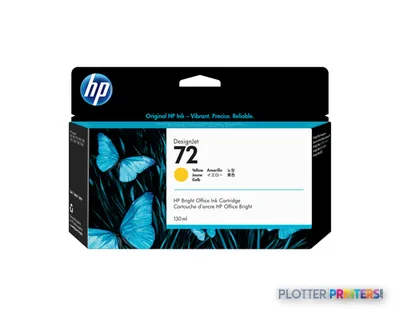 HP 72 130-ml Yellow Ink Cartridge
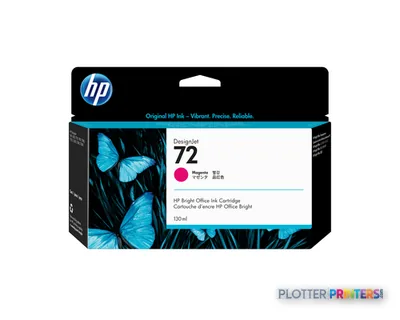 HP 72 130-ml Magenta Ink Cartridge
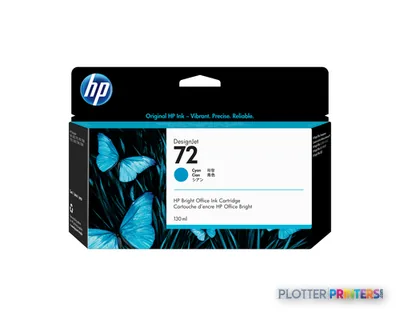 HP 72 130-ml Cyan Ink Cartridge
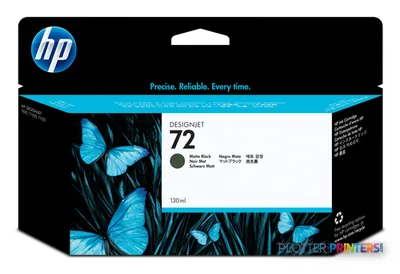 HP 72 130-ml Matte Black Ink Cartridge
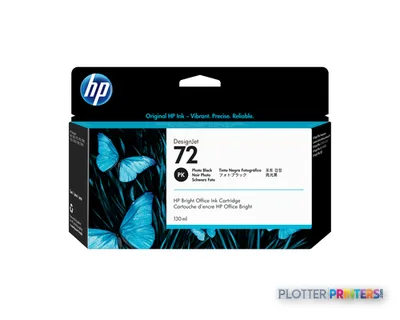 HP 72 130-ml Photo Black Ink Cartridge
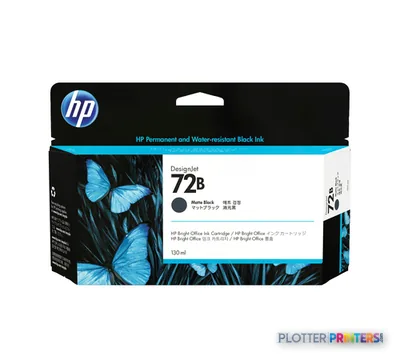 HP 72B 130-ml Matte Black Ink Cartridge
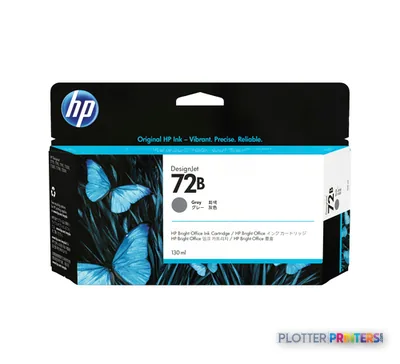 HP 72B 130-ml Gray Ink Cartridge
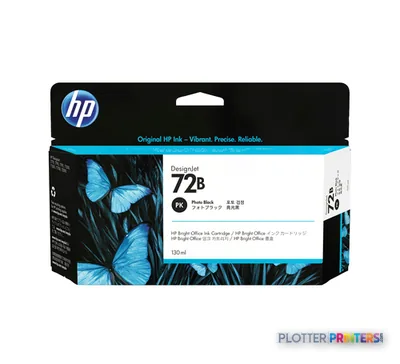 HP 72B 130-ml Photo Black Ink Cartridge
Printheads 3
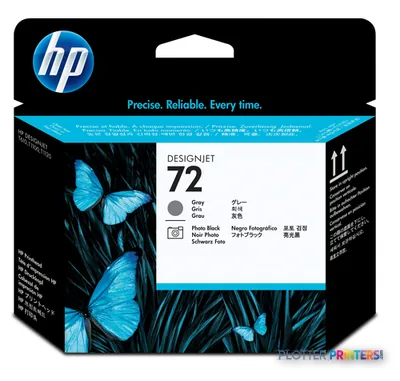
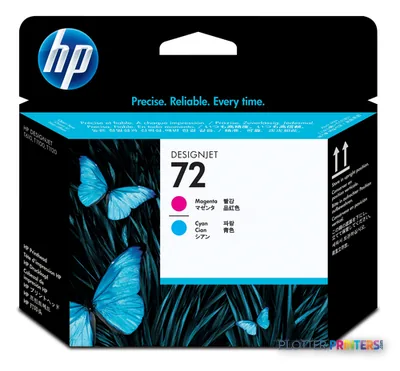
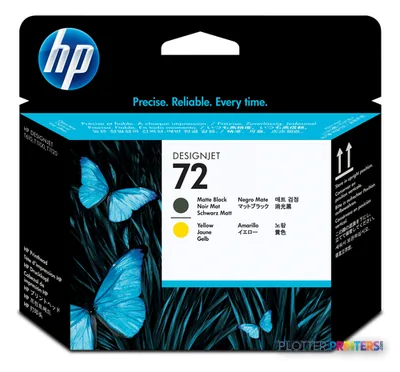
Paper & Media 76
 Representative image16 Mil WR Opaque Scrim Vinyl (3″ AC)Representative image15 Mil Water-Resistant Econo Scrim VinylRepresentative image11 Mil Water-Resistant Synthetic BannerRepresentative image180gsm Solvent Satin PE PaperRepresentative image5 Mil Polycarbonate LaminateRepresentative image230gsm Special Matte Photo PaperRepresentative image200gsm Special Matte Photo PaperRepresentative image350g Vivid Matte Poly/Cotton CanvasRepresentative image380g Premium Matte Poly/Cotton CanvasRepresentative image10 Mil Water-resistant Blockout Display FilmRepresentative image10 Mil White Opaque BackerRepresentative image5 Mil Water-Resistant Self-Adh Vinyl (3" AC)
 HP Q1733A printing paper Matte 1 sheets White
 HP C3868A plotter paper 45.7 m 91.4 cm
 HP C3869A plotter paper
 HP White Matte Polyester Film
 HP Q1420A photo paper Brown, White
 HP Q1760A large format media 45.7 m Matte
 HP Matte Film 610 mm x 38.1 m (24 in x 125 ft)
 HP Reverse Print Matte Backlit Film
 HP C6035A large format media 45.7 m
 HP C6036A printing paper Matte White
 HP C6567B plotter paper
 HP Universal Semi-gloss Photo Paper
 HP Clear Film 174 gsm-610 mm x 22.9 m (24 in x 75 ft)
 HP Q1421A photo paper Brown, White
 HP Q1908A printing film
 HP Adhesive Vinyl 914 mm x 12.2 m (36 in x 40 ft)
 HP Q1961A large format media
 HP Q1962A large format media
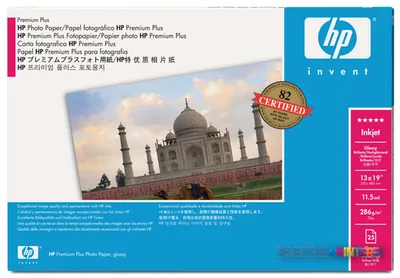 HP Q5486A photo paper Black, Blue, White
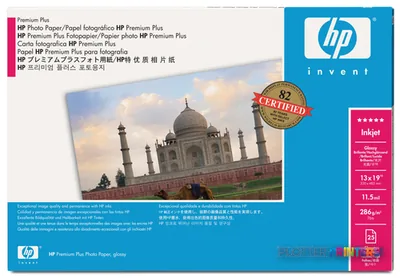 HP Q5487A photo paper Black, Blue, White
 HP Q5489A photo paper
 HP Q5491A photo paper
 HP Q6579A photo paper Brown, White
 HP Q6580A photo paper Matte
 HP Q6581A photo paper
 HP Q1441A large format media 45.7 m
 HP Q1442A large format media 45.7 m
 HP Q1444A printing paper Matte
 HP Q1445A printing paper Matte
 HP Q7897A large format media 45.7 m
 HP Universal Bond Paper 841 mm x 91.4 m large format media 3598.4" (91.4 m)
 HP Q8834A printing film
 HP Q8835A printing film
 HP CG459A photo paper Matte
 HP Premium Matte Photo Paper-914 mm x 30.5 m (36 in x 100 ft) large format media
 HP Q1446A plotter paper 45 m 42 cm
 HP Vivid White Glossy Polyester Film
 HP PVC-free Banner-914 mm x 15.2 m (36 in x 50 ft)
 HP CG816A large format media 15.2 m Matte
 HP Vivid White Glossy Polyester Film
 HP Cockle-free Heavyweight Coated Paper-914 mm x 30.5 m (36 in x 100 ft)
 HP Cockle-free Heavyweight Coated Paper-1067 mm x 30.5 m (42 in x 100 ft)
 HP CG822A large format media 22.9 m
 HP CG884A large format media 45.7 m Matte
 HP CG885A large format media 45.7 m Matte
 HP Durable Banner w/ DuPont Tyvek 914 mm x 22.9 m (36 in x 75 ft) large format media Matte
 HP Cockle-free Heavyweight Coated Paper-610 mm x 30.5 m (24 in x 100 ft)
 HP Cockle-free Coated Paper-610 mm x 45.7 m (24 in x 150 ft)
 HP CG889A large format media 45.7 m
 HP CG890A plotter paper
 HP CG891A large format media 45 m
 HP Premium Satin 610 mm x 15.2 m (24 in x 50 ft) White
 HP Premium Satin 914 mm x 22.9 m (36 in x 75 ft) White
 HP Premium Satin 1067 mm x 30.5 m (42 in x 100 ft)
 HP CG459B photo paper White Matte
 HP Q6628B large format media 30.5 m Matte
 HP C0F13A large format media 22.9 m Matte
 HP 2-pack Everyday Adhesive Matte Polypropylene-610 mm x 22.9 m (24 in x 75 ft)
 HP C0F19A printing film
 HP C0F20A printing film
 HP C0F28A printing film
 HP C0F29A printing film
 HP C2T53A printing film
 HP C2T54A printing film
Accessories 1


Questions
Straight answers
What AEC work is the HP DesignJet T1100 MFP suited to?
It is suited to local technical-document work that needs print, copy, and scan functions in one place. Typical examples include CAD output, marked-up drawing capture, copied plan sheets, maps, overlays, and presentation-oriented media.
Can it handle both rolls and individual sheets?
Yes. The listed paper handling is roll feed and sheet feed. That supports routine plan printing from a roll and individual-sheet work without limiting the device to one feed method.
What software and CAD environments are listed?
The bundled software includes HP-GL/2 and HP-RTL Windows drivers, PS Windows drivers, an optimized Windows driver for AutoCAD 2000 and higher, Citrix MetaFrame support, and a PS driver for Mac OS X.
What should IT verify before putting it on the network?
Verify the driver path, operating system, print-server approach, scan workflow, and security requirements. The listed compatible systems include older Windows, Mac OS X, Novell NetWare, and Citrix MetaFrame environments, so a real-world test is essential.
Which in-family model should I review if I need a specified 44-inch MFP with 2400 x 1200 DPI?
Review the HP DesignJet T1120 44-in. It is listed as a 44-inch scanner/MFP with 2400 x 1200 DPI.
When is the HP DesignJet T1100 MFP not the right tool?
It may be less appropriate for teams that require dual-roll operation, heavily unattended output, or a workflow that cannot support validation against its listed operating-system and driver environment.
Ready to put the HP DesignJet T1100 MFP to work?
Configuration, media and a quote tailored to your workflow — from AEC plotter specialists.