Talk to an Expert980-536-0080
Get a Quote

Home / Wide-Format Printers / HP DesignJet

HP · Wide-Format Plotter

HP DesignJet HD Pro 2 MFP

44" wide-format MFPs

  • ModelHD Pro 2 MFP
  • Prints44" wide
Authorized HP dealerGenuine hardware & ink
Manufacturer warrantyExtendable to 5 years
Free shippingContinental U.S.
Plotter specialistsAEC experts, not just sellers

Analyst take

  • The HP DesignJet HD Pro 2 44-in MFP combines 44-inch printing with a separate 42-inch scanner for wide-document workflows.
  • Support for PDF, HP-GL/2, HP-RTL, PostScript 3, TIFF, JPEG and CALS G4 suits mixed AEC file environments.
  • Its maximum print resolution is 2400 x 1200 DPI, while optical scanning resolution is 1200 x 1200 DPI.

Read the full expert analysis ↓

Not sure if the HD Pro 2 MFP is right for you?

Compare key specs and an AI analyst read-out against similar models.

Compare printers →
  • Wide-format reach Prints up to 44" wide on rolls and sheets.
  • Fine detail 2400 x 1200 DPI maximum resolution for crisp line work.
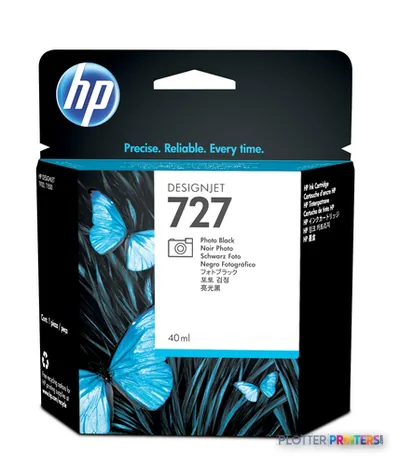
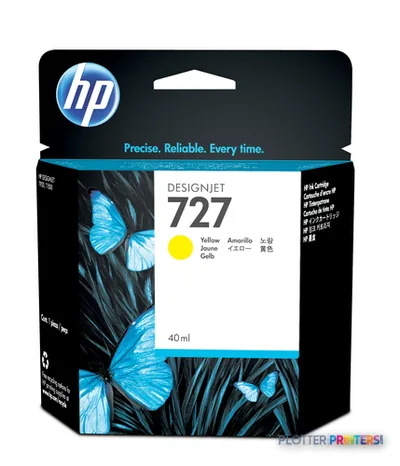
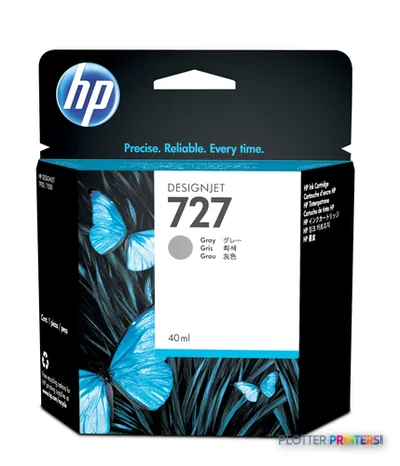
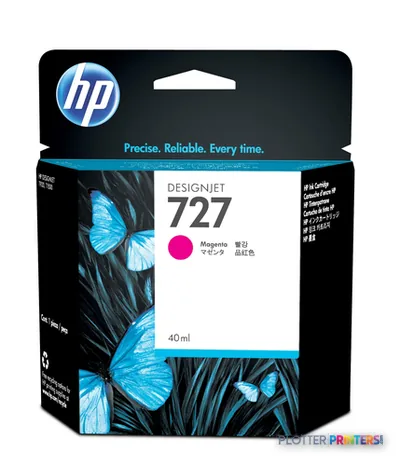
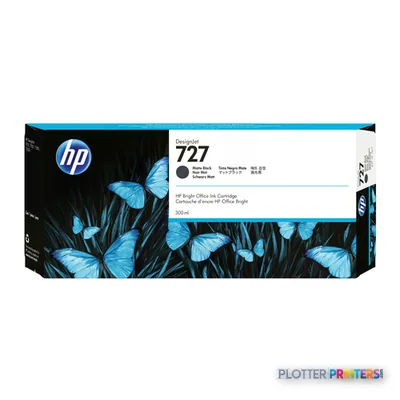
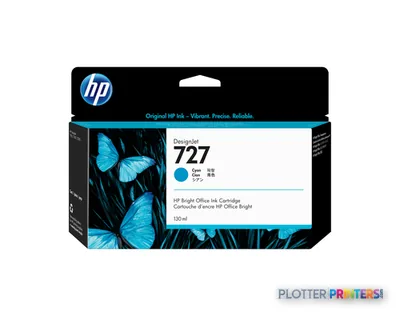
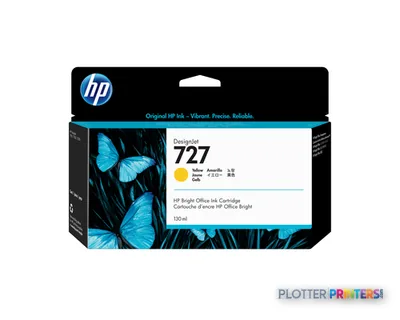
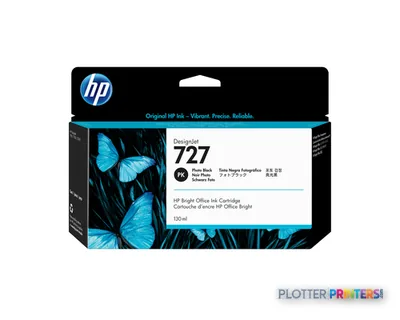
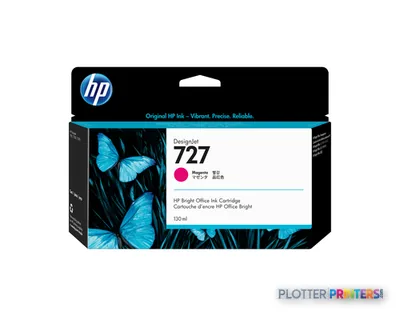
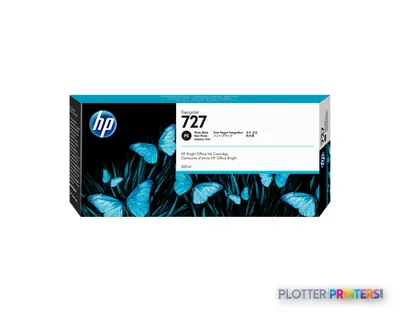
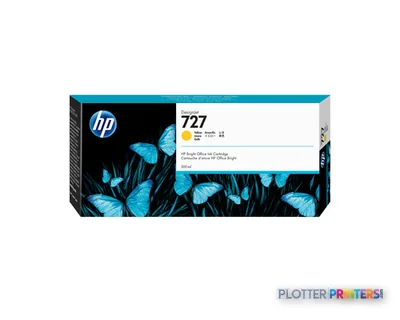
  • Ink platform Cyan, Photo black, Matte black, Magenta, Yellow.

Overview

A modular 44-inch print-and-scan system for firms that live between CAD and color

The HP DesignJet HD Pro 2 44-in MFP is a current, high-production wide-format system built for firms that produce both technical drawings and color-critical output. Understand one thing up front: this is a bundle, not an integrated all-in-one. You are buying an HP DesignJet Z6dr 44-in PostScript printer with V-Trimmer plus a separate HP HD Pro 2 42-in scanner on its own stand. That means two power drops, two network considerations, and roughly six feet of lateral space for the printer alone. Plan the room before you plan the workflow.

  • Mixed technical-and-graphics shops running CAD sets and presentation boards from one device.
  • Reprographics and central print rooms that scan large-format originals to file, not just copy.
  • Teams needing PostScript 3, PDF 1.7, HP-GL/2 and CALS G4 handled natively.
  • Firms archiving legacy drawings with a CCD scanner rated up to 9600 x 9600 dpi.
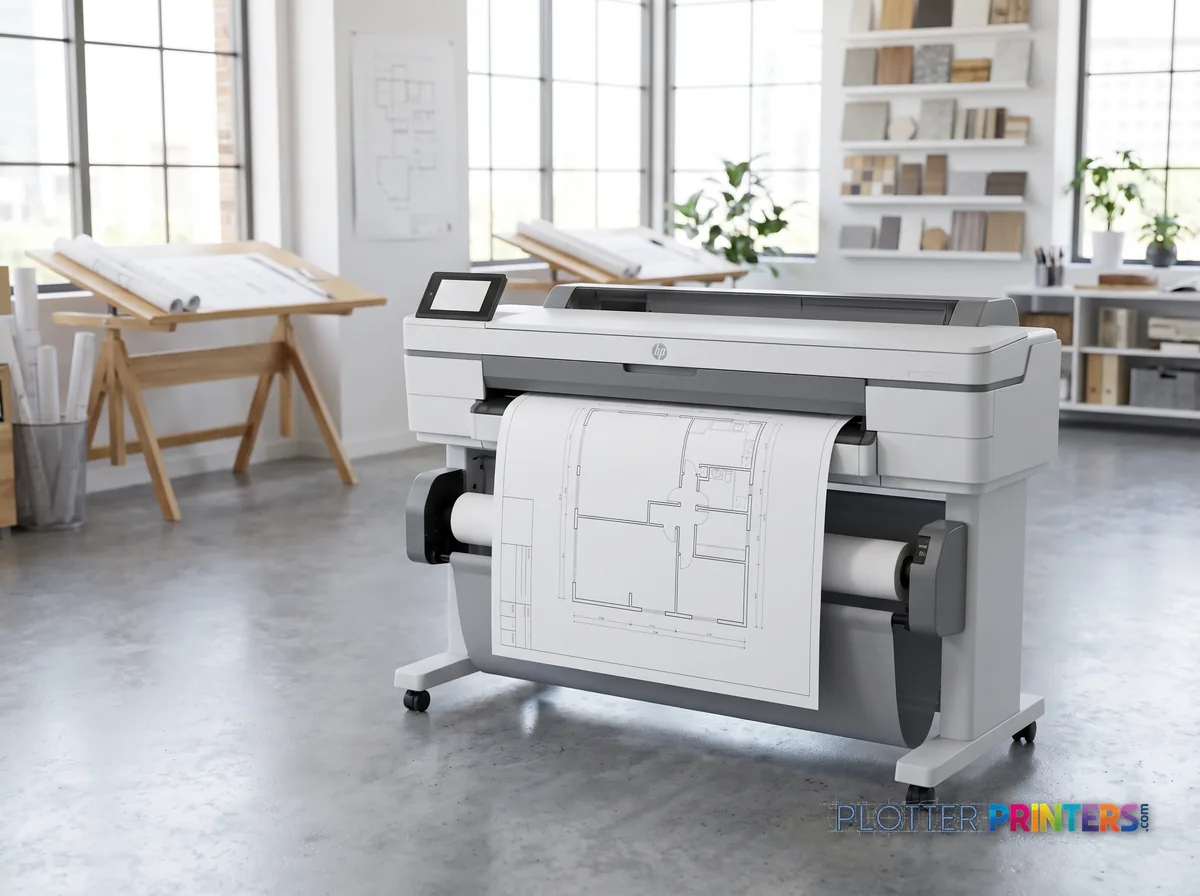
HP DesignJet HD Pro 2 44-in MFP in a bright architecture studio, printing a large floor plan (staged scene from manufacturer product photography)
Takes rolls up to 44″ wide

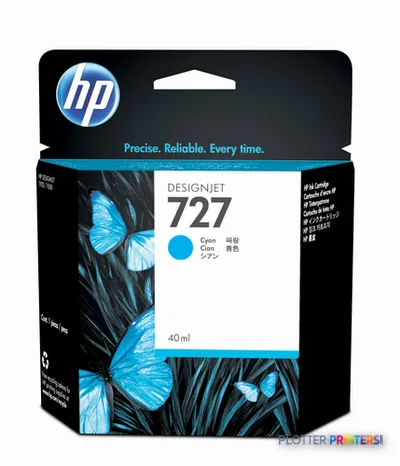
Where it isn’t the right tool: a small studio printing occasional permit sets doesn’t need a six-ink, dual-component system or a 44-inch scanner stand. If your work is monochrome CAD at 36 inches with a lighter scan load, the in-family HP DesignJet T918 36-in (now discontinued) covered that ground more modestly. Consumables are straightforward: HP 727 inks and the HP 727 printhead. Note HP dynamic security is enabled on this platform.

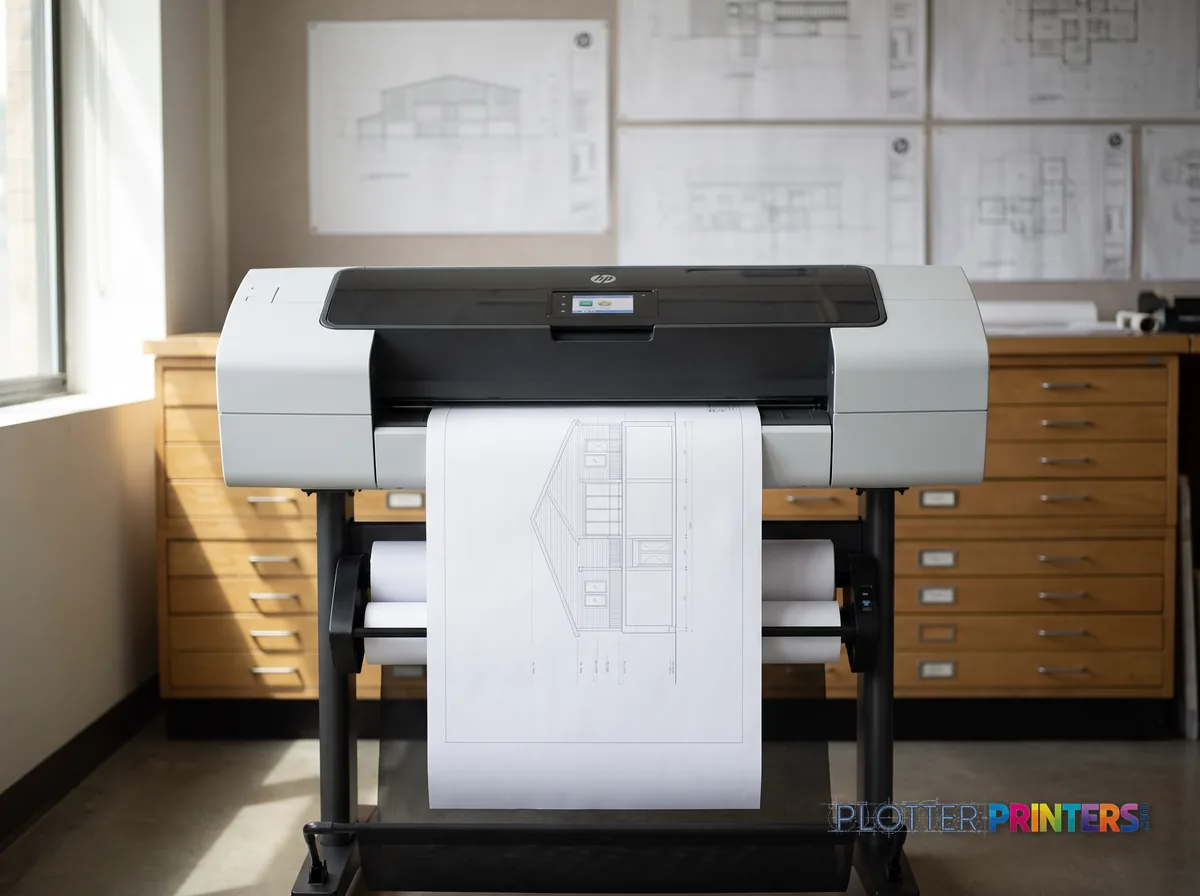
HP DesignJet HD Pro 2 44-in MFP in a plan room beside flat-file drawers, printing a CAD elevation (staged scene from manufacturer product photography)
2,400 dpi maximum resolution
  • 44″Max print width
  • 6Ink channels
  • 2,400 dpiMax resolution

At a glance

Print width
Up to 44 in (custom media to 44" x 66")
Configuration
Modular MFP: Z6dr 44-in printer + HD Pro 2 42-in scanner
Print resolution
2400 x 1200 dpi, 6 inks (CMYK + photo/matte black)
Scan technology
CCD scanner, optical 1200 x 1200 dpi (max 9600 x 9600 dpi)
Languages
PostScript 3, PDF 1.7, HP-GL/2, HP-RTL, TIFF, JPEG, CALS G4
Media types
Bond, coated, photo, rough, transparencies, banner
Footprint depth
27.4 in (695 mm), printer body; scanner stand separate
Power
100–240 V, 50/60 Hz; 0.3 W sleep, 0.1 W off

Ideal for: mixed CAD-and-color production and large-format scan-to-file in reprographics and central print rooms. Not the tool for: small studios with light, monochrome, 36-inch output and minimal scanning.

Expert analysis

What you should know

Key takeaways

  • The HP DesignJet HD Pro 2 44-in MFP combines 44-inch printing with a separate 42-inch scanner for wide-document workflows.
  • Support for PDF, HP-GL/2, HP-RTL, PostScript 3, TIFF, JPEG and CALS G4 suits mixed AEC file environments.
  • Its maximum print resolution is 2400 x 1200 DPI, while optical scanning resolution is 1200 x 1200 DPI.
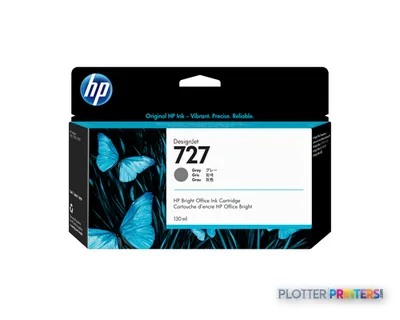
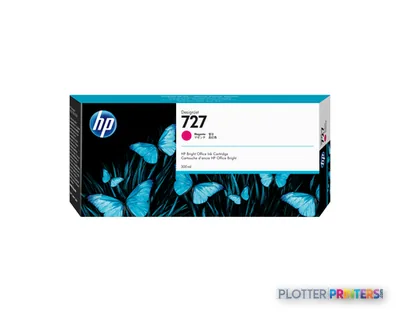
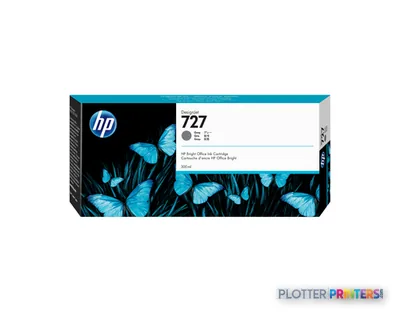
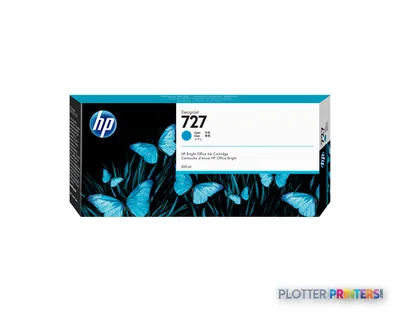
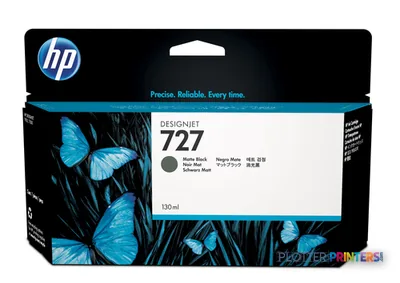
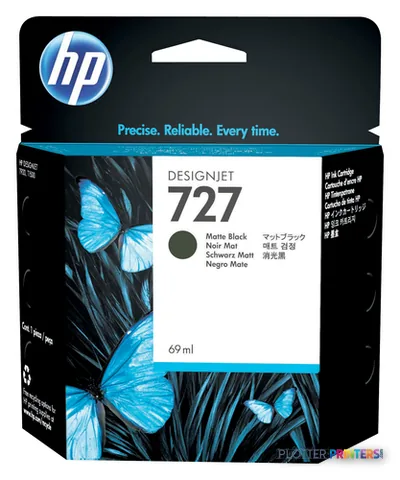
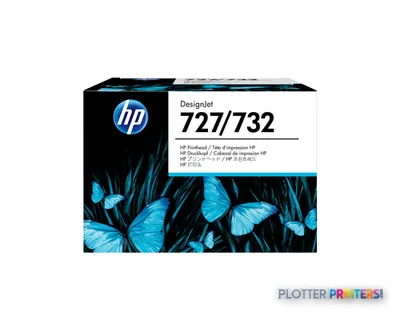
  • The machine uses HP 727 inks and an HP 727 printhead.
  • Scanning capability is valuable when wide originals are routine; it adds less value when scan work is infrequent.
  • HP Web Jetadmin and optional HP Security Manager make IT ownership and deployment planning relevant from the start.

The HP DesignJet HD Pro 2 44-in MFP is built for the point in an AEC workflow where a digital plan set becomes a paper mark-up, and where yesterday’s marked-up sheet needs to return to the project folder without becoming a small scanning project of its own. It combines a 44-inch HP DesignJet Z6dr printer with V-Trimmer and an HP HD Pro 2 42-inch scanner, making it a practical production node for plans, maps, coordination drawings, presentation output and legacy-document capture.

Its appeal is not one isolated specification. It is the combination of wide-format print, copy and scan capability; support for PDF, HP-GL/2, HP-RTL, PostScript 3, TIFF, JPEG and CALS G4; and software that can sit within a managed print environment. A plotter that saves thirty seconds a plot buys you nothing if the file spends four minutes finding it.

44"Maximum print widthCustom media sizes extend to 44" x 66".
2400 x 1200 DPIMaximum print resolution
1200 x 1200 DPIOptical scan resolution
9600 x 9600 DPIScanner maximum resolution

Where it fits in an AEC document operation

This machine is particularly well suited to firms that still move regularly between electronic files and paper: architects revising permit sheets, civil teams handling color-coded utility or GIS drawings, contractors scanning field mark-ups, and central print rooms supporting several disciplines. The 44-inch print width accommodates common full-size drawing formats, while the scanner adds a direct route for copying and capturing wide originals.

  • Print PDF, HP-GL/2, HP-RTL and PostScript-based drawing files from established AEC workflows.
  • Scan wide originals for archive, review, copy and document-distribution processes.
  • Handle bond, coated, photo, transparency, banner and rough paper media types.
  • Use HP Click, HP Web Jetadmin and the HP DesignJet Utility within the supported software stack.

The six-cartridge system uses HP 727 inks and an HP 727 printhead. For operations that print both technical documents and color communication material, that is a more relevant starting point than treating every wide-format device as merely a plotter.

What the specification means in practice

The stated 2400 x 1200 DPI maximum print resolution gives the device the technical basis for detailed drawing and graphics output; actual legibility still depends on source-file line weights, PDF creation and driver settings. Its supported page-description languages are a meaningful operational advantage for mixed CAD and PDF estates, especially where older HP-GL/2 files remain beside newer BIM-derived PDFs.

The 42-inch scanner deserves equal attention in the buying decision. It may reduce the handoff between paper mark-ups and digital review, but scanner work remains operator work: loading originals, choosing settings, checking crops and naming files do not happen by themselves. The scanner is free. The person standing at it is not.

For IT, HP Web Jetadmin, HP DesignJet Utility, optional HP Security Manager and HP dynamic security are part of the conversation. Confirm how the machine will be segmented, administered and supplied before deployment, including who owns driver support and scan-file destinations. Those details determine whether it becomes useful shared infrastructure or another exception in the help-desk queue.

Family context and reasonable alternatives

The only listed in-family comparison is the HP DesignJet T918 36-in, a discontinued 36-inch scanner/MFP. That makes it relevant chiefly to teams replacing an installed 36-inch device or working within a narrower-format footprint, rather than as a like-for-like 44-inch alternative. The HD Pro 2’s 44-inch printing capability and 42-inch scanner make more sense where full-size documents are routine.

Cross-brand evaluation should focus on the workflow, not the logo on the front panel. The Canon GP-4000 44-in and Canon GP-4600S 44-in are catalog-listed 44-inch alternatives worth placing beside it in a controlled file and media test. Use the comparison tool to organize the specification review, then ask each supplier to demonstrate the actual PDFs, CAD files and scan originals your team uses.

This is less appropriate for a small office that rarely scans wide originals, or for a department whose output is mostly narrow-format documents. In both cases, the additional scan station and workflow capability may create more footprint and process than the workload justifies.

The read

Choose the HP DesignJet HD Pro 2 44-in MFP if your AEC team needs 44-inch color printing plus regular 42-inch scanning and copying, and can support it as a shared managed device. Choose a simpler wide-format printer if scanning is occasional, or compare it directly with another 44-inch system if your decision turns on local service, driver behavior or the files that cause trouble on deadline day. Buy the machine for the workflow you have, not the one the brochure imagines.

Spec analysis

How the specs grade

Overall performance

Not enough data for an overall score

Individual dimensions are shown where the specs support them.

print_qualityInk $ColorWorkflow
  • This printer
  • Epson SureColor T5770DM

How it scores

Media HandlingNot enough spec data
SpeedNot enough spec data
ConnectionsNot enough spec data
Workflow100top of 3 in classcatalog best ★
Size / FitNot enough spec data
WarrantyNot enough spec data

Graded on a curve against the best published spec among the wide-format printers we track — 100 = the catalog’s gold standard for that metric (the finest droplet, the longest warranty, the fastest rated speed actually on the market). Every input is a manufacturer-published spec; rated speeds are shown as listed, not timed throughput. Ticks mark the class best. How we grade →

Verified specifications

The specs that decide it

Maximum print width44 in
Maximum resolution2400 x 1200 DPI
Printing colorsCyan, Photo black, Matte black, Magenta, Yellow
Number of print cartridges6
Page description languagesPostScript 3, PDF 1.7, HP-GL/2, TIFF, JPEG, HP-RTL, CALS G4

Specifications

Full technical detail

Max resolution2400 x 1200 DPI
Max print width44"
ColorColor
ConnectivityUSB
Use caseCAD / Technical
Printing
ColorYes
Printing colorsCyan, Photo black, Matte black, Magenta, Yellow
Resolution color2400 x 1200 DPI
Maximum resolution2400 x 1200 DPI
Number of print cartridges6
Page description languagesPostScript 3, PDF 1.7, HP-GL/2, TIFF, JPEG, HP-RTL, CALS G4
Performance
HP segmentBusiness
CertificationPrinter: Compliant with Class B requirements, including: USA (FCC rules), Canada (ICES), EU (EMC Directive), Australia (ACMA), New Zealand (RSM), China (CCC), Japan (VCCI), Korea (KCC), South Africa (SABS); Scanner: Compliance for Class A ITE products: EU (EMC Directive), USA (FCC Rules), Canada (ICES), Australia (ACMA), New Zealand (RSM), China (CCC), Japan (VCCI), Korea (MSIP), Taiwan (BSMI), Russia (EAC)
Paper handling
Custom media sizes210 x 279 to 1118 x 1676 mm
Paper tray media typesCoated paper, Bond paper, Photo paper, Transparencies, Banner, Rough paper
ISO A-series sizes (A0…A9)A0, A1, A2, A3, A4
Ports & interfaces
USB 2.0 ports quantity1
Technical details
Box contentsPrinter: HP DesignJet Z6dr 44-in PostScript Printer with V-Trimmer, printheads, introductory ink cartridges, printer stand and media bin, spindle, 3-in core adapter, quick reference guide, setup poster, power cord; Scanner: HP HD Pro 2 42-in Scanner, stand, touchscreen (panel PC), quick reference guide, media guides, setup poster, maintenance sheet, copy/scan software, documentation software, Ethernet cable, USB cable, power cords
Weight & dimensions
Depth27.4" (695 mm)
Power
AC input voltage100 – 240 V
AC input frequency50/60 Hz
Power consumption (off)0.1 W
Power consumption (sleep)0.3 W
Operational conditions
Storage temperature (T-T)-25 – 55 °C
Operating temperature (T-T)5 – 35 °C
Operating relative humidity (H-H)20 – 80%
Other features
UNSPSC-code43212104
Electromagnetic compatibilityPrinter: Compliant with Class B requirements, including: USA (FCC rules), Canada (ICES), EU (EMC Directive), Australia (ACMA), New Zealand (RSM), China (CCC), Japan (VCCI), Korea (KCC), South Africa (SABS); Scanner: Compliance for Class A ITE products: EU (EMC Directive), USA (FCC Rules), Canada (ICES), Australia (ACMA), New Zealand (RSM), China (CCC), Japan (VCCI), Korea (MSIP), Taiwan (BSMI), Russia (EAC)
Scanning
Maximum scan resolution9600 x 9600 DPI
Optical scanning resolution1200 x 1200 DPI
Packaging data
Package depth30.2" (766 mm)
Package width76.8" (1950 mm)
Package height49.6" (1260 mm)
Package weight511.5 lbs (232 kg)
Bundled softwareHP Click printing software, HP Web Jetadmin, HP DesignJet Utility including HP Color Center, HP Partner Link, HP Security Manager (optional), HP SmartStream (optional)
Brand-specific features
HP GTIN (EAN/UPC)199896723657
HP dynamic securityYes

Everything that fits the HP DesignJet HD Pro 2 MFP

The full supplies hub lists every cartridge, printhead, roll and accessory verified against the manufacturer's own documentation for this machine.

18 ink cartridges · 1 printhead · 12 paper & media items · 3 coverage plans

HP DesignJet HD Pro 2 MFP ink and paper →

Supplies

Compatible ink, printheads & media

Genuine consumables that fit the HP DesignJet HD Pro 2 44-in MFP — only the cartridges, printheads and media compatible with this model.

Questions

Straight answers

Is this one machine or two?

Two components sold as a bundle: the HP DesignJet Z6dr 44-in PostScript printer and a separate HP HD Pro 2 42-in scanner on its own stand. Budget two power outlets, network access for each, and roughly six feet of lateral space for the printer plus a dedicated scanner area.

What ink and printhead does it use?

It runs HP 727 inks across six cartridges (cyan, magenta, yellow, photo black, matte black) and the HP 727 printhead. Note the platform uses HP dynamic security, which affects third-party cartridge compatibility.

Can it handle both CAD sets and color presentation work?

Yes. It reads PostScript 3, PDF 1.7, HP-GL/2 and CALS G4 for technical drawings, and prints color at 2400 x 1200 dpi for boards and renderings, so one device serves both workflows.

How good is the scanner for archiving old drawings?

It uses CCD technology rather than the CIS sensors common on standard CAD MFPs, with optical resolution of 1200 x 1200 dpi and a maximum of 9600 x 9600 dpi. That suits color originals and detailed archival capture; the trade-off is footprint and a separate stand.

How does this compare to a smaller HP MFP?

The in-family HP DesignJet T918 36-in (now discontinued) was a narrower, more compact integrated approach for lighter monochrome CAD and scanning. The HD Pro 2 is a wider, higher-production, color-capable system with a far more capable scanner and a correspondingly larger footprint.

What software and management tools come with it?

It bundles HP Click, HP Web Jetadmin, HP DesignJet Utility with Color Center, and HP Partner Link, plus copy/scan and documentation software. HP Security Manager and HP SmartStream are available as options for IT-managed and high-volume environments.

Resources

Brochures, datasheets & video

Ready to put the HP DesignJet HD Pro 2 MFP to work?

Configuration, media and a quote tailored to your workflow — from AEC plotter specialists.

HP DesignJet HD Pro 2 MFP
$30,390.95Add to Cart