
Home / Wide-Format Printers / Epson SureColor
Epson · Wide-Format Plotter
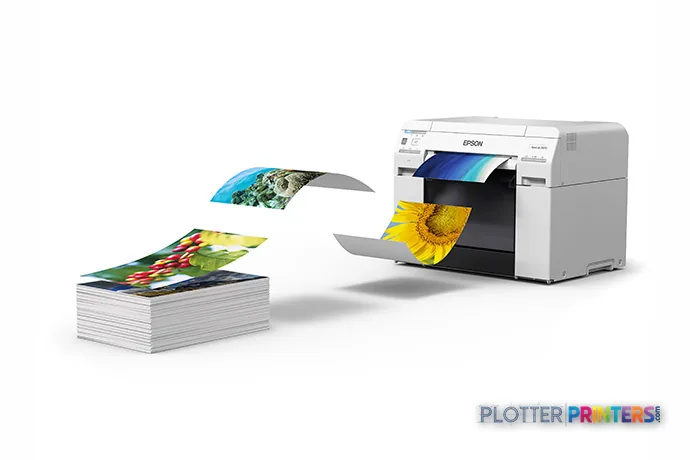
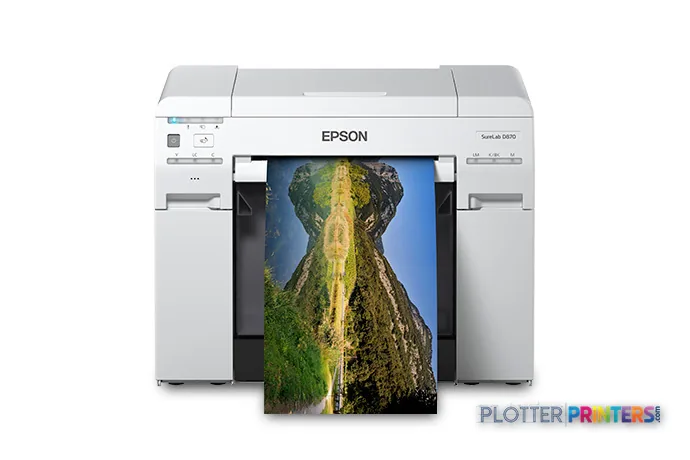
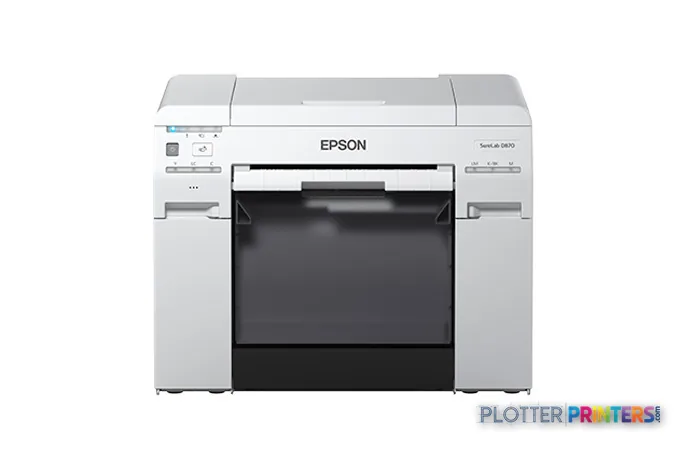
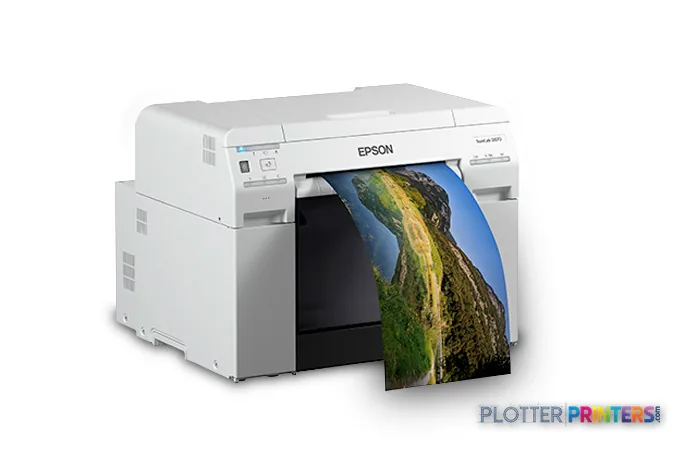
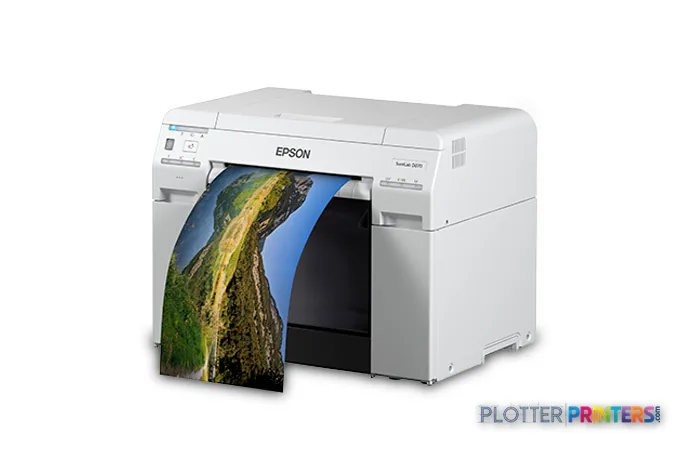
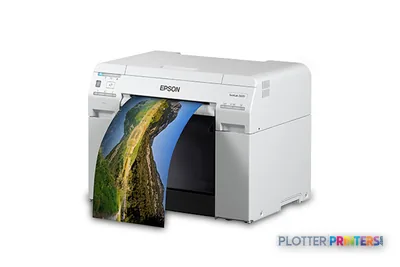
Epson SureLab D870
color graphics & photo printer
- ModelSureLab D870
Authorized Epson dealerGenuine hardware & ink
Manufacturer warrantyExtension plans available
Free shippingContinental U.S.
Plotter specialistsAEC experts, not just sellers
Analyst take
- The Epson SureLab D870 is a USB-equipped inkjet color printer with no Ethernet LAN, Wi-Fi, scanner, or copier listed.
- Its stated maximum print size is 83" x 39" (2100 x 1000 mm), with borderless printing and cut-sheet support.
- Glossy and matte paper support makes it more relevant to presentation graphics than to routine construction-set issuance.
Not sure if the SureLab D870 is right for you?
Compare key specs and an AI analyst read-out against similar models.
Overview
Built for the work
Epson SureLab D870, Inkjet, 1440 x 720 DPI, Black, Cyan, Light Cyan, Light magenta, Magenta, Yellow, 2100 x 1000 mm, Glossy paper, Matte paper, 3" (7.62 cm)
Expert analysis
What you should know

Key takeaways
- The Epson SureLab D870 is a USB-equipped inkjet color printer with no Ethernet LAN, Wi-Fi, scanner, or copier listed.
- Its stated maximum print size is 83" x 39" (2100 x 1000 mm), with borderless printing and cut-sheet support.
- Glossy and matte paper support makes it more relevant to presentation graphics than to routine construction-set issuance.
- No measured ICC gamut data is supplied, so color-critical teams should test their own files and media.
- The Canon iPF770 36-in is a cataloged alternative when scanner/MFP capability is a requirement.
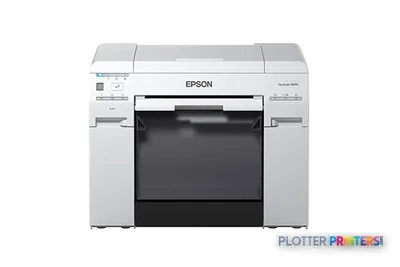
AEC teams usually notice the limits of a small-format color device when a site-board graphic, a phasing diagram, or a client-facing rendering needs more room than a desktop sheet allows. The Epson SureLab D870 is an inkjet printer for color work on glossy or matte paper, with cut-sheet support, borderless output, and a stated maximum print size of 83″ x 39″. It is a compact, USB-connected device rather than a networked plan-production hub.
That distinction matters. For a project manager preparing a presentation graphic or a design studio rendering a polished image, the D870’s six listed printing colors—Black, Cyan, Light Cyan, Light magenta, Magenta, and Yellow—are directed toward tonal color reproduction rather than the daily mechanics of issuing mixed-size construction sets. The visual payoff matters most where photographs and shaded visuals live: the cyan edge of a sky or a subtle material transition can be more revealing than a bold title block.
83" x 39" (2100 x 1000 mm)Maximum print size
1440 x 720 DPIMaximum resolution
18.1" (460 mm)Dimensions
50.7 lbs (23 kg)Weight
Where it fits in an AEC workflow
The D870 is most credible as a focused color-output device for presentation-oriented work: design-review graphics, visual schedules, finish or material boards, photographic site documentation, and selected GIS or coordination graphics where color hierarchy carries meaning. Borderless printing can be useful when a board needs a clean edge without trimming around a white margin. Cut-sheet support also suits occasional, deliberate output rather than a continuous stream of plan sets.
It has no copying or scanning function, so it does not replace a wide-format MFP for marked-up drawings, legacy-sheet capture, or field-copy workflows. Nor does the supplied information indicate Ethernet LAN or Wi-Fi capability; it has a USB port. That makes direct, local submission the clearest fit. IT teams should treat it as a workstation-attached device and confirm their required driver, access-control, and job-accounting workflow before deployment.
Color and media: useful context, not a spec-sheet promise
The stated 1440 x 720 DPI maximum resolution is a useful starting point, but it is not by itself a prediction of how a rendering, aerial image, or color-coded coordination sheet will look. Media selection and file preparation remain central. This model supports glossy and matte paper, and its listed ink supplies include Epson T55W1 Photo Black Ink Cartridge, Epson T55W2 Cyan Ink Cartridge, Epson T55W3 Vivid Magenta Ink Cartridge, Epson T55W4 Yellow Ink Cartridge, Epson T55W5 Light Cyan Ink Cartridge, and Epson T55W6 Vivid Light Magenta Ink Cartridge.
There is no measured ICC gamut information in the supplied record, so no responsible conclusion can be drawn here about its gamut volume or color accuracy on a particular paper. For color-managed AEC presentation work, retain a controlled PDF workflow and evaluate a proof on the actual media. Our color-evaluation method explains why measured results matter more than broad color claims.
The operational boundary
The D870 measures 18.1″ wide, 13.9″ deep, and 16.9″ high, weighs 50.7 lbs, and has typical power consumption of 120 W. Its stated printing sound pressure level is 55 dB, worth considering if it will sit in an open studio or project room. The operating environment is specified at 10–35 °C and 20–80% relative humidity.
It may be less appropriate for a contractor’s plan room, a central reprographics department, or an engineering office that needs scanning, copying, shared LAN access, and routine drawing-set output. Buyers needing an MFP-oriented alternative can examine the Canon iPF770 36-in, which is cataloged with scanner/MFP capability. For a side-by-side review, use our D870 and Canon iPF770 36-in comparison. The D870’s own catalog family contains no listed step-up or step-down model, so a within-family comparison is not available here.
Compare and evaluate
Canon iPF770 36-inA cataloged alternative for buyers whose workflow requires scanner/MFP capability.Canon GP-300 36-inAnother cataloged 36-inch color option to review against the D870’s focused, USB-based setup.View this class rankingReview the D870 in the context of its product class.Measured color and ICC profilesUnderstand the role of media, profiles, and measured color data.
The read
The Epson SureLab D870 suits an AEC team that needs occasional, visually considered color output on glossy or matte paper and can work through USB rather than shared network printing. It is not the natural choice for issuing construction documents at scale or capturing marked-up plans. Its value is in focused presentation output, provided the team validates its files and media in the conditions where the work will actually be seen.
Spec analysis
How the specs grade
Overall performance
—Not enough data for an overall score
Individual dimensions are shown where the specs support them.
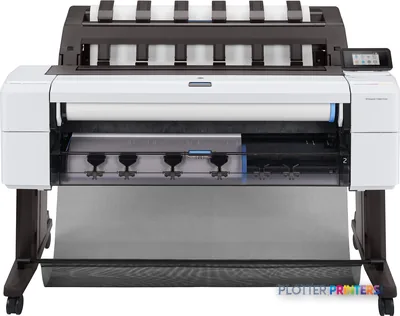
- This printer
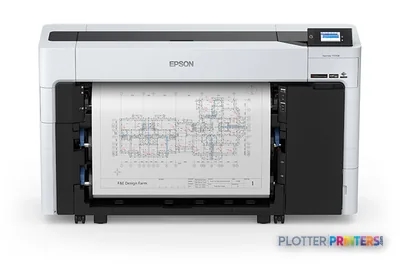
- Epson SureColor T5770DR
Category leaders best color graphics & photo printers, by dimension
Verified specifications
The specs that decide it
| Print technology | Inkjet |
|---|---|
| Maximum resolution | 1440 x 720 DPI |
| Printing colors | Black, Cyan, Magenta, Yellow, Light Cyan, Light Magentamanufacturer-verified |
| Number of print cartridges | 6manufacturer-verified |
| Maximum print size | 2100 x 1000 mm |
| Maximum roll diameter | 3" (7.62 cm) |
| Scanning | No |
| Wi-Fi | No |
| Ethernet | No |
| Sound level (printing) | 55 dB |
| Power consumption | 120 W |
manufacturer-verified = checked against the manufacturer’s official datasheet, not aggregator data. Everything else is standards-body / catalog data we consider reliable.
Specifications
Full technical detail
Print technologyInkjet
Max resolution1440 x 720 DPI
ColorColor
ConnectivityUSB
Use casePhoto / Fine Art
Printing
| Color | Yes |
|---|---|
| Printing colors | Black, Cyan, Light Cyan, Light magenta, Magenta, Yellow |
| Print technology | Inkjet |
| Maximum resolution | 1440 x 720 DPI |
| Borderless printing | Yes |
| Number of print cartridges | 6 |
Performance
| Product color | White |
|---|---|
| Built-in display | No |
| Sound pressure level (printing) | 55 dB |
Paper handling
| Cut sheets | Yes |
|---|---|
| Maximum print size | 2100 x 1000 mm |
| Maximum roll diameter | 3" (7.62 cm) |
| Paper tray media types | Glossy paper, Matte paper |
Ports & interfaces
| Wi-Fi | No |
|---|---|
| USB port | Yes |
| Ethernet LAN | No |
Weight & dimensions
| Depth | 13.9" (354 mm) |
|---|---|
| Width | 18.1" (460 mm) |
| Height | 16.9" (430 mm) |
| Weight | 50.7 lbs (23 kg) |
Power
| AC input voltage | 100 – 240 V |
|---|---|
| AC input frequency | 50 – 60 Hz |
| Power consumption (typical) | 120 W |
Operational conditions
| Storage temperature (T-T) | -20 – 40 °C |
|---|---|
| Operating temperature (T-T) | 10 – 35 °C |
| Storage relative humidity (H-H) | 5 – 85% |
| Operating relative humidity (H-H) | 20 – 80% |
Copying
| Copying | No |
|---|
Scanning
| Scanning | No |
|---|
System requirements
| Mac operating systems supported | Mac OS X 10.10 Yosemite, Mac OS X 10.11 El Capitan, Mac OS X 10.12 Sierra, Mac OS X 10.13 High Sierra, Mac OS X 10.14 Mojave, Mac OS X 10.5 Leopard, Mac OS X 10.6 Snow Leopard, Mac OS X 10.8 Mountain Lion, Mac OS X 10.9 Mavericks |
|---|---|
| Windows operating systems supported | Windows 10, Windows 7, Windows 8, Windows 8.1 |
Everything that fits the Epson SureLab D870
The full supplies hub lists every cartridge, printhead, roll and accessory verified against the manufacturer's own documentation for this machine.
10 ink cartridges · 12 paper & media items
Epson SureLab D870 ink and paper →Supplies
Compatible ink, printheads & media
Genuine consumables that fit the Epson SureLab D870 39-in — only the cartridges, printheads and media compatible with this model.
Ink Cartridges 10
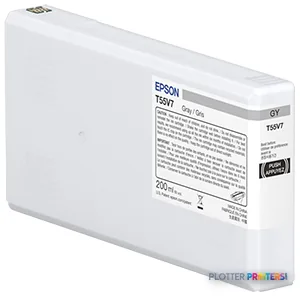 Epson T55W7 Gray Ink Cartridge
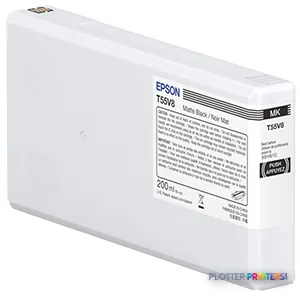 Epson T55W8 Matte Black Ink Cartridge
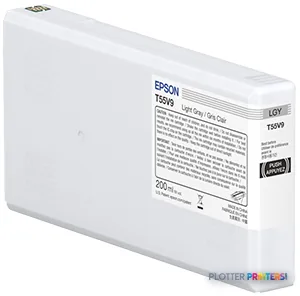 Epson T55W9 Light Gray Ink Cartridge
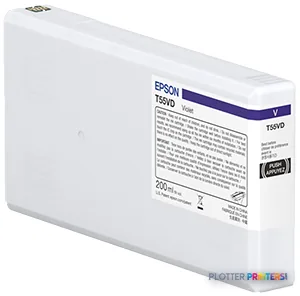 Epson T55WD Violet Ink Cartridge
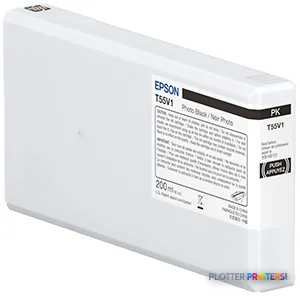 Epson T55W1 Photo Black Ink Cartridge
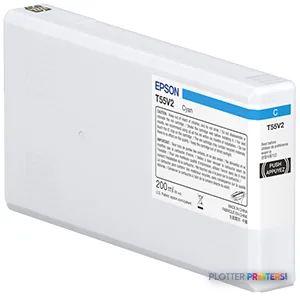 Epson T55W2 Cyan Ink Cartridge
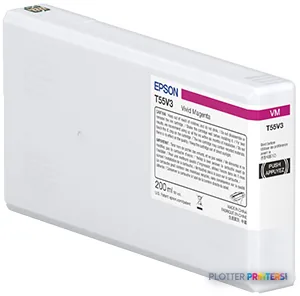 Epson T55W3 Vivid Magenta Ink Cartridge
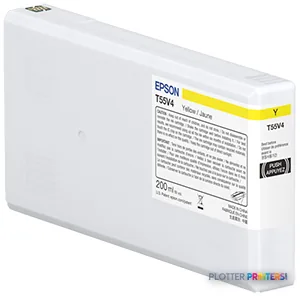 Epson T55W4 Yellow Ink Cartridge
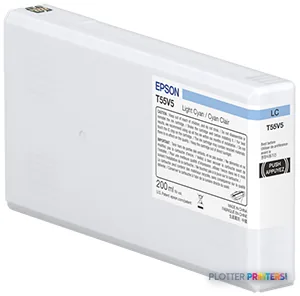 Epson T55W5 Light Cyan Ink Cartridge
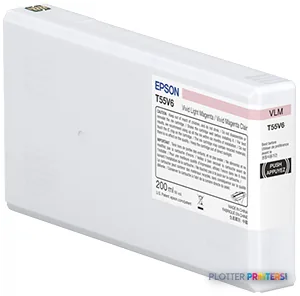 Epson T55W6 Vivid Light Magenta Ink Cartridge
Paper & Media 12
 Representative image46LB Inkjet Coated Matte Paper (747)Representative image6.5mil Matte Coated Paper w/ PSA (746PSA)Representative image36LB Inkjet Coated Matte Paper (746)Representative image24LB Inkjet Coated Matte Paper (745)Representative image20LB High Brite Inkjet Bond Paper (740)Representative image20LB Inkjet Bond Paper (Tinted) (732)Representative image24LB Inkjet Bond Paper (731)Representative image20LB Inkjet Bond Paper (730)Representative image24LB Inkjet Coated Matte Paper Economy (714)Representative image20LB Engineering Vellum (471)Representative imageWSL 28LB Simple Inkjet Coated Matte Paper (C2S) (448)Representative imageWSL 24LB Simple Inkjet Coated Matte Paper (C2S) (446)
Questions
Straight answers
Is the Epson SureLab D870 a suitable printer for construction drawing sets?
It can render color output, but the supplied record does not list the shared-network, scanning, copying, or MFP features commonly needed for drawing-set workflows. It is better viewed as a focused color-output device than a central plan-room system.
Can the D870 scan marked-up plans or make copies?
No. Copying and scanning are both listed as unavailable.
How does the D870 connect to a workstation or network?
A USB port is listed. Ethernet LAN and Wi-Fi are both listed as unavailable, so buyers should confirm how this fits their workstation and IT workflow.
What media can it use?
The listed paper-tray media types are glossy paper and matte paper. It also supports cut sheets and borderless printing.
What inks are listed for the D870?
Listed supplies include Epson T55W1 Photo Black Ink Cartridge, Epson T55W2 Cyan Ink Cartridge, Epson T55W3 Vivid Magenta Ink Cartridge, Epson T55W4 Yellow Ink Cartridge, Epson T55W5 Light Cyan Ink Cartridge, and Epson T55W6 Vivid Light Magenta Ink Cartridge.
Is there an in-family Epson step-up or step-down model to compare?
No in-family comparison model is listed in the supplied catalog set. The Canon iPF770 36-in is a cataloged cross-brand alternative for workflows requiring scanner/MFP capability.
Ready to put the Epson SureLab D870 to work?
Configuration, media and a quote tailored to your workflow — from AEC plotter specialists.