
Home / Wide-Format Printers / Epson SureColor
Epson · Wide-Format Plotter
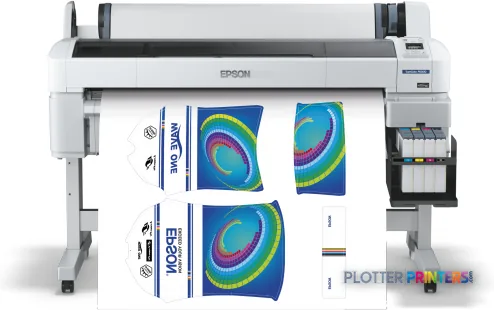
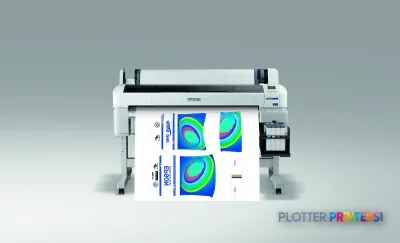
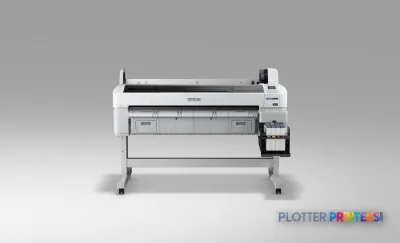
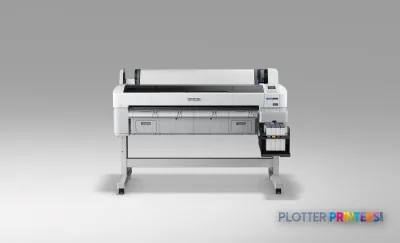
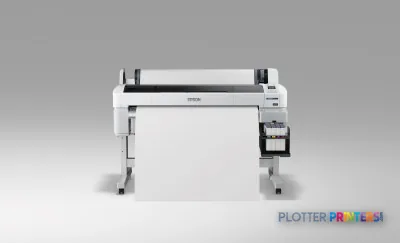
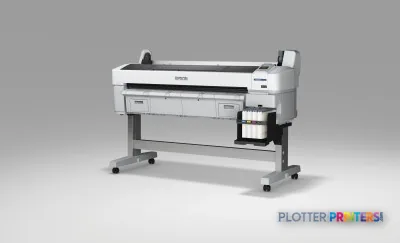
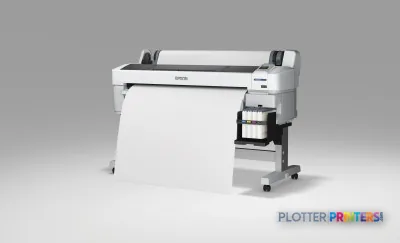
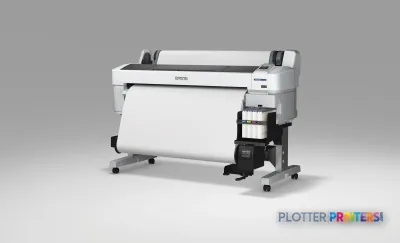
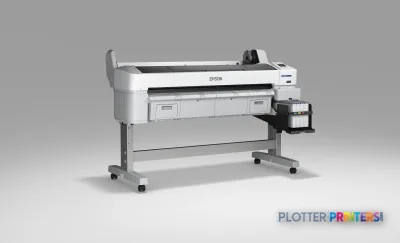
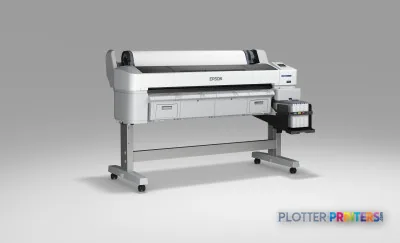
Epson SureColor SC-F6000
technical / CAD plotter
- ModelSC-F6000
- Score36/100
Authorized Epson dealerGenuine hardware & ink
Manufacturer warrantyExtension plans available
Free shippingContinental U.S.
Plotter specialistsAEC experts, not just sellers
Analyst take
- The SCF6000 is a color inkjet printer with an A0 maximum print size, not a scanner-copier multifunction device.
- Ethernet and USB support a controlled wired workflow; Wi-Fi is not available.
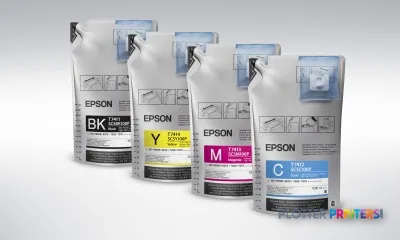
- Its compatible supply list includes Epson UltraChrome DS and Epson transfer-media products, so media validation should happen before deployment.
Not sure if the SC-F6000 is right for you?
Compare key specs and an AI analyst read-out against similar models.
- Fine detail 720 x 1440 DPI maximum resolution for crisp line work.
- Ink platform Epson UltraChrome DS Ink technology.
- Connectivity Ethernet for shared team printing.
- Verified specs 9 specs checked against the manufacturer datasheet.
- Analyst score Scores 36/100 in our class-relative rating.
Overview
Built for the work
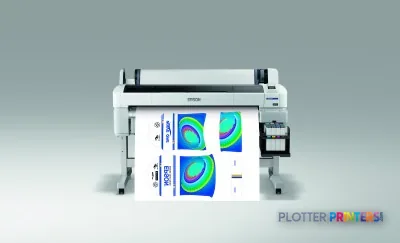
Epson SureColor SCF6000, Inkjet, 720 x 1440 DPI, ESC P, Epson ESC/P2, Black, Cyan, Magenta, Yellow, A0 (841 x 1189 mm), 0.08 – 0.5 mm
Spec Analysis
overall
overall
Where it performs best
Size / Fit
77
Connections
67
Print Quality
63
Class best is 71. How we grade →
Expert analysis
What you should know

Key takeaways
- The SCF6000 is a color inkjet printer with an A0 maximum print size, not a scanner-copier multifunction device.
- Ethernet and USB support a controlled wired workflow; Wi-Fi is not available.
- Its compatible supply list includes Epson UltraChrome DS and Epson transfer-media products, so media validation should happen before deployment.
- No scanning or copying means marked-up drawings and walk-up reproduction need another device or process.
- The closest useful family comparisons are the Epson SC-F6200, Epson SC-F6300 44-in, Epson SC-F6400 44-in, and Epson SC-F6400H 44-in.
At 4:45 p.m., the question is not whether a printer can make a large image. It is whether it can produce the right output without somebody feeding sheets, scanning originals, or babysitting a wireless connection that has decided today is its day off. The Epson SureColor SCF6000 is a color inkjet unit with an A0 maximum print size, Ethernet and USB connectivity, and no built-in scanning or copying.
That makes it a specialized output device, not a replacement for the usual AEC multifunction plotter. Its listed consumables point toward transfer-media work, while its A0 limit can still matter for occasional graphics, color diagrams, project signage, or application-specific production. For plan sets, markups, and archive conversion, the missing scanner and copier are the first operational limit—not a footnote.
A0 (33" x 47" (841 x 1189 mm))Maximum print sizeLarge-format output, but not a stated 36-inch CAD plotting specification.
720 x 1440 DPIMaximum resolutionUseful context for detail-oriented graphics and image output.
0.003"–0.02" (0.08 – 0.5 mm)Media thicknessConfirm each intended transfer or specialty substrate before committing a job.
65 WTypical power consumptionA relevant number for a departmental workstation, though it does not describe total operating cost.
Where it fits in an AEC environment
This machine fits best where the print room has a defined specialty-output lane. Think project graphics, color-coded wayfinding work, branded materials, or transfer-media production handled alongside—not instead of—daily drawing issuance. The four listed printing colors are Black, Cyan, Magenta, and Yellow. The printer supports rolls with a 0.118″ (3 mm) top margin and media from 0.003″ to 0.02″ thick.
Its 63.3″ by 44.4″ footprint deserves a real location, not the last empty corner near the break room. At 198.4 lbs, it is not a machine to shuffle around after facilities notices the door swing. Printing sound is listed at 55.1 dB, so place it with some thought if designers and estimators share the room.
Bottom line: It makes sense when specialty color output has an owner and a repeatable media workflow.
The workflow limits matter more than the resolution
The SCF6000 has one RJ-45 Ethernet connection and one USB 2.0 port, plus a USB Type-A connector. It has no Wi-Fi. That is often perfectly sensible in a managed print room: use the wired network, document the queue, and avoid turning a deadline into a troubleshooting seminar. It uses ESC/P and Epson ESC/P2 page-description languages and has 512 MB of internal memory.
What it does not have is scanning or copying. A superintendent walking in with a marked-up sheet cannot make a revised copy at this device. Nor should IT assume that its listed legacy Windows and Mac OS support answers every current workstation question. Validate the current submission path, driver behavior, authentication requirements, and file types with your own PDFs before deployment.
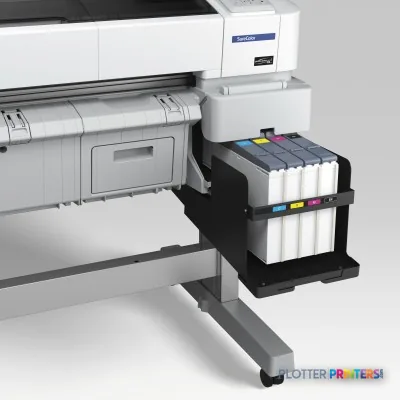
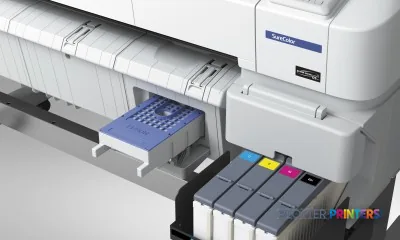
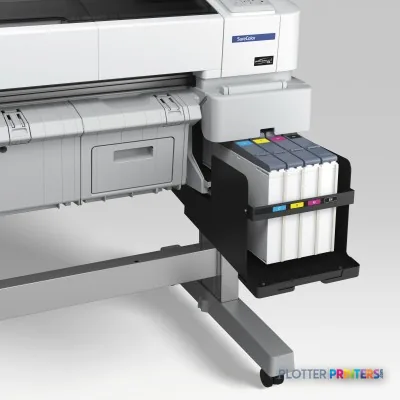
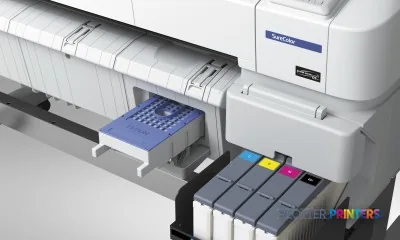
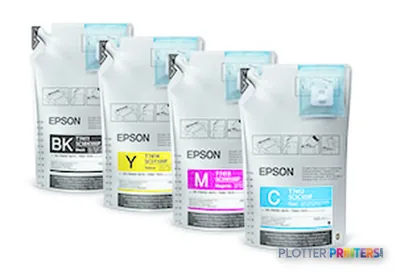
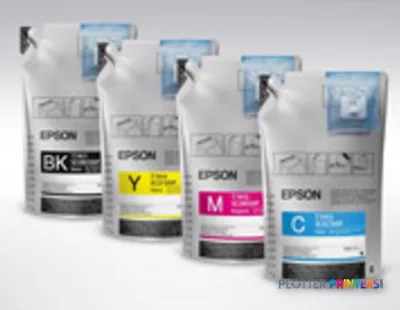
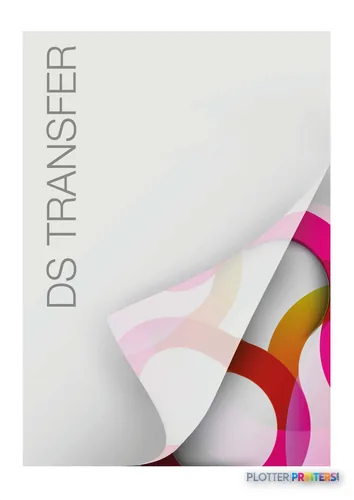
For consumables, confirm availability and application fit for Epson UltraChrome DS, the Epson Genuine Ink Supply System, and the applicable Epson transfer media. The catalog identifies compatible supplies; it does not prove that every AEC paper or board belongs in this printer.
Bottom line: Wired printing is straightforward; walk-up copying and scanning are simply not part of the job.
How to position it against nearby Epson options
Do not force this printer into the role of a general-purpose plan-set engine. If A0 color output is only occasional and the priority is a compact specialty workflow, the Epson SC-F6200 is a sensible catalog comparison. If your review is centered on a 44-inch format, compare the stated specifications and supported media of the Epson SC-F6300 44-in before assuming either machine is a direct replacement.
The Epson SC-F6400 44-in and Epson SC-F6400H 44-in are also relevant family comparisons for buyers evaluating newer 44-inch dye-sublimation-oriented equipment. A wider-format requirement changes the conversation again; review the Epson SC-F9400 64-in only when the work genuinely needs that format. Bigger equipment does not fix an unclear workflow. It just occupies more floor.
Bottom line: Compare application, media, connectivity, and operator steps before comparing model names.
Compare before you assign it a print-room role
The read
The Epson SureColor SCF6000 is for a controlled specialty-output workflow, not for firms expecting a copier, scanner, and daily construction-document plotter in one box. It can be a practical A0 color device where transfer media and application-specific output are already part of the operation. It is less appropriate for an architecture, engineering, or construction office whose primary need is fast plan issue, field-copy support, and mixed walk-up document work. Buy it for the work it is set up to do. Asking it to become the whole print room is how people end up staying late.
Spec analysis
How the specs grade
Overall performance
- This printer
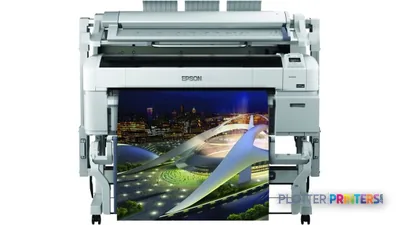
- Epson SureColor T5270DR
Category leaders best technical / CAD plotters, by dimension
Verified specifications
The specs that decide it
| Maximum print size | 43.8 in (1112 mm) |
|---|---|
| Maximum resolution | 720 x 1440 dpi |
| Print technology | Advanced MicroPiezo TFP Print Head |
| Ink platform | Epson UltraChrome DS Ink technologymanufacturer-verified |
| Ink cartridge capacity | 1500 mlmanufacturer-verified |
| Print speed (Epson quoted) | 119 to 120 sq ft/hrmanufacturer-verified |
| Page description language | Epson ESC/P raster |
| Ethernet LAN | 100BASE-TX/1000BASE-T |
| Media thickness | 0.08-1.00 mm |
| Scanning / Copying | No / No |
manufacturer-verified = checked against the manufacturer’s official datasheet, not aggregator data. Everything else is standards-body / catalog data we consider reliable.
Specifications
Full technical detail
Print technologyInkjet
Max resolution720 x 1440 DPI
ColorColor
ConnectivityEthernet (Gigabit LAN), USB
Use caseGraphics / Production
Printing
| Color | Yes |
|---|---|
| Printing colors | Black, Cyan, Magenta, Yellow |
| Print technology | Inkjet |
| Maximum resolution | 720 x 1440 DPI |
| Page description languages | ESC P, Epson ESC/P2 |
Performance
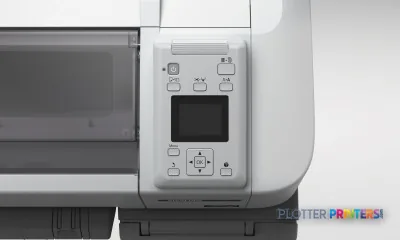
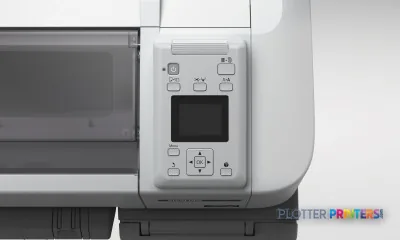
| Display | LCD |
|---|---|
| Product color | Black, Gray |
| Internal memory | 512 MB |
| Built-in display | Yes |
| Country of origin | China |
| Sound pressure level (printing) | 55.1 dB |
Paper handling
| Media thickness | 0.08 – 0.5 mm |
|---|---|
| Roll top margin | 0.118" (3 mm) |
| Maximum print size | A0 (841 x 1189 mm) |
Ports & interfaces
| Wi-Fi | No |
|---|---|
| USB port | Yes |
| Ethernet LAN | Yes |
| USB connector | USB Type-A |
| RJ-45 ports quantity | 1 |
| USB 2.0 ports quantity | 1 |
Weight & dimensions
| Depth | 44.4" (1128 mm) |
|---|---|
| Width | 63.3" (1608 mm) |
| Height | 36.1" (917 mm) |
| Weight | 198.4 lbs (90 kg) |
Power
| Power consumption (off) | 0.4 W |
|---|---|
| Power consumption (standby) | 3 W |
| Power consumption (typical) | 65 W |
| Power consumption (PowerSave) | 20 W |
Copying
| Copying | No |
|---|
Scanning
| Scanning | No |
|---|
Logistics data
| Quantity per pack | 1 pc(s) |
|---|
Packaging data
| Manual | Yes |
|---|---|
| Package depth | 78" (1980 mm) |
| Package width | 32.3" (820 mm) |
| Package height | 60.2" (1530 mm) |
| Package weight | 332.9 lbs (151 kg) |
| Drivers included | Yes |
| Quick start guide | Yes |
System requirements
| Mac operating systems supported | Mac OS X 10.10 Yosemite, Mac OS X 10.11 El Capitan, Mac OS X 10.12 Sierra, Mac OS X 10.13 High Sierra, Mac OS X 10.14 Mojave, Mac OS X 10.4 Tiger, Mac OS X 10.5 Leopard, Mac OS X 10.6 Snow Leopard, Mac OS X 10.7 Lion, Mac OS X 10.8 Mountain Lion, Mac OS X 10.9 Mavericks |
|---|---|
| Windows operating systems supported | Windows 7, Windows 7 Enterprise, Windows 7 Enterprise x64, Windows 7 Home Basic, Windows 7 Home Basic x64, Windows 7 Home Premium, Windows 7 Home Premium x64, Windows 7 Professional, Windows 7 Professional x64, Windows 7 Starter, Windows 7 Starter x64, Windows 7 Ultimate, Windows 7 Ultimate x64, Windows 7 x64, Windows Vista, Windows Vista Business, Windows Vista Business x64, Windows Vista Enterprise, Windows Vista Enterprise x64, Windows Vista Home Basic, Windows Vista Home Basic x64, Windows Vista Home Premium, Windows Vista Home Premium x64, Windows Vista Ultimate, Windows Vista Ultimate x64, Windows Vista x64, Windows XP, Windows XP Home, Windows XP Home x64, Windows XP Professional, Windows XP Professional x64 |
Everything that fits the Epson SureColor SC-F6000
The full supplies hub lists every cartridge, printhead, roll and accessory verified against the manufacturer's own documentation for this machine.
7 ink cartridges · 2 accessories
Epson SureColor SC-F6000 ink and paper →Supplies
Compatible ink, printheads & media
Genuine consumables that fit the Epson SureColor SC-F6000 — only the cartridges, printheads and media compatible with this model.
Ink Cartridges 7
Questions
Straight answers
Can the SCF6000 replace an AEC multifunction plotter?
Not on the supplied specifications. It has no scanning and no copying, so it cannot cover walk-up redline copying or drawing-archive workflows by itself.
What is the largest stated output size?
The stated maximum print size is A0, or 33″ x 47″ (841 x 1189 mm). Confirm the finished job size, margins, and media requirements with the intended workflow.
How does it connect to the network?
It has one RJ-45 Ethernet port and USB connectivity. Wi-Fi is not listed, which favors a wired, managed installation.
What media should an AEC buyer test?
Test the exact intended media and finished application. The stated media-thickness range is 0.003″–0.02″ (0.08 – 0.5 mm), and compatible supplies include Epson transfer-media products.
Which supplies should be discussed with the dealer?
Ask about Epson UltraChrome DS, the Epson Genuine Ink Supply System, and the applicable transfer media. Confirm the supply plan against the actual work mix rather than ordering by family name alone.
Resources
Brochures, datasheets & video
Documents
Video
Ready to put the Epson SureColor SC-F6000 to work?
Configuration, media and a quote tailored to your workflow — from AEC plotter specialists.