
Home / Wide-Format Printers / HP Latex
HP · Wide-Format Plotter
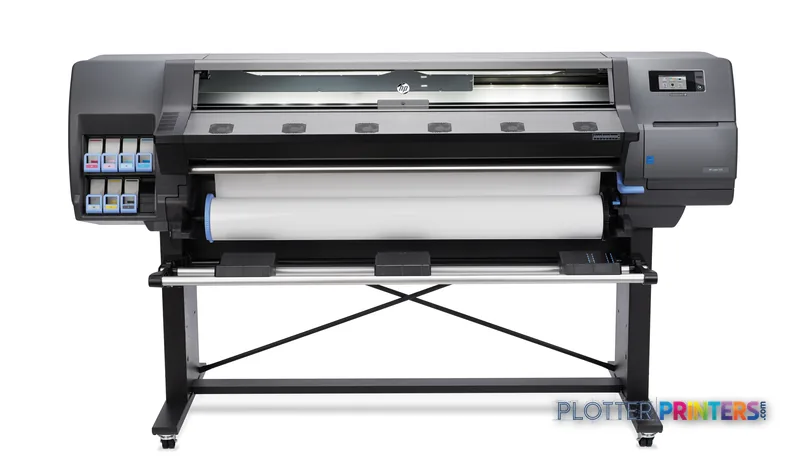
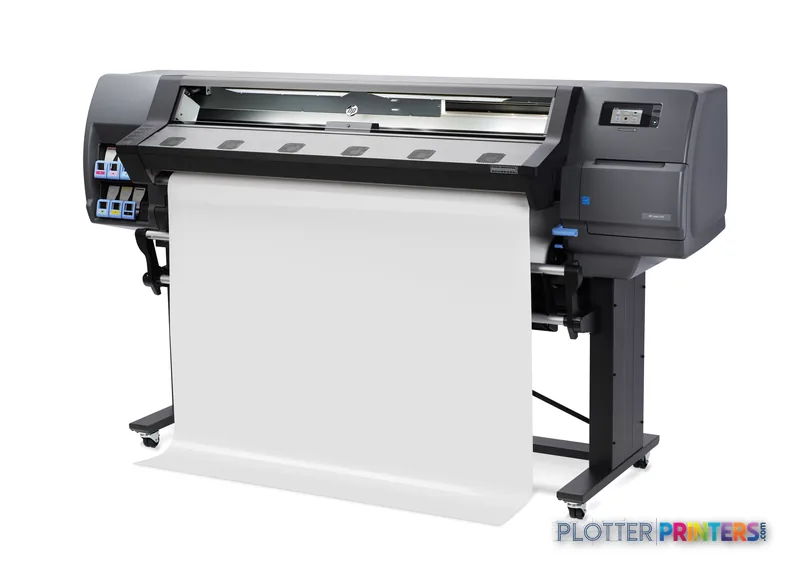
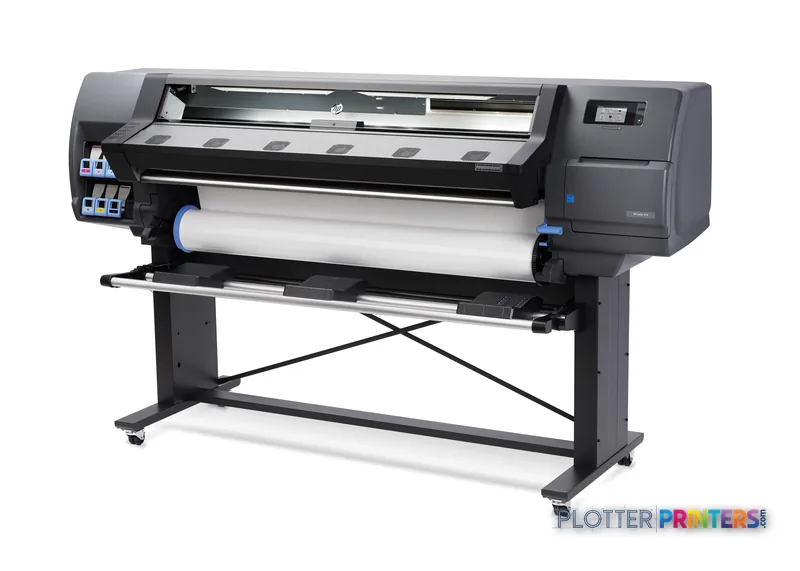
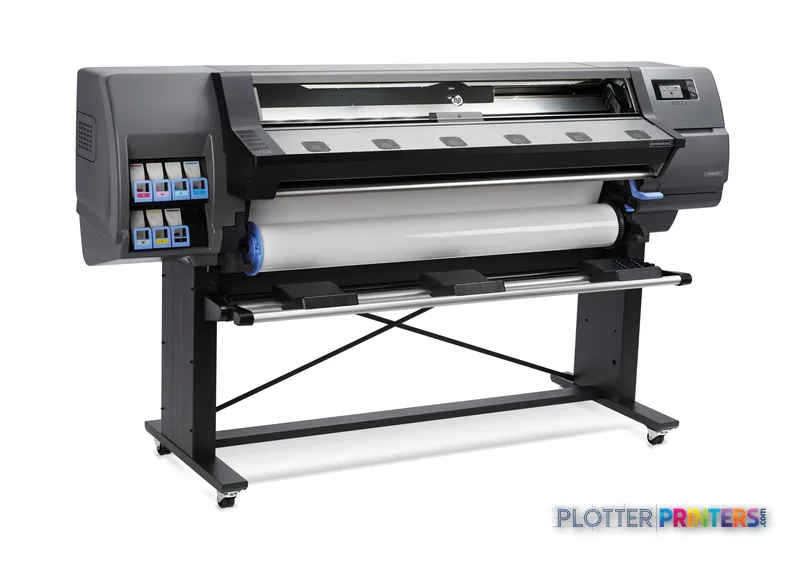
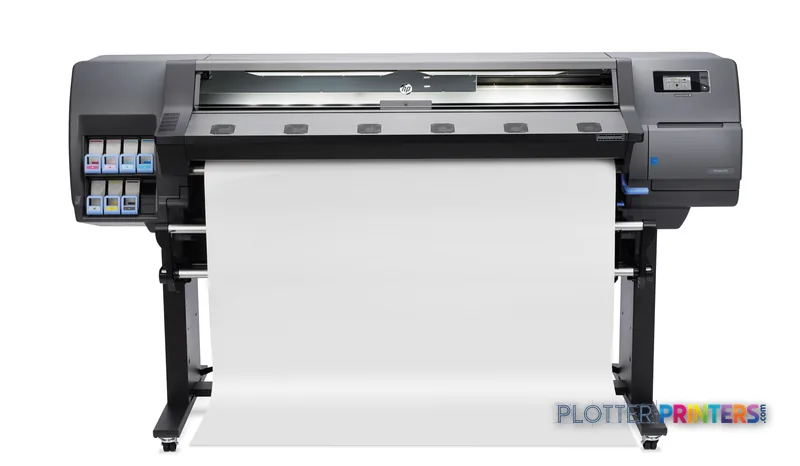
HP Latex 310
latex signage printer
- ModelLatex 310
Authorized HP dealerGenuine hardware & ink
Manufacturer warrantyExtension plans available
Free shippingContinental U.S.
Plotter specialistsAEC experts, not just sellers
Analyst take
- A 54-inch latex color printer, not a monochrome plan-set machine.
- Prints cure dry and low-odor, so boards can be mounted the same day.
- Single 2-inch-core roll means media swaps are a manual operator stop.
Not sure if the Latex 310 is right for you?
Compare key specs and an AI analyst read-out against similar models.
Overview
Built for the work
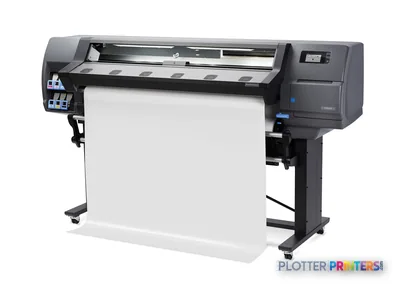
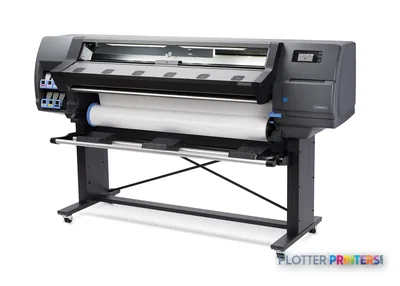
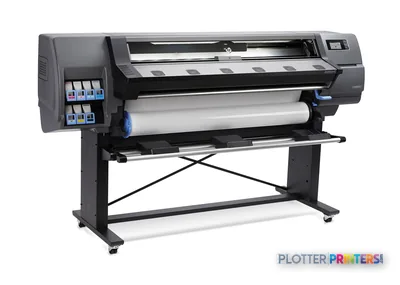
HP Latex 310 Printer
Expert analysis
What you should know

Key takeaways
- A 54-inch latex color printer, not a monochrome plan-set machine.
- Prints cure dry and low-odor, so boards can be mounted the same day.
- Single 2-inch-core roll means media swaps are a manual operator stop.
- Add the HP Latex 54-in Take-up Reel for unattended long runs.
- Runs on the HP 831 ink platform in 775-ml cartridges.
- Best paired with a separate plotter that handles bond line work.
The HP Latex 310 is a 54-inch aqueous-latex printer that most AEC shops meet through their signage and presentation work, not their plan sets. It lays down water-based latex ink and cures it with heat, so prints come off the roll dry, low-odor and ready to handle. That last part matters more than the spec sheet suggests: no off-gassing wait means a presentation board can go from roll to foamcore the same afternoon.
Rated speed gets you a banner. Media handling gets you the whole client package by Friday. This machine earns its keep on color — renderings, site banners, GIS maps, safety signage — not on stacks of monochrome permit drawings.
HP 831Ink platformlatex ink cartridges, 775-ml
HP Latex 54-in Printer 2-in SpindleMedia spindlesingle roll
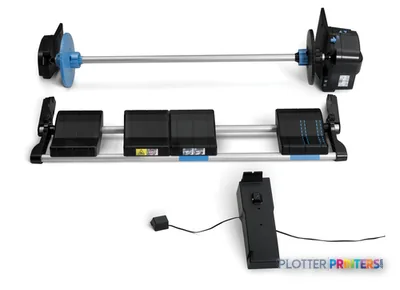
HP Latex 54-in Take-up ReelTake-up optionfor unattended long runs
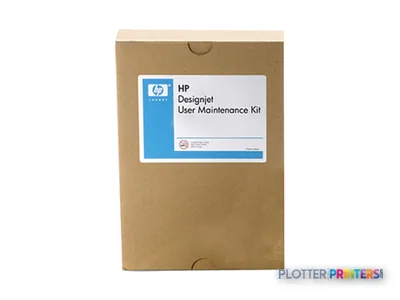
HP Latex User Maintenance KitMaintenanceoperator-serviceable
Where it fits on an AEC floor
Think of the 310 as a color-output tool for the deliverables clients actually look at. It runs up to 54-inch-wide media and cures as it prints, so the output stacks flat and dry. For a mid-size practice that keeps a plotter for line work and wants one machine to cover everything with color and durability, this is the color side of that pairing.
- Presentation boards and renderings — vivid color on a range of media, dry off the roll.
- Site and safety signage — latex output tolerates handling and short-term outdoor use.
- GIS and coordination maps — large color fields without the drying wait.
- Marketing and bid graphics — durable prints for the pursuit team.
Media handling and the unsexy details
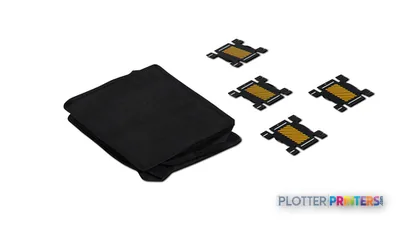
Single roll, 2-inch core on the HP Latex 54-in Printer 2-in Spindle. That means a roll swap between media types — bond to banner, matte to gloss — is a manual stop. For a shop that batches jobs by media, that’s fine. For one that jumps media every job, plan operator time around it. Add the HP Latex 54-in Take-up Reel if you run long unattended jobs overnight; without it, someone babysits the output tray. The HP Series 300/500 Edge Holder Kit helps keep flimsy media flat through the cure zone, and a matching HP Latex 54 Cutting Solution finishes edges cleanly.
Curing is heat-driven, so account for warm-up and the energy draw. Latex is low-odor, which is why these machines survive in open office print rooms where solvent gear never could. See where it lands against its peers on the class leaderboard, and if measured color matters to your submittals, our ICC profile hub explains how we test.
Keep reading
Where it's not the right tool
Don’t buy this for monochrome plan production. If your day is bid sets, permit sets and redlines on bond, a dedicated line-work plotter prints faster and cheaper per sheet, and it won’t tie up a color engine. The single-roll design also limits unattended mixed-media runs — a shop needing automatic roll switching or higher color volume should look at a wider dual-roll model in the same latex family. And if your color output is occasional, the curing hardware and ink platform may be more machine than you’ll feed.
The read
The Latex 310 is a solid color companion for AEC shops that already handle line work elsewhere and want durable, low-odor color they can touch the moment it comes off the roll. Small-shop angle: if your color is presentation boards and the occasional banner, this fits a print room without a dedicated operator — just budget the roll-swap minutes. Ask three things: what media do you actually run, who swaps the rolls, and who services the cure system locally. Answer those honestly and the fit is clear.
Spec analysis
How the specs grade
Overall performance
—Not enough data for an overall score
Individual dimensions are shown where the specs support them.
Category leaders best latex signage printers, by dimension
Specifications
Full technical detail
Use caseGraphics / Production
Everything that fits the HP Latex 310
The full supplies hub lists every cartridge, printhead, roll and accessory verified against the manufacturer's own documentation for this machine.
24 ink cartridges · 4 printheads · 12 paper & media items · 4 accessories
HP Latex 310 ink and paper →Supplies
Compatible ink, printheads & media
Genuine consumables that fit the HP Latex 310 Printer — only the cartridges, printheads and media compatible with this model.
Ink Cartridges 24
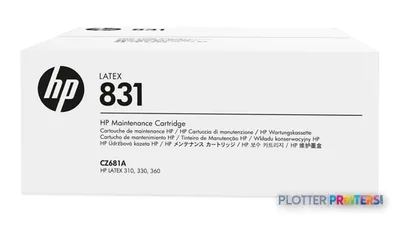 HP 831 Latex Maintenance Cartridge
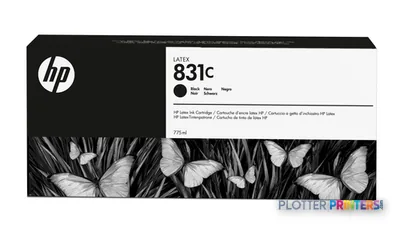 HP 831C 775-ml Black Latex Ink Cartridge
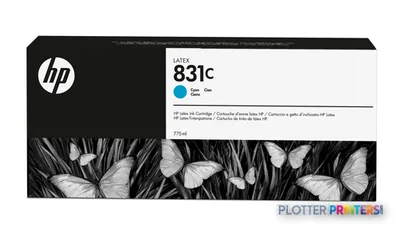 HP 831C 775-ml Cyan Latex Ink Cartridge
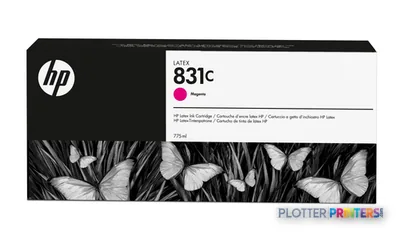 HP 831C 775-ml Magenta Latex Ink Cartridge
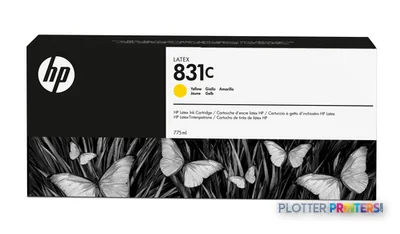 HP 831C 775-ml Yellow Latex Ink Cartridge
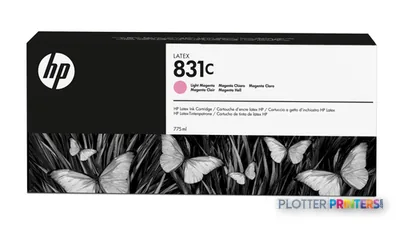 HP 831C 775-ml Light Magenta Latex Ink Cartridge
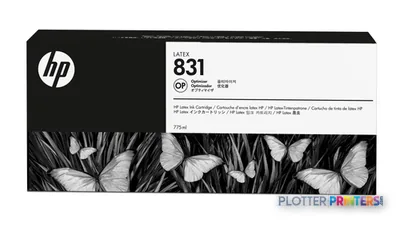 HP 831 775-ml Latex Optimizer Ink Cartridge
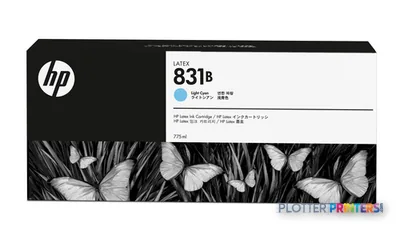 HP 831B 775-ml Light Cyan Latex Ink Cartridge
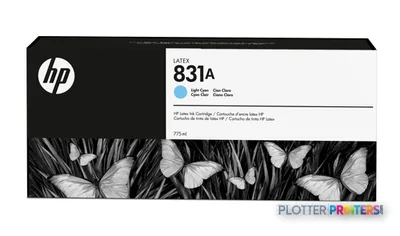 HP 831A 775-ml Light Cyan Latex Ink Cartridge
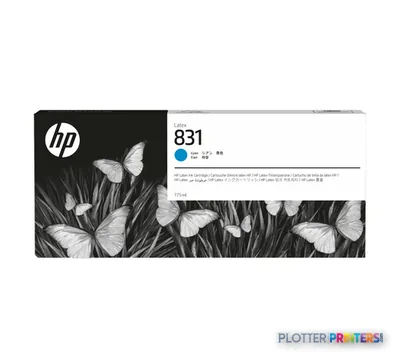 HP 831A 775-ml Cyan Latex Ink Cartridge
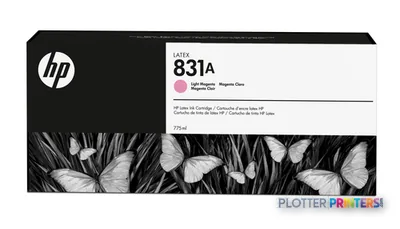 HP 831A 775-ml Light Magenta Latex Ink Cartridge
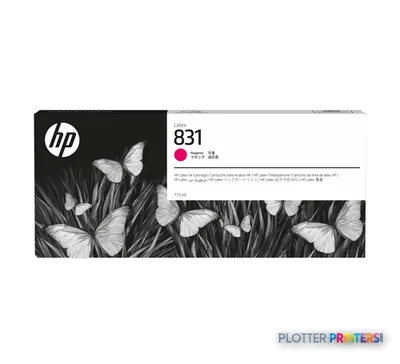 HP 831A 775-ml Magenta Latex Ink Cartridge
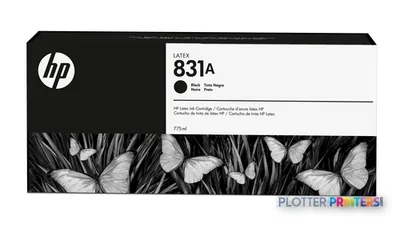 HP 831A 775-ml Black Latex Ink Cartridge
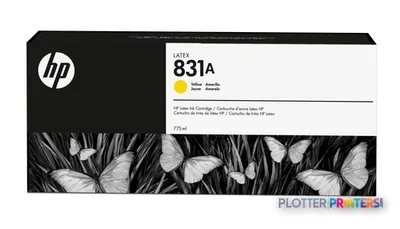 HP 831A 775-ml Yellow Latex Ink Cartridge
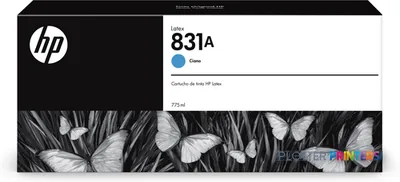 HP 831A 775-ml Cyan Latex Ink Cartridge
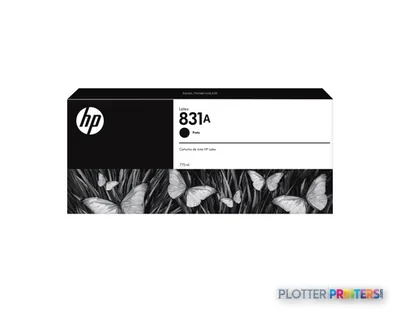 HP 831A 775-ml Black Latex Ink Cartridge
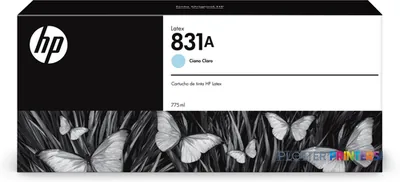 HP 831A 775-ml Light Cyan Latex Ink Cartridge
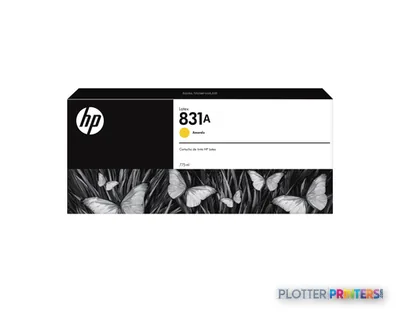 HP 831A 775-ml Yellow Latex Ink Cartridge
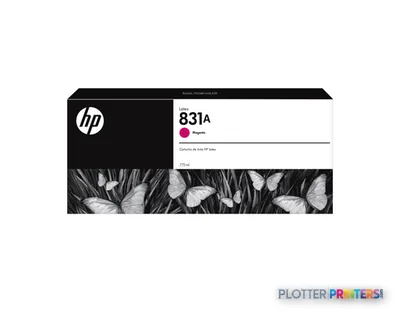 HP 831A 775-ml Magenta Latex Ink Cartridge
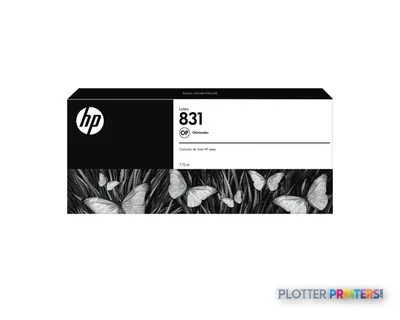 HP 831 775-ml Latex Optimizer Ink Cartridge
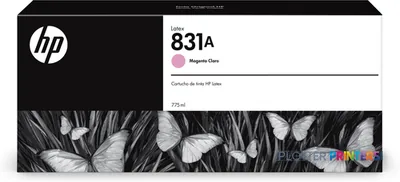 HP 831A 775-ml Light Magenta Latex Ink Cartridge
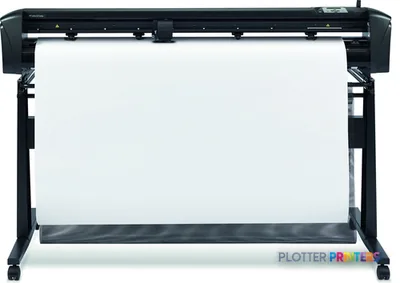 HP Latex 54 Cutting Solution
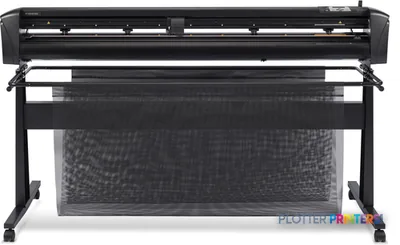 HP Latex 64 Cutting Solution
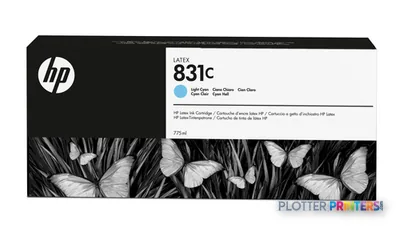 HP 831C 775-ml Light Cyan Latex Ink Cartridge
Printheads 4
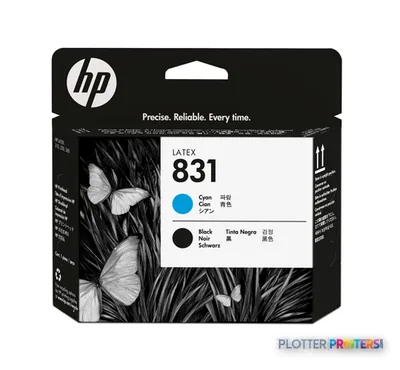
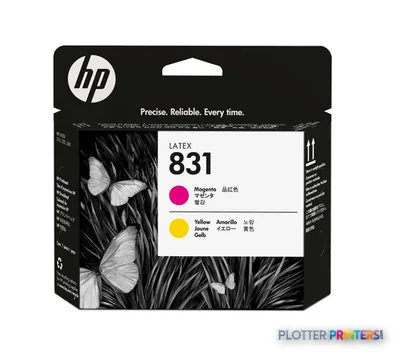
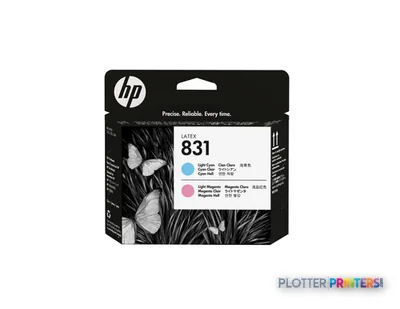
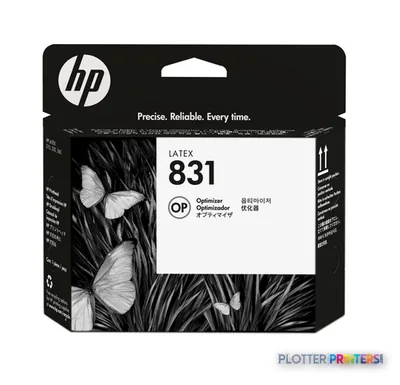
Paper & Media 12
 Representative image11 Mil Water-Resistant Synthetic BannerRepresentative image10 Mil Solvent Printable PolycarbonateRepresentative image225gsm Solvent Satin PE PaperRepresentative image180gsm Solvent Satin PE PaperRepresentative image225gsm Gloss Solvent PE PaperRepresentative image3 Mil Fusion Finesse Polypropylene LaminateRepresentative image230gsm Special Matte Photo PaperRepresentative image200gsm Special Matte Photo PaperRepresentative image10 Mil Water-resistant Blockout Display FilmRepresentative image10 Mil Solvent Blockout Display FilmRepresentative image10 Mil White Opaque BackerRepresentative image8mil Poster Paper Satin (514)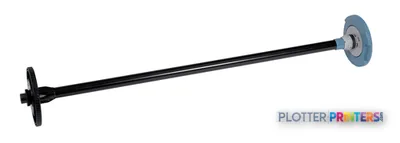
Questions
Straight answers
Is the HP Latex 310 a good machine for printing plan sets and permit drawings?
Not primarily. It’s a color latex printer best suited to renderings, boards, signage and maps. For monochrome bond plan production, a dedicated line-work plotter is faster and cheaper per sheet.
What ink does the Latex 310 use?
It runs on the HP 831 latex ink platform, available in 775-ml cartridges including the HP 831A and HP 831C series. Latex ink is water-based and low-odor, which is why these machines suit open print rooms.
Can it run long jobs unattended?
With the HP Latex 54-in Take-up Reel fitted, it can wind output for longer runs. Without it, someone needs to manage the output tray, and note it uses a single roll — so mixed-media jobs still require a manual swap.
Does the print need drying time before handling?
No. The latex ink is cured with heat as it prints, so output comes off the roll dry and ready to mount or laminate — a real time saver for presentation deadlines.
Can our operators maintain it themselves?
Routine upkeep is covered by the HP Latex User Maintenance Kit, which is operator-serviceable. As with any cure-based machine, confirm local service coverage for the heating and hardware components before you commit.
What accessories should I budget alongside the printer?
Plan for the HP Latex 54-in Printer 2-in Spindle, and consider the take-up reel, the HP Series 300/500 Edge Holder Kit for flimsy media, and a cutting solution for clean edges.
Ready to put the HP Latex 310 to work?
Configuration, media and a quote tailored to your workflow — from AEC plotter specialists.