
Home / Wide-Format Printers / HP Latex
HP · Wide-Format Plotter
HP Latex 3000
latex signage printer
- ModelLatex 3000
Authorized HP dealerGenuine hardware & ink
Manufacturer warrantyExtension plans available
Free shippingContinental U.S.
Plotter specialistsAEC experts, not just sellers
Analyst take
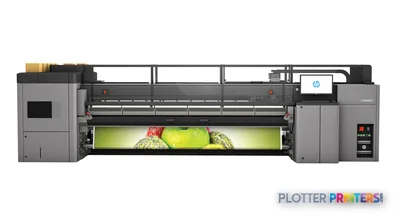
- The HP Latex 3000 Printer supports a 3.2 m single roll or two 1.60 m rolls.
- It fits recurring AEC graphics such as banners, vinyl graphics, wallcoverings, maps, and presentation output.
- Roll-to-roll, roll-to-free-fall, and roll-to-collector modes make output handling part of the buying decision.
Not sure if the Latex 3000 is right for you?
Compare key specs and an AI analyst read-out against similar models.
Overview
Built for the work
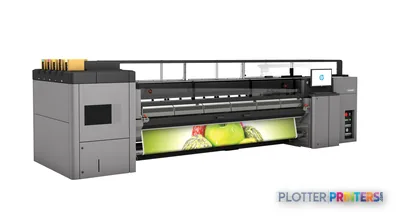
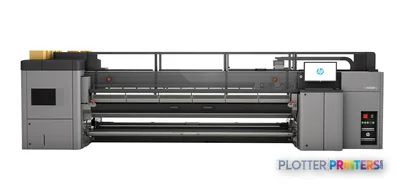
HP Latex 3000 Printer, 5 L, 7 (2 cyan/black, 2 magenta/yellow, 2 light cyan/light magenta, HP Latex Optimizer), Banners, self-adhesive vinyls, films, papers, wallcoverings, canvas. Mesh and porous textiles with…, 3.2 m (single roll); 2 x 1.60 m (dual roll), WEEE; EU RoHS; REACH; UL, Compliant with Class A requirements, including: EU (EMC Directive)
Expert analysis
What you should know

Key takeaways
- The HP Latex 3000 Printer supports a 3.2 m single roll or two 1.60 m rolls.
- It fits recurring AEC graphics such as banners, vinyl graphics, wallcoverings, maps, and presentation output.
- Roll-to-roll, roll-to-free-fall, and roll-to-collector modes make output handling part of the buying decision.
- Mesh and porous textiles require the optional ink collector.
- The platform is a poor fit when the workload is mainly occasional narrow CAD plan sets.
- Media trials should cover tracking, curl, collection, and the firm’s actual PDF and RIP workflow.
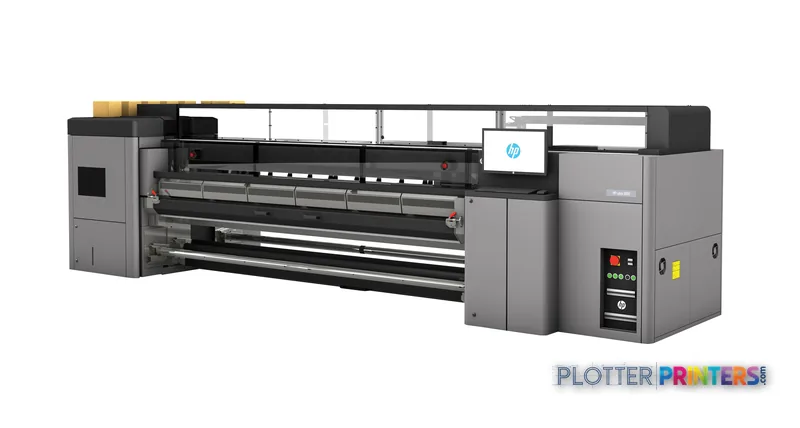
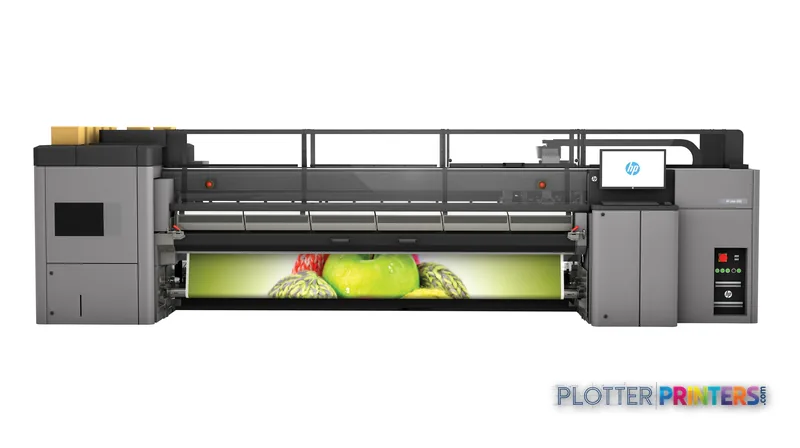
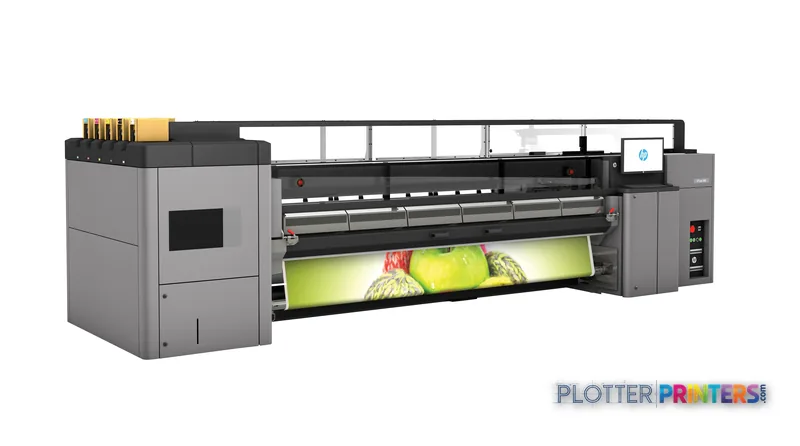
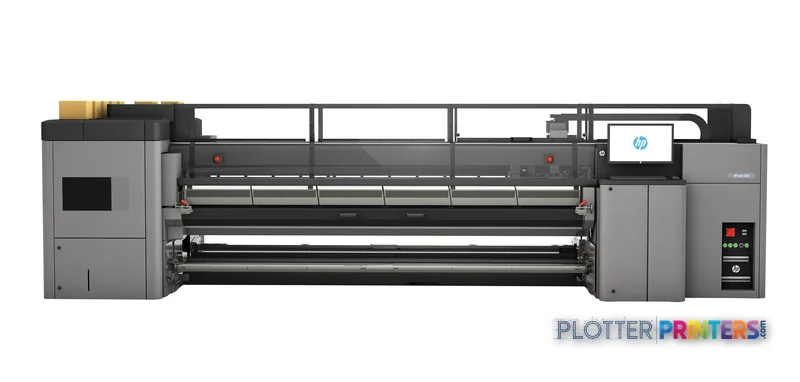
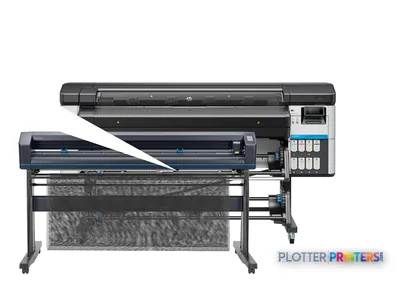
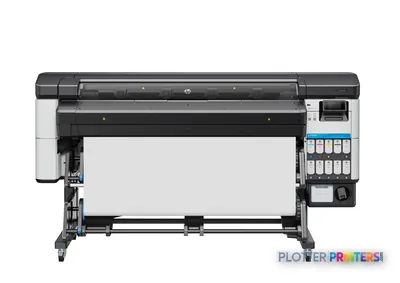
The HP Latex 3000 Printer is built for the AEC team that prints more than plan sets. Think construction-site wayfinding, safety graphics, phasing boards, GIS maps, coordination graphics, wallcoverings, and large presentation panels alongside everyday project output. Its 3.2 m single-roll width and dual-roll capability put it in the production-graphics end of an AEC print room, not the desktop-plotter corner.
Rated speed gets a print moving. Media handling decides whether the operator can keep work moving through a shift. This machine supports roll-to-roll, roll-to-free-fall, and roll-to-collector workflows, with two rolls loaded and double-sided output listed among its handling modes. That matters when crews need repeated site graphics or when a central print room is trying to reduce roll-change interruptions.
3.2 m (single roll)Maximum media width
2 x 1.60 m (dual roll)Dual-roll width
7 printheads (2 C/B, 2 M/Y, 2 LC/LM, Optimizer)Printheads
5 LInk cartridge volume
Where it earns its floor space
The practical fit is high-volume color output where media choice matters as much as image quality. Supported media includes banners, self-adhesive vinyls, films, papers, wallcoverings, and canvas. Mesh and porous textiles are supported with the optional ink collector. For an architecture studio, that can mean presentation graphics and wallcoverings without sending every large color job out. For a contractor or construction manager, it can mean durable-looking visual communication formats from a single production device.
The 12 pl ink drop and 10,560 printhead nozzles describe a platform intended for broad-format imaging. Fine-line CAD plotting, however, should be tested on the actual bond stock, PDF workflow, and line-weight standards used by the firm. A machine can produce attractive graphics and still be the wrong choice if the real workload is mostly occasional 24-inch permit sets.
Against catalog-listed 24-inch alternatives such as the Canon GP-200 24-in, the HP Latex 3000 Printer serves a fundamentally wider production role. The trade-off is operational: wider rolls, larger output, collection arrangements, and more varied media need a deliberate loading and finishing routine. Small shops should not buy floor-space and media complexity they will not keep busy.
Media, workflow, and support reality
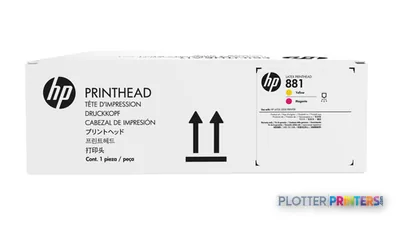
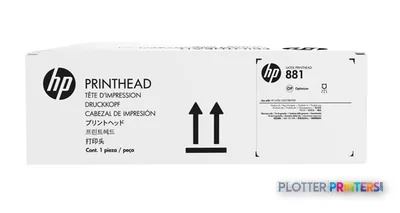
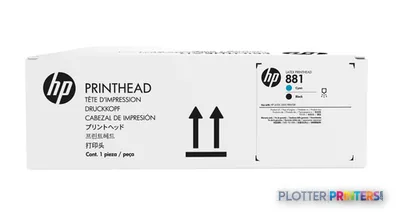
HP Latex Inks are supplied in 5 L cartridges, and the resolved consumable family for both ink and printheads is HP 881. The available accessory list includes HP Large Format Onyx Thrive RIP Software and HP Scitex Caldera RIP Software Printing. That gives a print-room team named RIP options, but it does not remove the need to validate file preparation, nesting, color settings, queue behavior, and operator permissions in the firm’s own environment.
Ask three things: what feeds it, what dries it, who fixes it. Start with the media widths and substrates that will run every week, not the occasional specialty job. Then test the full path from submitted PDF through collection and finishing. Finally, ask the local provider how they handle printhead, ink, parts, and service events. An hour down is not an abstract number when a site package, installer, or truck is waiting.
This model supports media up to 15 mil in the default paper path and up to 80 mil with a custom carriage height setting. Those limits are useful screening facts, not a substitute for a media trial. Edge behavior, curl, tracking, take-up, and collector setup determine whether a substrate is practical for repeated production.
What it is not
The HP Latex 3000 Printer is not automatically the right answer for a low-volume CAD department, a team centered on narrow bond-paper plan sets, or an office without room for production-scale media loading and output handling. It becomes more compelling when the workload combines wide color graphics with recurring runs on vinyl, banners, papers, wallcoverings, films, or canvas.
There is no in-family step-up or step-down model supplied in this catalog set, so a clean same-family comparison cannot be made here. Buyers looking at narrower equipment can use the comparison tool with the Canon GP-2000 24-in to frame the width and workflow difference, while keeping the decision grounded in actual monthly media mix and finishing requirements.
Compare the workflow, not just the device
The read
For an AEC print room producing frequent large color graphics, the HP Latex 3000 Printer has the media range and 3.2 m format to justify a production workflow. Its dual-roll and output-handling modes are meaningful where recurring jobs keep the machine fed. For ordinary plan-set output or intermittent graphics, the operational overhead may outweigh the benefit. Run the real files, load the real media, and judge the complete job—from roll to finished piece—before deciding.
Spec analysis
How the specs grade
Overall performance
—Not enough data for an overall score
Individual dimensions are shown where the specs support them.
Category leaders best latex signage printers, by dimension
Specifications
Full technical detail
Use caseGraphics / Production
Printing
| Print head | 7 (2 cyan/black, 2 magenta/yellow, 2 light cyan/light magenta, HP Latex Optimizer) |
|---|---|
| Print head nozzles | 10560 |
| Print cartridge volume (metric) | 5 L |
Performance
| Certification | WEEE; EU RoHS; REACH; UL |
|---|
Paper handling
| Media handling | Roll-to-roll; Roll-to-free fall; Roll-to-collector; Dual-roll; Double sided |
|---|---|
| Maximum media width | 3.2 m (single roll); 2 x 1.60 m (dual roll) |
| Media types supported | Banners, self-adhesive vinyls, films, papers, wallcoverings, canvas. Mesh and porous textiles with optional ink collector. |
| Media thickness (by paper path) | Up to 15 mil (default); Up to 80 mil (with custom carriage height setting) |
Other features
| Safety | IEC 60950-1+A1 compliant; EU (LVD and MD compliant, EN60950-1, EN12100-1, EN60204-1, and EN1010); Russia, Belarus and Kazakhstan (EAC) |
|---|---|
| Ink drop | 12 pl |
| Roll maximum input | 2 |
| Technical features | 7 printheads (2 C/B, 2 M/Y, 2 LC/LM, Optimizer) |
| Electromagnetic compatibility | Compliant with Class A requirements, including: EU (EMC Directive) |
| Compatible ink types, supplies | HP Latex Inks |
Everything that fits the HP Latex 3000
The full supplies hub lists every cartridge, printhead, roll and accessory verified against the manufacturer's own documentation for this machine.
8 ink cartridges · 5 printheads · 12 paper & media items · 2 accessories
HP Latex 3000 ink and paper →Supplies
Compatible ink, printheads & media
Genuine consumables that fit the HP Latex 3000 Printer — only the cartridges, printheads and media compatible with this model.
Ink Cartridges 8
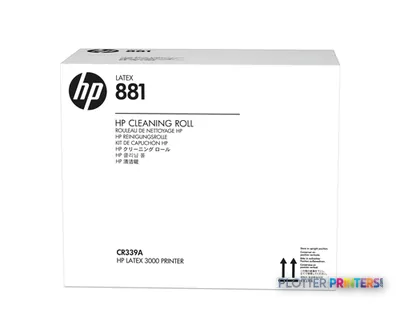 HP 881 Latex Cleaning Roll
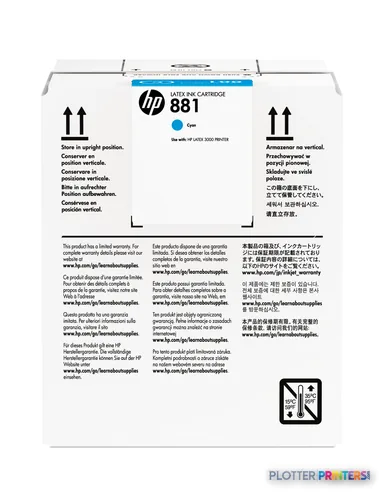 HP 881 5-liter Cyan Latex Ink Cartridge
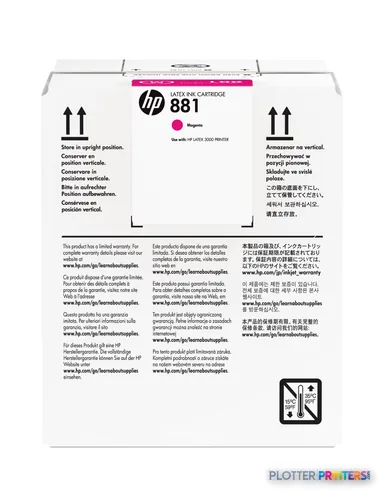 HP 881 5-liter Magenta Latex Ink Cartridge
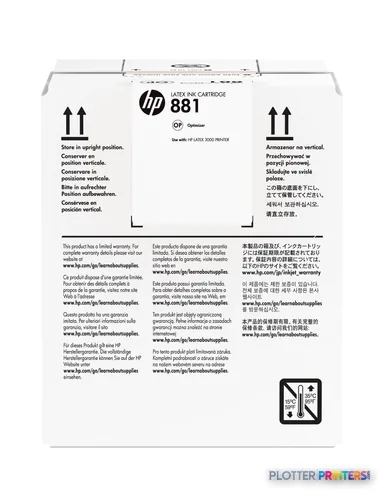 HP 881 5-liter Latex Optimizer Cartridge
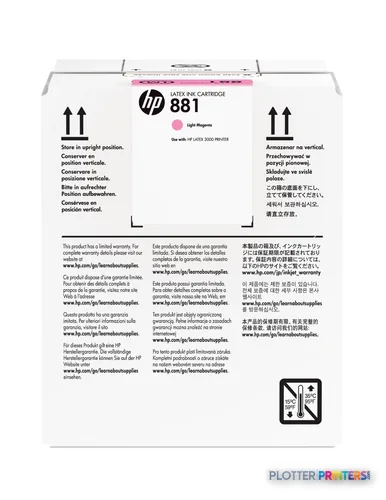 HP 881 5-liter Light Magenta Latex Ink Cartridge
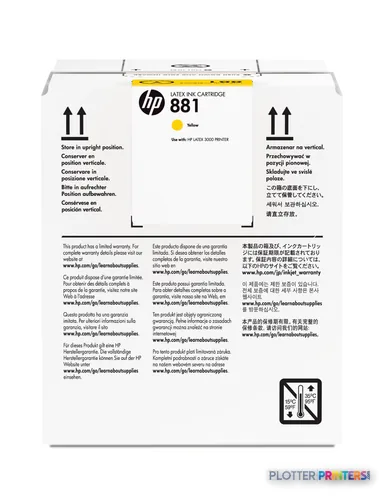 HP 881 5-liter Yellow Latex Ink Cartridge
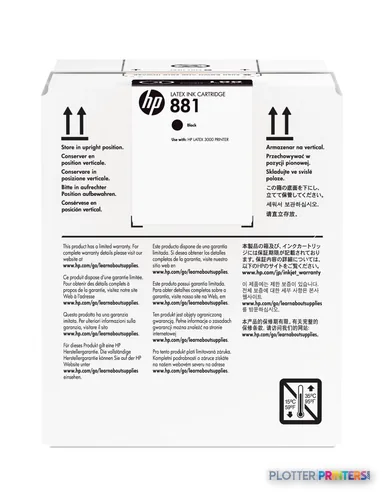 HP 881 5-liter Black Latex Ink Cartridge
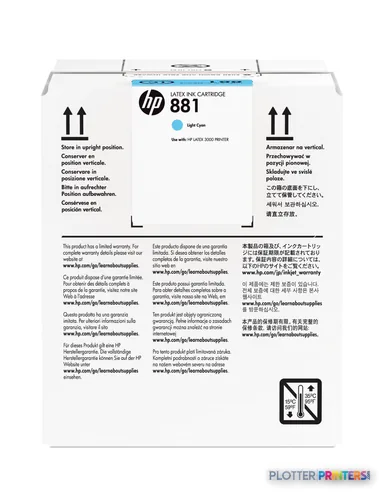 HP 881 5-liter Light Cyan Latex Ink Cartridge
Printheads 5
Paper & Media 12
 Representative image15 Mil Water-Resistant Econo Scrim VinylRepresentative image11 Mil Water-Resistant Synthetic BannerRepresentative image10 Mil Solvent Printable PolycarbonateRepresentative image225gsm Solvent Satin PE PaperRepresentative image180gsm Solvent Satin PE PaperRepresentative image225gsm Gloss Solvent PE PaperRepresentative image15 Mil Polycarbonate LaminateRepresentative image15 Mil Textured Co-polymer LaminateRepresentative image200gsm Special Matte Photo PaperRepresentative image10 Mil Water-resistant Blockout Display FilmRepresentative image10 Mil Solvent Blockout Display FilmRepresentative image10 Mil White Opaque Backer
Questions
Straight answers
What AEC work is the HP Latex 3000 Printer suited to?
It is suited to wide color work on banners, self-adhesive vinyls, films, papers, wallcoverings, and canvas. Typical AEC uses include site graphics, wayfinding, presentation panels, maps, and coordination visuals.
Can it run two rolls at once?
Yes. The listed maximum width is 2 x 1.60 m in dual-roll configuration, with a maximum of two input rolls.
What is the widest media it supports?
The listed maximum single-roll media width is 3.2 m.
Can it handle mesh or porous textile?
Yes, mesh and porous textiles are listed as supported with the optional ink collector.
Which consumables and RIP options are listed for this machine?
The resolved ink and printhead family is HP 881. Listed RIP accessories include HP Large Format Onyx Thrive RIP Software and HP Scitex Caldera RIP Software Printing.
Should a CAD-heavy office choose this instead of a 24-inch printer?
Not automatically. The HP Latex 3000 Printer is oriented around much wider production graphics and varied media; a CAD-heavy office should validate its actual plan-set volume, media mix, floor space, and operator workflow before choosing it.
Ready to put the HP Latex 3000 to work?
Configuration, media and a quote tailored to your workflow — from AEC plotter specialists.