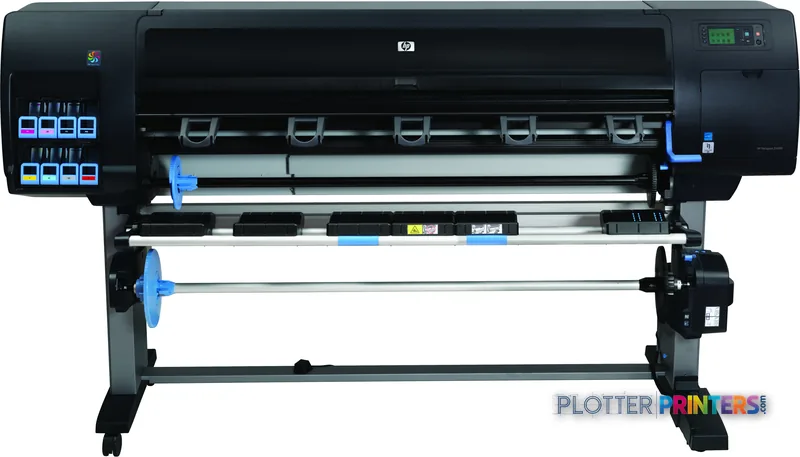
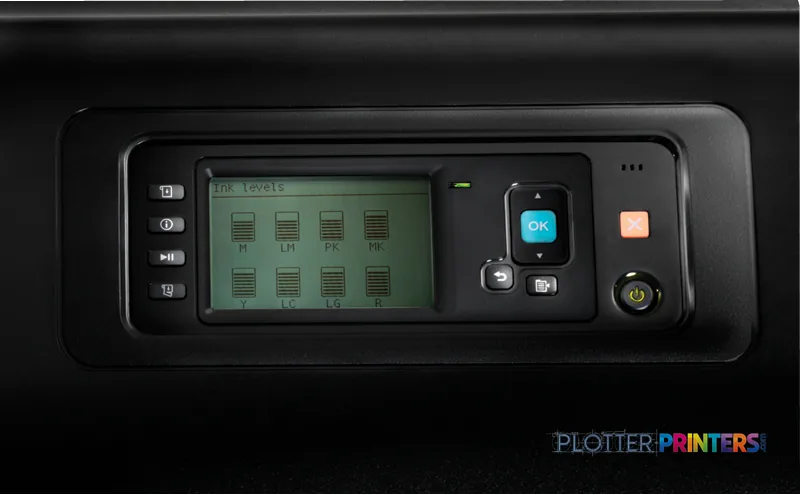
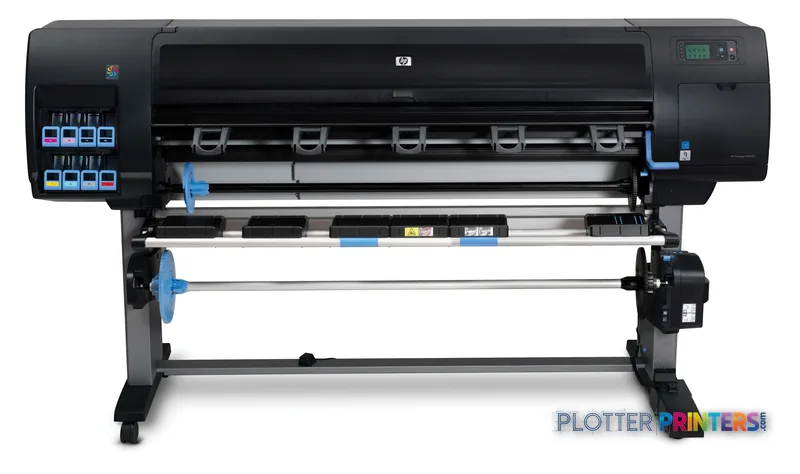
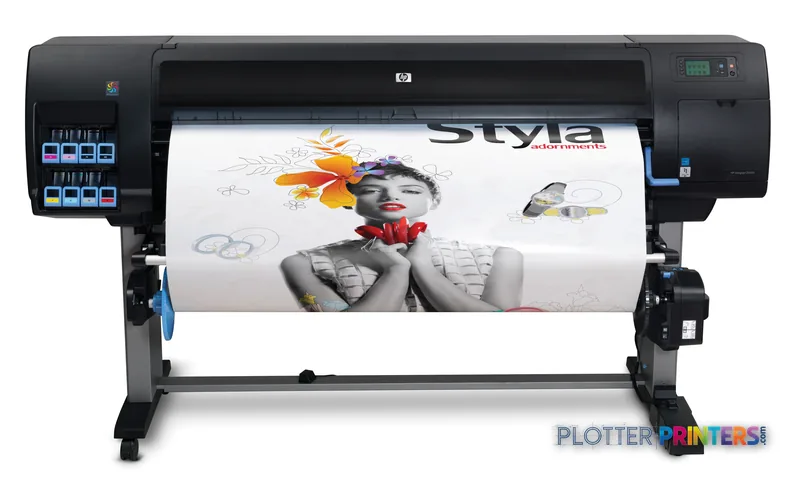
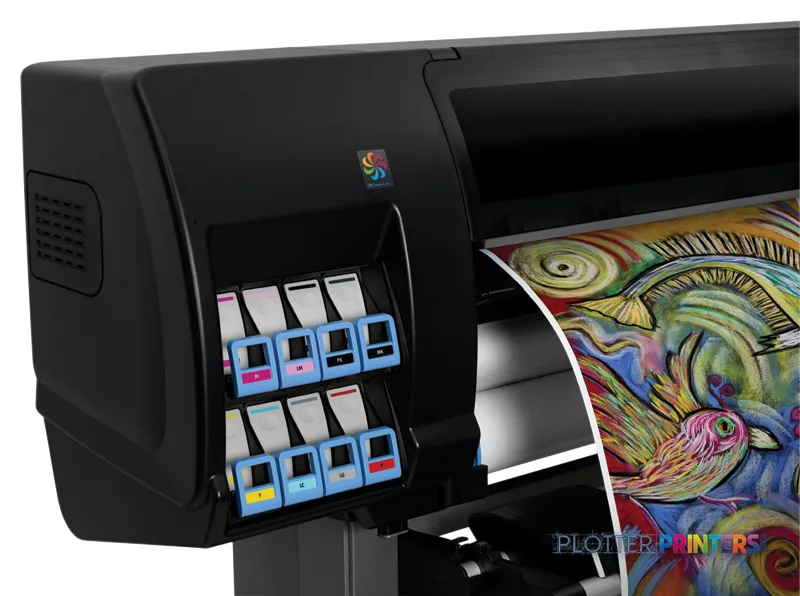
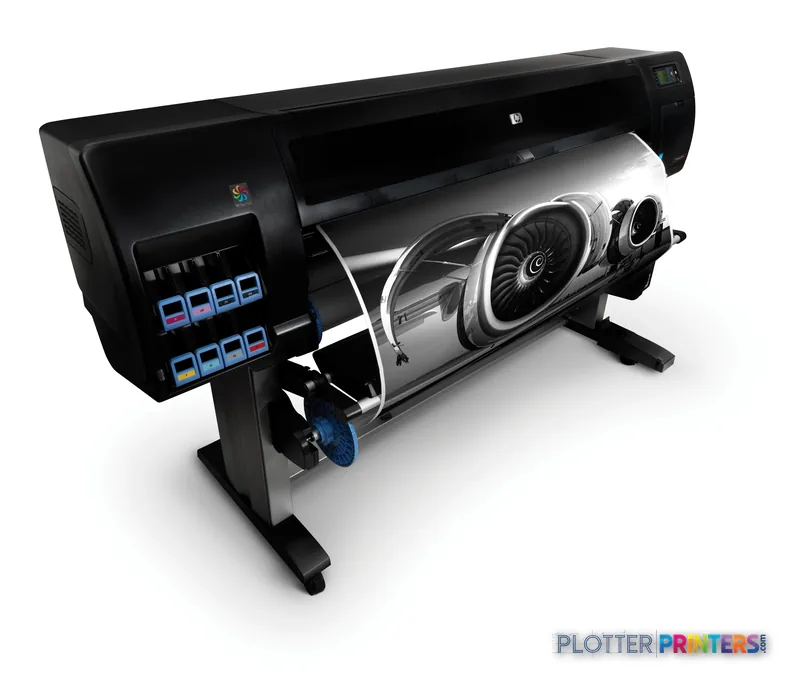
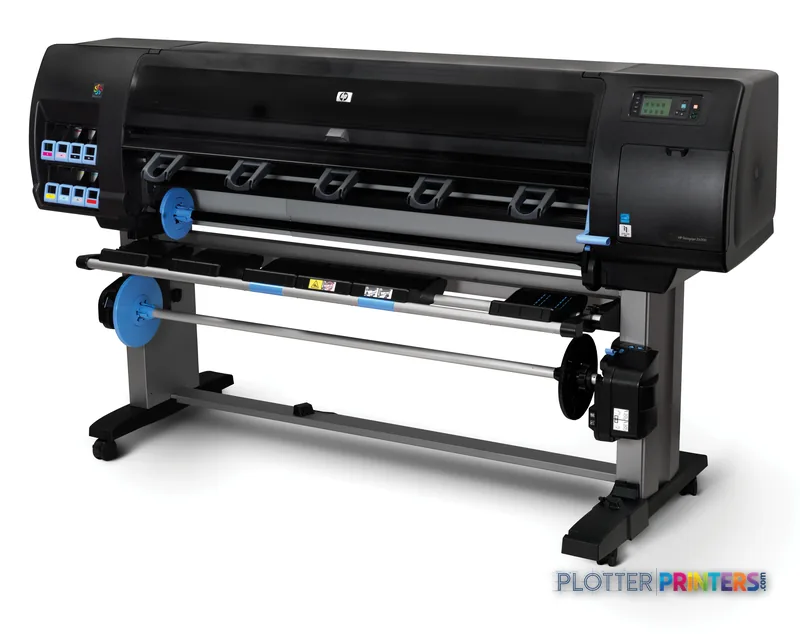
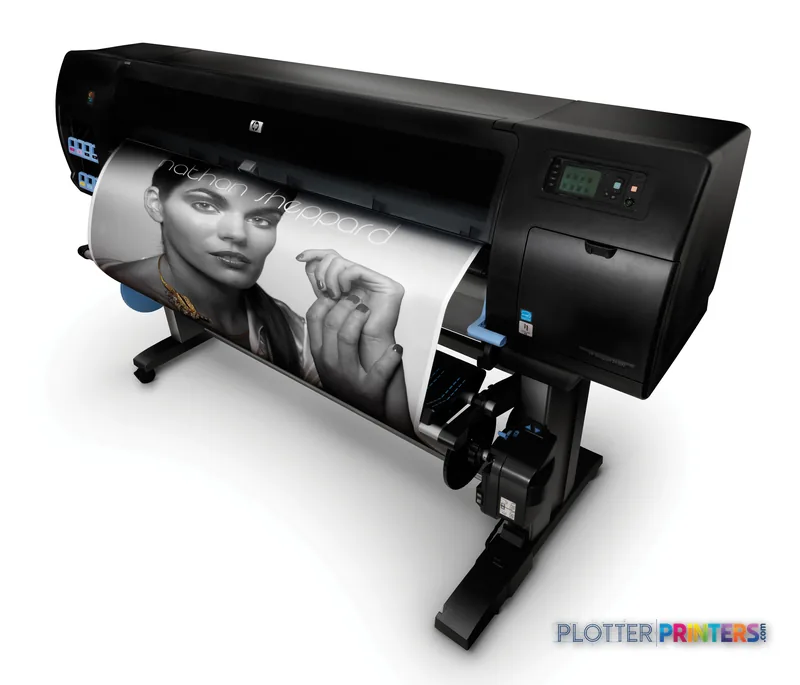
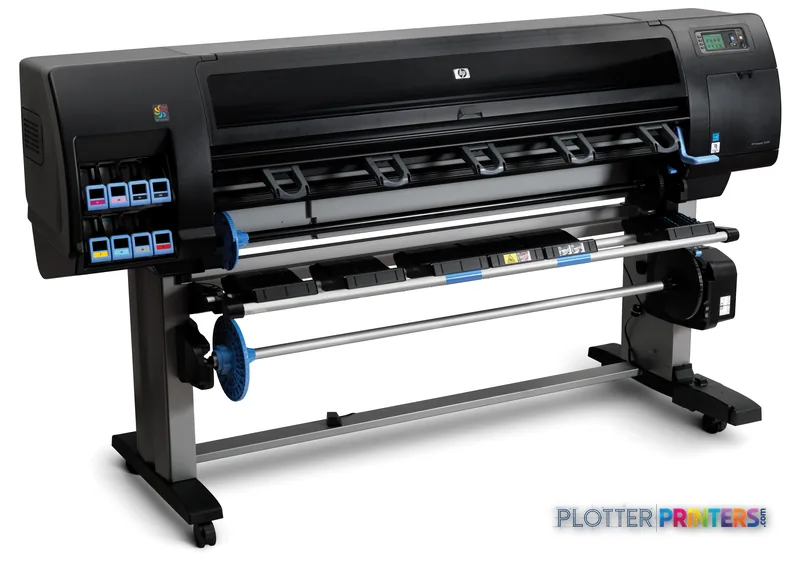
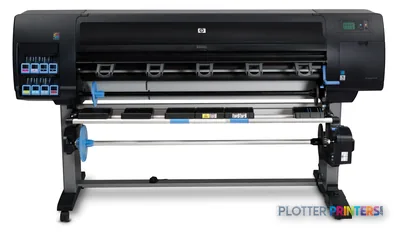
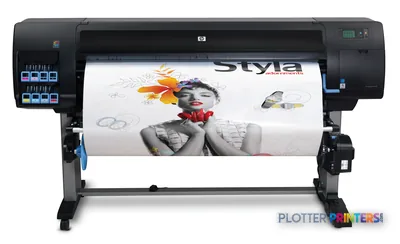
A 60-in aqueous inkjet that handles both technical plots and color renderings on one device.
2400 x 1200 DPI resolution keeps fine linework and small text legible.
The encrypted hard disk clears IT security reviews for confidential and public-sector work.
Discontinued — confirm HP 712 ink and HP 713 printhead availability before a long-term commitment.
The 42-in Z6100 and Z6100ps cover the same use case in a smaller footprint.
Newer in-family 60-in options like the Z6610 and Z6800 offer a longer support runway.
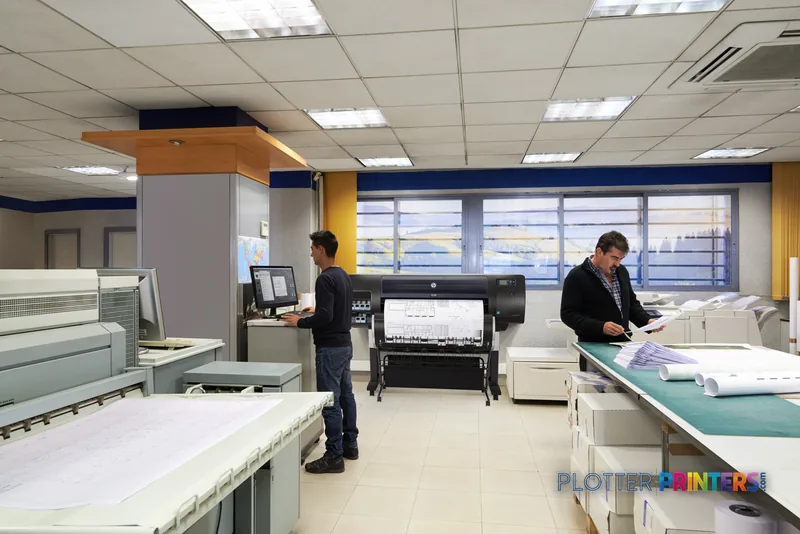
It’s 4:45 on a Thursday. Somebody needs a full-size rendering for tomorrow’s client meeting, and the same machine that just ran a stack of coordination plots has to switch gears and lay down clean color on photo media without a fuss. That’s the job the HP DesignJet Z6200 60-in was built for.
This is a 60-inch, six-color aqueous inkjet aimed at firms that live between technical output and presentation work. It’s discontinued now, but the installed base is real. Plenty of these are still bolted to a print-room floor doing honest work every day.
60-inPrint widthFull E-size and oversize presentation boards
2400 x 1200 DPIResolutionFine enough for small text and rendered color
Encrypted Hard DiskSecurityJob data at rest stays protected
What it actually does well
The Z6200 sits in a comfortable middle. At 60 inches it handles E-size sheets and large presentation boards without cutting anything down. The 2400 x 1200 DPI addressable resolution means fine linework and small callout text hold up, and the color side is good enough that a firm can print both a permit set and a client-facing rendering off one device.
The encrypted hard disk is the reason IT people sign off on it. For public-sector infrastructure work or any project with confidentiality requirements, job data stored on the drive stays protected. That’s not a marketing line — it’s a checkbox on a security review that this machine passes.
Firms mixing technical plots with color renderings on one wide device
Print rooms that need full 60-in width for E-size and oversize boards
Environments where drive encryption is a hard IT requirement
Shops feeding it through the optional HP SD Pro 44-in Scanner for copy and archive work
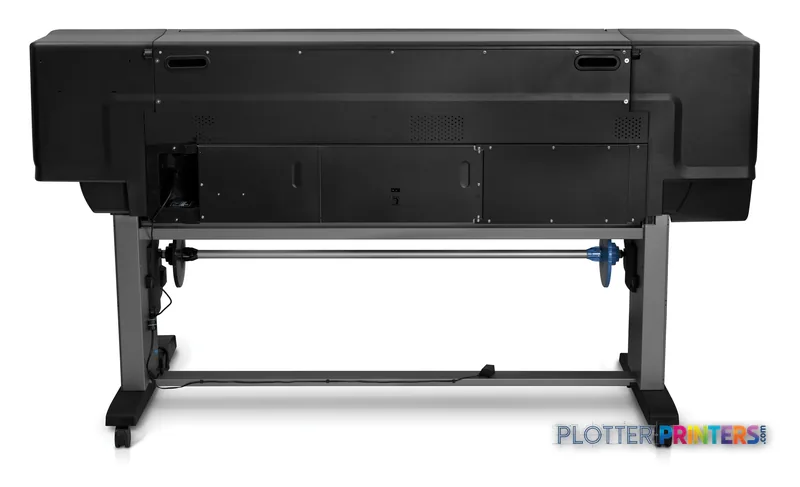
The 60-in chassis. Plan the floor space before it arrives; this is a print-room machine, not a corner-of-the-office plotter.
Feeding it and keeping it running
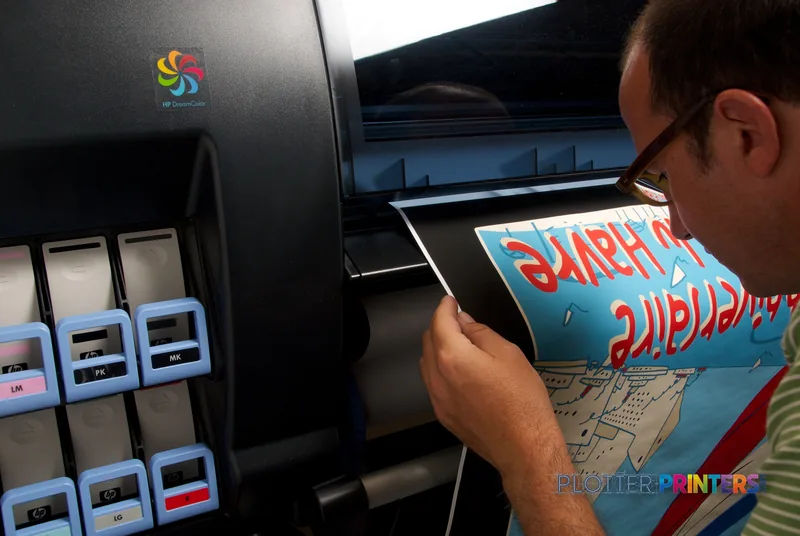
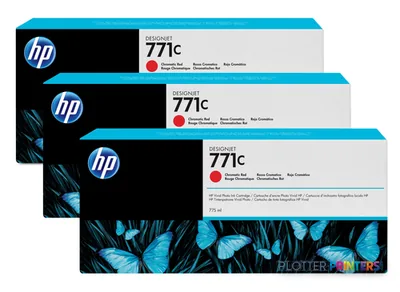
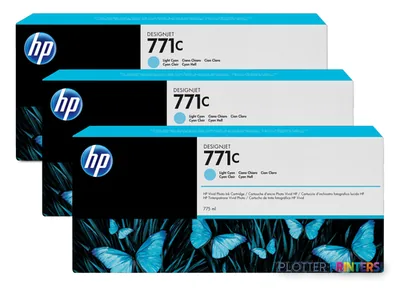
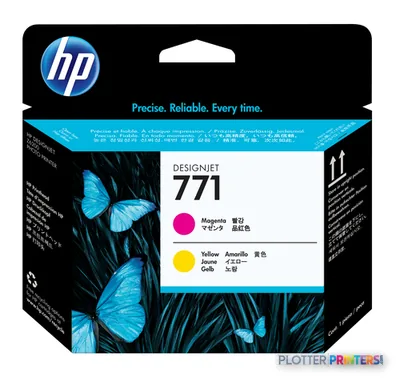
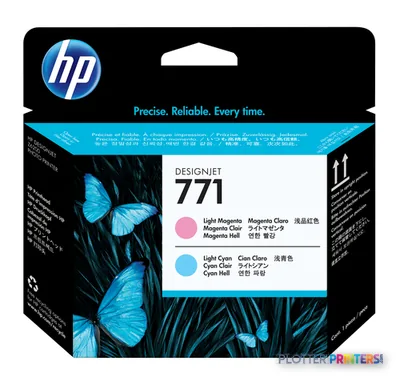
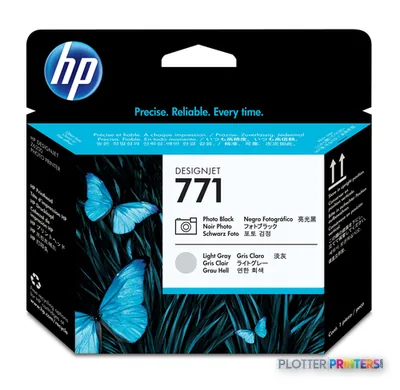
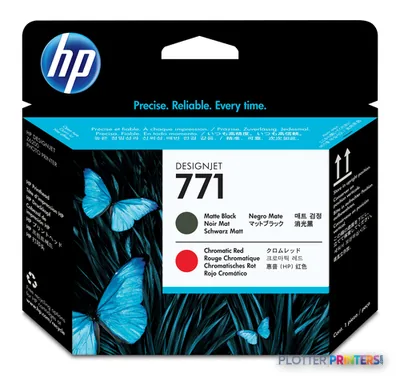
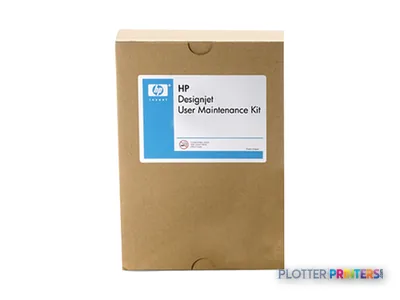
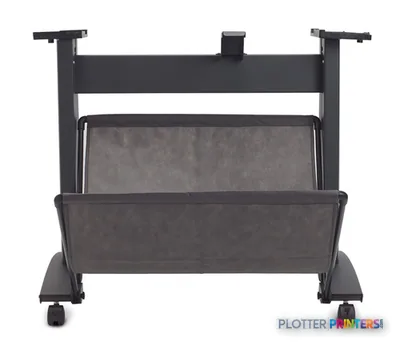
Consumables are straightforward. It runs on HP 712 inks with the HP 713 printhead, and the HP DesignJet User Maintenance Kit covers the periodic service parts. Add the HP DesignJet 60-in Media Bin to catch output so long jobs don’t spill onto the floor, and you’ve got a machine that mostly minds itself.
Because it’s discontinued, the two questions that matter are parts and ink availability over your ownership horizon. Aqueous supply chains for HP 712 inks are still active, but confirm it before you commit to a five-year run. A great printer that can’t get a printhead is a paperweight.
How it sits in its own family
If you don’t need the full 60 inches, the 42-in HP DesignJet Z6100 42-in and the PostScript-equipped HP DesignJet Z6100ps 42-in cover the same technical-plus-color territory in a narrower, cheaper-to-house footprint. Step across to the thermal-inkjet HP DesignJet Z6610 60-in or HP Z6800 60-in and you get newer six-color platforms at the same width. On the cross-brand side, the Canon iPF9100 60-in competes directly at matching resolution. Worth a side-by-side if you’re deciding: compare the Z6200 against the Z6610 before you buy used.
The Z6200 is a sensible used buy for a firm that wants one 60-in machine to do both technical and color work, and that needs drive encryption on the spec sheet. It’s discontinued, so go in with eyes open on parts and HP 712 ink availability. If you’re buying new instead of used, look hard at the Z6610 or Z6800 for a longer support runway. Bottom line: right machine, right job — just verify the supply chain before the invoice.
Graded on a curve against the best published spec among the wide-format printers we track — 100 = the catalog’s gold standard for that metric (the finest droplet, the longest warranty, the fastest rated speed actually on the market). Every input is a manufacturer-published spec; rated speeds are shown as listed, not timed throughput. Ticks mark the class best. How we grade →
Specifications
Full technical detail
Max print width60"
Use casePhoto / Fine Art
Everything that fits the HP DesignJet Z6200
The full supplies hub lists every cartridge, printhead, roll and accessory verified against the manufacturer's own documentation for this machine.
20 ink cartridges · 4 printheads · 106 paper & media items · 8 accessories
Genuine consumables that fit the HP DesignJet Z6200 60-in Photo Printer with Encrypted Hard Disk — only the cartridges, printheads and media compatible with this model.
No, it’s discontinued. There’s a real installed base still in service, but confirm parts and ink availability for your ownership period before buying used.
What inks and maintenance parts does it use?
It runs on HP 712 inks with the HP 713 printhead, and the HP DesignJet User Maintenance Kit covers periodic service parts.
What does the encrypted hard disk actually do for us?
It protects job data stored on the drive at rest, which is what lets IT and security reviewers sign off on it for confidential or public-sector work.
Can it handle both technical drawings and color presentation work?
Yes. The six-color aqueous system at 2400 x 1200 DPI is aimed at firms that need clean linework and small text plus color renderings from one machine.
If I'm buying new instead of used, what should I look at instead?
Consider the newer 60-in HP DesignJet Z6610 or HP Z6800 for a longer support runway, or the cross-brand Canon iPF9100 60-in at matching resolution.
Do I need extra accessories to run long jobs unattended?
The HP DesignJet 60-in Media Bin catches output so long jobs don’t pile on the floor, and the optional HP SD Pro 44-in Scanner adds copy and archive capability.