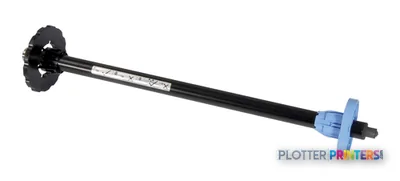
The 44-inch width accommodates E-size sheets and rolls for full-scale graphics and technical documents.
HP specifies +/- 0.010 mm line accuracy and a 0.00220-inch minimum line width for technical output.
The embedded spectrophotometer and HP Color Center support a disciplined color-management workflow, but no measured gamut data is available here.
Single-roll handling and the absence of listed scanning, copying, stacking, or automatic roll switching limit document-production efficiency.
Its stated operating-system compatibility should be checked against current AEC workstation and network requirements before purchase or redeployment.
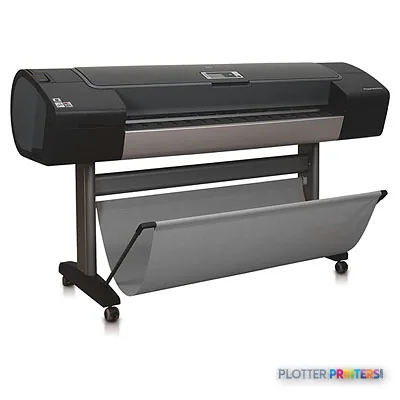
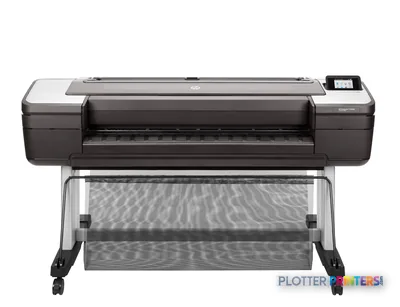
A coordination drawing can be technically correct and still fail in the field if its colored systems collapse into one another. The HP DesignJet Z3200ps 44-in is a photo-oriented wide-format printer that also has a credible place in AEC studios where presentation boards, rendered BIM views, GIS maps, color-coded phasing plans, and client-facing exhibits matter alongside occasional E-size drawing output.
Its strength is control rather than volume: HP Vivera pigment inks, an embedded spectrophotometer, HP Color Center, and a broad media range support deliberate color-managed work. The cyan edge of a site-overlay boundary and the quiet separation of light-gray structure from a darker architectural layer are the details this configuration is intended to preserve. For IT, Ethernet, USB, an embedded Web server, HP Web Jetadmin support, and an 80 GB internal drive provide a practical foundation—but its stated operating-system support reflects an older workstation era that should be validated before deployment.
44" (1118 mm)Maximum media widthSupports E-size sheets and rolls up to 44 inches wide.
+/- 0.010 mmLine accuracyA relevant specification for scaled CAD and technical graphics.
2400 x 1200 DPIBest-quality resolutionSpecified for black output at best quality.
92.4 ft2/hrNormal coated-paper image speedManufacturer-rated color-image speed; actual production depends on file processing, media, and operator handling.
Where it fits in an AEC print room
This machine fits an architecture practice, visualization team, planning group, or multidisciplinary firm that needs 44-inch color output with more media latitude than a drawing-only plotter. It accepts sheet and roll media, has an automatic cutter for media other than canvas, and supports photographic, fine-art, self-adhesive, banner, bond, coated, technical, film, backlit, and textile materials. That breadth is useful when a single project moves from a vellum overlay to a coated permit exhibit and then to a mounted presentation graphic.
For drawings, the specified minimum line width of 0.00220 inches and stated line accuracy merit attention, but they do not alone establish a full document-production workflow. This is a single-roll machine, with no listed scanner, copier, stacker, or automatic roll switching. It is therefore better treated as a quality-focused color and graphics device than as the sole engine for deadline-driven, mixed-size bid-set runs.
Rated image speed provides useful context, but AEC throughput also includes RIP time, media changes, trimming, drying, and set handling. See the full class ranking →
Estimate rated image-rendering time for your board, map, or exhibit area; allow additional time for file preparation and finishing.
One set: – · Weekly plotting time: –
Computed from the manufacturer's rated 183 ft²/h. Real-world mixed sets run slower — treat this as a best case for comparing machines, not a promise.
Color management deserves a practical test
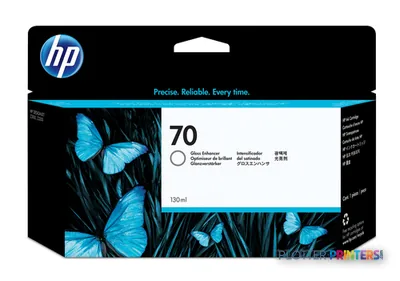
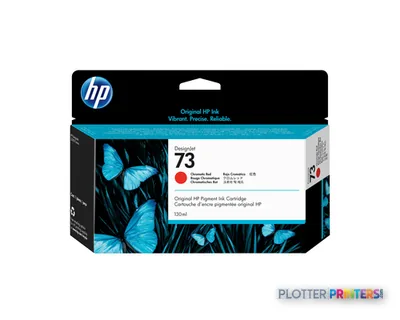
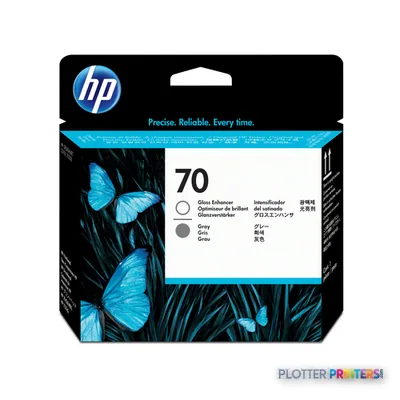
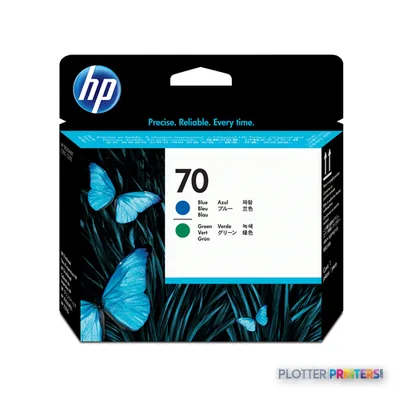
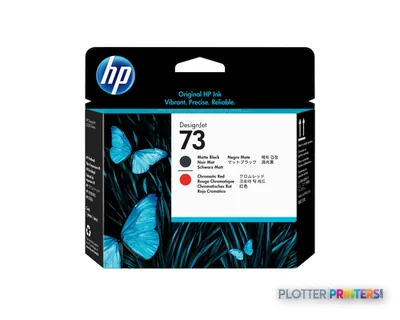
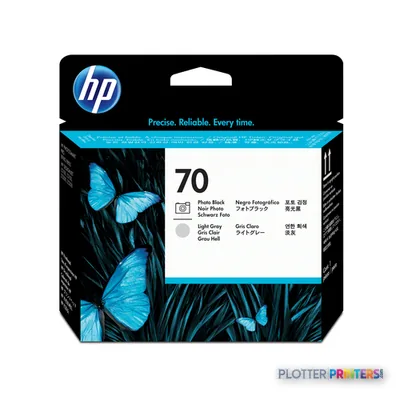
The embedded spectrophotometer and HP Color Center make this a sensible candidate where repeatable, profiled color matters—for example, matching a consultant’s GIS legend, preserving a renderer’s material palette, or keeping phased work visually distinct. HP lists HP Vivera pigment inks and six print heads, including photo black, matte black, gray, light gray, red, green, blue, and gloss enhancer channels. Those ingredients suggest a more specialized color workflow than a conventional plan printer, though the result should still be evaluated on the specific substrate and files your team uses.
There is no measured ICC gamut data in the available record for this machine, so broad claims about color range would be hand-waving. Review our ICC-profile guidance and run a controlled proof with your PDFs, Revit exports, and Bluebeam-marked sheets—especially where small colored annotations must remain legible on ordinary bond.
How it sits within the family
If 44-inch output is unnecessary, the HP DesignJet Z3200ps 24-in is the natural narrower-format alternative for desk-scale proofs and smaller boards. If the priority shifts toward wider media capacity, the HP DesignJet Z5200 44-in provides a wider in-family option. Neither comparison should be decided on width alone: assess the media your firm actually stocks, the frequency of technical plan sets, and whether users need production handling rather than photographic and presentation capability.
For a same-width cross-brand review, compare it with the Canon GP-4000 44-in using identical PDF files, bond, coated stock, and a representative GIS or render file. Focus on readable fine type, neutral grays, media loading, driver behavior, and local service capability—not just a resolution figure.
The HP DesignJet Z3200ps 44-in is most persuasive for AEC teams that value controlled color, specialty media, and full-width presentation output, while still needing competent technical graphics. Its trade-off is operational: one roll and no listed scan/copy or high-volume finishing features make it less appropriate as the only printer for a construction office or central reprographics room with frequent plan-set deadlines. Validate workstation compatibility, media availability, service support, and output from your real project files before assigning it a mission-critical role.
Graded on a curve against the best published spec among the wide-format printers we track — 100 = the catalog’s gold standard for that metric (the finest droplet, the longest warranty, the fastest rated speed actually on the market). Every input is a manufacturer-published spec; rated speeds are shown as listed, not timed throughput. Ticks mark the class best. How we grade →
Category leaders best color graphics & photo printers, by dimension
Print speed (color image, normal quality, coated paper)
92.4 ft2/hr
8.6 m2/hr
Print speed (color image, normal quality, glossy paper)
47.6 ft2/hr
4.4 m2/hr
Performance
Certification
SWOP, ISO, GRACOL, 3DAP
Storage media
HDD
Internal memory
256 MB
Built-in processor
Mobile Intel Centrino
Processor frequency
600 MHz
Internal storage capacity
80 GB
Paper handling
Media handling
Sheet feed, roll feed, automatic cutter (cuts all media except canvas)
Media thickness
> 0.8
Roll top margin
0.197" (5 mm)
Print margin roll
0.197" (5 mm)
Custom media sizes
216 x 279 to 1118 x 1676 mm
Maximum media width
1118 mm
Maximum roll length
3598.4" (91.4 m)
Maximum print length
3582.7" (91 m)
Standard media sizes
All standard sizes larger than A4
Maximum roll diameter
5.35" (13.6 cm)
Media types supported
Photographic (satin, gloss, semi-gloss, matte), proofing (semi-gloss, high-gloss contract, semi-gloss contract, matte), fine art printing material (smooth, textured, watercolour, satin, aquarella, litho-realistic, canvas), self-adhesive (indoor, vinyl, polypropylene), banner and sign (display film, indoor banner, scrim, polypropylene, Tyvek, outdoor, billboard, PVC-free), bond and coated (bond, coated, heavyweight coated, super heavyweight plus matte, coloured), technical (tracing, translucent bond, vellum), film (clear, matte, polyester), backlit, fabric/textile (flag, polyester, silk)
Print margin cut-sheet
5 x 17 x 5 x 5
Recommended media weight
500 g/m²
Media weights by paper path
133 lb
Maximum length of sheet media
1676.4 mm
Media thickness (by paper path)
Up to 31.5 mil
Media sizes supported (imperial)
A, B, C, D, E
Recommended media weight (imperial)
133 lb
Non-printable area roll media (imperial)
0.2 x 0.2 x 0.2 x 0.2 in (full bleed available on glossy/satin roll media)
Ports & interfaces
USB port
Yes
Ethernet LAN
Yes
USB connector
USB Type-A
RJ-45 ports quantity
1
USB 2.0 ports quantity
1
Ethernet interface type
Gigabit Ethernet
Weight & dimensions
Weight
189.6 lbs (86 kg)
Size (imperial)
69.7"
Weight (imperial)
189 lb
Dimensions (WxDxH)
69.7 x 27.2 x 41.2" (1770 x 690 x 1047 mm)
Dimension note (metric)
printer with stand
Pallet weight (imperial)
271 lbs
Dimension note (imperial)
printer with stand
Pallet dimensions (W x D x H)
77.4 x 30.7 x 30.7" (1965 x 780 x 780 mm)
Maximum dimensions (W x D x H)
69.7 x 27.2 x 41.2" (1770 x 690 x 1047 mm)
Product dimensions when open (LxWxD)
69.7"
Pallet dimensions (W x D x H) (imperial)
77.3 x 30.7 x 30.7"
Power
Power requirements
Input voltage (autoranging) 100 to 240 VAC (+/- 10%), 50/60 Hz (+/- 3 Hz), 2 amps max
Power consumption (typical)
200 W
Operational conditions
Storage temperature (T-T)
-25 – 55 °C
Operating temperature (T-T)
59 – 95 °F
Operating altitude (imperial)
9,842 ft
Storage relative humidity (H-H)
0 – 95%
Operating relative humidity (H-H)
20 – 80%
Recommended operating temperature range (T-T)
15 – 35 °C
Other features
Safety
IEC 60950-1 compliant, EU LVD and EN 60950-1 compliant, certified by CSA for Canada and US, Argentina IRAM, Singapore PSB, Russia GOST, China CCIB, Taiwan BSMI
Ink drop
4 pl (lc, lm, lg, pK, E, G), 6 pl (M, Y, mK, R, GN, B)
Control panel
240 x 160 pixel greyscale graphical display with Asian fonts support, 4 direct-access buttons, 7 navigation buttons and 2 bicolour lights (Ready, Processing, Attention, Error)
Line accuracy
+/- 0.010 mm
Driver updates
Latest Windows printer drivers information available at http:// and more information on all printer drivers available at http:///country/us/en/support.html?pageDisplay=drivers
Line width minimum
0.0022 in
Minimum line width
0.00220" (0.0558 mm)
Printer management
HP Web Jetadmin
Roll maximum input
1
Embedded web server
Yes
Acoustic power emissions
6.5 B(A) (active/printing), 4.4 B(A) (standby)
Minimum system requirements
Microsoft Windows XP Home, XP Professional: Intel Pentium 4, 1 GHz, 512 MB RAM, 2 GB available hard disk space
Mac OS X v10.4, v10.5: PowerPC G4, G5, or Intel Core Processor, 1 GB RAM, 2 GB available hard disk space
Electromagnetic compatibility
Compliance for Class B products: EU (EMC Directive), USA (FCC rules), Canada (DoC), Australia (ACA), New Zealand (MoC), China (CCC), Japan (VCCI), Korea (MIC) and Taiwan (BSMI)
JetDirect Compatible Products
Y
Compatible ink types, supplies
HP Vivera pigment inks
Maximum media length (imperial)
66"
Maximum print length (imperial)
300 ft; Operating system and application dependent
Printing material waterfastness
Water-resistant on a range of HP creative and speciaty papers
Acoustic power emissions (standby)
44 dB
Print quality (black, best quality)
2400 x 1200 DPI
Print quality (color, best quality)
2400 DPI
Print quality (black, draft quality)
1200 DPI
Acoustic pressure emissions (standby)
29 dB(A)
Media sizes standard (imperial rolls)
Letter to E-size sheets, 11 to 44-in rolls
Print quality (black, normal quality)
1200 DPI
Non-printable area (imperial cut-sheet)
0.2 x 0.67 x 0.2 x 0.2 in
Print resolution (color, normal quality)
1200 x 1200 DPI
Minimum system requirements for Macintosh
Mac OS X v10.4, v10.5: PowerPC G3 or Intel Core Processor; 256 MB RAM; 1 GB available hard disk space
Logistics data
Pallet weight
271.2 lbs (123 kg)
Quantity per pallet
1 pc(s)
Packaging data
Package weight
271.2 lbs (123 kg)
Bundled software
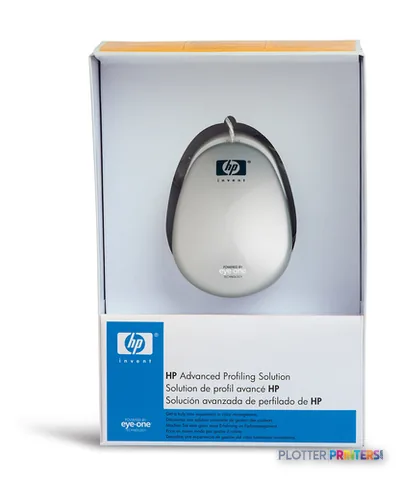
Printer drivers, HP Printer Utility including HP Color Center, HP Advanced Profiling Solution
Package weight (imperial)
271 lbs
Package dimensions (WxDxH)
77.4 x 30.7 x 30.7" (1965 x 780 x 780 mm)
Package dimensions (W x D x H)
77.3 x 30.7 x 30.7"
Sustainability
Sustainability certificates
ENERGY STAR
System requirements
Browser supported
Internet Explorer 5.0 and higher, Netscape 6.0.1 and higher, Safari for Mac OS 10.3 and higher, Mozilla 1.5 and higher
Compatible operating systems
Microsoft Windows Vista (32/64-bit), XP Home, XP Professional, XP Professional x64, Server 2008 (32/64-bit), Windows Server 2003 (32/64 bit), Windows Terminal Services, Citrix MetaFrame, Mac OS X v 10.4, Mac OS X v 10.5
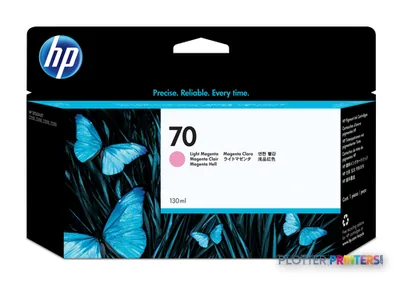
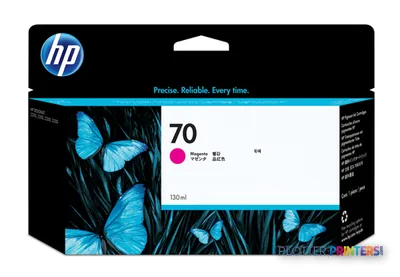
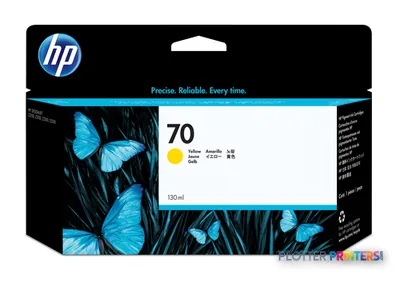
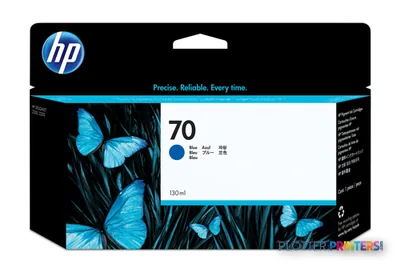
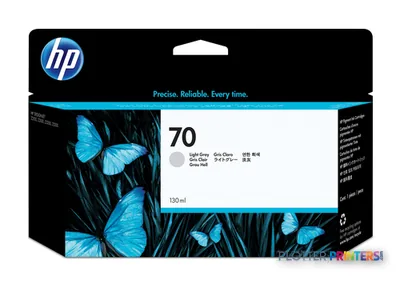
Everything that fits the HP DesignJet Z3200
The full supplies hub lists every cartridge, printhead, roll and accessory verified against the manufacturer's own documentation for this machine.
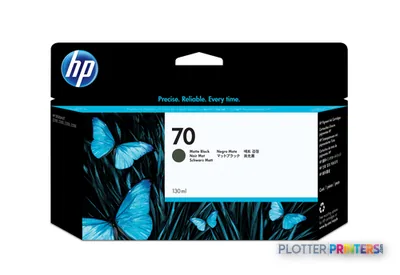
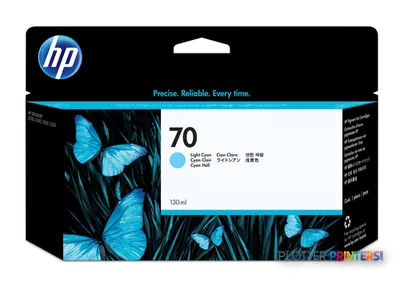
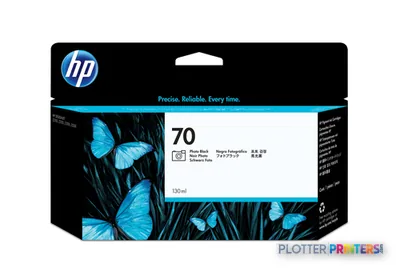
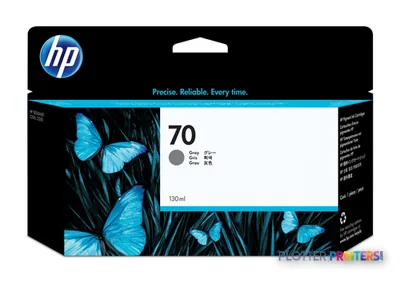
14 ink cartridges · 6 printheads · 131 paper & media items · 6 accessories
Is the HP DesignJet Z3200ps 44-in suitable for CAD drawings?
It supports E-size media, lists +/- 0.010 mm line accuracy, and specifies a 0.00220-inch minimum line width. It can suit technical drawings, particularly where color overlays and presentation quality matter, but it is not configured as a high-volume plan-set production device.
Can it handle presentation boards as well as bond-paper drawings?
Yes. The supported media list includes photographic, fine-art, self-adhesive, banner, bond, coated, technical, film, backlit, and textile materials. Confirm the particular substrate, thickness, and finishing requirement before standardizing a workflow.
Does it scan or copy existing drawings?
No scanner or copier is listed as built into the printer. An HP SD Pro 44-in Scanner is listed as an accessory, so buyers needing archival scanning or walk-up copying should confirm the intended configuration.
What network and management options are provided?
The printer has Gigabit Ethernet, USB, an embedded Web server, an 80 GB internal drive, and HP Web Jetadmin support. Its listed browser and operating-system compatibility is dated, so IT should test drivers and management access in the current environment.
How fast is it for AEC work?
HP rates normal-quality color images on coated paper at 92.4 ft2/hr. That is an image-speed rating rather than a promise of completed-set throughput; PDF processing, media changes, cutting, and handling will affect real turnaround.
When should a buyer consider another HP Z-series model?
Choose the HP DesignJet Z3200ps 24-in when 24-inch output is sufficient, or evaluate the HP DesignJet Z5200 47-in when wider media is central to the requirement. The deciding factor should be workflow and media needs, not width alone.