
Home / Wide-Format Printers / HP DesignJet
HP · Wide-Format Plotter
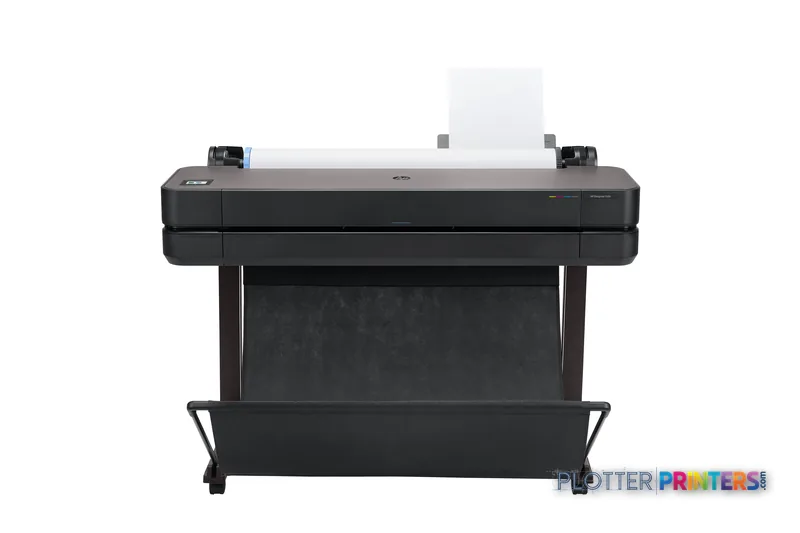
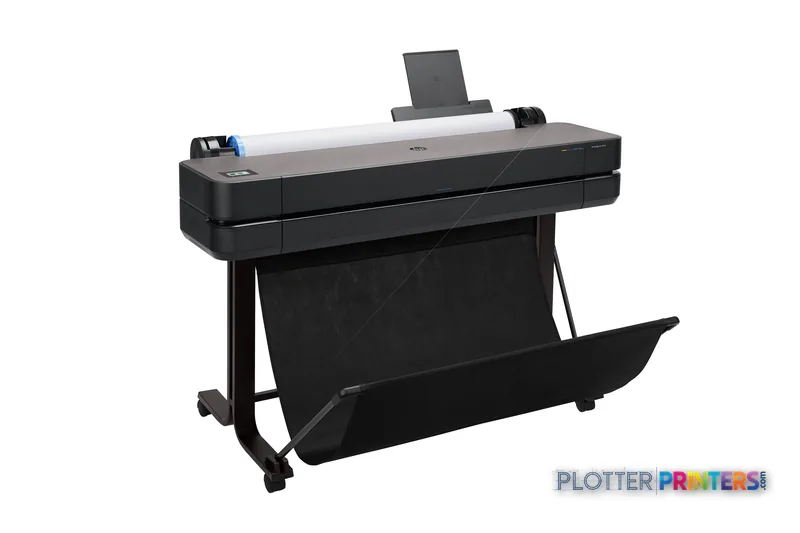
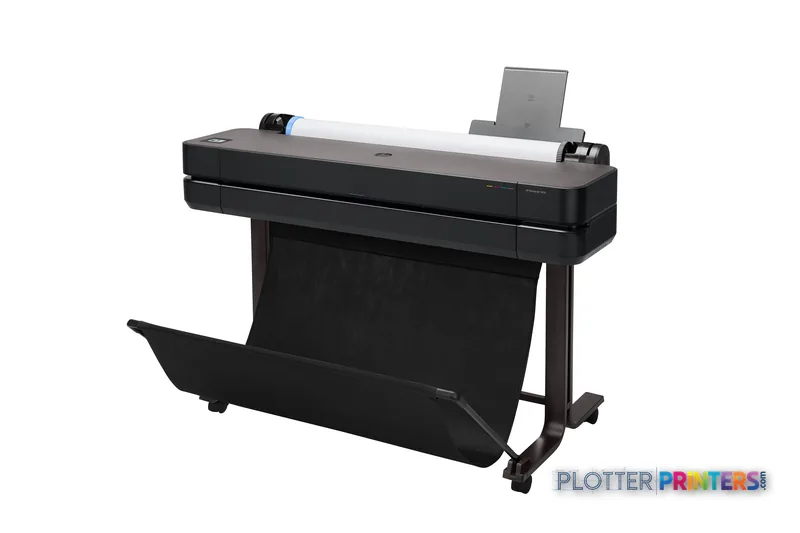
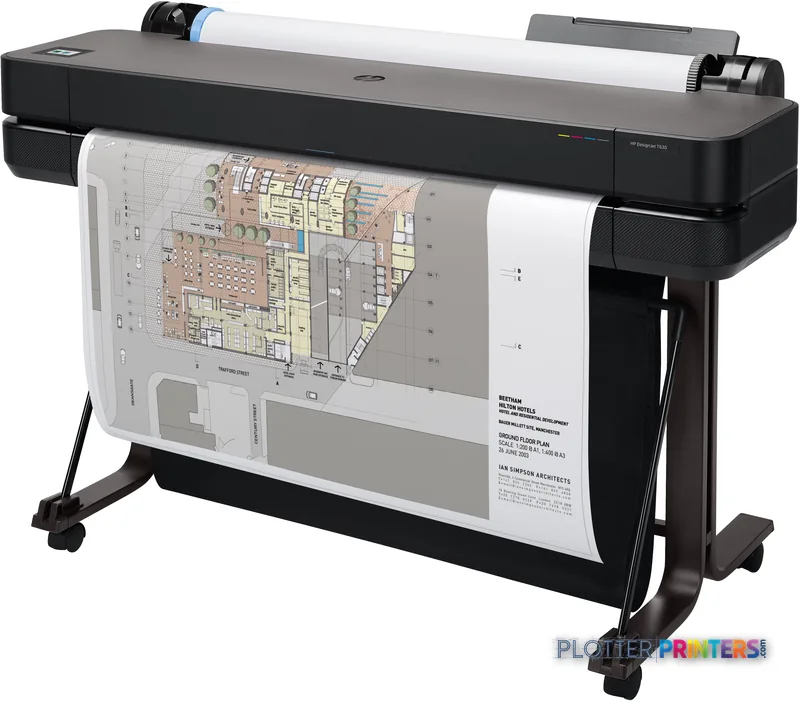
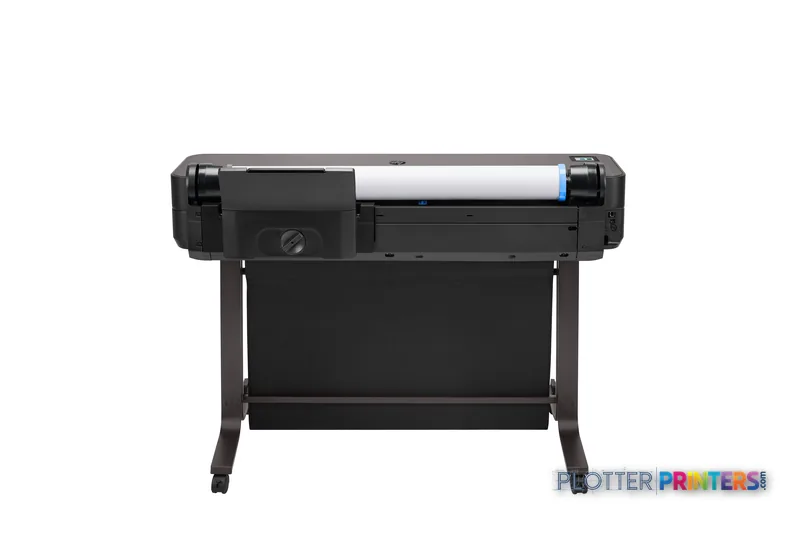
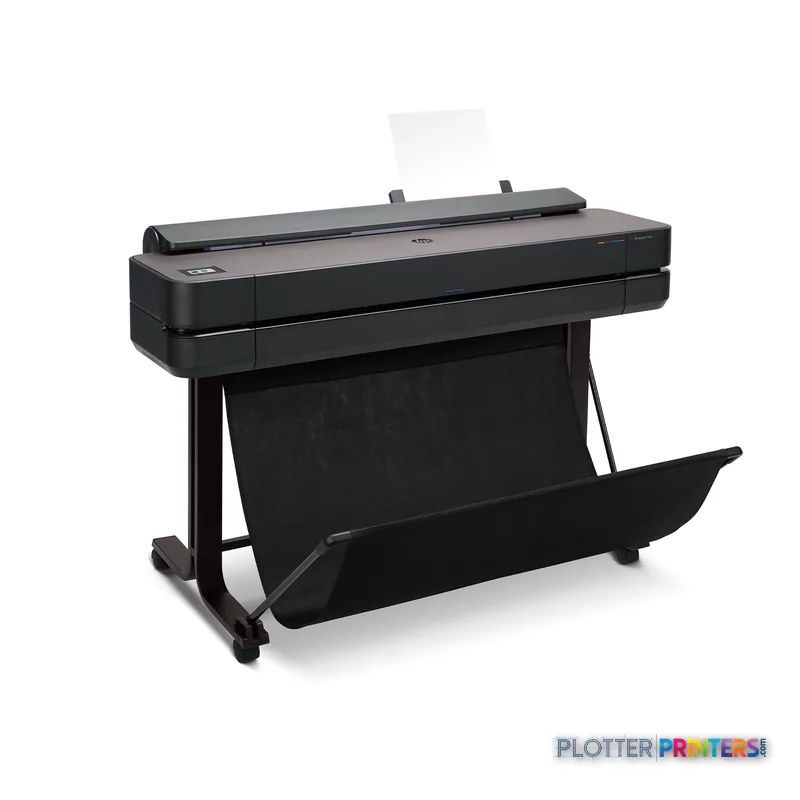
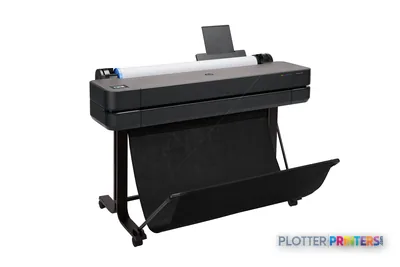
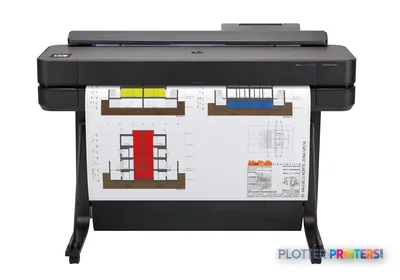
HP DesignJet T630
36" technical / CAD plotter
- ModelT630
- Prints36" wide
- Score53/100
Authorized HP dealerGenuine hardware & ink
1-year warranty includedExtendable to 5 years
Free shippingContinental U.S.
Plotter specialistsAEC experts, not just sellers
Analyst take
- Single-roll 36-in inkjet plotter aimed at small AEC studios with steady, not constant, print volume.
- 2400 x 1200 DPI holds fine dimension lines and small annotation text on bond and coated paper.
- HP rates it at 76 A1 prints per hour in normal quality — throughput isn't the limit, the single roll is.
Not sure if the T630 is right for you?
Compare key specs and an AI analyst read-out against similar models.
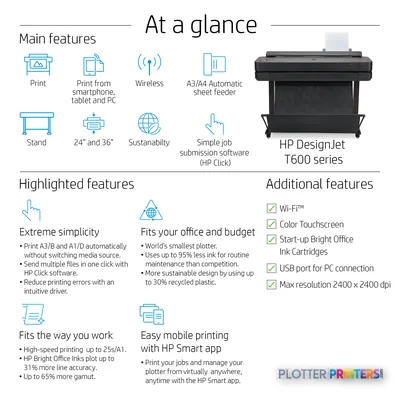
- Wide-format reach Prints up to 36" wide on rolls and sheets.
- Fine detail 2400 x 1200 DPI maximum resolution for crisp line work.
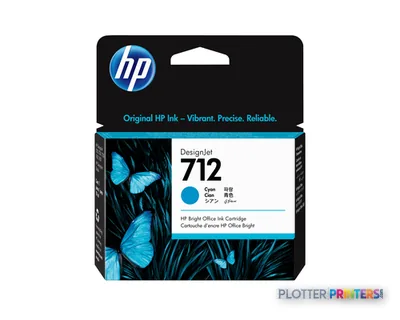
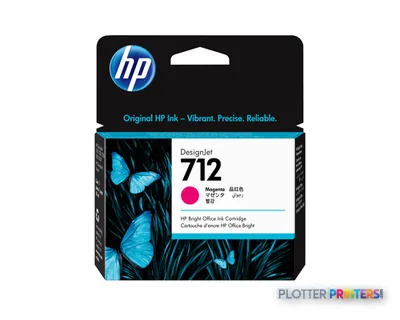
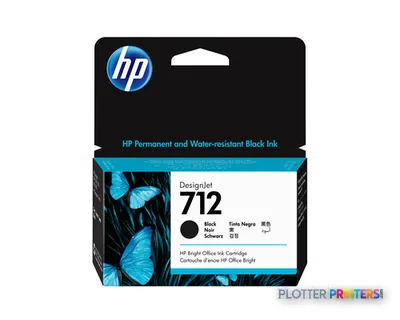
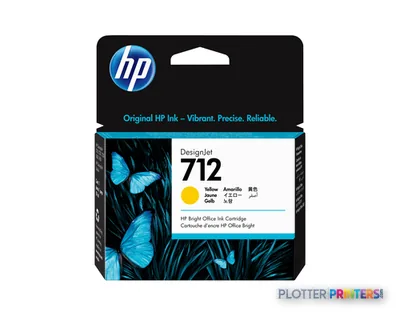
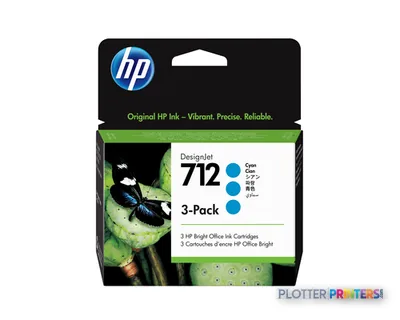
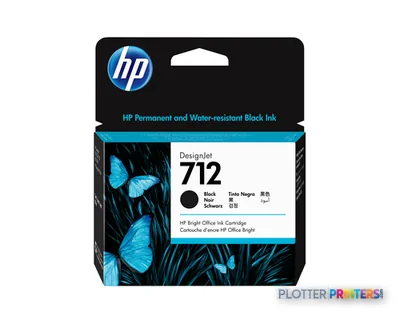
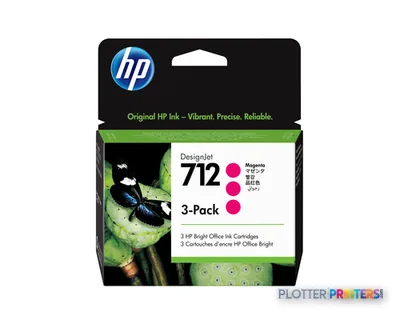
- Ink platform Black, Cyan, Magenta, Yellow.
- Connectivity Wi-Fi + Ethernet for shared team printing.
- Verified specs 9 specs checked against the manufacturer datasheet.
- Analyst score Scores 53/100 in our class-relative rating.
Overview
A single-roll 36-inch plotter for the small AEC office that prints steadily, not constantly

Picture the person at the output tray at 4:45 p.m. They need a clean D-size site plan and a legible half-size set before the courier leaves. The T630 36-in is built for that job: a four-ink thermal inkjet at 2400 x 1200 DPI, using HP 712 inks and the HP 713 printhead. HP rates it at 76 A1 prints per hour in normal mode. In plain English, first prints show up fast enough that you’re not standing there watching the roll.
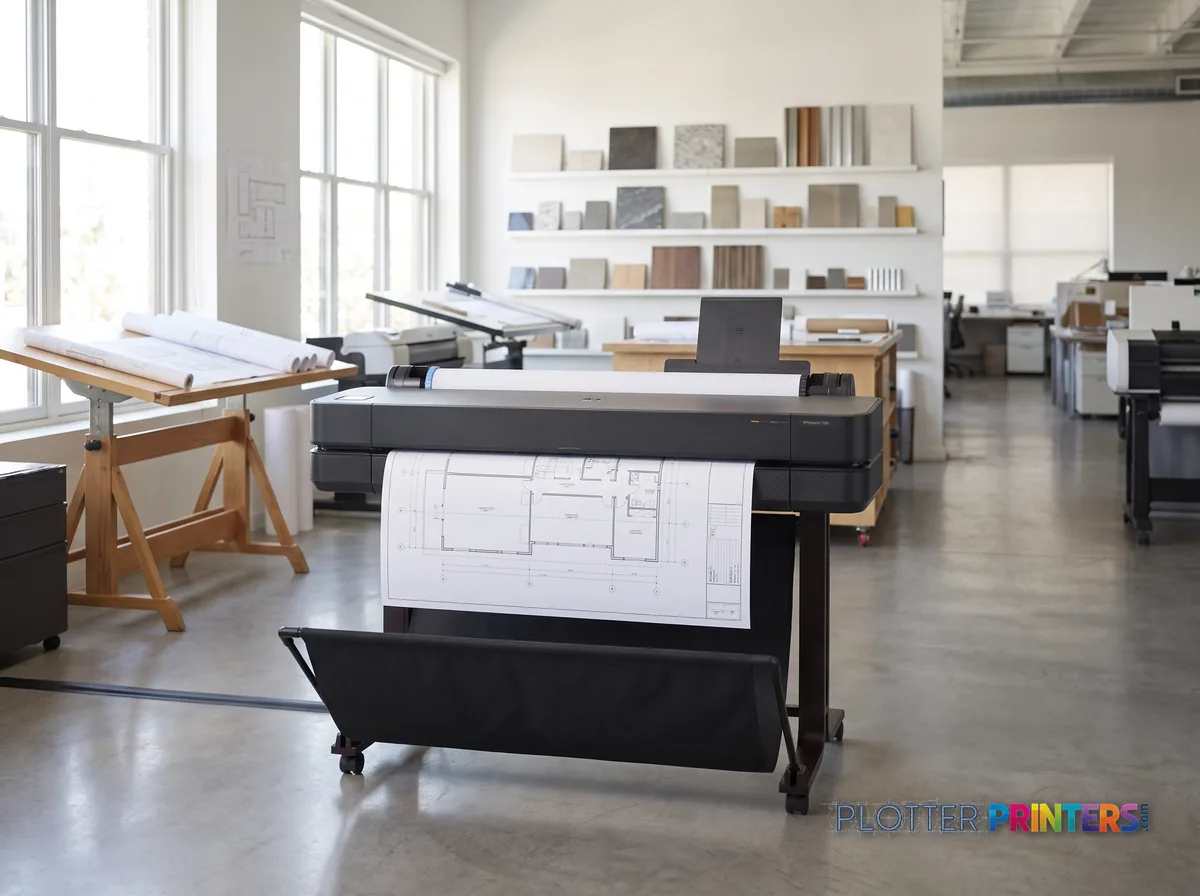
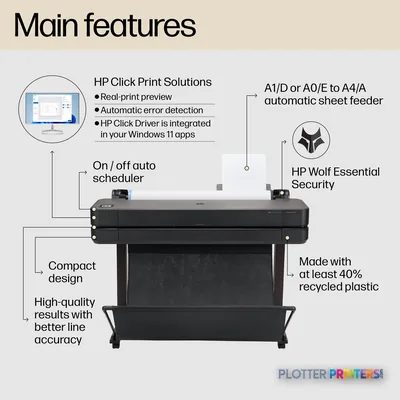
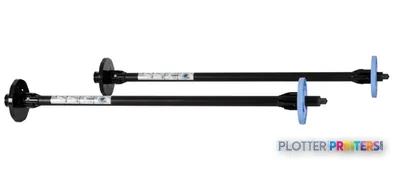
It takes rolls up to 36 inches on the included HP Designjet 36-in Spindle, plus cut sheets via the auto feeder or manual feed. Wi-Fi, Wi-Fi Direct, Ethernet and USB cover most submission habits. HP-GL/2 keeps AutoCAD and Bluebeam output honest.
- Small architecture or civil studios printing a few sets a week
- Bid sets, permit sets and redlines on bond, plus the occasional color board
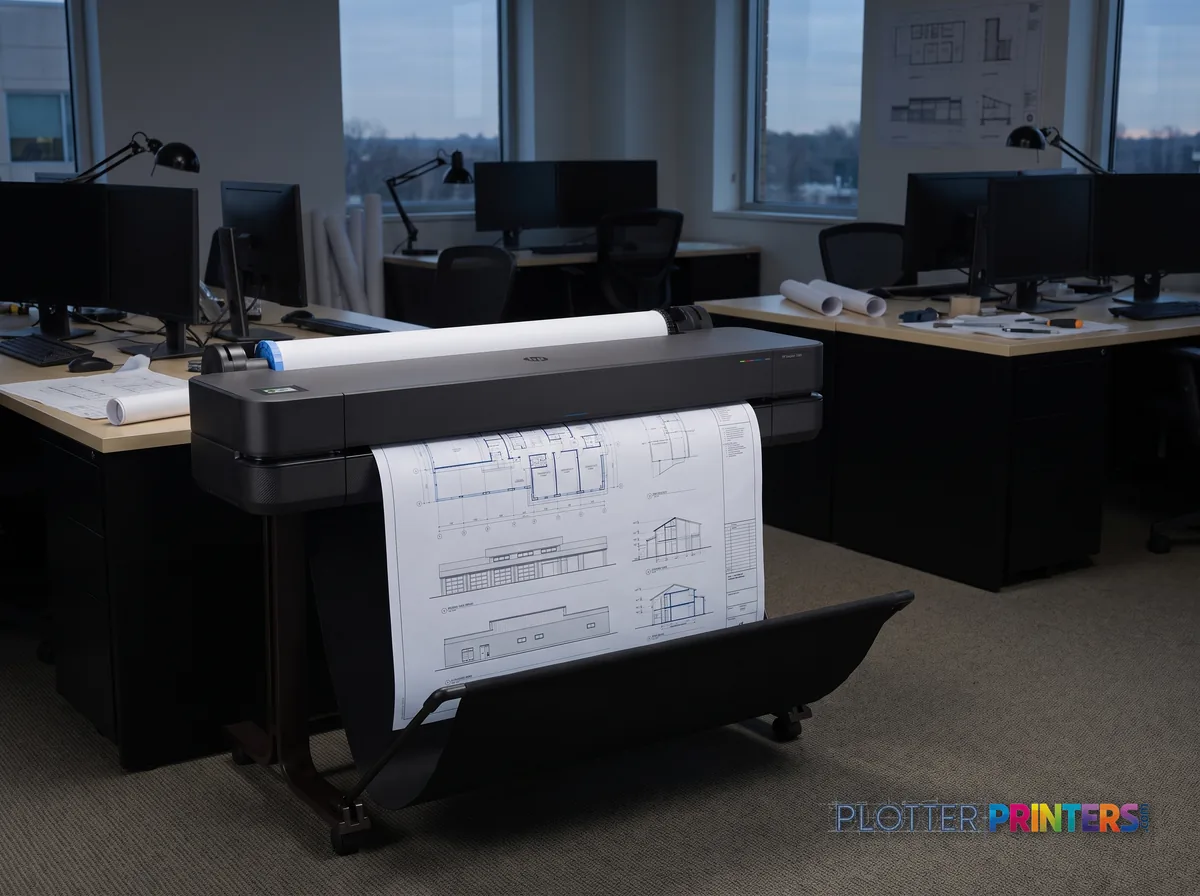
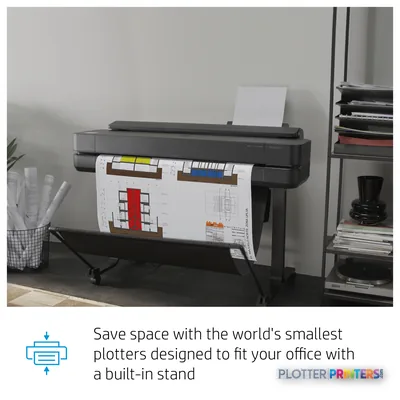
- Offices short on floor space at 76.5 lbs on its own stand
- Firms that want CAD line quality without a service contract to babysit
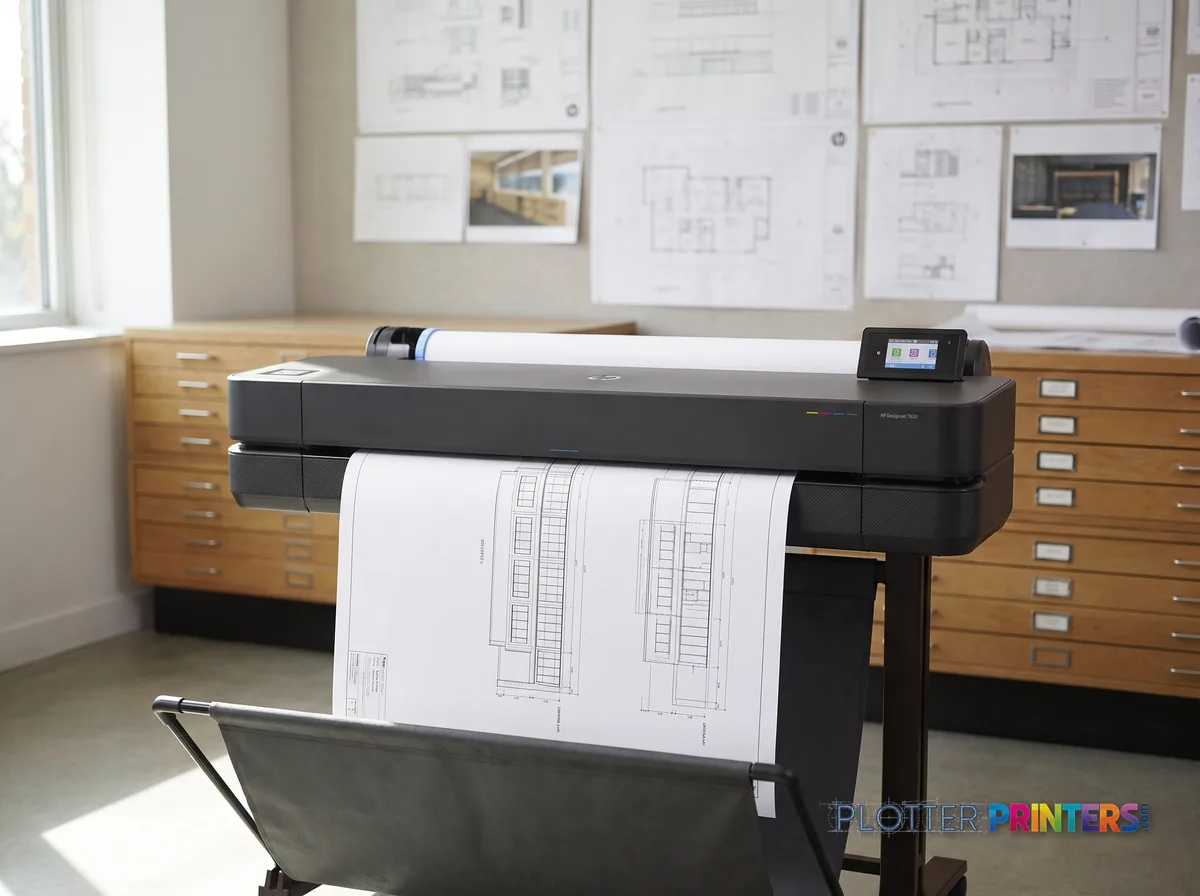
Where it’s not the right tool: one roll means manual swaps between plain bond and coated. High-volume shops running back-to-back sets want the dual-roll HP DesignJet T1600dr 36-in. Need to scan and copy old drawings? The HP DesignJet T830 24-in adds an MFP, though only to 24 inches.
- 36″Max print width
- 511 ft²/hRated speed
- 4Ink channels
- 2,400 dpiMax resolution
- 12 moIncluded warranty
Spec Analysis
overall
overall
Where it performs best
Connections
100
Size / Fit
97
Print Quality
66
Class best is 63. How we grade →
At a glance
- Print width
- Up to 36 in (A0 / 33 x 47 in)
- Print technology
- Thermal inkjet, 4 inks (CMYK), single printhead
- Resolution
- 2400 x 1200 DPI
- Print speed
- 76 A1 prints/hour (HP-rated, normal quality)
- Media handling
- Single 36-in roll, auto sheet feeder, manual feed to 36 x 75 in
- Connectivity
- Ethernet, Wi-Fi, Wi-Fi Direct, USB Type-A
- Languages
- HP-GL/2, HP-RTL, CALS G4, JPEG, URF
- Footprint / weight
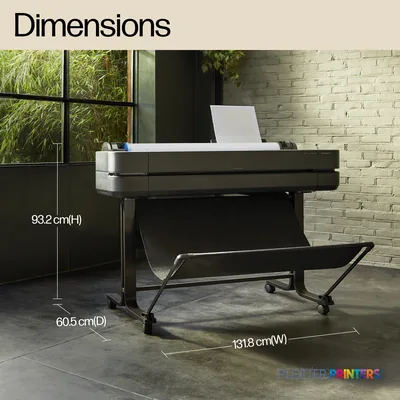
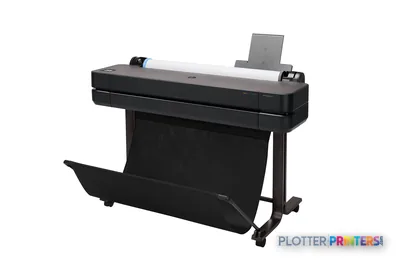
- 51.9 x 23.8 x 36.7 in; 76.5 lbs on included stand
Ideal for: small-to-mid AEC studios printing occasional bid, permit and redline sets up to 36 in on bond and coated stock. Not the tool for: high-volume print rooms needing dual-roll unattended runs, or offices needing built-in wide-format scanning.
Features
What sets it apart
Swipe to explore →
Expert analysis
What you should know
Key takeaways
- Single-roll 36-in inkjet plotter aimed at small AEC studios with steady, not constant, print volume.
- 2400 x 1200 DPI holds fine dimension lines and small annotation text on bond and coated paper.
- HP rates it at 76 A1 prints per hour in normal quality — throughput isn't the limit, the single roll is.
- No scanning or copying; step to the HP DesignJet T830 24-in if you archive or capture markups.
- No automatic roll switching; the dual-roll HP DesignJet T1600dr 36-in is the step-up for unattended sets.
- HP Dynamic Security is active — plan on genuine HP 712 inks and the HP 713 printhead.
It’s 4:30 p.m. The permit set has to be in the courier bag by five, and you need a clean D-size plot with legible dimension strings and text that survives a job-site fold. The HP DesignJet T630 36-in is built for exactly that moment: a single-roll, four-color inkjet plotter that lives in the corner of a small studio and turns CAD files into paper without a fuss.
It’s not a print-room workhorse. It doesn’t scan, it doesn’t switch rolls, and it doesn’t pretend to. What it does is put a 36-inch-wide drawing on the stand for a firm that prints steadily, not constantly.
36 inMax print width36-in roll — full D and E-size drawings
76 pphA1 print speedHP's rated normal-quality figure
2400 x 1200 DPIResolutionfine-line and small-text work
Black, Cyan, Magenta, YellowInk setone printhead, four cartridges
What it actually does well
Line quality is the reason you buy a DesignJet, and the T630 doesn’t disappoint here. At 2400 x 1200 DPI it holds fine dimension lines and small annotation text on bond and coated paper. For monochrome plans and the occasional color coordination sheet or GIS map, the four-color set is enough.
HP rates it at 76 A1 prints per hour in normal quality. Translate that: for a small firm running a handful of bid and permit sets a week, throughput is not your bottleneck. The single roll is. The T630 feeds from one roll plus a manual path that handles up to 36 x 75 in, and an automatic sheet feeder for cut sheets up to 13 x 19 in. Loads change when you switch media or run out mid-set.
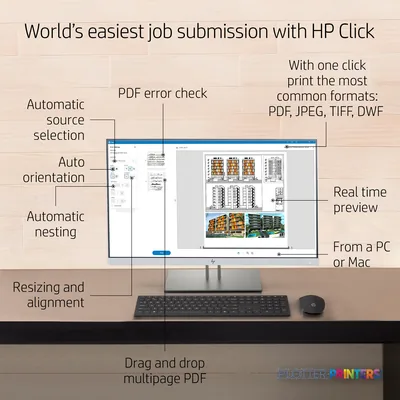
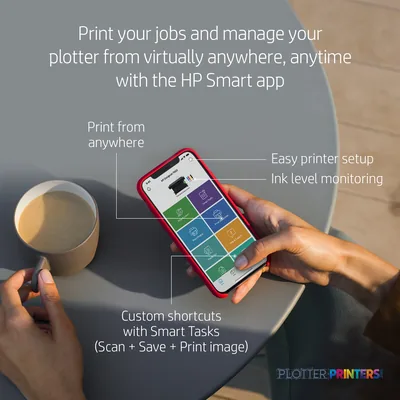
Wi-Fi, Wi-Fi Direct, Ethernet and a front USB port cover most submission habits. The HP Click app pushes PDFs and HP-GL/2 files without wrestling a driver. For a two-to-six-person office, that matters more than raw speed.
Where it runs out of road
Name the failure mode first: it’s 4:45, you’re on the last sheet of a 30-page set, and the roll runs dry. There’s no second roll to catch you. If your deadlines regularly stack plan sets back-to-back, that single spindle turns into late nights. The step-up in the family is the dual-roll HP DesignJet T1600dr 36-in, which switches media and sizes without a human standing there.
It also doesn’t scan or copy. If you archive as-builts or capture markups, look at the MFP sibling, the HP DesignJet T830 24-in — narrower, but it scans. Need only 24-in output? The HP DesignJet T650 24-in does the same job in a smaller box. On the Canon side, the Canon GP-300 36-in is the obvious cross-shop.
One caution worth naming: HP Dynamic Security is active on this machine, so plan on genuine HP 712 inks and the HP 713 printhead. Third-party cartridge experiments can get blocked.
Estimate how long your typical set takes on the T630, based on HP's rated A1 speed. Add time for roll changes and drying — the lab number doesn't include the walk to the tray.
One set: – · Weekly plotting time: –
Computed from the manufacturer's rated 511 ft²/h. Real-world mixed sets run slower — treat this as a best case for comparing machines, not a promise.
Compare before you commit
The read
The T630 36-in is the right plotter for a small architecture or engineering studio that needs clean D and E-size drawings on demand and prints in steady batches, not floods. It’s compact, quiet enough for an office, and it submits jobs without a fight. Buy it knowing the trade-off: one roll, no scanner, and HP inks by design. If your week is a wall of stacked deadlines or you archive markups, spend up for the dual-roll T1600dr or the scanning T830 instead. For everyone else, this is enough machine and no more — which is exactly the point.
Spec analysis
How the specs grade
Overall performance
- This printer
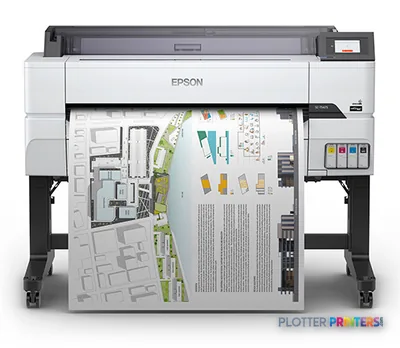
- Epson SureColor T5475
Category leaders best technical / CAD plotters, by dimension
Verified specifications
The specs that decide it
| Maximum roll width | 36 in (914 mm)manufacturer-verified |
|---|---|
| Maximum print size | A0 (841 x 1189 mm) |
| Print speed (HP rated, A1) | 30 sec/page on A1, 76 A1 prints per hourmanufacturer-verified |
| Maximum resolution | Up to 2400 x 1200 optimised dpi |
| Droplet size | 12 pl / 5.5 plmanufacturer-verified |
| Ink configuration | 4 cartridges, 1 printhead (CMYK)manufacturer-verified |
| Internal memory | 1 GB |
| Page description languages | HP-GL/2, HP-RTL, CALS G4, JPEG, URF |
| Connectivity | Gigabit Ethernet (1000Base-T), Hi-Speed USB 2.0, Wi-Fi 802.11a/b/g/n, Wi-Fi Direct |
| Dimensions / weight | 51.9 x 23.8 x 36.7 in; 76.5 lb (1317 x 605 x 932 mm; 34.7 kg) |
manufacturer-verified = checked against the manufacturer’s official datasheet, not aggregator data. Everything else is standards-body / catalog data we consider reliable.
Specifications
Full technical detail
Print technologyInkjet
Max resolution2400 x 1200 DPI
Max print width36"
ColorColor
ConnectivityEthernet (Gigabit LAN), USB, Wi-Fi
Use caseCAD / Technical
Printing
| Color | Yes |
|---|---|
| Print head | 1 |
| Printing colors | Black, Cyan, Magenta, Yellow |
| Print technology | Inkjet |
| Resolution color | 2400 x 1200 DPI |
| Maximum resolution | 2400 x 1200 DPI |
| Number of print cartridges | 4 |
| Page description languages | HP-GL/2, JPEG, HP-RTL, CALS G4, URF |
| Print speed (normal quality, A1) | 76 pph |
Performance
| HP segment | Business |
|---|---|
| Certification | Compliant with Class B requirements, including: USA (FCC rules), Canada (ICES), EU (EMC/RED Directives), Australia (ACMA), New Zealand (RSM), China (CCC), Japan (VCCI); Certified as Class B product: Korea (KCC) |
| Product color | Black |
| Internal memory | 1024 MB |
| Built-in display | No |
| Country of origin | China |
Paper handling
| Cut sheets | Yes |
|---|---|
| Media thickness | 0.3 mm |
| Custom media sizes | Auto sheet feeder: 210 x 279 to 330 x 482 mm; manual feed: 210 x 279 to 914 x 1897 mm |
| Maximum print size | A0 (841 x 1189 mm) |
| Paper tray media types | Coated paper, Plain paper, Semi-glossy paper, Glossy paper, Bond paper, Photo paper, Matte paper, Heavy paper, Satin paper |
| ISO A-series sizes (A0…A9) | A0, A1, A2, A3, A4 |
Ports & interfaces
| Wi-Fi | Yes |
|---|---|
| USB port | Yes |
| Ethernet LAN | Yes |
| Wi-Fi Direct | Yes |
| USB connector | USB Type-A |
| USB 2.0 ports quantity | 1 |
Technical details
| Box contents | HP DesignJet T630 36-in Printer, printer stand, automatic sheet feeder, printhead, introductory ink cartridges, spindle, quick reference guide, setup poster, power cord |
|---|---|
| Warranty period | 1 year(s) |
Weight & dimensions
| Depth | 23.8" (605 mm) |
|---|---|
| Width | 51.9" (1317 mm) |
| Height | 36.7" (932 mm) |
| Weight | 76.5 lbs (34.7 kg) |
Power
| AC input voltage | 100 – 240 V |
|---|---|
| AC input frequency | 50/60 Hz |
| Power consumption (off) | 0.2 W |
| Power consumption (sleep) | 2.1 W |
| Power consumption (standby) | 0.2 W |
Operational conditions
| Operating altitude | 0 – 118110.2" (0 – 3000 m) |
|---|---|
| Storage temperature (T-T) | -25 – 55 °C |
| Operating temperature (T-T) | 5 – 40 °C |
| Operating relative humidity (H-H) | 20 – 80% |
Other features
| UNSPSC-code | 43212104 |
|---|---|
| Electromagnetic compatibility | Compliant with Class B requirements, including: USA (FCC rules), Canada (ICES), EU (EMC/RED Directives), Australia (ACMA), New Zealand (RSM), China (CCC), Japan (VCCI); Certified as Class B product: Korea (KCC) |
Copying
| Copying | No |
|---|
Scanning
| Scanning | No |
|---|
Packaging data
| Package depth | 22.6" (575 mm) |
|---|---|
| Package width | 57.9" (1470 mm) |
| Package height | 23.2" (590 mm) |
| Package weight | 123.5 lbs (56 kg) |
| Bundled software | HP Click App for Windows and macOS, HP Click Driver for Windows 11, HP app for Windows, macOS, Android and iOS |
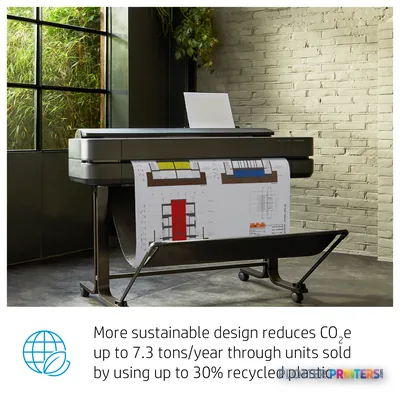
Sustainability
| Sustainability compliance | Yes |
|---|---|
| Sustainability certificates | ENERGY STAR |
Carbon footprint
| Total carbon footprint (kg of CO2e) | 320 |
|---|---|
| Carbon emissions, logistics (kg of CO2e) | 20 |
| Carbon emissions, end-of-life (kg of CO2e) | 16 |
| Carbon emissions, manufacturing (kg of CO2e) | 242 |
| Total carbon emissions, w/o use phase (kg of CO2e) | 44 |
Brand-specific features
| HP GTIN (EAN/UPC) | 198701028185. 198701028215. 198701031413. 198701035350. 198701035343. 198701035336. 198701035329 |
|---|---|
| HP dynamic security | Yes |
| HP GTIN (EAN/UPC) with options | (ABG) 198701028185; (AC4) 198701028215; (ACJ) 198701031413; (AKV) 198701035350; (B19) 198701035343; (B1K) 198701035336; (BCD) 198701035329 |
Everything that fits the HP DesignJet T630
The full supplies hub lists every cartridge, printhead, roll and accessory verified against the manufacturer's own documentation for this machine.
8 ink cartridges · 9 paper & media items · 3 accessories · 8 coverage plans
HP DesignJet T630 ink and paper →Supplies
Compatible ink, printheads & media
Genuine consumables that fit the HP DesignJet T630 36-in Printer — only the cartridges, printheads and media compatible with this model.
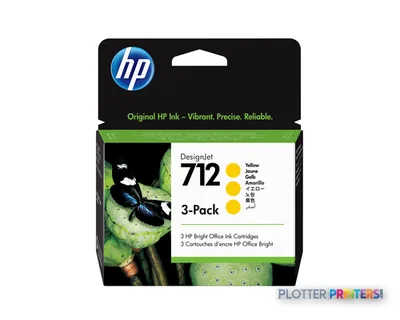
Ink Cartridges 8
Paper & Media 9
 Representative image5 Mil Water-Resistant Self-Adh Vinyl (3" AC)Representative imageHP Universal Gloss Photo Paper
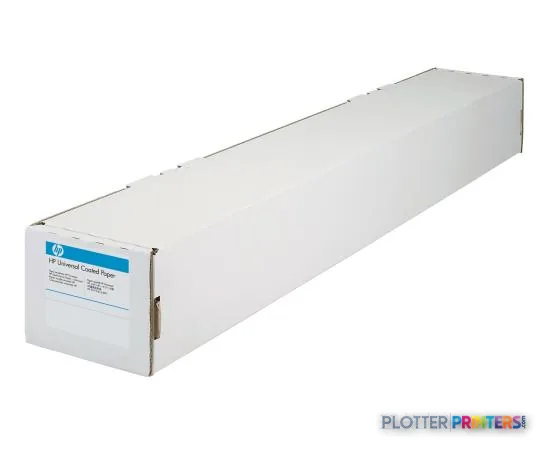 HP Universal Coated PaperRepresentative imageHP Universal Bond Paper, 4-packRepresentative imageHP Bright White Inkjet Paper, 4-packRepresentative imageMagic 36LB Heavyweight Coated Inkjet Paper (JS036)Representative imageMagic 98gsm/26# Coated Matte Paper (DMPG98)Representative imageMagic 4mil Inkjet Clear Film w/ Side Stripe (DMCF4HPS)Representative image6.5mil Matte Coated Paper w/ PSA (746PSA)
Accessories 1
Questions
Straight answers
Can the T630 36-in print full E-size drawings?
Yes. It handles a 36-in roll and prints up to A0 (33 x 47 in), and the manual feed path accepts media up to 36 x 75 in for long plots.
Does it have a scanner or copier?
No. The T630 is a printer only. If you need to scan or copy wide-format drawings, look at the MFP model in the family, the HP DesignJet T830 24-in.
Does it support two rolls for unattended printing?
No — it’s a single-roll machine. For automatic roll and size switching across long sets, the dual-roll HP DesignJet T1600dr 36-in is the in-family step-up.
What inks and printhead does it use?
It uses HP 712 ink cartridges (black, cyan, magenta, yellow) and the HP 713 printhead. HP Dynamic Security is active, so genuine HP supplies are expected.
How do I send jobs to it?
It offers Wi-Fi, Wi-Fi Direct, Ethernet and a front USB Type-A port. The bundled HP Click app for Windows and macOS handles PDF and HP-GL/2 submission without a full driver.
Is 24-in output enough for my work?
If you rarely print past D-size, the 24-in HP DesignJet T650 24-in does the same job in a smaller footprint. Choose the 36-in T630 when full-width sheets are a regular part of your workflow.
Resources
Brochures, datasheets & video
Documents
Video
Ready to put the HP DesignJet T630 to work?
Configuration, media and a quote tailored to your workflow — from AEC plotter specialists.