
Home / Wide-Format Printers / HP DesignJet
HP · Wide-Format Plotter
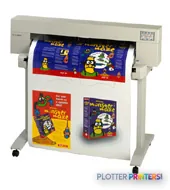
HP DesignJet 455ca
technical / CAD plotter
- Model455ca
Authorized HP dealerGenuine hardware & ink
Manufacturer warrantyExtension plans available
Free shippingContinental U.S.
Plotter specialistsAEC experts, not just sellers
Analyst take
- Four-color (CMYK) thermal-inkjet technical plotter speaking HP-GL, HP-GL/2, HP RTL and PJL — built for CAD/technical output.
- Two resolution modes: 300 x 300 dpi and 600 x 600 dpi; the 600 dpi mode is the one for crisp line work and small text.
- Very broad media list: bond, tracing paper, vellum, films and gloss photo — one machine for stamps, overlays and presentation prints.
Not sure if the 455ca is right for you?
Compare key specs and an AI analyst read-out against similar models.
Overview
Built for the work
HP Designjet 455ca Printer
Expert analysis
What you should know

Key takeaways
- Four-color (CMYK) thermal-inkjet technical plotter speaking HP-GL, HP-GL/2, HP RTL and PJL — built for CAD/technical output.
- Two resolution modes: 300 x 300 dpi and 600 x 600 dpi; the 600 dpi mode is the one for crisp line work and small text.
- Very broad media list: bond, tracing paper, vellum, films and gloss photo — one machine for stamps, overlays and presentation prints.
- Quiet and low-power: 43-45 dB(A) printing, 70 W operating — suitable for an occupied studio, not just a print room.
- Best for small studios and engineering/survey offices at modest volume; media-handling data is thin, so not a walk-away production plotter.
- Shared HP DesignJet 455CA ink platform (9 inks, 4 printheads across 31 catalog printers) with separate cartridges/printheads favoring lower waste.
- Media width, memory, connectivity and print speeds are NOT verified in our data — confirm before purchase. On market; no live price on file.
Every AEC office that produces drawings knows the moment when a project set has to leave the screen and become paper: a permit set that needs to be stamped, a redline marked up by hand in a trailer, a coordination drawing color-coded for a subcontractor walkthrough. For firms whose printing needs are modest and technical rather than production-scale, a compact color inkjet like the HP Designjet 455ca has historically filled that role — a machine meant to sit near the design team and turn CAD output into readable, dimensionally sensible prints without a dedicated print room.
The 455ca is a four-color (yellow, cyan, magenta and black) thermal-inkjet large-format printer built around HP’s classic technical print stack: HP-GL, HP-GL/2, HP RTL and PJL. That language set is the plain-English part of the story — it means the printer speaks the dialects that AutoCAD, older plotting workflows and PDF-to-plotter pipelines expect, so drawings arrive on paper looking the way the drafter intended. This is a CAD/technical device first, and the media list confirms it.
Who this printer actually suits
Think of the 455ca as a departmental or small-studio technical plotter rather than a bid-set production engine. It fits a small architecture or civil practice that prints working drawings, check plots and the occasional presentation sheet, and wants color available for markups and coordination without stepping up to a high-volume system. It also suits an engineering or survey office where the daily reality is line drawings on bond, with color used to distinguish disciplines or annotate as-builts.
It becomes less appropriate the moment volume climbs. Our spec-derived scoring flags media handling as the weakest area, which matters because heavy plan-set output depends on roll capacity, automatic roll switching and unattended stacking — the things that let a machine run a full permit set while the operator does something else. The data doesn’t establish those capabilities here, so treat the 455ca as a considered-pace printer, not a walk-away production one. Reliability and ink economy scored more favorably in our assessment, which fits the profile of a durable, low-running-cost workhorse for modest throughput.
What the verified data actually says
Resolution is offered in two standard technical modes, 300 x 300 dpi and 600 x 600 dpi. For CAD line work and text, the 600 dpi mode is the one that matters — it’s where fine lines and small callouts stay crisp and legible. The media envelope is genuinely broad for a machine of this class: plain paper, opaque and translucent bond, natural tracing paper, vellum, coated and heavyweight coated paper, matte film, clear film, high-gloss white film and high-gloss photo paper. That range means the 455ca can produce a stamped vellum, a translucent overlay and a glossy presentation print from the same device.
Physically the record shows two footprint figures — a width of 40.6 in (1,031 mm) and 52.3 in (1,329 mm), with depth of 9.1 in (231 mm) and height of 13.1 in (332 mm) — and two weights, 57.3 lb (26 kg) and 68.3 lb (31 kg), reflecting different configurations of the same platform. Operating power draw is rated at 70 W, and printing sound pressure at 43 to 45 dB(A), which is quiet enough to live in an occupied studio rather than a separate room. Two temperature ranges are cited: a 15 to 35 C recommended operating band and a wider 0 to 55 C tolerance. Notably, the dossier does not establish the printer’s actual media width, its memory, its interface/connectivity details, or any manufacturer-quoted print speeds. Those are decision-relevant gaps, and we won’t fill them with numbers we can’t cite.
Ink and media economics
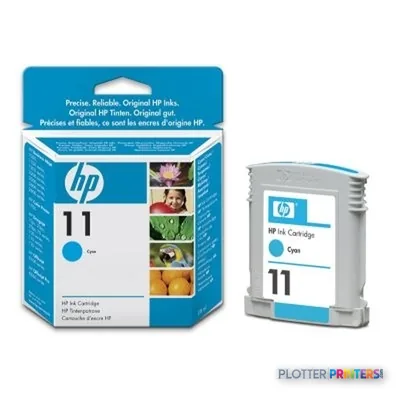
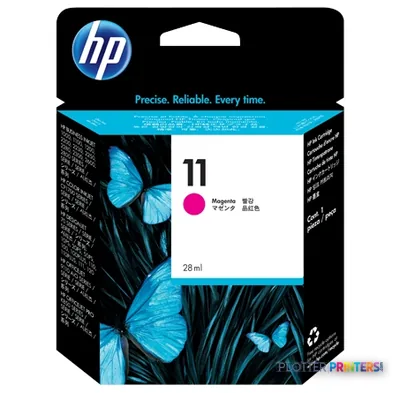
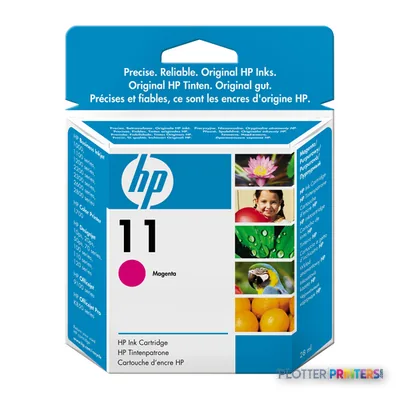
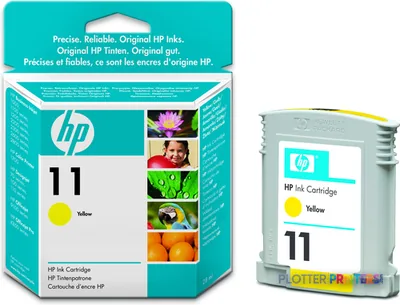
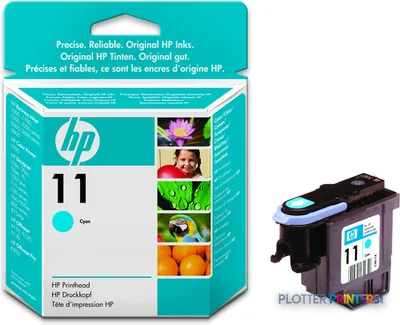
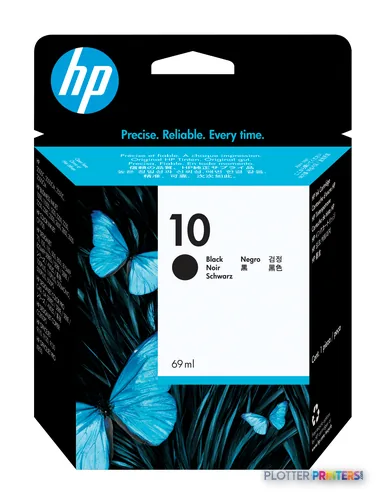
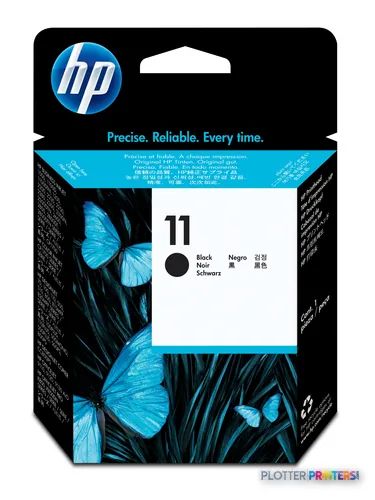
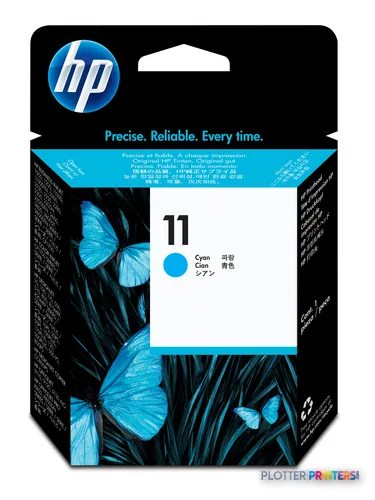
The 455ca uses the HP DesignJet 455CA ink platform, a four-cartridge, separate-printhead architecture. The supply spine resolves to nine ink SKUs and four printheads on this platform, and the same ink family is shared across 31 printers in the catalog — including models such as the HP DesignJet 100 and HP DesignJet 10ps. A shared, widely used consumable family is generally good news for parts availability, though on a design of this vintage the more important question is how long HP and third parties will keep supplying it (more on that below).
Because separate cartridges and printheads let you replace only the color that’s depleted, waste tends to be lower than integrated cartridge designs — which is consistent with the favorable ink-economy reading in our scoring. We won’t quote yields or per-print costs, because none are on file. Qualitatively, this is the kind of technical inkjet that rewards steady, moderate use on bond; running-cost pain shows up mainly when you push it into high-volume or heavy color coverage it wasn’t built to sustain.
How it compares
The named cohort around the 455ca is instructive mostly for what it tells you about class. The cross-vendor comparators — the Fujitsu M33335, and Ricoh’s MP CW2201SP, MP W7100SP, MP W8140SP and MP W6700SP — are all wide-format machines, and all are now discontinued in our catalog. The Ricoh MP W-series in particular represents higher-throughput monochrome-oriented engineering plotting; if your bottleneck is churning out large mono plan sets quickly, that class of machine was built for it in a way a four-color desktop-scale inkjet is not. The Fujitsu and the color-capable Ricoh CW2201SP sit in the technical wide-format space as well. The practical takeaway: the 455ca competes on color capability, quiet office operation and low power draw for modest volumes, while the discontinued production plotters in its cohort win on speed and unattended volume — but you’d be buying those on the used market, with the support questions that implies.
One width sibling exists in the record — the HP Designjet 455ca (E/A0-size) listing — but this page’s machine is effectively the platform as consolidated here; there is no separate narrower or wider active variant to weigh, so width isn’t a decision you need to agonize over within this line.
Lifecycle and procurement
The catalog marks the 455ca as on market, and its ink platform is shared broadly, which helps consumable sourcing. We carry it, but there is no live price on file, so we won’t quote one — ask us for a current quote rather than trusting a number from elsewhere. There is no verified successor in our lineage data, so don’t assume a named upgrade path exists within this record. For a design of this generation, the sensible procurement posture is to confirm consumable availability and service coverage before committing, and to weigh it against your realistic monthly volume.
What we could not verify
Several buyer-relevant facts simply aren’t in the verified record: the printer’s actual maximum media width, its memory, its connectivity/interfaces, and any manufacturer-quoted print speeds or duty cycle. We also have no independent lab tests or field-reliability data on file for this specific model. None of that is a knock on the machine — it’s a statement about the data. Confirm width, interface, speed and monthly-volume ratings directly against current HP documentation or with us before you buy.
Spec analysis
How the specs grade
Overall performance
—Not enough data for an overall score
Individual dimensions are shown where the specs support them.
Verified specifications
The specs that decide it
| Ink colors | Yellow, cyan, magenta and black (4-ink)manufacturer-verified |
|---|---|
| Print resolution | 300 x 300 dpi and 600 x 600 dpimanufacturer-verified |
| Print languages | HP-GL (7586B), HP-GL/2, HP RTL, PJLmanufacturer-verified |
| Ink platform | HP DesignJet 455CA (9 inks, 4 printheads)manufacturer-verified |
| Media types | Bond, tracing paper, vellum, coated, matte/clear/gloss film, gloss photomanufacturer-verified |
| Operating power | 70 Wmanufacturer-verified |
| Sound (printing) | 43-45 dB(A)manufacturer-verified |
| Dimensions (W x D x H) | 40.6 in / 52.3 in wide x 9.1 in deep x 13.1 in highmanufacturer-verified |
| Weight | 57.3 lb (26 kg) / 68.3 lb (31 kg) by configurationmanufacturer-verified |
| Operating temperature | 15 to 35 C (recommended); 0 to 55 C tolerancemanufacturer-verified |
manufacturer-verified = checked against the manufacturer’s official datasheet, not aggregator data. Everything else is standards-body / catalog data we consider reliable.
Specifications
Full technical detail
Use caseCAD / Technical
Everything that fits the HP DesignJet 455ca
The full supplies hub lists every cartridge, printhead, roll and accessory verified against the manufacturer's own documentation for this machine.
9 ink cartridges · 4 printheads · 12 paper & media items
HP DesignJet 455ca ink and paper →Supplies
Compatible ink, printheads & media
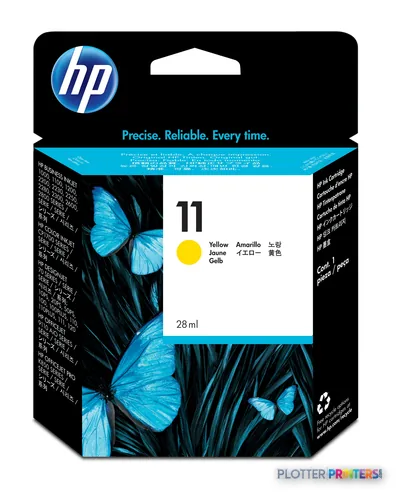
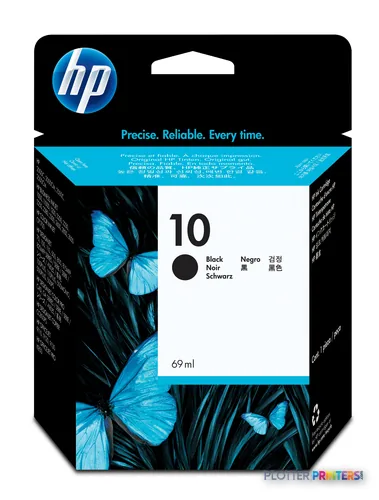
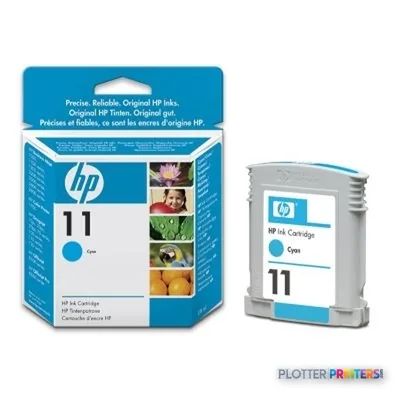
Genuine consumables that fit the HP DesignJet 455ca — only the cartridges, printheads and media compatible with this model.
Ink Cartridges 9
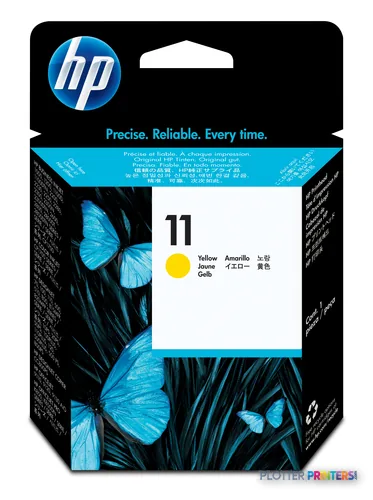
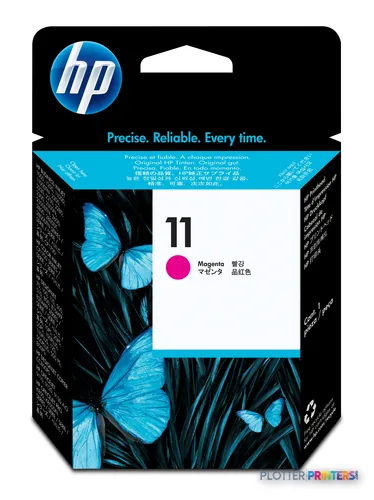
Printheads 4
Paper & Media 12
 Representative image11 Mil Water-Resistant Synthetic BannerRepresentative image180gsm Solvent Satin PE PaperRepresentative image5 Mil Polycarbonate LaminateRepresentative image3 Mil Fusion Finesse Polypropylene LaminateRepresentative image230gsm Special Matte Photo PaperRepresentative image200gsm Special Matte Photo PaperRepresentative image10 Mil Water-resistant Blockout Display FilmRepresentative image10 Mil White Opaque BackerRepresentative image8mil Poster Paper Satin (514)Representative image20LB Engineering Vellum (471)Representative imageWSL 28LB Simple Inkjet Coated Matte Paper (C2S) (448)Representative imageWSL 24LB Simple Inkjet Coated Matte Paper (C2S) (446)
Questions
Straight answers
What resolution and print languages does the HP Designjet 455ca support?
The 455ca offers two standard technical resolution modes: 300 x 300 dpi and 600 x 600 dpi. For CAD line work and small text, the 600 dpi mode is the one to use. It processes HP-GL (7586B), HP-GL/2, HP RTL and PJL, so it understands the plotting dialects that AutoCAD and PDF-to-plotter workflows expect. It is a four-color device using yellow, cyan, magenta and black inks.
What media can the 455ca handle?
The manufacturer datasheet lists a broad range: plain paper, opaque bond, translucent bond, natural tracing paper, vellum, coated paper, heavyweight coated paper, matte film, clear film, high-gloss white film and high-gloss photo paper. That range lets one machine produce a stamped vellum, a translucent overlay and a glossy presentation print. However, our record does not verify the printer’s actual maximum media width, so confirm that specification before buying.
Is the HP Designjet 455ca quiet enough for an office?
Yes, for a design studio setting. HP’s datasheet rates printing sound pressure at 43 to 45 dB(A) and operating power consumption at 70 W, which is modest. Its recommended operating temperature band is 15 to 35 C, with a wider 0 to 55 C tolerance. Those figures point to a machine that can sit near a design team rather than needing a separate print room, provided your volume stays moderate.
How does the 455ca compare to the Ricoh and Fujitsu wide-format machines it's listed against?
Its named cohort — the Fujitsu M33335 and Ricoh MP CW2201SP, W7100SP, W8140SP and W6700SP — are all discontinued in our catalog. The Ricoh MP W-series in particular targets higher-volume engineering plotting, so those machines win on speed and unattended volume, but only on the used market. The 455ca’s strengths are color capability, quiet office operation and low power draw at modest volumes.
What does the 455ca cost, and can I still get ink for it?
We carry the 455ca and it is marked on market, but there is no live price on file, so we won’t quote one — request a current quote instead. It uses the HP DesignJet 455CA ink platform, a four-cartridge design with separate printheads shared across 31 catalog printers. That broad sharing helps parts availability, though for a machine of this generation you should confirm ongoing consumable supply before committing.
Is the 455ca a good choice for high-volume bid sets?
Not really. Our spec-derived scoring flags media handling as its weakest area, and the record does not establish roll capacity, automatic roll switching or unattended stacking — the features that make large plan-set runs practical. Treat it as a considered-pace departmental plotter for check plots, permit sheets and coordination drawings. For churning out large monochrome plan sets quickly, a dedicated production plotter class is the better fit.
Ready to put the HP DesignJet 455ca to work?
Configuration, media and a quote tailored to your workflow — from AEC plotter specialists.