
Home / Wide-Format Printers / HP DesignJet
HP · Wide-Format Plotter
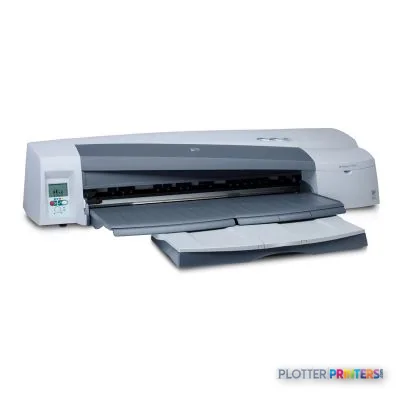
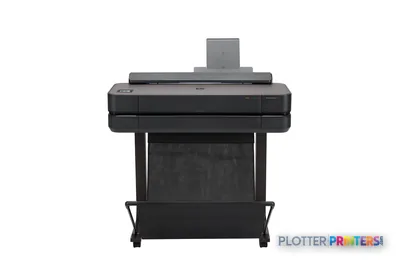
HP DesignJet 110plus
24" technical / CAD plotter
- Model110plus
- Prints24" wide
- Score44/100
Authorized HP dealerGenuine hardware & ink
1-year warranty includedExtension plans available
Free shippingContinental U.S.
Plotter specialistsAEC experts, not just sellers
Analyst take
- The HP Designjet 110plus Printer is a discontinued 24-inch wide-format printer suited to occasional A1 and D-size AEC output.
- HP rates draft A1 color line drawings at up to 1.5 min/page, which is workable for single sheets but not a heavy set-production workflow.
- Its +/- 0.2 % line accuracy and 0.00157 in minimum line width support technical drawing work when files and media are controlled.
Not sure if the 110plus is right for you?
Compare key specs and an AI analyst read-out against similar models.
- Wide-format reach Prints up to 24" wide on rolls and sheets.
- Fine detail 1200 x 600 DPI maximum resolution for crisp line work.
- Ink platform Black, Cyan, Magenta, Yellow.
- Analyst score Scores 44/100 in our class-relative rating.
Overview
Built for the work
HP Designjet 110plus Printer, 1200 x 600 DPI, Black, Cyan, Magenta, Yellow, 7000 pages per month, 4 (1 each cyan, magenta, yellow, black), 150 sheets, 50 sheets
- 269 ft²/hRated speed (burst)
- 4Ink channels
- 1,200 dpiMax resolution
- 12 moIncluded warranty
Spec Analysis
overall
overall
Expert analysis
What you should know

Key takeaways
- The HP Designjet 110plus Printer is a discontinued 24-inch wide-format printer suited to occasional A1 and D-size AEC output.
- HP rates draft A1 color line drawings at up to 1.5 min/page, which is workable for single sheets but not a heavy set-production workflow.
- Its +/- 0.2 % line accuracy and 0.00157 in minimum line width support technical drawing work when files and media are controlled.
- The optional HP Designjet 110/120/130 Auto Roll Feed is important for recurring 24-inch output; otherwise, sheets and manual handling define the workflow.
- No Ethernet LAN, no duplex printing, and legacy listed operating-system support are the main operational checks before putting this printer back into service.
- The HP DesignJet T918 36-in is the listed in-family move for wider output and scanner/MFP needs, though it is also discontinued.
It is 4:45 p.m., someone needs one more color coordination drawing, and the printer sitting beside the project manager is the HP Designjet 110plus Printer. Its job is straightforward: make occasional A1-size drawings, presentation sheets, maps, and marked-up PDFs without taking over the office.
This is a discontinued 24-inch, four-color wide-format printer from an older DesignJet generation. It remains relevant as an installed-base machine for small AEC teams that print modest quantities of D-size output, color-coded plans, or board material one sheet at a time. It is compact, light enough to relocate with some care, and can accept sheets, thicker rear-fed media, and an optional roll feed. It is not a modern shared production plotter. That distinction tends to become painfully clear on bid day.
A1 (23" x 33" (594 x 841 mm))Maximum print sizeUseful for D-size drawing output.
Up to 1.5 min/pageColor line drawing, draft A1A rated figure, not a promise for every PDF.
+/- 0.2 %Line accuracyRelevant to scaled technical output.
48.5 lbs (22 kg)WeightA relatively manageable office footprint.
Where it still earns its desk space
The 110plus fits a small architecture studio, survey office, field-support room, or engineering group where wide-format printing is useful but not continuous. HP specifies a minimum line width of 0.00157 in and line accuracy of +/- 0.2%. In practical AEC terms, that gives the machine a credible technical-drawing role for linework, dimensions, and color layers when the file and media are handled properly.
- Occasional D-size and A1 plan sheets from PDFs or CAD workflows.
- Color zoning, utility maps, phasing plans, and coordination drawings.
- Presentation sheets on coated, glossy, proofing, or photo media.
- Thicker specialty media through the rear manual path, which accepts media up to 300 g/m2.
The automatic tray holds sheets up to A2+, while the manual paths support sheets up to 25 by 64 inches. An optional HP Designjet 110/120/130 Auto Roll Feed can make recurring 24-inch work less fussy. Bottom line: it is useful when the next plot matters more than a stack of plots.
The limits show up when the queue gets real
HP rates draft A1 color line drawings at up to 1.5 min/page. That can be acceptable for a single revised sheet. It is a different experience when a superintendent needs several collated plan sets before a meeting. The machine has one input tray, a maximum output capacity of 50 sheets, no duplex option, and only 64 MB of internal memory. Those are workflow limits, not character flaws.
Connectivity also deserves a hard look. The printer has USB, but no Ethernet LAN. It is JetDirect compatible, and the catalog lists the HP Jetdirect 620n Fast Ethernet print server as an accessory, but a buyer should confirm the actual configuration on the specific unit. Its listed supported operating systems are from an earlier Windows and Mac era. Do not assume a current managed workstation will behave nicely without testing the driver path first. Printers have long memories. IT departments do too.
Bottom line: one user with occasional jobs is plausible; a busy shared queue is where this machine runs out of runway.
Use the estimator to turn the rated A1 draft line-drawing time into a realistic starting point for your next drawing batch.
One set: – · Weekly plotting time: –
Computed from the manufacturer's rated 269 ft²/h (a per-page burst rating). Real-world mixed sets run slower — treat this as a best case for comparing machines, not a promise.
How to judge it against the available step-up
The listed in-family step-up is the discontinued HP DesignJet T918 36-in. It brings a wider 36-inch format and scanner/MFP positioning. That makes it the more relevant direction for teams that need wide originals copied or scanned, or that regularly work beyond 24-inch media. It is not a like-for-like replacement decision; footprint, workflow, and support condition matter as much as width.
For a 24-inch alternative, the Canon GP-200 24-in is in the catalog as a current same-width option. The 110plus should not be selected merely because it is familiar. Compare the actual unit’s condition, available supplies, driver viability, and the local service plan before assigning it another deadline. Use the side-by-side comparison to keep the conversation on documented differences.
Bottom line: retain the 110plus for light, known work; replace it when network, throughput, or support risk becomes the bigger project problem.
Useful next checks
The read
The HP Designjet 110plus Printer is a sensible survivor for low-volume AEC color output when it is already working, supplies are available, and one person can manage the job. It can handle A1 technical drawings, manual specialty media, and optional 24-inch roll work in a compact package. But it has no built-in Ethernet LAN, no duplex printing, and an older software environment. Those limits matter more with every shared PDF queue and every last-minute bid revision. Bottom line: keep it as a light-duty office plotter, not as the machine expected to rescue a deadline.
Spec analysis
How the specs grade
Overall performance
- This printer
- Epson SureColor T3475
Category leaders best technical / CAD plotters, by dimension
Verified specifications
The specs that decide it
| Maximum resolution | 1200 x 600 DPI |
|---|---|
| Printing colors | Black, Cyan, Magenta, Yellow |
| Internal memory | 64 MB |
| Maximum print size | A1 (594 x 841 mm) |
| Maximum roll diameter | 3.94" (10 cm) |
| Ethernet | No |
Specifications
Full technical detail
Max resolution1200 x 600 DPI
Max print width24"
ColorColor
ConnectivityUSB
Use caseCAD / Technical
Printing
| Color | Yes |
|---|---|
| Print head | 4 (1 each cyan, magenta, yellow, black) |
| Printing colors | Black, Cyan, Magenta, Yellow |
| Maximum duty cycle | 7000 pages per month |
| Maximum resolution | 1200 x 600 DPI |
| Print head nozzles | 304 |
| Color printing technology | HP Color Layering technology |
| Print time color line drawing (draft, A1) | Up to 1.5 min/page |
Performance
| Internal memory | 64 MB |
|---|---|
| Built-in processor | Impala 2 ASIC |
| Processor frequency | 16 MHz |
| Drive device, buffer size | 32 MB |
Paper handling
| Media handling | Input tray, manual single-sheet feed, rear path (minimum A2, maximum A1 oversize), roll feed through rear path |
|---|---|
| Paper handling | Sheetfed (automatic input tray for 150 sheets up to A2+, front manual single-sheet feed, rear manual path for thick media), optional roll-feed with automatic cutter |
| Roll top margin | 0.197" (5 mm) |
| Print margin roll | 0.197" (5 mm) |
| Custom media sizes | Tray 1: 76 x 142 to 457 x 610 mm; manual sheet feed: 110 x 205 to 625 x 1625 mm; rear path: 110 x 205 to 625 x 1625 mm; roll feed: up to 609 mm |
| Maximum print size | A1 (594 x 841 mm) |
| Maximum media width | 625 mm through front manual feed path |
| Maximum paper trays | 1 |
| Maximum roll length | 1799.2" (45.7 m) |
| Duplex print options | None (not supported) |
| Standard media sizes | A1, A1+, A2, A3, A4, B2, B3, B4, envelopes |
| Maximum roll diameter | 3.94" (10 cm) |
| Media types supported | Paper (plain, inkjet, coated, heavyweight, semi-gloss, glossy, proofing, photo, brochure/flyer, natural tracing), translucent bond, A4 transparencies |
| Print margin cut-sheet | 5 x 12 x 5 x 5 |
| Recommended media weight | Tray 1: 65 – 150; manual single-sheet feed: 65 – 210; rear path: up – 300; roll feed: 65 – 150 |
| Media weights by paper path | Tray 1: 65 to 150 g/m2; manual single-sheet feed: 65 to 150 g/m2; rear path: up to 300 g/m2 |
| ISO A-series sizes (A0…A9) | A1, A2, A3, A4 |
| ISO B-series sizes (B0…B9) | B2 |
| Maximum length of sheet media | 1625 mm |
| Paper handling optional/input | Optional automatic roll feed, spindle |
| Paper handling standard/input | 100-sheet A2-size input tray, manual single-sheet feed, single-sheet rear path for thick media, optional automatic roll feed |
| Media thickness (by paper path) | Tray 1: up to 8 mil; envelopes: up to 15 mil; front path: up to 8 mil; rear path: up to 15 mil |
| Media sizes supported (imperial) | Letter, legal, tabloid, C, D, D+, envelopes |
| Recommended media weight (imperial) | 17 to 56 lb |
| Non-printable area roll media (imperial) | 0.2 x 0.2 x 0.2 x 0.2 in |
Ports & interfaces
| USB port | Yes |
|---|---|
| Ethernet LAN | No |
| USB connector | USB Type-A |
| USB 2.0 ports quantity | 1 |
| Parallel ports quantity | 1 |
Weight & dimensions
| Weight | 48.5 lbs (22 kg) |
|---|---|
| Size (imperial) | 24" |
| Weight (imperial) | 48.5 lb |
| Dimensions (WxDxH) | 41 x 16.3 x 8.66" (1042 x 414 x 220 mm) |
| Pallet dimensions (W x D x H) | 47.2 x 4.33 x 82.6" (1200 x 110 x 2098 mm) |
| Maximum dimensions (W x D x H) | 41 x 40.2 x 8.66" (1042 x 1020 x 220 mm) |
| Product dimensions when open (LxWxD) | 41" |
| Pallet dimensions (W x D x H) (imperial) | 47.2 x 43.3 x 82.6" |
Power
| Power requirements | Input voltage 100 to 240 VAC (± 10%) auto ranging, 50/60 Hz (± 3Hz), 2 amp maximum |
|---|
Operational conditions
| Storage temperature (T-T) | -20 – 55 °C |
|---|---|
| Operating temperature (T-T) | 59 – 86 °F |
| Storage relative humidity (H-H) | 20 – 80% |
| Operating relative humidity (H-H) | 20 – 80% |
| Recommended operating temperature range (T-T) | 15 – 30 °C |
Other features
| Safety | ITE product compliance, EU LVD, CSA Certified for US and Canada, Mexico NOM-1-NYCE, Argentina IRAM, China CCC, Singapore PSB, Russia GOST, Poland PCBC, Korea KTL |
|---|---|
| Ink drop | 4 pl (cyan, magenta, yellow), 18 pl (black) |
| Photo paper | Yes |
| UNSPSC-code | 43212107 |
| Coated paper | Yes |
| Glossy paper | Yes |
| Control panel | 2 LEDs for status: Power, Attention; 3 keys: Power, Cancel, OK; display area containing information icons |
| Line accuracy | +/- 0.2 % |
| Driver updates | Latest driver upgrade information available on http:// |
| Proofing paper | Yes |
| Line width minimum | 0.001 in |
| Minimum line width | 0.00157" (0.0400 mm) |
| Printer management | HP Designjet System Maintenance |
| Embedded web server | Yes |
| Downloadable software | None |
| Acoustic power emissions | 6.2 B(A) (active, printing), 5.4 B(A) (standby) |
| Minimum system requirements | Pentium III (733 MHz), 128 MB RAM, 400 MB available hard disk space Pentium 4 (1 GHz), 256 MB RAM, 2 GB available hard disk space G3 dual processor, 1 GB RAM, 1 GB available hard disk space |
| Electromagnetic compatibility | Compliant with requirements for Class B ITE products (Class A when connected to LAN cables), EU (EMC Directive), US (FCC rules), Canada (DOC), Australia (ACA), New Zealand (MoC), China (CCC), Japan (VCCI), Class A for Korea (MIC), Taiwan (BSMI) |
| JetDirect Compatible Products | Y |
| Compatible ink types, supplies | Black: HP pigment ink; cyan, magenta, yellow: HP dye-based ink |
| Maximum media length (imperial) | 63.98" |
| Maximum print length (imperial) | 64 in |
| Acoustic power emissions (standby) | 54 dB |
| Print quality (black, best quality) | 1200 x 600 DPI |
| Print quality (color, best quality) | 1200 DPI |
| Print quality (black, draft quality) | 600 DPI |
| Acoustic pressure emissions (standby) | 37 dB(A) |
| Media sizes standard (imperial rolls) | 3 to 24.6-in wide sheets |
| Print quality (black, normal quality) | 600 DPI |
| Non-printable area (imperial cut-sheet) | 0.2 x 0.47 x 0.2 x 0.2 in |
| Minimum system requirements for Macintosh | iMac G3, G4, G5 dual processor; iBook; PowerBook; eMac |
Logistics data
| Quantity per pallet | 10 pc(s) |
|---|
Packaging data
| Package weight | 75 lbs (34 kg) |
|---|---|
| Bundled software | HP Designjet System Maintenance |
| Package weight (imperial) | 75 lbs |
| Package dimensions (WxDxH) | 46.9 x 21.5 x 19.4" (1192 x 545 x 493 mm) |
| Package dimensions (W x D x H) | 46.9 x 21.5 x 19.4" |
Sustainability
| Sustainability certificates | ENERGY STAR |
|---|
System requirements
| Browser supported | Microsoft Internet Explorer 5.5 and above, Netscape 6.1 and above |
|---|---|
| Mac compatibility | Yes |
| Compatible operating systems | Microsoft Windows XP Home, XP Professional, Windows Vista; Mac OS 9.2; Mac OS 10.2; Mac OS 10.3, 10.4 and 10.5 |
Input & output capacity
| Total input capacity | 150 sheets |
|---|---|
| Total output capacity | 50 sheets |
| Maximum input capacity | 100 sheets |
| Maximum output capacity | 50 sheets |
| Total number of input trays | 1 |
Everything that fits the HP DesignJet 110plus
The full supplies hub lists every cartridge, printhead, roll and accessory verified against the manufacturer's own documentation for this machine.
13 ink cartridges · 4 printheads · 37 paper & media items · 3 accessories
HP DesignJet 110plus ink and paper →Supplies
Compatible ink, printheads & media
Genuine consumables that fit the HP DesignJet 110plus 24-in — only the cartridges, printheads and media compatible with this model.
Ink Cartridges 13
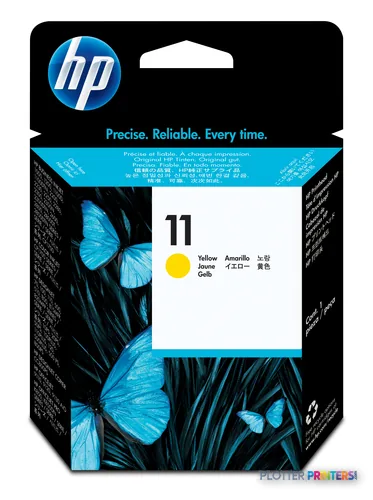
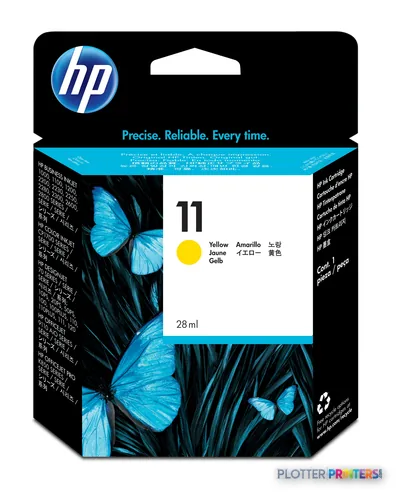 HP 11 Yellow Ink Cartridge (C4838AE)
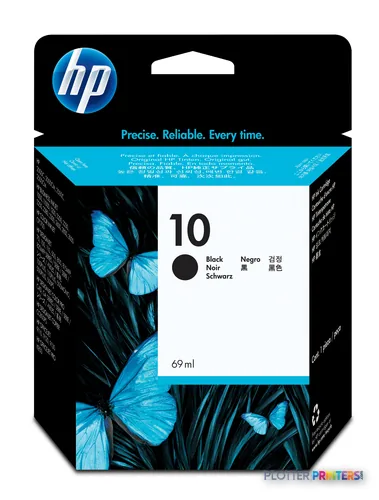 HP 10 Black Ink Cartridge (C4844AE)
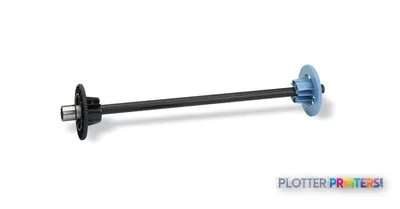
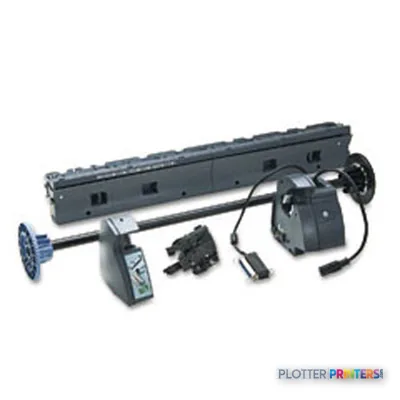 HP 110/120/130 Auto Roll Feed
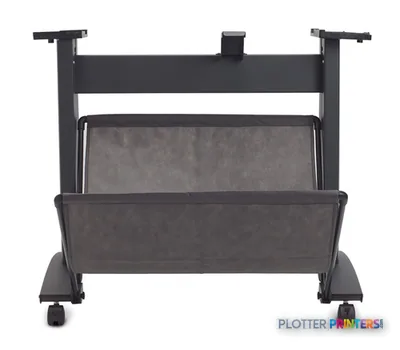 HP 1xx/5xx 24-in Stand and Bin Q1246B Black Printer Multimedia cart
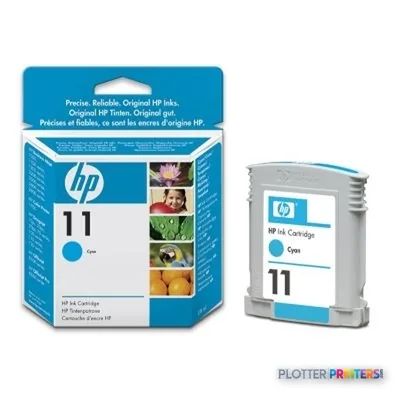 HP 11 Cyan ink cartridge
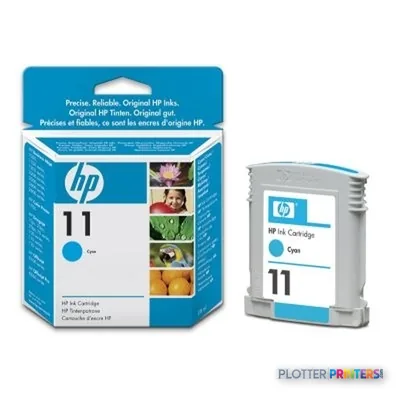 HP 11 Cyan ink cartridge
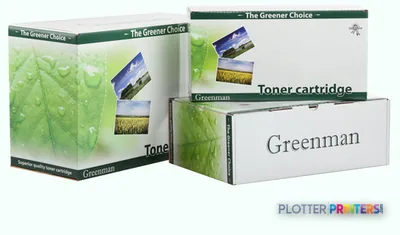 Greenman H11C Cyan Ink Cartridge
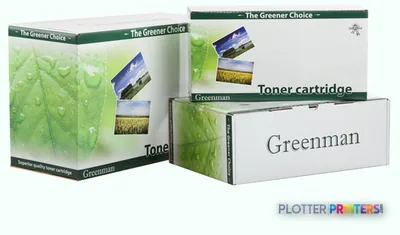 Greenman H11M Magenta Ink Cartridge
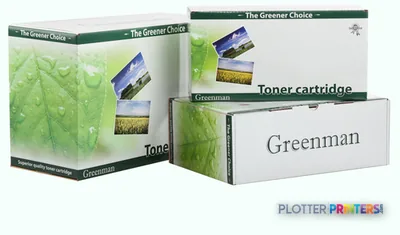 Greenman H11Y Yellow Ink Cartridge
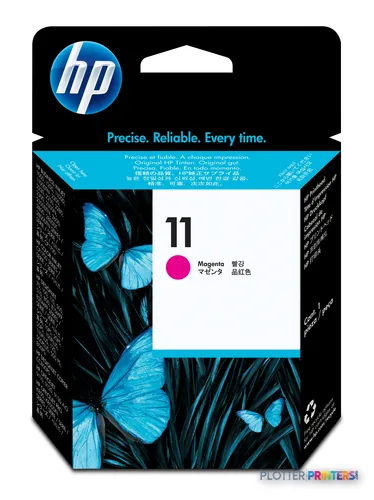
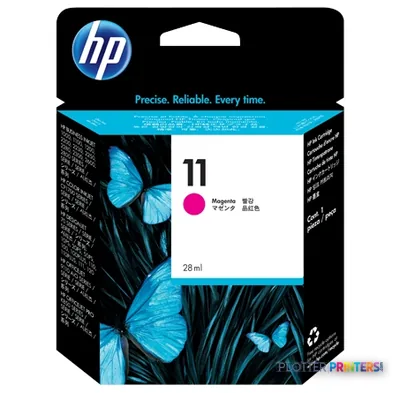 HP 11 Magenta Ink Cartridge (C4837AE)
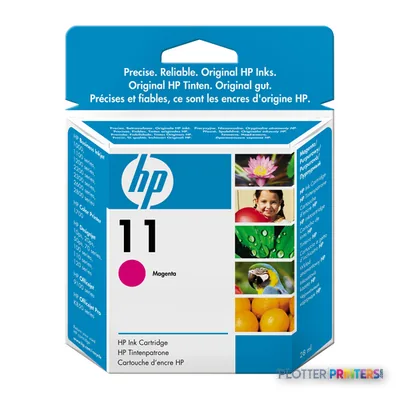 HP 11 Magenta Original Ink Cartridge
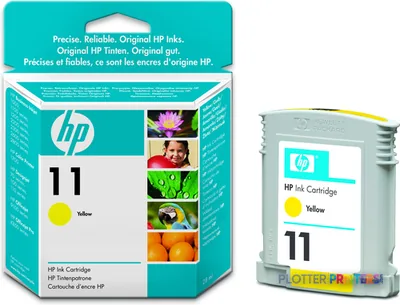 HP 11 Yellow Original Ink Cartridge
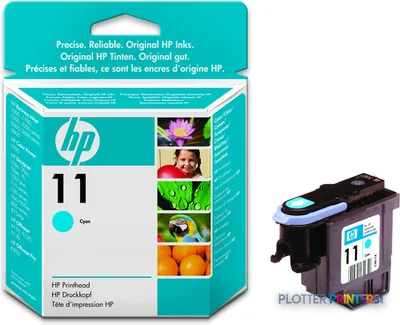 HP 11 Cyan Original Ink Cartridge
Printheads 4
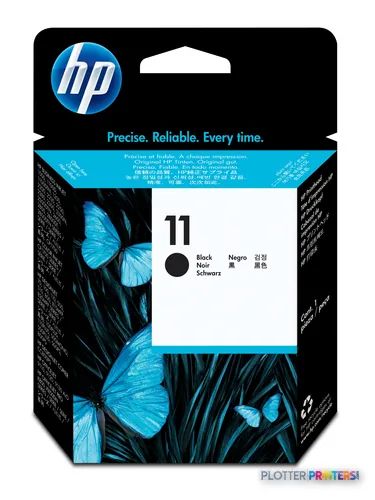
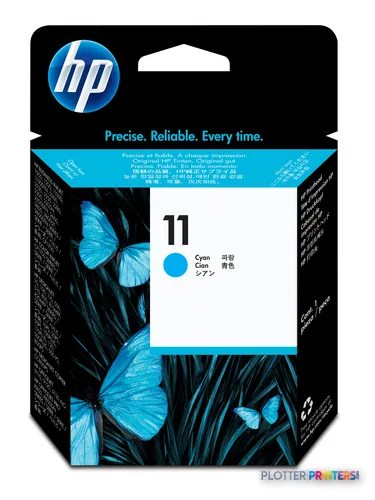
Paper & Media 37
 Representative image5 Mil Water-Resistant Self-Adh Vinyl (3" AC)Representative imageHP Universal Gloss Photo Paper
 HP Universal Coated PaperRepresentative imageHP Universal Bond Paper, 4-packRepresentative imageHP Bright White Inkjet Paper, 4-packRepresentative imageMagic 36LB Heavyweight Coated Inkjet Paper (JS036)Representative imageMagic 98gsm/26# Coated Matte Paper (DMPG98)Representative imageMagic 4mil Inkjet Clear Film w/ Side Stripe (DMCF4HPS)Representative image6.5mil Matte Coated Paper w/ PSA (746PSA)
 HP C3869A plotter paper
 HP Q1420A photo paper Brown, White
 HP Matte Film 610 mm x 38.1 m (24 in x 125 ft)
 HP Semi-gloss Proofing Paper-50 sht/A3+/330 x 483 mm (13 x 19 in)
 HP C6035A large format media 45.7 m
 HP Q1961A large format media
 HP Q1962A large format media
 HP Q1967A printing paper A3+ (330×483 mm) Matte 100 sheets White
 HP Q1968A large format media 30.5 m Matte
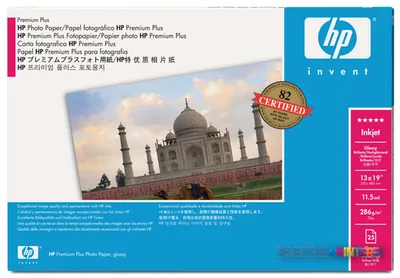 HP Q5486A photo paper Black, Blue, White
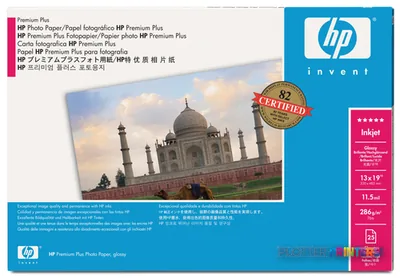 HP Q5487A photo paper Black, Blue, White
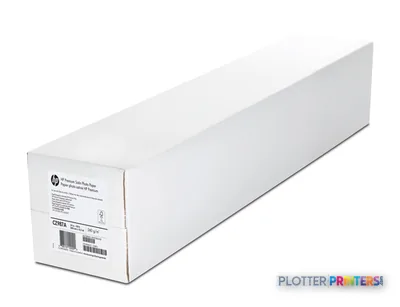 HP Q5489A photo paper
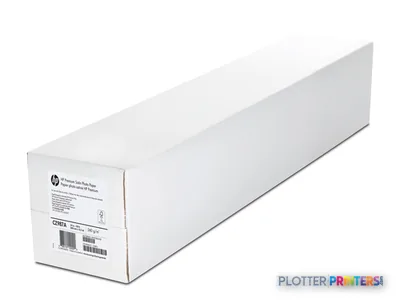 HP Q5491A photo paper
 HP Q1442A large format media 45.7 m
 HP Q1445A printing paper Matte
 HP Q7897A large format media 45.7 m
 HP Matte Proofing 458 mm x 30.5 m (18 in x 100 ft) printing paper
 HP Q7971A printing paper Semi-gloss 1 sheets White
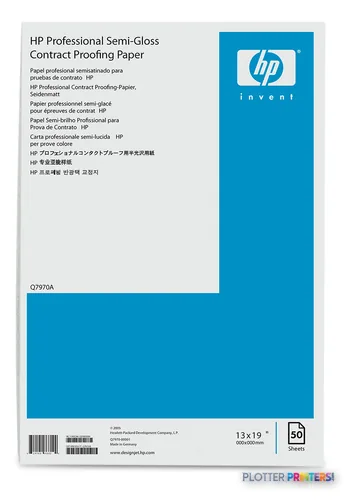 HP Q7970A printing paper A3+ (330×483 mm) Semi-gloss 50 sheets White
 HP Q8049A large format media 30.5 m
 HP Q8664A printing paper High-gloss 1 sheets White
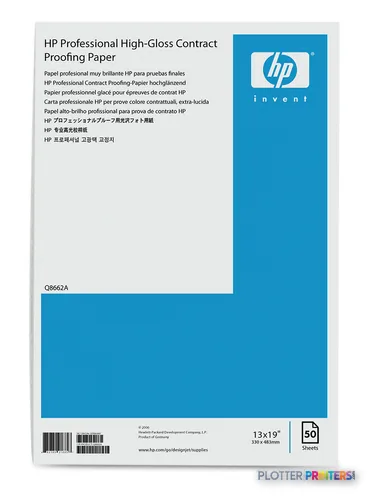 HP Q8662A printing paper A3+ (330×483 mm) High-gloss 50 sheets White
 HP Q8663A large format media 30.5 m High-gloss
 HP Q1446A plotter paper 45 m 42 cm
 HP Cockle-free Heavyweight Coated Paper-610 mm x 30.5 m (24 in x 100 ft)
 HP Cockle-free Coated Paper-610 mm x 45.7 m (24 in x 150 ft)
 HP CG892A large format media
 HP CG889A large format media 45.7 m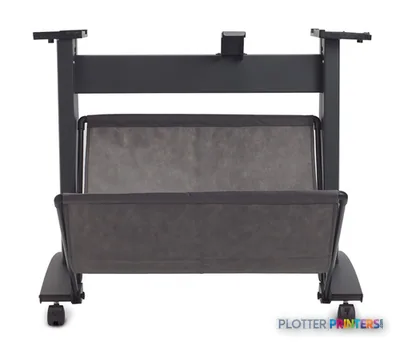
Questions
Straight answers
Can the HP Designjet 110plus Printer print D-size construction drawings?
Yes. Its maximum print size is A1, listed as 23 by 33 inches, and it supports D and D+ media sizes. It is best suited to occasional sheets rather than repeated collated plan sets.
Does this printer support roll paper?
Yes, through an optional roll-feed arrangement. The catalog lists the HP Designjet 110/120/130 Auto Roll Feed, with roll media up to 24 inches wide and a maximum roll length of 1799.2 inches.
Can it print on presentation and heavy media?
It supports coated, glossy, proofing, photo, and other listed media types. The rear path accepts media up to 300 g/m2, making it the appropriate route for thicker material.
Is the HP Designjet 110plus Printer suitable as a shared network printer?
Not by itself. It has USB but no Ethernet LAN. It is JetDirect compatible, so confirm whether the particular unit has a suitable print-server configuration before planning shared use.
What should IT test before deploying one?
Test the available driver with the current workstation and PDF/CAD submission workflow. The listed compatible operating systems are Windows XP and Vista plus older Mac OS versions, so compatibility should be proven on the actual environment.
What is the relevant larger in-family option?
The listed in-family step-up is the HP DesignJet T918 36-in. Its 36-inch width and scanner/MFP positioning are more relevant where wide originals or scan-copy workflows are part of the job.
Ready to put the HP DesignJet 110plus to work?
Configuration, media and a quote tailored to your workflow — from AEC plotter specialists.