Expert analysis
What you should know
Key takeaways
- The Epson T5460M combines color printing, color copying and color CIS scanning for AEC paper-to-digital workflows.
- It supports A0 output, roll media and cut sheets for plans, maps and marked-up project documents.
- HP-GL/2 support is relevant to established CAD plotting environments.
- Ethernet LAN, Wi-Fi, Wi-Fi Direct and USB provide several connection paths that IT should govern deliberately.
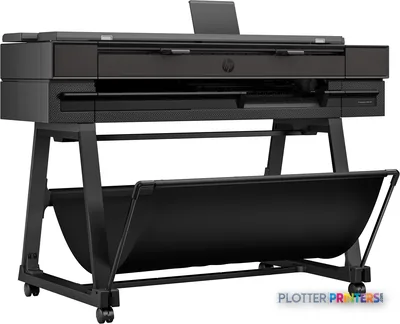
- The dual-roll Epson T5770DR 36-in is the more relevant listed alternative when media-change intervention is the core problem.
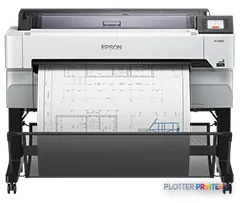
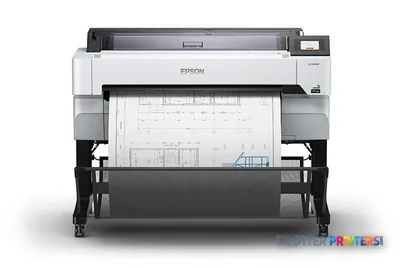
The Epson T5460M is an AEC-oriented color inkjet multifunction system for teams that still need plans on paper and need to bring marked-up sheets back into the digital record. It prints up to A0 (33" x 47"), scans and copies in color, and supports roll media alongside cut sheets. That makes it a practical fit for permit sets, coordination drawings, site plans, GIS maps, color-coded MEP markups and redline capture—not just occasional presentation output.
Its value is in keeping a small-format document workflow from becoming a collection of workarounds: one device for printing, color copying and CIS scanning, with Ethernet, Wi-Fi, Wi-Fi Direct and USB connectivity. A plotter that saves thirty seconds a plot buys you nothing if the file spends four minutes finding it.
A0 (33" x 47" (841 x 1189 mm))Maximum print size
2400 x 1200 DPIMaximum print resolution
600 x 600 DPIMaximum scan resolution
8 GBInternal storage capacity
Where it fits in an AEC document workflow
This machine is particularly well suited to an architecture studio, engineering discipline group or construction office that needs color plans and a nearby route for copying or scanning paper redlines. The 4.3" touch display, built-in color display and color-copy function support walk-up work; the copier can resize from 25 – 400% and produce up to 99 copies. Those are useful capabilities when a superintendent arrives with an annotated drawing and the project team needs a digital copy before the next coordination call.
- Print A0, A1 and A4 work, using roll media or cut sheets.
- Handle plain paper and recycled paper as well as roll media.
- Submit through Ethernet LAN, Wi-Fi, Wi-Fi Direct or the USB port.
- Work with HP-GL/2 and ESC/P-P document paths.
For CAD and PDF environments, the relevant question is less whether the printer can accept a file than whether the team has a disciplined submission path. Standardize drivers, naming and output settings before placing the device where every project can find it. Money is minutes.
Output, scanning and the operator’s reality
The Epson T5460M uses four printing colors—Black, Cyan, Magenta and Yellow—and supports borderless printing in A0 and A1. Its stated maximum print resolution is 2400 x 1200 DPI. Those specifications describe capability, not a guarantee that every CAD file, PDF transparency layer or scanned original will behave identically. A sensible acceptance test should include the firm’s own fine-line structural sheets, small-text electrical plans, shaded civil exhibits and a marked-up original.
The CIS scanner has a 600 x 600 DPI optical scanning resolution and a 600 x 600 DPI maximum scan resolution. That is a useful route for color redlines and project records, but scanning remains an operator process: loading the sheet, checking orientation, naming the file and placing it in the correct project location. The scanner is free. The person standing at it is not.
At 54.5" wide, 38" deep, 41.7" high and 196.2 lbs, it needs a deliberate location rather than a spare corner. Plan access around the scanner and media path, plus enough room for staff to collect plans without turning the printer into a corridor obstruction.
Family context, IT fit and limits
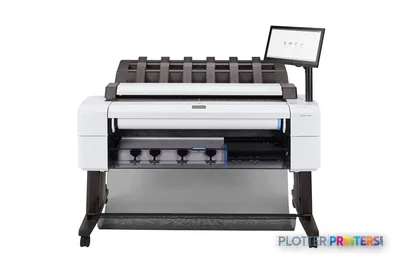
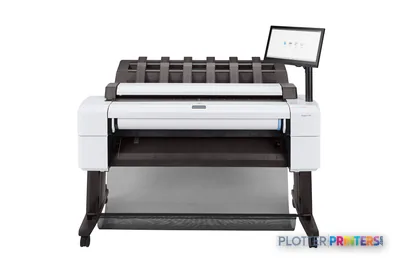
Within the listed Epson range, the Epson SC-T5100M 36-in is the closer multifunction alternative to examine when comparing scanner-equipped workflows. The Epson T5770DR 36-in becomes more relevant when dual-roll operation is the priority. That is a different operational question: reducing media-change intervention rather than adding another scan-and-copy station. Use the side-by-side comparison to keep those trade-offs visible.
IT should evaluate this device as a network endpoint, not an appliance with a friendly screen. It offers 10,100,1000 Mbit/s Ethernet LAN, Wi-Fi, Wi-Fi Direct, USB connectivity and 8 GB of internal storage. Confirm the approved network connection, driver deployment method, permitted mobile-printing use and responsibility for clearing or managing stored project information. Apple AirPrint is listed among its mobile printing technologies; that convenience needs to align with the firm’s project-data rules.
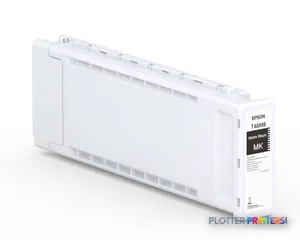
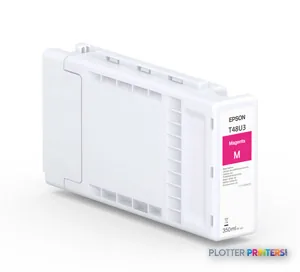
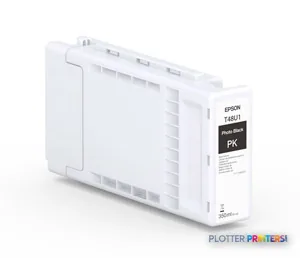
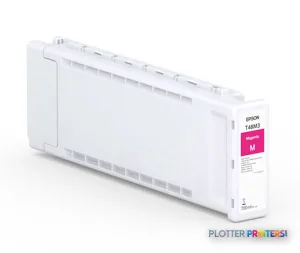
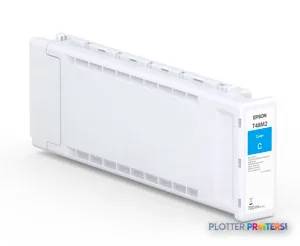
For supplies, the resolved ink family is Epson UltraChrome Pro. Available warranty offerings are identified as epson PST5400MS1, epson PST5400MS2, epson PST5400MS4, epson PST5400S1, epson PST5400S2 and epson PST5400S4. Validate local service coverage, response commitments and who owns first-line troubleshooting before treating any multifunction device as business continuity.
Compare the workflow, not just the chassis
The read
Choose the Epson T5460M if your AEC team needs A0 color output plus nearby color scanning and copying, and can support a controlled network and scan-to-file routine. Choose the Epson T5770DR 36-in instead if dual-roll handling is the more important bottleneck. Buy the machine for the workflow you have, not the one the brochure imagines.