
Home / Wide-Format Printers / Epson SureColor
Epson · Wide-Format Plotter
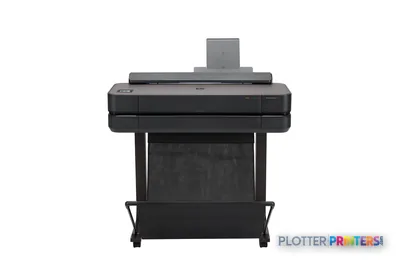
Epson SureColor SC-F501
24" technical / CAD plotter
- ModelSC-F501
- Prints24" wide
- Score50/100
Authorized Epson dealerGenuine hardware & ink
Manufacturer warrantyExtension plans available
Free shippingContinental U.S.
Plotter specialistsAEC experts, not just sellers
Analyst take
- The 24-inch roll width suits compact dye-sublimation transfer output rather than full-size plan production.
- Its fluorescent pink and fluorescent yellow inks support graphic-led applications, not ordinary monochrome drawing workflows.
- There is no scanning, copying or Wi-Fi, so it should not be specified as a walk-up AEC multifunction device.
Not sure if the SC-F501 is right for you?
Compare key specs and an AI analyst read-out against similar models.
- Wide-format reach Prints up to 24" wide on rolls and sheets.
- Fine detail 2400 x 1200 DPI maximum resolution for crisp line work.
- Ink platform Black, Cyan, Fluorescent pink, Fluorescent yellow.
- Connectivity Ethernet for shared team printing.
- Verified specs 4 specs checked against the manufacturer datasheet.
- Analyst score Scores 50/100 in our class-relative rating.
Overview
Built for the work
Epson SureColor SC‑F501, Inkjet, 2400 x 1200 DPI, Black, Cyan, Fluorescent pink, Fluorescent yellow, 110 ml, Roll, 0.05 – 0.21 mm
- 24″Max print width
- 6Ink channels
- 2,400 dpiMax resolution
Spec Analysis
overall
overall
Where it performs best
Size / Fit
95
Print Quality
76
Connections
67
Class best is 60. How we grade →
Expert analysis
What you should know

Key takeaways
- The 24-inch roll width suits compact dye-sublimation transfer output rather than full-size plan production.
- Its fluorescent pink and fluorescent yellow inks support graphic-led applications, not ordinary monochrome drawing workflows.
- There is no scanning, copying or Wi-Fi, so it should not be specified as a walk-up AEC multifunction device.
- Ethernet LAN and USB provide the listed connection paths for a managed workstation or network location.
- The Epson SC-F500 is the closest listed in-family comparison, while the Epson SC-F6400 44-in is the relevant wider-format direction.
Someone in the studio needs a 24-inch graphic before the presentation board goes out, not another overnight queue. This compact roll-fed inkjet is built for dye-sublimation transfer work: color-led graphics, branded fabric pieces and specialty visual output that sits beside an AEC document workflow rather than replacing the plan printer.
That distinction matters. It can produce 24-inch-wide output at up to 2400 x 1200 DPI and accepts roll media, but it does not scan, copy or handle the everyday plan-set chores that keep a construction office moving at 4:45 p.m. The fluorescent pink and fluorescent yellow inks point toward graphic applications, not ordinary black-and-white permit sets.
24" (61 cm)Maximum roll widthA fit for compact graphic and transfer-media work.
2400 x 1200 DPIMaximum resolutionUseful when fine graphic detail matters.
0.002"–0.008" (0.05 – 0.21 mm)Media thicknessConfirm specialty-media requirements before committing.
63.9 lbs (29 kg)Printer weightA manageable footprint for a design or production area.
Where it earns its desk space
For an architecture, interiors or design team, this machine makes sense when the job is visual output on compatible transfer media. Think project branding, event graphics, team apparel programs managed in-house, or color-led presentation elements where fluorescent accents are part of the brief. Compatible options include Epson DS Transfer General Purpose media in sheets and rolls up to 24 inches wide.
It connects by Ethernet LAN or USB, with no Wi-Fi listed. That is not automatically a problem. In a managed office, wired Ethernet is usually easier for IT to document and control. The trade-off is simple: plan its location around a network drop, not wherever somebody finds an empty table.
Bottom line: This is a specialist color-output device for transfer-media work, not a general AEC plotter.
What it will not cover in the print room
There is no scanning or copying function. That rules out walk-up redline capture, legacy-drawing conversion and quick copy runs from a field-marked sheet. It also means there is no reason to pretend this is the one machine that solves every document-production problem. Those machines tend to become everybody’s problem eventually.
The supported Windows list names Windows 7, Windows 8, Windows 8.1 and Windows 10. IT should validate driver deployment, current endpoint compatibility and job-submission workflow before purchase. The LCD touch control is appropriate for local operation, but it does not substitute for a tested network workflow.
If the real requirement is entry-level, 24-inch dye-sublimation output, compare it with the Epson SC-F500. If wider transfer output is becoming a regular production need, the Epson SC-F6400 44-in is the more relevant in-family direction. Width is workflow capacity, not just a line on a brochure.
Bottom line: Buy it for the transfer application you have, not for document tasks it does not perform.
Consumables and operating checks
Confirm the consumables list with the dealer before installation. The resolved list includes Epson C13T49F700, Epson C13T49F800, Epson Dye Sublimation Black T49N100 (140mL), Epson Dye Sublimation Cyan T49N200 (140mL), Epson Dye Sublimation Magenta T49N300 (140mL), Epson Dye Sublimation Yellow T49N400 (140mL), and Epson SureColor Maintenance box :LFP desktop. That is a specialty supply chain, so assign ownership instead of discovering an empty cartridge during a client review.
Also ask for a live demonstration using the transfer media, artwork and finishing path you actually expect to use. Resolution tells you the addressable detail. It does not prove that a particular file, substrate and downstream transfer process will meet your color expectation.
Bottom line: Validate the whole transfer workflow, not just the printer at the beginning of it.
Compare the right adjacent options
The read
This machine fits an AEC-adjacent team that needs compact, wired, 24-inch dye-sublimation transfer output and understands that it is a dedicated graphic-production tool. It is less appropriate for architects, engineers, surveyors, GCs or print rooms looking for plan printing, copying, scanning or broad walk-up document service. Keep the role narrow, keep supplies on hand, and it can stay useful. Ask it to run the bid room and it will have a very long afternoon.
Spec analysis
How the specs grade
Overall performance
- This printer
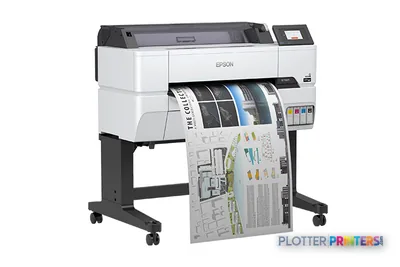
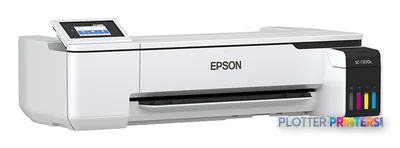
- Epson SureColor T3475
Category leaders best technical / CAD plotters, by dimension
Verified specifications
The specs that decide it
| Maximum print width | 24 in |
|---|---|
| Print technology | Inkjet |
| Maximum resolution | 2400 × 1200manufacturer-verified |
| Printing colors | Black, Cyan, Magenta, Yellow, Fluorescent pink, Fluorescent yellowmanufacturer-verified |
| Media thickness | 0.05 – 0.21 mm |
| Scanning | No |
| Wi-Fi | No |
| Ethernet | IEEE802.3u (100BASE-TX), IEEE802.3ab (1000BASE-T), IEEE802.3az (Energy Efficient Ethernet)manufacturer-verified |
| Power consumption | Approx. 22manufacturer-verified |
manufacturer-verified = checked against the manufacturer’s official datasheet, not aggregator data. Everything else is standards-body / catalog data we consider reliable.
Specifications
Full technical detail
Print technologyInkjet
Max resolution2400 x 1200 DPI
Max print width24"
ColorColor
ConnectivityEthernet (Gigabit LAN), USB
Use caseGraphics / Production
Printing
| Color | Yes |
|---|---|
| Printing colors | Black, Cyan, Fluorescent pink, Fluorescent yellow |
| Print technology | Inkjet |
| Maximum resolution | 2400 x 1200 DPI |
| Print head nozzles | 800 nozzles black,800 nozzles per colour |
| Print cartridge volume (metric) | 110 ml |
Performance
| Display | LCD |
|---|---|
| Control type | Touch |
| Color display | Yes |
| Product color | Black, Blue, White |
| Built-in display | Yes |
| Country of origin | Indonesia |
Paper handling
| Media thickness | 0.05 – 0.21 mm |
|---|---|
| Maximum roll width | 24" (61 cm) |
| Paper tray media types | Roll |
Ports & interfaces
| Wi-Fi | No |
|---|---|
| USB port | Yes |
| Ethernet LAN | Yes |
| Ethernet LAN data rates | 10,100,1000 Mbit/s |
| USB 3.2 Gen 1 (3.1 Gen 1) ports quantity | 1 |
Weight & dimensions
| Depth | 31.9" (811 mm) |
|---|---|
| Width | 38.2" (970 mm) |
| Height | 9.65" (245 mm) |
| Weight | 63.9 lbs (29 kg) |
Power
| AC input voltage | 100-240 V |
|---|---|
| AC input frequency | 50 – 60 Hz |
| Power consumption (off) | 0.2 W |
| Power consumption (typical) | 22 W |
Other features
| Ink drop | 4.4 pl |
|---|---|
| Touchscreen | Yes |
Copying
| Copying | No |
|---|
Scanning
| Scanning | No |
|---|
Logistics data
| Pallet weight | 0 oz (0 g) |
|---|---|
| Quantity per pack | 1 pc(s) |
| Pallet weight (UK) | 0 oz (0 g) |
| Quantity per pallet | 3 pc(s) |
| Quantity per pallet (UK) | 3 pc(s) |
Packaging data
| Package depth | 43.3" (1100 mm) |
|---|---|
| Package width | 28.5" (725 mm) |
| Package height | 22" (560 mm) |
| Package weight | 106.9 lbs (48.5 kg) |
System requirements
| Compatible operating systems | Windows 10, Windows 7, Windows 8, Windows 8.1 |
|---|---|
| Windows operating systems supported | Windows 10, Windows 7, Windows 8, Windows 8.1 |
Everything that fits the Epson SureColor SC-F501
The full supplies hub lists every cartridge, printhead, roll and accessory verified against the manufacturer's own documentation for this machine.
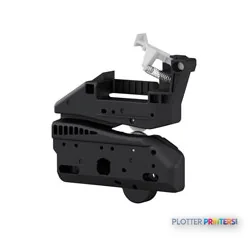
12 ink cartridges · 4 accessories
Epson SureColor SC-F501 ink and paper →Supplies
Compatible ink, printheads & media
Genuine consumables that fit the Epson SureColor SC-F501 24-in — only the cartridges, printheads and media compatible with this model.
Ink Cartridges 12
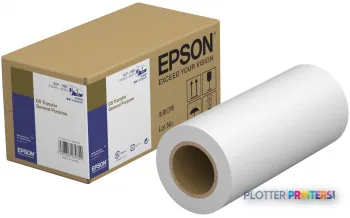 Epson DS Transfer General Purpose 210mm x 30.5m
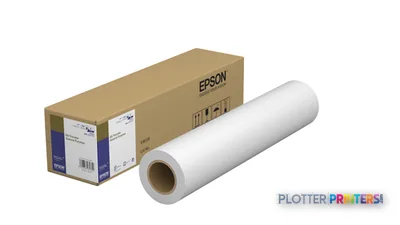 Epson DS Transfer General Purpose 432mm x 30.5m
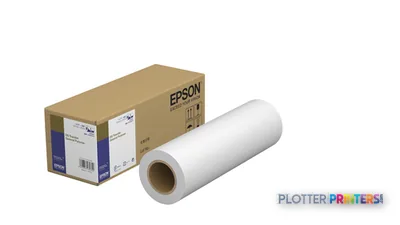 Epson DS Transfer General Purpose 297mm x 30.5m
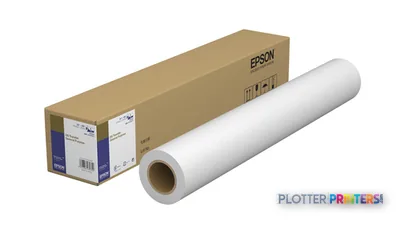 Epson DS Transfer General Purpose 610mm x 30.5m
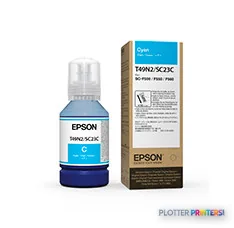 Epson Dye Sublimation Cyan T49N200 (140mL)
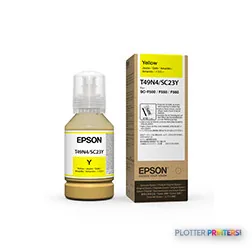 Epson Dye Sublimation Yellow T49N400 (140mL)
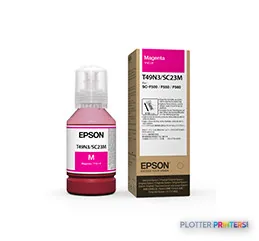 Epson Dye Sublimation Magenta T49N300 (140mL)
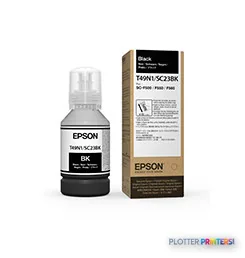 Epson Dye Sublimation Black T49N100 (140mL)
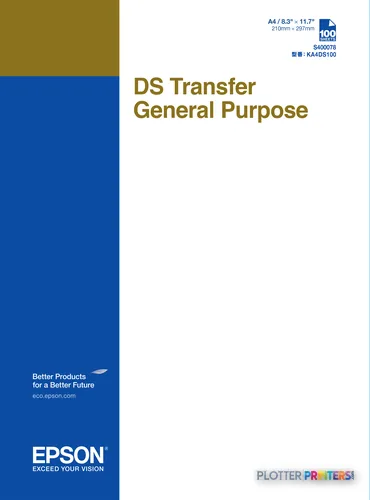 Epson DS Transfer General Purpose A4 sheets
 Epson DS Transfer General Purpose A3 sheets
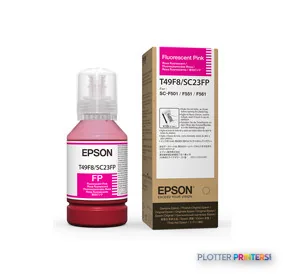 Epson Dye Sublimation Flourescent Pink T49F800 (140mL)
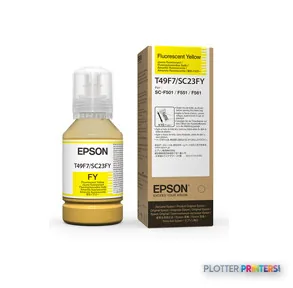 Epson Dye Sublimation Flourescent Yellow T49F700 (140mL)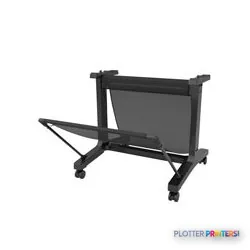


Questions
Straight answers
Can this machine replace our office plotter for construction drawings?
No. The grounded data identifies a 24-inch roll-fed inkjet with dye-sublimation consumables and no scanning or copying. It may support specialized graphic work, but it is not presented as a general plan-production device.
What AEC-related work is a sensible fit?
It suits specialty visual work using compatible transfer media, such as project branding or presentation-related graphic output. Confirm the full media and downstream transfer process with your supplier before standardizing on it.
Does it scan marked-up drawings or make copies?
No. Both scanning and copying are listed as unavailable.
How can it connect to our network?
It has Ethernet LAN with listed 10,100,1000 Mbit/s data rates and one USB 3.2 Gen 1 port. Wi-Fi is not listed.
What should IT verify before deployment?
Verify the driver and submission workflow against the listed Windows support: Windows 7, Windows 8, Windows 8.1 and Windows 10. Also confirm the planned Ethernet location and access controls.
Which listed media and maintenance supplies should we plan for?
The resolved list includes Epson DS Transfer General Purpose sheets and rolls, Epson SureColor Maintenance box :LFP desktop, and the listed Epson dye-sublimation inks. Have the dealer confirm the exact supplies required for your intended workflow.
Ready to put the Epson SureColor SC-F501 to work?
Configuration, media and a quote tailored to your workflow — from AEC plotter specialists.