
Home / Wide-Format Printers / Epson SureColor
Epson · Wide-Format Plotter
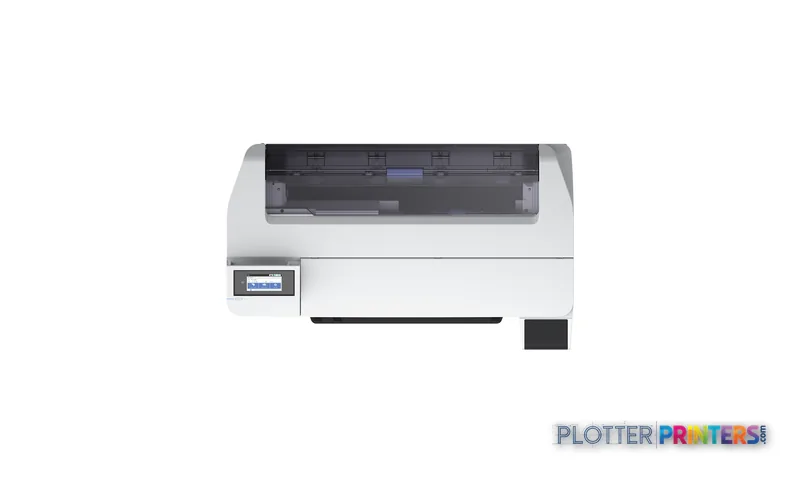
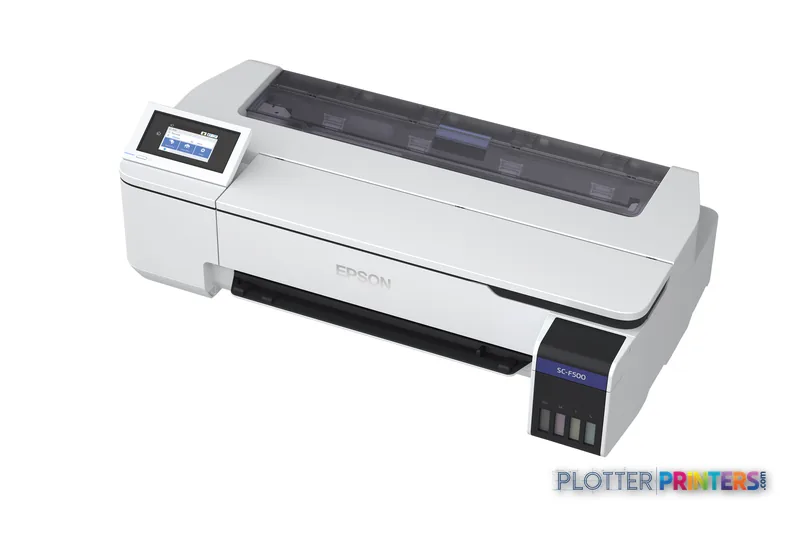
Epson SureColor SC-F500
technical / CAD plotter
- ModelSC-F500

Authorized Epson dealerGenuine hardware & ink
Manufacturer warrantyExtension plans available
Free shippingContinental U.S.
Plotter specialistsAEC experts, not just sellers
Analyst take
- The Epson SC-F500 is a compact four-color inkjet with Wi-Fi and a 4.3-inch color touchscreen.
- Its stated 2400 x 1200 DPI maximum resolution is relevant to detailed color graphics and fine document content.
- It has no scanning or copying capability, so paper markups and legacy-sheet workflows require another device.

Not sure if the SC-F500 is right for you?
Compare key specs and an AI analyst read-out against similar models.
- Fine detail 2400 x 1200 DPI maximum resolution for crisp line work.
- Ink platform Black, Cyan, Yellow, Magenta.
- Connectivity Wi-Fi for shared team printing.
- Verified specs 3 specs checked against the manufacturer datasheet.
Overview
Built for the work
Epson SureColor SC-F500, Inkjet, 2400 x 1200 DPI, Black, Cyan, Yellow, Magenta, 110 ml, PrecisionCore TFP, 0.05 – 0.21 mm
Expert analysis
What you should know

Key takeaways
- The Epson SC-F500 is a compact four-color inkjet with Wi-Fi and a 4.3-inch color touchscreen.
- Its stated 2400 x 1200 DPI maximum resolution is relevant to detailed color graphics and fine document content.
- It has no scanning or copying capability, so paper markups and legacy-sheet workflows require another device.
- The listed dye-sublimation inks and transfer media should be validated against the intended AEC application before purchase.
- Teams needing wider output or more production-oriented handling should compare listed 44-inch Epson alternatives.
At 4:45 p.m., the person at the output tray does not need a machine with a heroic brochure. They need readable color drawings, a clean PDF workflow, and a printer that fits in the office without becoming the loudest colleague in the room. The Epson SC-F500 is a compact four-color inkjet with a PrecisionCore TFP printhead, a 4.3-inch color touchscreen, Wi-Fi, and a 2400 x 1200 DPI maximum resolution.
For AEC teams, its fit is narrow but real. It can suit controlled color-output tasks where modest footprint, touch operation, and ordinary office power matter. Its 31.9-inch depth and 63.9 lb weight make it easier to place than a full production device. But this is not a scanning, copying, or unattended plan-room platform. It has no scanner, no copying function, and no USB port. Those omissions matter when the permit set lands late and someone has marked up the only paper copy.
2400 x 1200 DPIMaximum resolutionUseful context for fine CAD lines, small annotations, and detailed color graphics.
0.002"–0.008"Media thickness rangeCheck every proposed media against this range before ordering a roll for a deadline.
4.3"Control displayA color touchscreen is built in for local operation.
22 WTypical power consumptionRuns from 100-240 V, 50 – 60 Hz AC input.
Where it fits in an AEC office
The SC-F500 makes the most sense where color output is part of a defined task, not the whole document-production department. Think color-coded coordination sheets, GIS exhibits, design graphics, internal review material, or a specialty output workflow managed by one person who knows what media belongs in the machine. The listed compatible supplies include Epson Dye Sublimation Black T49N100 (140mL), Epson Dye Sublimation Cyan T49N200 (140mL), Epson Dye Sublimation Magenta T49N300 (140mL), and Epson Dye Sublimation Yellow T49N400 (140mL). That consumables setup deserves a proper media-and-application review before anyone assumes it is a general replacement for a conventional CAD plotter.
Its four inks—black, cyan, yellow, and magenta—support color output, while the stated 4.4 pl ink drop and 2400 x 1200 DPI maximum resolution are relevant to fine graphic detail. Resolution is not a promise that every PDF will look perfect. Driver settings, source-file quality, media, and line-weight discipline still get a vote. They always do. Bottom line: this is best treated as a controlled color-output device, not an all-purpose construction-document engine.
What will slow the workflow down
The failure mode here is not mysterious. A team sends mixed-size PDFs, expects scans and copies from the same device, then discovers the workflow needs another machine. The SC-F500 does not scan or copy. It also has no USB port, although Wi-Fi is available and the supported Windows versions listed are Windows 7, Windows 8, Windows 8.1, and Windows 10. IT should verify the intended print path, authentication requirements, and driver support in the actual environment before deployment.
There is a manual function and a touchscreen control interface, but the supplied data does not establish roll switching, set collation, automated finishing, or unattended mixed-size production. Do not quietly assign those jobs to it because the word “wide-format” appears on the quote. Bottom line: it can print, but it should not be expected to replace a multifunction reprographics workflow.
How it sits within the listed Epson family
If your need is a similar 24-inch Epson option, review the Epson F501 24-in alongside this machine rather than assuming the names indicate the same workflow. The catalog also lists the Epson F571 as a dye-sublimation model with the same stated maximum resolution. Compare the documented media, inks, software path, and finishing requirement—not just the resolution line.
For teams whose real issue is output width, the listed Epson SC-F6300 44-in and Epson SC-F6400 44-in are wider-format alternatives to investigate. They are not automatically better choices; they belong in a different operational conversation. A small architecture studio may value the SC-F500’s compact physical dimensions. A civil, structural, or construction office issuing recurring large sets should first define its width, copying, scanning, and finishing needs, then use the product comparison tool to keep the decision honest.
Bottom line: step up because the workflow demands more width or production handling, not because a larger machine looks reassuring in a conference room.
Related tools and comparisons
The read
The Epson SC-F500 is worth considering when a compact, color-capable inkjet supports a clearly defined AEC graphics or specialty-output workflow. Its touchscreen, Wi-Fi, PrecisionCore TFP printhead, and fine maximum resolution are useful tools. Its lack of scanning, copying, and USB connectivity are equally real constraints. Verify media compatibility, Windows deployment, and who will operate it before the first deadline. Also plan for the Epson SureColor Maintenance box :LFP desktop and the listed Epson DS Transfer General Purpose media options where they match the application. Bottom line: buy this for a specific color-output job, not as a substitute for the print room you wish you had.
Spec analysis
How the specs grade
Overall performance
—Not enough data for an overall score
Individual dimensions are shown where the specs support them.
- This printer
Verified specifications
The specs that decide it
| Print technology | Inkjet |
|---|---|
| Maximum resolution | 2400 x 1200 DPI |
| Printing colors | Black, Cyan, Magenta, Yellow, Fluorescent pink, Fluorescent yellowmanufacturer-verified |
| Number of print cartridges | 4 |
| Media thickness | 0.05 – 0.21 mm |
| Scanning | No |
| Wi-Fi | IEEE802.11b/g/nmanufacturer-verified |
| Sound level (printing) | 50 dB |
| Power consumption | Approx. 22manufacturer-verified |
manufacturer-verified = checked against the manufacturer’s official datasheet, not aggregator data. Everything else is standards-body / catalog data we consider reliable.
Specifications
Full technical detail
Print technologyInkjet
Max resolution2400 x 1200 DPI
ColorColor
ConnectivityWi-Fi
Use caseGraphics / Production
Printing
| Color | Yes |
|---|---|
| Print head | PrecisionCore TFP |
| Printing colors | Black, Cyan, Yellow, Magenta |
| Print technology | Inkjet |
| Maximum resolution | 2400 x 1200 DPI |
| Print head nozzles | 800 nozzles black,800 nozzles per colour |
| Number of print cartridges | 4 |
| Print cartridge volume (metric) | 110 ml |
Performance
| Display | LCD |
|---|---|
| Control type | Touch |
| Color display | Yes |
| Product color | White |
| Built-in display | Yes |
| Display diagonal | 4.3" |
| Country of origin | Indonesia |
| Sound power level (standby) | 32 dB |
| Sound pressure level (printing) | 50 dB |
Paper handling
| Media thickness | 0.05 – 0.21 mm |
|---|
Ports & interfaces
| Wi-Fi | Yes |
|---|---|
| USB port | No |
Weight & dimensions
| Depth | 31.9" (811 mm) |
|---|---|
| Width | 38.2" (970 mm) |
| Height | 9.65" (245 mm) |
| Weight | 63.9 lbs (29 kg) |
Power
| AC input voltage | 100-240 V |
|---|---|
| AC input frequency | 50 – 60 Hz |
| Power consumption (off) | 0.2 W |
| Power consumption (typical) | 22 W |
Other features
| Ink drop | 4.4 pl |
|---|---|
| Touchscreen | Yes |
Copying
| Copying | No |
|---|
Scanning
| Scanning | No |
|---|
Logistics data
| Quantity per pack | 1 pc(s) |
|---|
Packaging data
| Manual | Yes |
|---|---|
| Package depth | 42.5" (1080 mm) |
| Package width | 28" (710 mm) |
| Package height | 22" (560 mm) |
| Package weight | 98.3 lbs (44.6 kg) |
| Cartridge(s) included | Yes |
System requirements
| Compatible operating systems | Windows 10, Windows 7, Windows 8, Windows 8.1 |
|---|---|
| Windows operating systems supported | Windows 10, Windows 7, Windows 8, Windows 8.1 |
Everything that fits the Epson SureColor SC-F500
The full supplies hub lists every cartridge, printhead, roll and accessory verified against the manufacturer's own documentation for this machine.
10 ink cartridges · 3 accessories
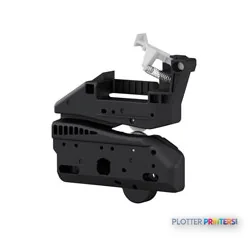
Epson SureColor SC-F500 ink and paper →Supplies
Compatible ink, printheads & media
Genuine consumables that fit the Epson SureColor SC-F500 — only the cartridges, printheads and media compatible with this model.
Ink Cartridges 10
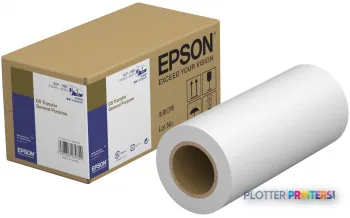 Epson DS Transfer General Purpose 210mm x 30.5m
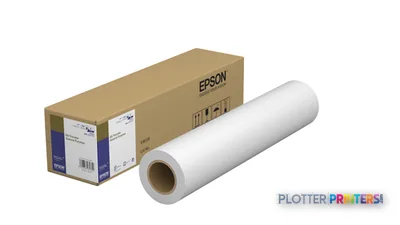 Epson DS Transfer General Purpose 432mm x 30.5m
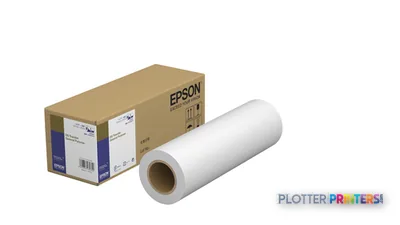 Epson DS Transfer General Purpose 297mm x 30.5m
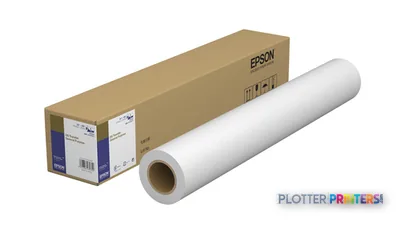 Epson DS Transfer General Purpose 610mm x 30.5m
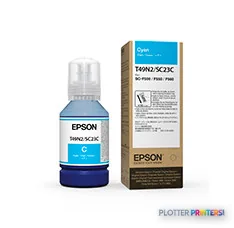 Epson Dye Sublimation Cyan T49N200 (140mL)
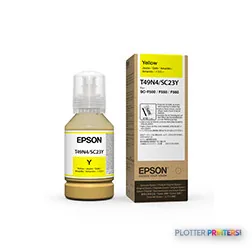 Epson Dye Sublimation Yellow T49N400 (140mL)
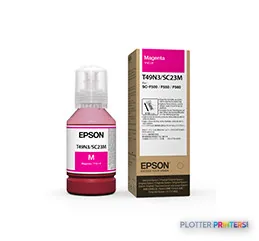 Epson Dye Sublimation Magenta T49N300 (140mL)
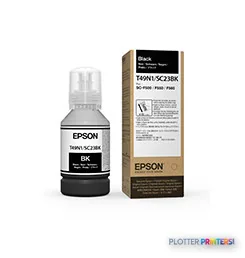 Epson Dye Sublimation Black T49N100 (140mL)
 Epson DS Transfer General Purpose A4 sheets
 Epson DS Transfer General Purpose A3 sheets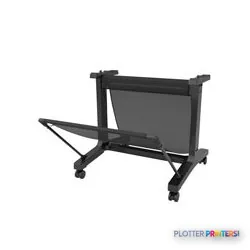

Questions
Straight answers
Can the Epson SC-F500 scan marked-up drawings or make copies?
No. The supplied product data lists scanning and copying as unavailable. A separate scanner or multifunction device is needed for those workflows.
Does the Epson SC-F500 support Wi-Fi printing?
Yes. Wi-Fi is listed. The supplied operating-system support lists Windows 7, Windows 8, Windows 8.1, and Windows 10; IT should validate the intended deployment path.
What ink colors does the Epson SC-F500 use?
It uses four colors: black, cyan, yellow, and magenta. Listed compatible inks are Epson Dye Sublimation Black T49N100 (140mL), Cyan T49N200 (140mL), Magenta T49N300 (140mL), and Yellow T49N400 (140mL).
What media thickness can the Epson SC-F500 handle?
The stated media-thickness range is 0.002 inches to 0.008 inches. Confirm the exact media specification before committing to a production workflow.
Is the Epson SC-F500 a replacement for a busy construction-document print room?
Usually not on the facts provided. It has no scanner or copier, and the supplied data does not establish automated finishing, collation, or unattended mixed-size plan-set handling.
Ready to put the Epson SureColor SC-F500 to work?
Configuration, media and a quote tailored to your workflow — from AEC plotter specialists.