
Home / Wide-Format Printers / Epson SureColor
Epson · Wide-Format Plotter
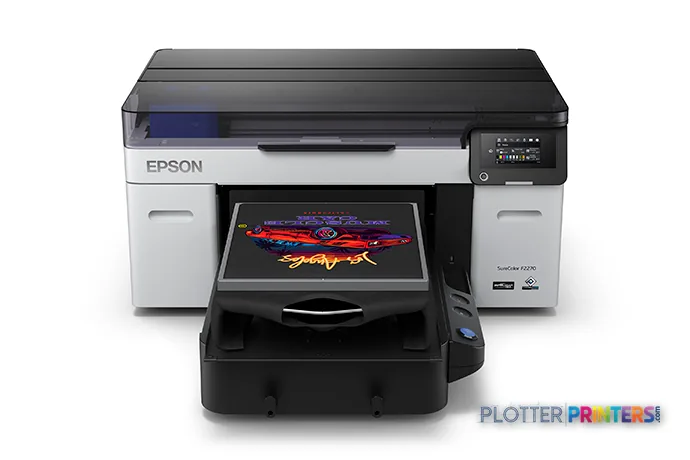
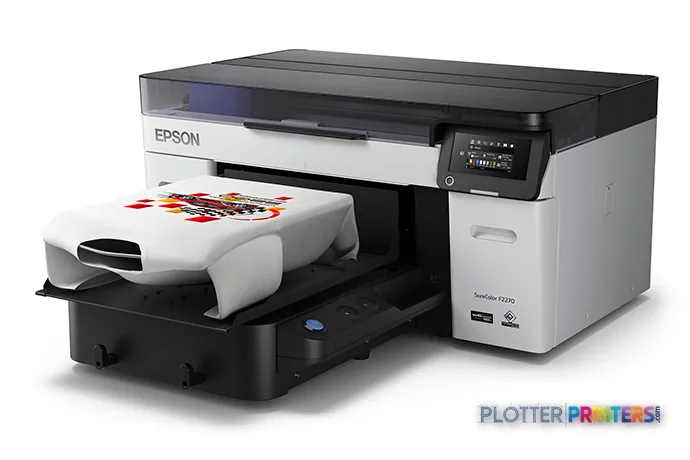
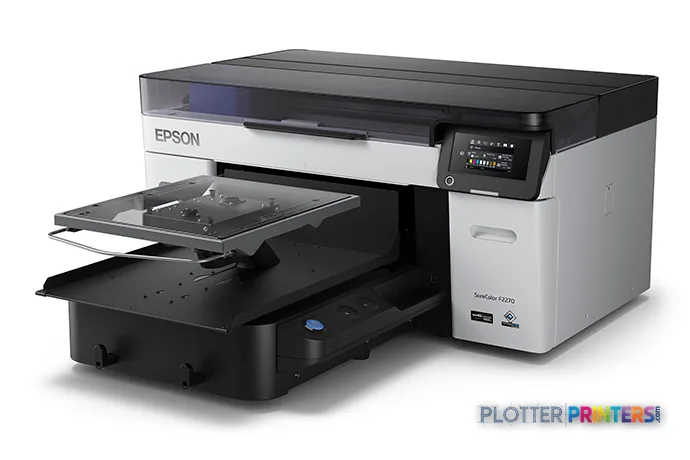
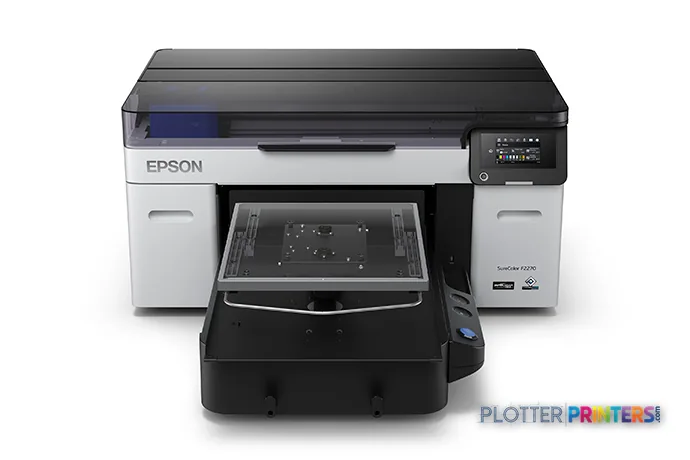
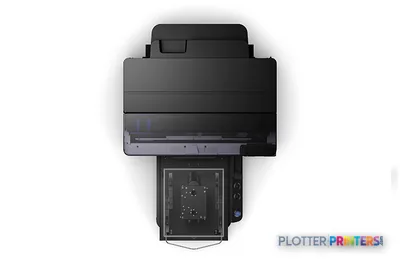
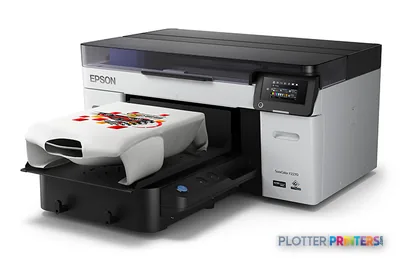
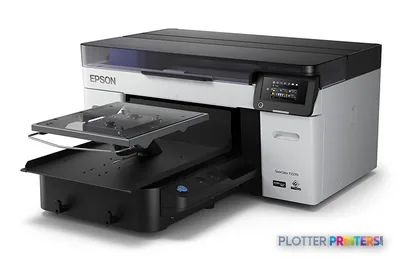
Epson SureColor F2270
wide-format printer
- ModelF2270
Authorized Epson dealerGenuine hardware & ink
Manufacturer warrantyExtension plans available
Free shippingContinental U.S.
Plotter specialistsAEC experts, not just sellers
Analyst take
- The supplied data supports the F2270 as a color, five-ink printer, not as a verified AEC plan-production platform.
- No scanning or copying capability is listed, so redline capture and walk-up copying require another device.
- Ethernet and USB are listed, but authentication, secure release, audit logging and chargeback capabilities are not established.
Not sure if the F2270 is right for you?
Compare key specs and an AI analyst read-out against similar models.
- Fine detail 1200 x 1200 DPI maximum resolution for crisp line work.
- Ink platform Black, Cyan, Magenta, White, Yellow.
- Connectivity Ethernet for shared team printing.
Overview
Built for the work
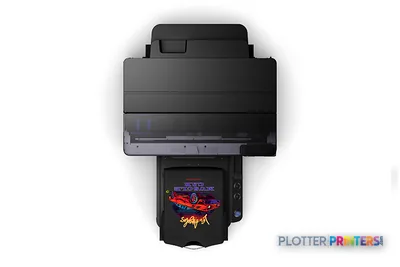
Epson SureColor F2270, 1200 x 1200 DPI, Black, Cyan, Magenta, White, Yellow, USB Type-A, 10,100,1000 Mbit/s, Black, Gray, 37 dB
Expert analysis
What you should know
Key takeaways
- The supplied data supports the F2270 as a color, five-ink printer, not as a verified AEC plan-production platform.
- No scanning or copying capability is listed, so redline capture and walk-up copying require another device.
- Ethernet and USB are listed, but authentication, secure release, audit logging and chargeback capabilities are not established.
- White ink may matter in a specialist supplementary application, but does not by itself establish drawing-workflow suitability.
- A live test with real PDF, CAD-export and Bluebeam files should precede any AEC deployment decision.
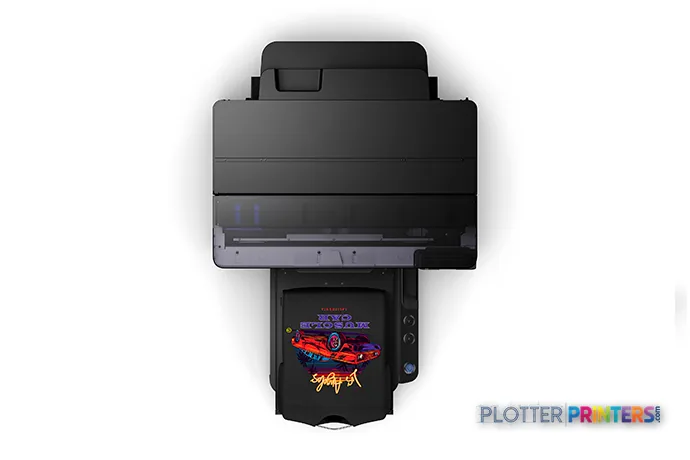
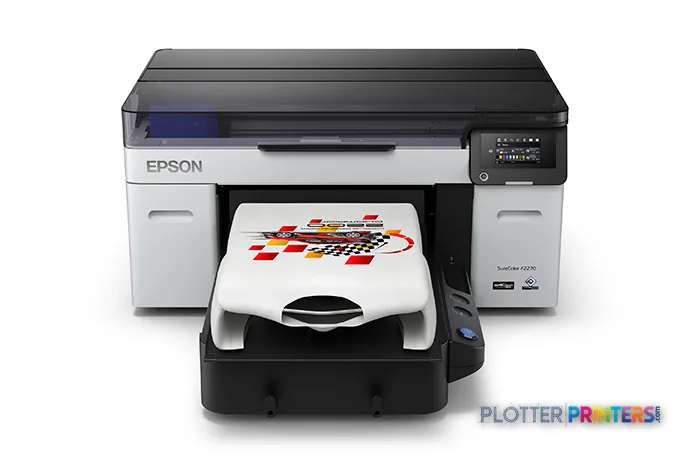
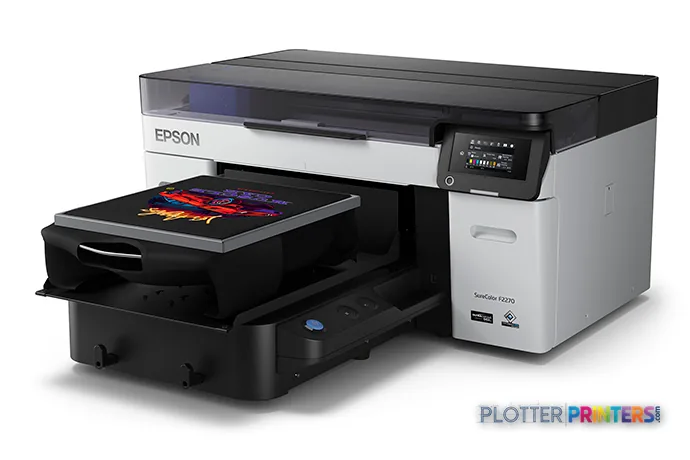
The Epson F2270 is a color printer whose supplied specification points to a specialized, hands-on production device rather than an AEC plan-room plotter. It provides five printing colors—Black, Cyan, Magenta, White and Yellow—at up to 1200 x 1200 DPI, with Ethernet and USB connectivity. What the specification does not establish is supported media width, roll handling, CAD/PDF workflow support, scan-to-file capability, or any rated plan-production speed.
That distinction matters. A printer can make an attractive color output and still be a poor node in a permit-set, bid-set or field-revision workflow. A plotter that saves thirty seconds a plot buys you nothing if the file spends four minutes finding it; here, the more basic question is whether this machine belongs in that plot workflow at all.
1200 x 1200 DPIMaximum resolution
Black, Cyan, Magenta, White, YellowPrinting colors
46 WPrinter power supply
209.4 lbs (95 kg)Installed weight
Where it belongs in an AEC environment
The defensible AEC use case is narrow: a supplementary color-output device where its white ink is relevant to a controlled, specialist application. It may be useful to a design, fabrication, graphics or communications group working alongside the document-production fleet, but the supplied data does not support treating it as the primary machine for construction drawings, GIS maps, presentation boards or mixed-size plan sets.
For standard document production, buyers should require a live demonstration using their own PDF, CAD-export and Bluebeam files. Check small text, line joins, scaling behavior, media support, output handling and the time from submission to usable output. None of those workflow measures is established by the published data here.
There is no copying or scanning capability. That excludes walk-up redline copying, drawing capture and archive conversion without a separate scanner. The scanner is free. The person standing at it is not.
Connectivity, support and operating reality
The F2270 supports Windows and Mac operating systems, includes Ethernet LAN at 10,100,1000 Mbit/s, and has two USB 2.0 ports plus a USB Type-A connector. That is enough to place it on a network, but it is not evidence of user authentication, encrypted job release, audit logging, directory integration or departmental chargeback. IT should obtain written answers on those controls before connecting it to a project network.
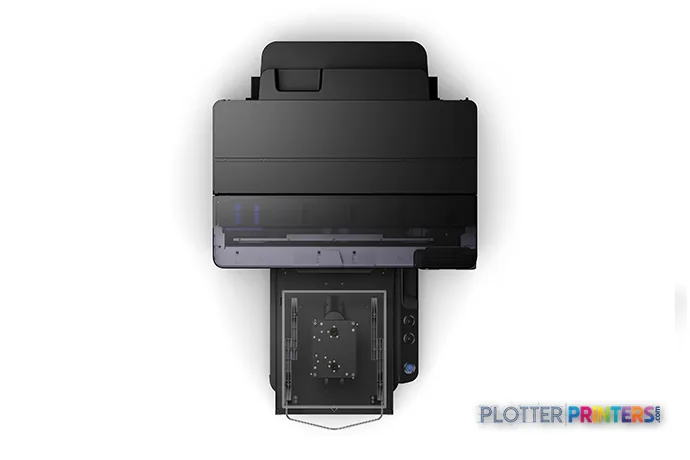
Its listed operating range is 10 – 35 °C and 20 – 80% relative humidity. The printer measures 38.6 inches wide, 53.6 inches deep and 19.6 inches high, so the room plan must allow not only the footprint but loading, maintenance access and safe movement of a 209.4-pound device. Printing sound pressure is listed at 37 dB.
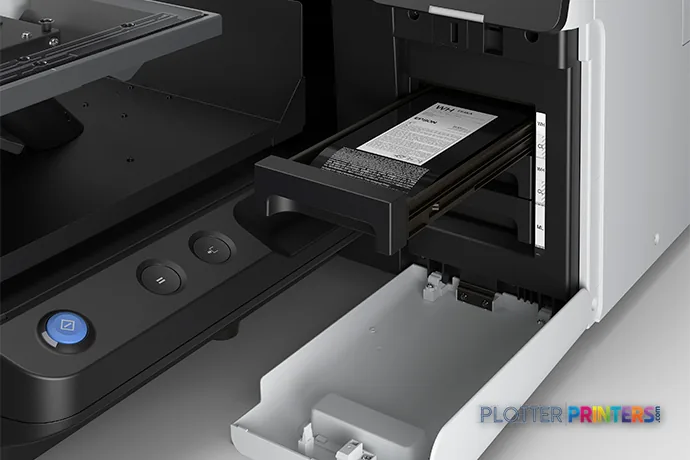
Consumable planning should include the Epson Waste ink bottle and, where the application requires it, Epson Pre-treatment Liquid. The catalog also lists epson EPPF2100S1 and epson EPPF2100S2 warranty options; confirm coverage terms, response commitments and local service capability rather than assuming similar names mean similar protection.
How to position it within the listed Epson range
The nearest listed alternatives should be treated as workflow questions, not automatic upgrades. The Epson F1070 is a current in-family option with a stated 2400 x 1200 DPI maximum resolution. The Epson SC-F2000 is also listed as current and has a stated 1440 x 1440 DPI maximum resolution. Resolution alone does not prove either machine is better for AEC documents, because the supplied catalog data does not establish their media, workflow or scanning capabilities.
Likewise, the listed Epson F501 24-in identifies a 24-inch format, while the Epson F9470 64-in identifies a 64-inch format. Those width labels may make them candidates for a separate conversation about required output format, but they do not validate the F2270 as a plan printer. Use the side-by-side comparison to keep the comparison anchored to published fields rather than family resemblance.
Compare the workflow, not just the specification
The read
Choose the Epson F2270 if you need a networked, color, five-ink device for a specialist supplementary output application and can verify the actual media and software workflow in a demonstration. Choose an alternative—such as the Epson F501 24-in or Epson F9470 64-in—only after confirming it supports the document sizes and production path your team uses. For primary AEC plotting, copying or scanning, do not infer suitability from this specification alone; buy the machine for the workflow you have, not the one the brochure imagines.
Spec analysis
How the specs grade
Overall performance
—Not enough data for an overall score
Individual dimensions are shown where the specs support them.
- This printer
Verified specifications
The specs that decide it
| Maximum resolution | 1200 x 1200manufacturer-verified |
|---|---|
| Printing colors | Black, Cyan, Magenta, White, Yellow |
| Scanning | No |
| Ethernet | Yes |
| Sound level (printing) | 37 dB |
manufacturer-verified = checked against the manufacturer’s official datasheet, not aggregator data. Everything else is standards-body / catalog data we consider reliable.
Specifications
Full technical detail
Max resolution1200 x 1200 DPI
ColorColor
ConnectivityEthernet (Gigabit LAN), USB
Use caseGraphics / Production
Printing
| Color | Yes |
|---|---|
| Printing colors | Black, Cyan, Magenta, White, Yellow |
| Maximum resolution | 1200 x 1200 DPI |
Performance
| Certification | UL (MET), FCC (Class A), CSA, CE, EMC |
|---|---|
| Product color | Black, Gray |
| Country of origin | Indonesia |
| Sound pressure level (printing) | 37 dB |
Ports & interfaces
| USB port | Yes |
|---|---|
| Ethernet LAN | Yes |
| USB connector | USB Type-A |
| USB 2.0 ports quantity | 2 |
| Ethernet LAN data rates | 10,100,1000 Mbit/s |
Technical details
| Compliance certificates | RoHS |
|---|
Weight & dimensions
| Depth | 53.6" (1361 mm) |
|---|---|
| Width | 38.6" (981 mm) |
| Height | 19.6" (499 mm) |
| Weight | 209.4 lbs (95 kg) |
Power
| Power supply | 46 W |
|---|---|
| AC input voltage | 100 – 120 V |
| AC input frequency | 50/60 Hz |
| Power consumption (off) | 0.3 W |
| Power consumption (sleep) | 7 W |
| Power consumption (standby) | 30 W |
Operational conditions
| Operating temperature (T-T) | 10 – 35 °C |
|---|---|
| Operating relative humidity (H-H) | 20 – 80% |
Copying
| Copying | No |
|---|
Scanning
| Scanning | No |
|---|
System requirements
| Mac operating systems supported | Yes |
|---|---|
| Windows operating systems supported | Yes |
Supplies
Compatible ink, printheads & media
Genuine consumables that fit the Epson SureColor F2270 — only the cartridges, printheads and media compatible with this model.
Accessories 2
Questions
Straight answers
Can the Epson F2270 replace an AEC wide-format plotter?
The supplied data does not establish media width, roll handling, CAD/PDF support, plan-production speed or mixed-size output handling. It should not be treated as a verified replacement for a plan-room plotter without a workflow demonstration.
Does the Epson F2270 scan or copy drawings?
No. Copying and scanning are both listed as unavailable, so drawing capture, redline copying and archive work need a separate scanner or multifunction device.
What connectivity does it provide?
It has Ethernet LAN with 10,100,1000 Mbit/s data rates, two USB 2.0 ports and a USB Type-A connector. Windows and Mac operating systems are supported.
What should IT verify before network deployment?
Ask for documentation covering user authentication, encrypted transport, secure job release, audit records, firmware management and network configuration. Those controls are not specified in the supplied data.
What operating-space considerations apply?
The unit is 38.6 inches wide, 53.6 inches deep and 19.6 inches high, and weighs 209.4 lbs. Plan for access around the machine as well as its physical footprint.
Which listed supplies and support options should buyers discuss with the dealer?
Discuss the Epson Waste ink bottle, Epson Pre-treatment Liquid where applicable, and the epson EPPF2100S1 and epson EPPF2100S2 warranty options. Confirm what is included, service response arrangements and local parts support.
Ready to put the Epson SureColor F2270 to work?
Configuration, media and a quote tailored to your workflow — from AEC plotter specialists.