
Home / Wide-Format Printers / Canon imagePROGRAF
Canon · Wide-Format Plotter
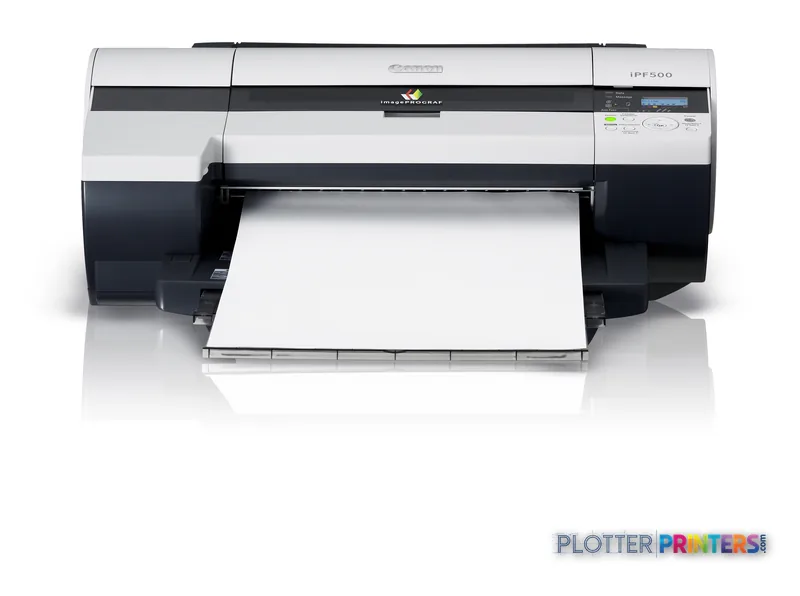
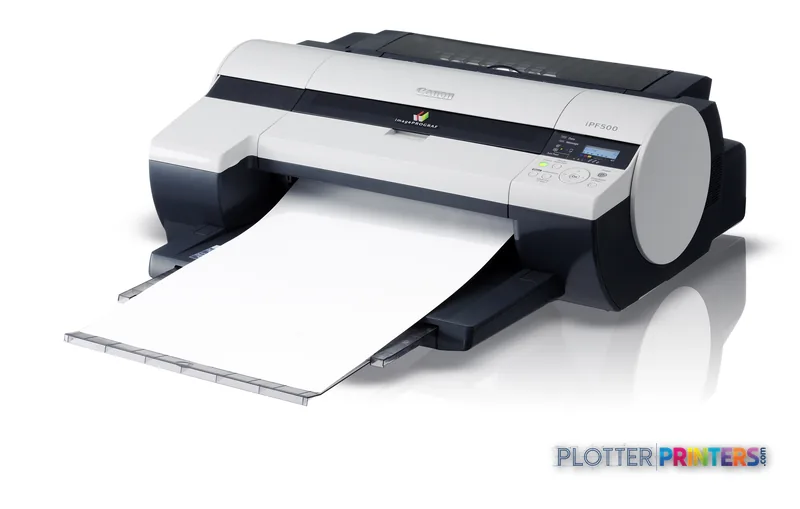
Canon imagePROGRAF iPF500
17" wide-format inkjet printer
- ModeliPF500
- Prints17" wide
Genuine OEM hardwareAuthorized U.S. distribution
Manufacturer warrantyExtension plans available
Free shippingContinental U.S.
Plotter specialistsAEC experts, not just sellers
Analyst take
- The iPF500 supports media from 8 to 17 inches wide, making it suited to A2-class and narrower technical output.
- Its stated 1200 x 1200 DPI maximum resolution is relevant where fine lines and small drawing notes matter.
- The listed operating-system compatibility is legacy-era, so current driver and network fit requires validation.
Not sure if the iPF500 is right for you?
Compare key specs and an AI analyst read-out against similar models.
Overview
Built for the work
Canon imagePROGRAF iPF500, 1200 x 1200 DPI, 448 x 1608 mm, 0.07-1.5 mm, 203.2-432mm, USB Type-A, CB
Expert analysis
What you should know

Key takeaways
- The iPF500 supports media from 8 to 17 inches wide, making it suited to A2-class and narrower technical output.
- Its stated 1200 x 1200 DPI maximum resolution is relevant where fine lines and small drawing notes matter.
- The listed operating-system compatibility is legacy-era, so current driver and network fit requires validation.
- Photo, coated, glossy, proofing, and high-resolution paper are listed as supported media types.
- The Canon iPF600 24-in is the more logical in-family comparison when routine output requires wider sheets.
Someone at the output tray needs a clean A2 sheet, a marked-up detail, or a color coordination print before the afternoon meeting. The Canon imagePROGRAF iPF500 is built for that small-format technical-print job: an 17-inch-class desktop printer for offices that need occasional wide-format output without giving a 24-inch machine its own zip code.
Its stated media range runs from 8 to 17 inches wide, with cut-sheet support from A4 through A2 and roll support from A3 through A2. That makes it a practical fit for detail sheets, small plan extracts, survey exhibits, color-coded coordination drawings, and presentation proofs. It is not the machine to park beside a bid-room deadline and ask to feed a steady stream of full-size construction sets. That is how perfectly decent equipment gets unfairly blamed for Tuesday.
8"–17" (203.2-432mm)Maximum media widthSized for small-format technical output and narrow rolls.
1200 x 1200 DPIMaximum resolutionRelevant to fine lines, notes, and drawing detail.
0.003"–0.059" (0.07-1.5 mm)Media thicknessSupports a broad stated range of sheet and roll media.
83.8 lbs (38 kg)Printer weightA desktop footprint still deserves a solid, accessible surface.
Where the iPF500 earns its desk space
The iPF500 makes most sense where wide-format printing is useful but not constant. A small architecture studio can use it for A2 reviews and client boards. An engineering team can keep it close to the design group for detail sheets and color markups. Survey and GIS users can produce narrower map outputs without sending every job to a central print room.
The printer accepts photo paper, coated paper, glossy paper, proofing paper, and high-resolution paper. That flexibility matters when one office needs plain technical output one day and a presentation-oriented sheet the next. Its listed 1200 x 1200 DPI maximum resolution and 2,560 nozzles per color support the case for drawings where small labels and linework deserve attention, not guesswork.
For connectivity, it includes a USB Type-A connector and one USB 2.0 port. The listed operating-system compatibility is Windows 95/98/Me/NT4.0/2000/XP and Mac OS 8.6/9/X. Treat that as a legacy compatibility statement, not evidence of support for a modern managed workstation environment. IT should validate driver availability, security controls, and current workflow fit before committing it to a network.
Bottom line: This is a local technical-output device, not a substitute for a modern high-volume print-room workflow.
The limits arrive at the paper width
The main constraint is plain: 17 inches is not 24 inches. If your normal deliverable is a full-width plan sheet, the Canon iPF600 24-in is the more natural family move because it provides a wider format. If width is fine but the decision centers on higher stated resolution, compare the Canon iPF-510 17-in and its listed 2400 x 1200 DPI resolution against the iPF500’s 1200 x 1200 DPI.
Do not confuse the stated maximum print size of 18 x 63 inches with a promise that every file, media type, or office workflow will behave identically. Media loading, application settings, driver behavior, and the actual document format still decide whether a job lands cleanly at 4:45 p.m. Ask for a live test using your PDFs, CAD exports, line weights, and paper stock.
Bottom line: Choose this width only when your real drawings fit it, not because the printer happens to fit the counter.
Consumables, placement, and buying checks
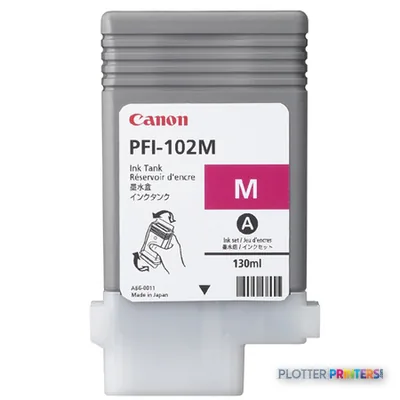
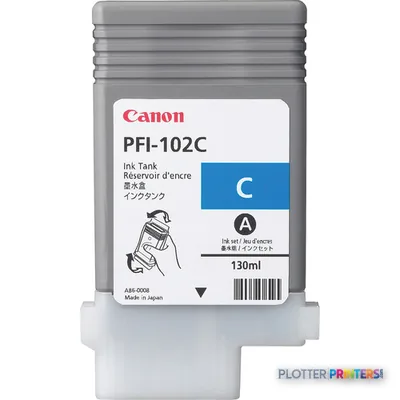
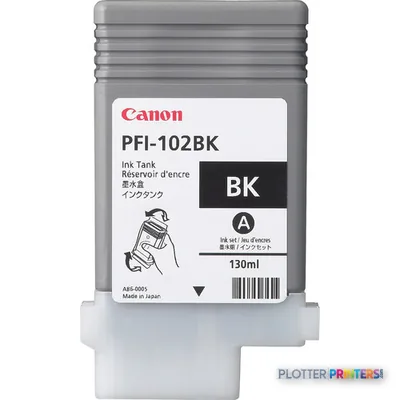
The resolved consumable list includes Canon 0897B001, Canon PFI-102BK ink cartridge Original Black, and Canon PFI-102C ink cartridge Original Cyan. Confirm the complete installed ink configuration and local supply availability before putting the machine into an active technical-print routine. A printer without the needed ink on a permit-set afternoon is decorative furniture with a power cord.
The unit measures 32.2 x 28.9 x 12.5 inches and weighs 83.8 lbs. It requires AC 100-240v (50/60Hz), carries UL, CE mark, and TUV safety listings, and is ENERGY STAR certified. Those are useful facility facts, but they do not replace a workflow review.
Bottom line: Check the driver path, consumable plan, media supply, and service route before judging the hardware alone.
Compare the format before you buy
The read
The Canon imagePROGRAF iPF500 fits AEC teams that need controlled, nearby output for A2-or-smaller technical documents, narrower rolls, proofs, and color working prints. It becomes less appropriate once full-width plan production, sustained set output, or modern managed-network requirements take over the job. Start with the paper sizes your people actually print, then compare the Canon iPF600 24-in if the answer keeps landing beyond 17 inches. Bottom line: Right machine for local small-format technical work; wrong machine for a full-size plan-set queue.
Spec analysis
How the specs grade
Overall performance
—Not enough data for an overall score
Individual dimensions are shown where the specs support them.
- This printer
Verified specifications
The specs that decide it
| Maximum resolution | 1200 x 1200 DPI |
|---|---|
| Maximum print size | 448 x 1608 mm |
| Media thickness | 0.07-1.5 mm |
Specifications
Full technical detail
Max resolution1200 x 1200 DPI
Max print width17"
ConnectivityUSB
Use caseCAD / Technical
Printing
| Color | Yes |
|---|---|
| Print head | 1 |
| Maximum resolution | 1200 x 1200 DPI |
| Print head nozzles | 2560 per colour |
Performance
| Certification | CB |
|---|
Paper handling
| Media thickness | 0.07-1.5 mm |
|---|---|
| Maximum print size | 448 x 1608 mm |
| Maximum media width | 203.2-432mm |
| Standard media sizes | Cut:A4-A2/ B4-B3 Roll:A3-A2/ 8"-17" |
Ports & interfaces
| USB port | Yes |
|---|---|
| USB connector | USB Type-A |
| USB 2.0 ports quantity | 1 |
Weight & dimensions
| Weight | 83.8 lbs (38 kg) |
|---|---|
| Dimensions (WxDxH) | 32.2 x 28.9 x 12.5" (819 x 733 x 317 mm) |
Power
| Power requirements | AC 100-240v (50/60Hz) |
|---|
Other features
| Safety | UL, CE mark, TUV |
|---|---|
| Photo paper | Yes |
| Coated paper | Yes |
| Glossy paper | Yes |
| Control panel | LCD,16 x 2, LED x 5 |
| Proofing paper | Yes |
| High resolution paper | Yes |
Sustainability
| Sustainability certificates | ENERGY STAR |
|---|
System requirements
| Mac compatibility | Yes |
|---|---|
| Compatible operating systems | -Windows 95/98/Me/NT4.0/2000/XP -Mac OS 8.6/9/X |
Supplies
Compatible ink, printheads & media
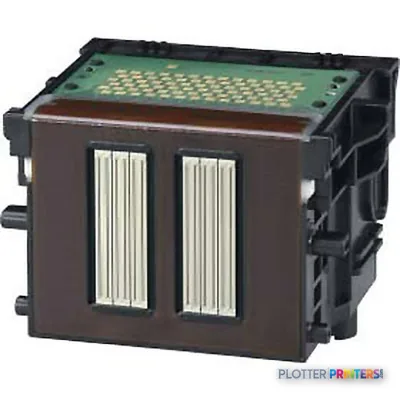
Genuine consumables that fit the Canon imagePROGRAF iPF500 large format printer Colour 1200 x 1200 DPI 448 x 1608 mm — only the cartridges, printheads and media compatible with this model.
Ink Cartridges 3
Printheads 1
Paper & Media 12
 Representative image8 Mil Satin Photo PaperRepresentative image8mil Satin Microporous Photo Paper (791)Representative image8mil Gloss Microporous Photo Paper (790)Representative image20LB Inkjet Vellum (772)Representative image18LB Inkjet Bond Paper (Translucent) (750)Representative image28LB Inkjet Coated Matte Paper (748)Representative image24LB Inkjet Coated Matte Paper (745)Representative image20LB High Brite Inkjet Bond Paper (740)Representative image20LB Inkjet Bond Paper (Tinted) (732)Representative image24LB Inkjet Bond Paper (731)Representative image20LB Inkjet Bond Paper (730)Representative image20LB Engineering Vellum (471)
Questions
Straight answers
Is the Canon imagePROGRAF iPF500 suitable for full-size construction plan sets?
Usually not as the primary device. Its stated maximum media width is 17 inches, so teams routinely printing wider plans should evaluate the Canon iPF600 24-in or another wider option.
What AEC documents fit this printer best?
It is most credible for A4 through A2 cut sheets, A3 through A2 rolls, detail sheets, map extracts, color coordination prints, and presentation-oriented proofs within its stated media range.
Can it handle more than ordinary technical paper?
Yes. The supplied product data lists photo paper, coated paper, glossy paper, proofing paper, and high-resolution paper, with stated media thickness from 0.003 to 0.059 inches.
Should IT assume it will work with current Windows or Mac systems?
No. The listed compatible operating systems are Windows 95/98/Me/NT4.0/2000/XP and Mac OS 8.6/9/X. Validate current drivers, network deployment, and security requirements before purchase or redeployment.
Which consumables are listed for this model?
The resolved list includes Canon 0897B001, Canon PFI-102BK ink cartridge Original Black, and Canon PFI-102C ink cartridge Original Cyan. Confirm the complete required configuration with the supplier.
Ready to put the Canon imagePROGRAF iPF500 to work?
We’ll point you to the current equivalent and quote it for your workflow.