
Home / Wide-Format Printers / HP PageWide XL
HP · Wide-Format Plotter
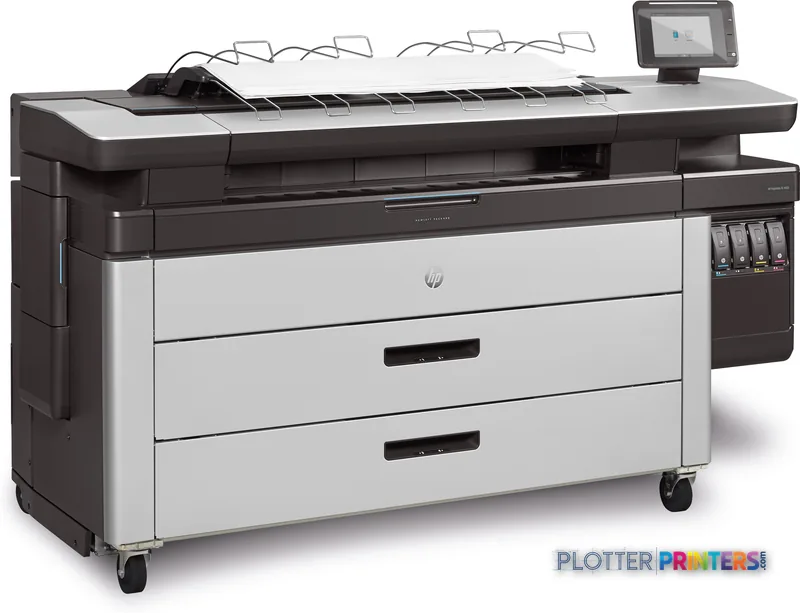
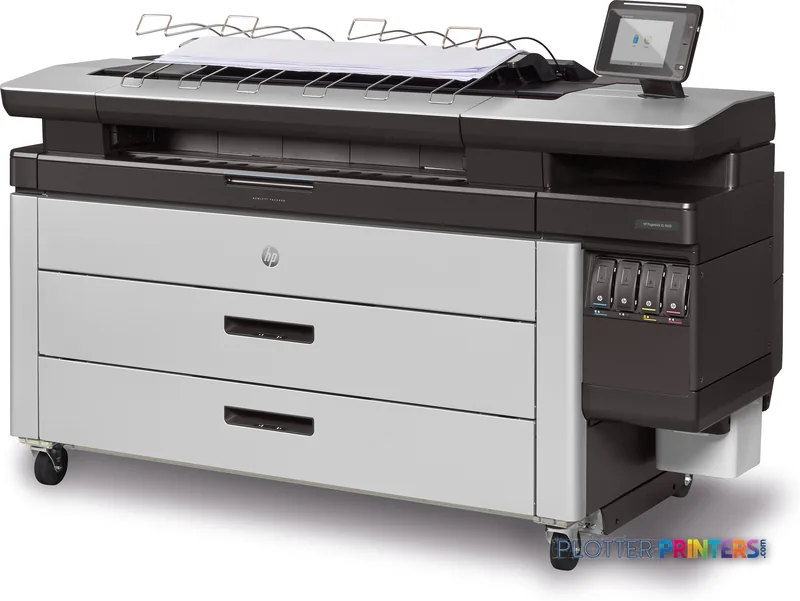
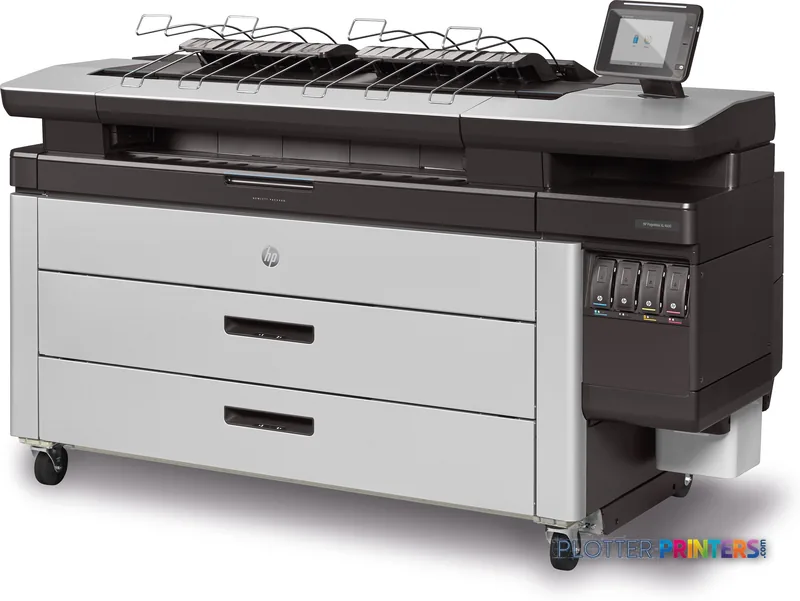
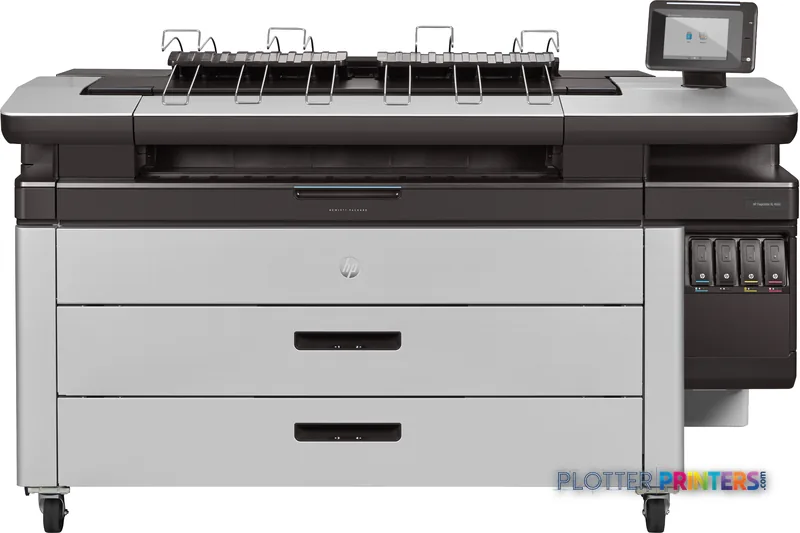
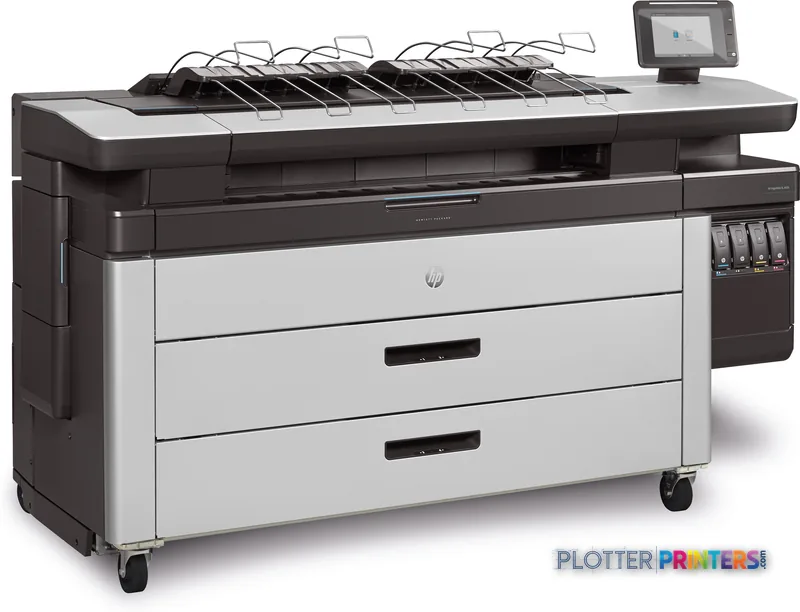
HP PageWide XL 4600
42" PageWide production printer
- ModelPageWide XL 4600
- Prints42" wide
- Score44/100
Authorized HP dealerGenuine hardware & ink
Manufacturer warrantyExtension plans available
Free shippingContinental U.S.
Plotter specialistsAEC experts, not just sellers
Analyst take
- The top stacker is most valuable when drawings must leave the printer as organized plan sets.
- This is a print-only configuration, with no built-in scanning or copying.
- HP-GL/2 support and 500 GB of internal storage fit established technical-document workflows.
Not sure if the PageWide XL 4600 is right for you?
Compare key specs and an AI analyst read-out against similar models.
- Wide-format reach Prints up to 42" wide on rolls and sheets.
- Fine detail 1200 x 1200 DPI maximum resolution for crisp line work.
- Verified specs 10 specs checked against the manufacturer datasheet.
- Analyst score Scores 44/100 in our class-relative rating.
Overview
Built for the work
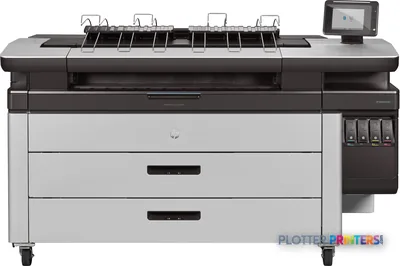
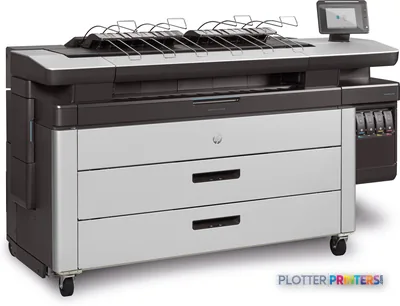
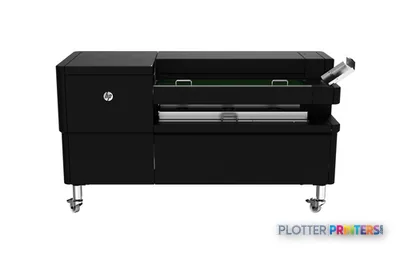
HP PageWide XL 4600 40-in Printer with Top Stacker, Inkjet, 1200 x 1200 DPI, HP-GL/2, 8 x HP 841 PageWide XL, Bond paper, Matte paper, Recycled paper, Top Stacker
- 4″Max print width
- 4Ink channels
- 1,200 dpiMax resolution
Spec Analysis
overall
overall
Where it performs best
Print Cost
80
Connections
67
Media Handling
45
Class best is 77. How we grade →
Expert analysis
What you should know

Key takeaways
- The top stacker is most valuable when drawings must leave the printer as organized plan sets.
- This is a print-only configuration, with no built-in scanning or copying.
- HP-GL/2 support and 500 GB of internal storage fit established technical-document workflows.
- The listed connectivity omits Wi-Fi and Ethernet LAN, so connection planning is a pre-installation task.
- Compatible folding and scanner accessories can extend the workflow, but they do not change the base machine’s print-only role.
It is 4:45 p.m., the civil set has changed again, and somebody needs clean color plans stacked in the right order before the contractor’s courier cutoff. The HP PageWide XL 4600 40-in Printer with Top Stacker is built for that kind of technical-document work: wide-format inkjet output, 40-inch-class roll media handling, and a top stacker to keep plan production from ending as a paper-picking exercise.
This is a print-only device. There is no built-in scanning or copying, so it suits teams that already scan elsewhere or receive finished PDFs from BIM, CAD, GIS, and document-control systems. Its job is producing technical drawings, coordination sheets, maps, and color-marked construction documents without turning the print room into a second project-management department.
1200 x 1200 DPIMaximum resolutionUseful context for fine CAD linework and small annotation text.
8 x HP 841 PageWide XLPrintheadsA fixed PageWide printhead array rather than a moving carriage arrangement.
500 GBInternal storageLocal storage matters when several users are sending large PDF and HP-GL/2 files.
58 dBPrinting sound pressure levelWorth considering when the machine will live near open workstations.
Where it earns its floor space
The 4600 makes the most sense where drawings are still a working tool, not just a compliance artifact. Think permit revisions, civil plan sheets, MEP coordination packages, color-coded phasing plans, field issue sets, and GIS maps on bond, matte, or recycled paper. The top stacker matters when the output is a set rather than one presentation sheet. Loose plans are how a five-minute reprint becomes a twenty-minute scavenger hunt.
HP-GL/2 support is relevant for established CAD workflows, while the 8-inch touch display, built-in HDD, USB Type-A port, Embedded Web Server, and HP Web Jetadmin support give print-room and IT staff defined places to manage jobs and the device. The trade-off is network planning: the supplied data lists no Wi-Fi and no Ethernet LAN. Confirm the intended connection method and submission workflow before the machine arrives, not after the project team has discovered it needs a driver.
Bottom line: This is for disciplined technical print production, not for improvising a scan-copy center around a printer.
Media, finishing, and the jobs that stay moving
The machine accepts roll paper up to 7874 inches (200 m) long, with a maximum roll diameter of 6.97 inches (17.7 cm). That gives a document-production team practical roll capacity, but it does not remove the need to plan media changes around deadlines. A second roll is only helpful if it is loaded with the stock people actually need next.
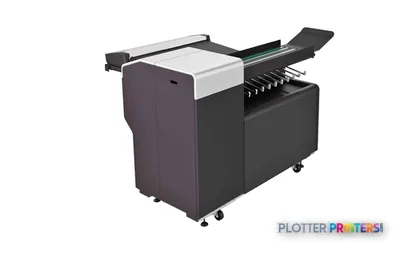
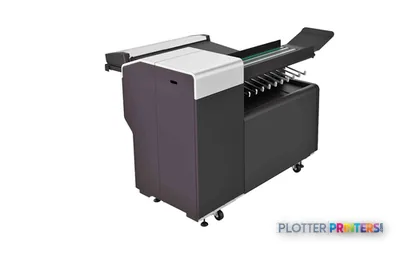
For workflows that need folded plan sets, the compatible HP F40 Folder with Tab Applicator and HP F60 Folder with Tab Applicator accessories deserve a closer look. They address a real handoff problem: getting drawings from the output area into bid-room, site, or archive-ready form with less manual handling. The compatible HP SD Pro 44-in Scanner is an accessory path for firms that need wide-format capture, but scanning is not built into this printer.
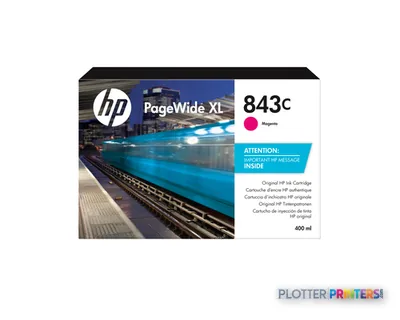
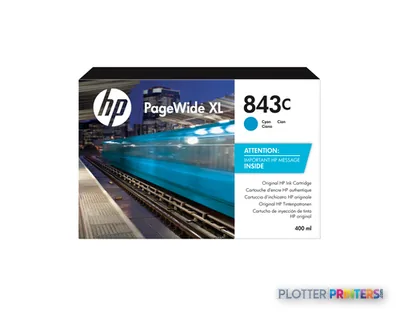
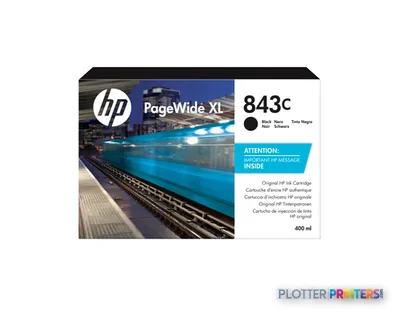
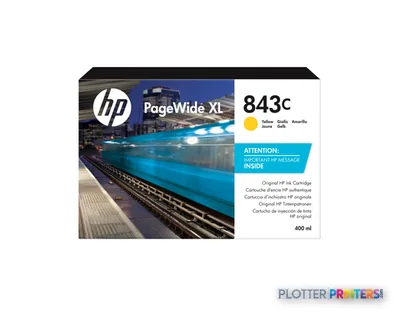
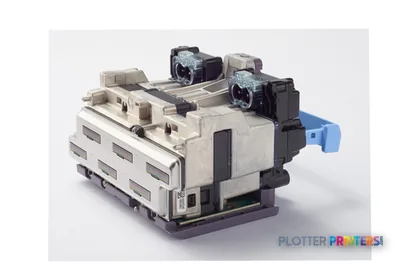
Consumables are straightforwardly identified as HP 843C 400-ml Black, Cyan, Magenta, and Yellow PageWide XL Ink Cartridges, plus HP 841 printheads. Ask how consumable replacement, service response, and spare coverage will be handled locally. That part of ownership rarely appears in a rendering. It always appears on a deadline.
Bottom line: The stacker and finishing options matter most when printed sheets must leave the room organized and usable.
Fit it against the nearby choices
Within this catalog family, the current HP F40 and HP F60 are the relevant adjacent choices to review if finishing is central to the workflow. The discontinued HP F70 may still be familiar to teams working from an installed base, but it should be evaluated as a legacy comparison rather than assumed to be the replacement path.
The 4600 is less appropriate for a team whose daily work begins with walk-up scanning, copying marked plans, and sending the result straight back out. It has no built-in scanner or copier. It is also not the quietest object in an open studio at 58 dB while printing, despite a 16 dB PowerSave acoustic-emission figure. Give it a sensible production location and let designers design.
For a side-by-side view of this machine and the HP F40, use the comparison tool. For broader positioning, see the technical-printer class ranking and how we evaluate AEC printers.
Bottom line: Buy this configuration when fast, organized output is the problem; choose a scan-capable workflow when document capture is the problem.
Useful next checks
The read
The HP PageWide XL 4600 40-in Printer with Top Stacker is a credible fit for AEC departments that need color technical documents produced and collected as usable sets. Its strengths are centered on print production, roll media, HP-GL/2 support, management tools, and stacked output. Its limits are equally clear: no built-in scan or copy function, no listed Wi-Fi or Ethernet LAN, and a physical presence of 77.2 inches wide, 31.5 inches deep, 51.3 inches high, and 914.9 lbs. Plan the room, the connection, and the finishing path before the first bid set hits the queue.
Spec analysis
How the specs grade
Overall performance
within PageWide production printers · 7 compared
Class best 77
70% spec coverage
- This printer
- class best
Verified specifications
The specs that decide it
| Maximum roll width | 40 inmanufacturer-verified |
|---|---|
| Print speed (HP-rated) | 15 pages/minmanufacturer-verified |
| Maximum resolution | 1200 x 1200 dpi |
| Ink cartridges | 4 (cyan, magenta, yellow, black), 400 mlmanufacturer-verified |
| Printheads | HP 841 PageWide XL Printheads |
| Maximum roll length | 650 ft |
| Supported media | Bond and recycled papers, poster papers, polypropylene, Tyvek papers, matte film (up to 15.7 mil) |
| Internal storage | 500 GB |
| Connectivity | Gigabit Ethernet (TCP/IP, BootP/DHCP) + USB 2.0 host; no Wi-Fi |
| Weight / footprint | 915 lb; 77.2 in W x 31.5 in D x 51.3 in H |
manufacturer-verified = checked against the manufacturer’s official datasheet, not aggregator data. Everything else is standards-body / catalog data we consider reliable.
Specifications
Full technical detail
Print technologyInkjet
Max resolution1200 x 1200 DPI
Max print width42"
ConnectivityUSB
Use caseGIS / Mapping
Printing
| Color | Yes |
|---|---|
| Print head | 8 x HP 841 PageWide XL |
| Print technology | Inkjet |
| Maximum resolution | 1200 x 1200 DPI |
| Number of print cartridges | 4 |
| Page description languages | HP-GL/2 |
Performance
| Control type | Touch |
|---|---|
| RAM capacity | 8 GB |
| Certification | EPEAT Silver, CE |
| Product color | Black, White |
| Storage media | HDD |
| Built-in display | Yes |
| Display diagonal | 8" |
| Built-in processor | Yes |
| Internal storage capacity | 500 GB |
| Sound power level (standby) | 35 dB |
| Sound pressure level (printing) | 58 dB |
Paper handling
| Stacker | Yes |
|---|---|
| Roll paper | Yes |
| Stacker type | Top Stacker |
| Maximum roll length | 7874" (200 m) |
| Maximum roll diameter | 6.97" (17.7 cm) |
| Paper tray media types | Bond paper, Matte paper, Recycled paper |
Ports & interfaces
| Wi-Fi | No |
|---|---|
| USB port | Yes |
| Ethernet LAN | No |
| USB connector | USB Type-A |
| USB 2.0 ports quantity | 1 |
Weight & dimensions
| Depth | 31.5" (800 mm) |
|---|---|
| Width | 77.2" (1960 mm) |
| Height | 51.3" (1303 mm) |
| Weight | 914.9 lbs (415 kg) |
Power
| Power consumption (standby) | 108.4 W |
|---|---|
| Power consumption (typical) | 400 W |
| Power consumption (PowerSave) | 1 W |
Operational conditions
| Operating temperature (T-T) | 5 – 40 °C |
|---|
Other features
| Touchscreen | Yes |
|---|---|
| Powersave acoustic emission | 16 dB |
Copying
| Copying | No |
|---|
Scanning
| Scanning | No |
|---|
Packaging data
| Package depth | 42" (1068 mm) |
|---|---|
| Package width | 85.8" (2180 mm) |
| Package height | 69.4" (1764 mm) |
| Package weight | 1148.6 lbs (521 kg) |
Sustainability
| Sustainability certificates | ENERGY STAR |
|---|
Brand-specific features
| HP Web Jetadmin | Yes |
|---|---|
| HP PageWide Technology | Yes |
| HP Embedded Web Server (EWS) | Yes |
Everything that fits the HP PageWide XL 4600
The full supplies hub lists every cartridge, printhead, roll and accessory verified against the manufacturer's own documentation for this machine.
7 ink cartridges · 1 printhead · 2 paper & media items · 2 accessories
HP PageWide XL 4600 ink and paper →Supplies
Compatible ink, printheads & media
Genuine consumables that fit the HP PageWide XL 4600 40-in — only the cartridges, printheads and media compatible with this model.
Ink Cartridges 6
Printheads 1
Accessories 1
Questions
Straight answers
Does the HP PageWide XL 4600 40-in Printer with Top Stacker scan or copy drawings?
No. The supplied product data lists both scanning and copying as unavailable. A compatible HP SD Pro 44-in Scanner is available as an accessory.
What kinds of AEC media can it handle?
The listed paper-tray media types are bond paper, matte paper, and recycled paper. It supports roll paper, with a maximum roll length of 7874 inches (200 m) and maximum roll diameter of 6.97 inches (17.7 cm).
Can it support legacy CAD output?
Yes, HP-GL/2 is listed as a supported page-description language. That is relevant to firms maintaining established CAD plotting workflows.
What consumables does this printer use?
It uses HP 843C 400-ml Black, Cyan, Magenta, and Yellow PageWide XL Ink Cartridges and HP 841 printheads.
Is this a good choice for an open office?
It may be, but placement deserves thought. The listed sound pressure level while printing is 58 dB, while the PowerSave acoustic-emission figure is 16 dB.
How does it compare with the HP F40 and HP F60?
The HP F40 and HP F60 are current in-family models in this catalog and are the appropriate nearby configurations to review. The right choice depends on how important finishing and the wider document-output workflow are to your operation.
Ready to put the HP PageWide XL 4600 to work?
Configuration, media and a quote tailored to your workflow — from AEC plotter specialists.