Wide-format reachPrints up to 42" wide on rolls and sheets.
Fine detail1200 x 1200 DPI maximum resolution for crisp line work.
ProductivityRated at 10 pages/min.
Ink platformBlack, Cyan, Magenta, Yellow.
Verified specs9 specs checked against the manufacturer datasheet.
Analyst scoreScores 43/100 in our class-relative rating.
Overview
Built for the work
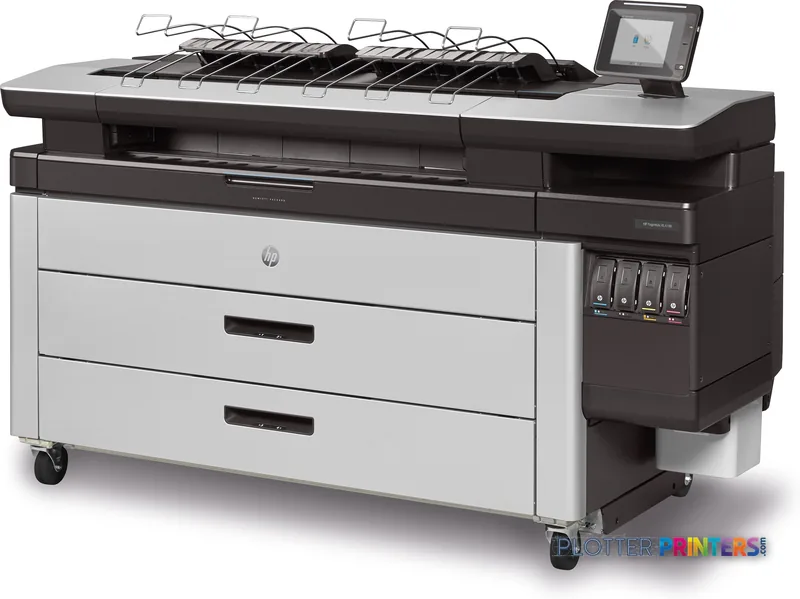
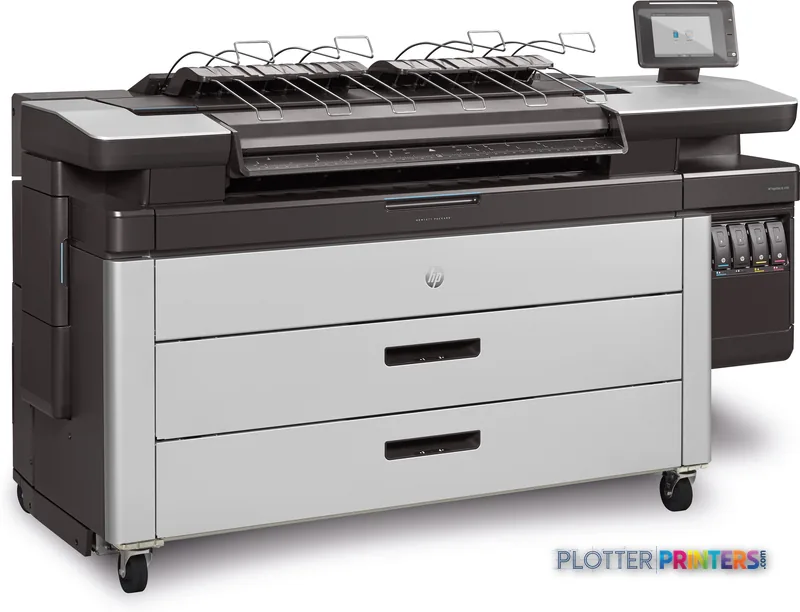
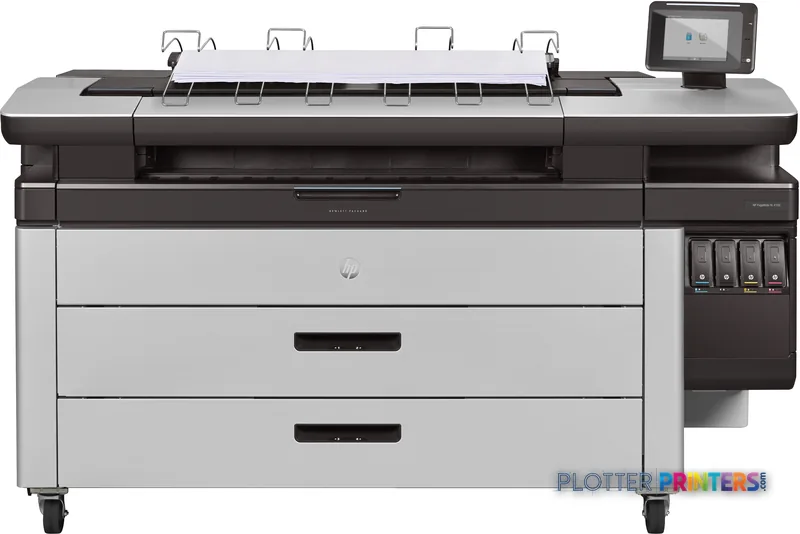
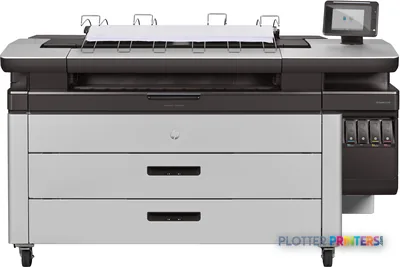
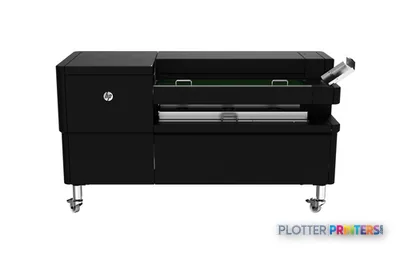
HP PageWide XL 4100 40-in Printer with Top Stacker, 1200 x 1200 DPI, HP-GL/2, PDF 1.7, PostScript 3, Black, Cyan, Magenta, Yellow, 1200 x 1200 DPI, 8 x HP 841 PageWide XL, 1200 x 1200 DPI
The printer supports color output in black, cyan, magenta, and yellow up to A0 size.
HP-GL/2, PDF 1.7, and PostScript 3 support makes it relevant to mixed CAD and PDF document workflows.
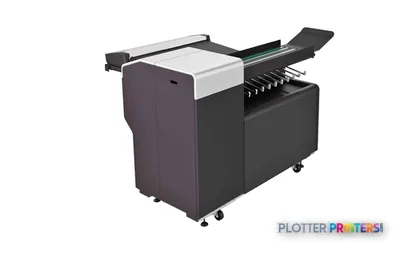
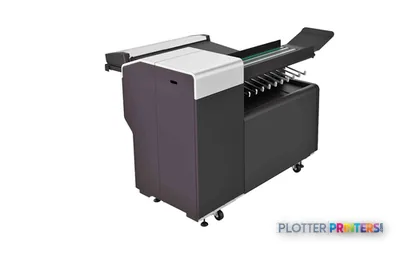
The Top Stacker gives large-format output a dedicated collection point.
The printer has no built-in copying or scanning, so scan-heavy teams should plan for the compatible HP SD Pro 44-in Scanner or another capture workflow.
The HP F40 and HP F60 are the current in-family catalog options to examine alongside this configuration.
Installation planning matters because the unit is 77.2 inches wide and weighs 914.9 pounds.
At 4:45 p.m., the person at the output tray does not need a lecture on ink chemistry. They need the permit set, coordination sheets, and color-marked revisions out before the courier leaves. The HP PageWide XL 4100 40-in Printer with Top Stacker is a color AEC production printer for teams that print large technical documents up to A0 size and want finished sheets collected at the printer rather than drifting into a small-office plotter basket.
It uses four colors—black, cyan, magenta, and yellow—with HP-GL/2, PDF 1.7, and PostScript 3 support. That matters in mixed CAD and PDF environments, where architects may send a plotted sheet from CAD while construction staff send marked-up PDFs from a document-control workflow. The 8-inch touch display and built-in 500 GB HDD support a printer-centered production setup, rather than making every job depend on somebody’s workstation staying awake.
A0 (33" x 47" (841 x 1189 mm))Maximum print sizeFits common full-size architectural and engineering drawing output.
1200 x 1200 DPIMaximum resolutionRelevant when fine linework, small notes, and color-coded markups share the same sheet.
This is a sensible fit for architecture, engineering, surveying, and construction teams producing color plan sheets, GIS maps, bid documents, review sets, and presentation-oriented technical output on bond or recycled paper. The Top Stacker is the practical part of the configuration: output has a defined landing place when several people are sending work near a deadline. A loose pile of drawings is not a workflow. It is an argument waiting to happen.
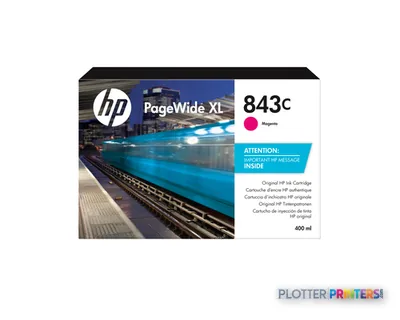
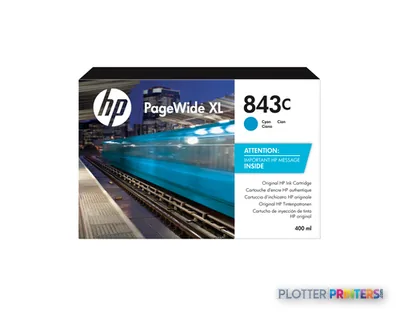
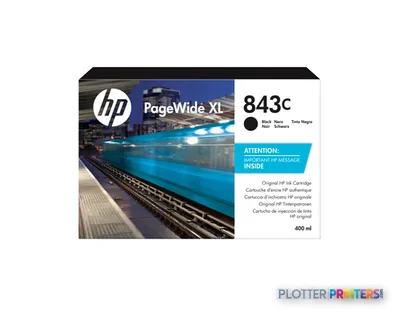
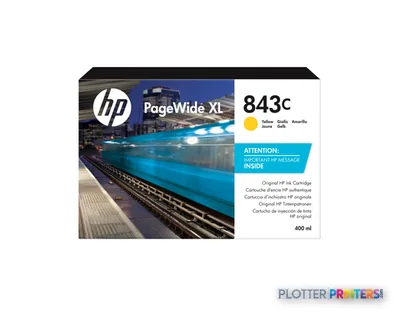
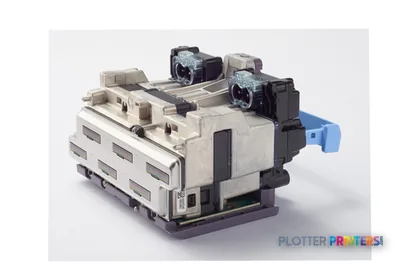
The machine has eight HP 841 PageWide XL printheads and uses HP 843C 400-ml Black PageWide XL Ink Cartridge, HP 843C 400-ml Cyan PageWide XL Ink Cartridge, HP 843C 400-ml Magenta PageWide XL Ink Cartridge, and HP 843C 400-ml Yellow PageWide XL Ink Cartridge consumables. For IT, the relevant conversation is not just print quality. It is whether the existing PDF, HP-GL/2, and PostScript 3 submission paths are controlled, repeatable, and understood by the people who will get called when a deadline job does something odd.
Bottom line: This machine belongs where technical color output is routine work, not an occasional favor to the project team.
The HP PageWide XL 4100 40-in Printer with Top Stacker is configured for large-format technical output with a dedicated output stacker.
What to check before calling it the answer
The printer itself does not copy or scan. That is a clean fit for a print-only production point, but it is a limitation for teams replacing an all-in-one wide-format device used for field redlines, legacy plan capture, or walk-up copying. The compatible HP SD Pro 44-in Scanner can address a scanning requirement, but buyers should confirm the operating workflow, physical layout, and who owns the scan files after they leave the device.
Its 77.2-inch width, 31.5-inch depth, 51.3-inch height, and 914.9-pound weight make this a planned installation, not something to wheel between conference rooms after lunch. Verify access routes, floor loading, network location, and service clearance before delivery. The printer is ENERGY STAR certified and lists typical power consumption of 400 W, with standby consumption of 4.6 W; those figures are useful for facilities planning, not a substitute for measuring an actual department’s duty pattern.
Bottom line: The failure mode here is buying a production printer for a scanning problem, then discovering that the scanner was the real requirement.
Family position and workflow options
Within the catalog, the current HP F40 and HP F60 are the relevant in-family configurations to review alongside this printer. The HP F70 is listed as discontinued, so it may still matter when replacing an installed unit, but it should not be treated as the current comparison point. Ask the supplier to show the exact output-handling, folding, and tab-application configuration being proposed. Those details decide whether a plan set is ready for distribution or merely printed.
For a narrower-format alternative with scanning capability, the Epson SC-T5400M 38-in is in the catalog. It is not a like-for-like configuration, and that distinction matters. Compare the workflow first: plan size, output handling, scan needs, job languages, and the number of people waiting at the device. Use the comparison tool to keep the discussion anchored in listed specifications rather than dealer folklore.
Bottom line: Compare the whole handoff—from file submission to a usable set of sheets—not just the printer sitting in the middle.
The HP PageWide XL 4100 40-in Printer with Top Stacker fits an AEC department that needs color technical output up to A0, common CAD and PDF job-language support, onboard job storage, and a defined place for output to land. It is less appropriate as a standalone answer for a scan-and-copy counter. Buy it for the production workflow it actually supports, and make the dealer demonstrate that workflow with your files before the next bid deadline makes the decision for you.
Graded on a curve against the best published spec among the wide-format printers we track — 100 = the catalog’s gold standard for that metric (the finest droplet, the longest warranty, the fastest rated speed actually on the market). Every input is a manufacturer-published spec; rated speeds are shown as listed, not timed throughput. Ticks mark the class best. How we grade →
Verified specifications
The specs that decide it
Maximum roll width
40 inmanufacturer-verified
Maximum print size
A0 (841 x 1189 mm)
Maximum resolution
1200 x 1200 dpi
Print speed
10 pages/minmanufacturer-verified
Print heads
8 x HP 841 PageWide XL Printheads
Ink cartridge capacity
400 ml (4 cartridges)manufacturer-verified
Maximum roll length
650 ft
Page description languages
HP-GL/2, TIFF, JPEG
Internal storage / memory
500 GB storage, 8 GB RAM
Weight / width
915 lb / 77.2 in wide
manufacturer-verified = checked against the manufacturer’s official datasheet, not aggregator data. Everything else is standards-body / catalog data we consider reliable.
Specifications
Full technical detail
Max resolution1200 x 1200 DPI
Max print width42"
ColorColor
Use caseGIS / Mapping
Printing
Color
Yes
Print head
8 x HP 841 PageWide XL
Printing colors
Black, Cyan, Magenta, Yellow
Resolution color
1200 x 1200 DPI
Maximum resolution
1200 x 1200 DPI
Number of print cartridges
4
Page description languages
HP-GL/2, PDF 1.7, PostScript 3
Performance
Control type
Touch
RAM capacity
8 GB
Certification
EPEAT Silver, CE marking (including RoHS, WEEE, REACH)
Product color
White, Brown
Storage media
HDD
Built-in display
Yes
Display diagonal
8"
Built-in processor
Yes
Internal storage capacity
500 GB
Sound pressure level (printing)
7.6 dB
Paper handling
Stacker
Yes
Stacker type
Top Stacker
Maximum print size
A0 (841 x 1189 mm)
Maximum roll length
7874" (200 m)
Maximum roll diameter
6.97" (17.7 cm)
Paper tray media types
Bond paper, Recycled paper
Ports & interfaces
USB port
No
Weight & dimensions
Depth
31.5" (800 mm)
Width
77.2" (1960 mm)
Height
51.3" (1303 mm)
Weight
914.9 lbs (415 kg)
Power
Power consumption (standby)
4.6 W
Power consumption (typical)
400 W
Other features
Touchscreen
Yes
Copying
Copying
No
Scanning
Scanning
No
Scan technology
CIS
Optical scanning resolution
1200 x 1200 DPI
Packaging data
Package depth
42" (1068 mm)
Package width
85.8" (2180 mm)
Package height
69.4" (1764 mm)
Package weight
1148.6 lbs (521 kg)
Cartridge(s) included
Yes
Sustainability
Sustainability certificates
ENERGY STAR
Everything that fits the HP PageWide XL 4100
The full supplies hub lists every cartridge, printhead, roll and accessory verified against the manufacturer's own documentation for this machine.
6 ink cartridges · 1 printhead · 2 paper & media items · 1 accessory
Does the HP PageWide XL 4100 40-in Printer with Top Stacker scan or copy drawings?
No. The listed configuration has no copying and no scanning. A compatible HP SD Pro 44-in Scanner is available, but it is separate from the printer.
What files and job languages can it handle?
The listed page-description languages are HP-GL/2, PDF 1.7, and PostScript 3. That covers common technical-print submission paths, subject to the workflow and driver setup used by the site.
What is the largest sheet size it can print?
Its listed maximum print size is A0, or 33 x 47 inches. Confirm required margins and finished-sheet expectations when matching it to a specific title-block standard.
What consumables does it use?
It uses the HP 843C 400-ml Black, Cyan, Magenta, and Yellow PageWide XL Ink Cartridges, along with HP 841 printheads.
Is this a replacement for an all-in-one wide-format MFP?
Not by itself if the current workflow relies on walk-up scanning or copying. It is better viewed as a print-focused production device with optional separate scanning support.
Which in-family models should be compared?
The catalog lists the HP F40 and HP F60 as current in-family options. The HP F70 is listed as discontinued and is mainly relevant when assessing an existing installed base.